- Category News & weather
- Developer DTN
- Available on PC
- OS Windows 10 version 17763.0 or higher
- DirectX DirectX 12 API, Hardware Feature Level 11
- Keyboard Not specified
- Mouse Not specified
- languages English (United States), French, German, Spanish
RadarScope for Windows: Your Turntable to the Sky
Imagine having a detailed, real-time radar picture right on your desktop — perfect for weather aficionados, storm chasers, or anyone eager to stay updated on atmospheric patterns. RadarScope for Windows by DTN offers a comprehensive radar visualization tool that transforms complex data into accessible insights. Whether you're tracking a brewing storm or just curious about weather phenomena, this app aims to be your reliable companion at your fingertips.
About the App: Core Details in a Nutshell
RadarScope for Windows is designed as a specialized radar analysis application, providing high-resolution weather radar imagery and data. Developed by DTN, a recognized leader in weather technology, this app serves as a powerful tool for both professional meteorologists and dedicated weather enthusiasts.
- Key Features: Offers high-resolution NEXRAD radar imagery, customizable overlays, and advanced data analysis tools.
- Target User Groups: Meteorologists, storm chasers, emergency management personnel, hobbyists interested in severe weather tracking.
- Platform & Accessibility: Seamless integration with Windows desktops, supporting detailed visualization and real-time updates.
Vivid Storm Tracking at Your Fingertips
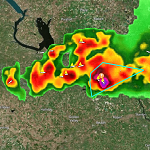
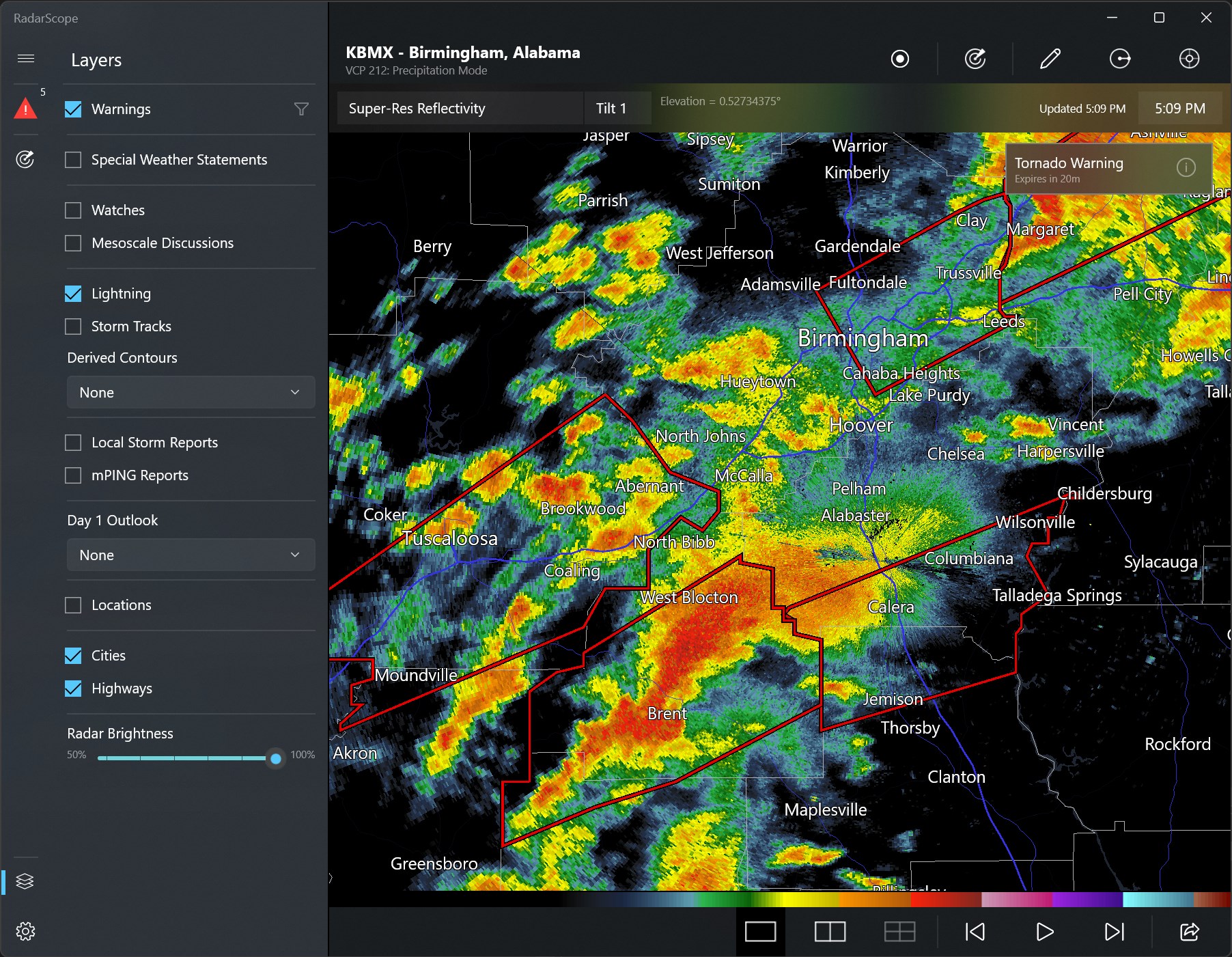
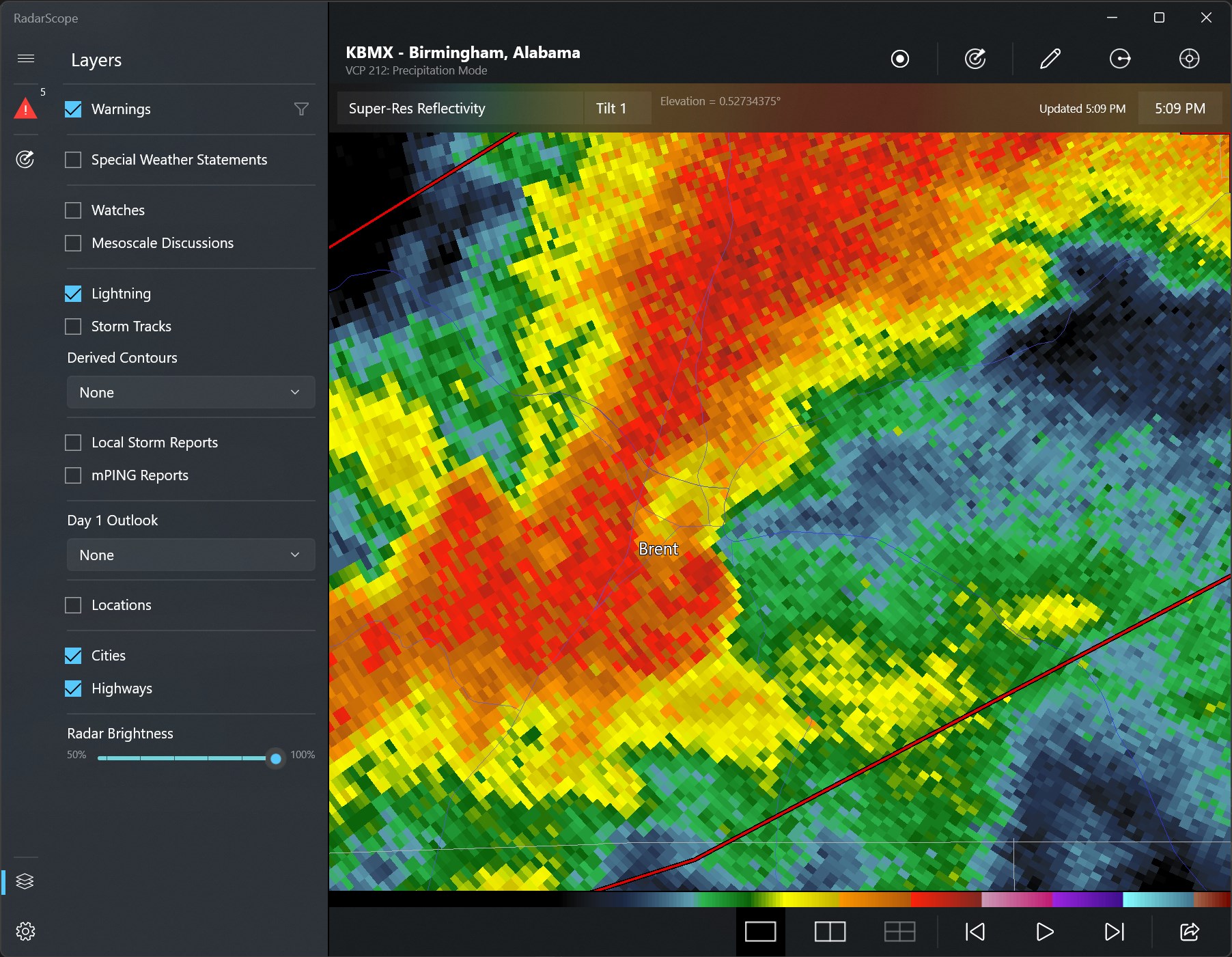
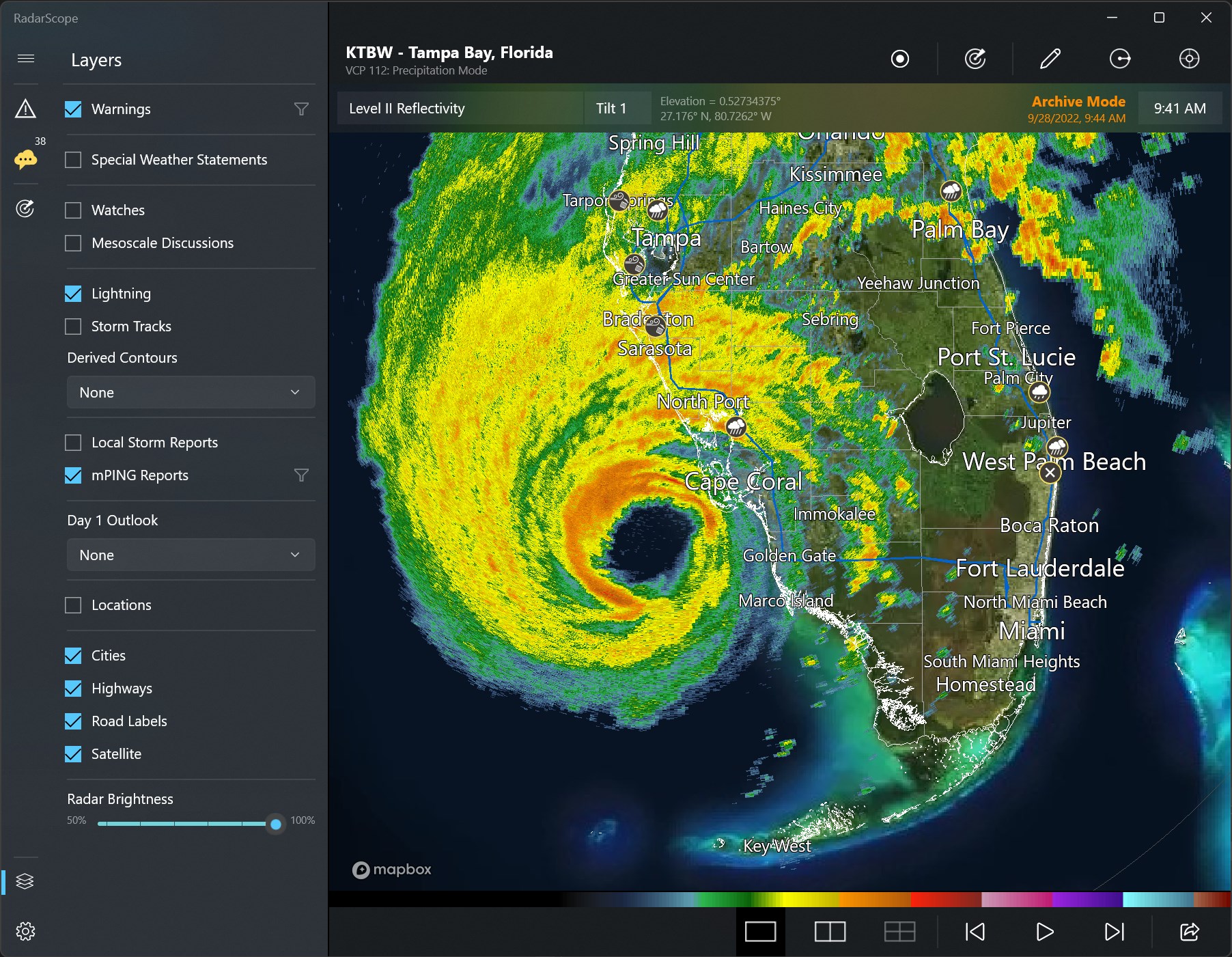
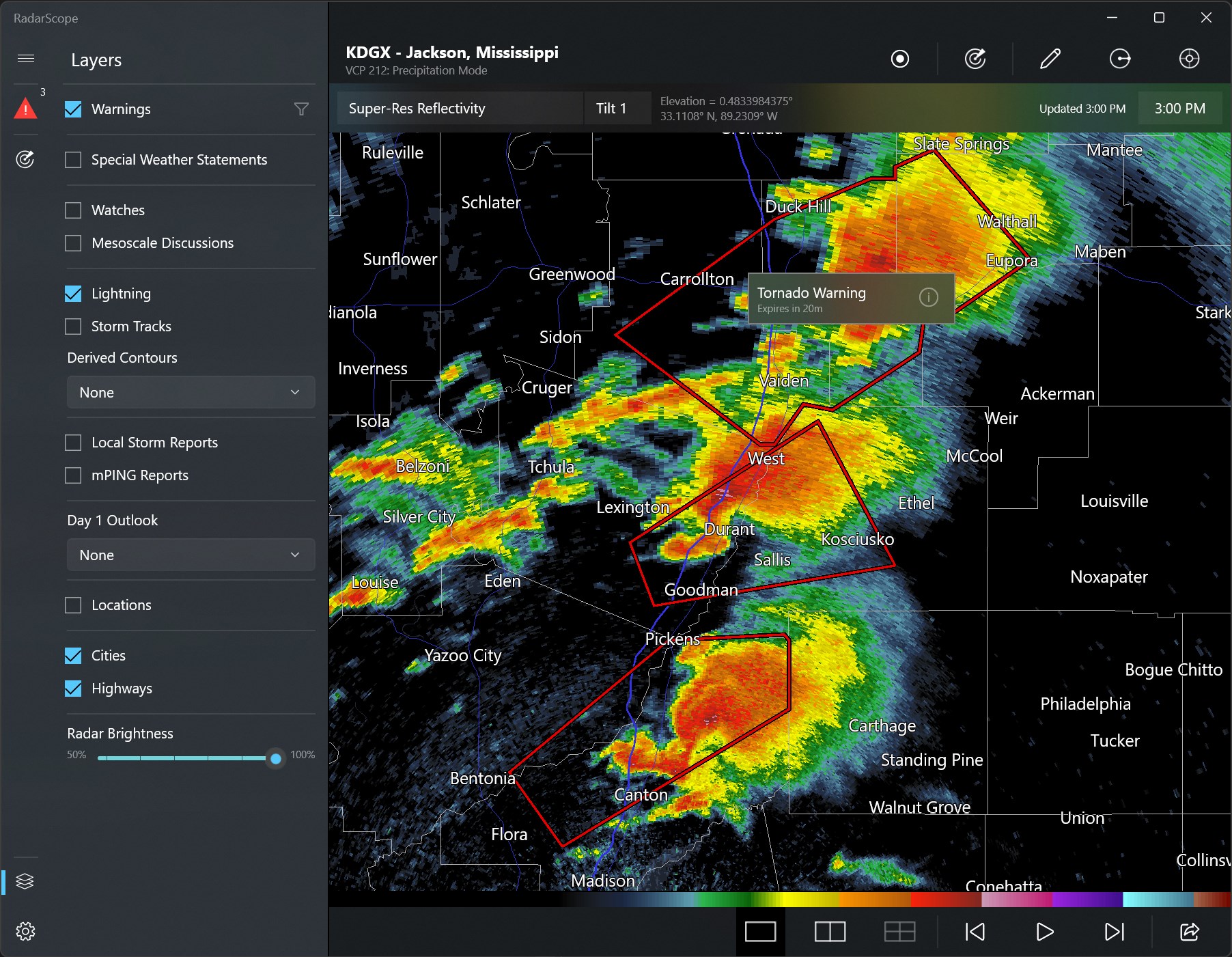
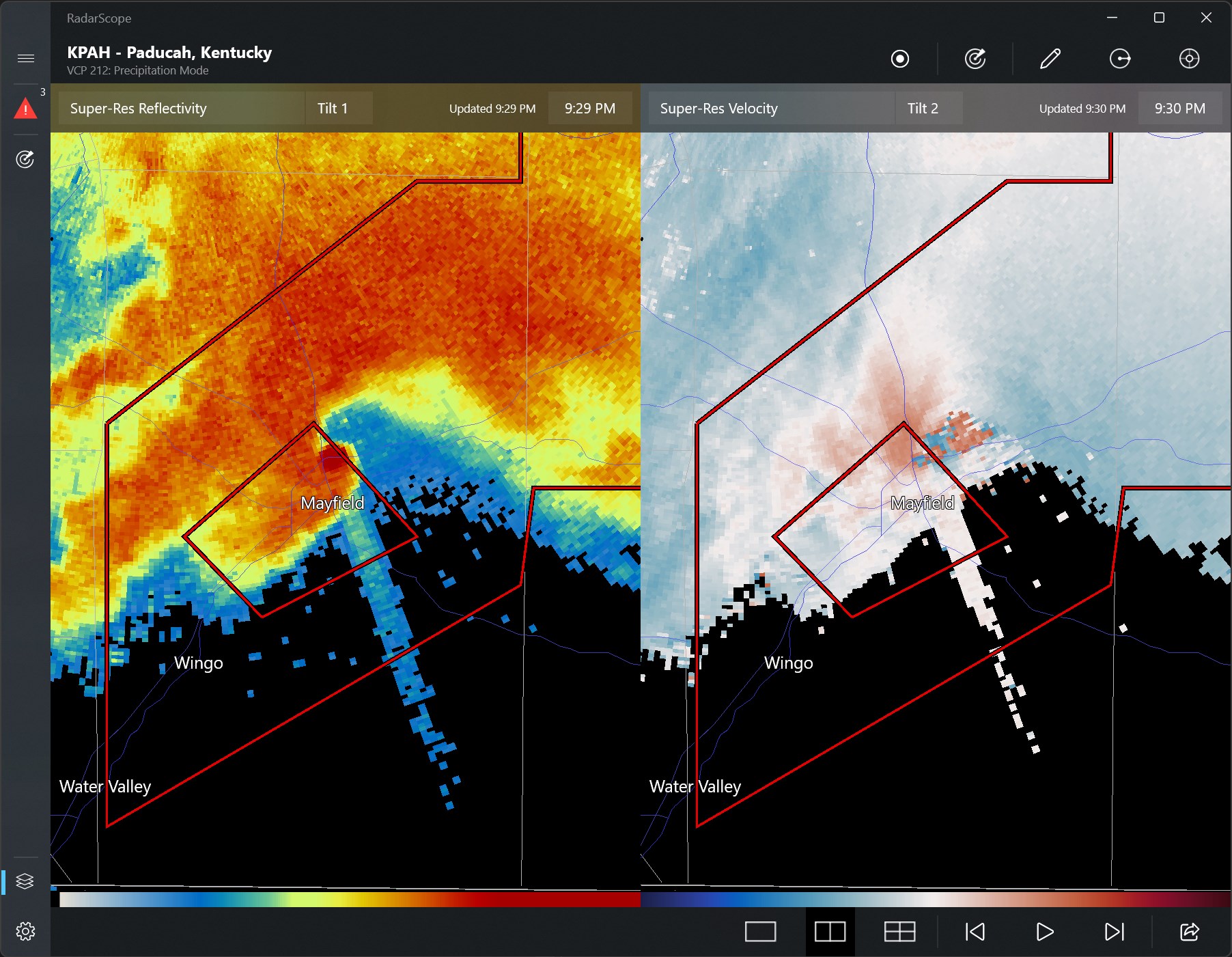
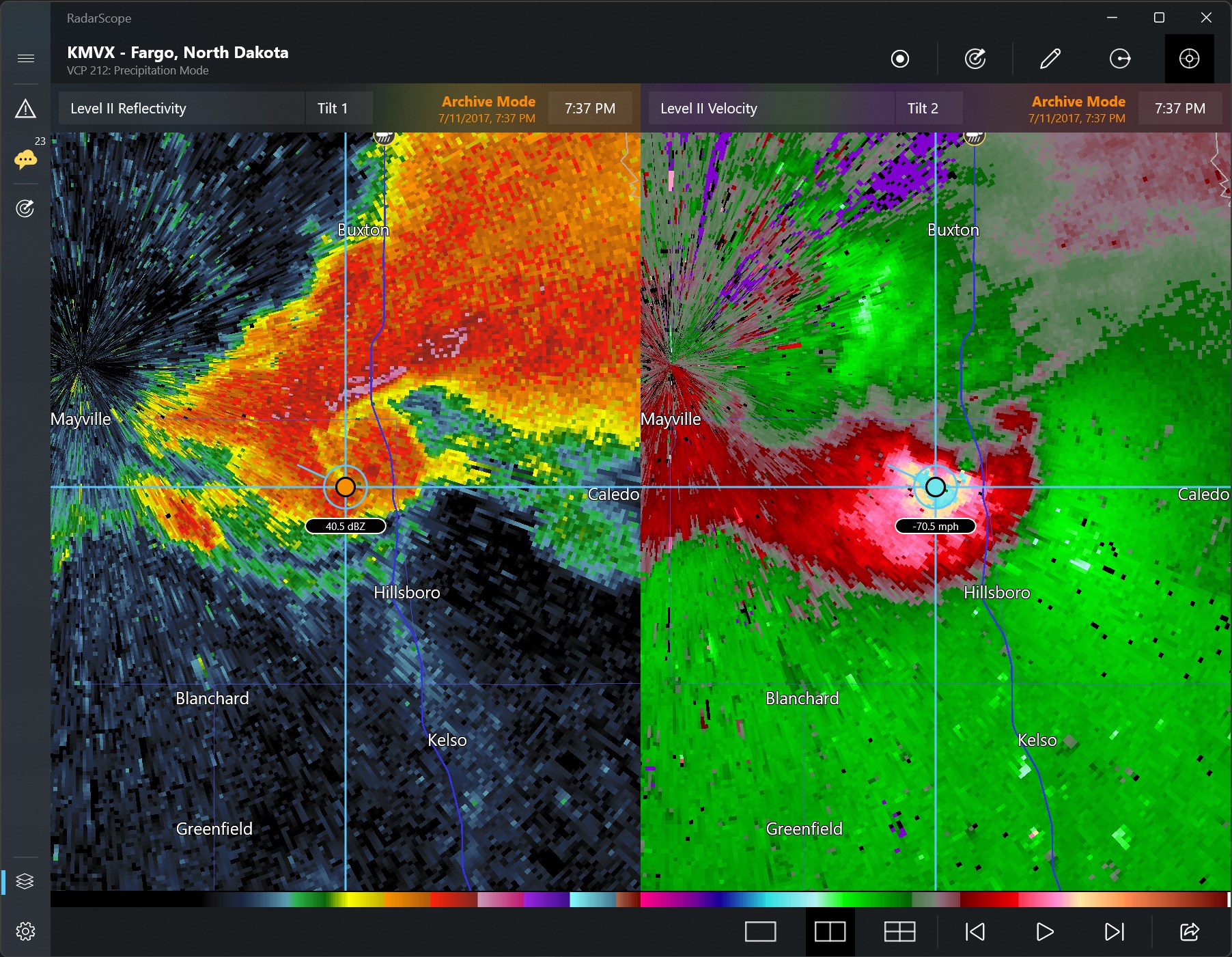
Imagine sitting comfortably at your desk as the sky's secrets unfold in pixel-perfect detail. RadarScope's interface vividly displays real-time radar images, capturing the swirling patterns of rain, hail, and thunderstorms with stunning clarity. This isn't just a weather app; it's a window into the atmosphere, rendered in crisp, dynamic visuals that make understanding complex weather phenomena straightforward. The app's core strength lies in presenting high-resolution radar data that are often reserved for professional meteorologists, putting the power of professional-grade radar analysis into your hands.
Deep Dive into Radar and Data Tools
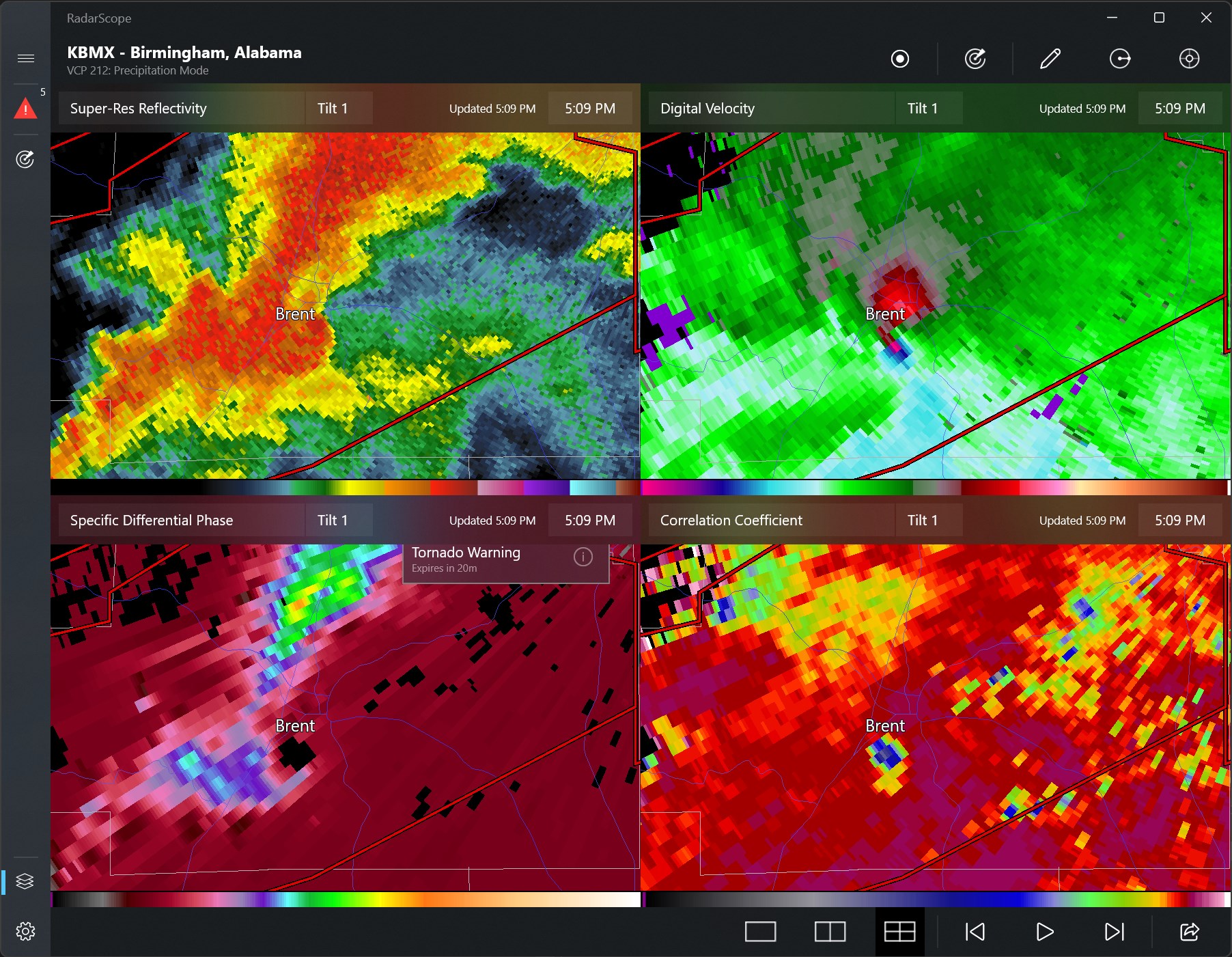
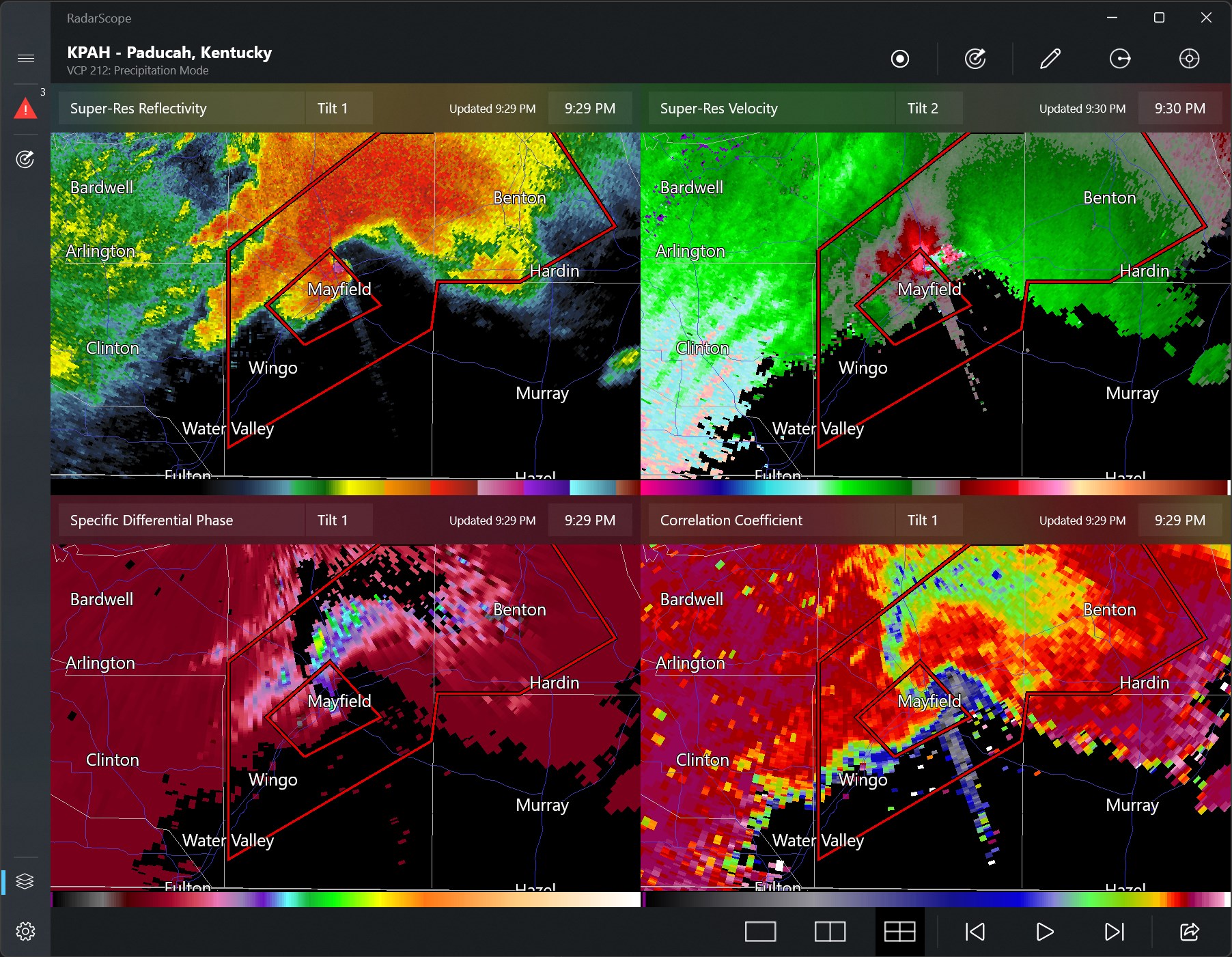
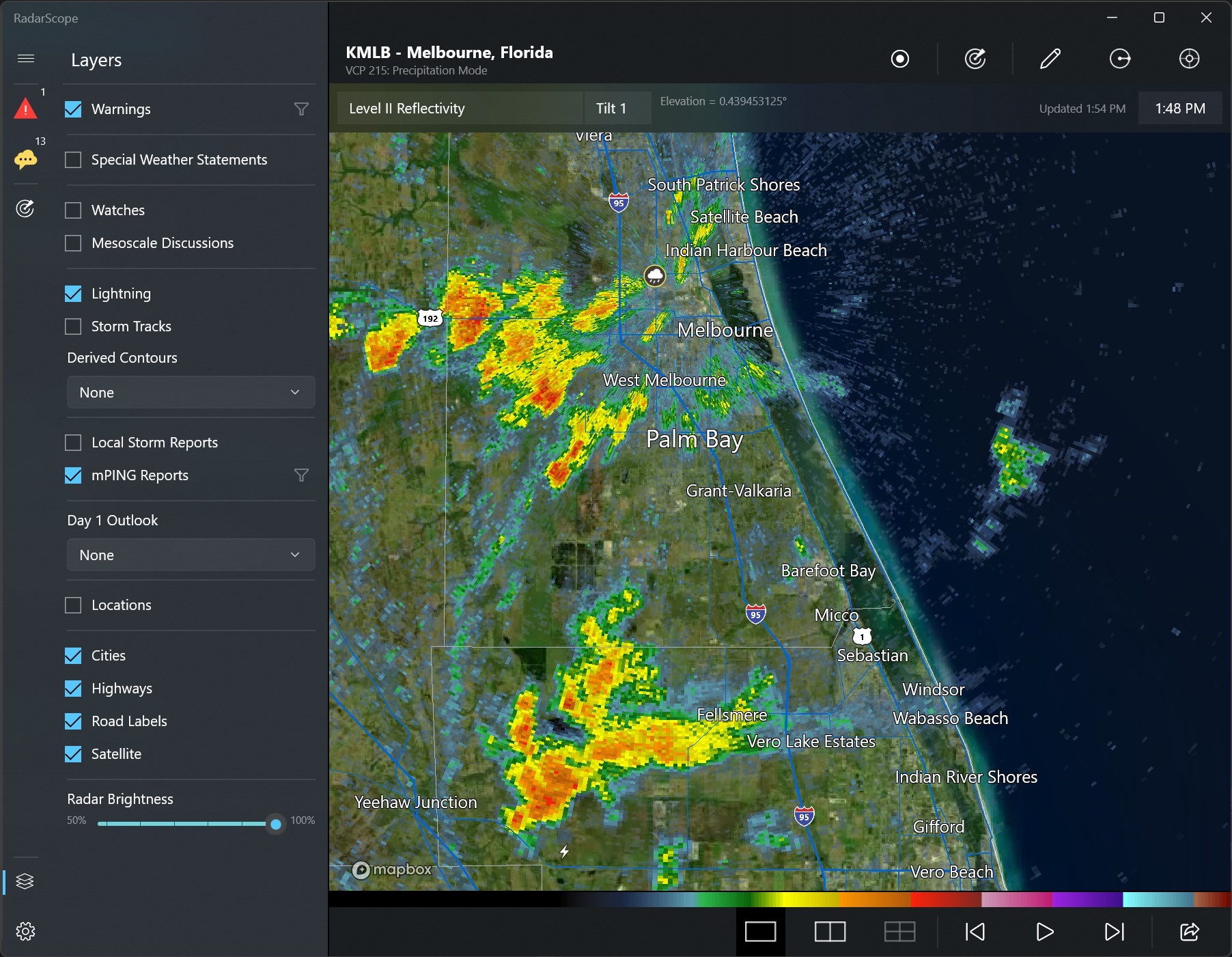
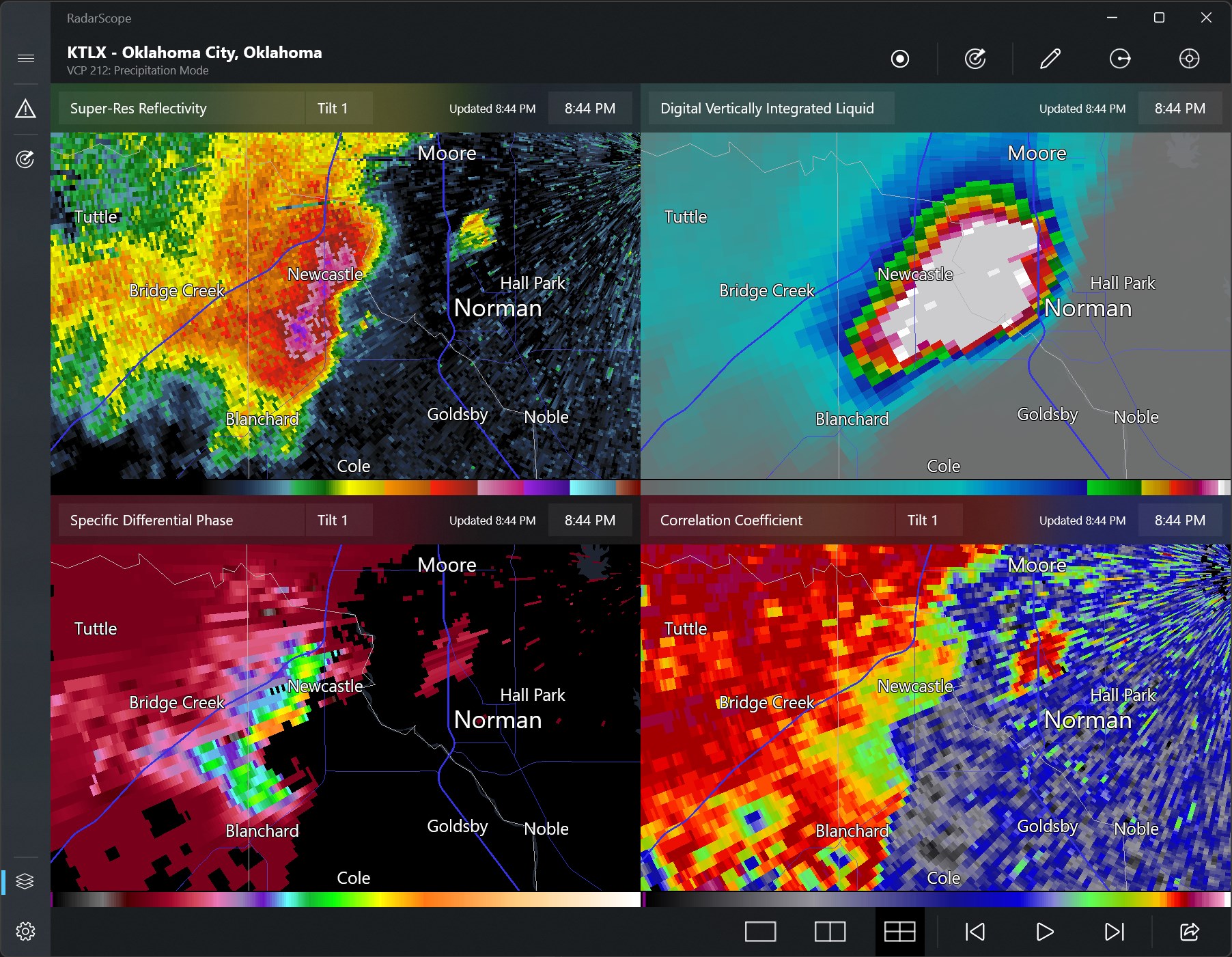
The app's radar visualization is its star feature: detailed, multi-layered displays that allow users to analyze rainfall intensity, storm movement, and even hail signatures. The customizable overlay options enable users to add geographical or meteorological data layers, enhancing situational awareness. The navigation is intuitive—zooming into storm cells feels natural, similar to scrolling through a detailed map, making tracking storms a seamless experience. Moreover, the app supports time-lapse views, letting users observe storm progression over time, which is a fascinating feature not always available in other weather apps.
User Interface and Experience: Weather at the Speed of Thought
The visual design of RadarScope for Windows strikes a balance between professional detail and user-friendliness. Its clean, organized layout ensures that even complex radar data isn't overwhelming. The operation is smooth—panning, zooming, and switching data layers happen swiftly, ensuring that users remain engaged rather than frustrated. Although some initial learning curve exists, especially for those unfamiliar with radar data interpretation, the app provides tutorials and tooltips that ease onboarding. Overall, the experience feels polished, with performance that remains steady even when processing high-resolution images or multiple data layers simultaneously.
What Sets RadarScope Apart from the Crowd?
While many weather apps focus on basic forecasts or daily summaries, RadarScope excels as a professional-grade radar analysis platform. Its standout feature is the delivery of detailed, high-resolution NEXRAD radar images—tools usually reserved for meteorology professionals—making it a significant step above casual weather apps. Additionally, its ability to overlay multiple data types and provide real-time, high-fidelity visualizations makes it particularly attractive for storm chasers or emergency responders who require precise, up-to-date information. This combination of depth, accuracy, and clarity means RadarScope isn't just another weather app — it's a dedicated radar workspace.
Final Verdict and Recommendations
Overall, RadarScope for Windows is highly recommended for users who need detailed, reliable radar data. Its strengths lie in delivering high-resolution imagery and advanced data analysis tools that are hard to find elsewhere in a user-friendly package. While it is slightly technical, that's part of its charm for serious weather enthusiasts.
For those interested in real-time weather monitoring, storm tracking, or meteorological research, this app offers an invaluable resource. It's well-suited for professional and enthusiast alike, provided you're willing to invest some time in learning its features. In brief, if weather tracking is your passion or your profession, RadarScope for Windows deserves a place on your desktop.
Pros
- Real-time weather radar visualization
- Detailed precipitation intensity levels
- User-friendly interface
- Advanced radar features like storm tracking
- Reliable data sources from reputable meteorological agencies
Cons
- Limited customization options
- Occasional data refresh delays
- Lacks detailed severe weather alerts
- Limited availability in some regions
- Battery consumption when used continuously