- Category Medical
- Developer Medixant
- Available on PC
- OS Windows 10 version 0.0 or higher
- Keyboard Integrated Keyboard
- Mouse Integrated Mouse
- Memory 1 GB
- languages English
RadiAnt DICOM Viewer for Windows: A Clear Window into Medical Imaging
RadiAnt DICOM Viewer is a professional-grade medical imaging tool designed to simplify the complexities of DICOM file examination, bringing clarity and efficiency to radiologists, medical professionals, and imaging enthusiasts alike.
About the Developer and Core Features
Developed by Medixant, a reputed name in medical imaging software, RadiAnt DICOM Viewer stands out for its user-centric design and robust functionalities. The app's main highlights include fast and reliable image rendering, comprehensive multi-planar reconstructions, and seamless integration with various PACS systems. Its intuitive interface aims to reduce the learning curve, making sophisticated imaging accessible even to those new to medical visualization.
An Engaging Dive into RadiAnt's Capabilities
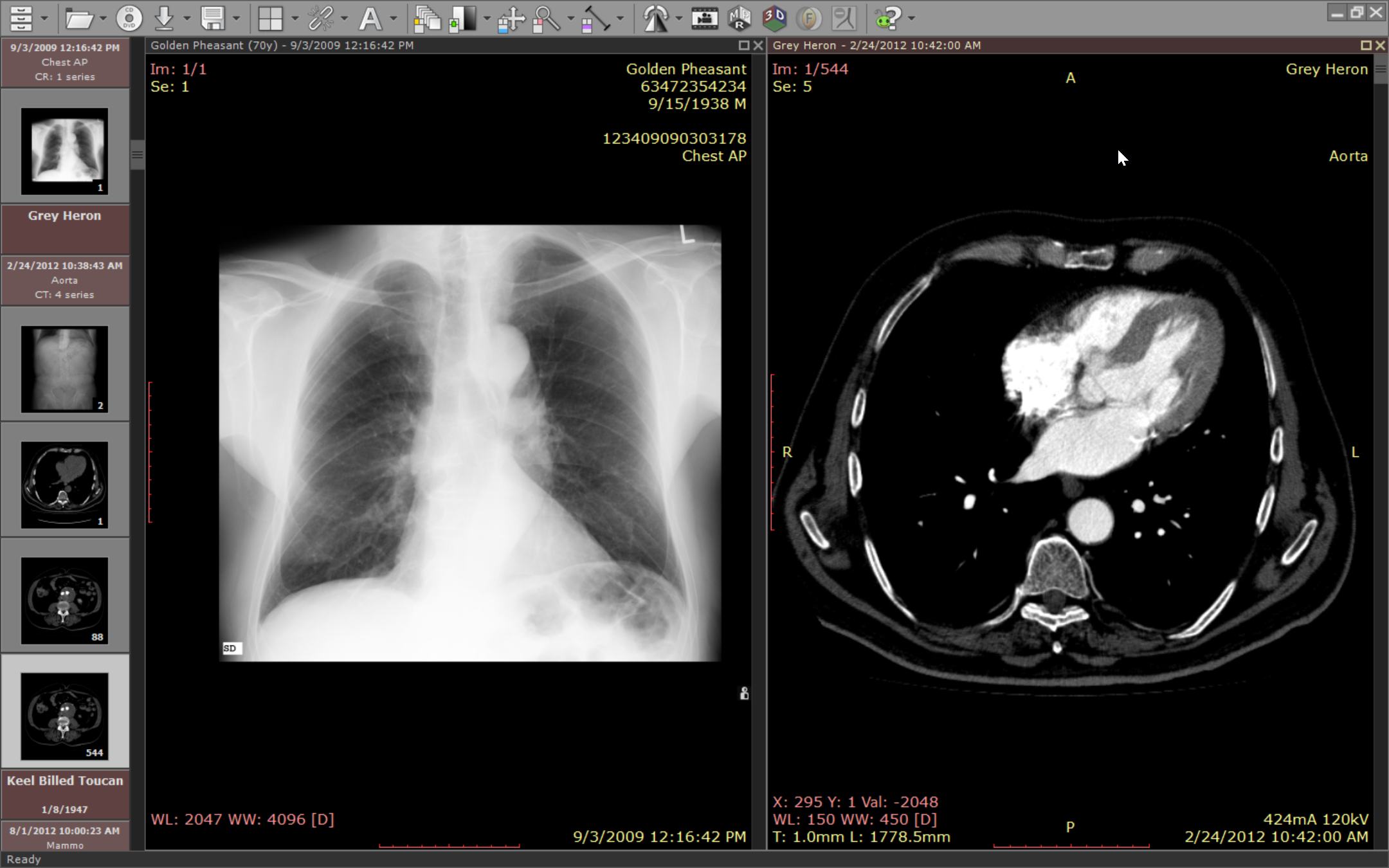
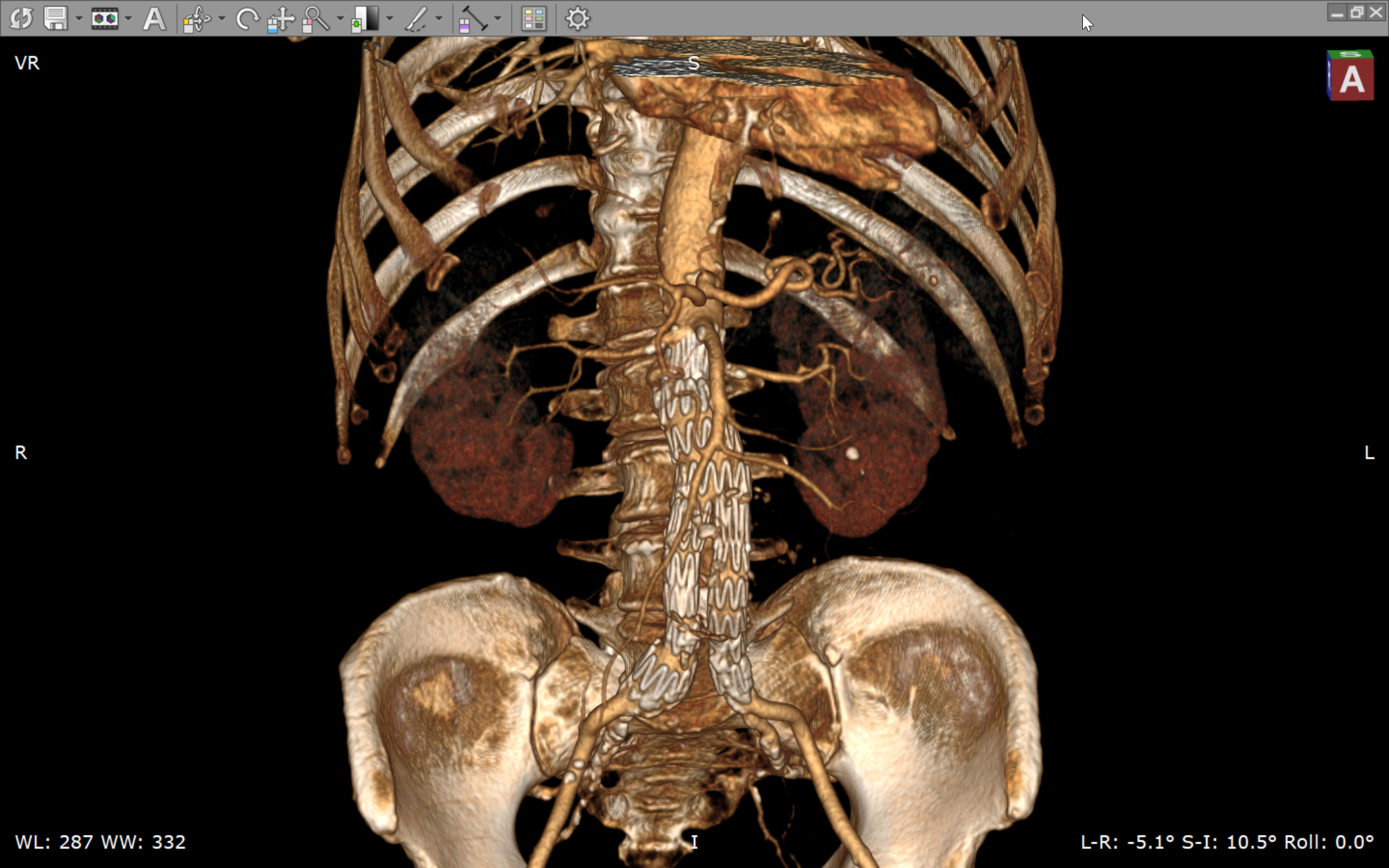
Imagine peering through a pristine window into the intricate world of internal anatomy—RadiAnt DICOM Viewer transforms static images into dynamic, easily navigable visuals. Whether you're reviewing a complex MRI or a 3D CT scan, the app feels like a trusted guide leading you through the layers of data with precision and clarity. Its response times are brisk, ensuring that your workflow isn't bogged down by lag, and the navigation tools—zoom, pan, rotate—are intuitively designed to mimic natural movement, making exploration feel seamless and almost effortless.
Streamlined Interface and User Experience
RadiAnt's interface is notably clean and uncluttered, akin to a well-organized art gallery—each tool and feature placed thoughtfully for quick access. Even newcomers will find the learning curve gentle, thanks to simplified menus and contextual help prompts. The application's performance — smooth scrolling, swift image loading, and responsive controls — speaks to its thoughtful optimization, making it suitable for fast-paced hospital environments or academic settings where time is critical.
Highlighting the Unique Strengths in Medical Content and Teleconsultation
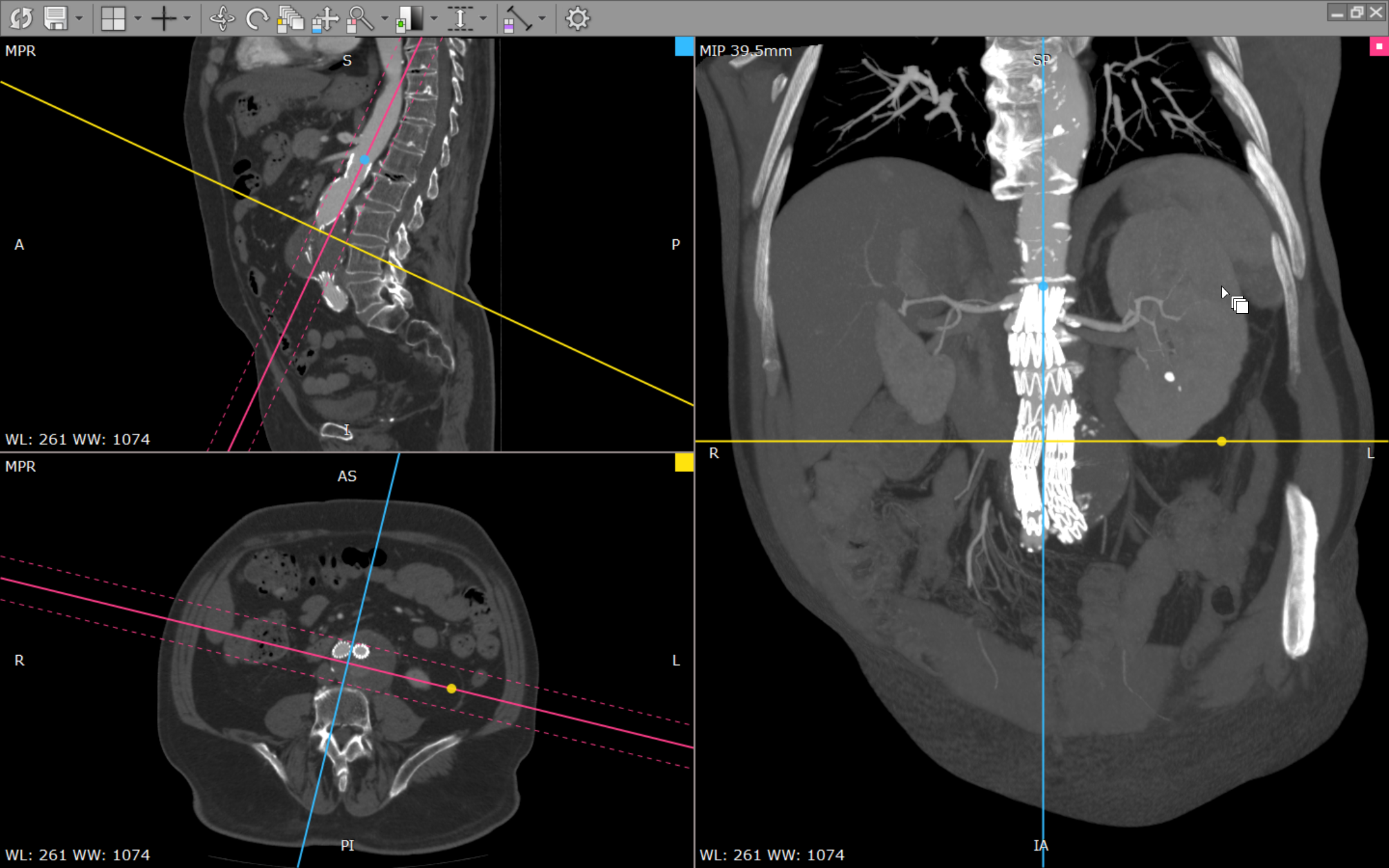
What sets RadiAnt apart from many other medical viewers is its dedication to supporting accurate medical content interpretation and facilitating teleconsultations. Its high-quality rendering ensures that the images are true to life, aiding clinicians in making precise diagnoses without the need for physically sharing bulky DICOM files. Additionally, RadiAnt's capacity for multi-planar reconstructions (MPR) and 3D volume rendering empowers experts to analyze complex cases remotely, adding a layer of superlative credibility and depth to telemedicine practices. This capacity for detailed visualization sharpens diagnostic confidence and enhances teleconsultation experiences, crucial for remote specialized assessments.
Should You Give It a Try? My Recommendations
Overall, RadiAnt DICOM Viewer is a solid choice for those seeking a reliable, efficient, and user-friendly DICOM visualization tool. Its intuitive design and powerful viewing features make it suitable for medical professionals, radiology students, or anyone involved in medical imaging analysis. While it excels in core functionalities, its standout feature—multi-planar and 3D reconstructions—makes it particularly valuable for detailed case reviews and remote diagnostics.
For users who prioritize clear visualization, smooth operation, and enhanced telemedicine capabilities, RadiAnt deserves a strong recommendation. Beginners can start exploring with minimal hassle, while experienced professionals will appreciate its depth and precision. If your workflow demands a dependable viewer that doesn't compromise on quality or usability, RadiAnt DICOM Viewer is definitely worth integrating into your medical imaging toolkit.
Pros
- Intuitive User Interface
- Fast Rendering Performance
- Comprehensive DICOM Support
- Measurement and Annotation Tools
- Lightweight with Low System Requirements
Cons
- Limited 3D Visualization Features
- Occasional Stability Issues with Large Files
- Basic Export Options
- Limited Customization of Interface
- Lack of Integrated PACS Connectivity