








- Category Personalization
- Developer Razer USA Ltd
- Available on PC
- OS Windows 10 version 18362.0 or higher
- languages English (United States)
Razer Axon Official Theme for Windows: Transforming Your Desktop into a Gaming-Driven Visual Experience
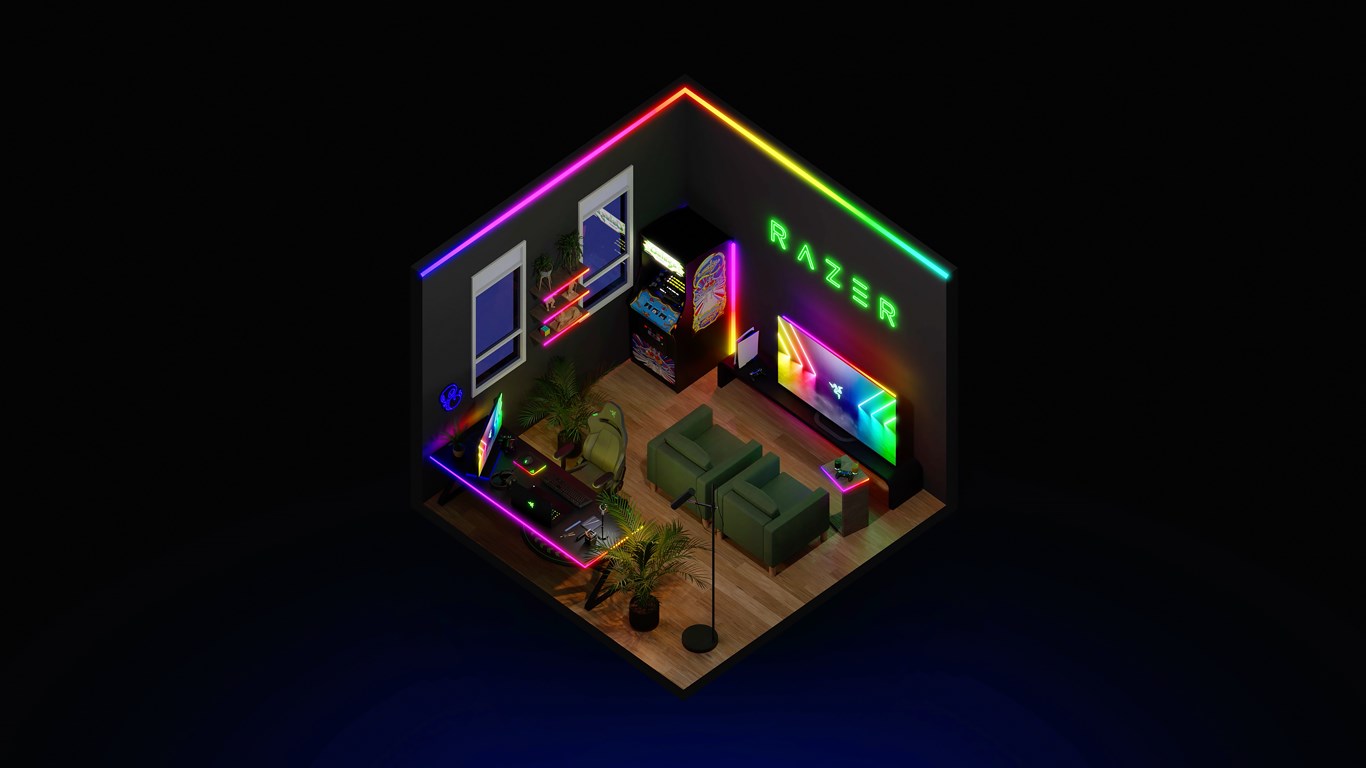
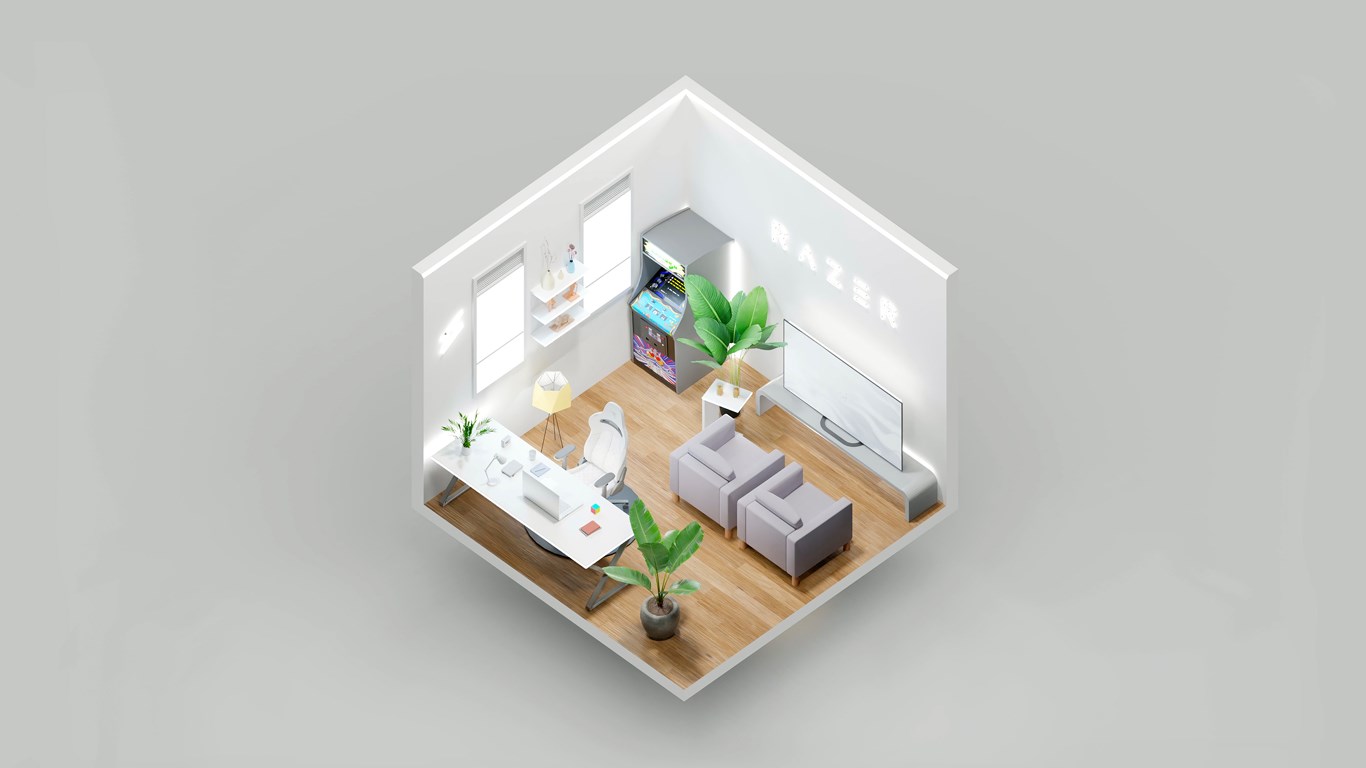
Designed to infuse your Windows environment with the sleek, high-tech aesthetic of Razer's gaming universe, the Razer Axon Official Theme offers a seamless way to personalize your PC with a modern, cohesive look inspired by gaming culture. Whether you're a dedicated gamer or a tech enthusiast, this theme aims to elevate your desktop experience with striking visuals and thematic consistency.
About the App: Basic Information
The Razer Axon Official Theme for Windows is a dedicated personalization app that transforms your desktop's appearance to reflect Razer's iconic design language. It's crafted specifically to bring a gaming-inspired aesthetic directly to your Windows environment. Developed and published by Razer USA Ltd, a leader in gaming peripherals and immersive technology, the app promises a high-quality, cohesive visual experience.
- Main Features:
- Complete Windows Theme Customization mimicking Razer's signature aesthetic.
- Dynamic wallpapers and icons optimized for a sleek, professional look.
- Quick access to Razer branding elements and art assets to enhance visual consistency.
- Easy installation process with minimal impact on system performance.
- Target Audience: Gaming enthusiasts, Razer product users, tech-savvy individuals seeking a visually appealing, themed desktop, and those who appreciate modern digital aesthetics.
A Splash of Style: An Engaging Start
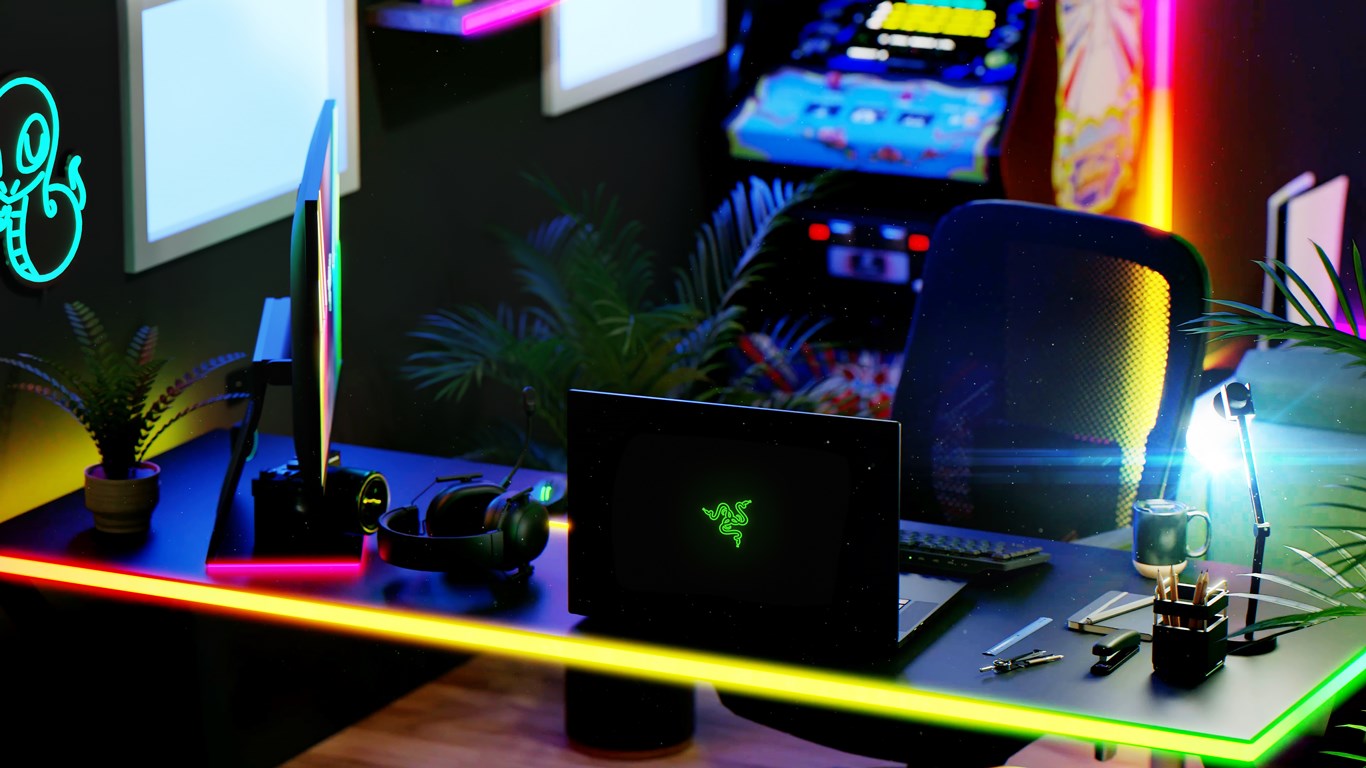
Imagine turning your everyday Windows desktop into a canvas painted with the precision lines and neon accents of a Razer flagship. The Axon Theme isn't just a visual overlay; it's an invitation to experience your computer as if it were part of a high-end gaming rig's interface. The moment you activate this theme, you're stepping into a cyberpunk dream, where every icon and background echoes the adrenaline rush of a sleek gaming universe. It's a subtle, yet striking way to showcase your passion for both technology and style, all without sacrificing system stability or usability.
Core Feature Spotlight: Precision Customization
Unified Visual Identity
The most notable feature of Razer Axon is its ability to unify your Windows interface under a consistent Razer-inspired design language. From wallpapers to icons and window borders, every element is curated to reflect a high-tech ambiance. This cohesion minimizes visual clutter and gives your desktop a professional yet edgy appearance, ideal for both work and play.
Dynamic and Thematic Wallpapers
One of the app's standout features is its collection of high-quality, animated wallpapers that evoke a sense of motion and energy. These backgrounds are not only aesthetically pleasing but also designed to seamlessly blend with system icons and overlays. It's as if your desktop is now a moving digital artwork, fueling your motivation whether you're gaming or working.
Design & User Experience: Seamless and Intuitive
Getting started with Razer Axon is as smooth as sliding into a comfortable gaming chair. The interface of the app is clean and straightforward, with clear options for customization and theme activation. Despite its visually rich output, the app remains light on resources, ensuring that your system's responsiveness isn't compromised. The learning curve is gentle — even less tech-savvy users will find it easy to navigate and personalize their environments. Transitioning from a standard desktop to a themed universe feels almost like a gentle wave, not a turbulent storm.
Comparison with Other Personalization Tools: What Sets It Apart?
Many customization apps offer a vast library of wallpapers and icon packs, but Razer Axon's strength lies in its thematic consistency and integration with the Razer brand ethos. Unlike generic skins, it provides a curated experience, emphasizing quality and harmony. Its compatibility with Windows themes and ability to adapt to system updates without breaking the aesthetic gives it a competitive edge. Moreover, the option to incorporate Razer's unique art assets makes it stand out among other personalization apps that often lack brand cohesion. Essentially, it's like choosing a tailored suit rather than a one-size-fits-all hoodie — more refined and aligned with your identity.
Final Recommendations and Usage Tips
If you're a fan of Razer's sleek, futuristic style and want an easy-to-use tool to give your Windows desktop a fresh, gaming-inspired look, Razer Axon Official Theme is a solid choice. Its core strength in delivering a cohesive visual experience makes it ideal for users who appreciate thematic harmony and wish to elevate their PC's aesthetics without complicating their workflow.
For best results, combine this theme with Razer's other software or peripherals to achieve an even more integrated gaming environment. However, if you prefer complete customization freedom or are seeking a highly diverse set of themes, you might find its options somewhat limited. Overall, I'd recommend it for users seeking an elegant, professionally curated aesthetic rather than extensive customization options.
In conclusion, Razer Axon ticks the box for style and simplicity, offering a user-friendly way to turn your Windows desktop into a sleek extension of your gaming passion. It's not just a theme — it's a visual statement that subtly transforms everyday work into an immersive experience.
Pros
- Visually appealing customizable themes
- Easy to install and set up
- Seamless integration with Razer peripherals
- Regular updates add new themes and features
- Free to download and use
Cons
- Limited customization options within themes
- Occasional bugs or glitches
- Requires frequent updates to fix compatibility issues
- Limited support for older Windows versions
- No preview option before applying themes











