

- Category Food & dining
- Available on PC
- OS Windows 10 version 17763.0 or higher
- languages Chinese (Simplified), Chinese (Traditional Chinese), Danish, Dutch, English, English (United States), Finnish, French, German, Italian, Japanese, Korean, Norwegian (Bokmål), Portuguese, Spanish, Swedish
Recipe Keeper Pro for Windows: Your Digital Kitchen Assistant
Imagine having a seasoned culinary librarian right on your desktop, organizing your favorite recipes with finesse and ease—that's exactly what Recipe Keeper Pro offers. Designed to streamline your cooking experience, this app promises not just a recipe organizer but a complete digital kitchen companion tailored for home cooks and food enthusiasts alike.
Developed by Tudorspan Limited: A Dedicated Team for Culinary Efficiency
Produced by Tudorspan Limited, a company committed to creating intuitive and functional applications, Recipe Keeper Pro stands out as a versatile tool that caters to the modern cook's needs. Their focus on user-centric design and practical features ensures that cooking enthusiasts find value in every click.
Core Highlights: What Makes Recipe Keeper Pro Shine?
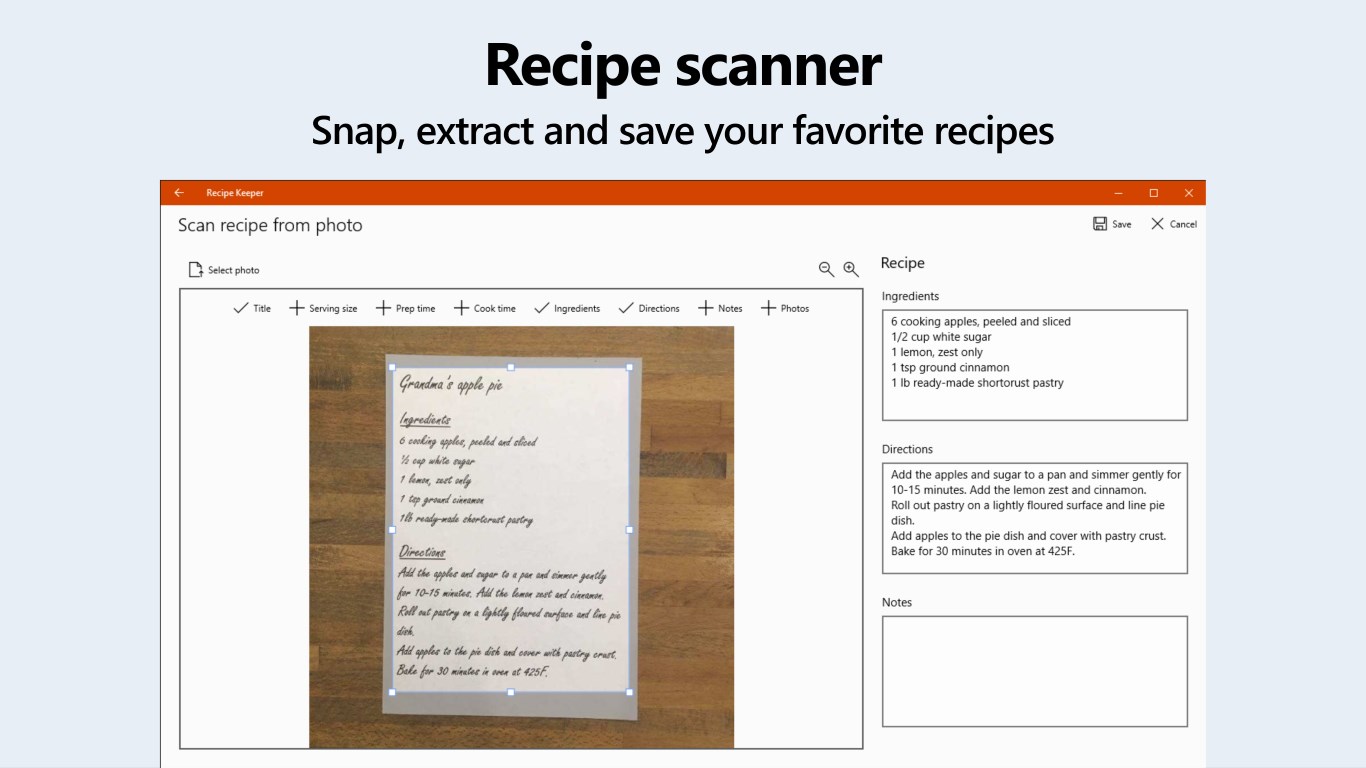
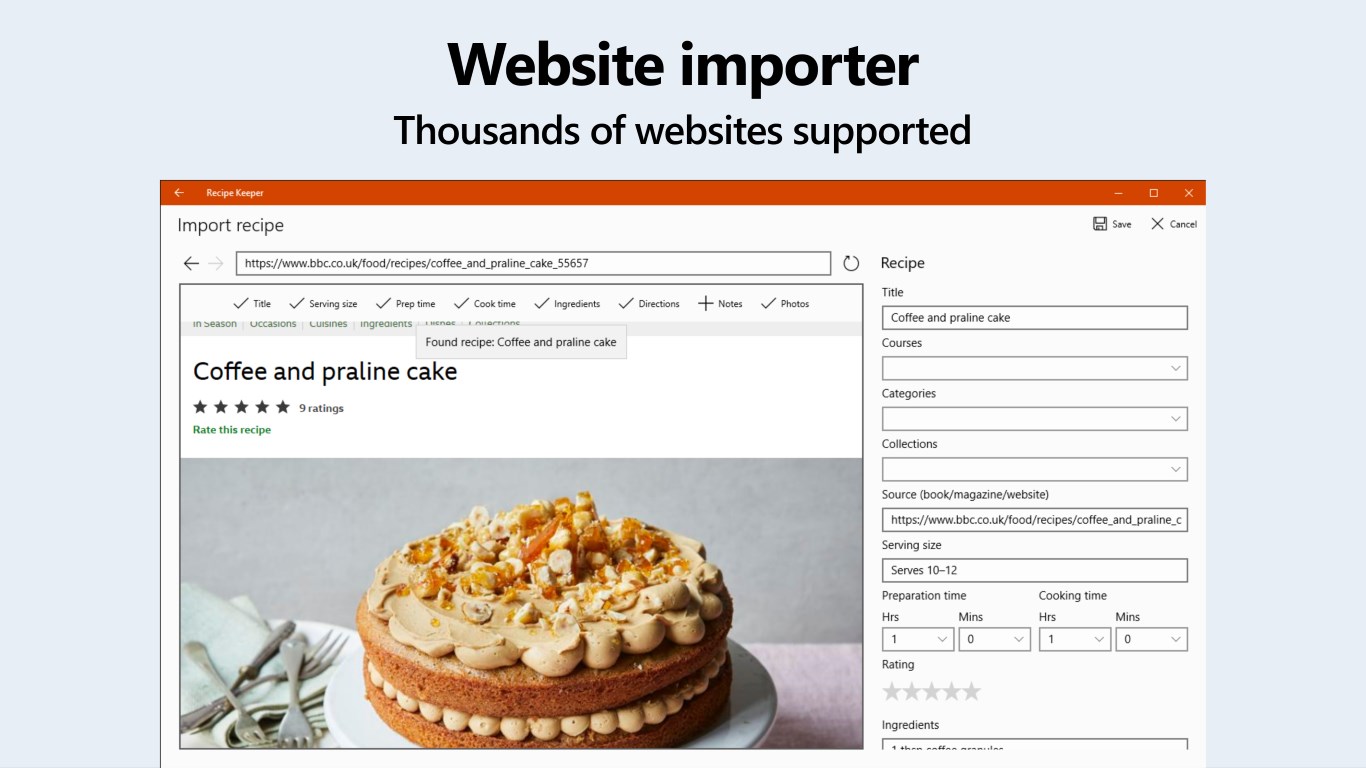
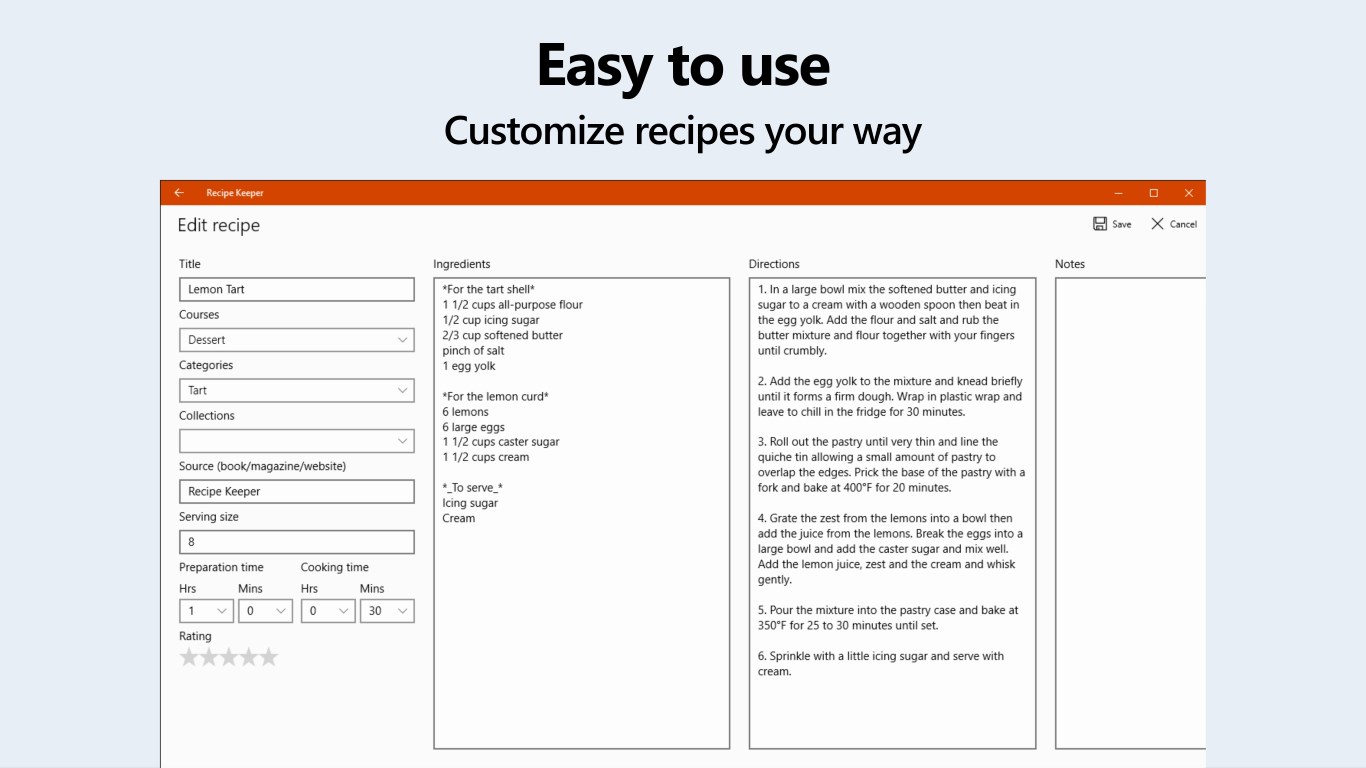
- Comprehensive Recipe Management: Effortlessly import, organize, and categorize your recipes, whether handwritten notes, PDFs, or online sources.
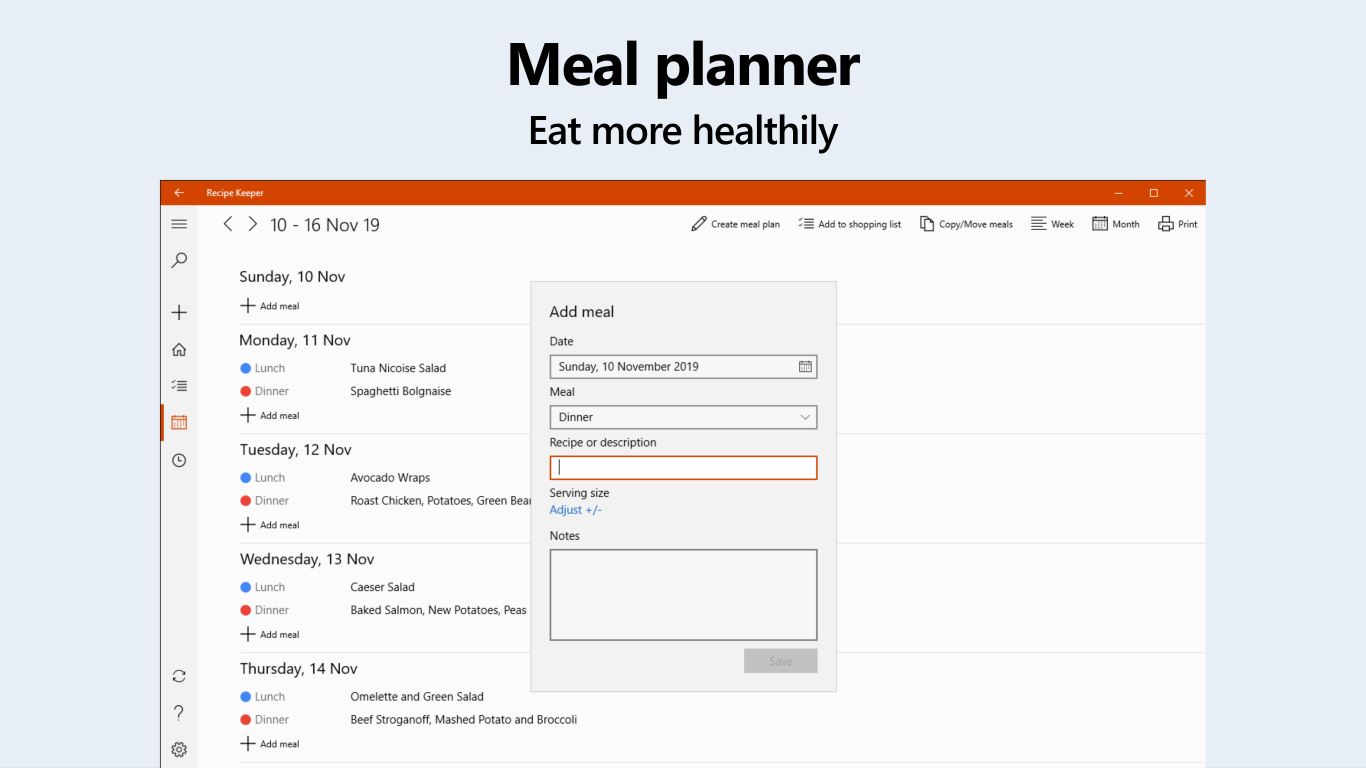
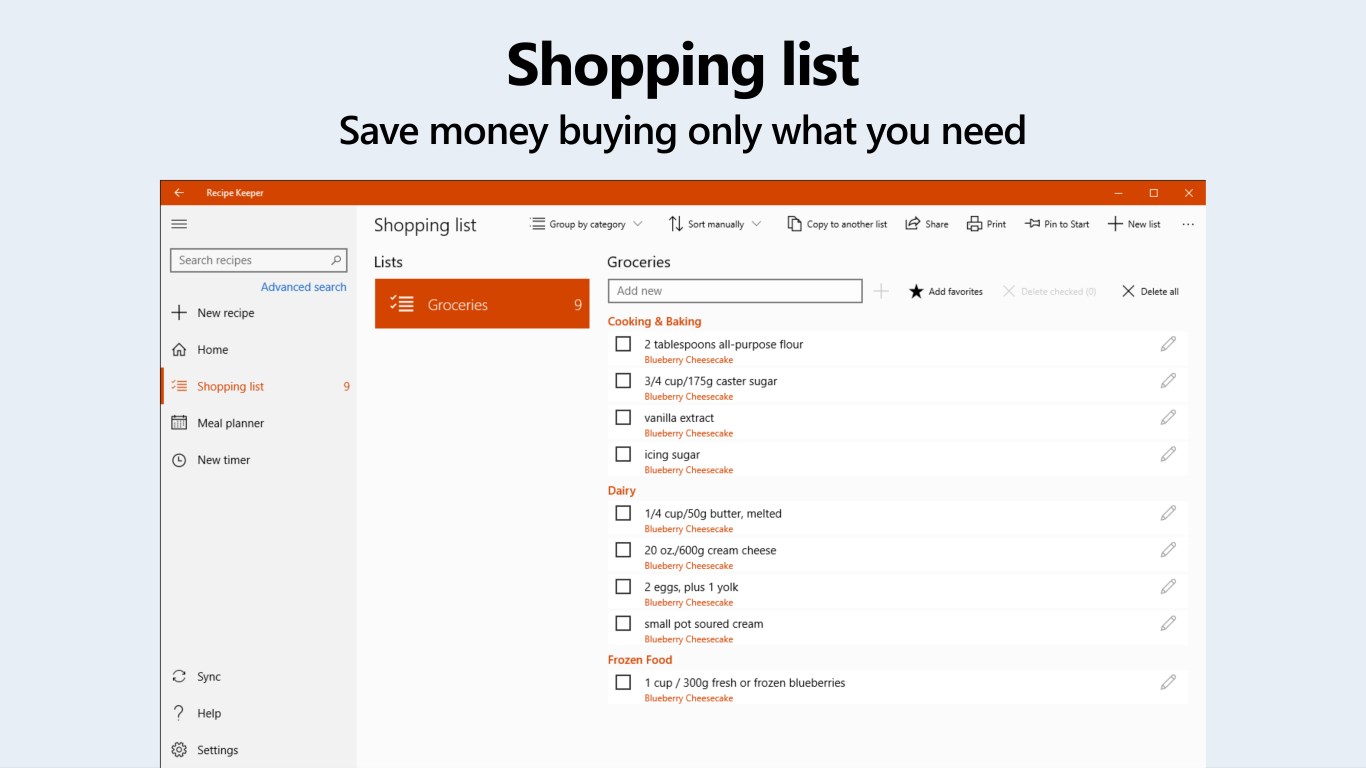
- Meal Planning & Shopping Lists: Integrated tools allow you to plan weekly menus and generate shopping lists, transforming sporadic cooking into a structured activity.
- Search & Filter Capabilities: Advanced search options let you quickly find recipes based on ingredients, cuisine type, or dietary preferences, making your cooking sessions more efficient.
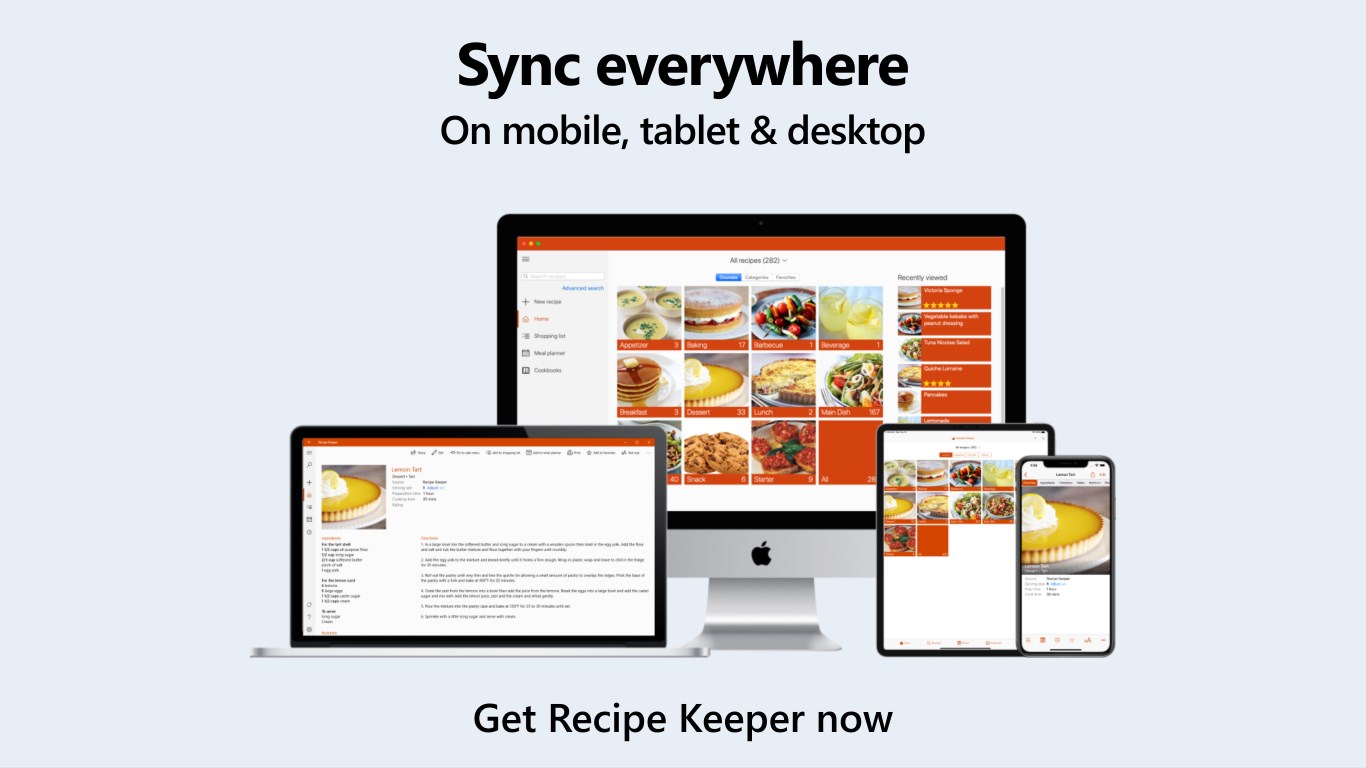
- Cloud Sync & Backup: Secure cloud integration ensures your culinary treasures are safe and accessible across devices.
Vivid Insights into Functionality & User Experience
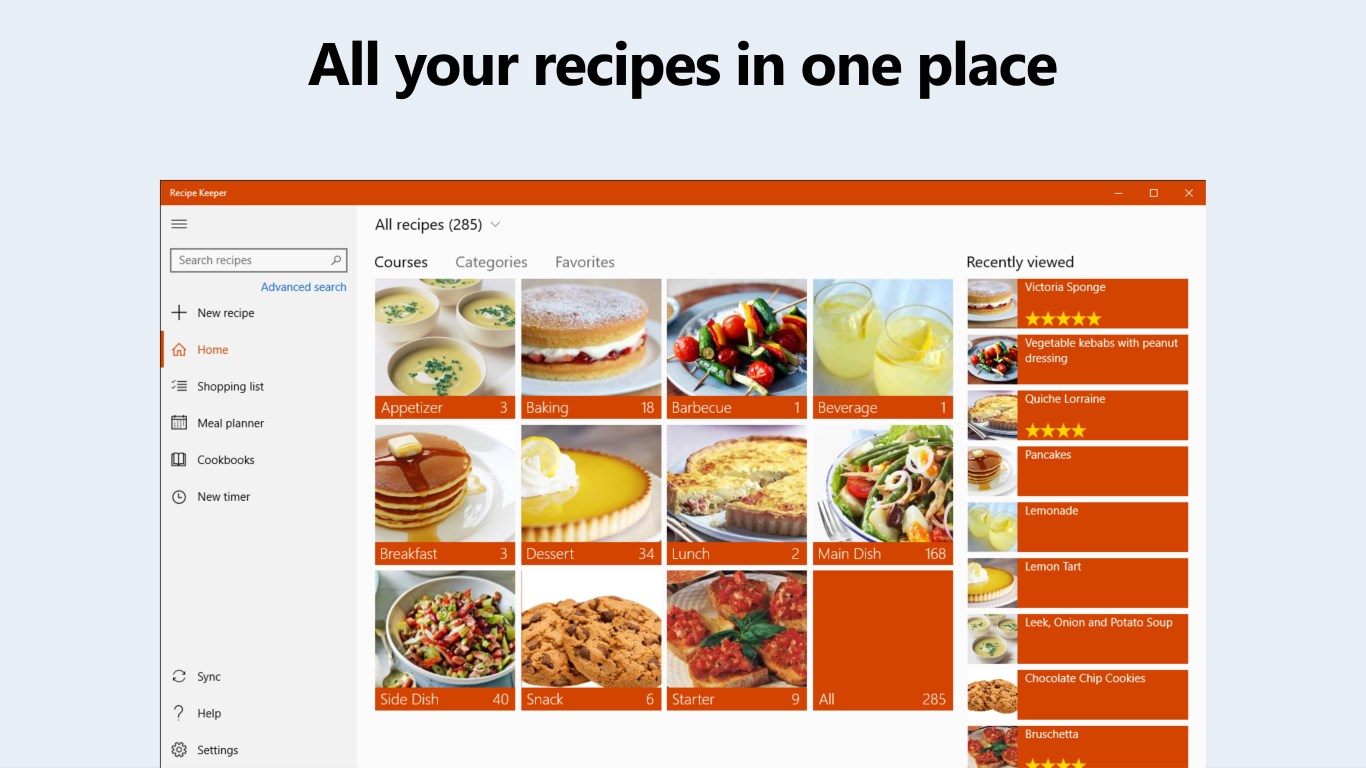
Stepping into the app, you're greeted with a clean, intuitive interface that resembles a well-organized recipe book—easy on the eyes and even easier to navigate. The layout utilizes warm, inviting colors that evoke a cozy kitchen, making the digital environment feel familiar and comfortable.
The app shines in its core functionalities. Importing recipes is a breeze—drag-and-drop or manual entry, supported by handy auto-fill features. Once stored, recipes are easy to browse through categorized folders or tagged with specific attributes such as occasion, difficulty, or dietary restrictions. The search tool is remarkably responsive, shaving minutes off your hunt for that perfect brunch or comforting stew.
Meal planning, integrated seamlessly, transforms randomness into routine. Selecting recipes for the week sets off a chain reaction where shopping lists are auto-generated, listing ingredients with quantity specifics. This feature alone can save hours of on-the-fly grocery shopping, making it an invaluable assistant for busy households.
In terms of user learning curve, Recipe Keeper Pro is quite friendly. Its straightforward design, coupled with helpful tutorials, ensures even newcomers can become proficient quickly. The app's fluidity—clicks and transitions feel smooth—reinforces a satisfying user journey from first use to everyday reliance.
Standout Features & Unique Advantages
What sets Recipe Keeper Pro apart from many similar apps is its focus on versatility and integration. Unlike typical recipe organizers that simply store data, it actively assists with meal planning and shopping, creating a complete culinary workflow. This holistic approach turns a static recipe collection into a dynamic kitchen management system.
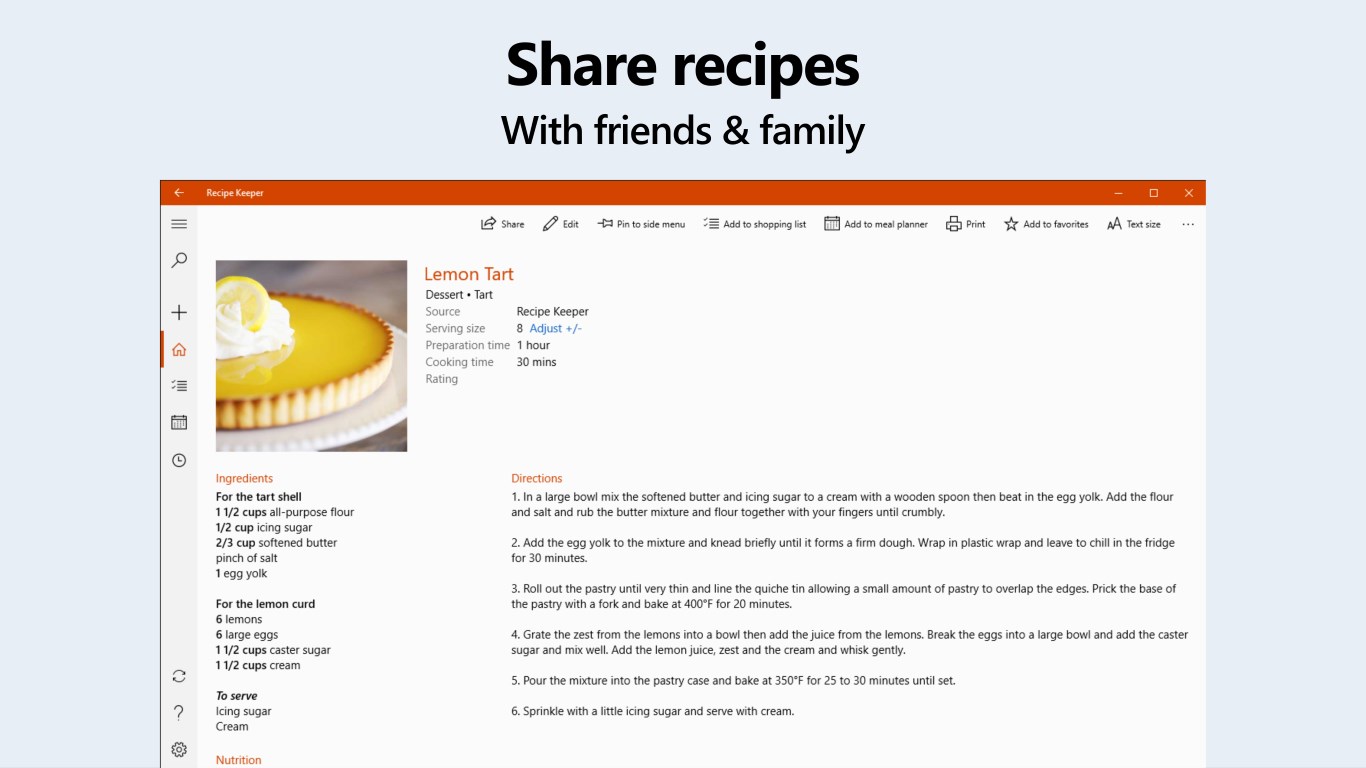
Furthermore, its cloud synchronization feature ensures that recipes and plans are never lost, providing peace of mind and flexibility—important for users who cook across multiple devices or share recipes with family members. The app's ability to handle diverse file formats and the ease of importing recipes from various sources amplify its appeal, making it a true hub for culinary creativity.
Final Verdict: A Thoughtful Companion for Food Lovers
All considered, Recipe Keeper Pro for Windows is a well-rounded, thoughtfully designed application that brings order and efficiency to your kitchen routines. It's particularly recommended for home cooks wanting to digitize their recipe collection, plan meals more systematically, or streamline grocery shopping.
While it may not boast flashy marketing slogans, its core strengths—robust recipe management, integrated meal planning, and seamless sync—make it a reliable and valuable tool. For those who view cooking as an art but appreciate the convenience of technology, this app deserves a spot on your desktop. Just like a trusty recipe book, it's a digital partner that turns the chaos of culinary creativity into delightful order.
Pros
- Intuitive User Interface
- Rich Recipe Organization Features
- Offline Access to Recipes
- Customizable Meal Plans
- Regular Updates and Support
Cons
- Limited Cloud Syncing
- Basic Search Functionality
- No Ingredient Scaling Feature
- Occasional Slow Load Times
- Limited Customization Options