
- Category Music
- Developer Glauco
- Available on PC, Mobile, Surface Hub
- OS Windows 10 version 14393.0 or higher
- Memory 750 MB
- languages Arabic, Chinese (Simplified), Chinese (Traditional Chinese), English, French, German, Hindi, Italian, Japanese, Korean, Korean , Norwegian (Bokmål), Portuguese, Russian, Spanish
Recording Studio Pro for Windows: A Comprehensive Review for Aspiring Audio Enthusiasts
Imagine having a portable recording studio right on your PC—powerful, versatile, and surprisingly user-friendly. That's what Recording Studio Pro for Windows promises to deliver, catering to musicians, podcasters, and audio hobbyists seeking professional-grade sound production without the Complexity of high-end hardware.
Essential Information at a Glance
This application positions itself as a straightforward yet powerful digital audio workstation (DAW) designed for Windows users aiming to create, mix, and edit music with ease and precision.
Who is Behind it?
The app is developed and published by Glauco, a team dedicated to crafting accessible yet robust audio tools for digital creators.
Key Features That Stand Out
- Multi-Track Recording & Editing: Seamlessly record multiple audio tracks and fine-tune them with editing tools.
- Rhythm Pattern Assessments: Unique features to analyze rhythm varieties, aiding musicians in refining timing and groove.
- Real-Time Monitoring & Latency Optimization: Provides low-latency recording ensuring that your performances feel natural and responsive.
- Intuitive Interface for Beginners & Pros Alike: Designed to be accessible without sacrificing professional capabilities.
Vivacious Introduction: Bringing Your Sound to Life
Picture yourself in a cozy studio, surrounded by shimmering walls and a gleaming microphone. Recording Studio Pro for Windows steps into this scene, transforming your desktop into an agile creative hub. Whether you're laying down a soulful guitar solo, capturing candid podcast moments, or experimenting with digital beats, this app wants to be your loyal companion—powerful enough to handle complex projects yet simple enough to keep you inspired and in flow.
Deep Dive Into Core Functionalities
Multi-Track Recording and Editing: Your Digital Tape Deck
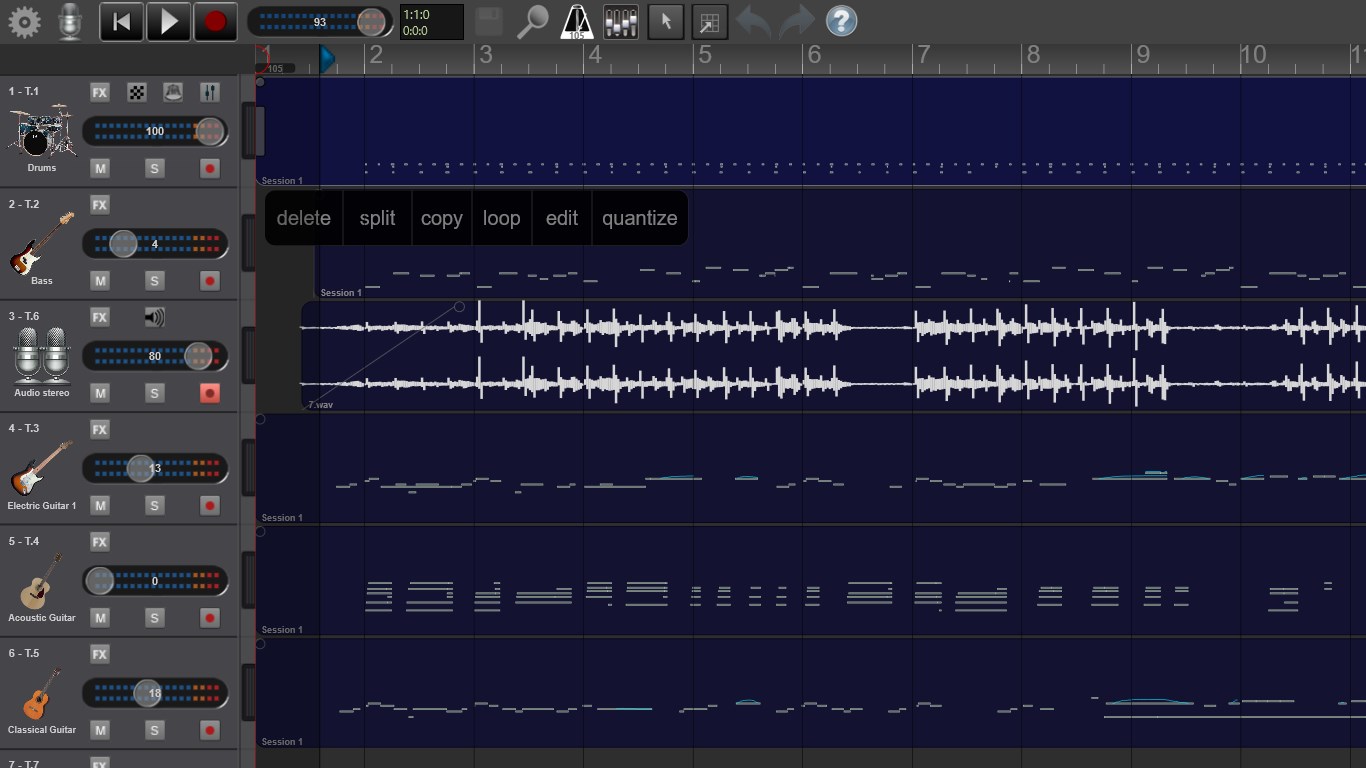
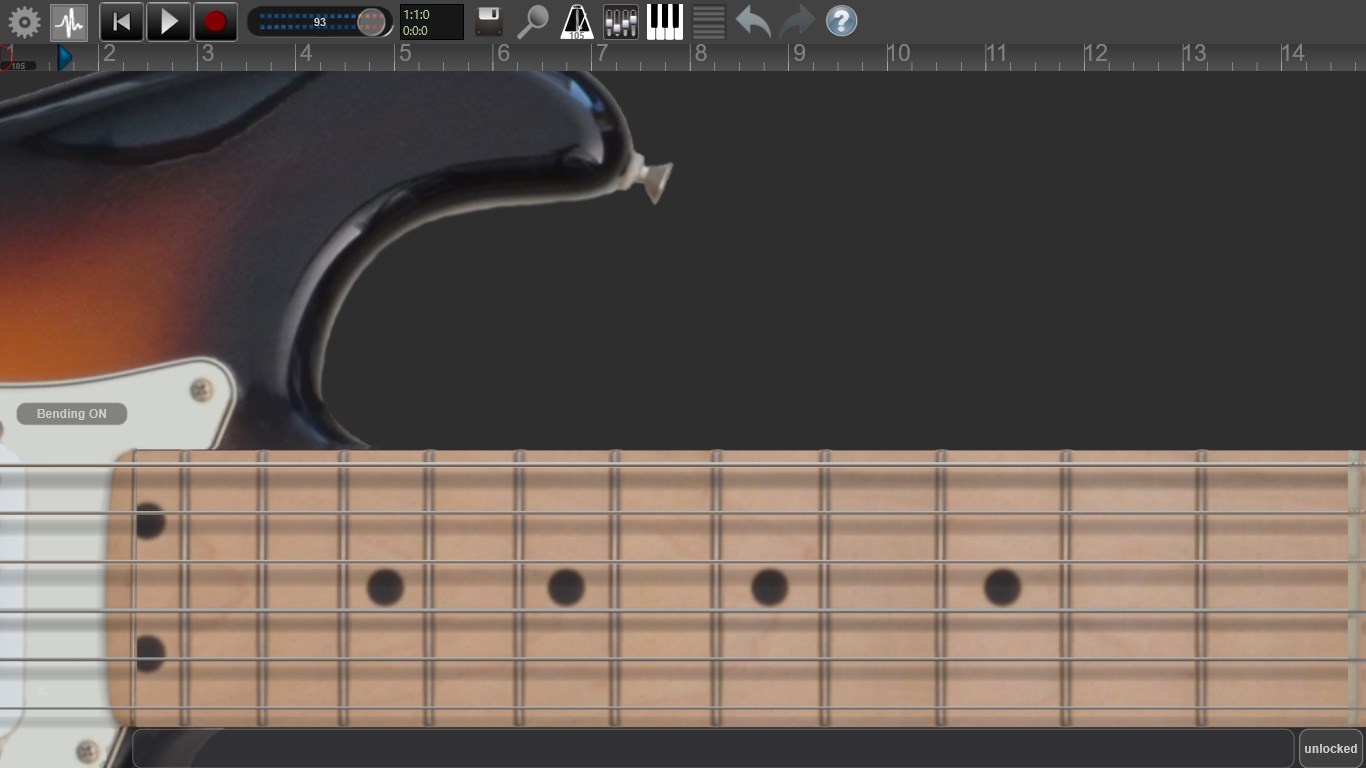
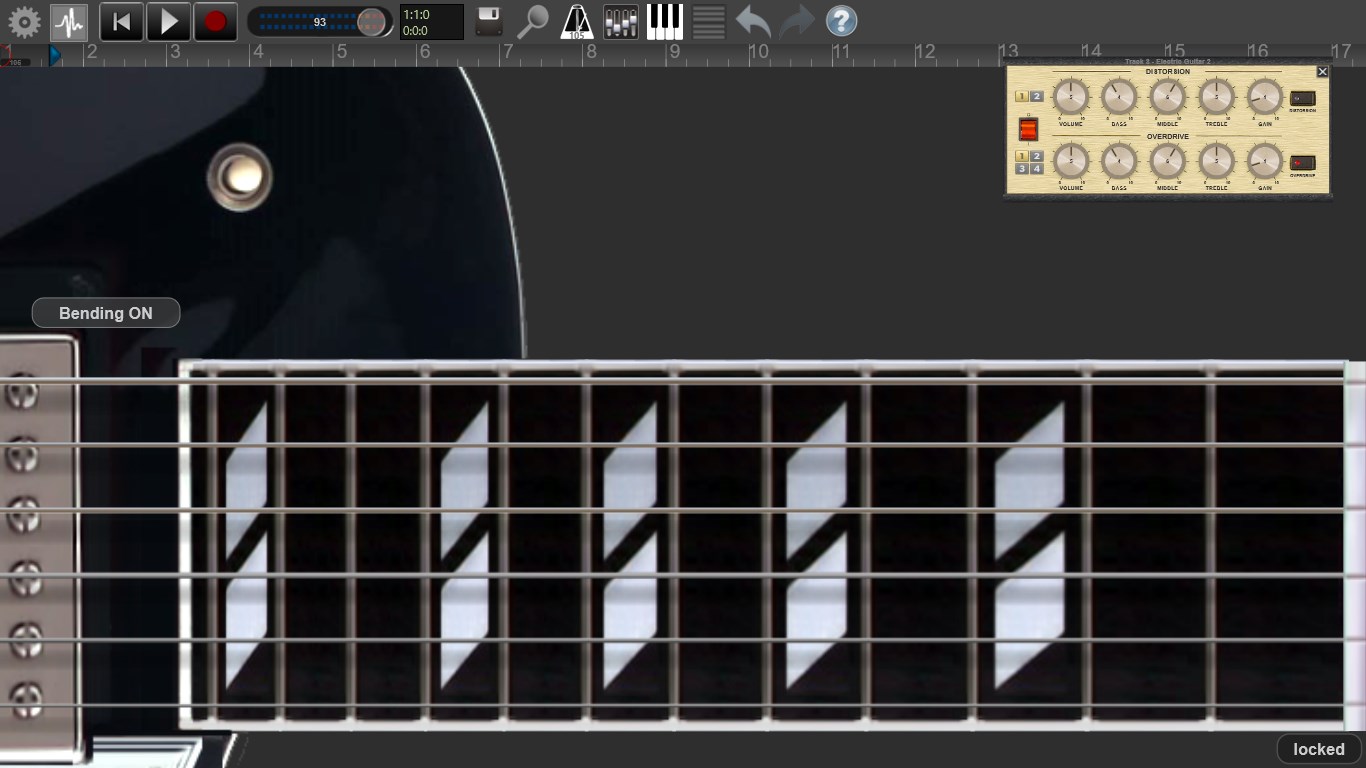
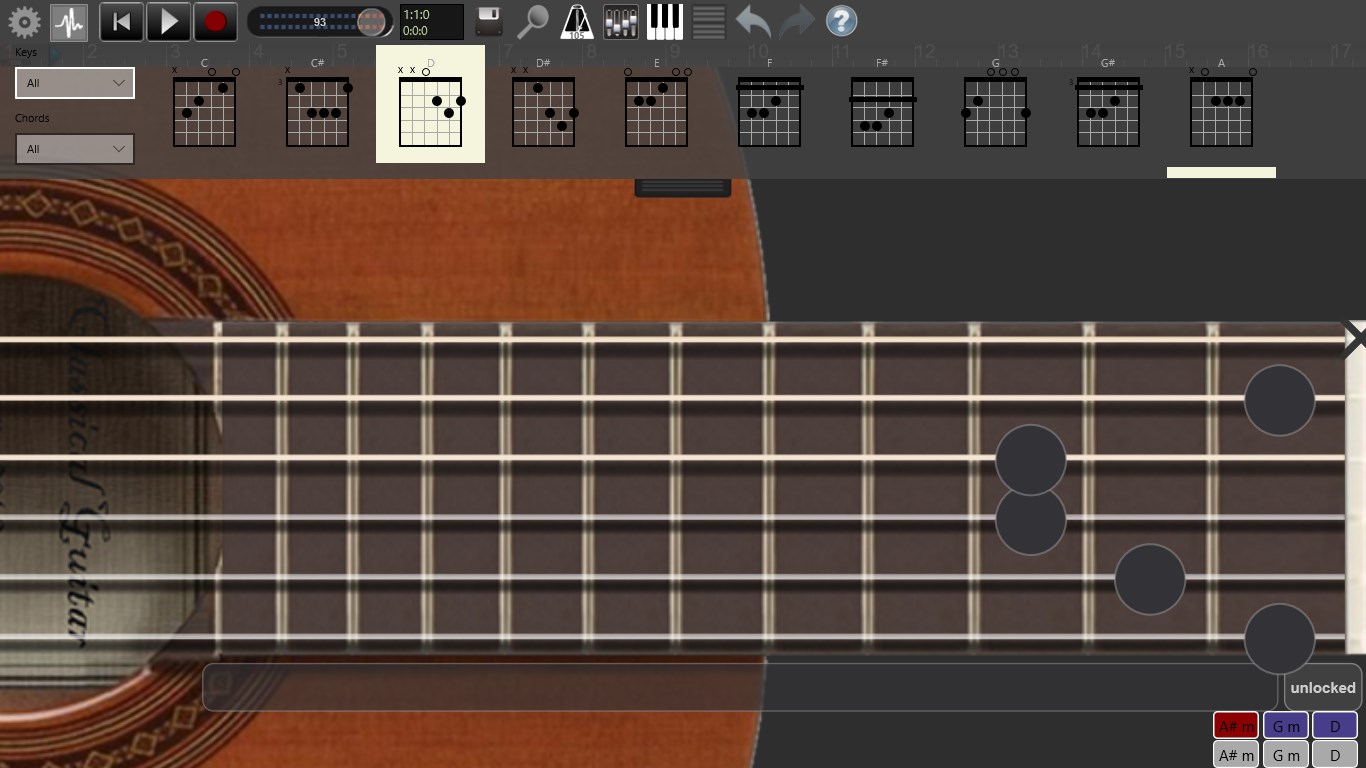
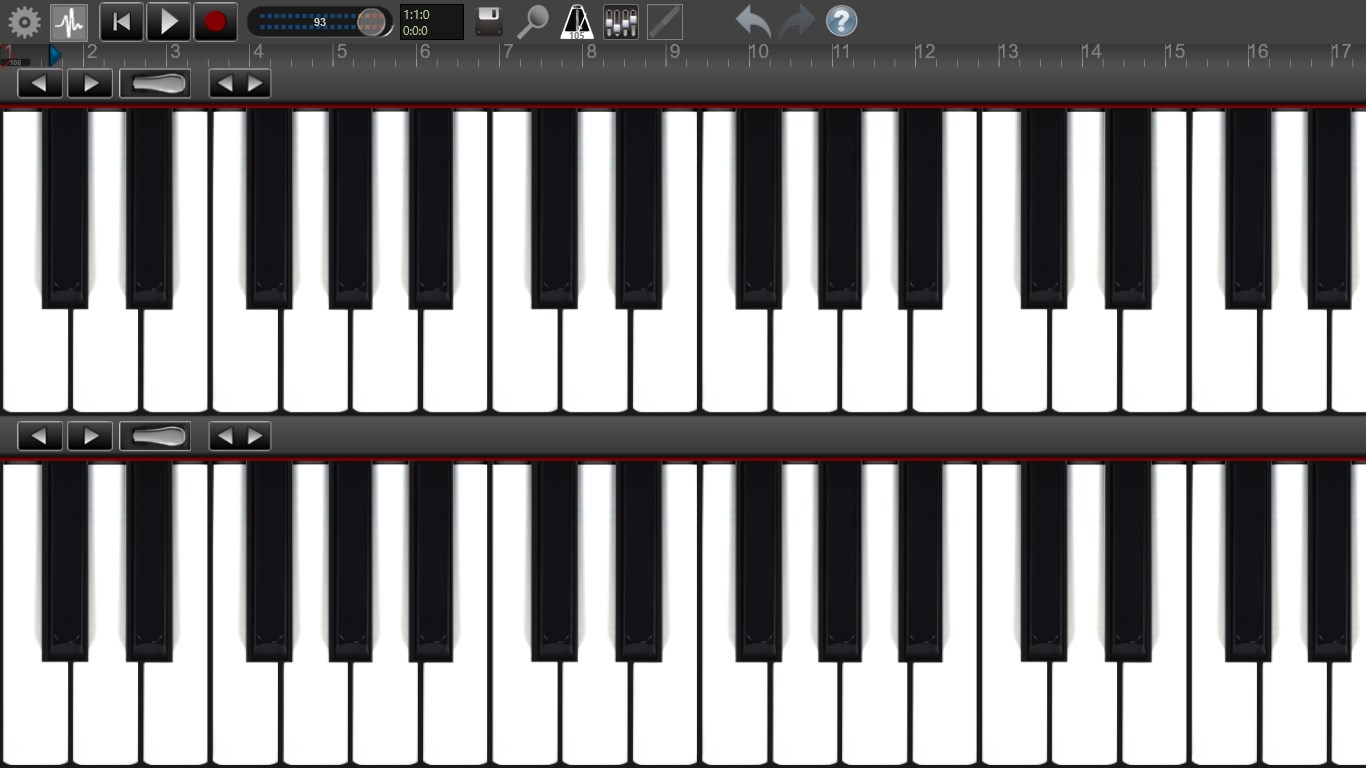
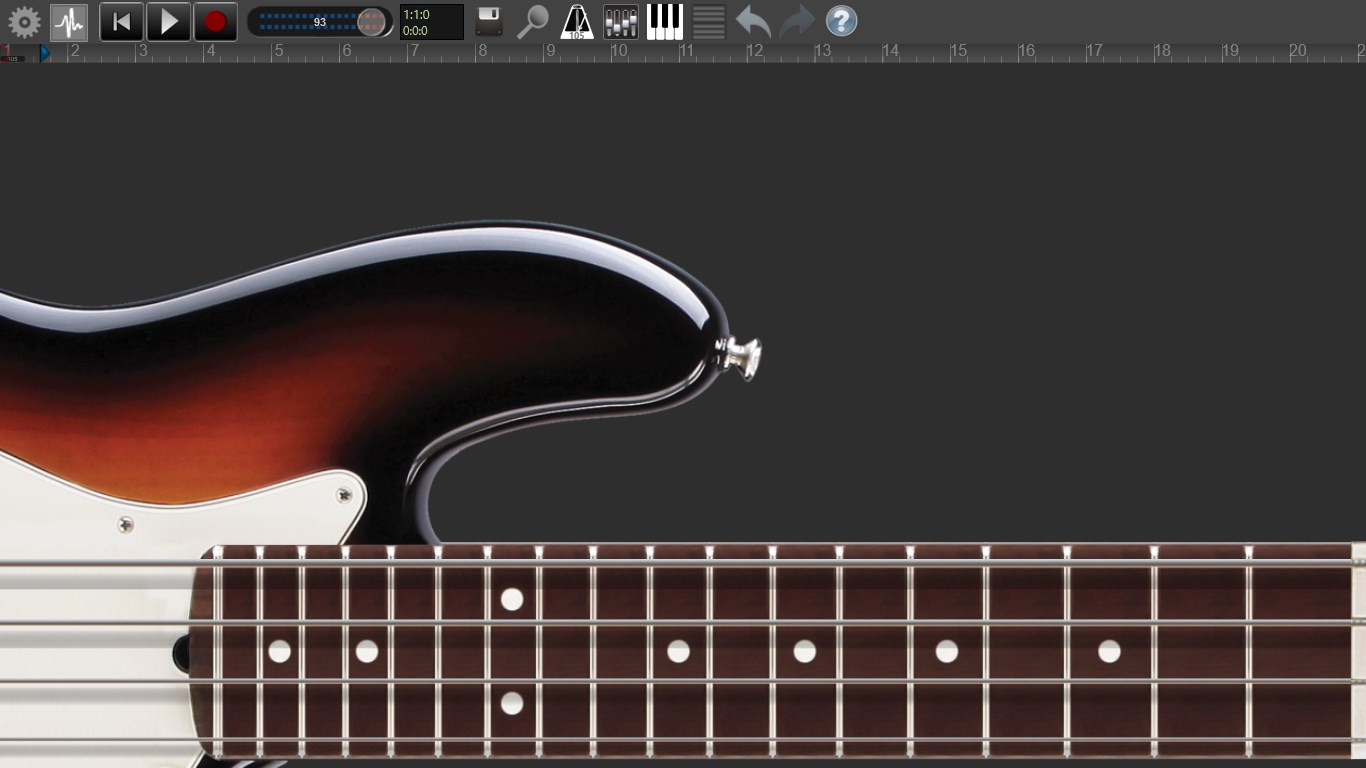
This feature acts like your personal multi-track tape recorder, but with digital finesse. You can record multiple tracks simultaneously, whether vocals, instruments, or samples, then edit them with precision. The timeline view is clean and intuitive—think of it as a digital editing canvas where each audio layer can be cut, stretched, or moved effortlessly. The clarity of controls allows even beginners to experiment freely while still offering enough depth for more detailed fine-tuning by seasoned users.
Rhythm Pattern Variety and Assessment: Making Your Beat Count
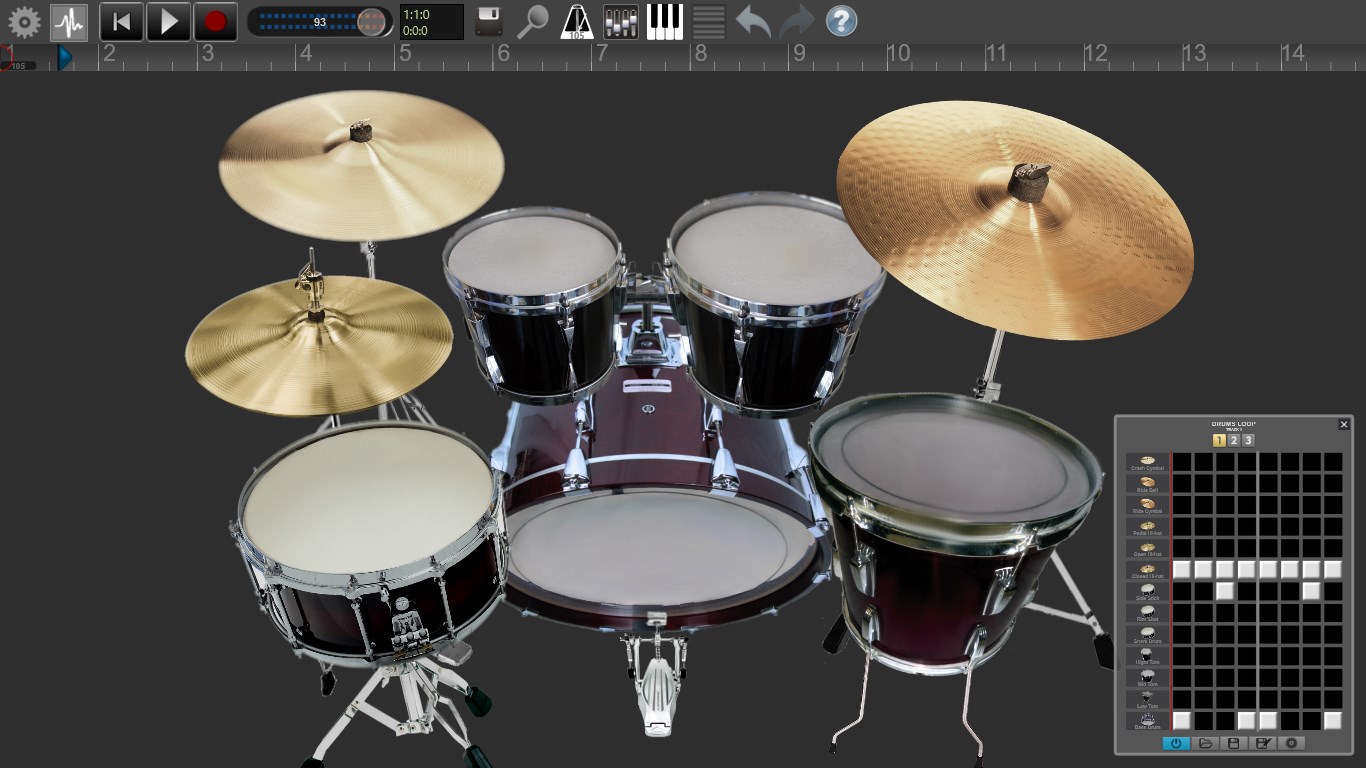
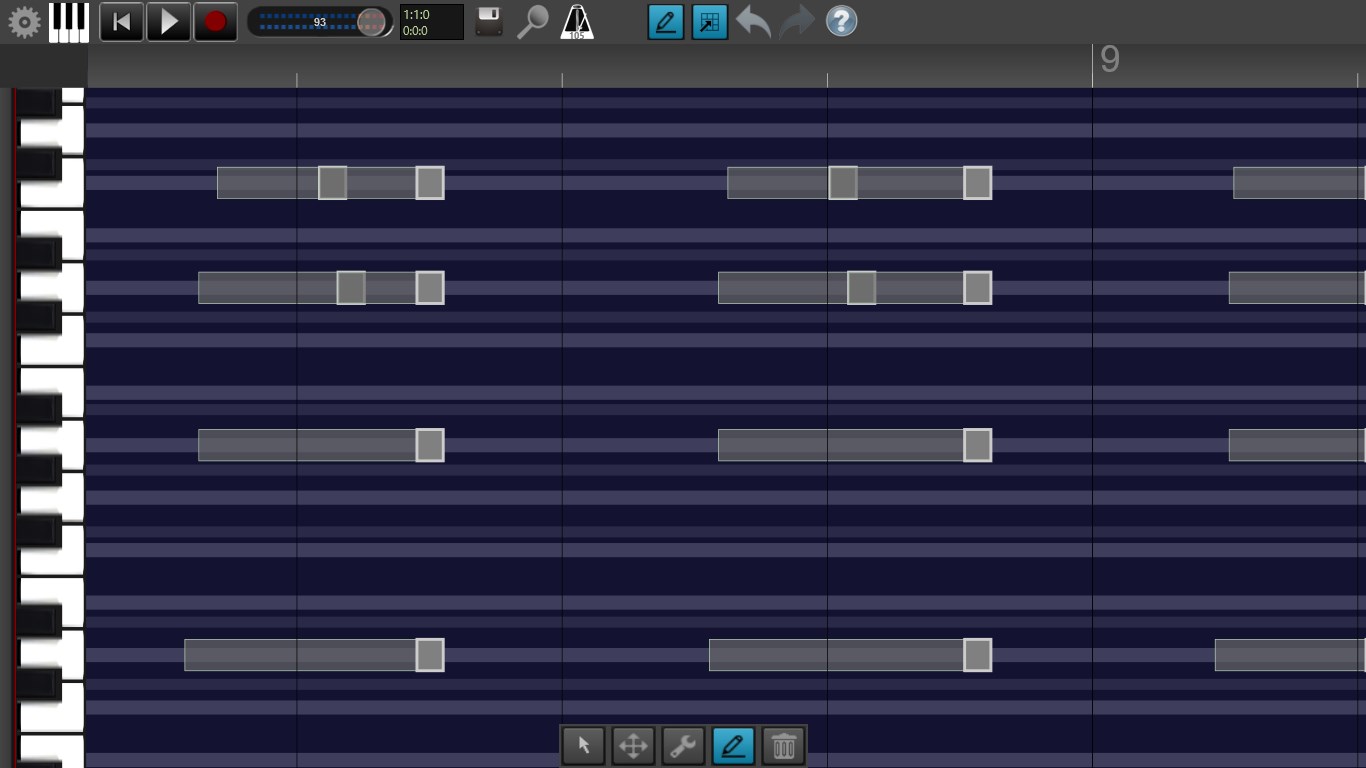
Here's where Recording Studio Pro truly carves out its niche. It provides a dedicated module to assess rhythm patterns—an aspect often overlooked by similar apps. You can import or create beat sequences and analyze their timing consistency, swing, and variations. This tool acts like a personal metronome coach, helping you develop more compelling, groove-rich rhythms. It's especially useful for producers working on intricate drum patterns or performers aiming for a natural feel, setting this app apart from generic DAWs that lack detailed rhythmic feedback.
Low-Latency Monitoring & Performance Optimization
Nothing kills creativity faster than laggy feedback or delayed sound during recording. Recording Studio Pro excels here, utilizing intelligent latency management to ensure your monitoring experience mirrors real-time play. This aspect enhances the intuitive feel of performances, making it ideal for capturing spontaneous musical ideas or tight vocal takes. It's like having a sound engineer whispering “You're on point” as you perform.
User Experience and Differentiation
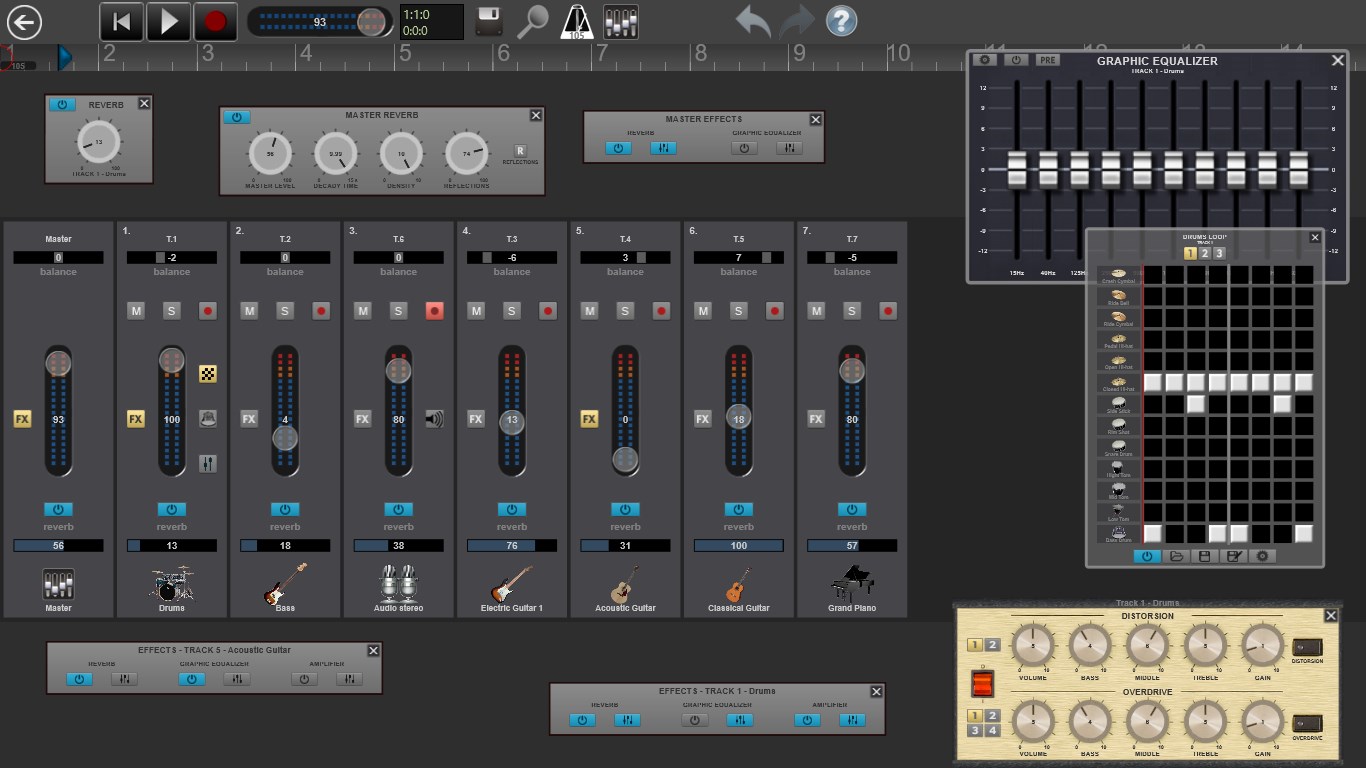
The app strikes a commendable balance between a clean, approachable interface and rich functionality. The workspace design echoes familiar DAWs but introduces user-friendly elements that reduce the learning curve. Navigating between tracks, applying effects, or analyzing rhythm patterns feels fluid, with minimal lag—testament to its optimized performance on Windows systems.
Compared to some mainstream music apps, Recording Studio Pro's standout feature lies in rhythm pattern assessment coupled with low-latency monitoring. This combination makes it uniquely suited for rhythm-centric genres like jazz or electronic music, where timing nuance is crucial. Its ability to analyze and improve rhythmic diversity can be a game-changer for musicians striving for that perfect groove.
Final Verdict and Recommendations
All things considered, Recording Studio Pro for Windows earns a solid recommendation for those seeking a reliable yet approachable audio production tool. It's especially valuable for beginner musicians and podcasters who need powerful features without a steep learning curve. Its standout rhythm analysis and latency optimization are particularly appealing for rhythm-focused projects.
If you're looking to elevate your home studio setup or simply want a versatile tool to experiment creatively on Windows, this app is worth exploring. For seasoned professionals requiring extensive MIDI integration or advanced mixing features, it might fall slightly short—yet for its target audience, it hits the right notes.
In summary, think of Recording Studio Pro as your friendly, capable recording companion—ready to help bring your musical ideas to life with clarity, rhythm, and responsiveness.
Pros
- Intuitive User Interface
- High-Quality Audio Recording
- Comprehensive Editing Tools
- Fast Export and Sharing Options
- Regular Updates with New Features
Cons
- Limited Audio Effects Library
- Occasional App Crashes on Certain Devices
- Long Loading Times on Older Devices
- Less Customization for Export Settings
- Limited Customer Support Options











