

- Category Lifestyle
- Available on PC, Mobile, Surface Hub, HoloLens
- OS Windows 10 version 16299.0 or higher
- languages English (United States)
Introducing the Remote Control for RokuTV for Windows
Imagine having the perfect remote control at your fingertips, transforming your Windows PC into a universal TV commander. Designed by GoodmorningStudio, this application aims to streamline your RokuTV experience by providing a seamless, dedicated remote control on your computer. Whether you're binge-watching your favorite series or adjusting settings mid-viewing, this app promises to be a handy addition to your entertainment arsenal.
Key Features That Make a Difference
Intuitive Remote Control Navigation
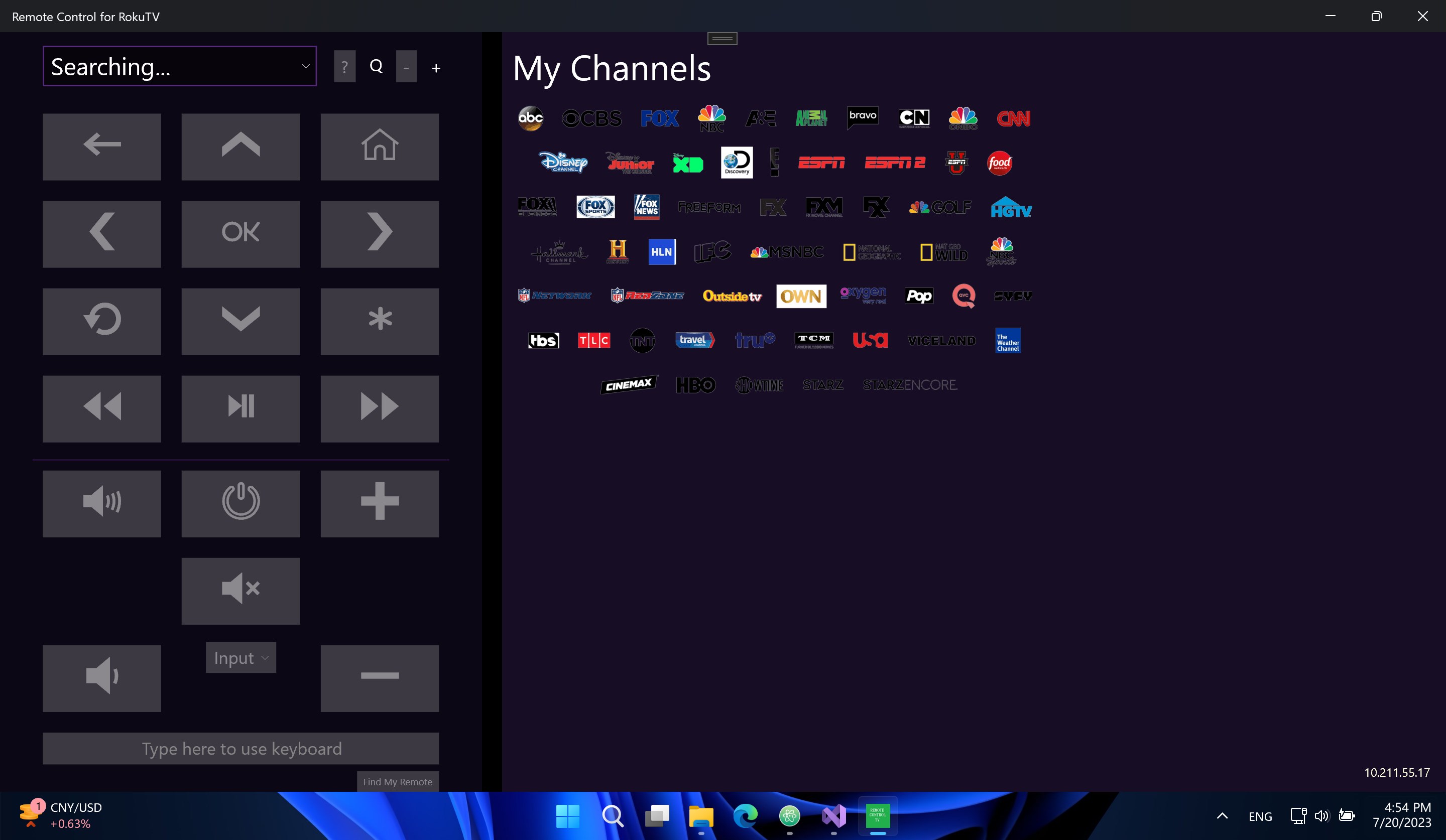
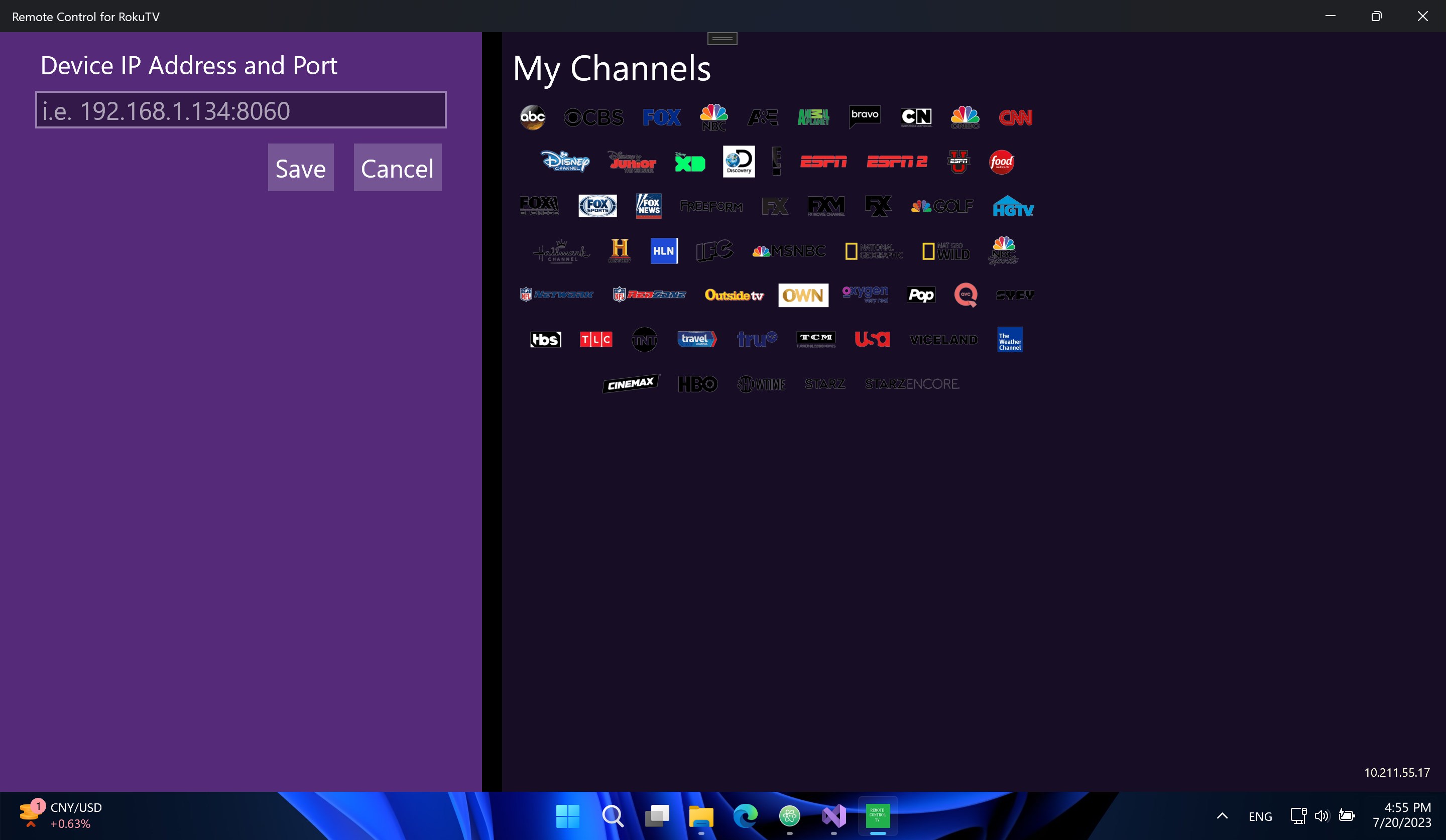
The app delivers a straightforward interface that mimics the familiar layout of physical remotes, making it easy for users to navigate channels, menus, and streaming options with just a few clicks. It smartly detects your RokuTV on the same network, allowing quick device pairing and smooth control without complicated setup steps.
Comprehensive Device Management
Beyond basic remote functions, the app offers advanced settings like volume control, input switching, and even power management. This allows users to do more than just change channels — managing their entire TV experience from their desktop, all in one place. The app also supports multiple Roku devices, perfect for households with several TVs.
Customizable and Responsive Interface
What sets this app apart is its sleek, user-friendly design that adjusts well to different screen sizes and preferences. Its responsive controls translate quick taps into instant command execution, making your remote feel like a natural extension of your hand. This level of responsiveness elevates user satisfaction and reduces frustration during high-paced viewing sessions.
Engaging and Effortless User Experience
If you've ever wrestled with clunky remotes or navigated confusing menus, you'll appreciate how this app simplifies the process. Once connected, the app offers a clean layout, letting you jump right into controlling your RokuTV. Its learning curve is gentle—users familiar with basic remote operations will find themselves mastering it in minutes. The interface's visual clarity and logical organization make everyday control feel less like a chore and more like an intuitive dance.
Design and Performance
The interface boasts a modern, minimalistic look that blends well on Windows screens, with crisp icons and clear labels. Control responsiveness is swift, with no noticeable lag or jitter—ideal for those moments when timing is everything, like pausing or searching for the right channel. The app maintains stability even during prolonged use, ensuring it won't crash midway through your binge-watching marathon.
Compared to Similar Lifestyle Apps
While many remote control apps aim to unify smart device management, this particular app shines with its direct focus on RokuTV integration, providing content authenticity and reliable device recognition. Its emphasis on user-centric design, combined with a credible developer background, helps foster trust. Unlike generic universal remote apps, Remote Control for RokuTV offers nuanced control tailored specifically for Roku devices, reflecting an understanding of Roku's unique environment and user expectations.
Final Thoughts and Recommendations
Overall, the Remote Control for RokuTV for Windows stands out as a practical, user-friendly tool that elevates your entertainment setup. Its most compelling features—rapid device discovery and an intuitive interface—make it particularly attractive for Roku users seeking a more streamlined remote experience. While it may not replace a physical remote for every function, it certainly complements your existing setup with the convenience of control from your PC.
For casual viewers and tech enthusiasts alike, I recommend giving this app a try. It's especially useful if you often switch between devices or prefer managing your TV controls without reaching for the remote. Just ensure your RokuTV is connected to the same Wi-Fi network, and you'll be set for a smarter viewing experience.
Pros
- Intuitive Remote Control Interface
- Easy Device Pairing
- Customizable Button Layouts
- Stable Connection Stability
- Additional Features Support
Cons
- Limited Compatibility with Older Roku Models
- Occasional Latency Issues
- Incomplete Control Options for Certain Functions
- App Crashing on Certain Devices
- Limited Customization in Free Version










