
- Category Entertainment
- Developer Roadkill
- Available on PC, Mobile, Surface Hub, HoloLens
- OS Windows 10 version 14393.0 or higher
- languages English (United States)
A Seamless Gateway to Your Smart TV Experience
Remote Controller for Smart TV for Windows by Roadkill offers an intuitive way to control your television using your Windows device, bridging the gap between your PC and smart home entertainment with simplicity and efficiency.
Developers and Core Features
Developed and published by Roadkill, this app aims to enhance the smart TV control experience on Windows. Its key features include a versatile remote interface compatible with multiple TV brands, an easy-to-navigate user interface, and support for keyboard and voice commands, making interaction more natural and effortless. Additionally, the app prides itself on low latency communication—delivering commands swiftly without annoying delays—along with customizable button layouts tailored to user preferences.
Engaging and User-Friendly Interface
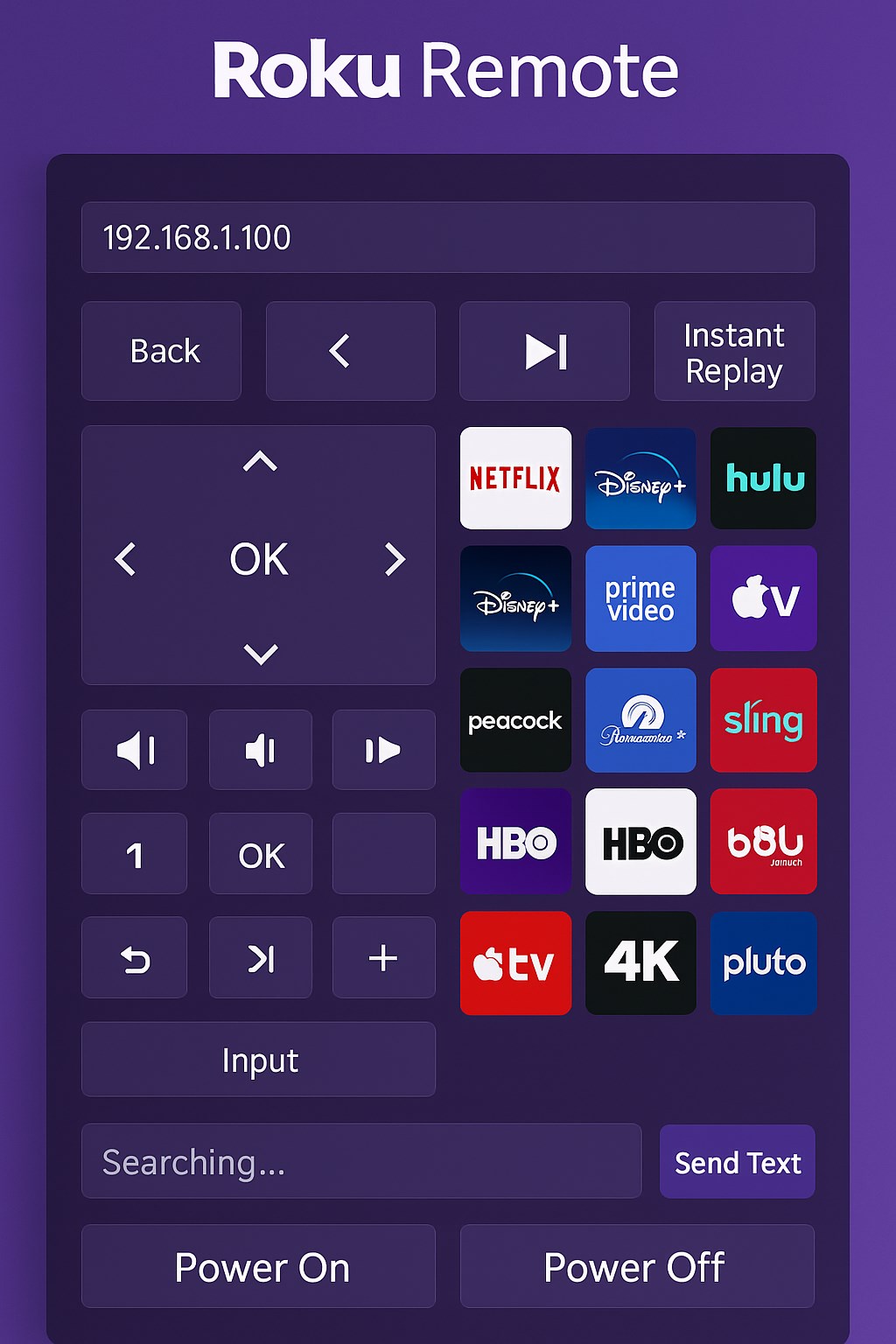
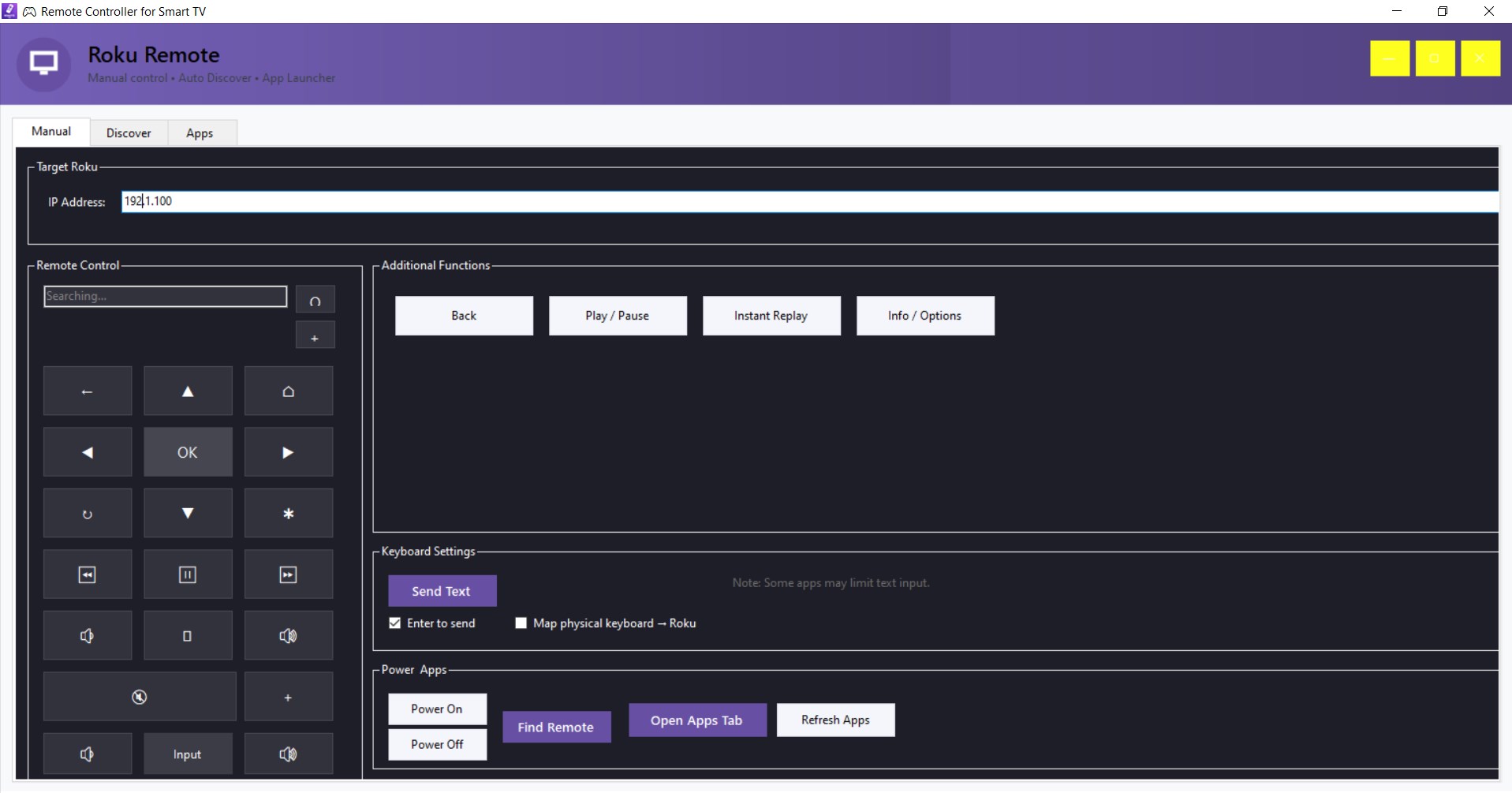
Stepping into the app feels like entering a well-organized digital remote control room. The interface sports a clean, modern design with large, clearly labeled buttons that mimic traditional remotes, reducing the learning curve for new users. The layout accommodates quick access to essential functions—volume, channel, input sources—while maintaining visual clarity and minimal clutter. Users report that the app's responsiveness is smooth, with minimal lag, ensuring a seamless control experience. Even those less tech-savvy will find the setup process straightforward, thanks to guided prompts and a user-centric design philosophy.
Core Functionality: Your TV at Your Fingertips
Universal Compatibility and Customization
The app's standout feature is its broad compatibility with various smart TV brands, including Samsung, LG, Sony, and others. Unlike generic remote apps, it intelligently detects and pairs with your TV, making the process hassle-free. Users can personalize their remote interfaces by rearranging buttons or creating shortcuts to frequently used functions, turning the remote into a tailored control panel that suits individual viewing habits.
Smart Control and Connection Stability
Beyond basic commands, the app offers advanced features such as voice control and keyboard input, transforming your Windows device into a multifunctional remote. The connection remains stable over Wi-Fi, ensuring that commands are transmitted instantly—akin to having a responsive, invisible hand guiding your screen. This reliability elevates the user experience, especially when navigating through complex menus or inputting search queries.
Unique Selling Points and Differentiation
What truly sets this app apart is its intelligent content discovery and personalized recommendations. Unlike traditional remote apps that merely mirror TV functions, Remote Controller for Smart TV for Windows incorporates algorithms that analyze viewing patterns to suggest preferred content or optimized controls. This personalized touch enhances ease of use and makes the app feel more like a smart companion rather than just a remote. Its ability to critique and refine recommendation relevance ensures users receive highly tailored suggestions, making content hunting more efficient and enjoyable.
Final Verdict and Recommendations
Overall, Remote Controller for Smart TV for Windows by Roadkill emerges as a reliable, user-centric solution for smart TV control. It excels in its compatibility, customization options, and intelligent content management, which collectively contribute to a more intuitive viewing experience. I recommend this app to users seeking a versatile remote app that goes beyond basic functions, especially those who value personalized content suggestions. For casual viewers or tech enthusiasts who want a seamless way to manage their smart home entertainment, this app is definitely worth exploring.
Pros
- Intuitive remote control interface
- Supports multiple smart TV brands
- Customizable button mapping
- Responsive remote control functions
- Additional features like keyboard input
Cons
- Limited widget customization options
- Occasional connectivity issues with certain TV models
- Battery drain during extended use
- Limited support for voice commands
- Some lag when streaming high-definition content











