
- Category Business
- Developer IDrive Inc.
- Available on PC
- OS Windows 10 version 0.0 or higher
- Keyboard Integrated Keyboard
- Mouse Integrated Mouse
- Memory 1 GB
- languages English
Introducing RemotePC Host for Windows: Seamless Remote Access Simplified
RemotePC Host for Windows by IDrive Inc. is a robust solution designed to enable secure and efficient remote connectivity for Windows systems, making remote administration and troubleshooting more straightforward than ever before.
Meet the Developer and Core Highlights
Developed by IDrive Inc., a trusted name in cloud data management and remote solutions, RemotePC Host for Windows focuses on delivering a user-friendly remote desktop experience. Its main features include high-quality screen sharing with minimal lag, encrypted connections for security, and easy setup with reliable performance. Additionally, the application supports collaborative features that go beyond simple remote access, fostering team productivity and seamless workflows.
Who Is This App For?
This application is ideal for IT professionals, tech support teams, remote workers, and small business owners who need a dependable way to access and manage remote Windows devices. Whether you're troubleshooting a client's PC or offering remote assistance to colleagues, RemotePC Host provides a professional yet accessible platform tailored for users who value simplicity combined with security.
A Fresh Take on Usually Boring Tech
Imagine you're sitting at your desk, but your work computer is miles away — perhaps back home or in a different office. RemotePC Host for Windows transforms this distant connection into a smooth, almost tangible experience. It's like having a magic window that lets you peek into your remote systems, control applications, and resolve issues in real-time — all without leaving your desk. Whether it's last-minute troubleshooting or ongoing remote collaboration, this app promises to be your reliable sidekick in the world of digital connectivity.
Effortless Setup and Intuitive Interface
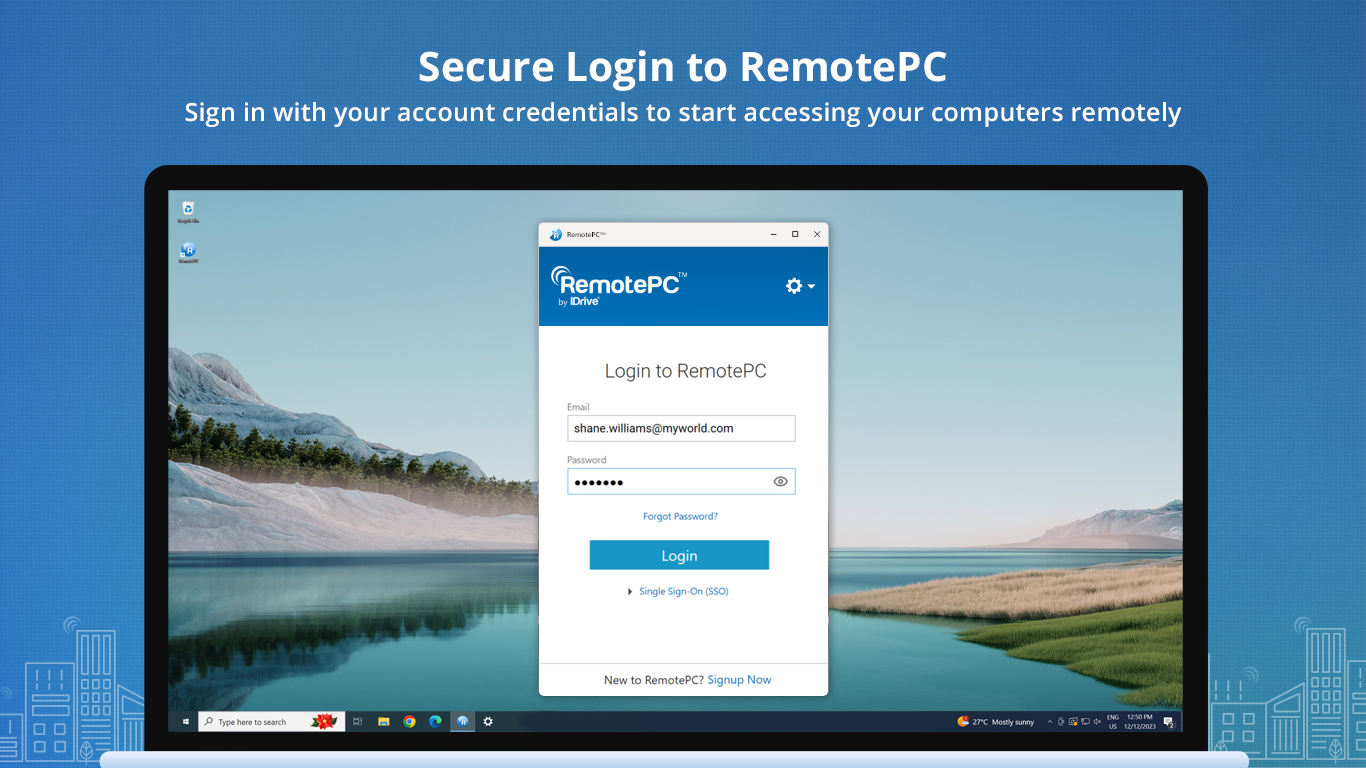
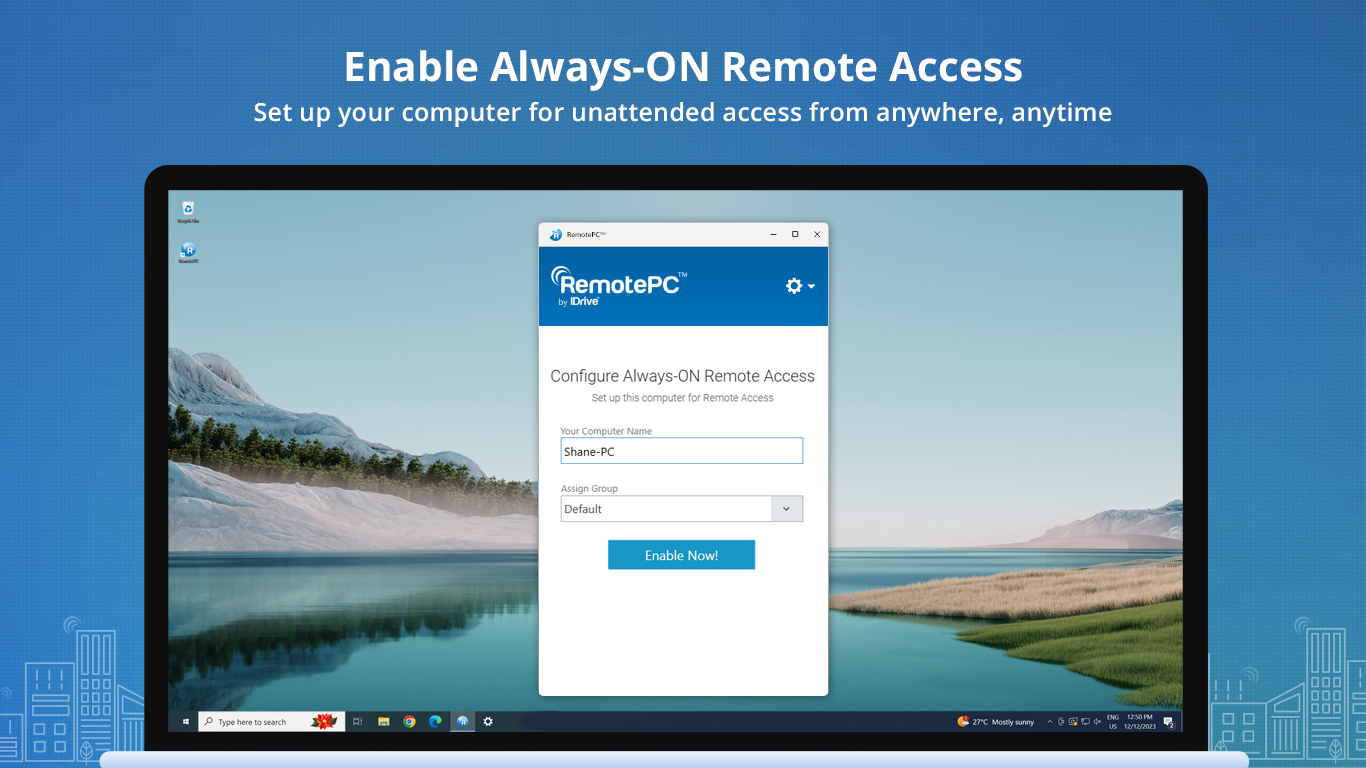
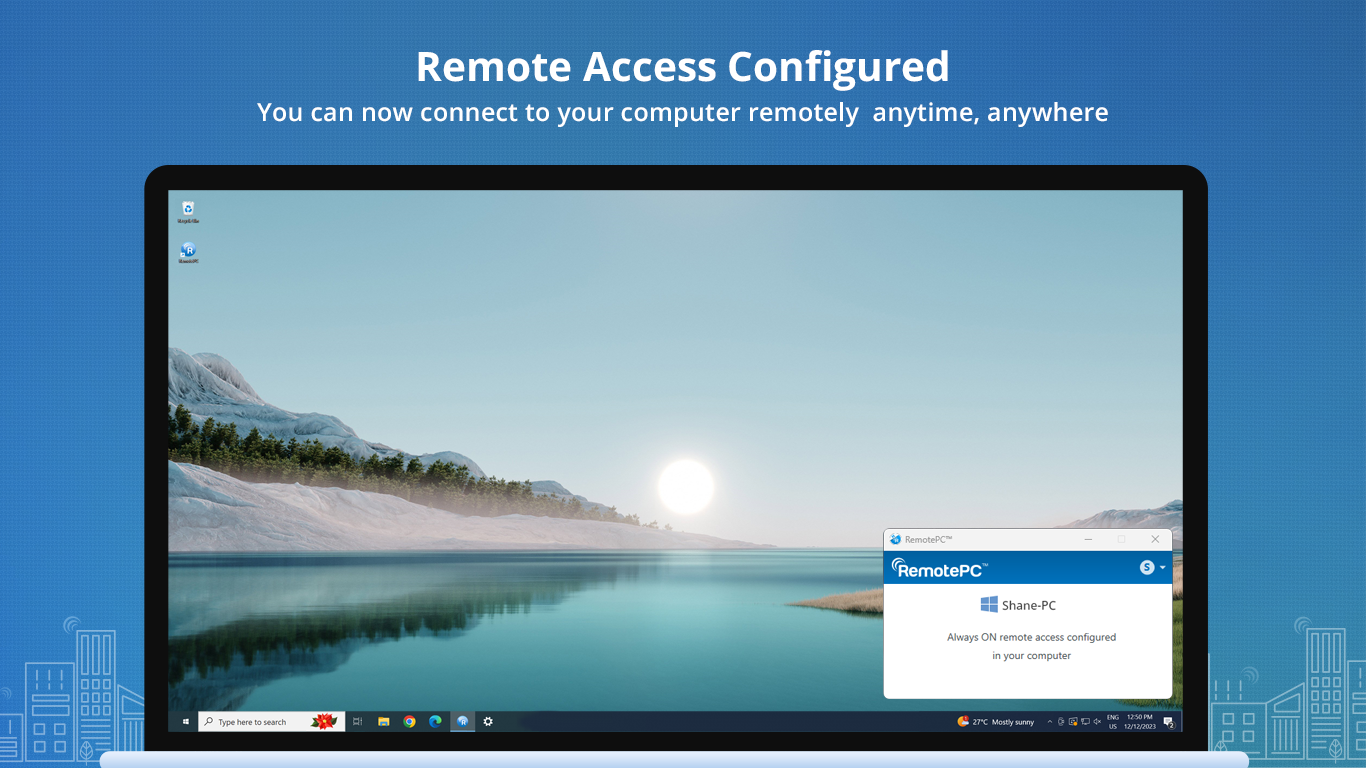
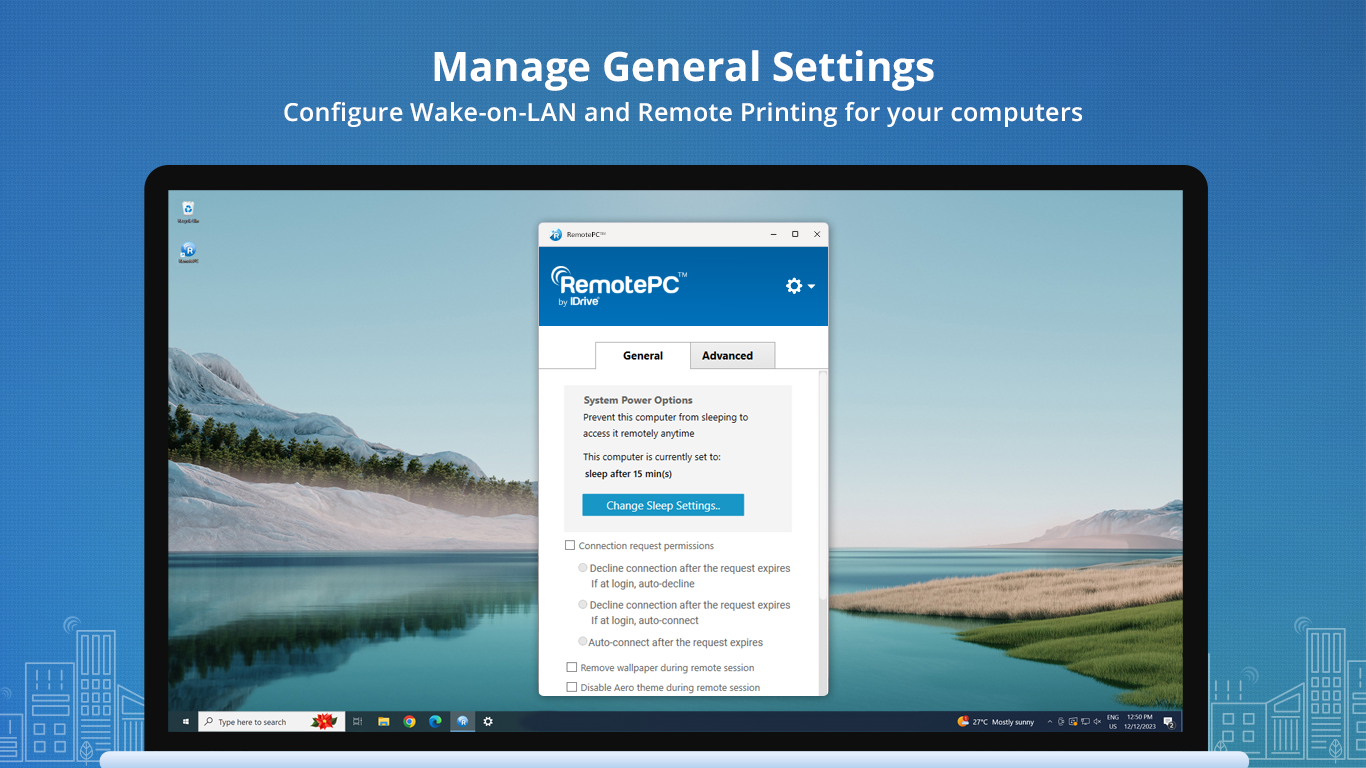
One of RemotePC's standout features is its straightforward installation process. The host setup on your Windows machine is quick, guiding you through a series of clear prompts. Its interface strikes a balance between professional polish and ease of use — clean, minimalistic, and devoid of unnecessary clutter. Navigating through the app feels like flipping through pages of a well-organized manual, allowing even first-timers to get started with minimal learning curve. Fluid operation and quick responsiveness ensure that users won't experience frustrating lags or freezes, which is crucial during critical remote sessions.
Powerful Core Features with a Collaborative Edge
The standout feature of RemotePC Host is its high-quality remote access, supporting HD screen sharing and file transfer capabilities. The application leverages end-to-end encryption, ensuring that sensitive data remains protected during the remote session — a critical aspect for business users.
But what truly sets it apart from other remote desktop tools is its focus on collaboration. Unlike traditional solutions that only connect one-to-one, RemotePC enables multiple users to join a session, streamlining team efforts. Its integrated chat and voice features foster real-time communication, making remote troubleshooting feel as natural as working side-by-side. This collaborative functionality becomes especially valuable for remote teams, supporting shared workflows and task management simultaneously.
Comparison with Similar Business Apps
Compared to competitors like TeamViewer or AnyDesk, RemotePC emphasizes simplicity combined with a focus on productivity-enhancing features such as task management and multi-user collaboration. Its user interface is less cluttered, aiming at users who prefer quick setup and straightforward operation over complex toolsets. The app's unique selling point lies in its seamless integration of collaboration tools, making it more than just a remote control app but a platform for remote teamwork.
Final Verdict: Is It Worth Your Time?
Overall, RemotePC Host for Windows is a solid choice for users who need reliable remote access with an emphasis on collaboration. Its ease of setup, security focus, and collaborative features make it particularly appealing for small businesses and remote teams. While it may not have all the bells and whistles of more enterprise-oriented software, its practical approach provides just what most users need for everyday remote work confidently.
I recommend giving it a try if you're seeking a straightforward, secure remote desktop solution that integrates collaborative work seamlessly into your remote sessions. It's not just another remote control tool — it's a workspace enabler designed to keep your team connected and productive from anywhere in the world.
Pros
- Easy Remote Access
- User-Friendly Interface
- Strong Security Features
- Cross-Platform Compatibility
- Reliable Connection Stability
Cons
- High Resource Usage
- Limited Free Features
- Occasional Connection Latency
- Setup Complexity for Beginners
- Lack of Integrated File Transfer











