
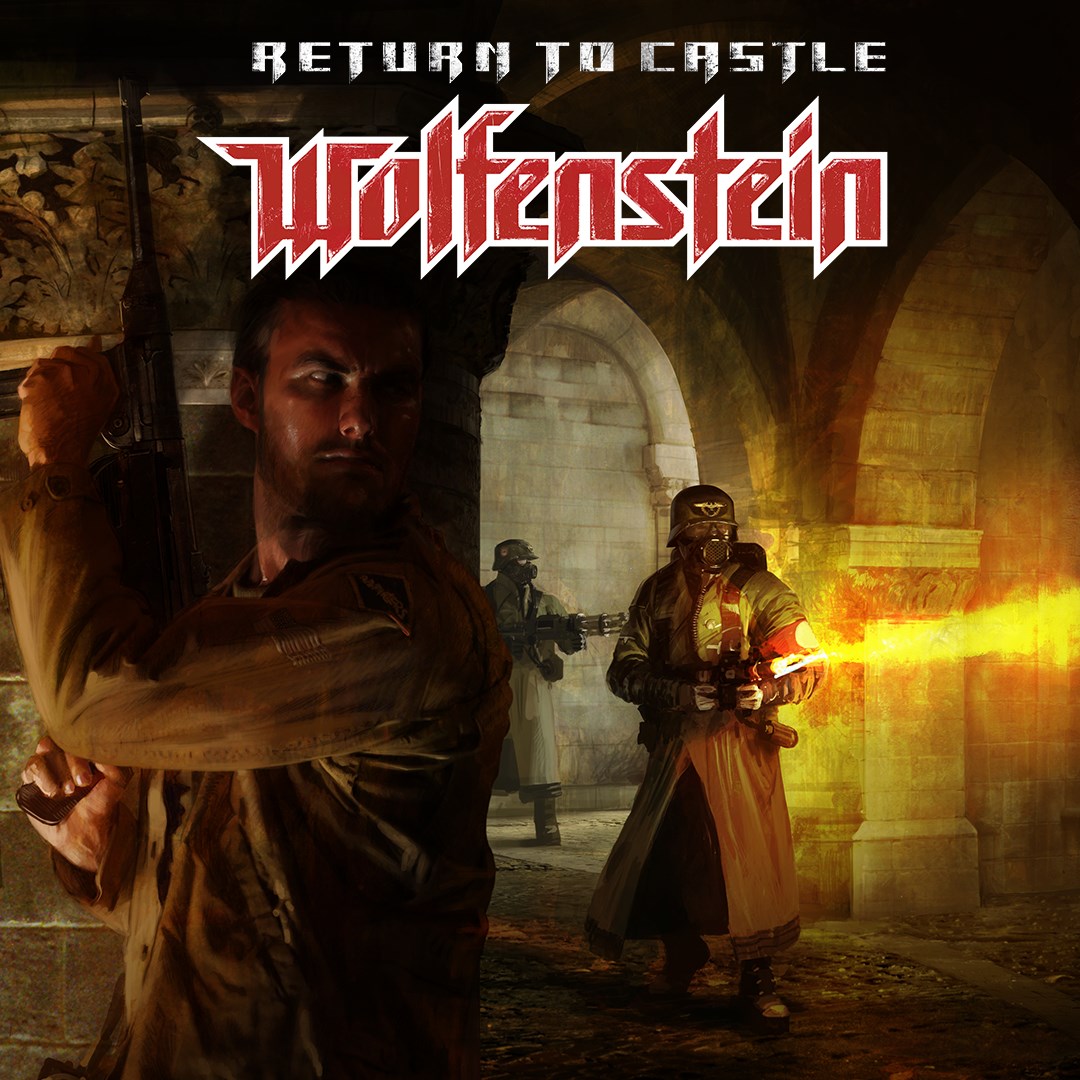
Frequently Asked Questions
How do I start playing Return to Castle Wolfenstein for the first time?
Download and install the game through your platform's store or launcher. Launch the game from your desktop or library, then follow the on-screen prompts to begin your campaign.
What are the minimum system requirements to run Return to Castle Wolfenstein?
Ensure your PC meets at least the minimum specs: Windows XP or later, a 1 GHz CPU, 512 MB RAM, and a compatible graphics card. Check the official site for detailed specs.
How do I access the single-player campaign?
Open the game launcher, select 'Single Player' mode on the main menu, then choose your campaign mission to start playing.
What multiplayer modes are available in Return to Castle Wolfenstein?
The game offers team-based multiplayer with objective-focused modes where you can join either Axis or Allies teams via the multiplayer menu.
How do I switch between Axis and Allies teams?
Join a multiplayer match through the server browser or create your own game, where you'll be prompted to select your team before starting.
Are there any in-app purchases or subscriptions in Return to Castle Wolfenstein?
No, the game is a one-time purchase; there are no ongoing subscriptions or in-app purchases required to play.
Can I play Return to Castle Wolfenstein on my mobile device?
The game is designed for PC and consoles. Currently, there is no official mobile version available.
How do I troubleshoot connection issues during multiplayer sessions?
Check your internet connection, ensure your firewall isn't blocking the game, and restart your router. For detailed help, visit Settings > Network Troubleshooting.
How can I customize controls or graphics settings?
Go to Settings > Controls or Settings > Graphics in the main menu to adjust your preferences for optimal gameplay experience.
Is there any way to update or patch the game?
Yes, updates are automatically downloaded if you launch via the official launcher. You can also check for updates within Settings > Updates.
You May Like

DOOM + DOOM II
for Windows
4.8
Deep Rock Galactic - Ultimate Edition
for Windows
4.7
Roboquest
for Windows
4.7
Deep Rock Galactic - Deluxe Edition
for Windows
4.7
Quake II
for Windows
4.7
Deep Rock Galactic
for Windows
4.7
Enter The Gungeon
for Windows
4.6
Mech Arena
for Windows
4.6
Gears of War 4
for Windows
4.6
Gears 5
for Windows
4.6
Gears 5 Game of the Year Edition
for Windows
4.5
Brotato
for Windows
4.5