

- Category Business
- Developer ZOHO CORP
- Available on PC
- OS Windows 10 version 0.0 or higher
- Keyboard Integrated Keyboard
- Mouse Integrated Mouse
- languages English
SalesIQ for Windows: Your Intelligent Customer Engagement Companion
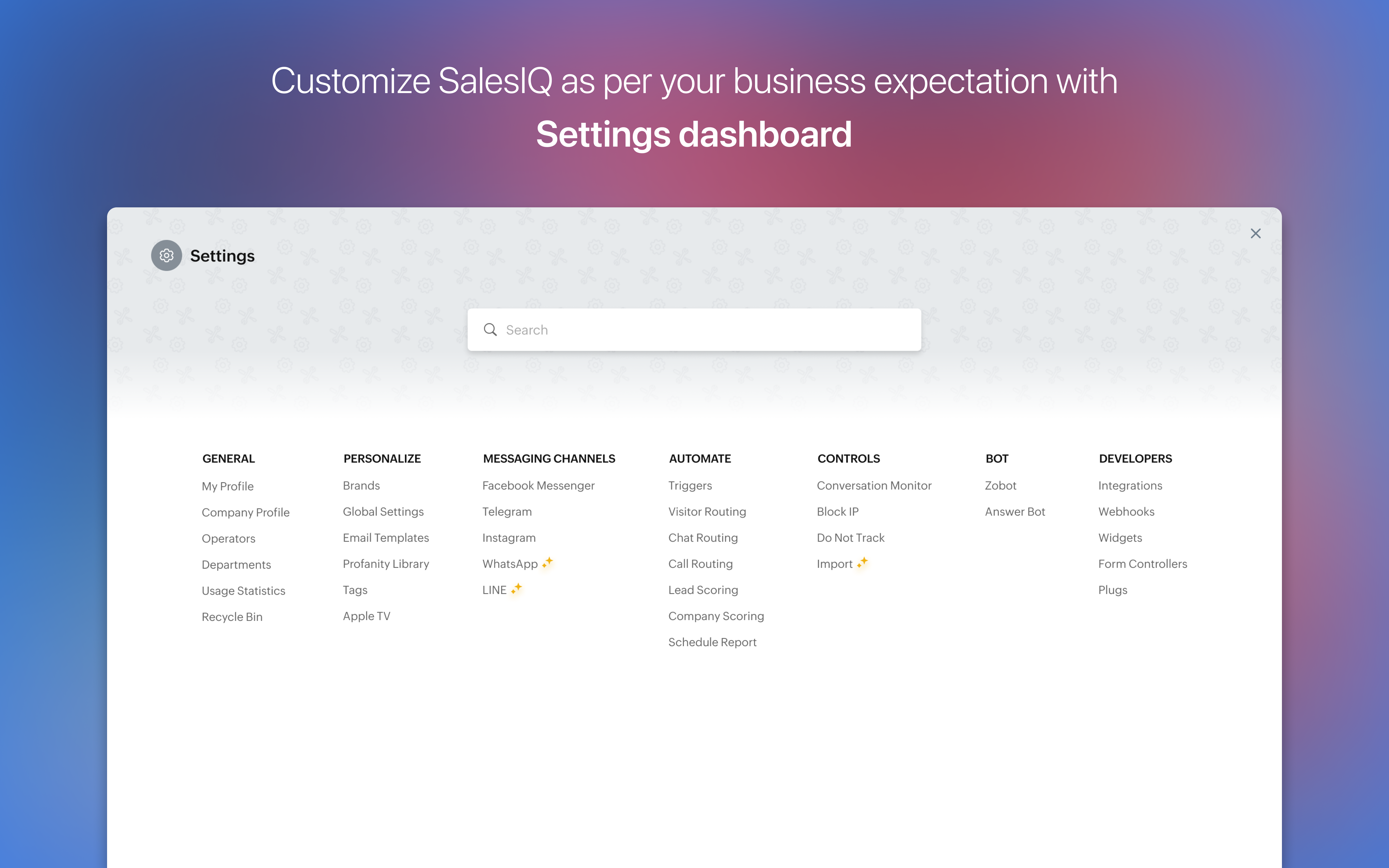
SalesIQ for Windows, developed by Zoho Corp, is a versatile customer engagement tool designed to streamline communication and support within a professional setting. It aims to bridge the gap between businesses and their clients through intuitive real-time interaction features, all accessible right from your Windows desktop.
Who's Behind the Curtain? The Team Driving SalesIQ
Created by Zoho Corp, a reputable cloud software provider renowned for its comprehensive suite of productivity and customer relationship management tools, SalesIQ benefits from a team committed to delivering reliable, feature-rich business applications. With years of experience, Zoho ensures their tools integrate seamlessly into existing workflows, emphasizing usability and impact.
The Core Highlights That Make SalesIQ Shine
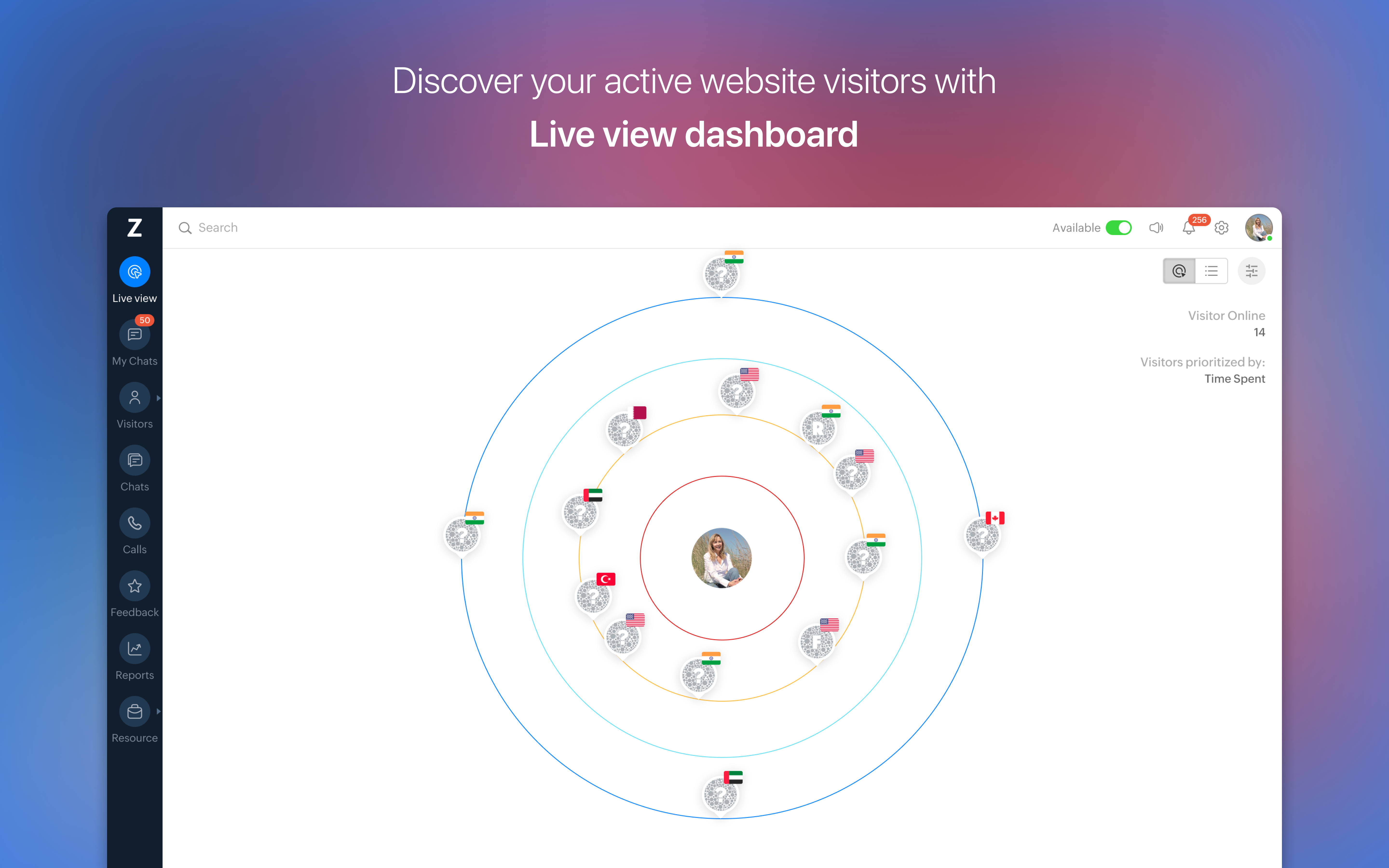
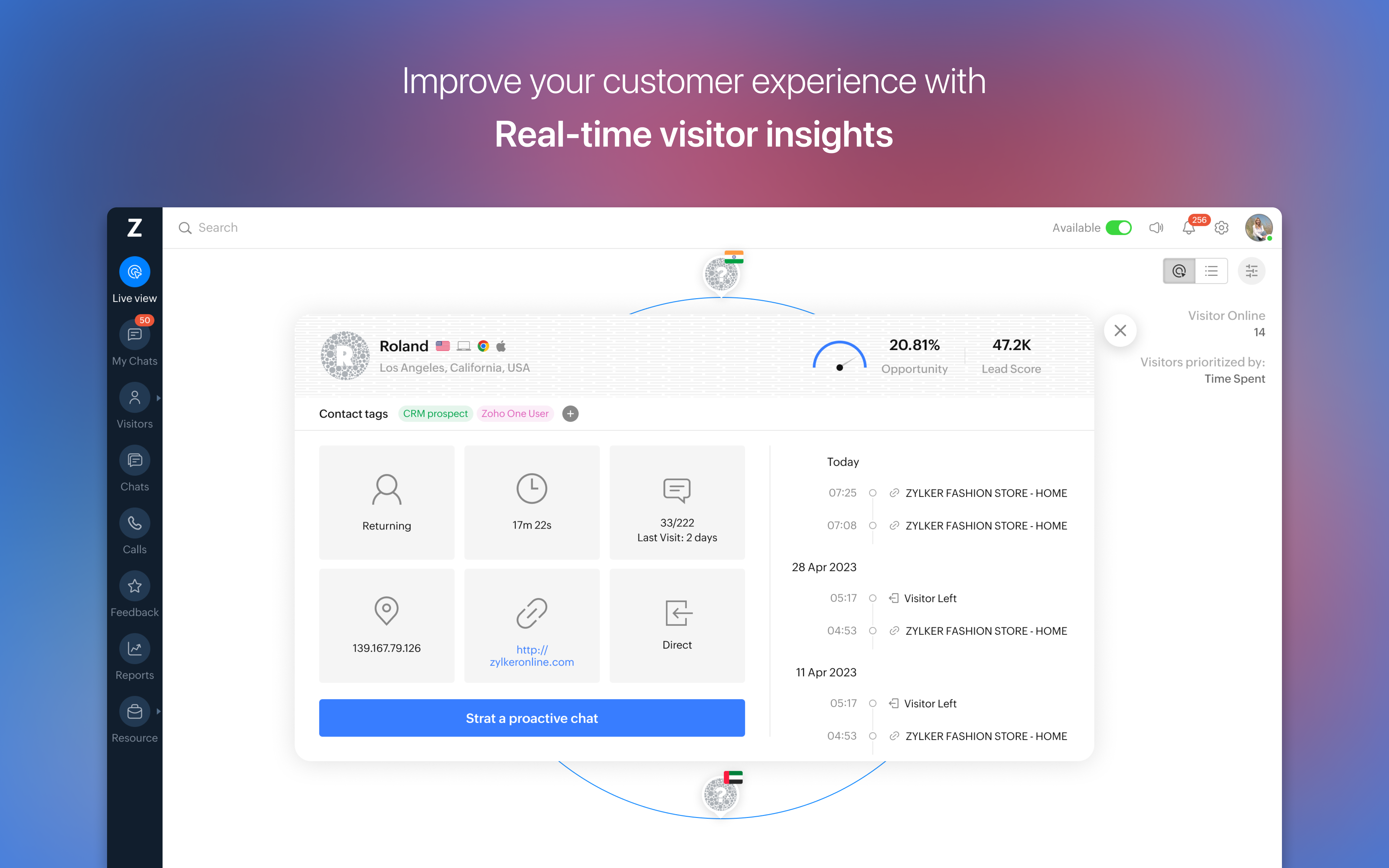
- Real-Time Visitor Monitoring: Track website visitors live, gaining insights into their behavior, location, and engagement level to tailor interactions effectively.
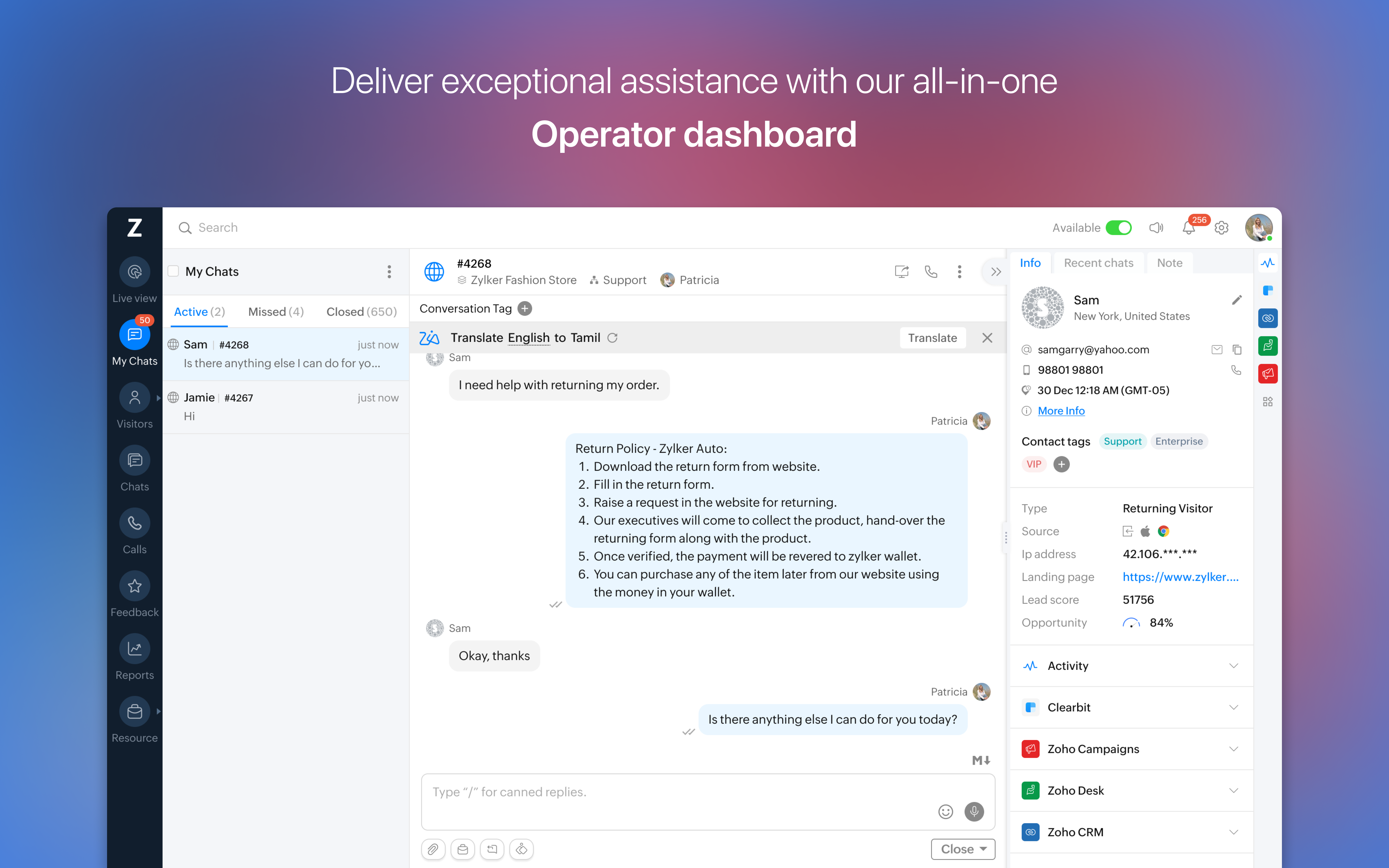
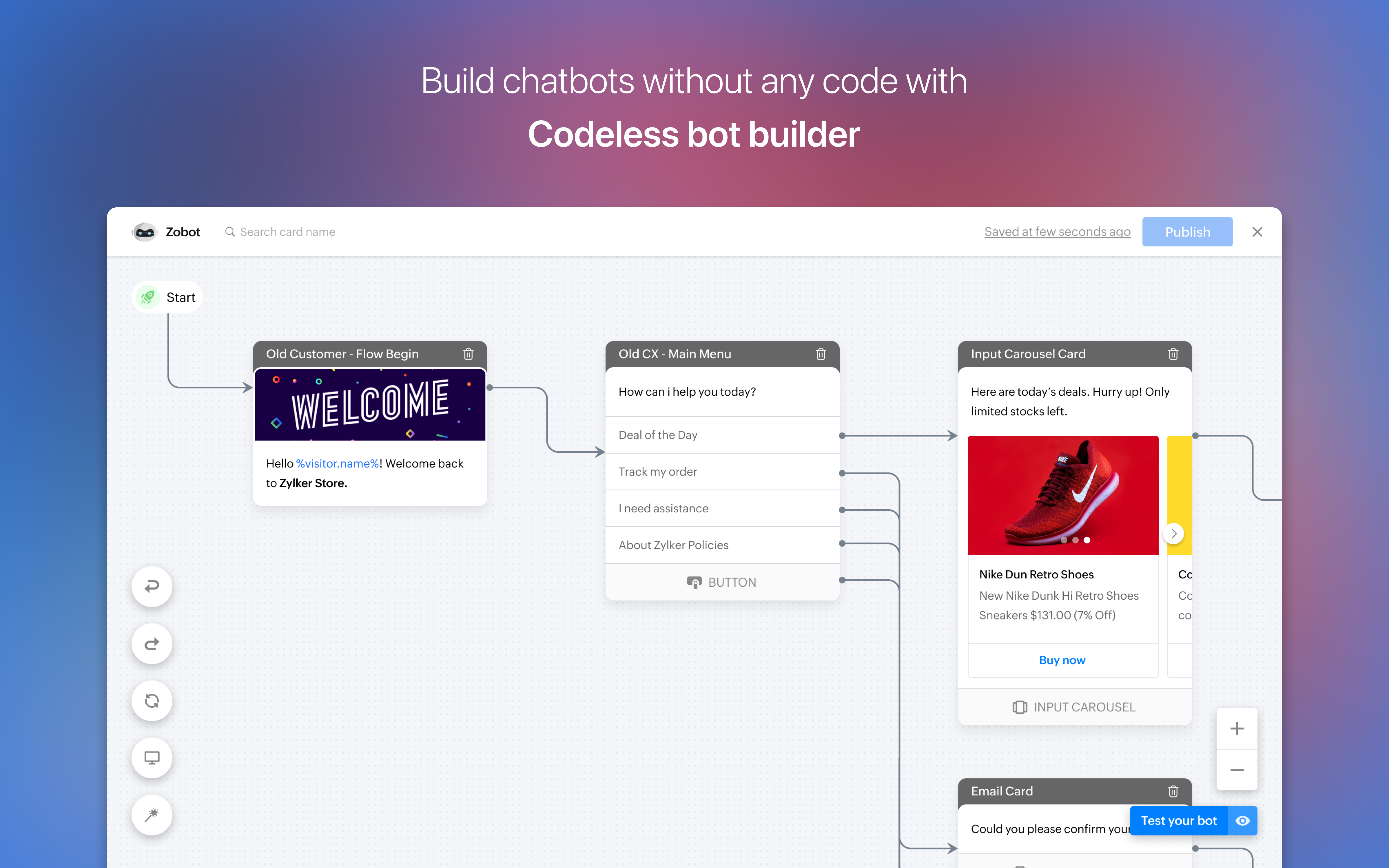
- Integrated Live Chat & Chatbots: Offer instant support via live chat, augmented by AI-powered chatbots that handle routine queries, freeing up human agents for complex issues.
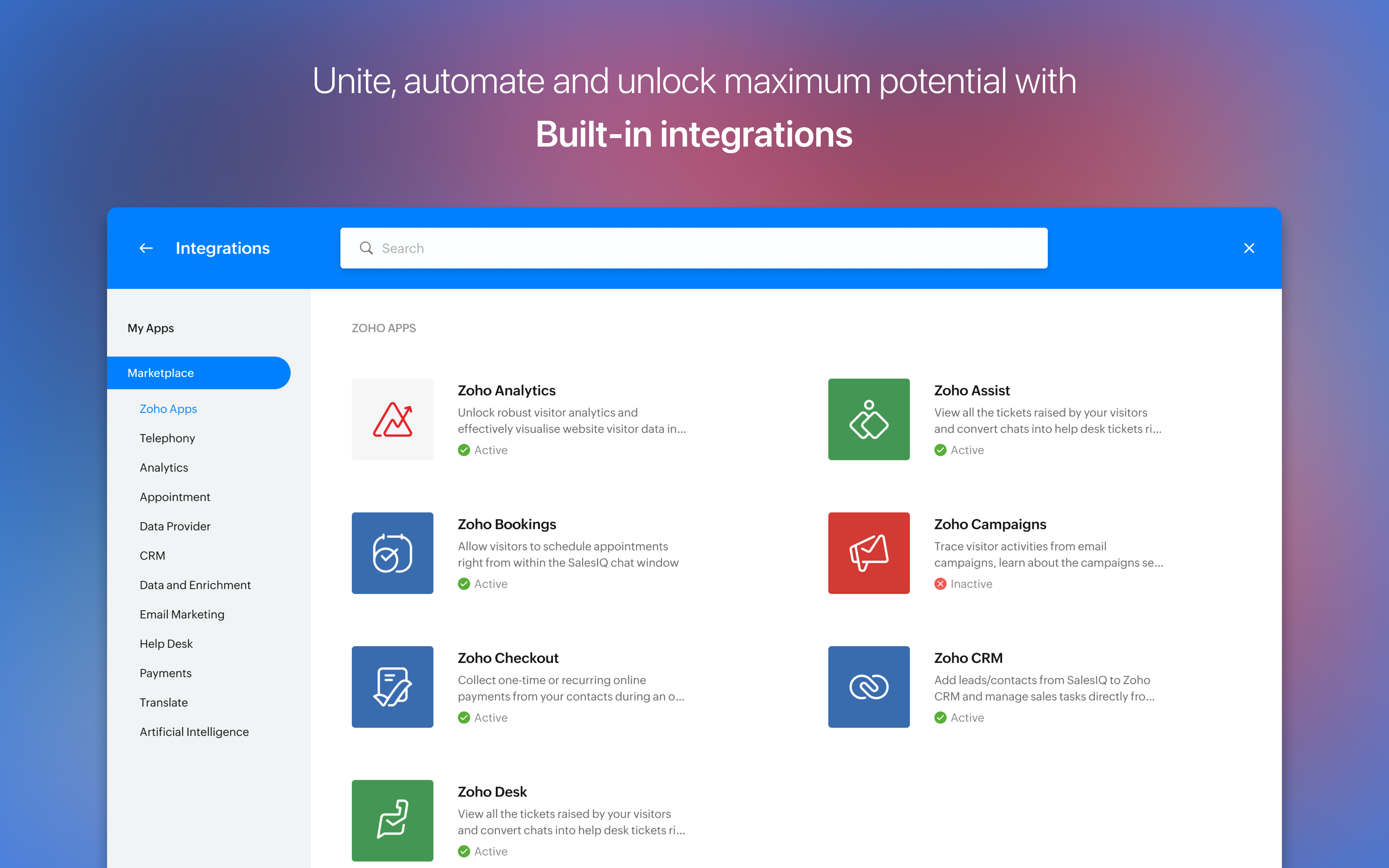
- CRM & Ticketing Integration: Seamlessly connect with Zoho CRM and other tools to manage leads, follow-ups, and customer tickets efficiently.
- Multi-Channel Communication: Engage customers across email, social media, and messaging platforms, all from a centralized interface.
An Engaging Dive into the User Experience
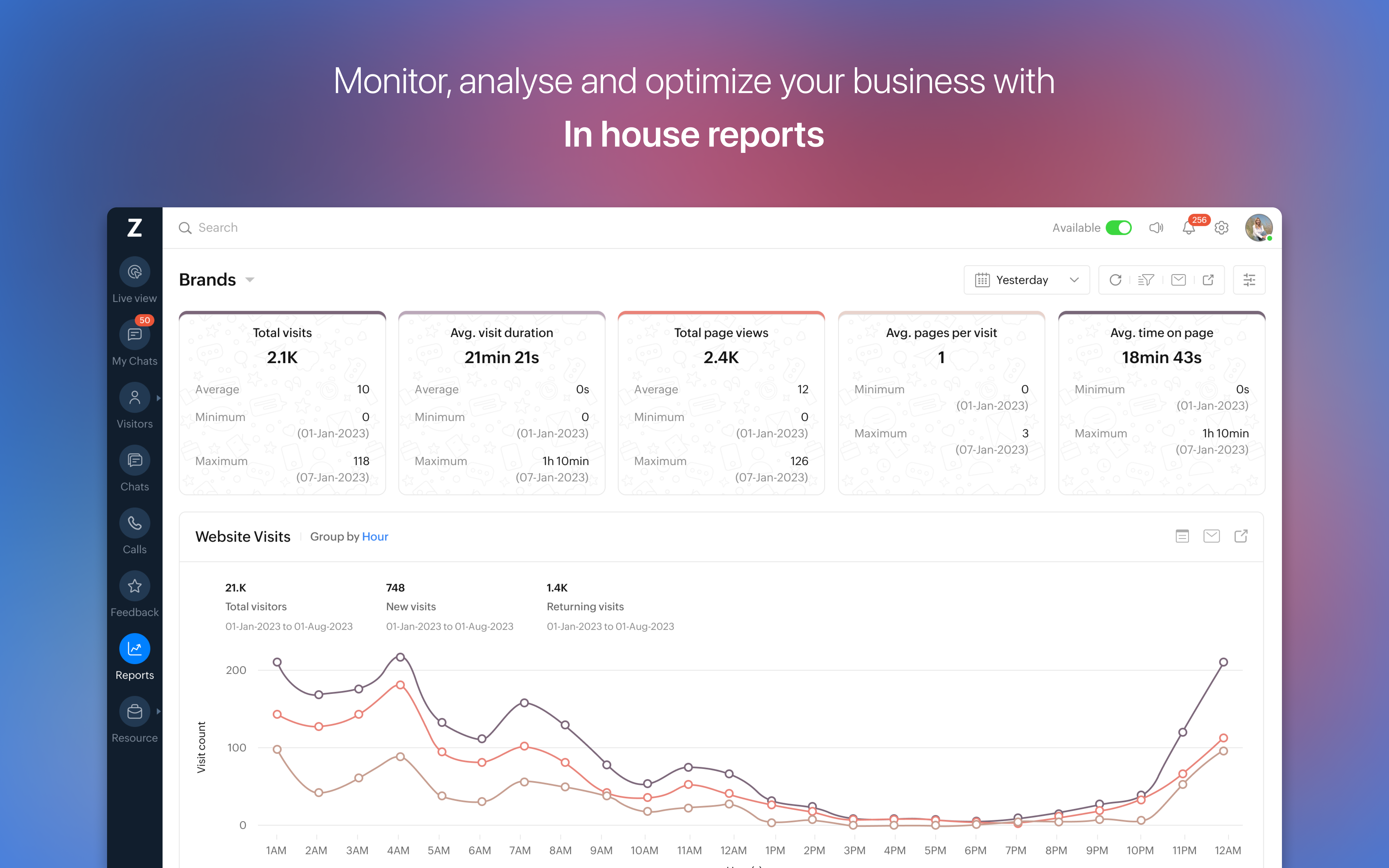
Stepping into SalesIQ's interface is akin to entering a control room where data streams in like a bustling city. The dashboard's design is clean and navigable, with vibrant visual cues that make understanding visitor activity intuitive. The real-time visitor monitoring feels dynamic, much like having a window into your website's bustling storefront, allowing you to see exactly who is browsing, what they're interested in, and when they might be ripe for engagement.
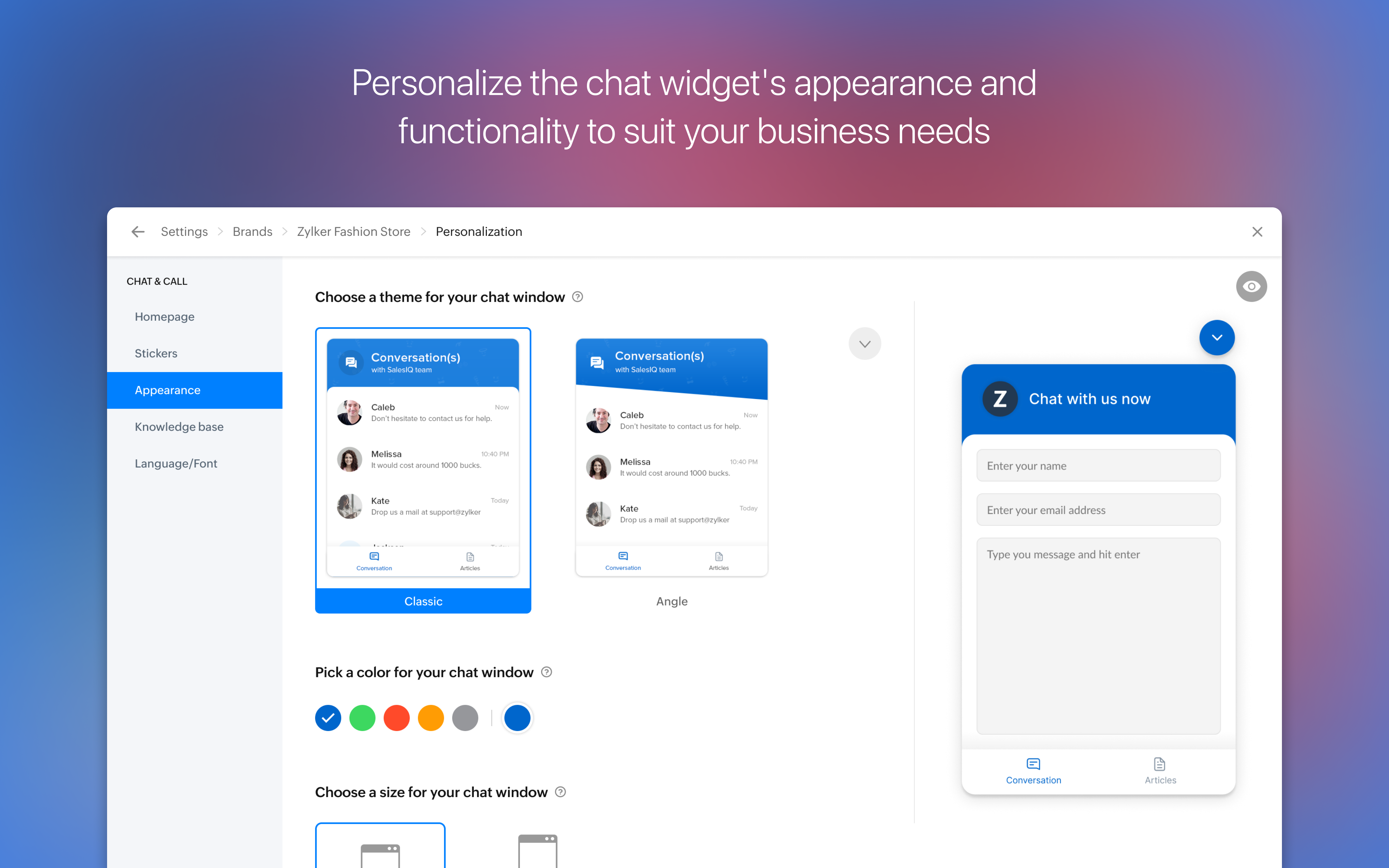
The chat feature embodies ease and immediacy; initiating conversations feels as natural as flagging down a friendly neighbor. The chat window's layout is unobtrusive but accessible, with options for canned responses or launching AI chatbots, making support both swift and seamless. The app operates smoothly—messages ping through instantaneously, and switching between functions like visitor monitoring, chat, and CRM is quick, ensuring your workflow remains unbroken. The learning curve is gentle, particularly for users familiar with business communication platforms, and additional onboarding guidance helps new users acclimate swiftly.
Standout Features & Differentiators
What truly sets SalesIQ apart from similar business applications is its dual focus on collaborative work features and task management enhancements. Unlike other tools that merely track visitors or facilitate chats, SalesIQ emphasizes teamwork and coordination. For example, its integrated ticketing system allows sales and support teams to share insights instantaneously, ensuring no visitor query slips through the cracks. Additionally, the platform facilitates collaborative note-taking and activity sharing, transforming customer engagement into a collective effort rather than isolated tasks.
This emphasis on collaboration makes it not just a customer support app but a team-centered engagement hub. Furthermore, the AI-powered chatbots aren't just automated responders; they learn from interactions, improving over time to deliver more contextually relevant support—much like having a junior team member who's instantly prepared and increasingly insightful. These unique blends of collaborative tools and intelligent automation mark SalesIQ as a forward-thinking choice for organizations aiming to elevate their customer interactions.
Should You Try It? Recommendations & Usage Tips
If your business values real-time customer insights and seamless multi-channel communication, SalesIQ for Windows warrants serious consideration. Its user-friendly interface, combined with powerful collaborative features, makes it particularly suitable for small to medium-sized teams looking to improve responsiveness and teamwork. For organizations already using Zoho CRM or contemplating an integrated customer management ecosystem, SalesIQ offers a natural extension that enhances overall efficiency.
For best results, invest time in training your team on the combined use of live chat, visitor monitoring, and ticket management. Leverage the AI chatbots to handle repetitive queries early on, freeing your staff to focus on complex customer needs. While it may not feature all the bells and whistles of larger enterprise tools, its specialization in collaborative engagement and goal-driven features make it a valuable addition to any customer support arsenal.
In summary, I recommend SalesIQ for Windows as a reliable, user-friendly, and highly integrative platform that fosters team collaboration and elevates customer experience. Whether you're aiming to improve support efficiency or deepen customer insights, this tool is worth exploring as part of your digital toolkit.
Pros
- Easy integration with Microsoft products
- Real-time live chat support
- Comprehensive visitor analytics
- Customizable chat widgets
- Automated chat triggers
Cons
- Limited customization options for mobile layouts
- Occasional latency issues during high traffic
- Steep learning curve for new users
- Basic reporting features without advanced analytics
- Occasional bug reports in chat history retrieval











