
- Category Productivity
- Developer Samsung Electronics Co. Ltd.
- Available on PC, HoloLens
- OS Windows 10 version 17763.0 or higher
- languages Albanian, Arabic, Armenian, Assamese, Azerbaijani, Bangla (Bangladesh), Bangla (India), Basque, Belarusian, Bosnian (Latin), Bulgarian, Catalan, Chinese (Simplified), Chinese (Traditional), Chinese (Traditional, Hong Kong SAR), Croatian, Czech, Danish, Dutch, English (Canada), English (Philippines), English (United States), Estonian, Finnish, French, French (Canada), Galician , Georgian, German, Greek, Gujarati, Hindi, Hungarian, Icelandic, Indonesian, Irish, Italian, Japanese, Kannada, Kazakh, Khmer, Korean , Kyrgyz, Lao, Latvian, Lithuanian, Macedonian, Malay, Malayalam, Marathi, Mongolian (Mongolia), Nepali, Norwegian (Bokmål), Odia, Persian, Persian/Farsi, Polish , Portuguese (Brazil), Portuguese (Portugal), Punjabi (India), Romanian, Russian, Serbian (Latin), Sinhala, Slovak, Slovenian, Spanish (Argentina), Spanish (Chile), Spanish (Latin America), Spanish (Mexico), Spanish (Paraguay), Spanish (Spain), Spanish (United States), Spanish (Uruguay), Swedish, Tamil, Telugu, Thai, Turkish, Ukrainian, Urdu, Uyghur, Uzbek, Vietnamese
Samsung Account for Windows: Your Seamless Digital Identity Companion
Samsung Account for Windows is a dedicated application designed to unify your Samsung ecosystem, offering smooth account management and enhanced device integration directly from your Windows device. It aims to streamline user experience by bridging Samsung's cloud services and your PC, providing a centralized hub for your digital life.
App Overview and Core Highlights
Developed by Samsung Electronics Co. Ltd., this app is tailored for Samsung device owners who wish to effortlessly synchronize their data and services across platforms. The main features include easy account management, device synchronization, and quick access to Samsung's cloud services. Its primary target audience comprises Samsung smartphone users, PC enthusiasts wanting a smoother ecosystem integration, and general consumers seeking simplified digital life management.
Engaging the User: A Fresh Take on Device Management
Imagine having a magic bridge that instantly connects your Galaxy phone and Windows PC — no more fumbling through multiple apps or remembering countless passwords. Samsung Account for Windows acts as this intelligent connector, transforming what could be a cumbersome digital chore into a breezy, enjoyable task. It's like having a friendly assistant who always keeps your devices in tune, ensuring your digital world remains harmonious and accessible at your fingertips.
Centralized Account Management and Sign-in Ease
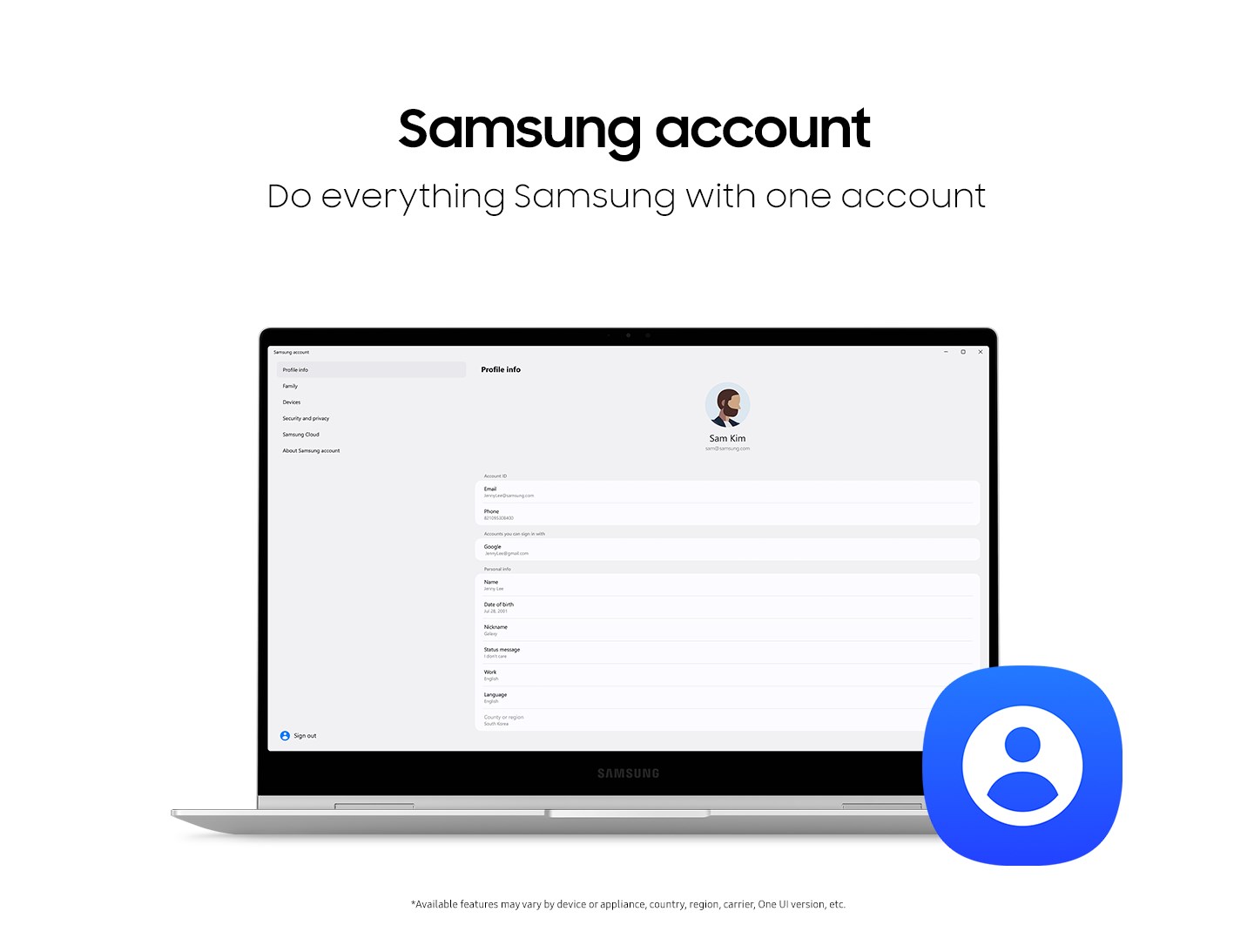
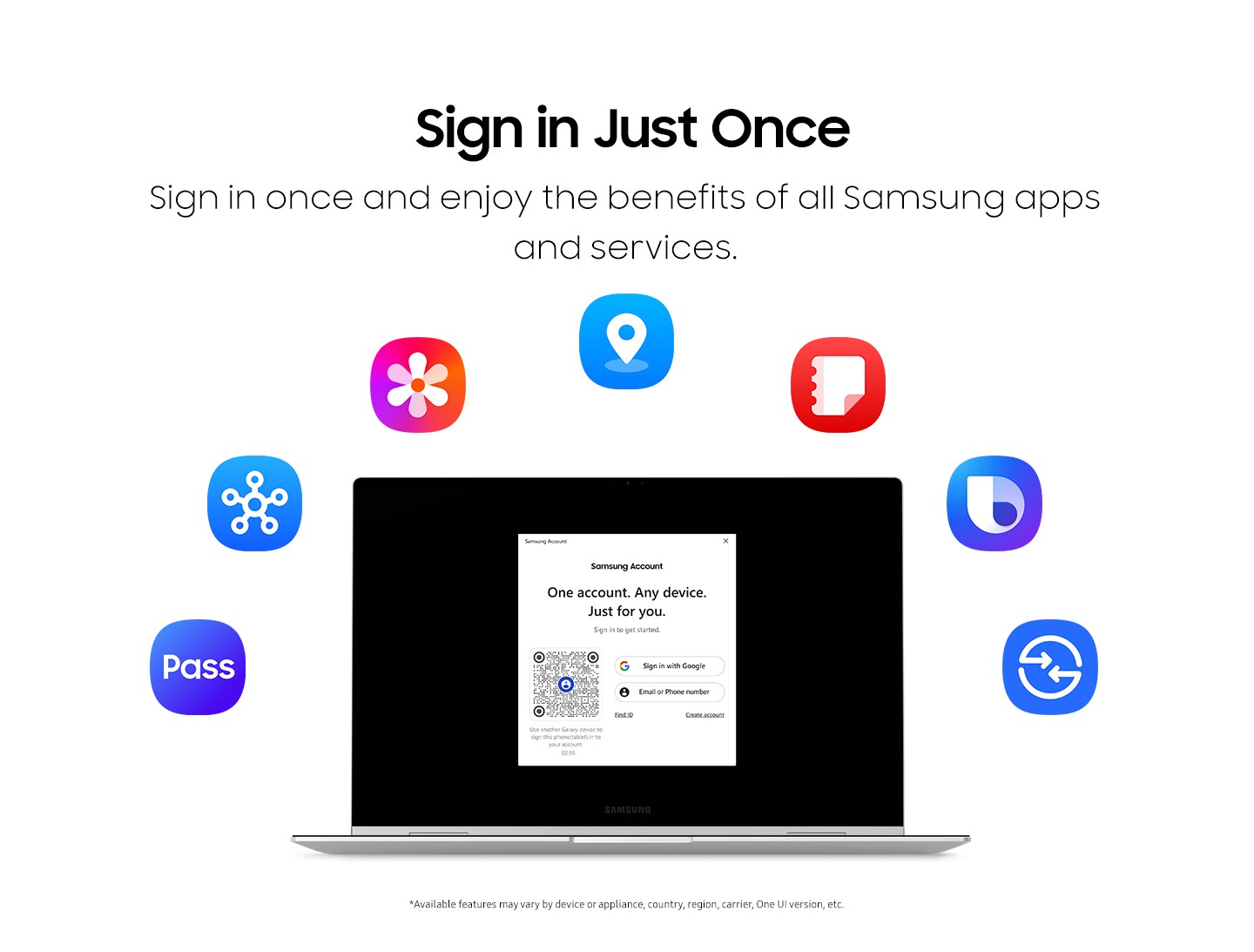
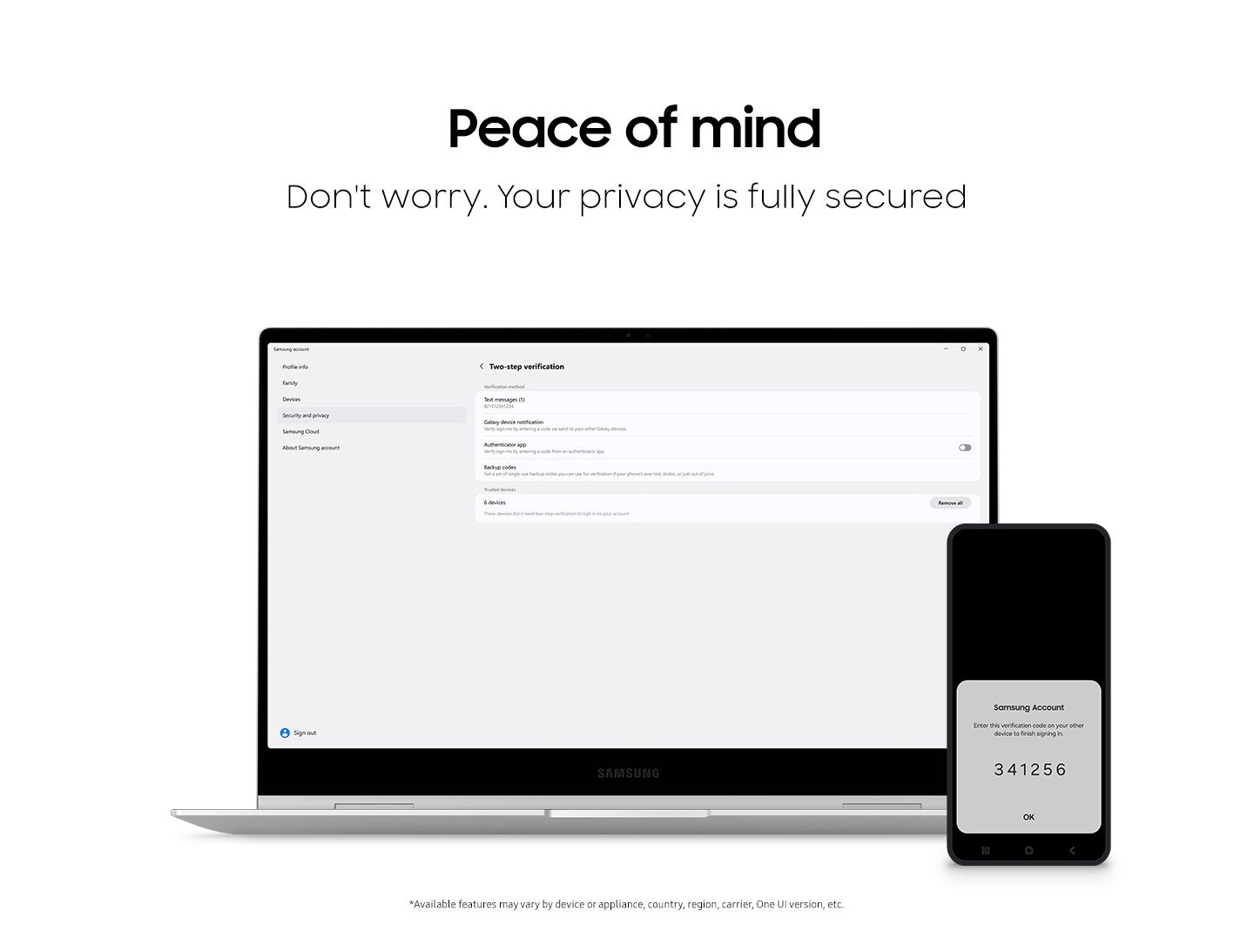
The app simplifies the process of managing your Samsung account directly from your Windows desktop. From a sleek, intuitive interface, users can effortlessly log in, update personal details, and access their Samsung services without switching platforms. This core feature significantly reduces the cognitive load of juggling multiple login credentials across different apps, akin to having a keyring that keeps all your keys in one place.
Device Synchronization and Content Sharing
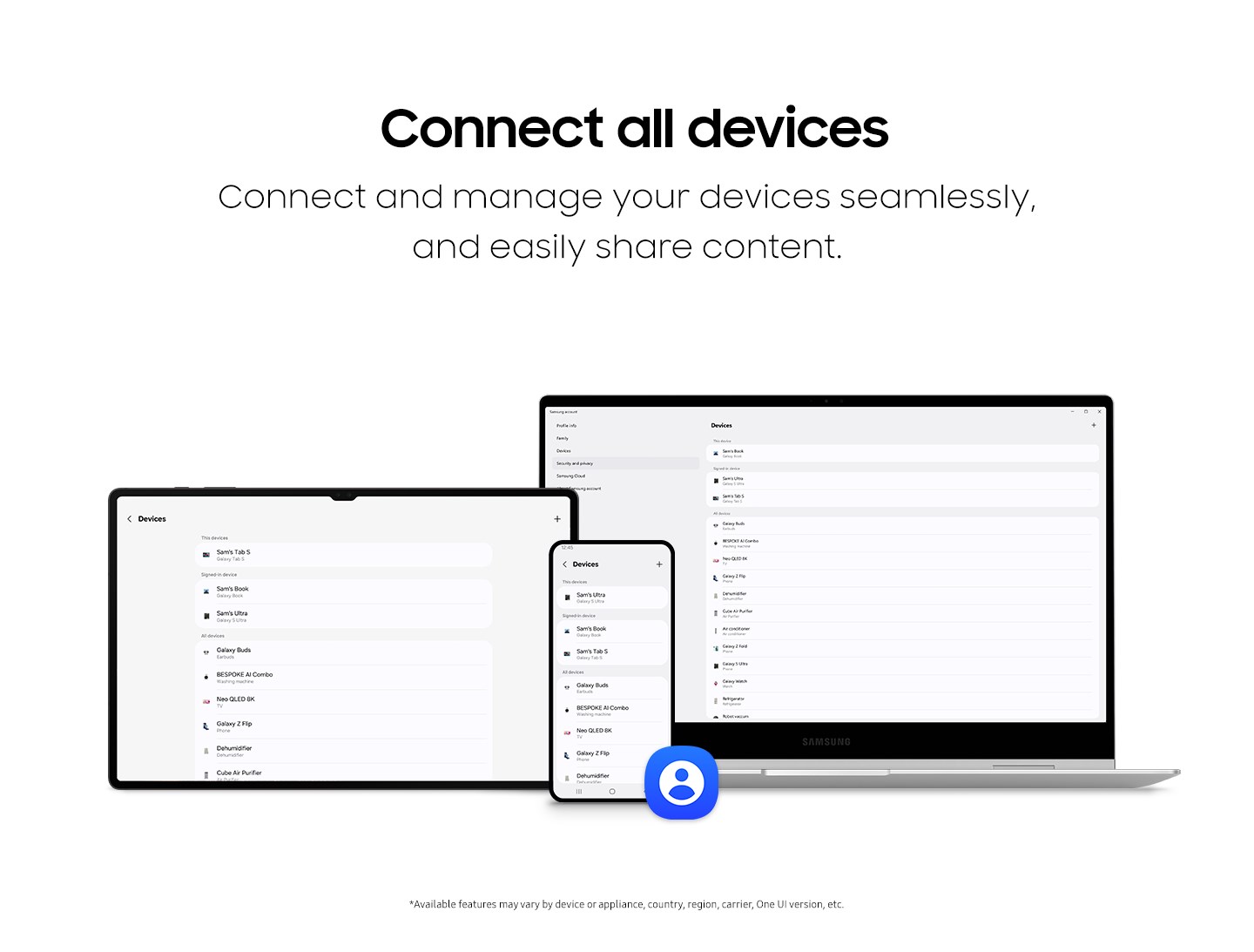
One of the most compelling functionalities is seamless device synchronization. Whether it's sharing photos, messages, or notifications between your Galaxy smartphone and Windows PC, the app ensures that information flows smoothly, almost as if your devices are whispering secrets to each other. Unlike traditional productivity tools that treat devices as separate islands, Samsung Account fosters a connected environment where your digital activities become effortlessly interconnected, trimming down needed steps and boosting workflow efficiency.
Cloud Services and Extras
The app also grants quick access to Samsung Cloud services, allowing users to back up important data, retrieve saved content, and manage storage directly from Windows. This integration not only simplifies data management but also minimizes the cognitive load often associated with managing multiple cloud accounts and applications. Think of it as a trusty control tower, coordinating your digital resources with clarity and ease, rather than being lost in a maze of options.
User Experience and Differentiators
The interface design strikes a balance between minimalism and functionality, making it easy for users of all levels to navigate. The app operates smoothly without noticeable lag, even when syncing sizable media files or multiple devices, thanks to well-optimized background processes. Its learning curve is gentle; most users will find themselves up and running within minutes, likening it to learning the steps of a familiar dance.
Compared to other productivity apps, Samsung Account for Windows distinguishes itself by focusing on the ecosystem integration rather than just task management. Its standout feature is the device synchronization capability, which is not only reliable but also enhances overall workflow without adding complexity. Instead of overwhelming users with numerous options, it emphasizes reducing cognitive load, enabling users to accomplish more with less mental clutter. In a sea of feature-rich apps that often overwhelm, this targeted approach makes the Samsung Account app uniquely practical and user-centered.
Recommendation and Usage Tips
For Samsung device owners seeking a streamlined way to connect their gadgets, this app is highly recommended — particularly if managing multiple devices or cloud storage is part of your daily routine. It's best suited for users who value simplicity, reliability, and ecosystem cohesion. Start by installing the app, logging in with your Samsung account, and exploring the device synchronization features. You'll likely notice an immediate enhancement in workflow efficiency and device management simplicity.
Overall, Samsung Account for Windows is not just another app; it is a thoughtfully designed bridge that turns fragmented device management into a symphony of connected productivity. Its ability to reduce unnecessary steps while maintaining robust functionality makes it a valuable addition for anyone within the Samsung ecosystem, aiming to make their digital life more integrated and less cluttered.
Pros
- Universal account synchronization
- Integrated service access
- User-friendly interface
- Secure login features
- Regular updates and improvements
Cons
- Limited device compatibility
- Occasional login issues
- Slow response times during peak usage
- Limited customization options
- Incomplete offline functionality











