
- Category Productivity
- Available on PC, Mobile, Surface Hub
- OS Windows 10 version 18362.0 or higher
- languages Chinese (Simplified), Chinese (Traditional), Chinese (Traditional, Hong Kong SAR), Danish, Dutch, English (United Kingdom), English (United States), Finnish, French, French (Canada), German, Hungarian, Icelandic, Italian, Korean , Norwegian (Bokmål), Polish , Portuguese (Brazil), Portuguese (Portugal), Russian, Spanish (Argentina), Spanish (Chile), Spanish (Latin America), Spanish (Mexico), Spanish (Paraguay), Spanish (Spain), Spanish (Uruguay), Swedish, Thai
Streamlining Your Cloud Storage with Samsung Cloud for Windows
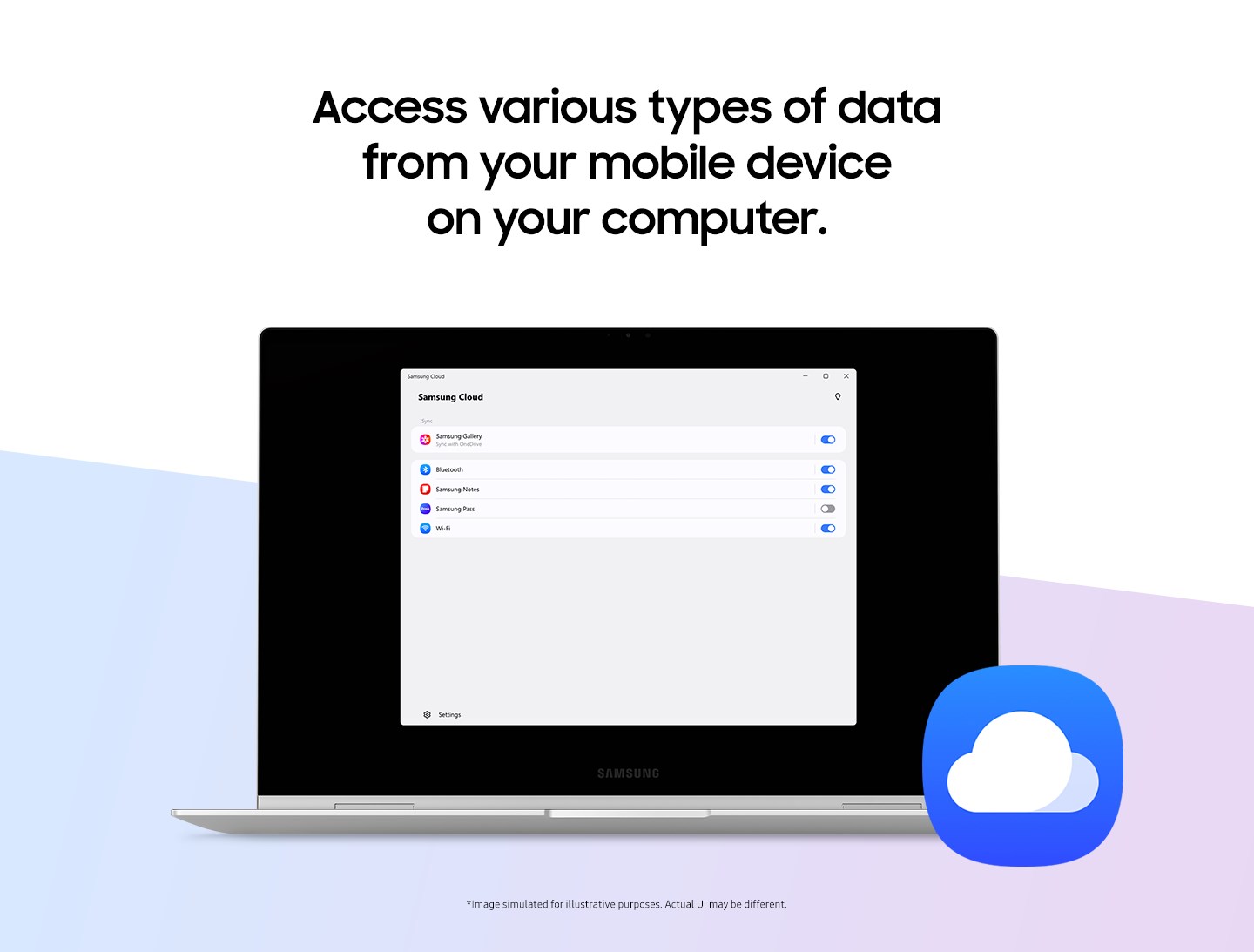
Samsung Cloud for Windows offers a seamless integration of Samsung's cloud ecosystem directly into your desktop environment, making file management effortless and intuitive. Perfect for Samsung device users seeking a centralized, user-friendly cloud solution, this application aims to bridge devices and data with efficiency and simplicity.
Meet the Core of Samsung Cloud for Windows
Developed by Samsung Electronics Co. Ltd., this application stands as a testament to Samsung's commitment to ecosystem harmony. Its primary strengths lie in easy file synchronization, robust data backup, and efficient device management — all designed to boost productivity without adding clutter. Whether you're a professional managing multiple Samsung devices or a casual user seeking reliable cloud storage, Samsung Cloud for Windows positions itself as a practical tool tailored to diverse needs.
Engaging with the App: From Setup to Daily Use
Imagine opening your laptop and having your essential Samsung device data automatically at your fingertips — that's the convenience Samsung Cloud for Windows promises. The user experience is akin to having a digital assistant that silently organizes your files in the background. Its interface is clean and inviting, with straightforward navigation that welcomes beginners and tech-savvy users alike. The learning curve is gentle; even those new to cloud apps will find their way with minimal effort.
Core Functionality Spotlight: Effortless Synchronization & Backup
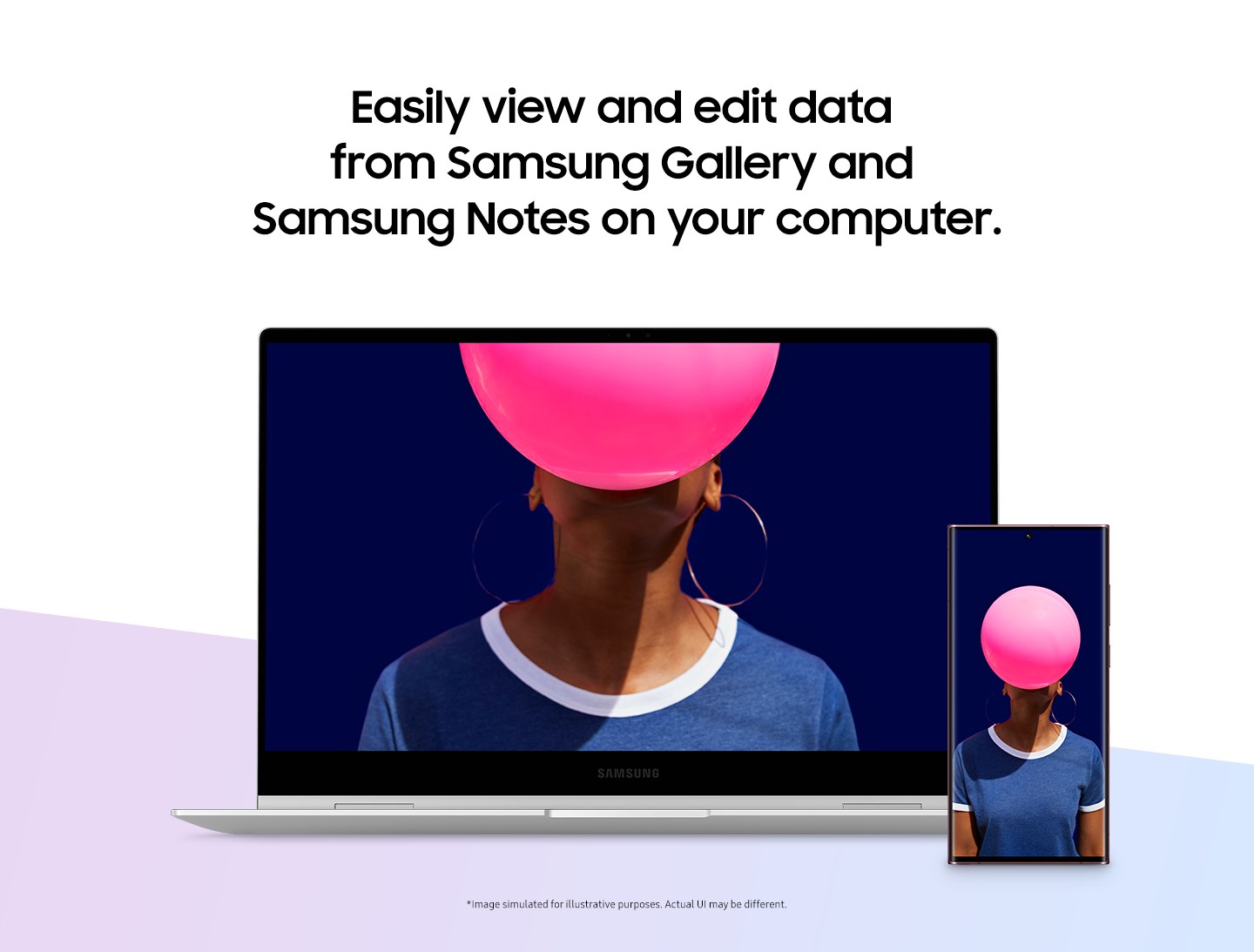
The app's standout feature is its seamless synchronization capability. When you connect your Samsung devices to your PC, files such as photos, videos, and documents automatically sync across platforms—think of it as having a digital conveyor belt that effortlessly moves your data where it needs to be. Unlike some cloud services that impose complex workflows, Samsung Cloud's straightforward approach reduces cognitive load, letting you focus on your tasks rather than navigating through settings.
Device Management & Data Security
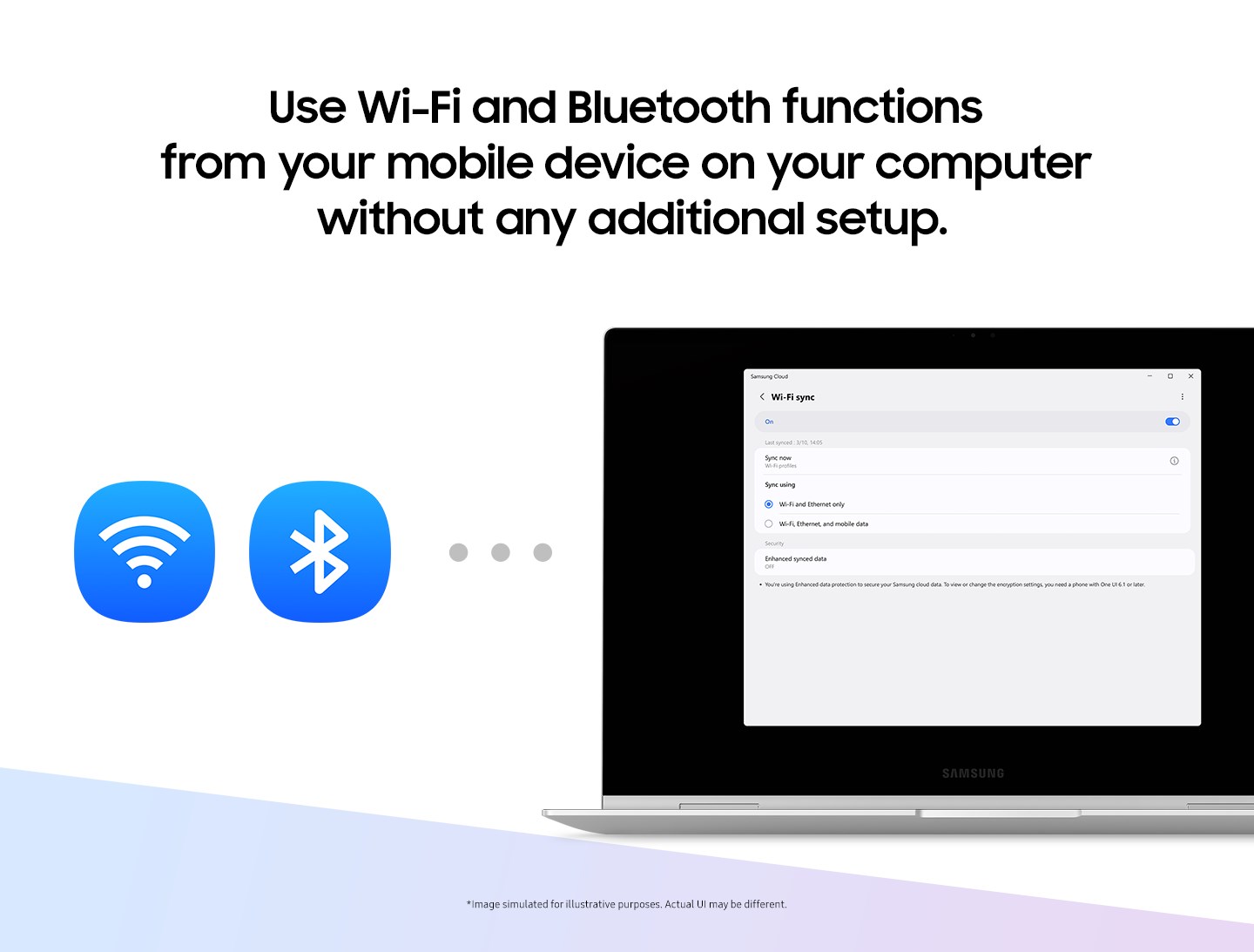
Beyond mere storage, Samsung Cloud for Windows provides comprehensive device management. You can easily view, manage, and update connected devices from your desktop. Security-wise, the app employs Samsung's trusted encryption standards to safeguard your data, giving peace of mind without complicating access. These features together foster a sense of control and security, essential for professional environments and personal use alike.
Why It Stands Out Among Competitors
Compared to other productivity tools, Samsung Cloud for Windows emphasizes workflow integration. Its most distinctive feature is the tight synchronization with Samsung devices, reducing the steps needed to keep files consistent across platforms. This specificity minimizes cognitive load—users aren't overwhelmed by an array of complex options; instead, they benefit from a streamlined, purpose-built experience. The app avoids feature bloat, prioritizing core functionalities that truly matter. This clarity makes it a smarter choice for users who value efficiency over extraneous features.
Should You Try It? Recommendations & Usage Tips
If you are a Samsung user seeking a reliable, easy-to-use cloud extension for Windows that integrates tightly with your devices, Samsung Cloud for Windows is highly recommended. It suits those who prefer a straightforward, purpose-driven application that enhances, rather than complicates, their workflow. For optimal use, ensure your devices are compatible and connected, and leverage the automatic sync features to keep your data up-to-date effortlessly. It's particularly valuable for users managing multiple Samsung gadgets, making their digital ecosystem feel as integrated as a well-oiled machine.
Pros
- Seamless integration with Samsung devices
- User-friendly interface
- Automatic backup and synchronization
- Generous storage options
- Enhances data security
Cons
- Limited device compatibility
- Occasional sync delays
- Restricted free storage
- Limited customization options
- Occasional app crashes











