languages
Albanian, Arabic, Armenian, Assamese, Azerbaijani, Bangla (Bangladesh), Bangla (India), Basque, Belarusian, Bosnian (Latin), Bulgarian, Catalan, Chinese (Simplified), Chinese (Traditional), Chinese (Traditional, Hong Kong SAR), Croatian, Czech, Danish, Dutch, English (Canada), English (Philippines), English (United Kingdom), English (United States), Estonian, Finnish, French, French (Canada), Galician , Georgian, German, Greek, Gujarati, Hindi, Hungarian, Icelandic, Indonesian, Irish, Italian, Japanese, Kannada, Kazakh, Khmer, Korean , Kyrgyz, Lao, Latvian, Lithuanian, Macedonian, Malay, Malayalam, Marathi, Mongolian (Mongolia), Nepali, Norwegian (Bokmål), Odia, Persian, Persian/Farsi, Polish , Portuguese (Brazil), Portuguese (Portugal), Punjabi (India), Romanian, Russian, Serbian (Latin), Sinhala, Slovak, Slovenian, Spanish (Argentina), Spanish (Chile), Spanish (Latin America), Spanish (Mexico), Spanish (Paraguay), Spanish (Spain), Spanish (United States), Spanish (Uruguay), Swedish, Tamil, Telugu, Thai, Turkish, Ukrainian, Urdu, Uyghur, Uzbek, Vietnamese
Samsung Notes for Windows: A Seamless Note-Taking Companion
A Fresh Take on Digital Note Management
Samsung Notes for Windows, developed by Samsung Electronics Co., Ltd., aims to revolutionize how users create, organize, and access their notes across devices. Designed as a versatile, user-friendly note-taking app tailored for Windows users, it seeks to bridge the gap between mobile notes and desktop workflows with elegance and efficiency. Whether you're a student organizing lecture notes, a professional annotating documents, or a creative mind jotting down ideas, Samsung Notes for Windows positions itself as a reliable companion in your digital workspace.
Key Features That Stand Out
1. **Seamless Device Synchronization:** Effortlessly sync your notes across Samsung Galaxy devices and Windows PCs, ensuring your ideas are always within reach—no more manual transfers or cloud folder hunts.
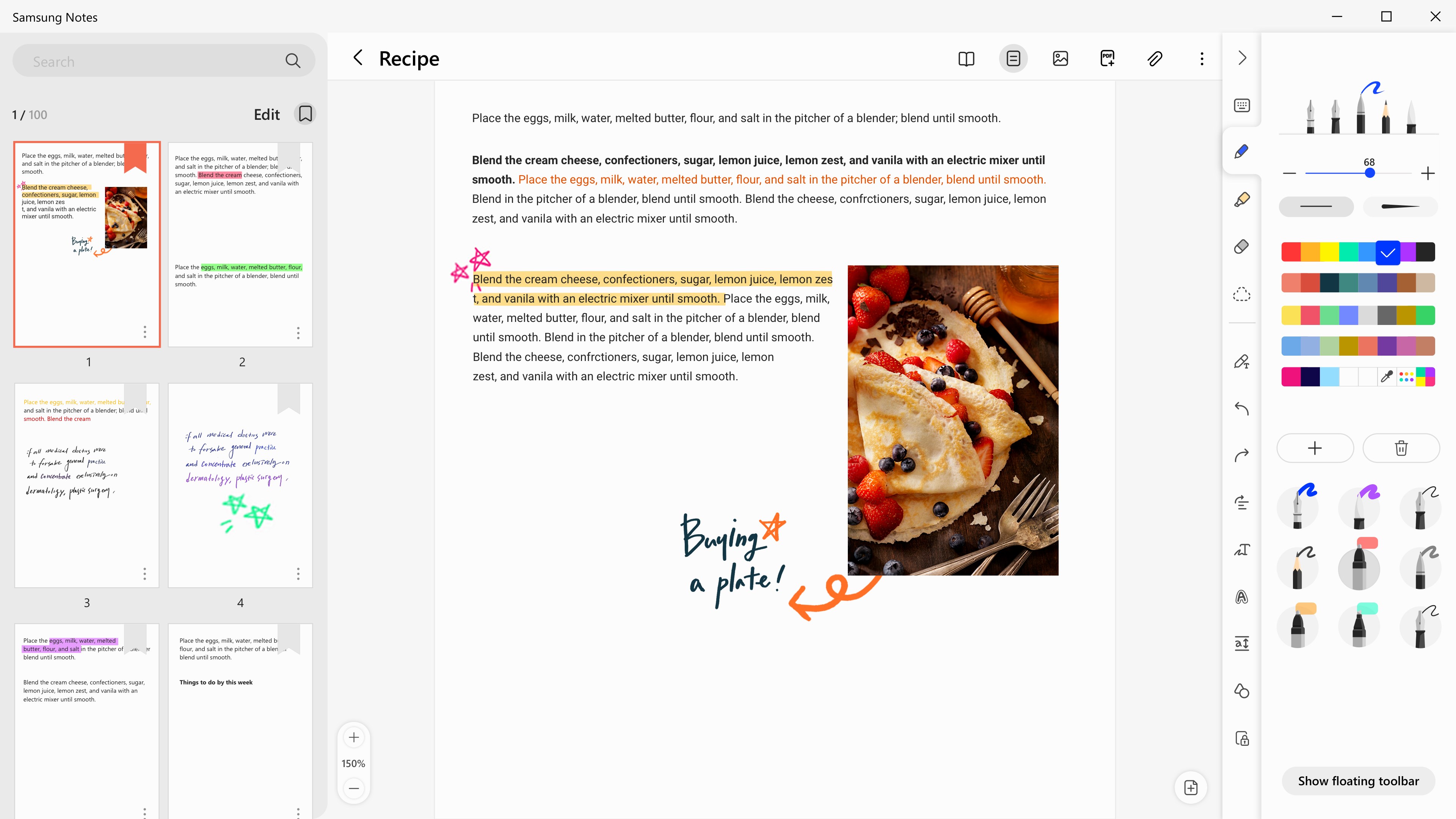
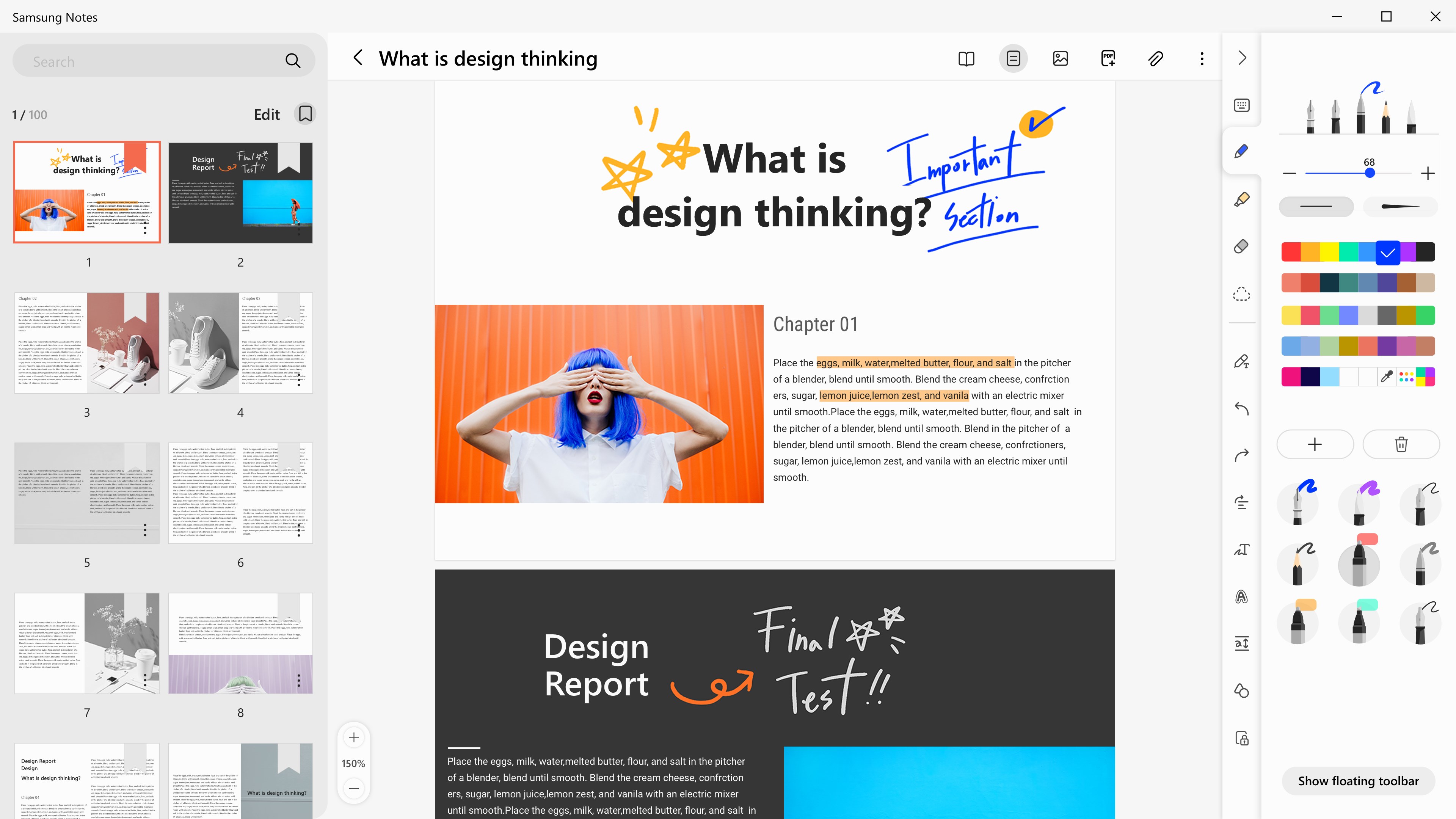
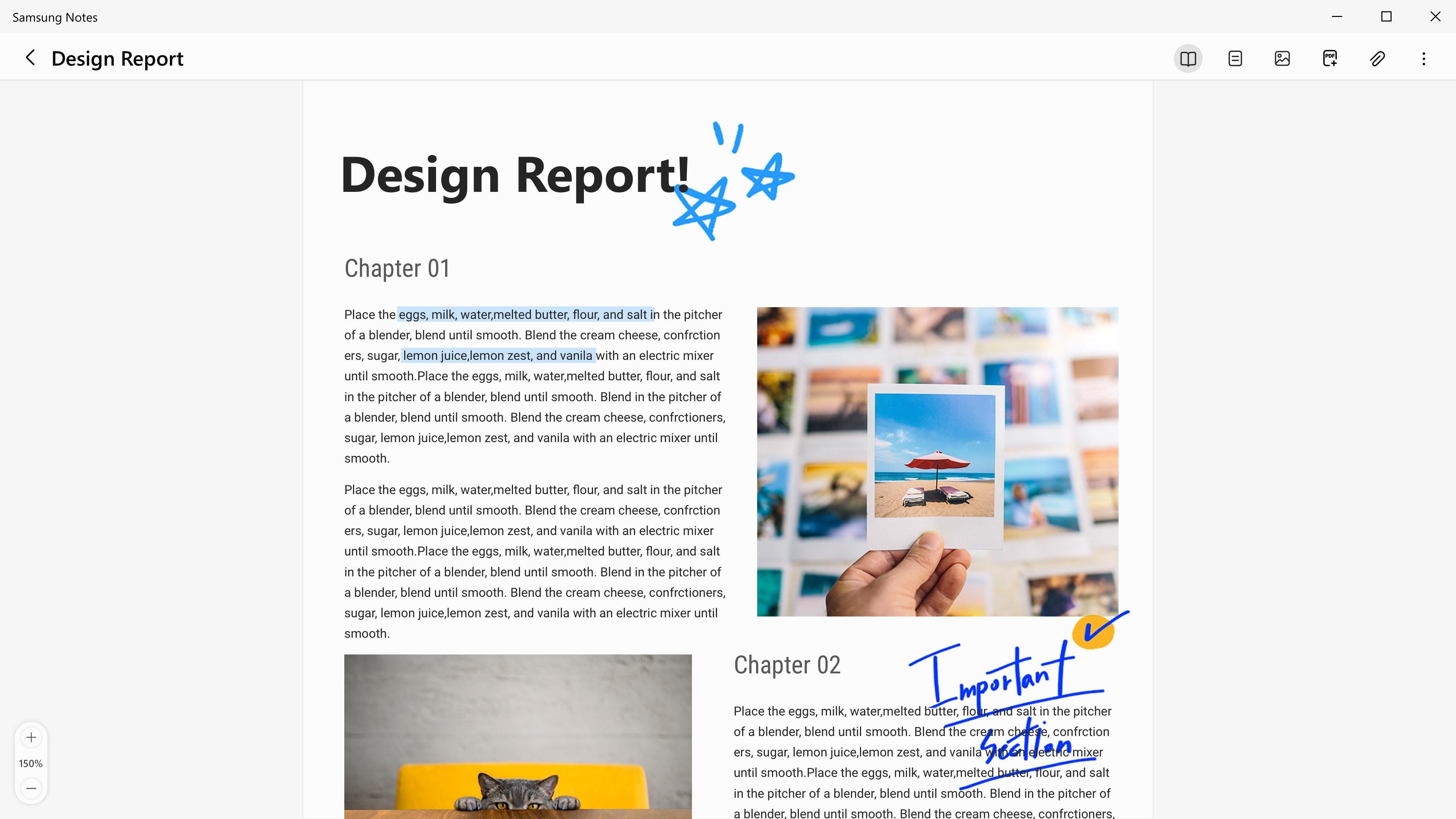
2. **Rich Media Support:** Incorporate handwritten sketches, drawings, typed text, images, and even audio recordings within a single note, creating dynamic, multimedia-rich documents that cater to diverse preferences.
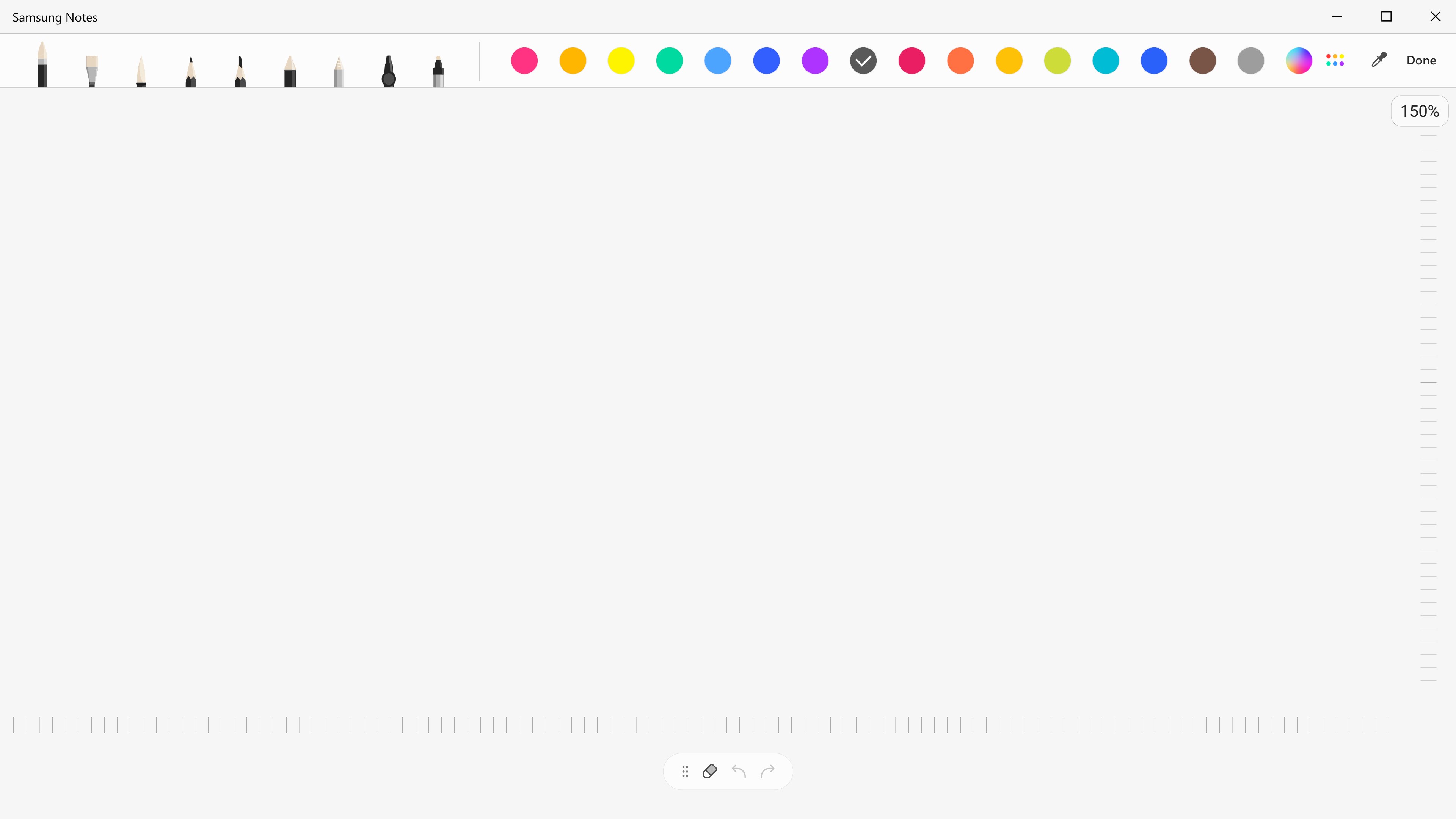
3. **Intuitive Pen and Annotation Tools:** Equipped with a variety of pen types, colors, and highlighters designed for precision, enabling users to annotate PDFs or sketch ideas with natural fluidity.
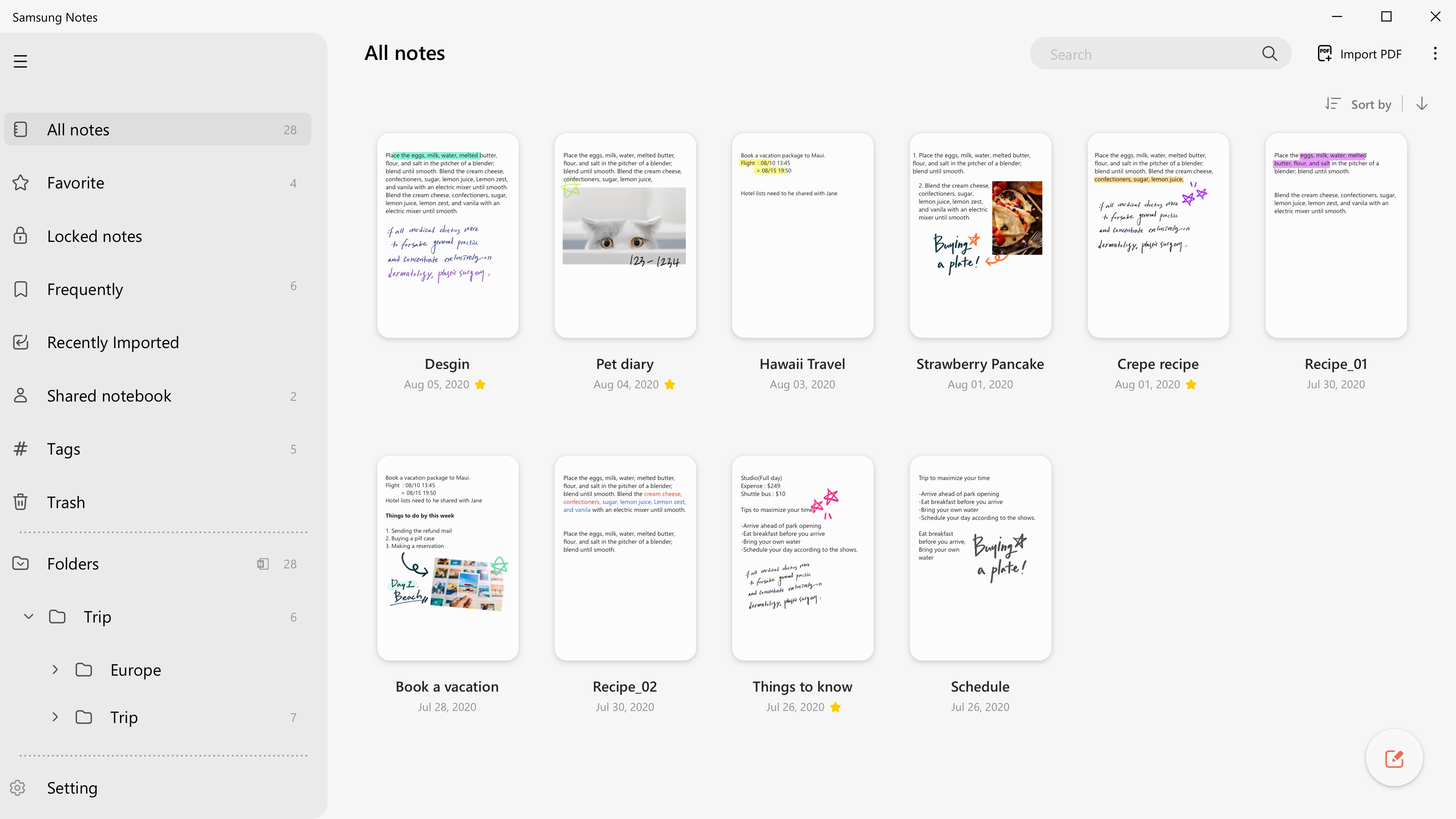
4. **Smart Organization and Search:** Tag, categorize, and search through extensive notes effortlessly, reducing cognitive load and saving time—absolutely essential for power users juggling multiple projects.
Crafting an Immersive User Experience
Imagine opening Samsung Notes for Windows on a quiet morning; the interface greets you with a clean, minimalist aesthetic akin to a well-organized desktop workspace—no clutter, just focus. The initial learning curve is gentle, with intuitive controls that feel familiar, especially for those accustomed to traditional note apps. Drawing and writing feel natural; the stylus or mouse glides smoothly, akin to sketching on paper, thanks to optimized rendering engine and responsive input handling. Transitions between multimedia elements are fluid, and editing is straightforward—drag, resize, or annotate with minimal fuss.
Particularly, the app's interface emphasizes clarity and simplicity, which keeps cognitive load low; users can focus on ideas rather than juggling complex menus. The synchronization process is seamless—notes saved on your Galaxy device automatically appear on Windows, just like magic, which speaks to Samsung's emphasis on workflow integration efficiency. Unlike many competitors packed with flashy features, Samsung Notes opts for functional precision—reducing unnecessary complexity that often hampers productivity.
Differentiating from Other Productivity Tools
While apps like OneNote or Evernote excel in multi-platform support, Samsung Notes for Windows distinguishes itself through tight integration with Samsung's ecosystem. Its primary advantage lies in reducing the friction between mobile and desktop workflows—an advantage for Samsung users who value efficiency over feature bloat. The app emphasizes a natural, simplified experience that deliberately avoids overwhelming users with excessive tools, hence reducing cognitive load—the mental effort required to perform tasks. This focus on streamlined functionality makes it especially appealing for users seeking quick note access and light editing without wading through layers of menus or settings.
Furthermore, the app's multimedia-rich approach and smooth annotation capabilities make it stand out as a note companion for creative and professional use alike. Its ability to work flawlessly with Samsung devices means your handwritten notes, sketches, and recordings are just a click away on your Windows machine, creating a cohesive digital workspace.
Final Thoughts: Is It Worth Your Time?
For users invested in Samsung's ecosystem or those looking for a simple yet powerful note app, Samsung Notes for Windows is a highly recommended tool. It excels in workflow integration, making note synchronization effortless, and its focus on reducing complexity ensures an enjoyable user experience. Whether you're managing academic notes, business ideas, or creative sketches, this app provides a streamlined platform that gets out of your way.
While it may not feature the extensive third-party integrations of larger apps, its ease of use and ecosystem harmony make it an excellent choice for Samsung enthusiasts and productivity seekers alike. I'd suggest giving it a try if you prioritize a clean, focused note-taking environment that keeps your ideas synchronized across devices without unnecessary distraction.