

- Category Productivity
- Available on PC
- OS Windows 10 version 17763.0 or higher
- languages Chinese (Simplified), Chinese (Traditional), Chinese (Traditional, Hong Kong SAR), Danish, Dutch, English, English (United Kingdom), English (United States), Finnish, French, French (Canada), German, Hungarian, Italian, Korean, Norwegian (Bokmål), Polish, Portuguese, Portuguese (Brazil), Portuguese (Portugal), Russian, Spanish, Spanish (Latin America), Spanish (Mexico), Spanish (Spain), Spanish (United States), Swedish
SamsungPhone for Windows: Seamless Smartphone-Computer Connectivity
SamsungPhone for Windows is a dedicated application designed to bridge the gap between your Samsung smartphone and Windows PC, offering a unified experience that streamlines your daily digital life.
Basic Information About the App
Positioned as an intuitive companion, SamsungPhone for Windows aims to integrate your mobile device effortlessly with your desktop environment. Developed by Samsung Electronics Co. Ltd., a global leader in consumer electronics, this app focuses on enhancing productivity and convenience for Samsung users.
- Key Features: One-click phone mirroring, message synchronization, app access from the PC, and remote camera control.
- Target Users: Samsung smartphone users looking for a more connected and efficient workflow, especially professionals and students who frequently switch between devices.
An Engaging Dive into Connectivity
Imagine a world where your Samsung phone and Windows PC are no longer strangers but close allies, working in harmony behind the scenes. With SamsungPhone for Windows, that vision becomes reality — transforming the way you interact with your devices through a simple, clean interface that makes connectivity feel like second nature.
One-Click Phone Mirroring and Notification Sync
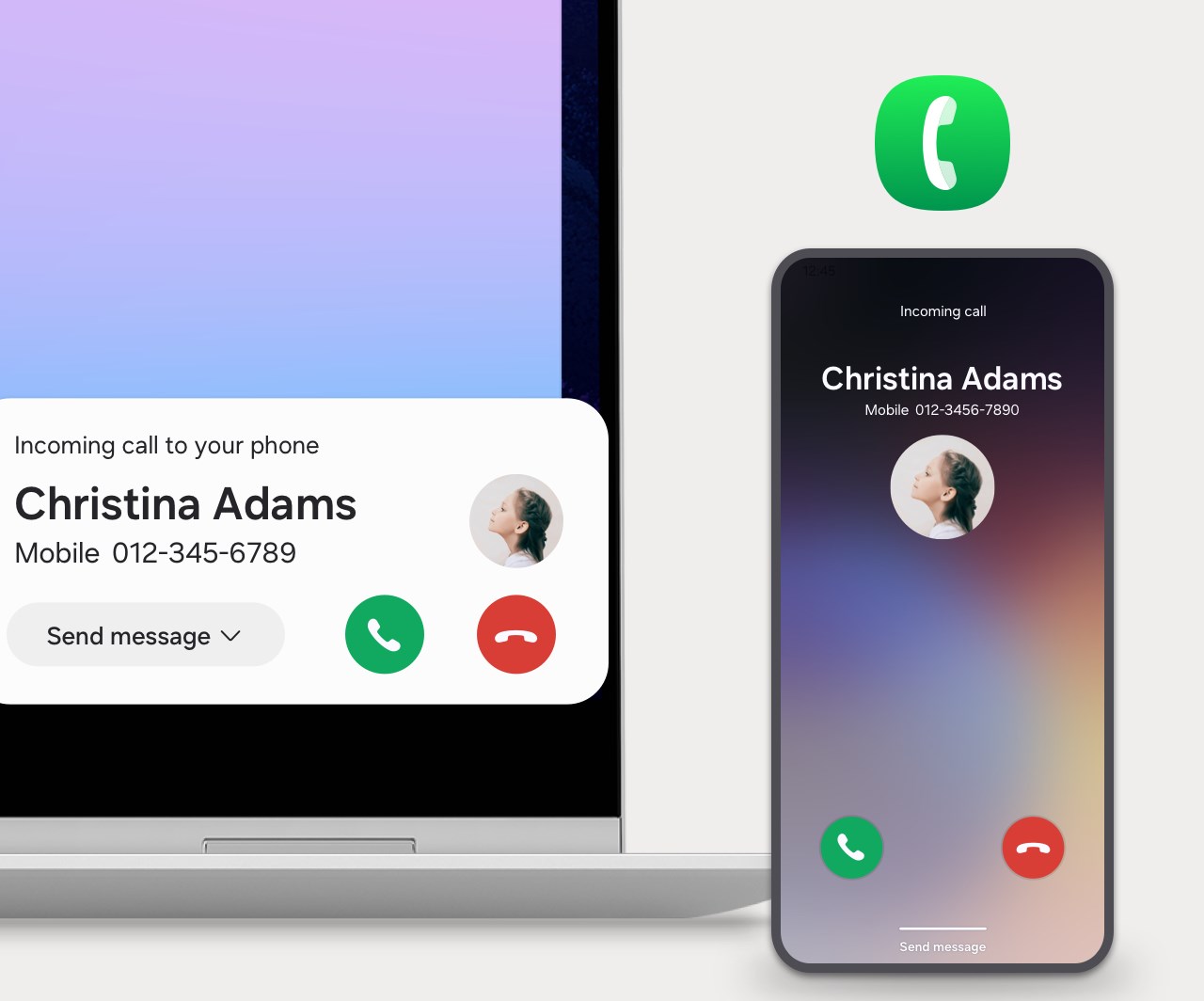
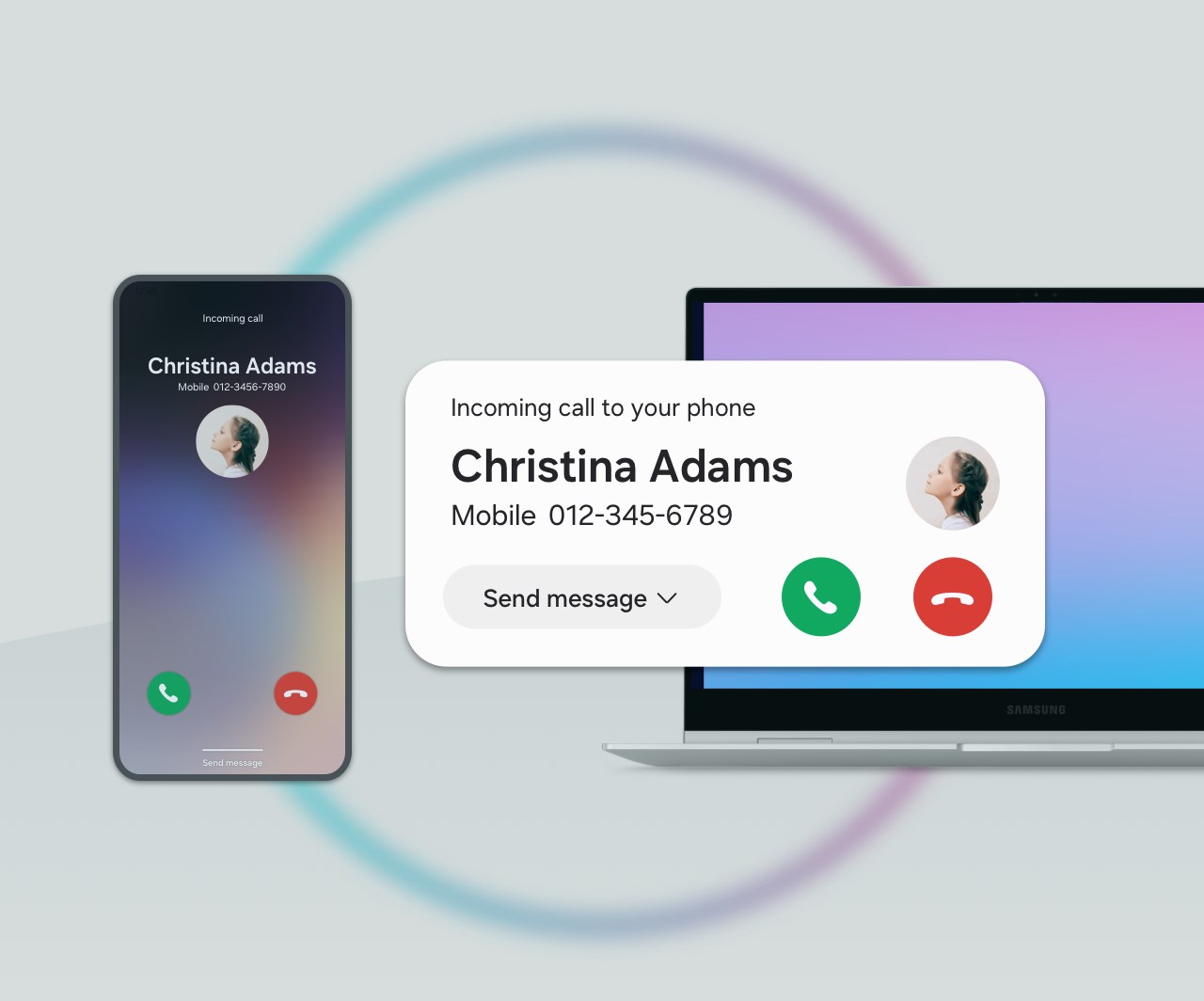
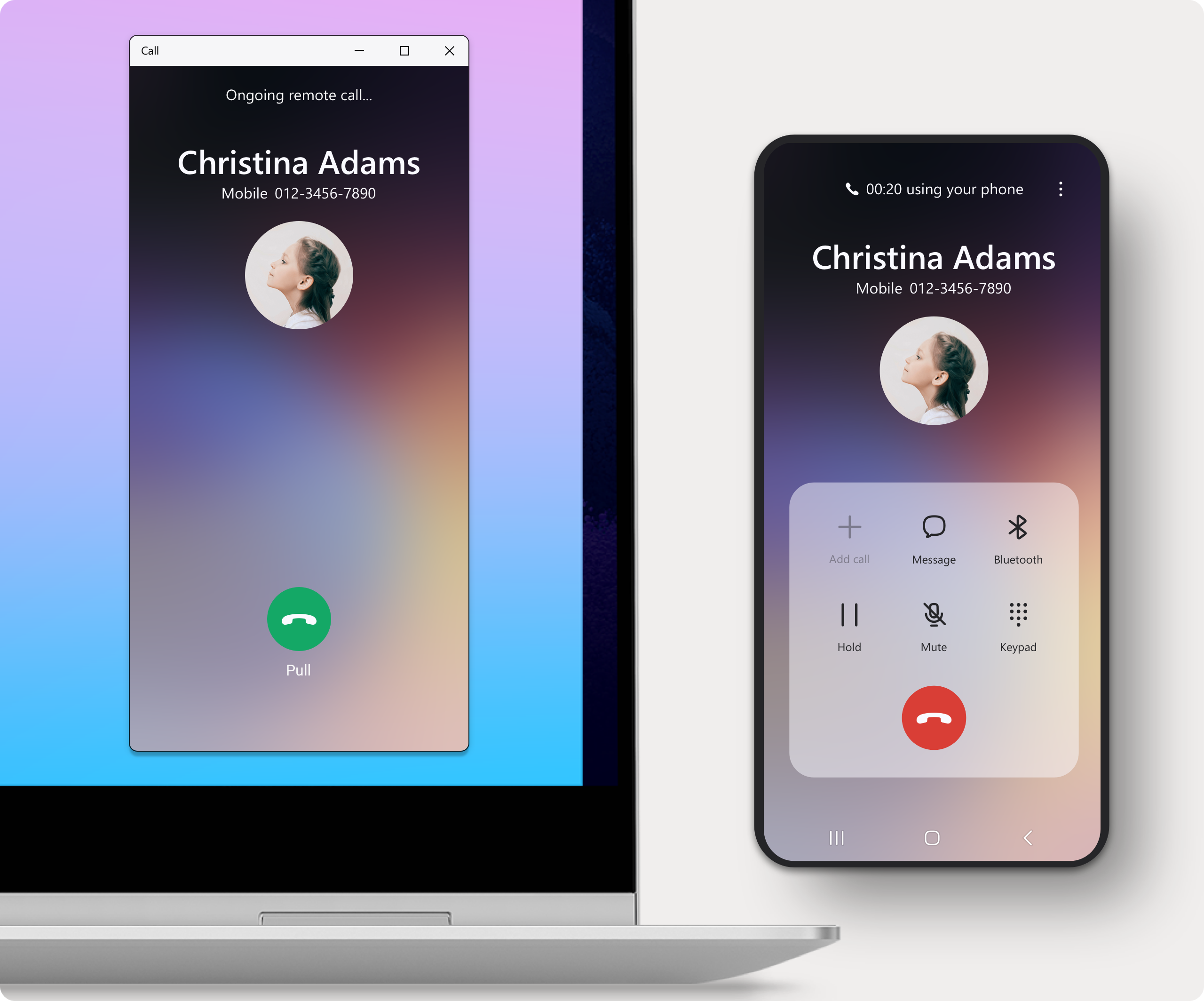
At the heart of its functionality, SamsungPhone for Windows excels at providing instant access to your phone's screen. Instead of fumbling through apps or plugging in cables, you can mirror your screen on your PC with a single click, turning your desktop into an extended control hub. Notifications, calls, and messages sync smoothly, allowing you to stay updated without glancing at your phone constantly. This feature is like having your phone's essence live within your desktop, smoothly integrating communication without interrupting your workflow.
Easy App and File Access
Another standout feature is the ability to launch compatible mobile apps directly from your PC. Whether you're browsing a social media app or editing a document, SamsungPhone for Windows offers a bridge where mobile app interaction becomes as effortless as working on your desktop. Plus, files can be transferred seamlessly, transforming your device into a unified workspace — no more juggling between devices or dealing with cumbersome manual transfers.
Remote Camera Control and Other Smart Features
Enhanced usability is further demonstrated by remote camera control, allowing you to use your phone as a webcam or take photos remotely. For content creators or remote presenters, this becomes a handy tool, adding a new layer of versatility. These features showcase Samsung's commitment to creating a cohesive ecosystem, where all devices work in concert rather than isolation.
Assessing User Experience and Design
The interface strikes a balance between simplicity and functionality. Once paired, the app's layout is intuitive — even first-time users can navigate through options with minimal effort, akin to a well-organized toolbox ready for quick access. Responsiveness is noteworthy; interactions such as mirroring or notification updates happen in real-time, ensuring a fluid experience akin to an extension of your desktop environment.
Learning curve is gentle; most functionalities become immediately accessible, and Samsung provides clear guidance for setup and troubleshooting. This ease of use reduces cognitive load, allowing users to focus on their tasks instead of grappling with complex configurations.
Standing Out in the Productivity Jungle
Compared to other productivity tools that offer device syncing, SamsungPhone for Windows emphasizes workflow integration and efficiency over an overwhelming array of features. Its standout strength lies in its minimalistic yet powerful approach: reducing the mental effort involved in managing multiple devices. Rather than simply offering a plethora of options, it focuses on core functionalities that truly streamline daily routines, much like a reliable assistant who anticipates your needs without adding clutter.
Final Thoughts & Recommendations
Overall, SamsungPhone for Windows is a carefully crafted app that effectively enhances the synergy between your Samsung smartphone and Windows PC. Its most compelling features — quick phone mirroring and seamless app access — make it a valuable tool for users seeking to boost productivity without unnecessary complexity. If you're already embedded in the Samsung ecosystem and looking for a straightforward, reliable way to connect your devices, this app deserves a serious look.
While it may not replace more comprehensive device management suites for power users, its focus on workflow efficiency and cognitive load reduction make it a noteworthy addition for everyday use. I'd recommend giving it a try if seamless integration and minimal fuss are what you're after — it's like having your phone and PC whispering sweet nothings of synchronization into your digital life.
Pros
- User-Friendly Interface
- Comprehensive Product Information
- Fast Download Speeds
- Personalized Recommendations
- Regular Updates and Bug Fixes
Cons
- Limited Search Filters
- Occasional App Crashes
- Inconsistent Payment Options
- Slow Customer Support Response
- UI Design Could Be More Modern











