
- Category Productivity
- Developer Claudia Wey
- Available on Xbox console, PC, Mobile, Surface Hub, HoloLens
- OS Windows 10 version 17763.0 or higher
- Keyboard Not specified
- Memory Not specified
- languages Arabic, Chinese (Simplified), Chinese (Traditional Chinese), Chinese (Traditional), English, French, German, Italian, Japanese, Korean, Korean , Malay, Spanish, Spanish (Spain), Tamil
Introduction: A Fresh Take on Digital Note-Taking with Scrble Ink for Windows
If you've ever wished for a seamless bridge between traditional handwriting and modern digital workflows, Scrble Ink for Windows offers a compelling solution. Designed by Claudia Wey, this app transforms your pen or stylus into a powerful digital companion, making note-taking more natural and efficient. Whether you're a student, creative professional, or someone who simply enjoys the feel of pen on paper, Scrble Ink promises to elevate your writing experience with its thoughtfully crafted features.
Core Features That Make Scrble Ink Stand Out
Realistic Handwriting Experience with Ink Conversion
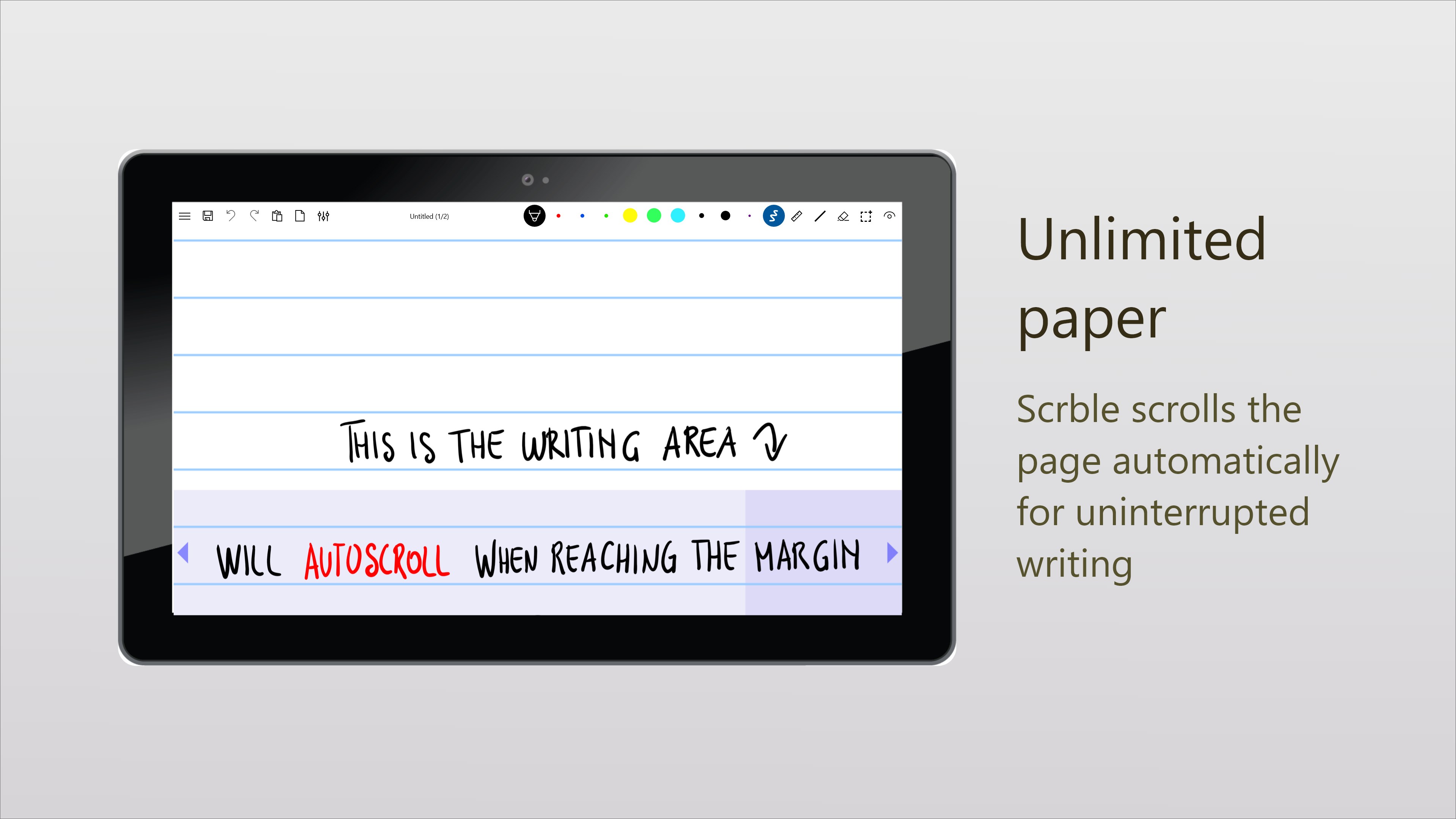
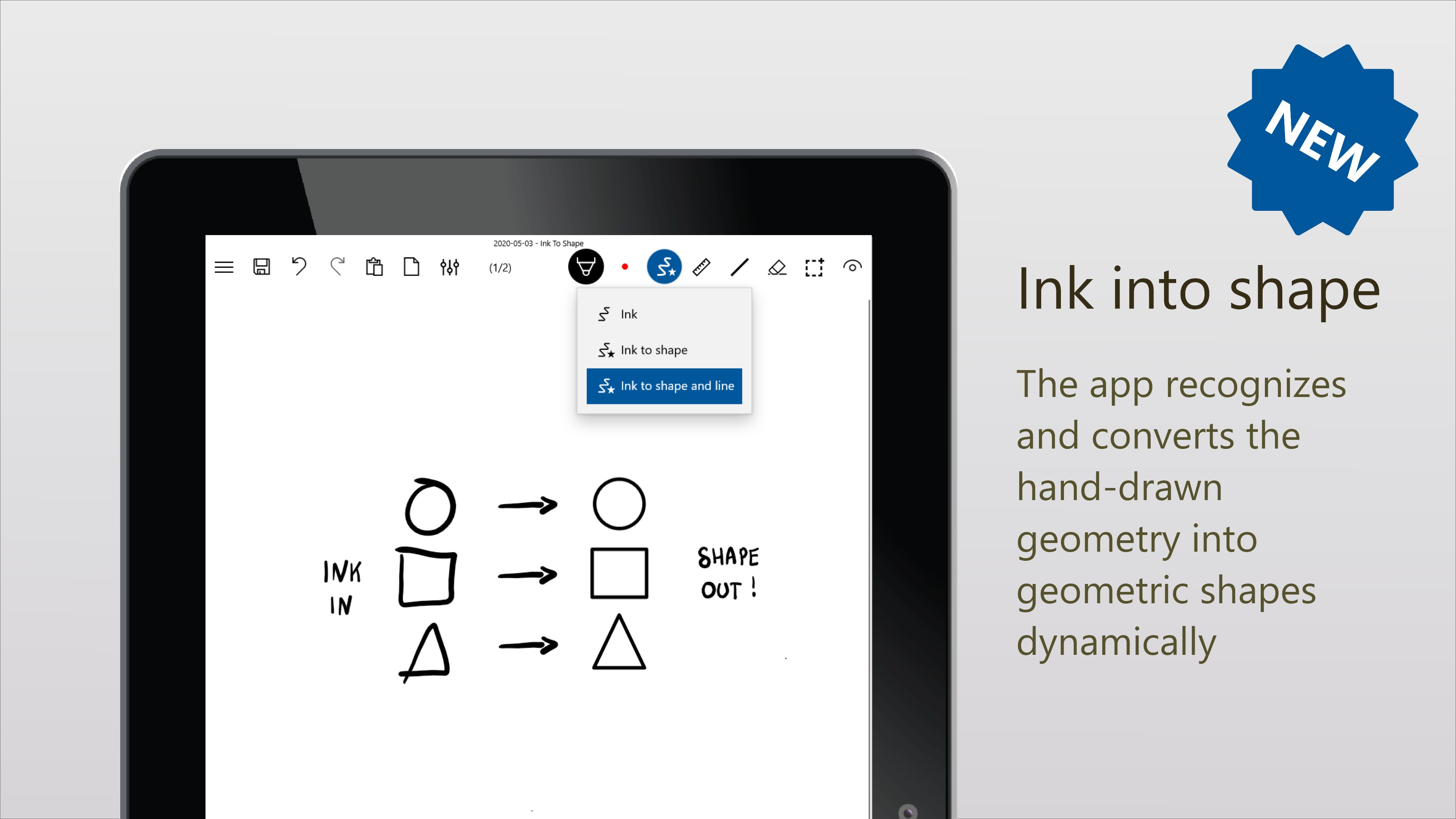
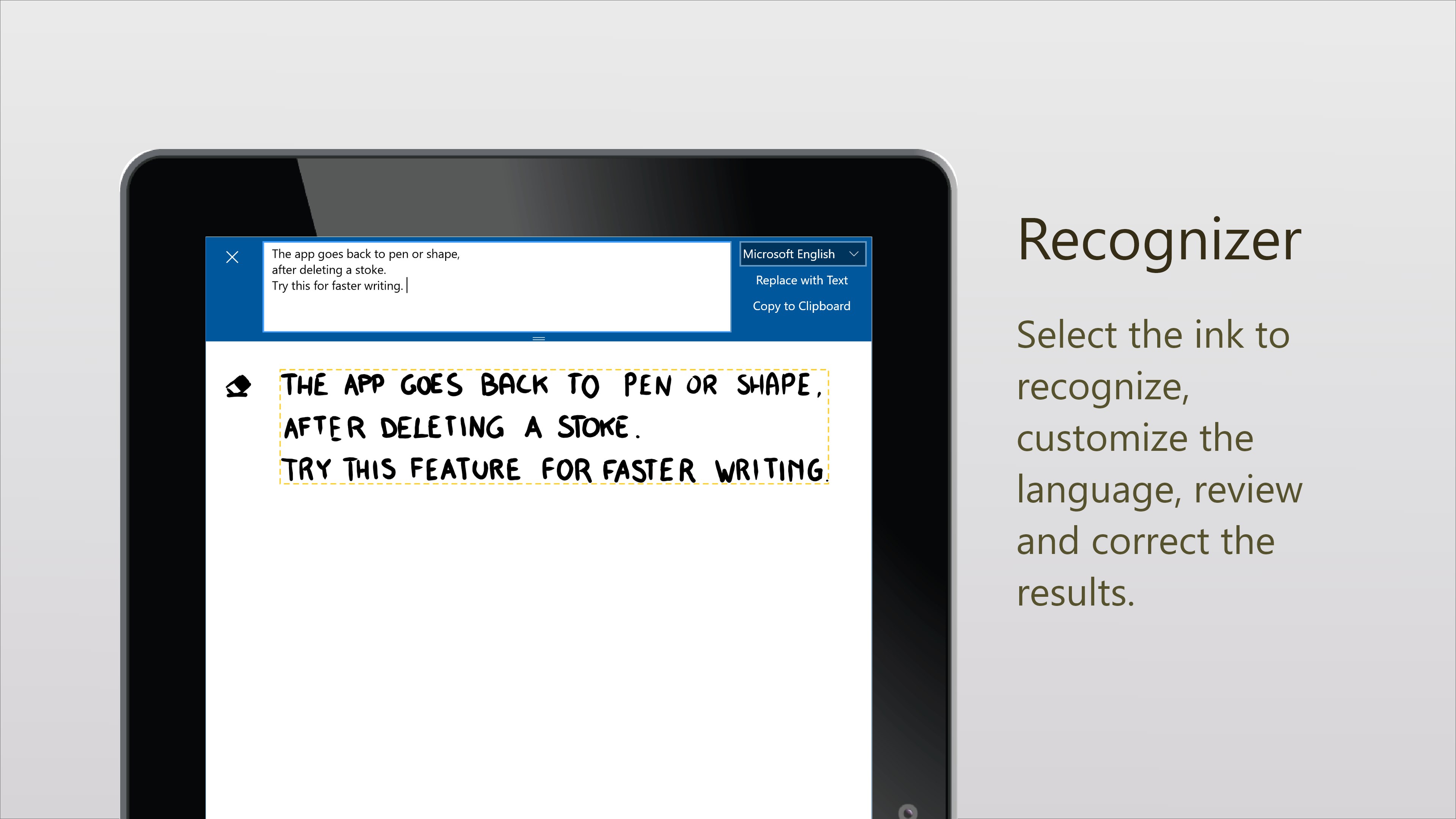
One of Scrble Ink's most notable strengths is its ability to replicate the nuance of real handwriting. When you jot down notes with a stylus or pen, the app captures the strokes with high fidelity, providing a natural feel that traditional typing simply can't match. Moreover, it effortlessly converts your handwritten notes into editable text, allowing easy sharing and editing. This dual functionality ensures your notes are both authentic and versatile, bridging the gap between pen and keyboard seamlessly.
Intuitive Workflow and Organization Tools
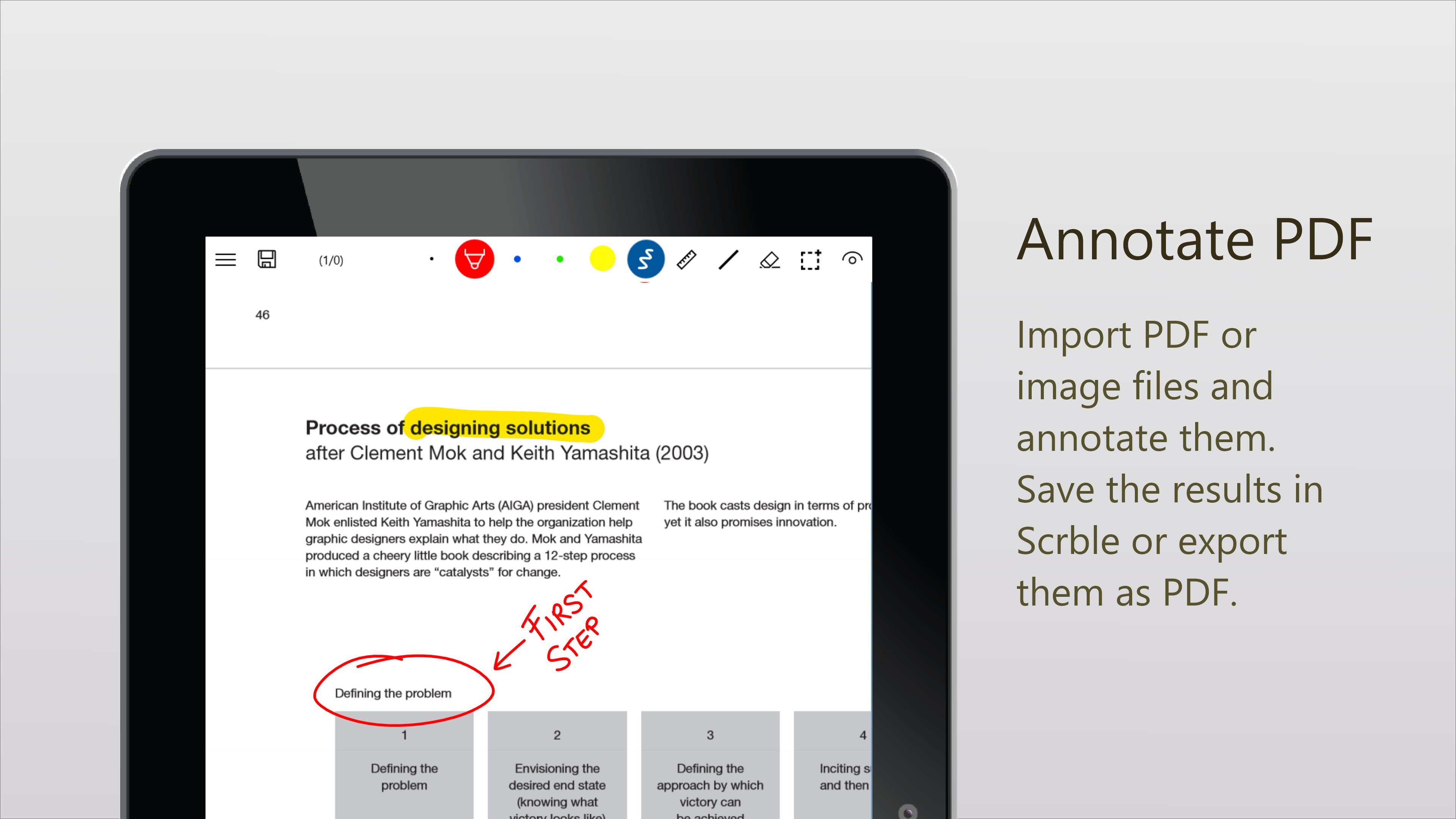
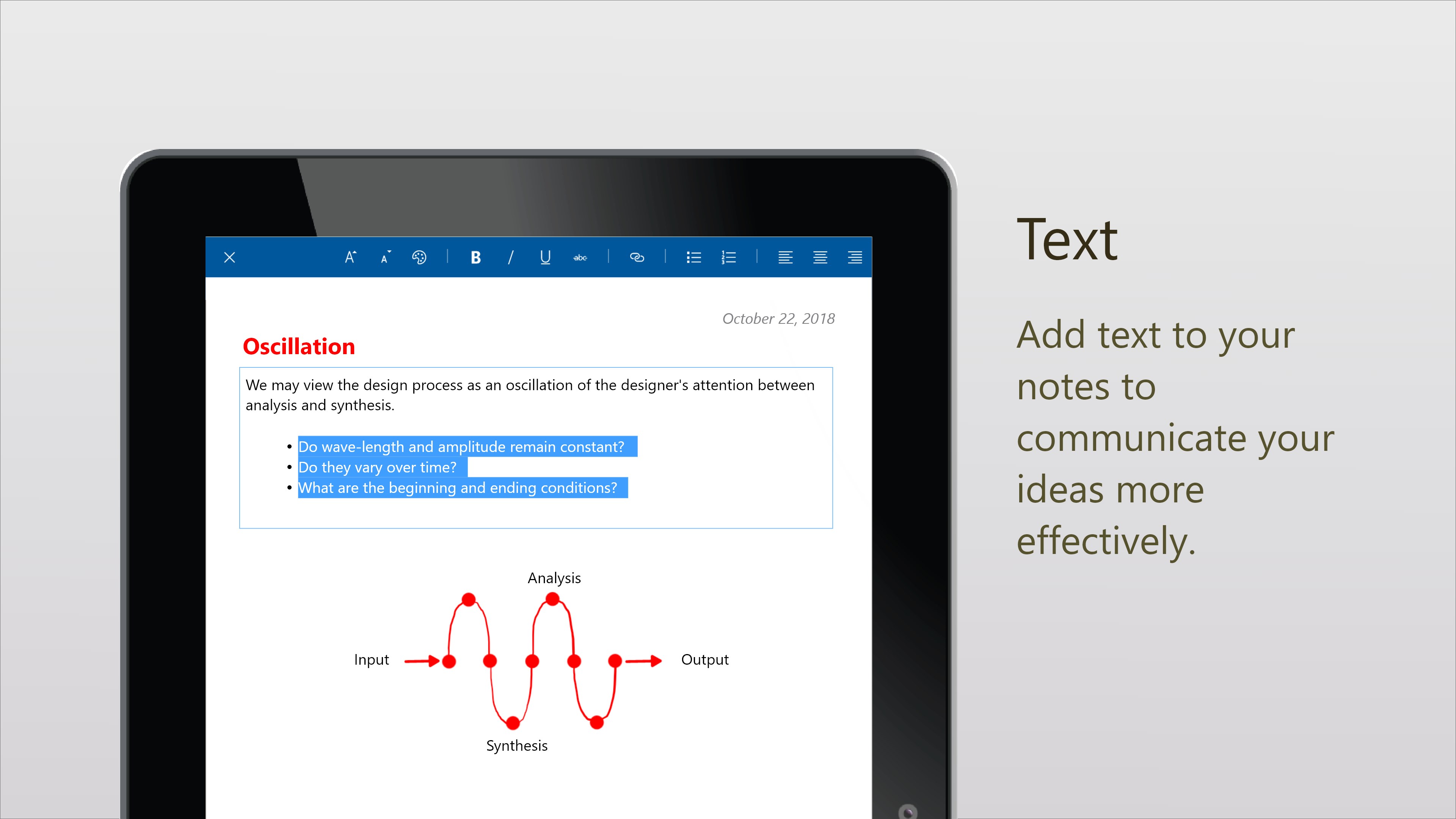
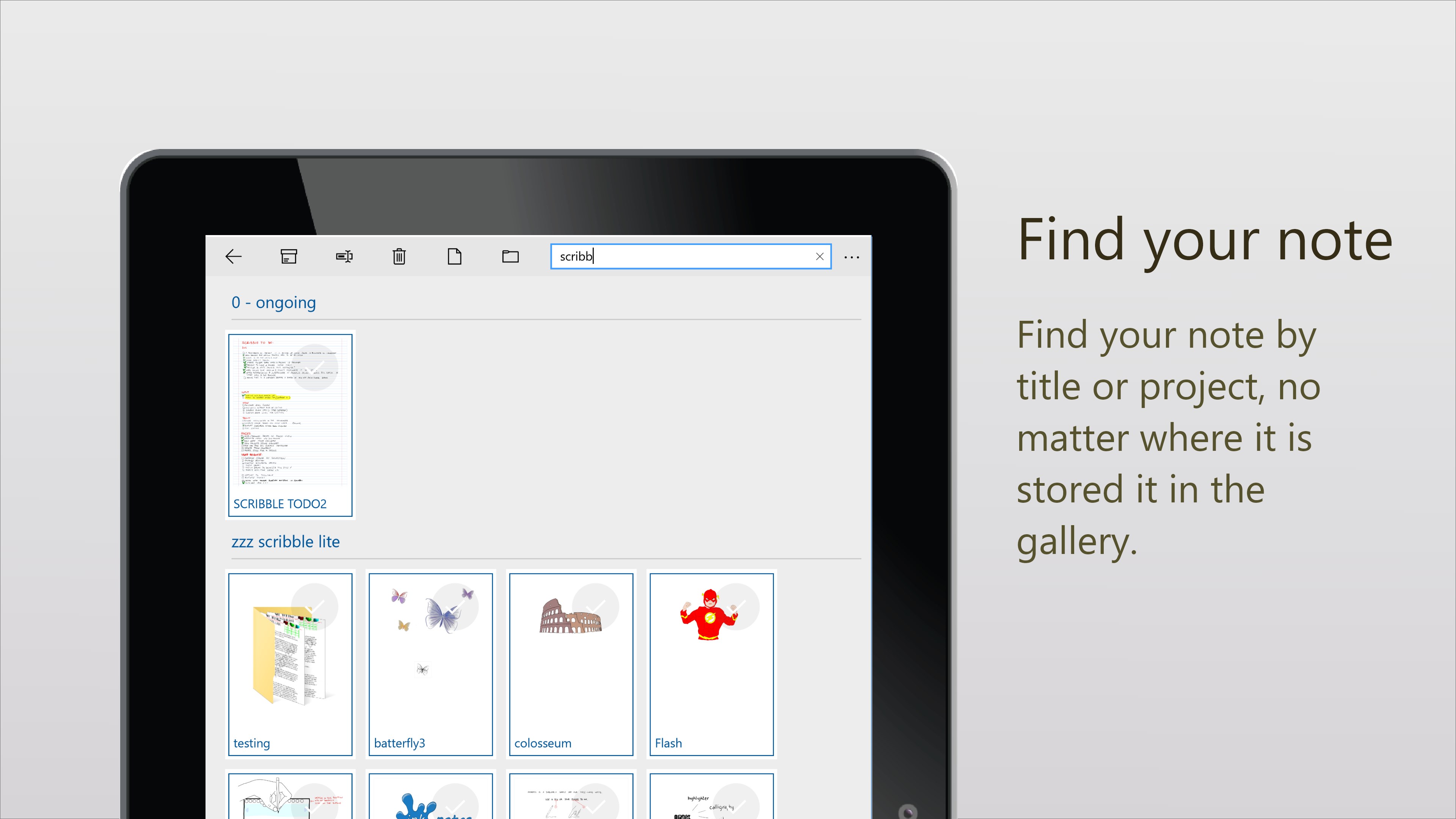
The app features an organized workspace where your notes are stored, tagged, and categorized with ease. Its interface facilitates quick access to different notebooks, making it simple to switch between projects or subjects. The ability to seamlessly insert sketches, images, and annotations enriches your notes, turning Scrble Ink into a versatile digital notebook that adapts to diverse workflows. This robust organization reduces cognitive load, letting you focus more on your content and less on file management.
Enhanced User Experience: Design, Speed, and Learning Curve
Scrble Ink sports a clean, minimalistic interface that feels approachable without sacrificing functionality. The design resembles a well-kept analog notebook—warm, familiar, and distraction-free—yet fully digital. The app operates smoothly, with responsive pen input and quick loading times, providing a fluid writing experience akin to writing on paper. Its learning curve is gentle; most users will find themselves comfortably navigating the features after a brief exploration, thanks to intuitive controls and thoughtfully placed tools.
Unique Strengths: Workflow Integration & Cognitive Ease
What sets Scrble Ink apart from other productivity applications is its focus on reducing cognitive load while maintaining feature richness. Unlike many apps overwhelmed with endless options, Scrble Ink emphasizes core writing and organization tasks, making it easier to incorporate into daily workflows. Its seamless handwriting-to-text conversion acts like a smart assistant, reducing the time spent on manual transcription. Additionally, by mimicking the familiar feel of handwriting, it minimizes the mental effort required to adapt, fostering a more natural and efficient thinking process.
Final Thoughts: Who Should Give Scrble Ink a Try?
Overall, I would recommend Scrble Ink to users seeking a straightforward yet powerful digital handwriting app that prioritizes workflow harmony over feature overload. If you value a natural writing feel combined with intelligent organization and minimal distraction, this app is worth exploring. While it may not replace high-end note-taking suites for every advanced user, its thoughtful design makes it a reliable companion for routine note-taking, brainstorming, and casual journaling. For anyone who appreciates the art of handwriting but wants the convenience of digital tools, Scrble Ink stands out as an accessible and effective choice.
Pros
- Intuitive User Interface
- Precise Digital Ink Recognition
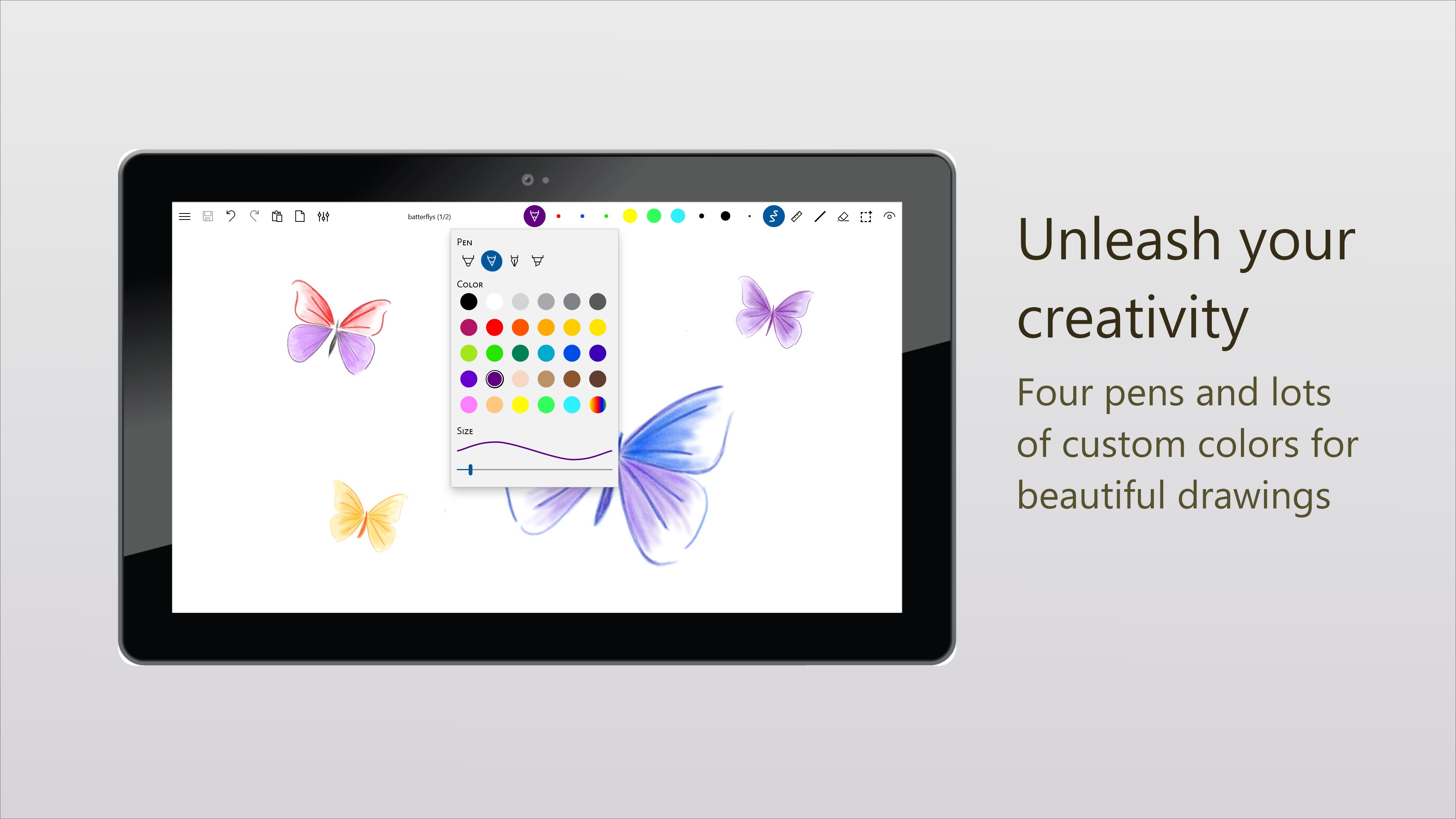
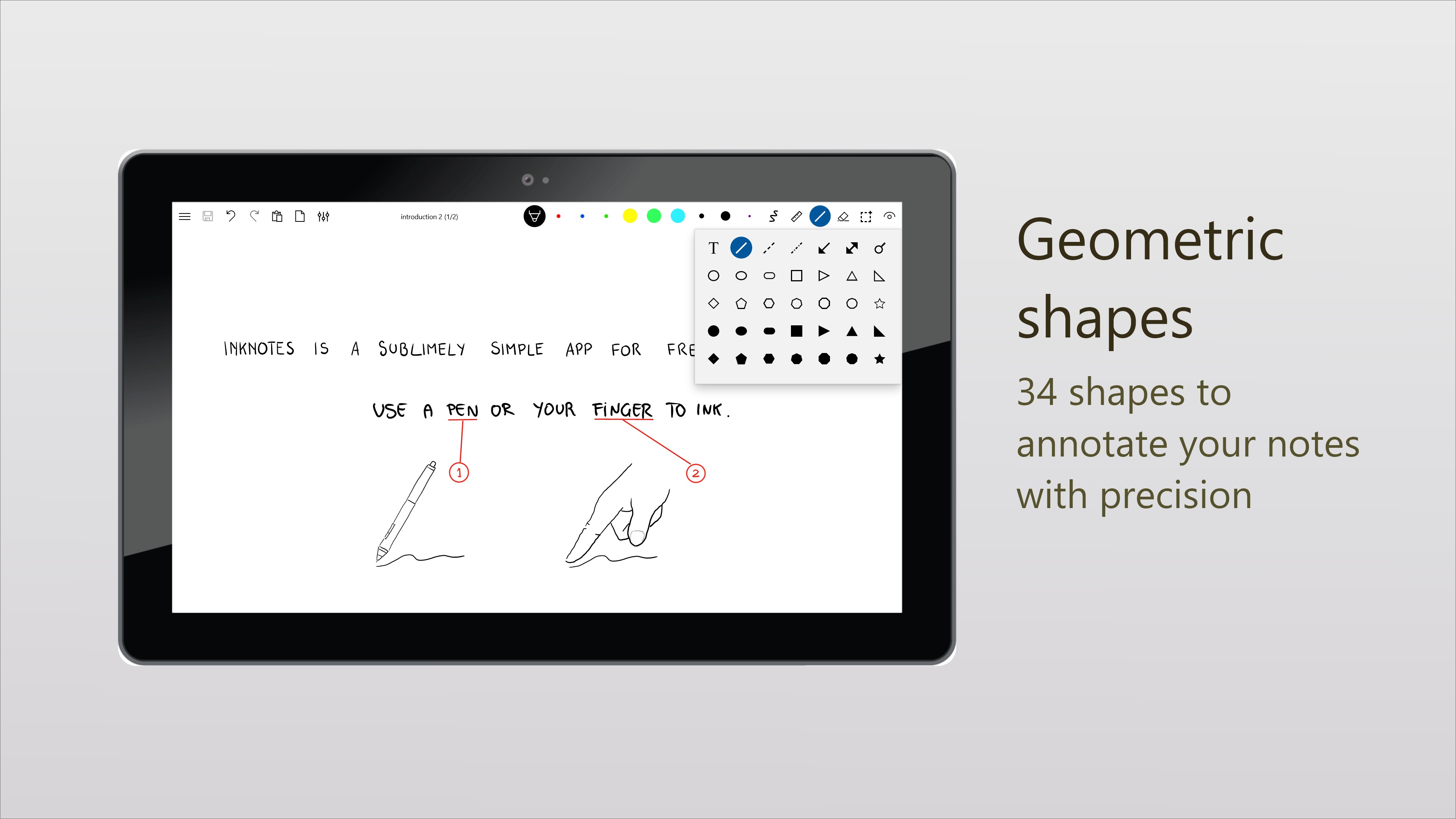
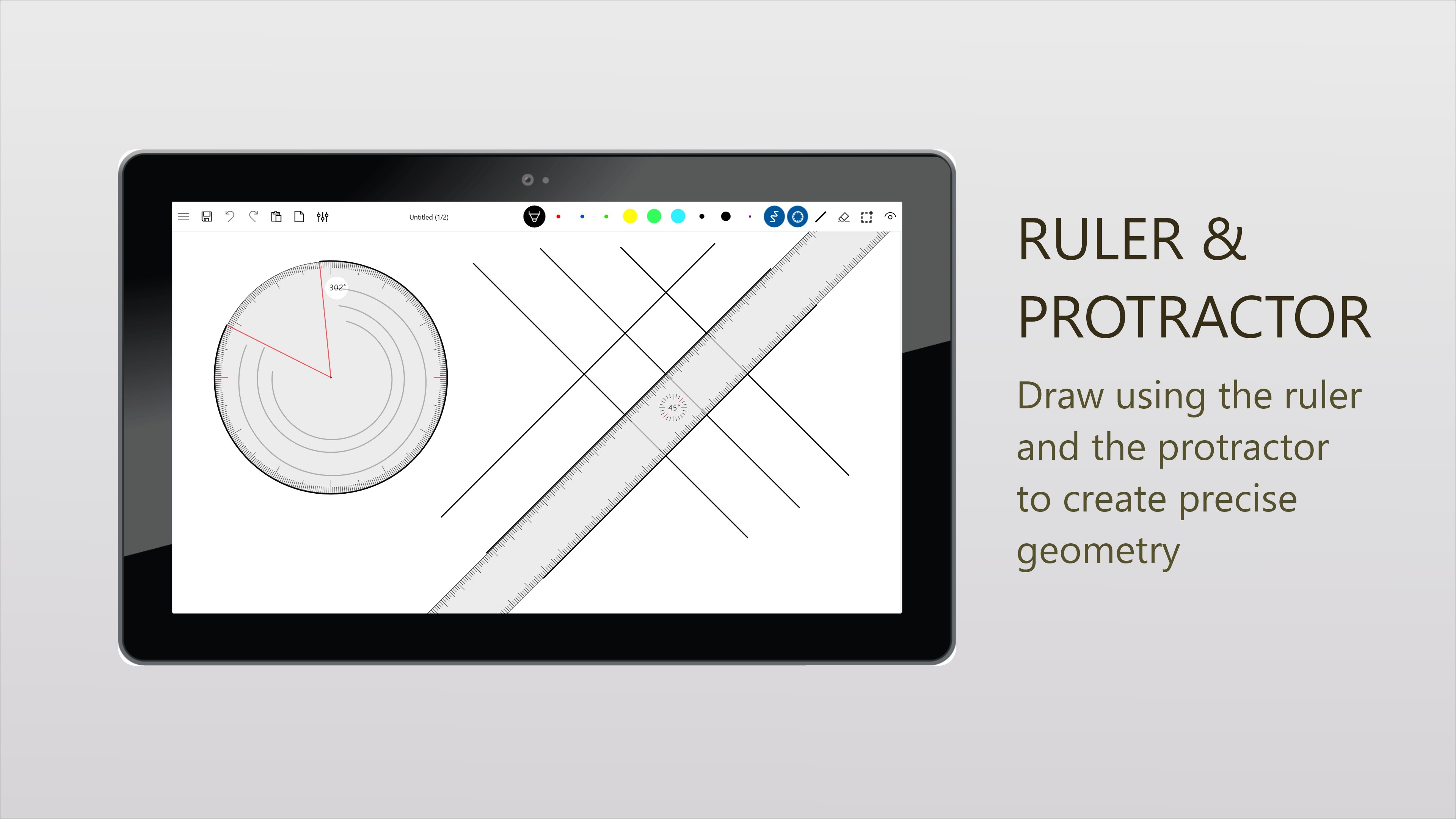
- Rich Drawing Tools
- Good Compatibility with Windows Devices
- Multimedia Integration
Cons
- Limited Export Options
- Occasional Lag with Large Files
- Basic Customization Features
- Limited Cloud Sync Options
- Some Latency in Ink Stroke Rendering











