
- Category Productivity
- Developer Niente
- Available on PC, Mobile, Surface Hub, HoloLens
- OS Windows 10 version 17763.0 or higher
- languages English (United States)
Seamless Screen Mirroring Experience with "Screen Mirroring - Cast to TV for Windows"
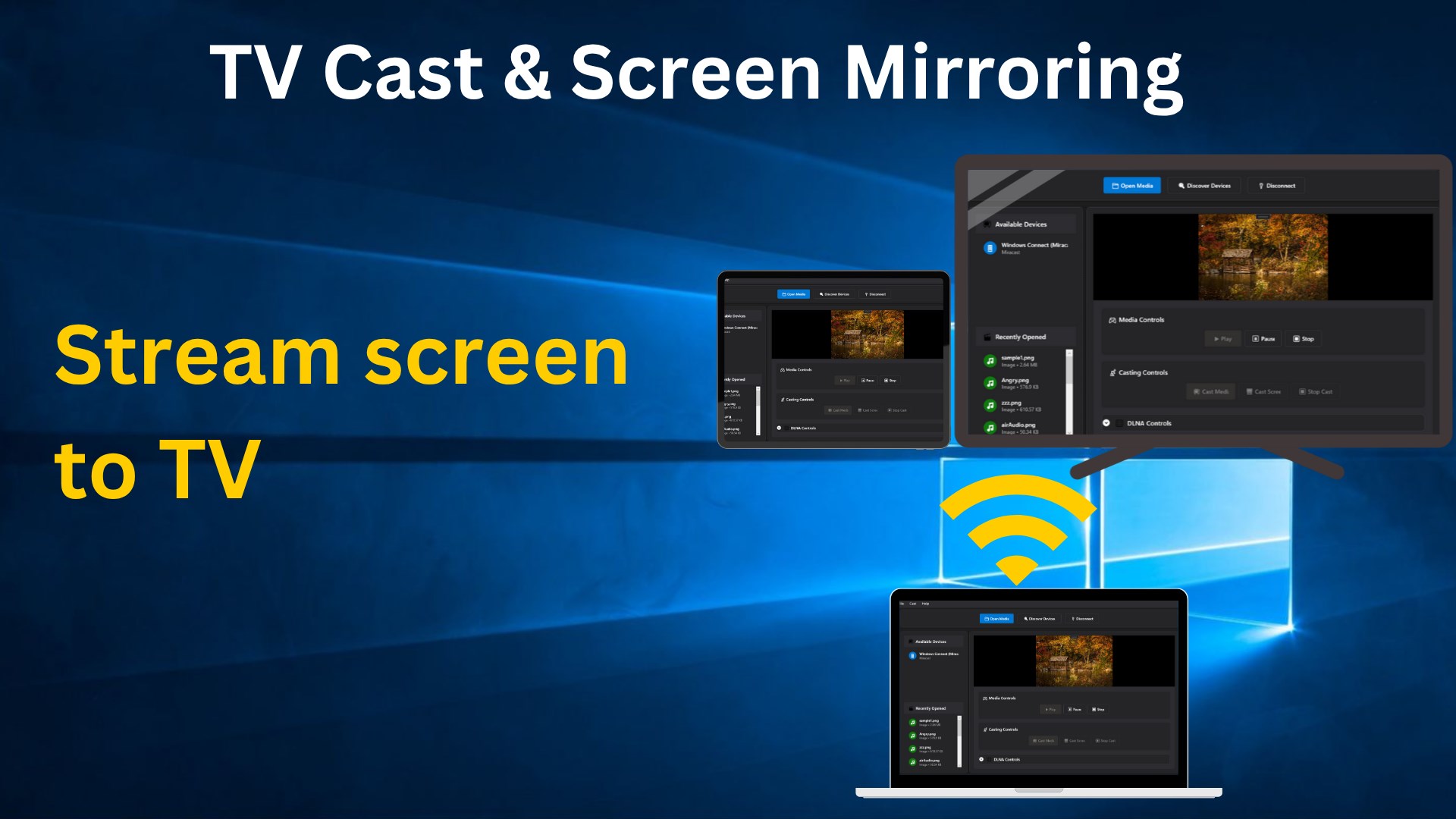
If you're seeking an easy way to turn your Windows device into a wireless media hub, "Screen Mirroring - Cast to TV for Windows" offers a straightforward solution. Designed to streamline casting your screen to external displays, this app promises to make presentations, media sharing, and gaming more fluid and intuitive. Developed by Niente, it targets users who want hassle-free screen sharing without complicated setups or cluttered interfaces.
Core Features That Make a Difference
1. Effortless Device Pairing and Connection
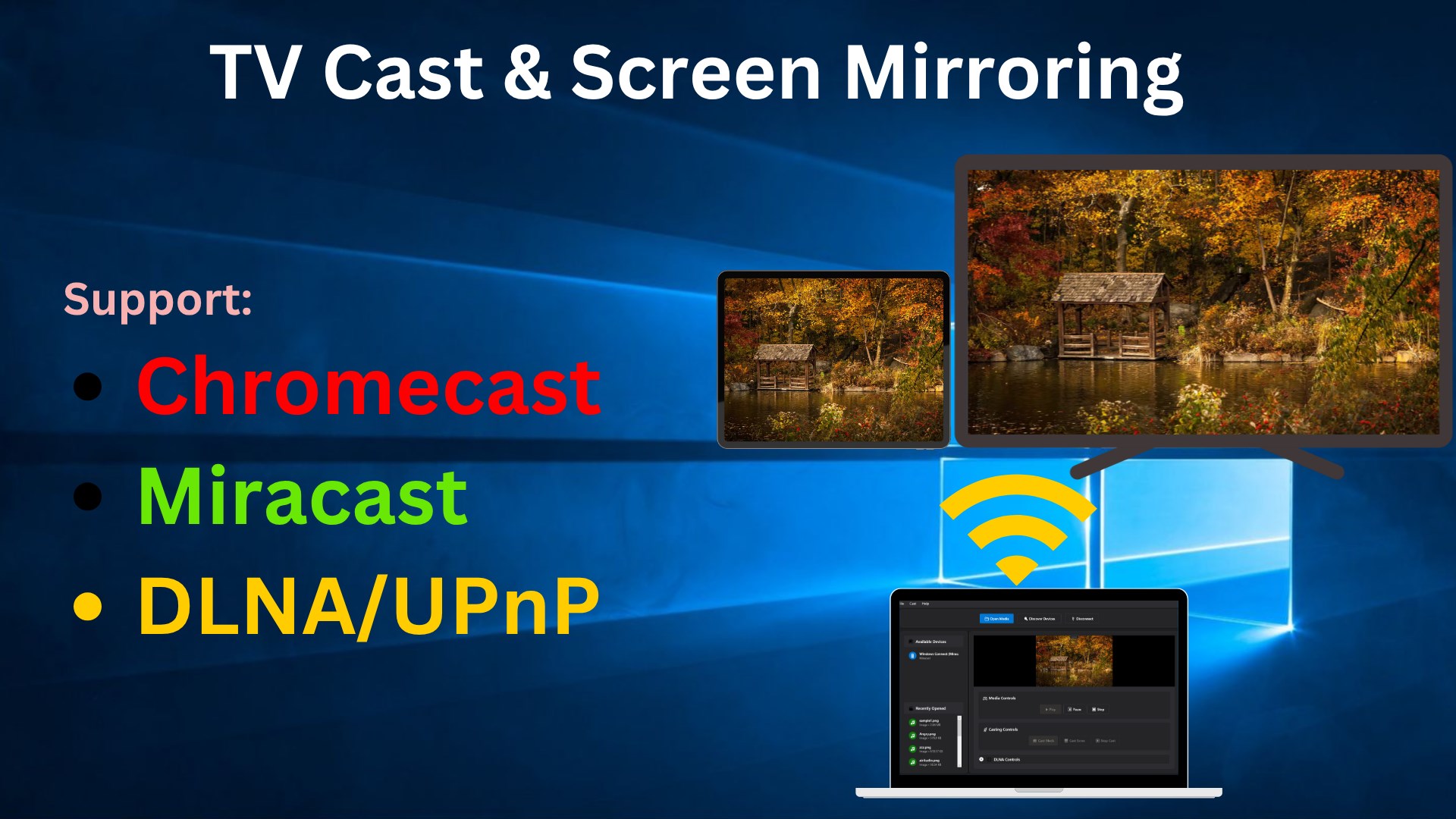
Imagine waving your magic wand—connecting your Windows PC to your smart TV or streaming device is just as simple with this app. It supports a variety of devices and protocols, ensuring quick detection and seamless pairing. The process feels almost like flipping a switch, eliminating tangled settings or network issues, and enabling you to start mirroring with minimal effort.
2. High-Quality, Low-Latency Mirroring
Quality matters when it comes to real-time screen sharing. This app prides itself on providing high-definition streaming with minimal latency, making it suitable for gaming, video playback, or professional presentations. Picture sharing a vivid slideshow or engaging gameplay in a way that feels almost as natural as displaying it directly on the device itself—no obnoxious lag or stuttering.
3. User-Friendly Interface and Operation
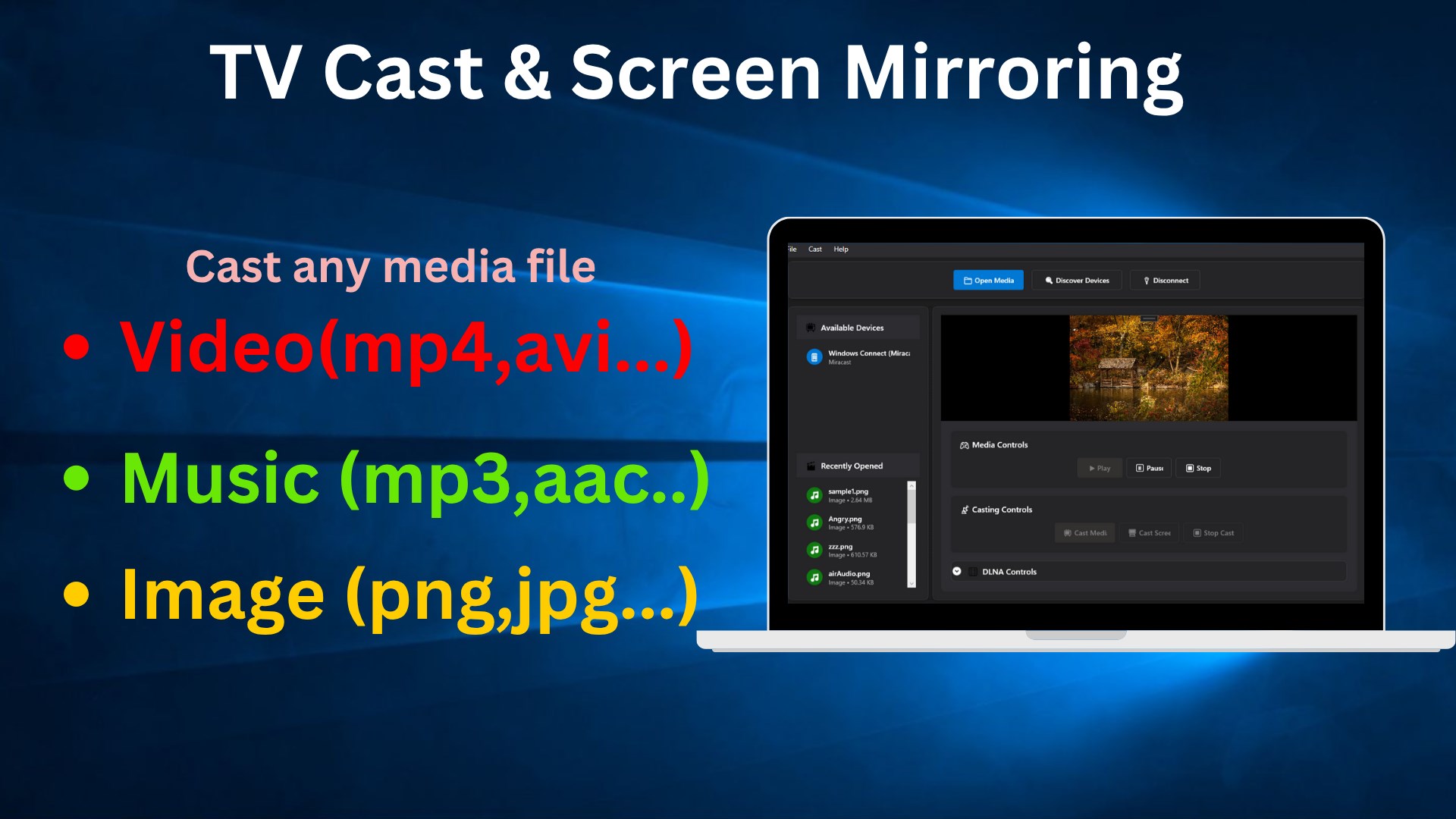
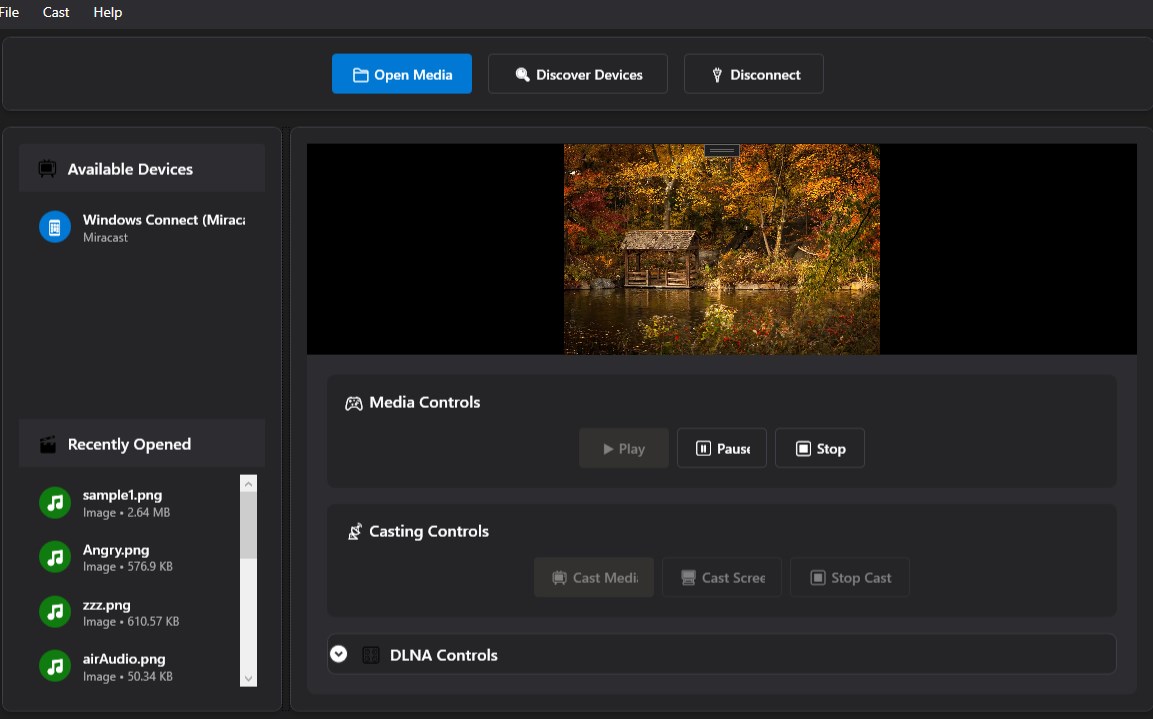
Beyond its technical prowess, the app boasts a clean, intuitive interface. Icons and menus are logically arranged, preserving a clutter-free workspace. Whether you're a tech novice or a seasoned user, navigating through options is straightforward. The app's learning curve is gentle—just a few taps set everything in motion. It's akin to having a friendly guide leading you through a familiar path, reducing cognitive load and making screen casting a breeze.
Design, Experience, and Workflow Integration
The visual design of "Screen Mirroring - Cast to TV for Windows" leans toward minimalism—clear fonts, unobtrusive buttons, and thematic consistency make the experience visually comfortable and pleasant. Operation feels remarkably smooth; when you click "cast," the app swiftly scans for devices, connects without noticeable lag, and maintains a stable connection even during extended sessions. Users will find the process is designed to require minimal manual intervention, which is a stark contrast to some cluttered or overly complex alternatives.
Compared to other screen mirroring tools overwhelmed by feature overload, this app strikes a thoughtful balance. Its focus on core functionality—fast, reliable connection, high-quality output, and simplicity—means users don't have to wade through endless options and configurations. This clarity reduces cognitive load and allows users to focus on their tasks rather than wrestling with the app itself. In essence, it aims to integrate smoothly into existing workflows, serving as a silent productivity partner rather than a distraction.
The Two Most Noteworthy Features
The standout aspect of this app lies in its rapid connection process and high-quality mirroring. It's akin to having a trusted assistant who, upon receiving a simple cue, quickly arranges a clear, lag-free display on the big screen—without fuss. This feature ensures users spend less time fiddling with settings and more time engaging with what truly matters, especially in professional settings where time is of the essence.
Final Verdict and Usage Suggestions
"Screen Mirroring - Cast to TV for Windows" is a commendable choice for users seeking a straightforward, reliable screen sharing tool. Its emphasis on high-quality connection, user experience simplicity, and workflow integration makes it particularly suitable for educators, business professionals, or casual media enthusiasts. While it might lack some advanced customization found in more feature-rich apps, its focus on core functionalities ensures that it performs those tasks exceptionally well.
If your primary need is quick, stable, and high-definition screen sharing without the hassle of complex setups, this app deserves a try. For users who value efficiency and clarity over overwhelming feature sets, it presents a balanced, dependable solution—much like a trusty companion that simplifies your digital environment.
Pros
- Easy to use with a straightforward interface
- Supports high-resolution screen mirroring
- Compatible with a wide range of devices
- Low latency for real-time mirroring
- Includes useful features like screen capture
Cons
- Connection stability can be inconsistent
- Limited customization options for display settings
- Requires both devices to be on the same Wi-Fi network
- Some features are blocked behind in-app ads or premium upgrades
- Occasional compatibility issues with older smart TVs











