

- Category Photo & video
- Developer Screen Recorder
- Available on PC
- OS Windows 10 version 14393.0 or higher
- languages Arabic, Chinese (Simplified), Dutch, English (United States), French, German, Italian, Japanese, Korean, Portuguese, Russian, Spanish
A Sleek and Versatile Screen Recorder for Windows
If you've ever wanted to capture your screen effortlessly, whether for work tutorials, gaming sessions, or creative projects, this application by Screen Recorder offers a straightforward yet powerful solution tailored for Windows users. With its user-friendly interface and thoughtful feature set, it aims to meet the needs of both beginners and seasoned content creators alike.
Basic Information
Positioned as an all-in-one screen recording tool, this app provides a simple entry point into high-quality video capture without the complexity of professional editing suites.
Developer: Screen Recorder
Publisher: FS Tech Media
Main Features Highlights:
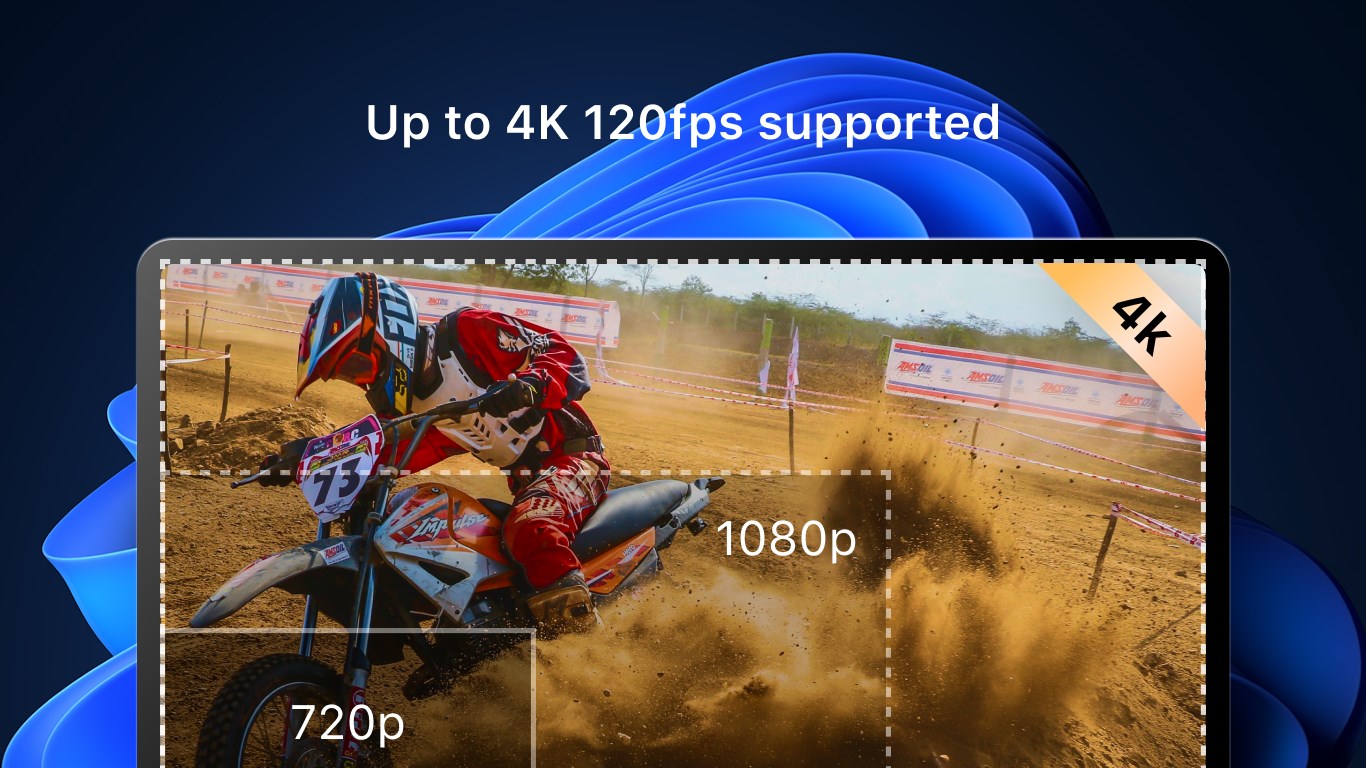
- High-resolution screen recording with customizable frame rates
- Built-in annotation and editing tools for quick adjustments
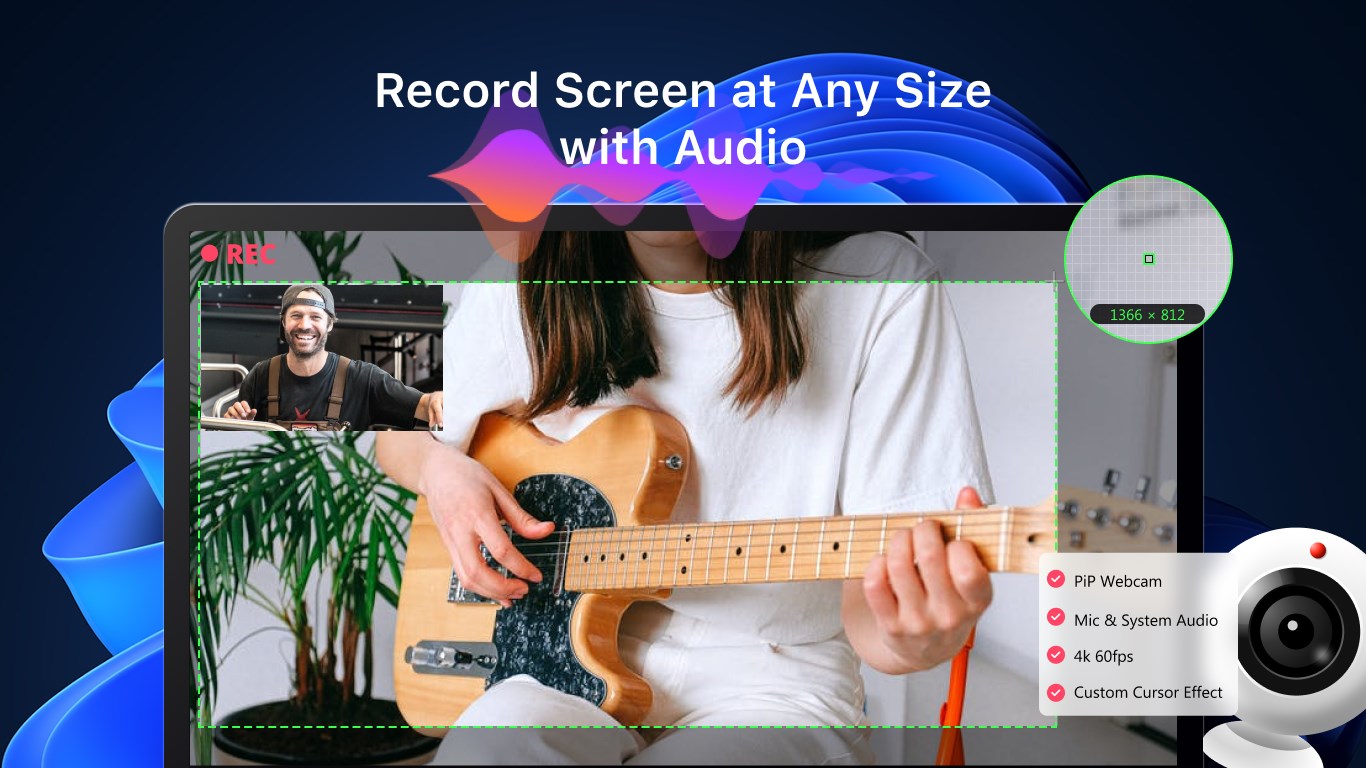
- Easy recording of specific window areas or full screen
- Easy share and save options directly to local storage or cloud services
Target Users: Casual users, educators, gamers, content creators, and professionals needing quick screen captures without fuss.
Engaging and Intuitive Recording Experience
Imagine you're preparing a quick tutorial for your colleagues or capturing that epic gaming moment—this app feels like your reliable digital notebook, always ready at a moment's notice. Its interface is clean and accessible, making you feel at home from the first click. There's no steep learning curve here; just select your recording area, hit record, and let the screen do the talking. The process flows smoothly, akin to a well-rehearsed dance, with minimal lag or glitches, ensuring your recording experience is seamless and stress-free.
Core Features That Stand Out
1. Customizable Recording Areas and Resolutions
The app allows you to select full screen, specific window, or custom areas for recording—think of it as designing your own camera shot for a movie. Whether you're capturing the entire desktop or just a specific app, responsiveness is swift, and resolution options range from standard HD to ultra HD, ensuring your final video looks crisp and professional.
2. Built-in Annotation and Editing Tools
After recording, you can switch seamlessly into editing mode, adding annotations, highlighting sections, or trimming clips—all within the same interface. This feature transforms a simple video into a polished, instructive piece. It's like having a mini video editing studio right at your fingertips—no need for additional software or exporting headaches.
3. Effortless Sharing and Saving
Once your masterpiece is ready, sharing is just a few clicks away. The app supports direct save to your hard drive or uploading to cloud services like OneDrive. Its integration capabilities simplify the distribution process, making it easy to share your recordings instantly with colleagues or online audiences.
User Experience: Design, Performance, and Ease of Use
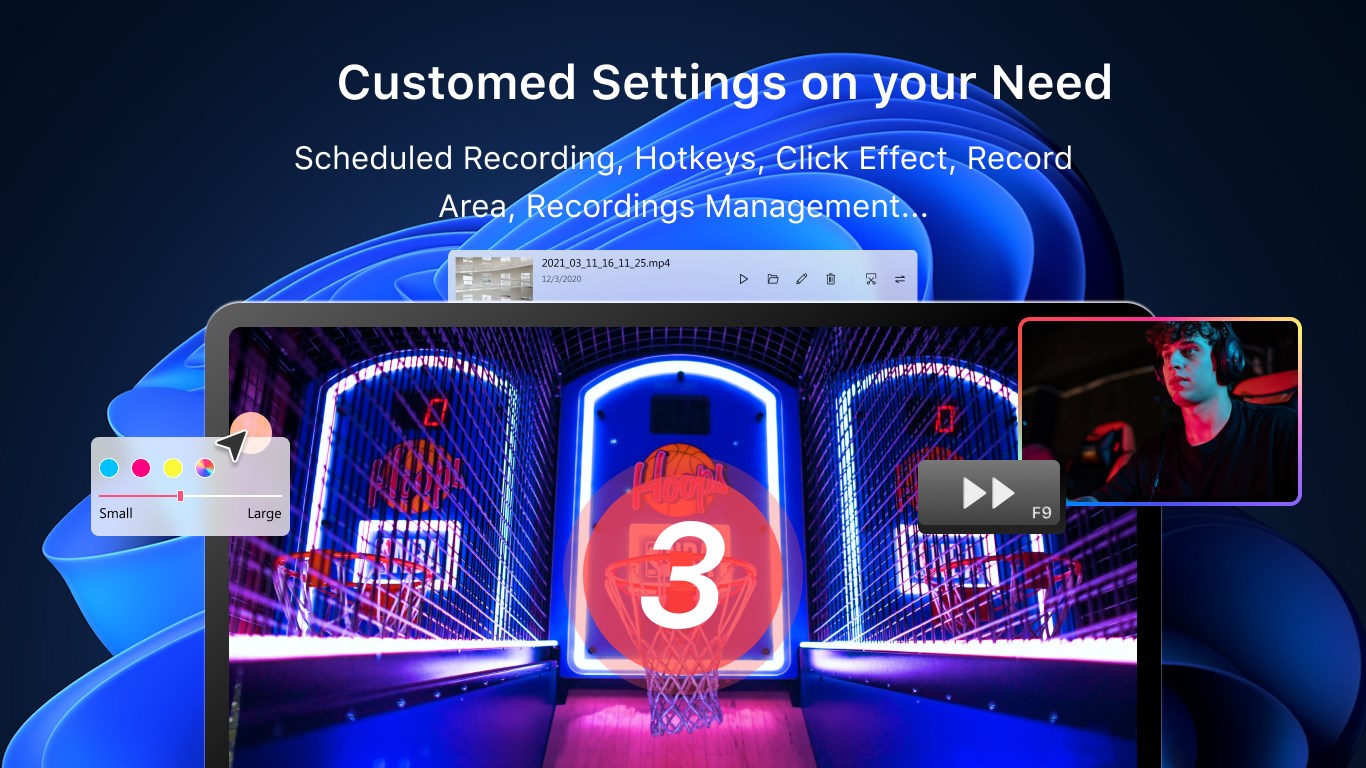
The interface exudes simplicity and professionalism, inviting users to jump right into recording without unnecessary complexity. Command buttons are intuitively placed, with tooltips that guide you through advanced options for more seasoned users. Performance-wise, the app operates smoothly even on mid-range hardware, with minimal impact on system resources, which is especially important during CPU-intensive recording sessions like gaming or live demos.
Learning curve is gentle—most functions are accessible within a few clicks, and the app provides helpful prompts for first-time users. The overall user experience feels like having a friendly assistant who knows exactly when to lend a hand, making the process engaging rather than frustrating.
What Sets It Apart? Unique Selling Points
While many screen recorders offer similar capabilities, this app distinguishes itself through its integrated annotation and editing features combined with a remarkably straightforward interface. Unlike some competitors that require third-party editing software, this app keeps everything in one place, streamlining the post-recording workflow.
Additionally, its customizable recording areas and resolution options make it adaptable to various scenarios—from quick screenshots to high-quality professional videos. The app's focus on user-friendliness without sacrificing functionality is a notable advantage, especially for users who prefer a more straightforward experience over overly complex tools.
Final Verdict and Recommendations
Considering its balance of usability, feature set, and performance, I would recommend this app as a solid choice for casual and semi-professional users looking for an accessible screen recording solution. It's particularly suitable for educators and content creators who value quick editing and sharing options within a single platform.
While it may lack some advanced features found in high-end professional tools, its simplicity and reliability make it an excellent starting point. For those needing a quick, no-fuss recorder that also offers basic editing, this application fits the bill perfectly.
In summary, if you're on the hunt for a straightforward, capable screen recorder for Windows that feels intuitive and responsive, this app deserves a spot in your utility toolbox.
Pros
- High-quality video recording
- User-friendly interface
- Multiple recording options
- Built-in editing tools
- Fast export and sharing
Cons
- Limited advanced editing features
- Occasional lag during recording
- No built-in webcam overlay
- Limited file format options
- Basic audio controls











