

- Category Multimedia design
- Developer Wuhan Net Power Technology Co., Ltd.
- Available on PC
- OS Windows 10 version 17763.0 or higher
- Keyboard Integrated Keyboard
- Mouse Integrated Mouse
- DirectX Version 11
- Memory 4 GB
- languages Chinese (Simplified), English, French, German, Japanese, Korean, Portuguese, Russian, Spanish, Thai, Vietnamese
Essential Screen Recording Tool for Windows Users
Screen Recorder - Screen record & Screen capture for Windows, developed by Wuhan Net Power Technology Co., Ltd., is a straightforward application designed to help users effortlessly capture both screen activities and videos with ease. It positions itself as a reliable and accessible solution amidst a sea of complex multimedia tools, offering core recording functionalities optimized for everyday needs.
Meet the Developers and Core Highlights
The app is crafted by Wuhan Net Power Technology Co., Ltd., a company specializing in innovative digital utility solutions. Its main features include high-quality screen recording, flexible screen capture options, a simple yet intuitive user interface, and lightweight operation that minimizes system resource usage. Designed for students, professionals, content creators, and casual users alike, it aims to streamline the process of capturing on-screen moments without technical hassle.
Captivating and User-Friendly Interface
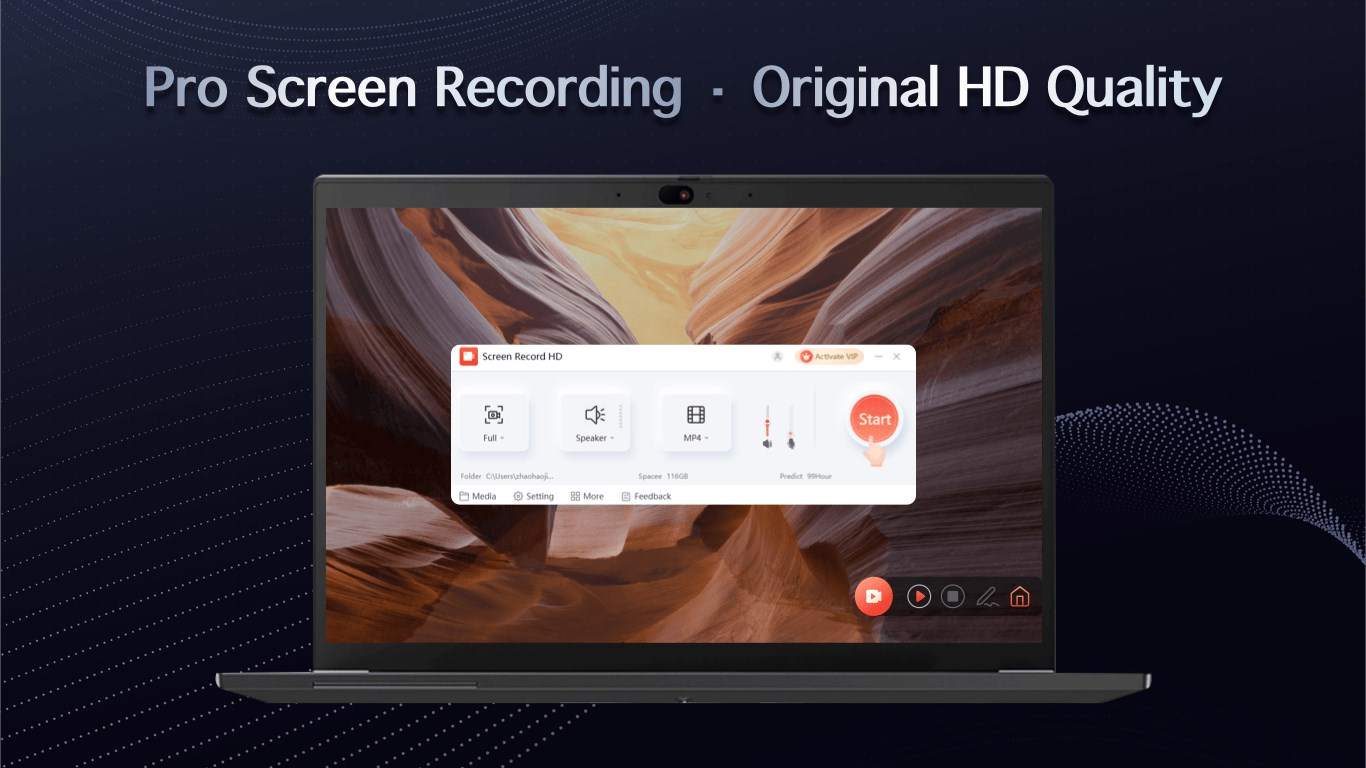
Launching the application greets you with a clean and uncluttered interface, resembling a minimal control panel rather than a bulky software suite. The layout is thoughtfully organized, making it easy for first-time users to locate essential features swiftly. Whether you're preparing to record a quick tutorial or grab a snapshot of an important chart, everything is just a click away, reducing frustration and enhancing productivity.
Performance and Smooth Operation
Once you initiate a recording, the app demonstrates fluid performance, capturing your screen activity seamlessly without noticeable lag. Transitioning between settings such as resolution, audio input, and capture mode is smooth, thanks to optimized coding by the developer. Its light footprint ensures minimal impact on system resources, allowing users to multitask or operate on modest hardware without worry. The learning curve is gentle—most users can become comfortable with its features after just a few tries.
Unique Features That Set It Apart
What makes Screen Recorder stand out among similar multimedia applications are its dual-focus capabilities: high-resolution screen recording combined with versatile screenshot capture. Its especially notable feature is the ability to record in real-time while maintaining crisp video quality, making it ideal for content creation, presentations, or technical tutorials. Unlike more bloated tools, this app emphasizes speed and simplicity, avoiding unnecessary bells and whistles that can complicate workflows.
In addition, the app offers straightforward editing options post-recording, allowing users to trim videos or annotate screenshots directly within the interface, further streamlining the content creation process. Its unobtrusive operation and reliable performance make it an optimal choice for users needing quick, dependable screen captures without fuss.
Final Thoughts and Recommendations
Overall, Screen Recorder - Screen record & Screen capture for Windows offers a focused, efficient solution for recording and capturing on-screen content. It's particularly well-suited for users seeking a no-nonsense, lightweight app that performs reliably without overwhelming them with advanced features they may never use. I recommend it for students documenting tutorials, professionals creating quick demos, or anyone wanting an easy-to-use recording tool.
While it might lack some of the more sophisticated editing features seen in high-end multimedia editors, it excels in core functionalities with an emphasis on simplicity and performance. If these qualities align with your needs, this app deserves a place on your Windows device for capturing your digital moments effortlessly. As a friend would suggest, it's an honest, practical tool worth trying out for basic screen recording tasks.
Pros
- User-friendly interface
- High-quality recordings
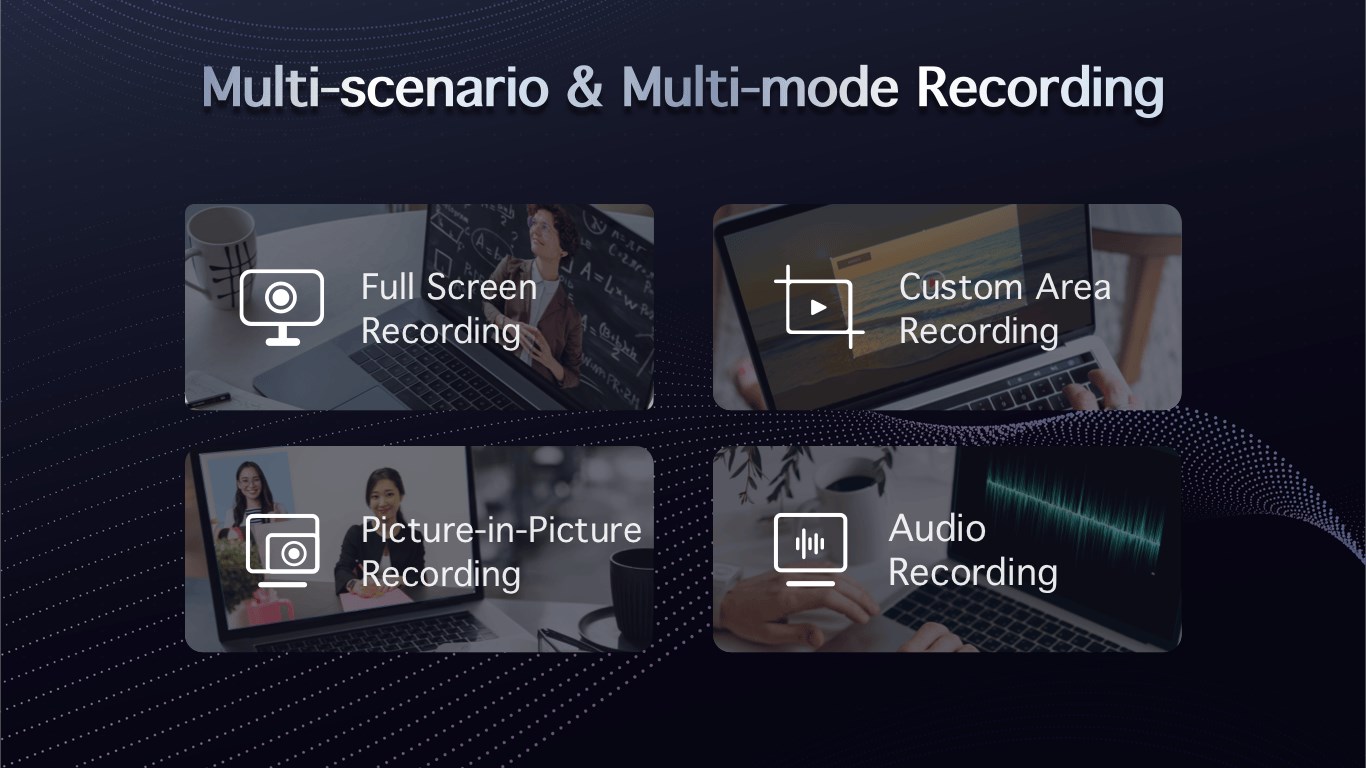
- Multiple recording options
- Built-in screenshot capture
- Lightweight and non-intrusive
Cons
- Limited editing features
- Potential watermark on free version
- Audio recording support varies
- Lack of cloud storage integration
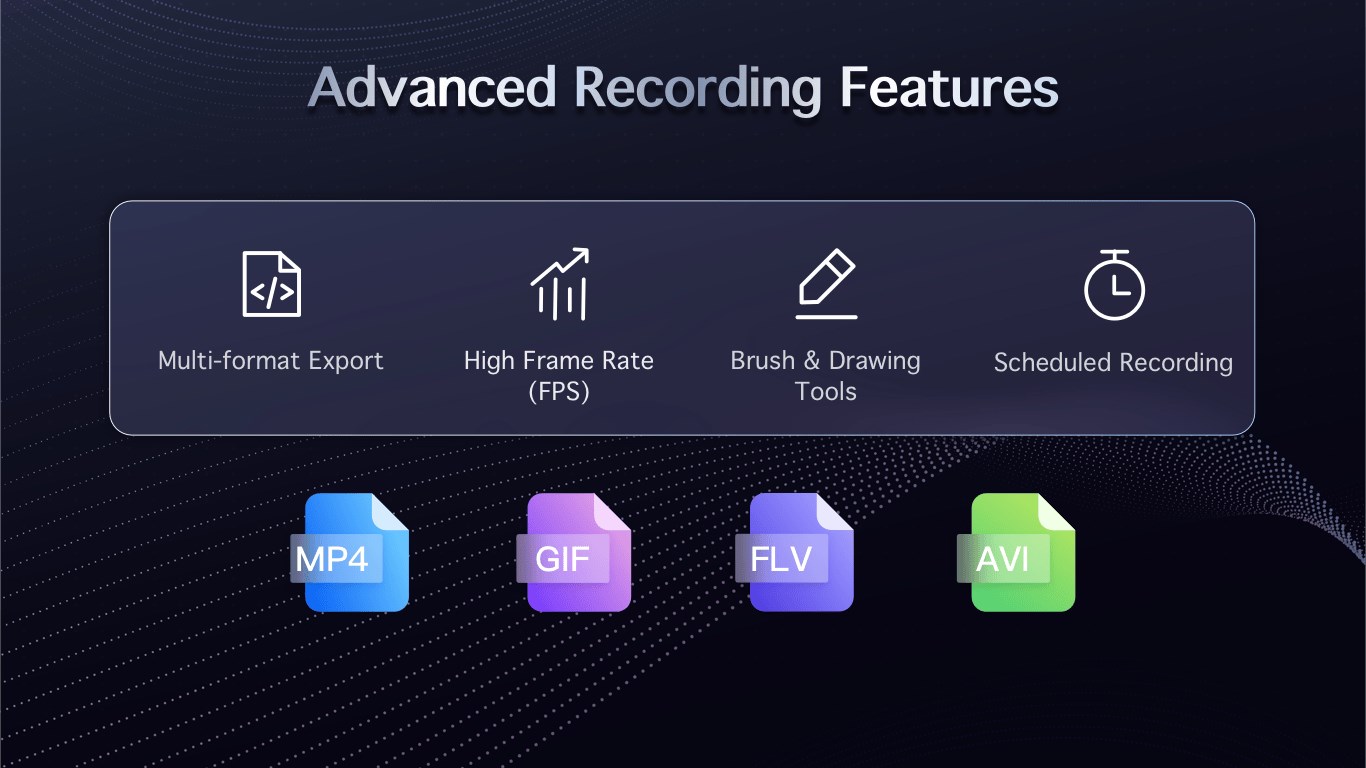
- Limited export formats











