

- Category Photo & video
- Available on PC
- OS Windows 10 version 14393.0 or higher
- DirectX Version 11
- languages Chinese (Simplified), English (United States), French, German, Italian, Portuguese (Brazil), Russian, Spanish
Screenbits - Screen Recorder for Windows: Your Go-To Tool for Effortless Screen Capture
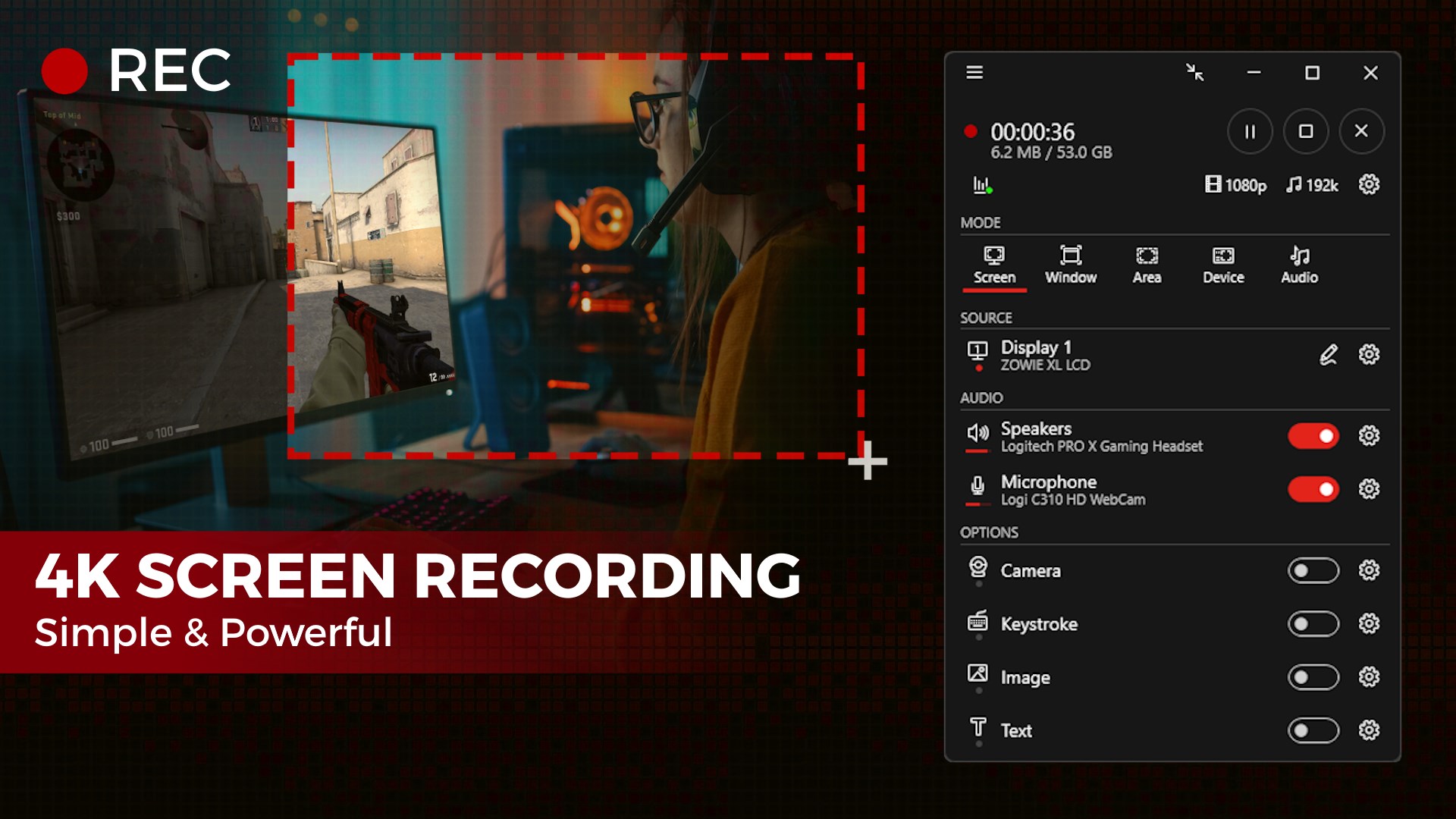
Imagine having a reliable, straightforward companion that transforms your screen activity into crisp recordings with just a few clicks—that's exactly what Screenbits offers. Designed to simplify the often complex task of screen recording, this Windows application brings a user-friendly approach to capturing everything from tutorials to gameplay in high quality without any fuss.
Basic Information & Highlights
Developed by Mehrzad Chehraz, Screenbits is a dedicated screen recording tool tailored for Windows users seeking an easy yet powerful solution. Among its standout features are high-definition recording capabilities, customizable recording areas, and simplified export options. Its intuitive interface ensures that even beginners can start recording instantly, making it ideal for students, teachers, content creators, and professionals alike.
Introducing Screenbits: Simplicity Meets Functionality
Imagine sitting at your desk, wanting to record a quick tutorial or capture your latest gaming triumph. Screenbits steps in as your efficient digital camera, ready to snapshot your screen with clarity and precision. Designed with a friendly user experience in mind, the app eliminates the steep learning curve often associated with professional recording software. Whether you're a tech novice or an experienced creator, the straightforward interface makes getting started feel like catching up with an old friend.
Core Functionality: Capture with Clarity and Flexibility
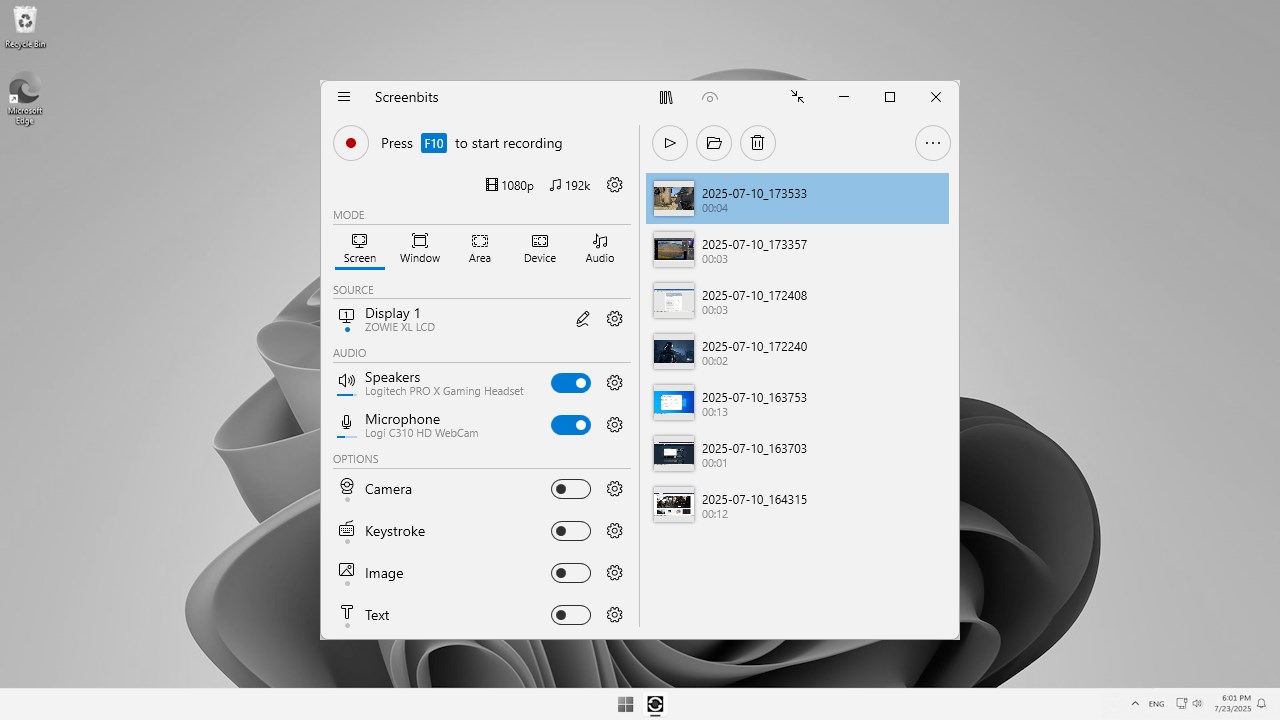
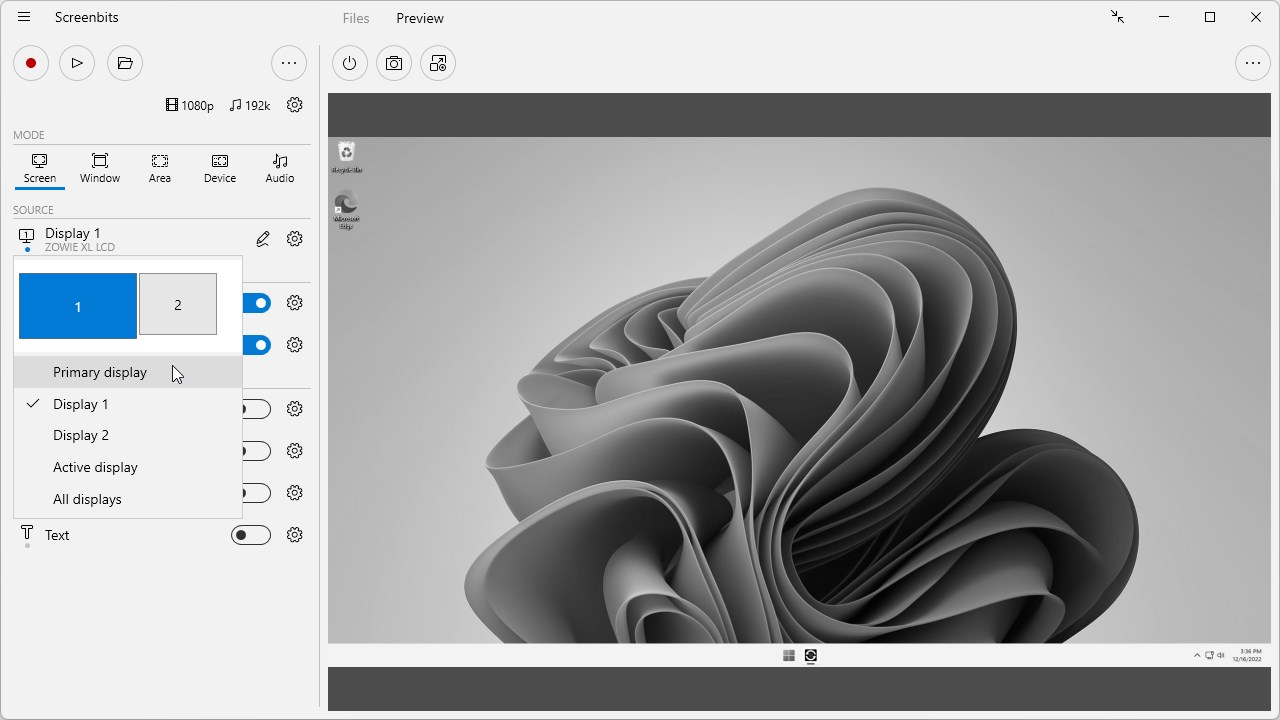
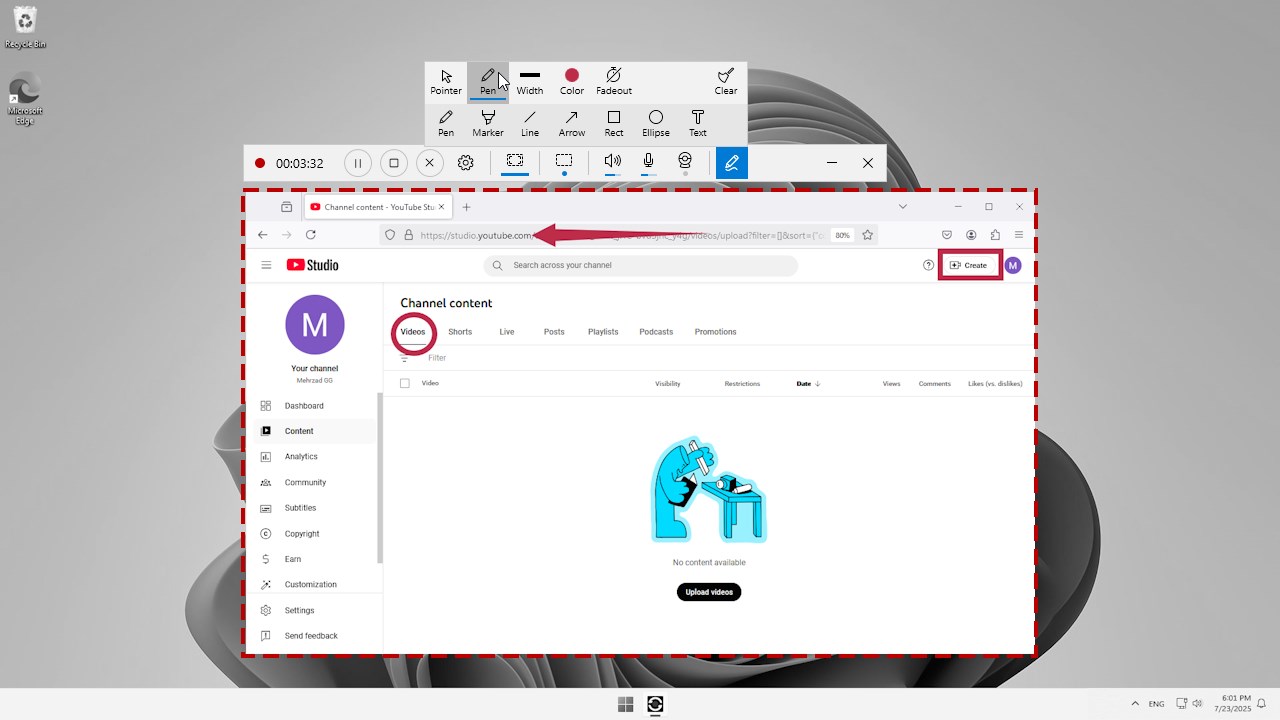
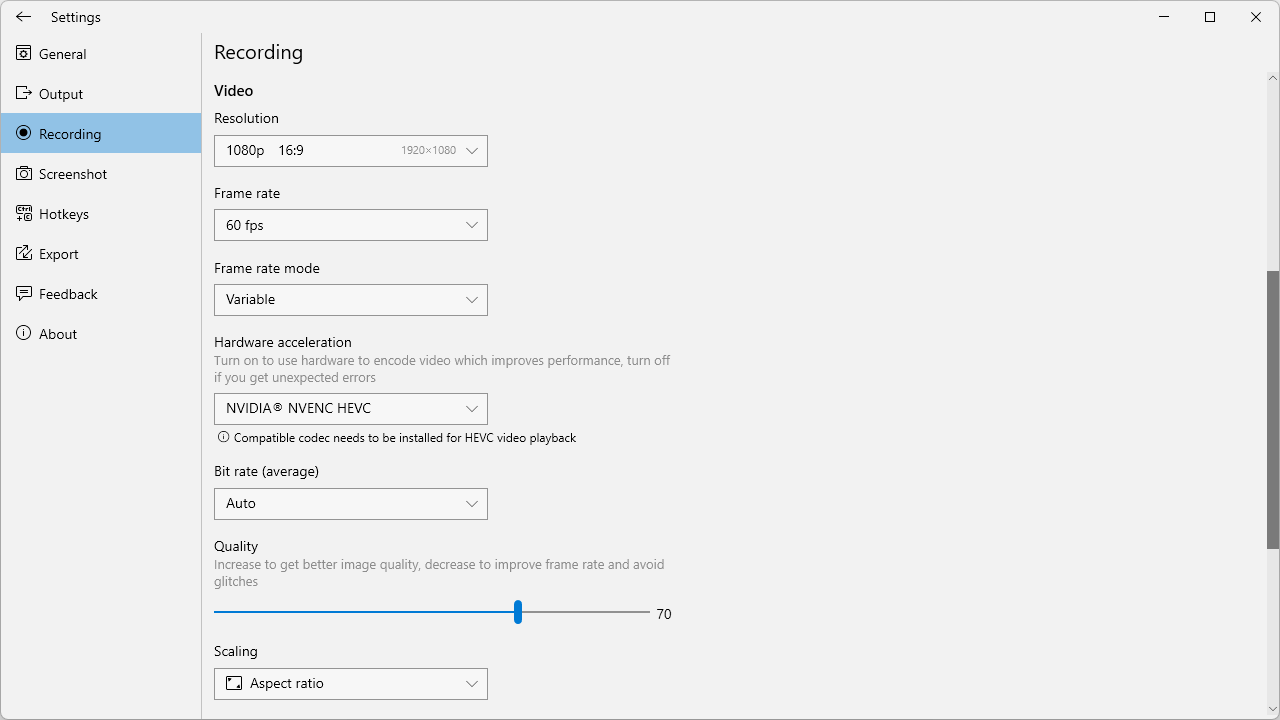
The cornerstone of Screenbits lies in its ability to deliver high-quality recordings effortlessly. Its primary feature enables users to capture their entire screen or select specific regions, perfect for creating tutorials or recording specific app demonstrations. The app's support for HD recording ensures that your videos look sharp and professional, suitable for sharing on social media or embedding in presentations. Additionally, the built-in audio recording feature allows for voiceovers, making your content more engaging. Users can also choose recording frame rates and formats, providing ample flexibility to suit different project needs.
Intuitive Interface and Seamless User Experience
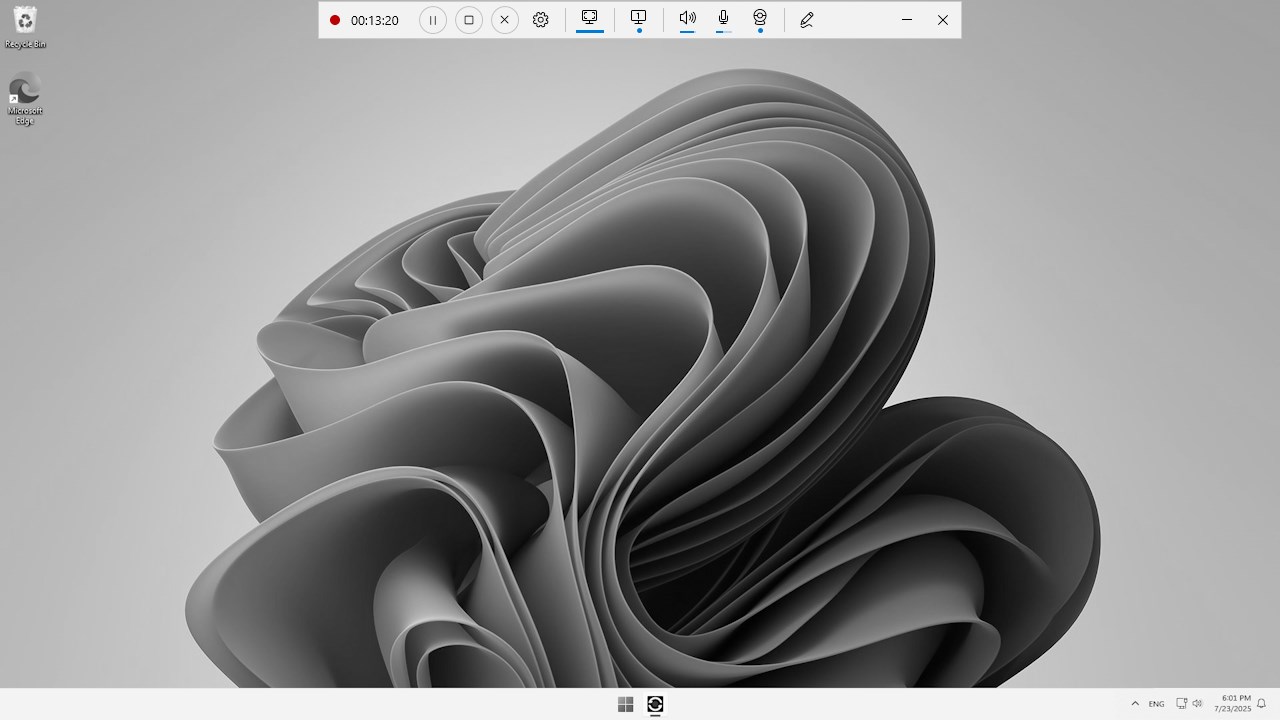
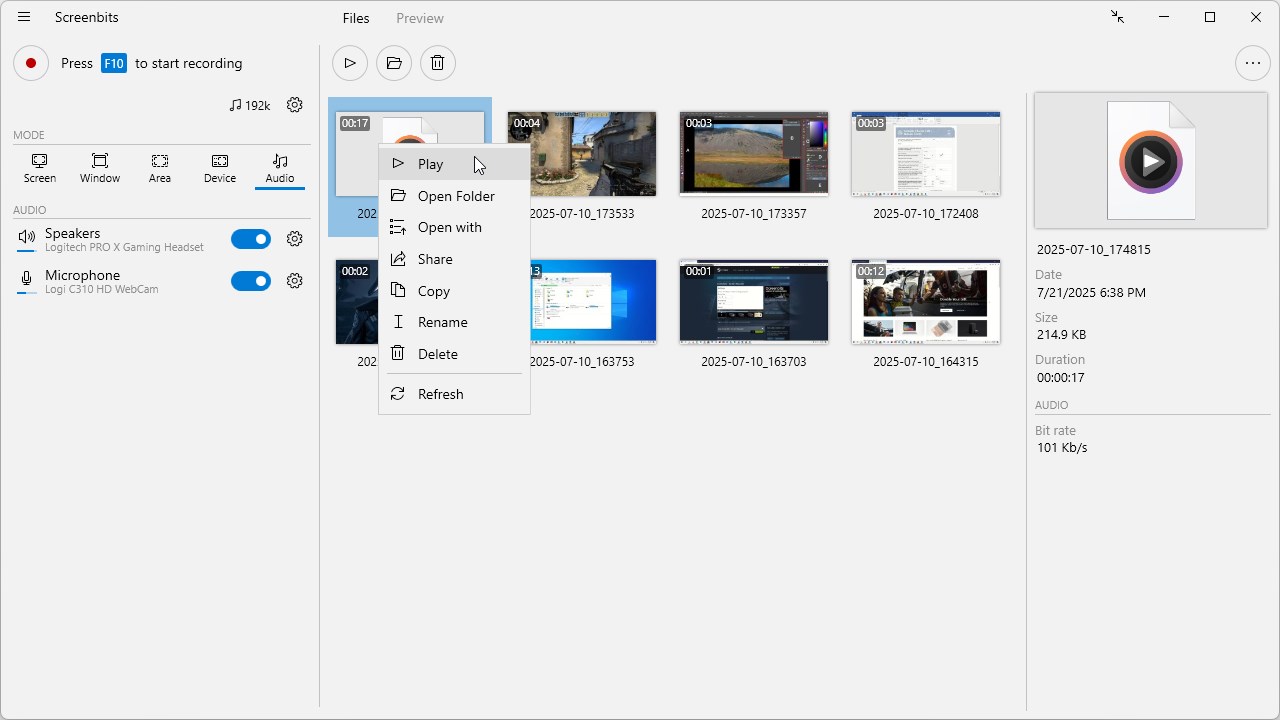
From the moment you open Screenbits, its clean layout and logical organization show that user experience was thoughtfully prioritized. The control buttons are clear and easily accessible, guiding even first-time users to start recording without complication. The app boasts smooth operation, with recording initiation and stopping happening in real-time without lag. Its learning curve is gentle—imagine it as learning to drive a familiar bicycle rather than mastering a complex sports car. For those unfamiliar with screen recording tools, Screenbits provides enough guidance within the interface, making it accessible to users of all proficiency levels.
What Sets Screenbits Apart?
Compared to many other screen recorders, Screenbits shines by offering a perfect balance of simplicity and customization. Its most distinctive feature is its ability to record specific regions of the screen—think of it as having a spotlight that only illuminates your area of interest. Unlike some apps that bombard you with complicated settings, Screenbits keeps controls straightforward, yet it still gives users options for tweaks like framerate and output quality. This makes it especially appealing for creators who want professional results without the hassle of navigating through cumbersome menus. Additionally, its lightweight footprint ensures it runs smoothly even on less powerful machines, setting it apart from bulkier, resource-intensive counterparts.
Final Verdict & Recommendations
I would recommend Screenbits to anyone seeking a reliable, easy-to-use screen recorder that doesn't overwhelm with unnecessary options. Its core advantage—combining quick setup with high-quality output—is especially valuable for quick tutorials, gaming clips, or professional demonstrations. For those who prioritize a clean, intuitive interface and dependable recordings, this app is a solid choice. While it may lack some advanced editing features found in pricier software, its focus on core recording functions makes it a practical, no-nonsense tool suitable for a broad user base. Whether you're a newbie or a seasoned creator looking for a lightweight recording solution, Screenbits is worth giving a try.
Pros
- High-quality video recording
- User-friendly interface
- Multiple recording modes
- Built-in editing tools
- Hardware acceleration support
Cons
- Limited export formats
- Occasional lag during recording
- Basic watermark on free version
- Limited advanced editing features
- Occasional stability issues










