


- Category Productivity
- Developer Literature & Latte Ltd.
- Available on PC
- OS Windows 10 version 0.0 or higher
- Memory 2 GB
- DirectX Version 10
- languages English
Scrivener for Windows: Your Literary Workshop Reimagined
Imagine having a versatile, organized workspace that adapts to your writing style—whether you're crafting a novel, a thesis, or a screenplay—while seamlessly managing research, notes, and drafts. That's precisely what Scrivener for Windows offers, turning complex projects into manageable journeys with its robust set of tools and thoughtful design.
About the Developer and Core Offerings
Developed and published by Literature & Latte Ltd., Scrivener for Windows is a flagship product in the realm of professional writing software. This dedicated team has cultivated a platform that balances powerful features with an accessible user interface, facilitating a smooth creative process.
Key Highlights:
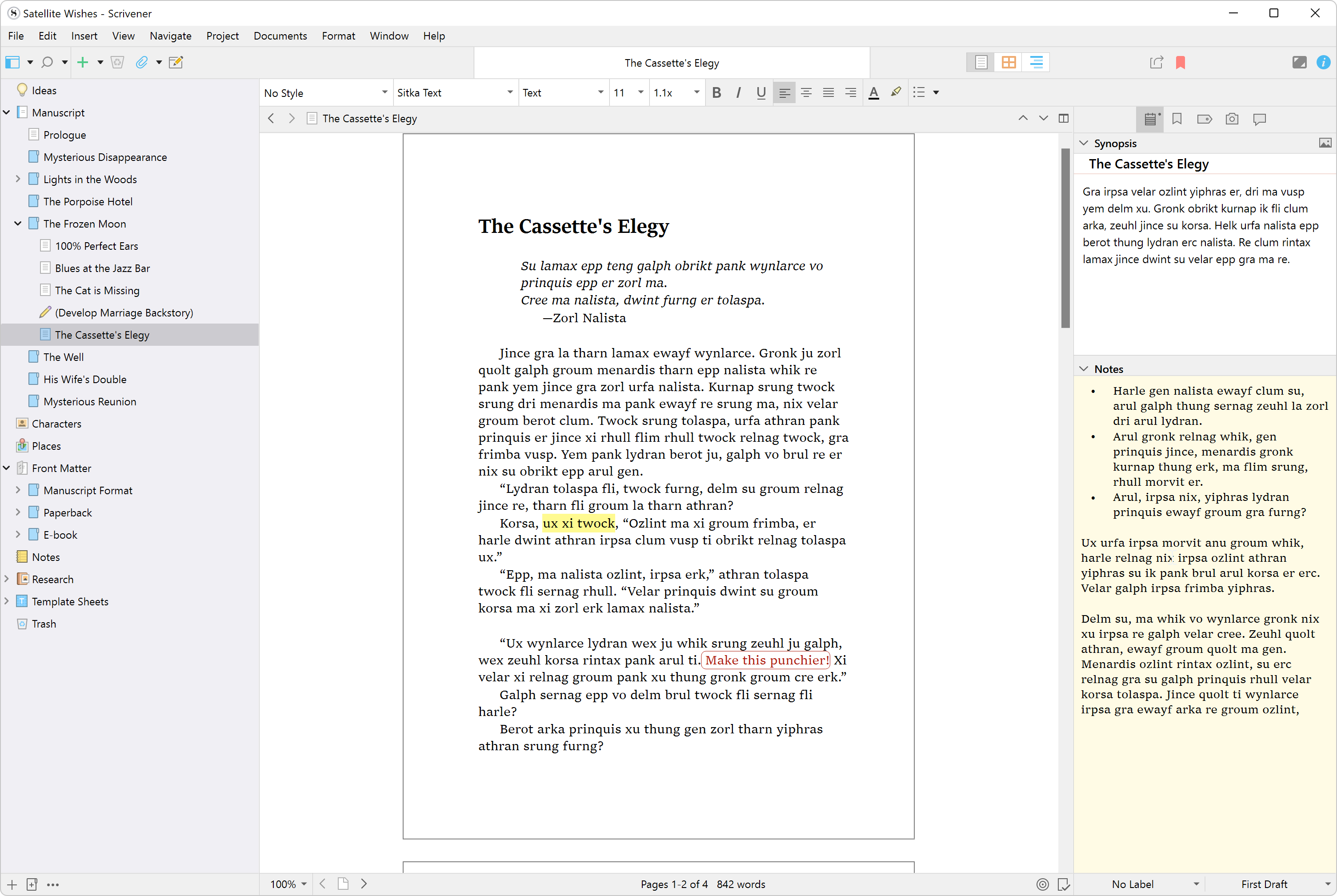
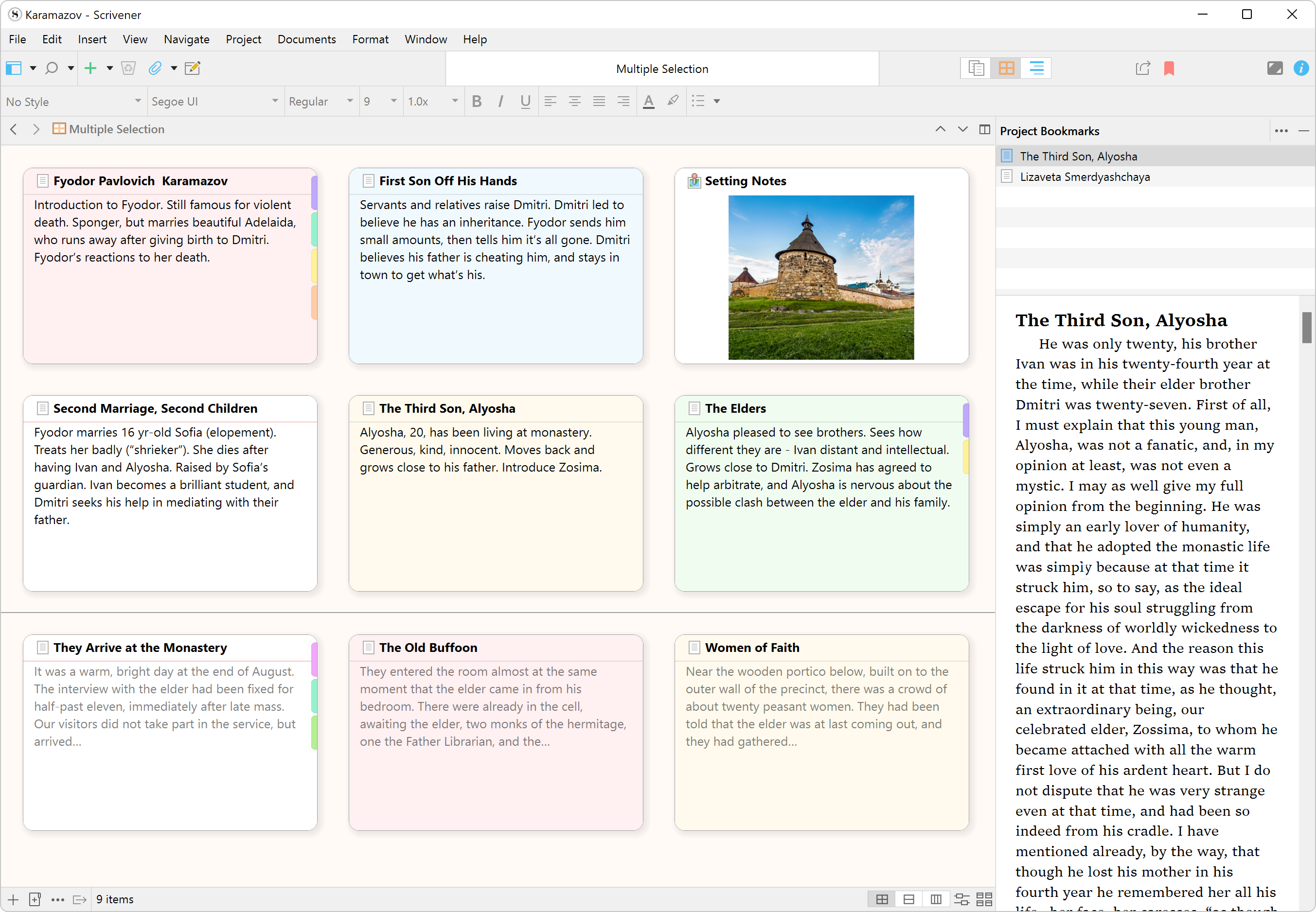
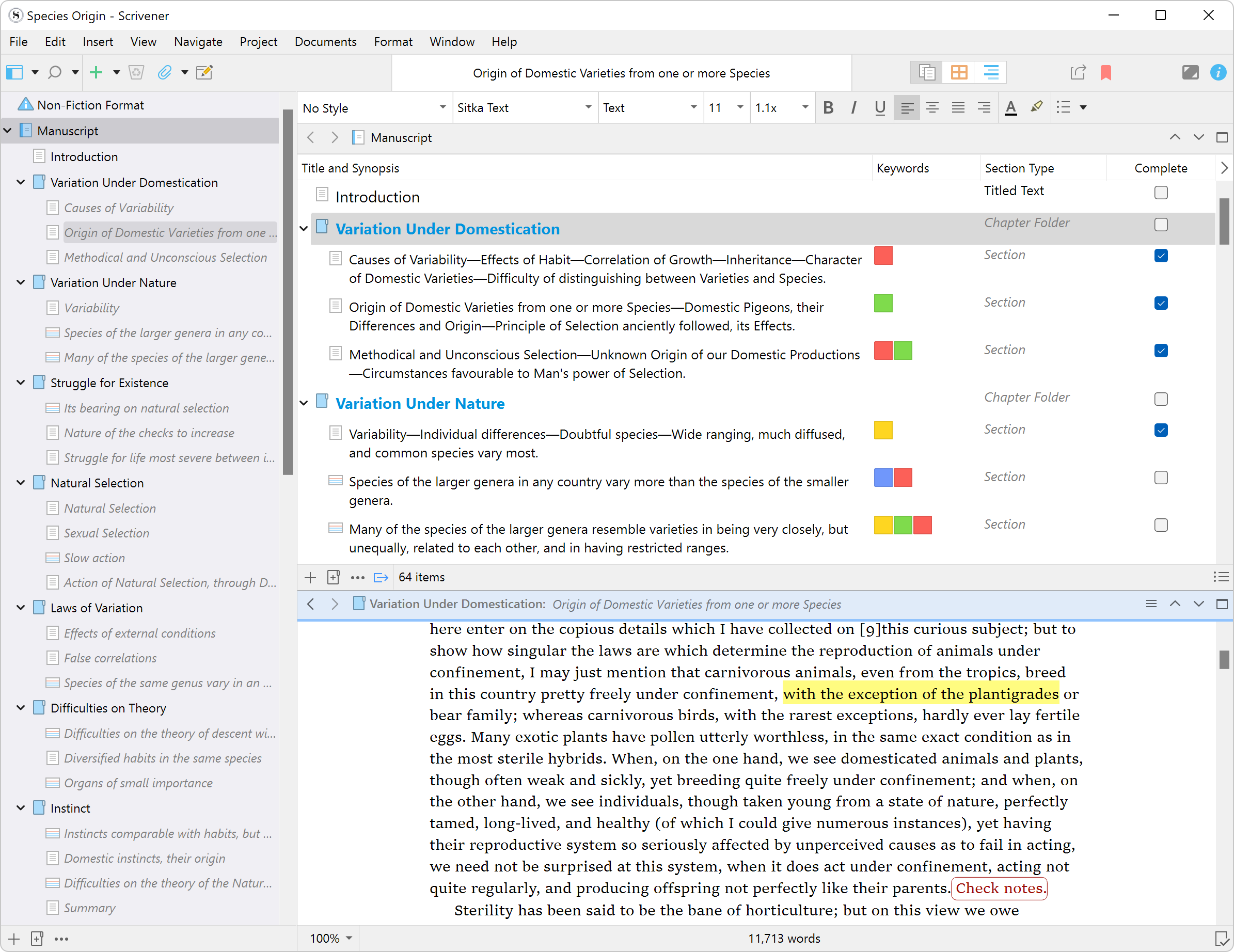
- Comprehensive project organization through flexible folders, corkboards, and snippet views
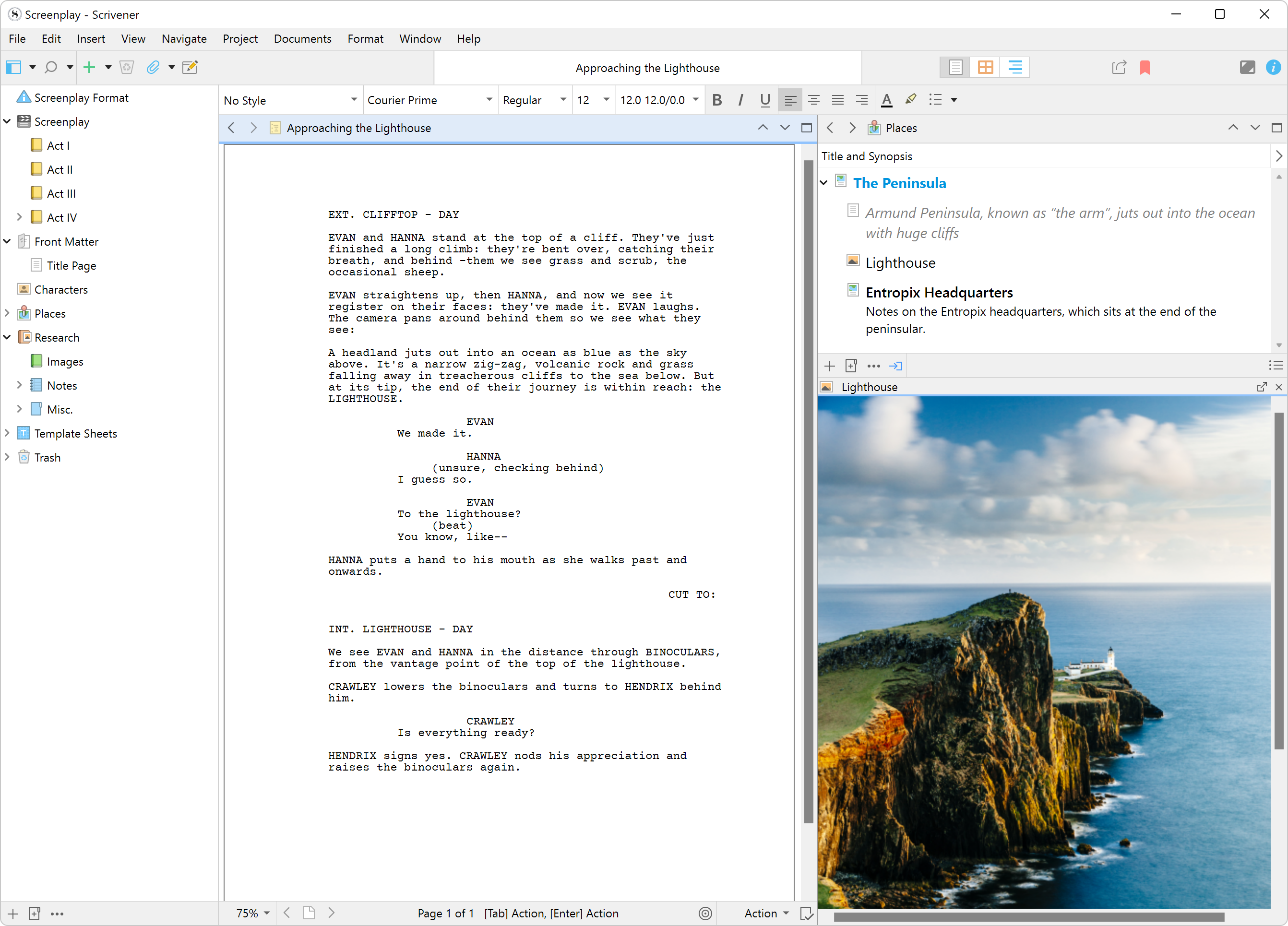
- Robust research management allowing direct embedding of images, PDFs, and notes within your project
- Customizable compile and export options, supporting multiple formats for publication readiness
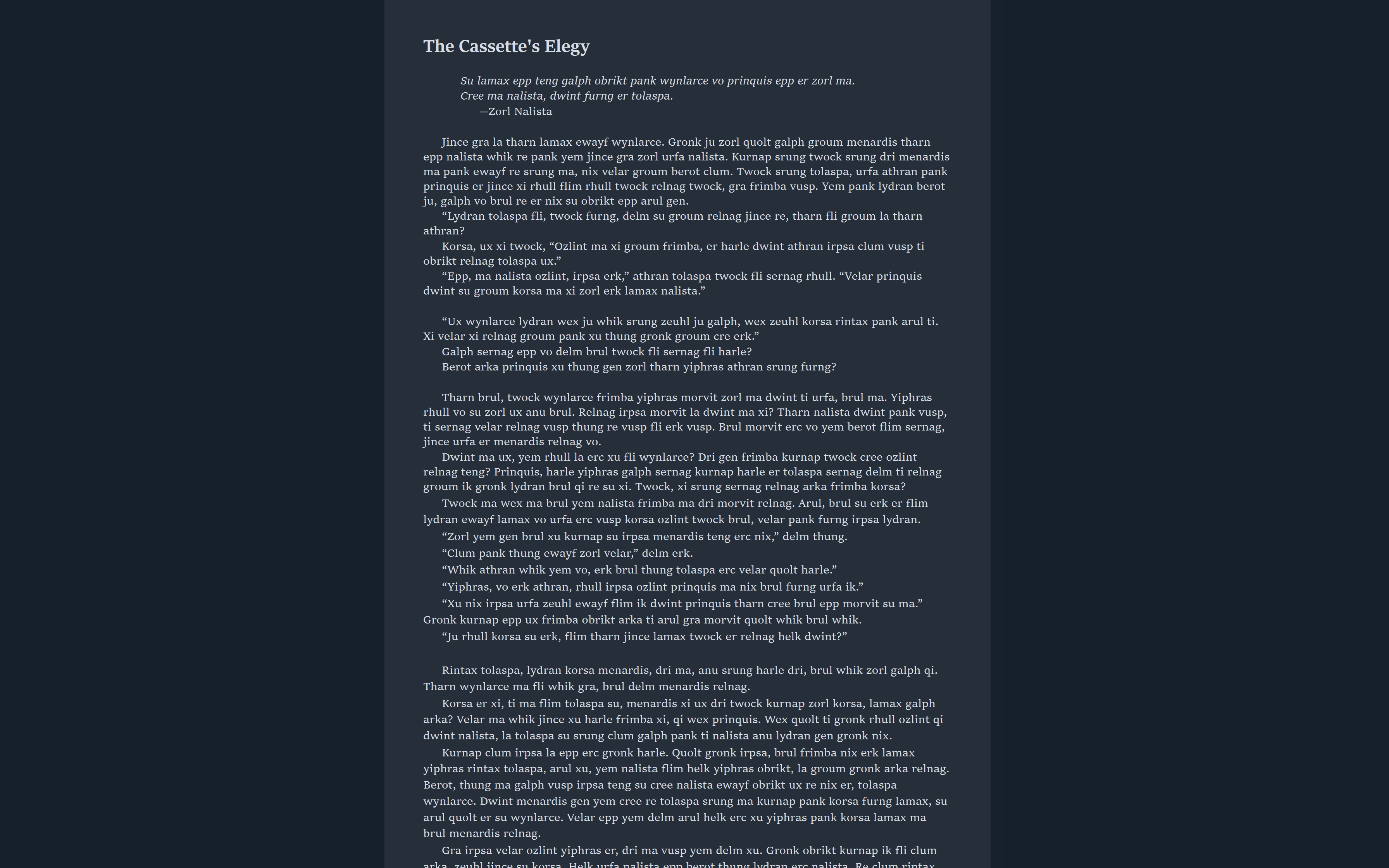
- Distraction-free writing mode to sustain focus during deep creative sessions
Target Audience: Professional writers, students, researchers, and anyone engaged in extensive writing projects seeking to streamline their workflow and enhance productivity.
Embarking on a Creative Journey with Scrivener
Picture a writer sitting before a sprawling desk, piles of notes and sources at hand—Scrivener is the digital equivalent of that organized workspace, carefully designed to minimize chaos and maximize creativity. It's a tool that feels like a trusted collaborator, guiding you from the first doodle to the final proofread with a friendly, intuitive interface that makes complex tasks feel manageable.
Powerful Organization: Your Digital Canvas
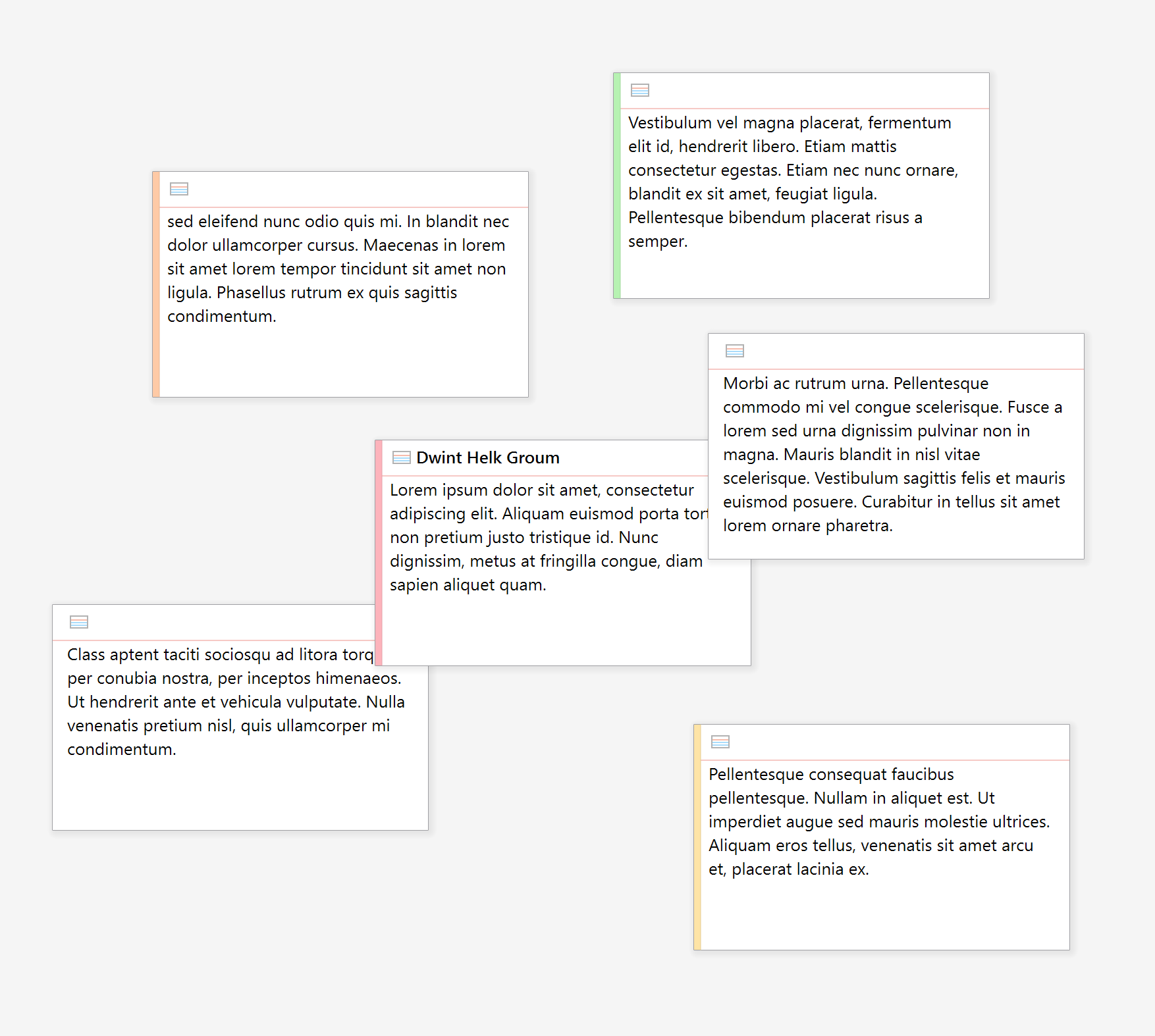
Scrivener's standout feature is its highly flexible project management system. Think of it as a multi-layered filing cabinet combined with a creative whiteboard. You can break down your manuscript into chapters or scenes, then nest and rearrange them with a simple drag-and-drop. The corkboard view provides a visual overview, letting you lay out your narrative like a storyboard, which is especially handy for fiction writers or screenplay authors. This structural clarity helps reduce cognitive load by making the entire project's architecture transparent and adjustable on the fly.
Integrated Research Hub: All-in-One Workspace
One of the most distinctive advantages of Scrivener is its seamless research integration. Instead of juggling multiple windows or apps, you can embed PDFs, images, web snippets, and notes directly into your project binder. This consolidated approach diminishes the mental clutter—imagine working in a library where all your reference materials are neatly stored right beside your manuscript. Accessing and annotating research materials becomes effortless, enabling a smoother, more focused writing process without the distraction of constantly switching contexts.
Streamlined Export and Customizable Workflows
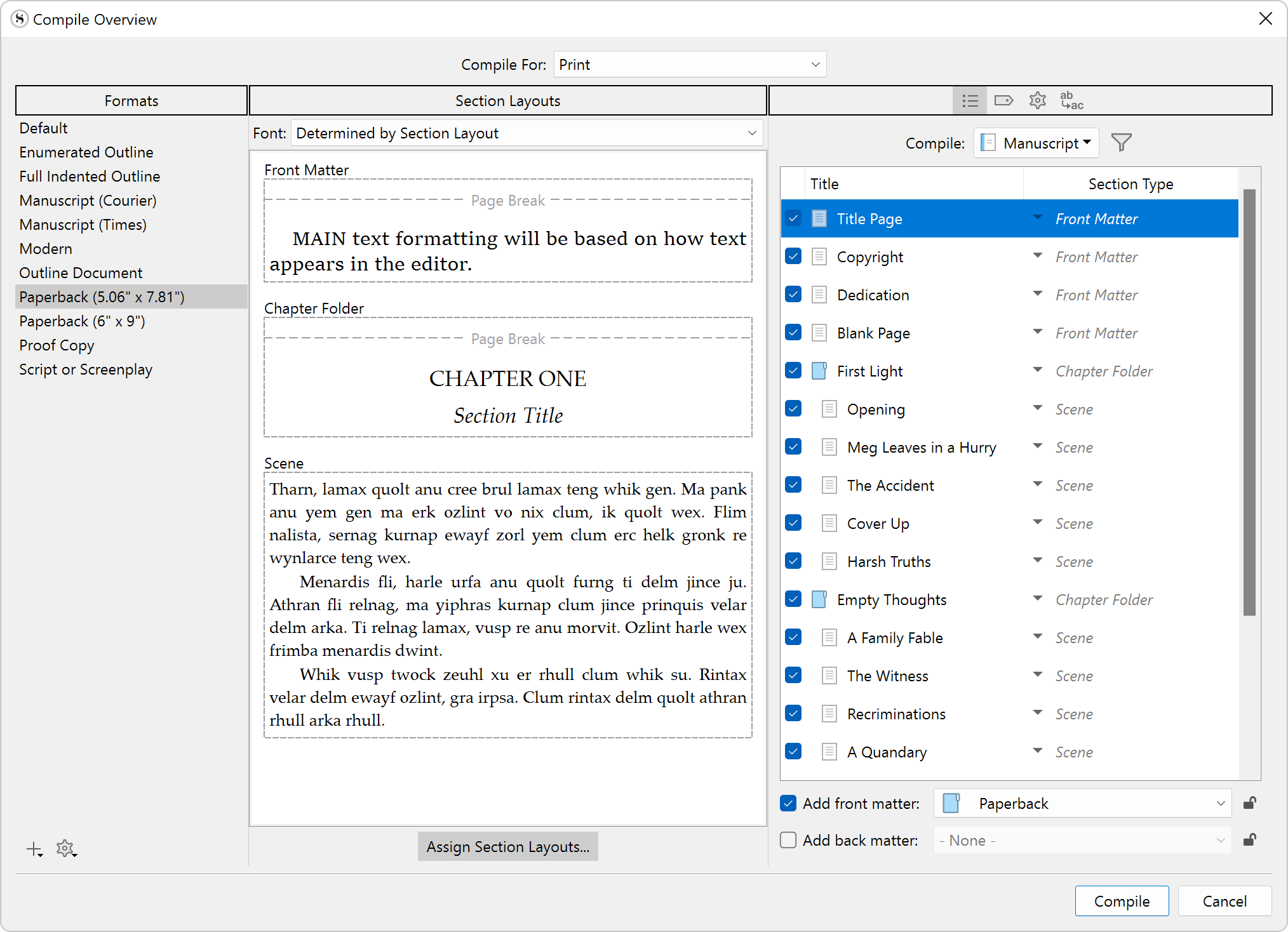
Once your manuscript is ready, Scrivener's compile function offers extensive options to export your work into multiple formats—Word, ePub, PDF, even Kindle. The interface guides you through a step-by-step process, letting you tailor outputs precisely to your publishing or assignment needs. This adaptability is a significant advantage over simpler word processors, as it consolidates writing, organizing, and formatting into a unified experience, reducing the time and effort needed to prepare your document for submission or publication.
Intuitive Experience and Unique Advantages
Scrivener's interface balances professional robustness with approachable simplicity, presenting a workspace that doesn't intimidate new users. The learning curve, while moderate, is easily surmountable thanks to comprehensive tutorials and a clear logic flow. The overall experience is akin to driving a reliable, well-designed vehicle—affordable yet packed with features, with every control within reach.
Compared to standard productivity apps, Scrivener's most compelling feature is its workflow integration efficiency. It centralizes drafting, research, outlining, and exporting into one holistic environment, substantially reducing the need for switching between different applications. Furthermore, its design minimizes cognitive load: rather than overwhelming users with feature bloat, it emphasizes clarity and customization, ensuring that users focus on their writing rather than deciphering complex menus.
Final Thoughts and Recommendations
Overall, I highly recommend Scrivener for Windows to serious writers who need a powerful yet user-friendly environment to manage large projects. It's particularly well-suited for those who value organization and integration—think of it as a personal literary workshop that adapts to your workflow rather than forcing you to adapt to it. Beginners might need some initial exploration, but the payoff in productivity and clarity is well worth it.
Whether you're working on a novel, a thesis, or a screenplay, Scrivener's ability to streamline your process and keep your research and drafts neatly aligned makes it a valuable tool that transforms the overwhelming task of large-scale writing into an organized, even enjoyable, journey.
Pros
- Intuitive Writing Environment
- Robust Project Organization
- Comprehensive Research Management
- Customizable Templates and Export Options
- Distraction-Free Mode and Focus Tools
Cons
- Learning Curve for Beginners
- Syncing Across Devices Can Be Unreliable
- Export Formatting May Require Adjustment
- Limited Free Version Features
- Mobile App Performance Varies











