Seelen UI for Windows: A Fresh Breeze in Personalization
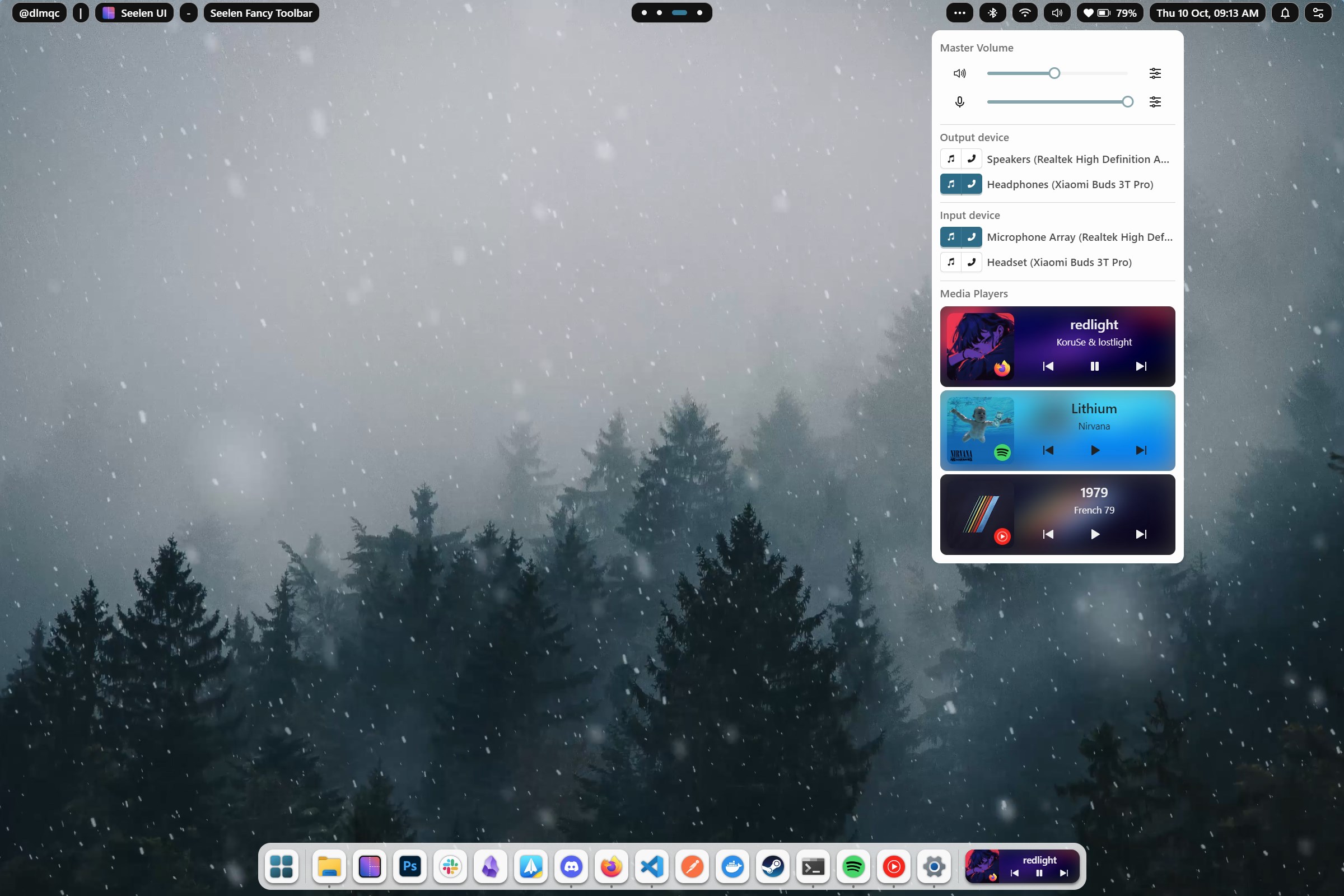
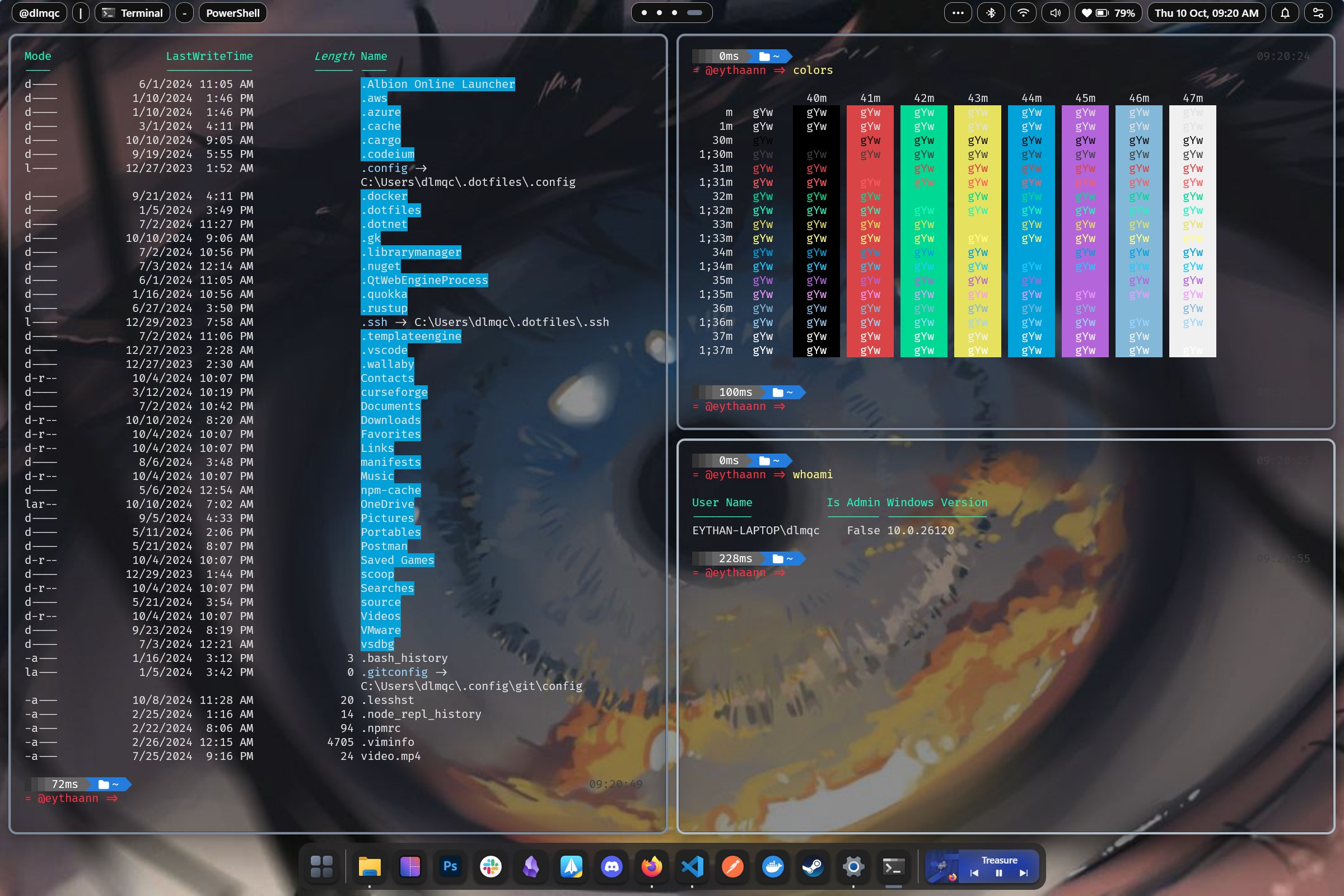
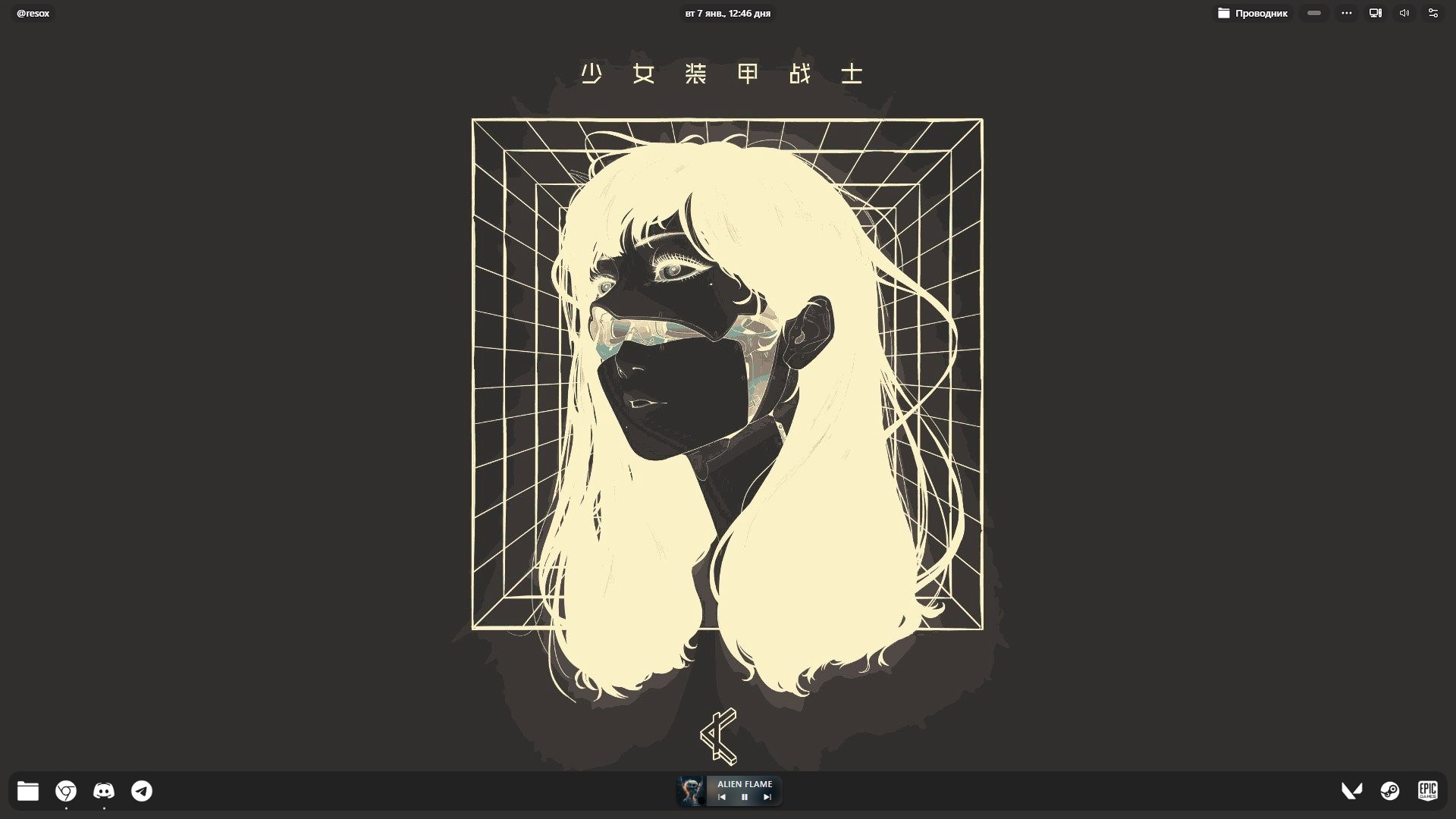
Seelen UI for Windows is a sleek and versatile customization tool designed to enhance your desktop experience with tailor-made themes and intuitive controls. Developed by eythaann under the publisher Seelen, this application aims to bring a new level of aesthetic flexibility to Windows users who crave a more personalized environment.
Who's Behind It?
The app is crafted by the creative team at eythaann, a developer focused on delivering user-centric customization solutions. Their goal is to empower users to craft a desktop that truly reflects their personality and workflow.
Key Features that Shine
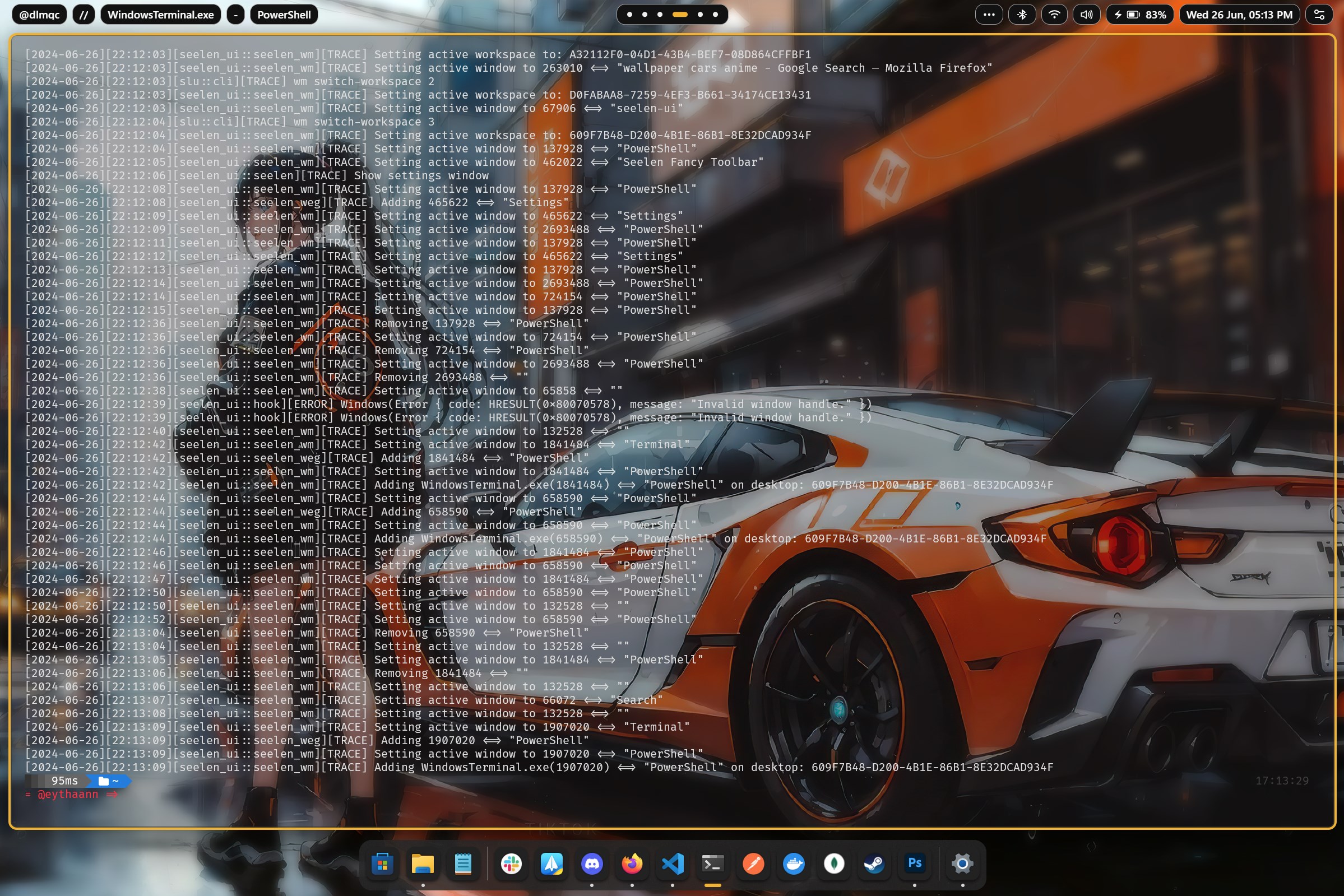
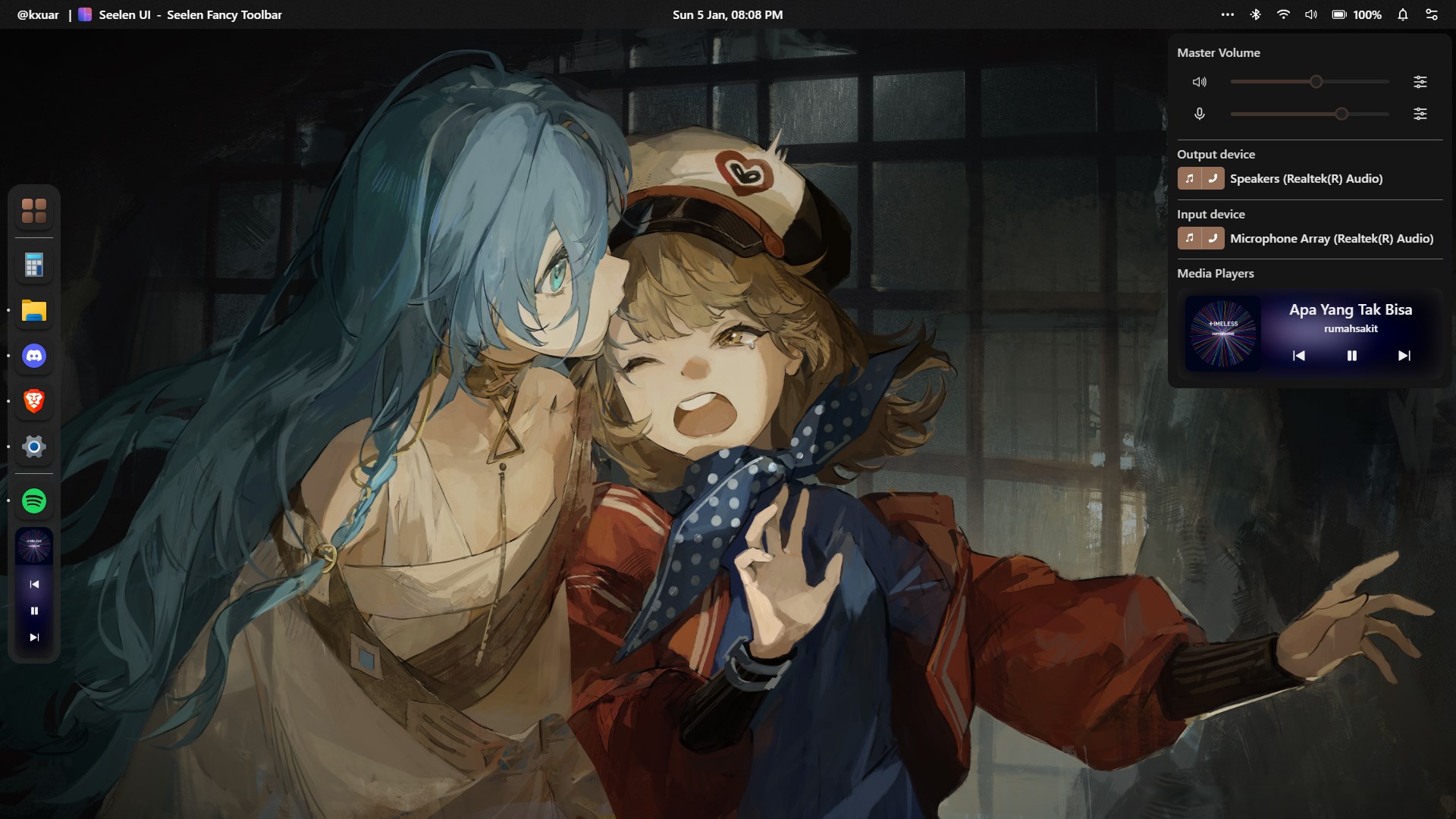
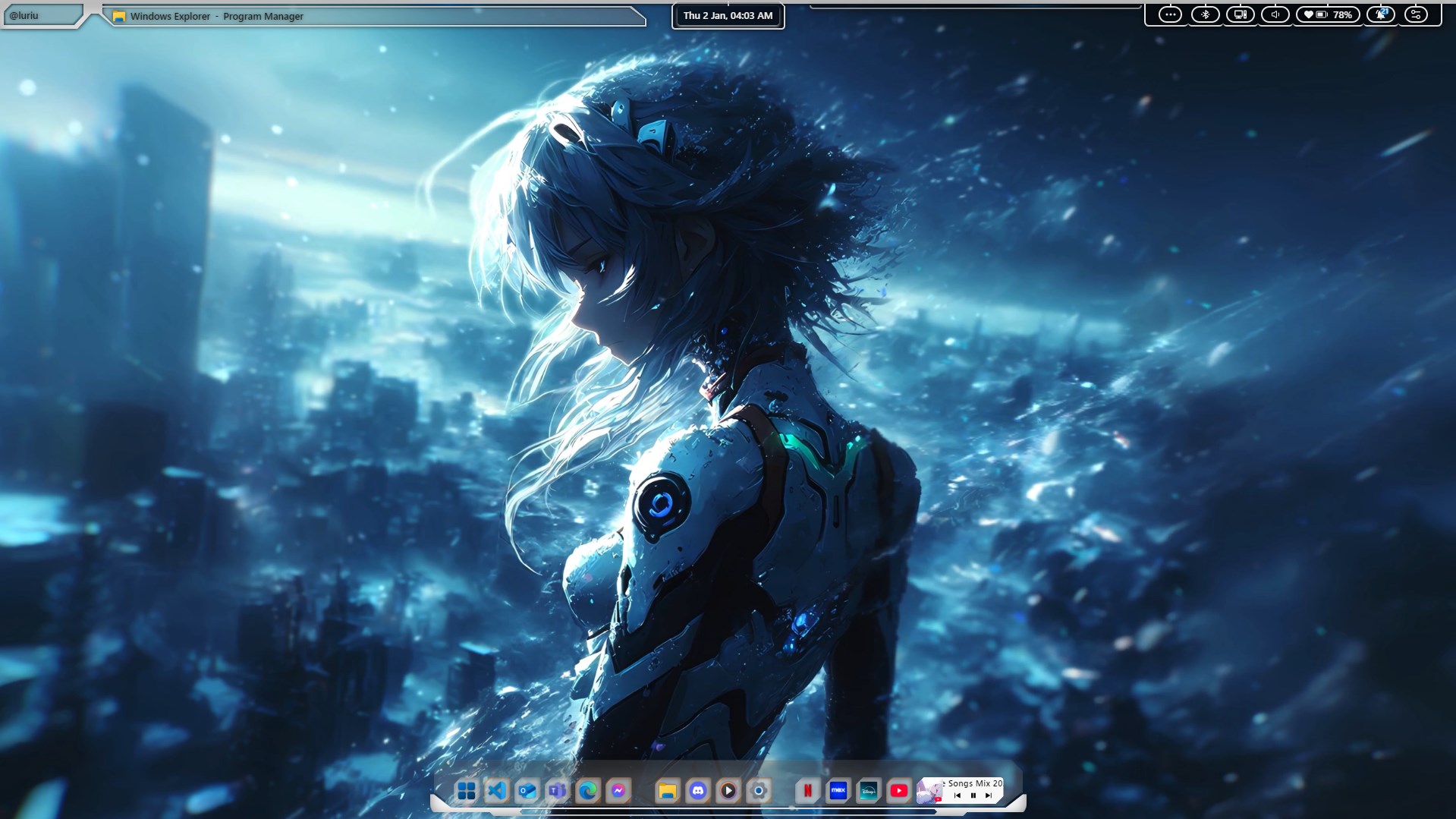
- Extensive Theme Customization: Seelen UI offers a broad array of themes, allowing users to modify backgrounds, icons, and window styles seamlessly.
- Dynamic Color Schemes: Users can choose or create color palettes that adapt to their mood or time of day, making their desktop feel alive and integrated.
- User-Friendly Interface: The app's intuitive layout simplifies customization, even for those new to theme tweaking.
- Theme Compatibility: It supports a wide range of existing Windows themes, ensuring easy integration with your preferred aesthetic.
Ideal Users
This app is perfect for Windows enthusiasts, graphic designers, or anyone keen to elevate their desktop visuals without compromising system stability. It appeals especially to users who enjoy fine-tuning their interface but prefer a straightforward, accessible tool.
A Spark of Inspiration: Making Your Desktop Truly Yours
Imagine opening your laptop in the morning—the screen greets you with a fresh, invigorating style that matches your coffee mood. Seelen UI isn't just about changing colors; it's about transforming your digital space into a reflection of yourself. Whether you're after a dark, sleek look for late-night coding or a lively, colorful theme for creative work, Seelen UI promises to deliver a personalized experience that feels both alive and effortless.
Core Functionality: Themes and Customization Options
Seelen UI's main appeal lies in its powerful theme customization engine. With a few clicks, users can browse an expansive library of themes or craft their own from scratch. The application supports importing third-party theme packs, which broadens creative potential significantly. For those who want their desktop to respond dynamically to their environment, the app's color scheme generator offers adaptive palettes that shift based on time or wallpaper, adding a lively, almost organic touch to the interface.
Ease of Use and User Experience
The interface design resembles a friendly dashboard—organized, clean, and inviting. Navigation is smooth, with all settings logically grouped to prevent confusion. Even beginners can navigate the app after a brief exploration, thanks to clear labels and helpful tooltips. The responsiveness of theme switching is immediate, making experimentation satisfying rather than frustrating. This glue-like cohesion between design and function ensures that customizing your desktop isn't a chore but a delightful craft.
Differentiating from the Crowd
While many personalization apps offer themes and some customization, Seelen UI stands out with its emphasis on theme compatibility and variety. Its adaptive color schemes ensure that themes aren't static but respond dynamically, a feature less common among typical skinning tools. Compared to competitors that often lock users into a limited set of options, Seelen UI's open approach—supporting both pre-made and user-created themes—makes it a standout choice for those seeking both flexibility and depth.
Recommendation and Usage Tips
Based on its features and user experience, I would confidently recommend Seelen UI for users who want a tasteful, customizable desktop. It's especially suitable for those new to personalization, given its approachable interface, as well as advanced users eager for adaptive, dynamic themes. To get the most out of this app, explore its community theme sharing options and experiment with color schemes to create a truly personalized environment. Keep in mind, a well-structured approach to customization will help maintain system stability and ease future tweaks.
In summary, Seelen UI for Windows offers a compelling mix of flexibility, user-friendliness, and innovative features. Its ability to adapt themes dynamically and support extensive customization options makes it more than just a skinning tool; it's a platform for expressing your digital personality. Whether you're a casual user or a dedicated aesthetic enthusiast, this app deserves a spot in your Windows toolkit.
Pros
Intuitive UI design
Customizable themes
Smooth performance
Regular updates
Low resource consumption
Cons
Limited feature set
Occasional UI glitches
Lack of comprehensive documentation
Minor compatibility issues with certain Windows versions