
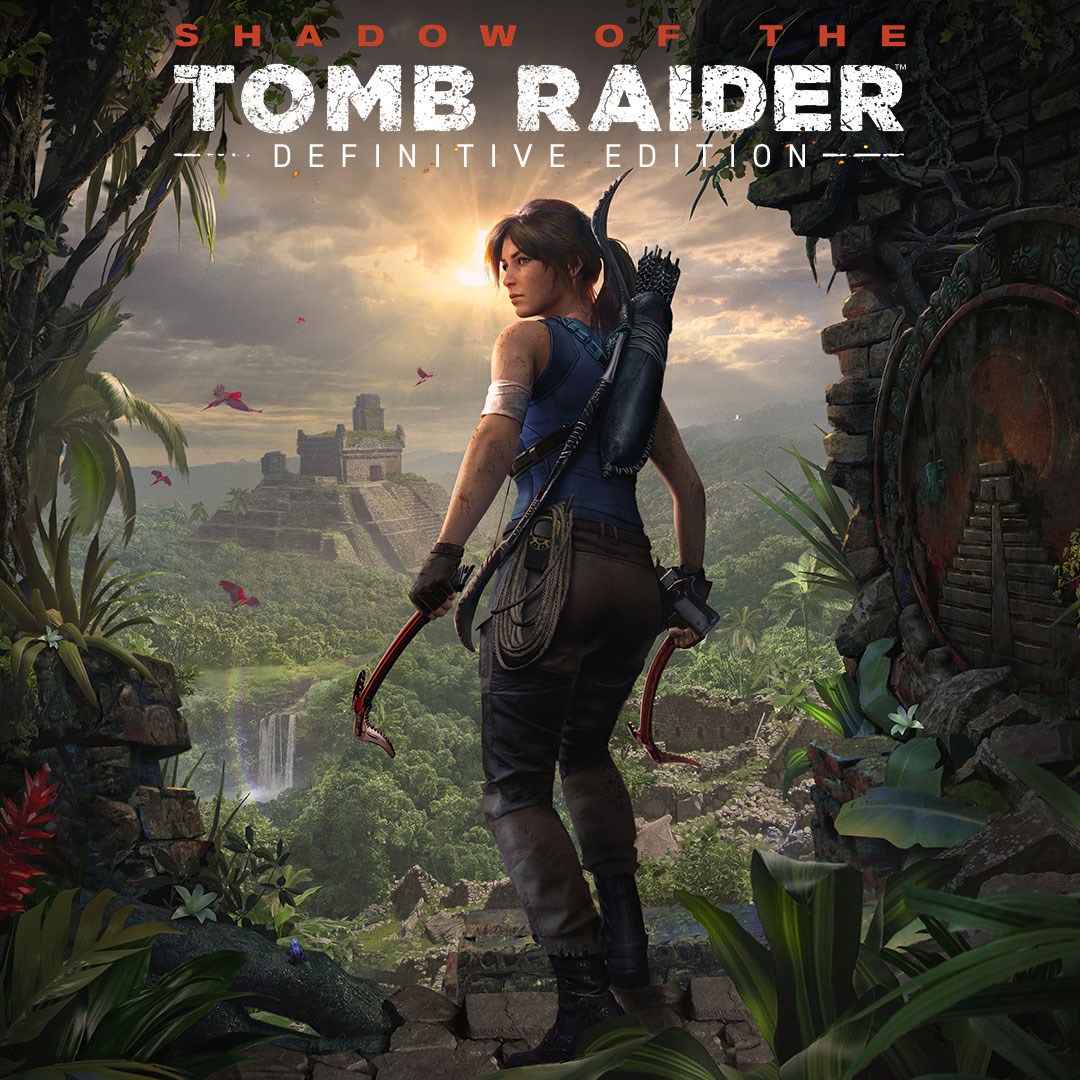
Frequently Asked Questions
How do I install Shadow of the Tomb Raider Definitive Edition on my device?
Download the game from the app store or platform, then follow the on-screen instructions to install. Ensure your device meets the minimum system requirements.
What are the main features included in the Definitive Edition?
It includes the base game, all seven DLC challenge tombs, and all downloadable weapons, outfits, and skills for the complete Lara Croft experience.
How can I access all the DLC challenge tombs and downloadable content?
All DLC content is unlocked automatically in the Definitive Edition. No additional setup is needed after installation.
Can I customize Lara's weapons and outfits in the game?
Yes, you can customize weapons and outfits through the in-game menu under the 'Gear' section for a personalized experience.
How do I upgrade Lara's skills in the game?
Skills can be upgraded via the skills tree found in the pause menu under ‘Skills'. Earn skill points through gameplay to unlock upgrades.
Is the game a one-time purchase or does it require a subscription?
The game is a one-time purchase; no subscription is required to play or access all content included in the Definitive Edition.
Are there any additional in-app purchases or microtransactions?
No, all content such as weapons, outfits, and DLC are included in the Definitive Edition and do not require extra purchases.
How can I update the game to ensure I have the latest version?
Check for updates via your platform's store or game launcher, and enable automatic updates in settings for the latest version.
What should I do if the game crashes or freezes?
Try restarting your device, ensuring your system meets requirements, and update the game and device OS. Contact support if issues persist.
Can I play Shadow of the Tomb Raider Definitive Edition offline?
Yes, once installed, you can play offline without an internet connection, but online features require internet access.
You May Like

Red Dead Redemption (PC)
for Windows
5
Solo Leveling: ARISE OVERDRIVE
for Windows
4.9
Criminal Case: The Conspiracy
for Windows
4.8
DesignVille: Merge & Design
for Windows
4.8
Minecraft: Java & Bedrock Edition Deluxe Collection
for Windows
4.8
Subnautica
for Windows
4.8
Vampire Survivors
for Windows
4.8
Little Kitty, Big City
for Windows
4.8
Hollow Knight: Voidheart Edition
for Windows
4.8
bloxd.io
for Windows
4.8
Sunset Overdrive
for Windows
4.8
Criminal Case: Mysteries of the Past
for Windows
4.8