

- Category Productivity
- Available on PC
- OS Windows 10 version 19041.0 or higher
- DirectX Version 11
- languages Arabic, Chinese (Simplified), Chinese (Traditional Chinese), English, French, German, Italian, Japanese, Korean, Portuguese (Brazil), Russian, Spanish
Shapr3D for Windows: Revolutionizing 3D CAD Design with Intuitive Precision
In an era where digital design is the backbone of innovation, Shapr3D for Windows emerges as a compelling companion for professionals and hobbyists alike, offering a seamless bridge between creative ideas and precise 3D models on the Windows platform.
About the App
Shapr3D for Windows is a powerful, mobile-inspired 3D CAD modeling application optimized for the Windows environment. Developed by the dedicated team at Shapr3D, this app encapsulates the agility of tablet-based sketching into a desktop experience, making 3D design more accessible and efficient.
- Key Features: Rapid 3D modeling with natural gestures, seamless cloud integration for collaboration, and compatibility with professional CAD tools.
- Target Users: Engineers, product designers, architects, and students seeking intuitive CAD solutions without the steep learning curve traditionally associated with desktop software.
A Fresh Take on 3D Design: Engaging and Efficient
Imagine sketching your ideas on a tablet, but with the power of desktop-grade precision—this is the promise that Shapr3D for Windows delivers. Its user interface feels like a well-designed workspace, inviting users to translate their concepts into detailed models swiftly. Whether you're refining a mechanical part or exploring architectural layouts, Shapr3D makes the process feel fluid, almost like sculpting in digital clay.
Core Functionality: The Heart of Shapr3D
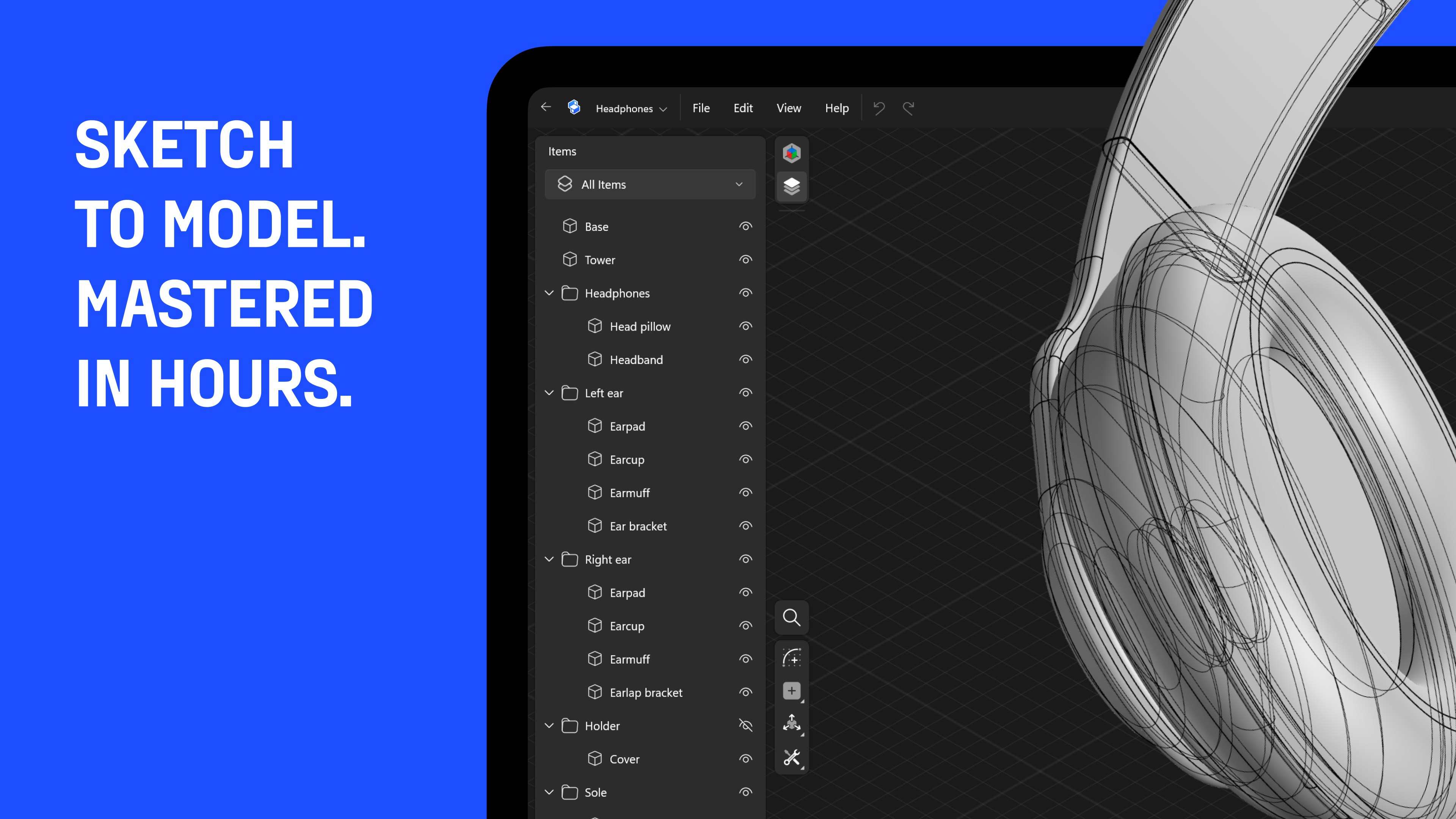
First off, the app excels in its intuitive modeling workflow. The primary drawing tools mimic familiar pen-and-paper gestures, making it accessible for users new to CAD while remaining powerful enough for professionals. The sketching environment is tightly integrated with 3D features, enabling users to push and pull models with natural hand movements—think of it as molding digital clay using your fingers.
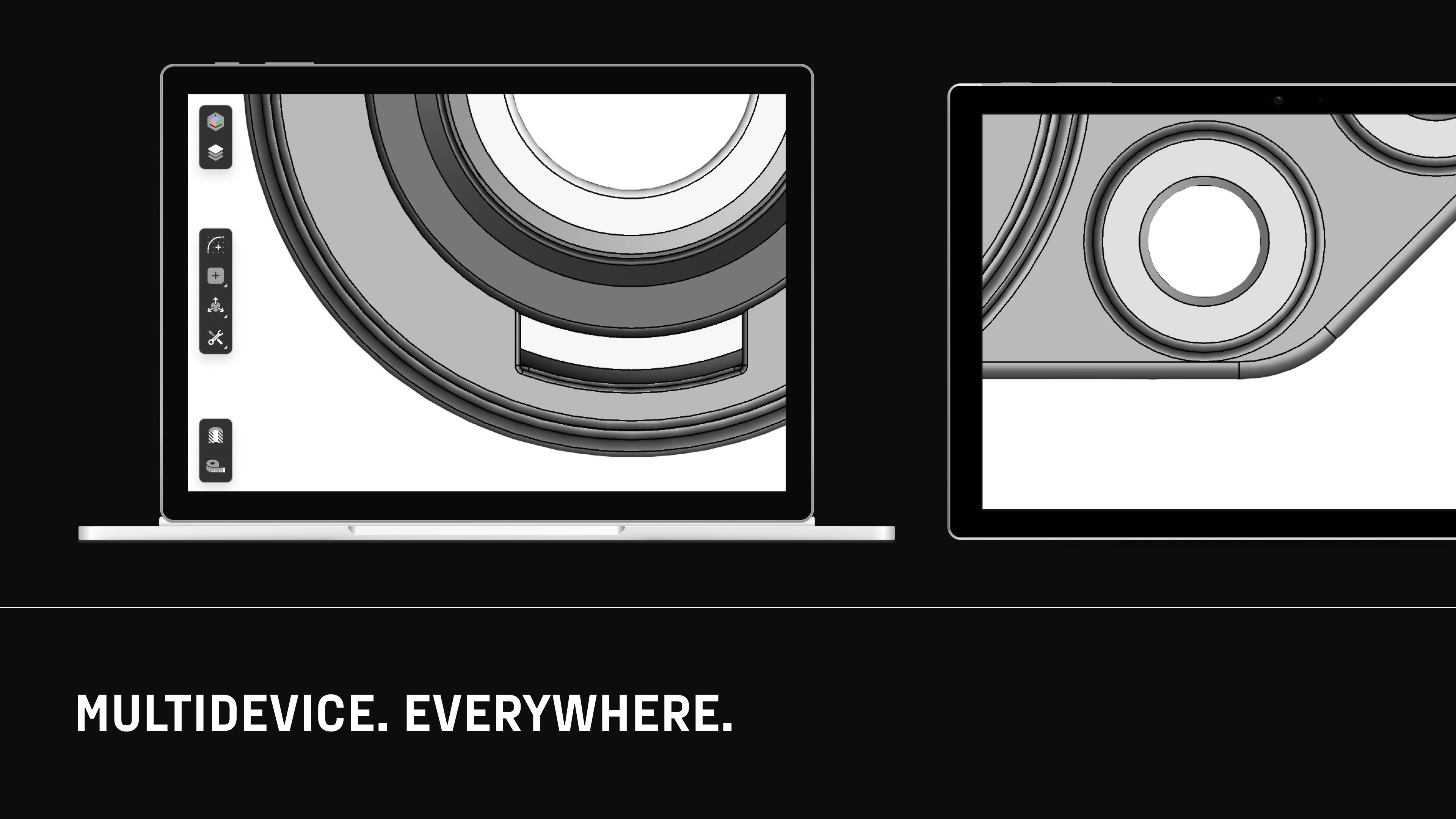
Second, the cloud synchronization and collaboration features distinguish Shapr3D from traditional CAD programs. Models seamlessly sync across devices, allowing a designer to start on a tablet and finish on a Windows PC or share with a team in real-time. This interconnectedness minimizes workflow disruptions and promotes effortless iteration, much like passing a sketchbook among team members during a brainstorming session.
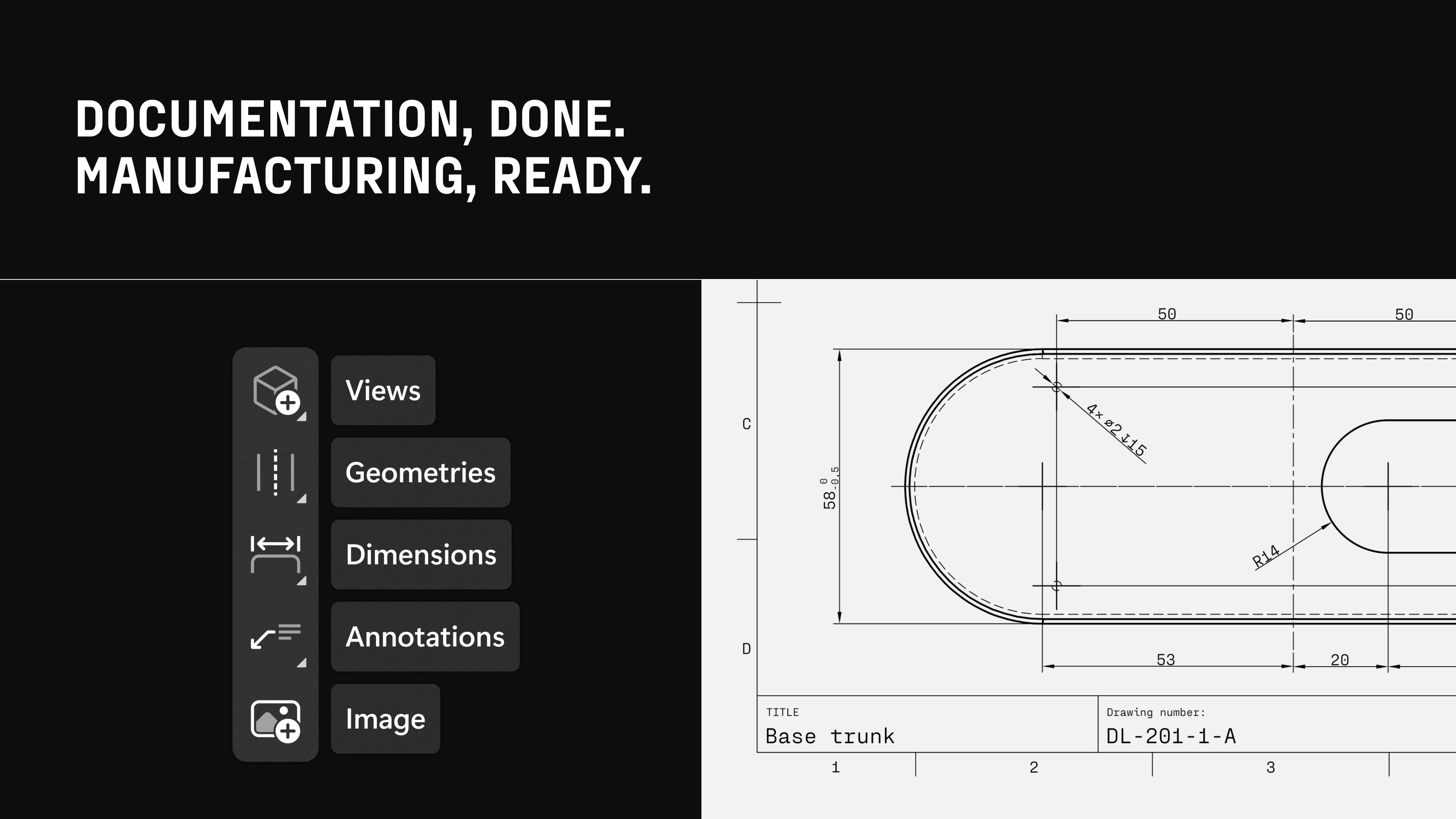
Finally, its compatibility with various CAD formats (like STEP, IGES, and STL) simplifies the process of integrating designs into existing workflows. This interoperability reduces cognitive load by eliminating the need for complex file conversions, making your design process smoother and more focused.
User Experience and Interface Design
The application's interface resembles a sleek, well-organized workshop—clean lines, dedicated tool zones, and a minimalistic aesthetic. Operation feels responsive and snappy, akin to flicking through pages in a well-worn sketchbook, fostering a natural flow. The learning curve is gentle; even newcomers quickly grasp the basic commands thanks to contextual hints and straightforward controls. Advanced users will appreciate how the app balances simplicity with depth, enabling intricate detailing without overwhelming the user.
What Sets It Apart? Workflow Integration and Cognitive Load Reduction
Compared to other productivity apps, Shapr3D for Windows stands out because of its focus on streamlining the creative process rather than just offering a laundry list of features. Its emphasis on workflow integration—allowing users to seamlessly transition between devices—reduces the cognitive burden often associated with switching contexts in complex software. The minimalist design taps into cognitive efficiency, preventing users from feeling lost in a maze of options, making design sessions more focused and productive.
This balance of feature richness and simplicity is a key differentiator, especially for those who need professional-level tools without the burnout of mastering a complicated interface.
Final Verdict and Recommendations
Shapr3D for Windows is highly recommended for those seeking a versatile yet approachable CAD solution. It's particularly suitable for designers who value smooth workflow integration and want to minimize learning time without sacrificing functionality. While it may not replace high-end desktop CAD applications for highly specialized tasks, its unique combination of intuitive gestures, cloud collaboration, and cross-platform flexibility makes it a standout choice for most professional and amateur workflows.
If you're looking to bring your design ideas into reality efficiently and enjoy a workspace that feels as natural as sketching on paper, Shapr3D for Windows is a tool worth exploring.
Pros
- Intuitive user interface
- Powerful 3D modeling tools
- Multi-format export options
- Touch and stylus optimization
- Cloud synchronization
Cons
- Limited free features
- Performance issues on low-end devices
- Learning curve for complex functions
- Limited collaboration features
- Occasional export errors with large files











