

- Category Personalization
- Developer Microsoft Corporation
- Available on PC
- OS Windows 10 version 18362.0 or higher
- languages English (United States)
Shifting Horizons for Windows: Personalize Your Desktop Like Never Before
Shifting Horizons is a highly customizable Windows personalization app developed by Microsoft Corporation that transforms your desktop background into a dynamic, immersive experience. Designed to cater to users seeking more than just static wallpapers, it offers a blend of artistic visuals and flexible customization options, making your workspace both inspiring and uniquely yours.
Key Features That Set It Apart
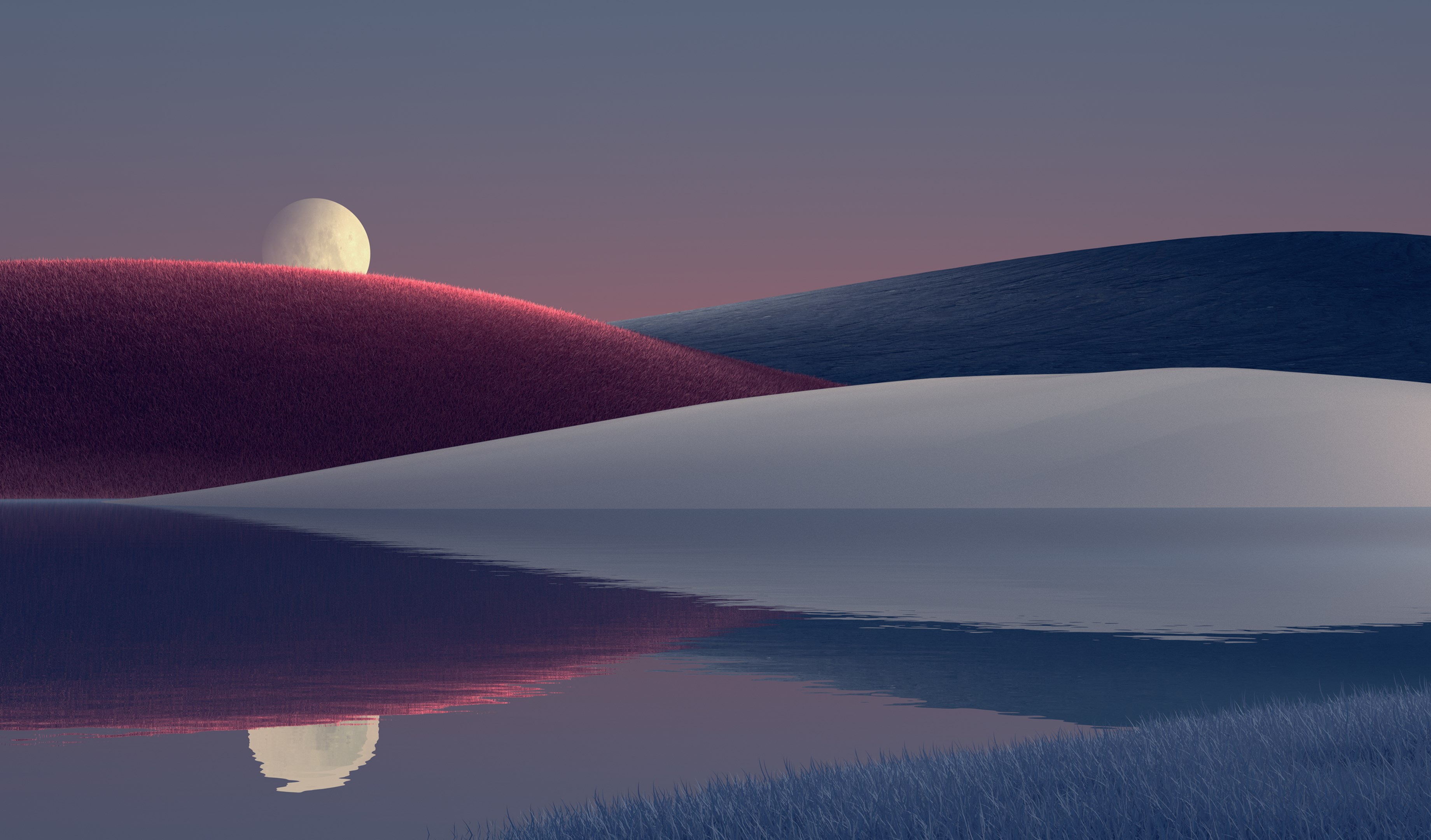
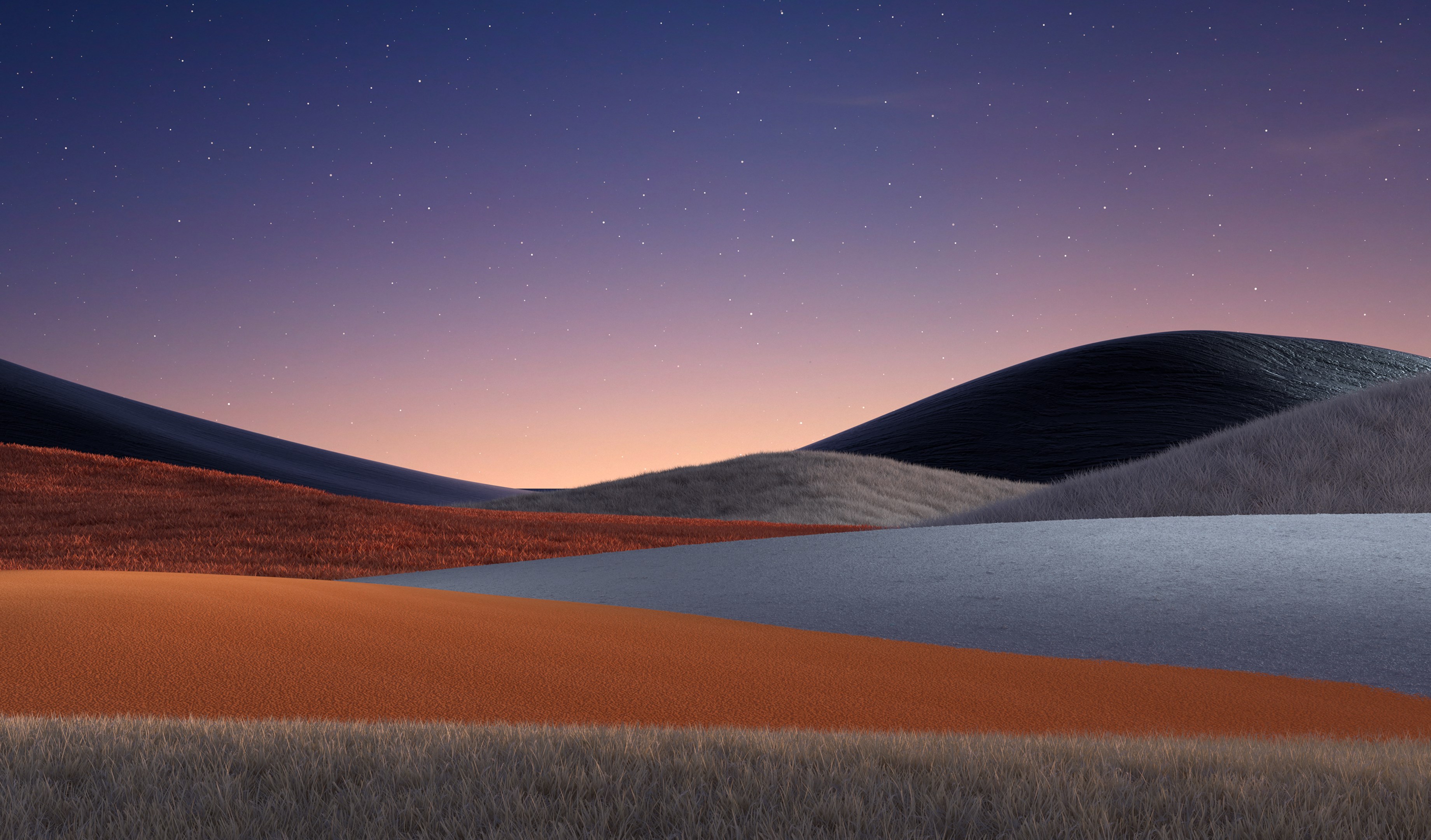
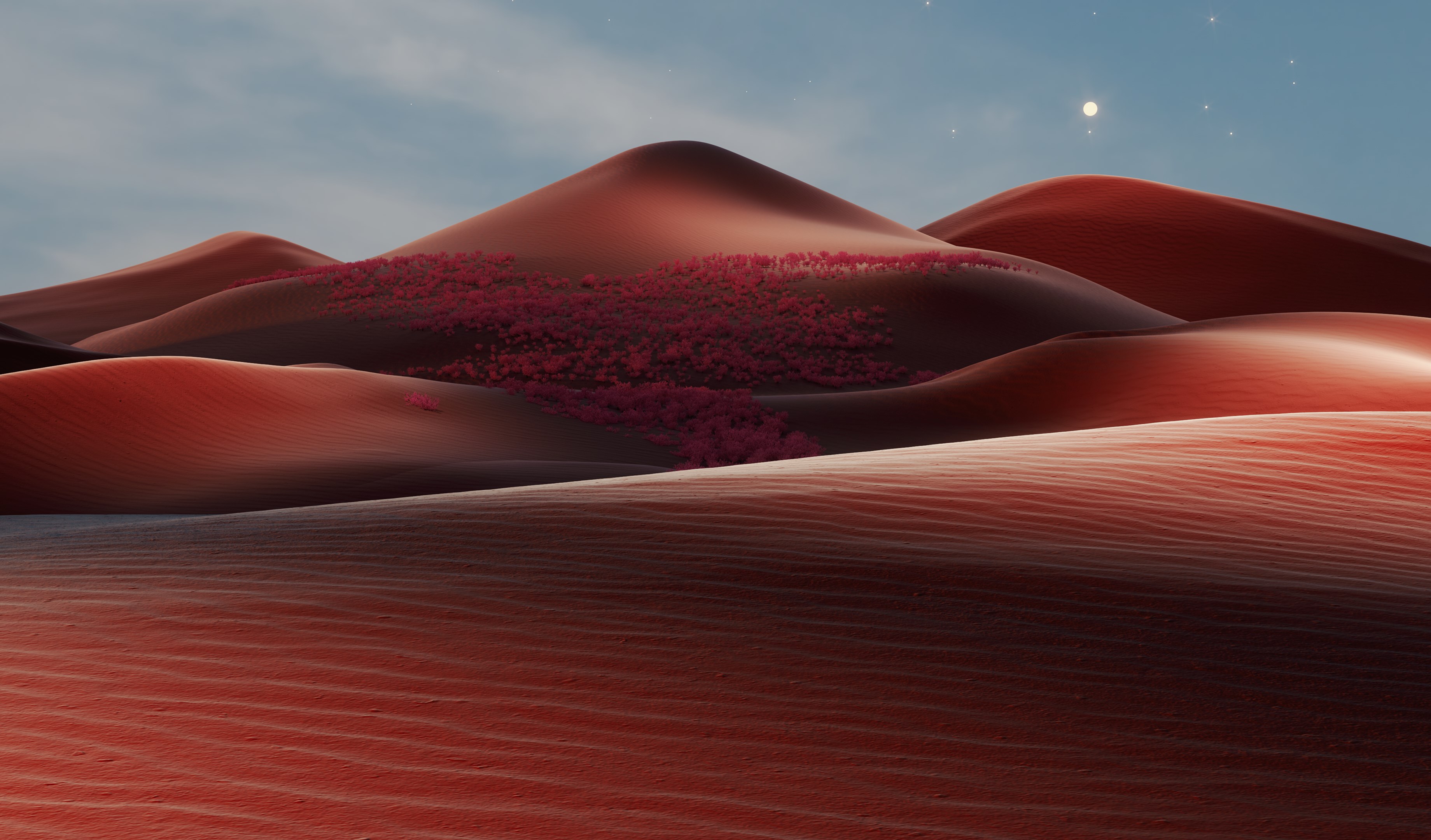
One of the standout features of Shifting Horizons is its ability to seamlessly integrate stunning, animated horizons that simulate natural environments—imagine watching a sunrise or sunset right on your desktop. Coupled with its adaptive theme compatibility and deep personalization options, the app elevates the way users interact with their Windows backgrounds. The intuitive interface and smooth performance ensure that enhancing your desktop remains a pleasurable experience, whether you're a casual user or a tech enthusiast.
Captivating Visuals and User Experience
From the moment you load Shifting Horizons, the interface welcomes you with a sleek, modern design that makes customization a breeze. The main dashboard acts as a control center, where you can browse various horizon themes—ranging from serene beaches to majestic mountain vistas—and preview them in real-time. The app's transitions and animations are fluid, creating a lively backdrop that injects life into the desktop without any noticeable lag or stuttering. The learning curve is gentle; even users unfamiliar with customization tools can navigate through options with ease, thanks to clear labels and straightforward controls.
The Most Special Features: Dynamic Horizons & Theme Compatibility
The highlight of Shifting Horizons is its dynamic horizon feature, which brings animated, shifting landscapes to life right on your desktop. This isn't just a slideshow; it's a living scene that responds subtly to system and environmental cues, providing a fresh experience every time you log in. Unlike typical wallpaper apps, which are static or limited to single themes, this feature offers a sense of depth and movement that can be both relaxing and stimulating.
Furthermore, the app boasts exceptional theme compatibility, allowing users to blend horizons with their existing system themes and wallpapers. Whether you prefer dark or light modes, Shifting Horizons adapts seamlessly, ensuring visual harmony across your settings. This level of integration underscores its core strength—delivering a personalized, cohesive aesthetic that feels natural and effortless.
Recommendation and Usage Suggestions
If you're someone who values aesthetic personalization and desires an elegant way to invigorate your desktop environment, Shifting Horizons is a solid choice. Its intuitive design, combined with the standout animated horizons, makes it suitable for both casual users and those who appreciate detailed customization. For maximum effect, consider pairing it with your favorite themes and wallpapers, creating a harmonious aesthetic ecosystem. However, users with older hardware may want to test the dynamic features first, as animations could impact system performance. Overall, I recommend trying it out if you're looking to add a touch of natural beauty and movement to your everyday computing—just don't forget to explore its customization options to truly make your desktop a window into shifting horizons.
Pros
- Intuitive User Interface
- Rich Visual Content
- Regular Updates and Improvements
- Cross-Device Compatibility
- Personalized Content Recommendations
Cons
- Limited Offline Access
- Slow Loading Times in Certain Sections
- Occasional Crashes on Specific Devices
- Insufficient Customization Options
- Inconsistent Notifications Delivery











