

- Category Multimedia design
- Available on PC
- OS Windows 10 version 14393.0 or higher
- Memory 4 GB
- Keyboard Not specified
- Mouse Not specified
- DirectX Not specified
- languages Catalan, Chinese (Simplified), Chinese (Traditional), Czech, Danish, Dutch, English, English (United Kingdom), Estonian, Finnish, French, German, Greek, Hungarian, Italian, Japanese, Nepali, Norwegian (Bokmål), Norwegian (Nynorsk), Polish, Portuguese (Brazil), Portuguese (Portugal), Russian, Slovak, Slovenian, Spanish, Swedish, Turkish, Ukrainian
Shotcut for Windows: A Free and Open-Source Video Editor with a User-Friendly Edge
Shotcut is a versatile, open-source video editing software that balances powerful features with an accessible interface, making it suitable for both beginners and seasoned editors alike.
Developer and Core Features
Created by Meltytech, a dedicated team passionate about accessible multimedia tools, Shotcut for Windows aims to provide a comprehensive editing experience without the hefty price tag. Its main highlights include support for a wide range of video formats, a modular and customizable interface, robust editing tools such as timeline editing and filter application, and cross-platform compatibility. These features make Shotcut a flexible choice for casual hobbyists, content creators, or even small production teams.
Engaging and Intuitive Interface — A Refreshing Blend of Simplicity and Power
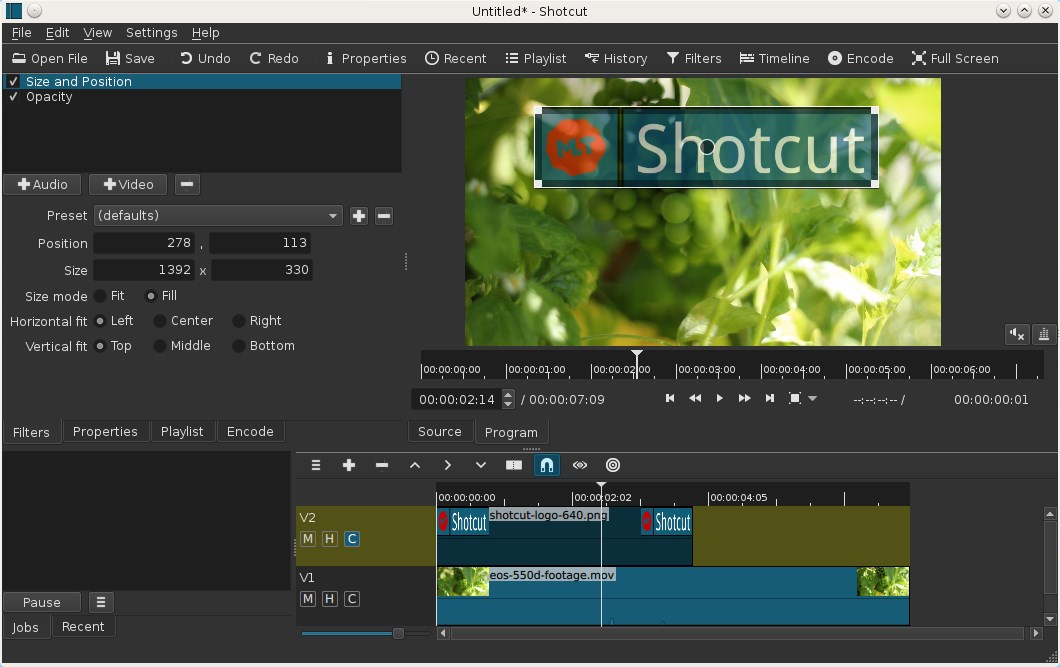
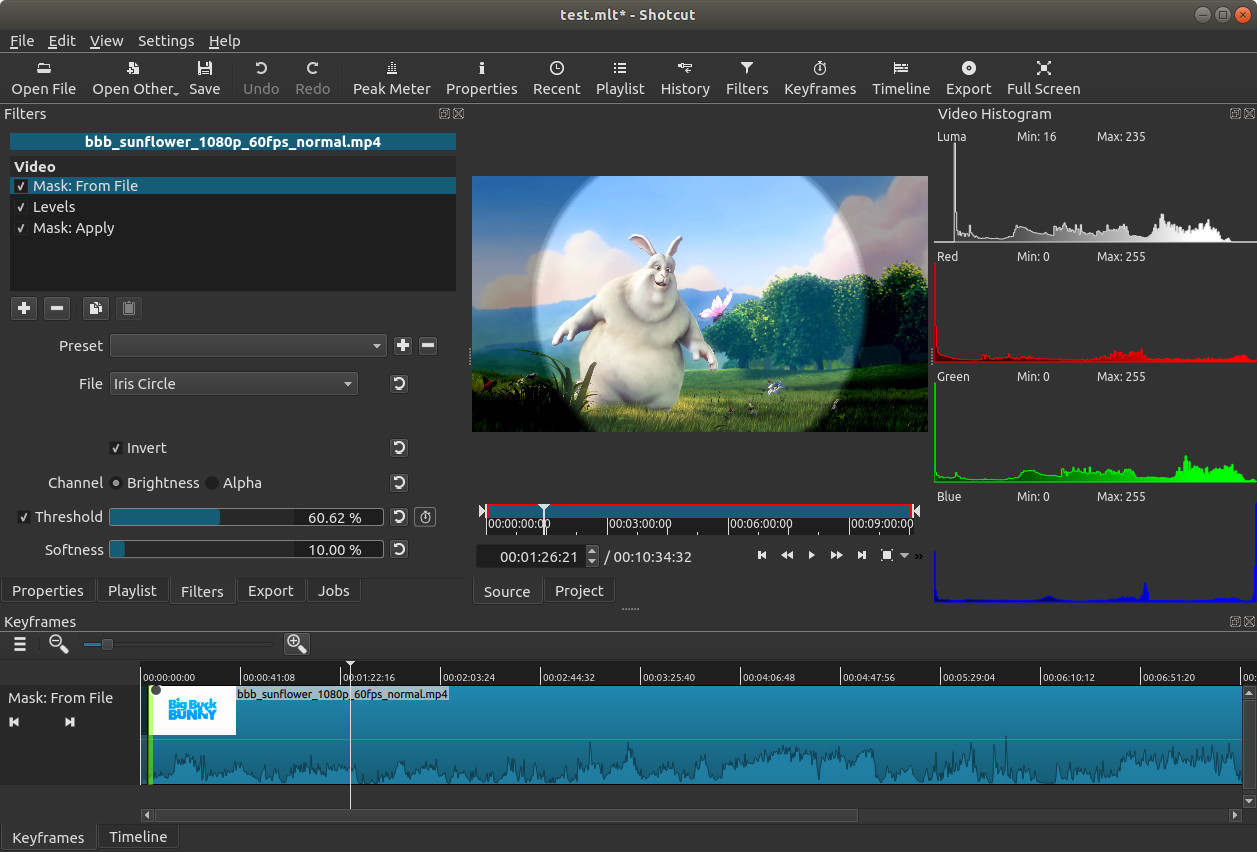
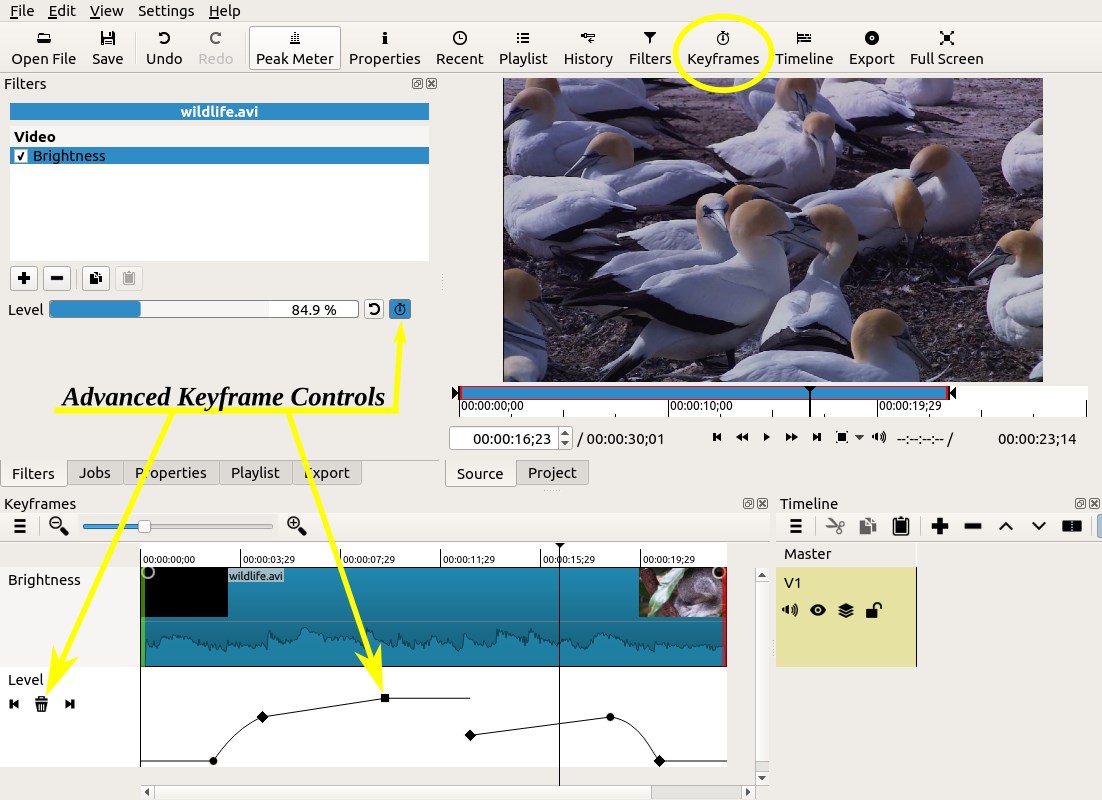
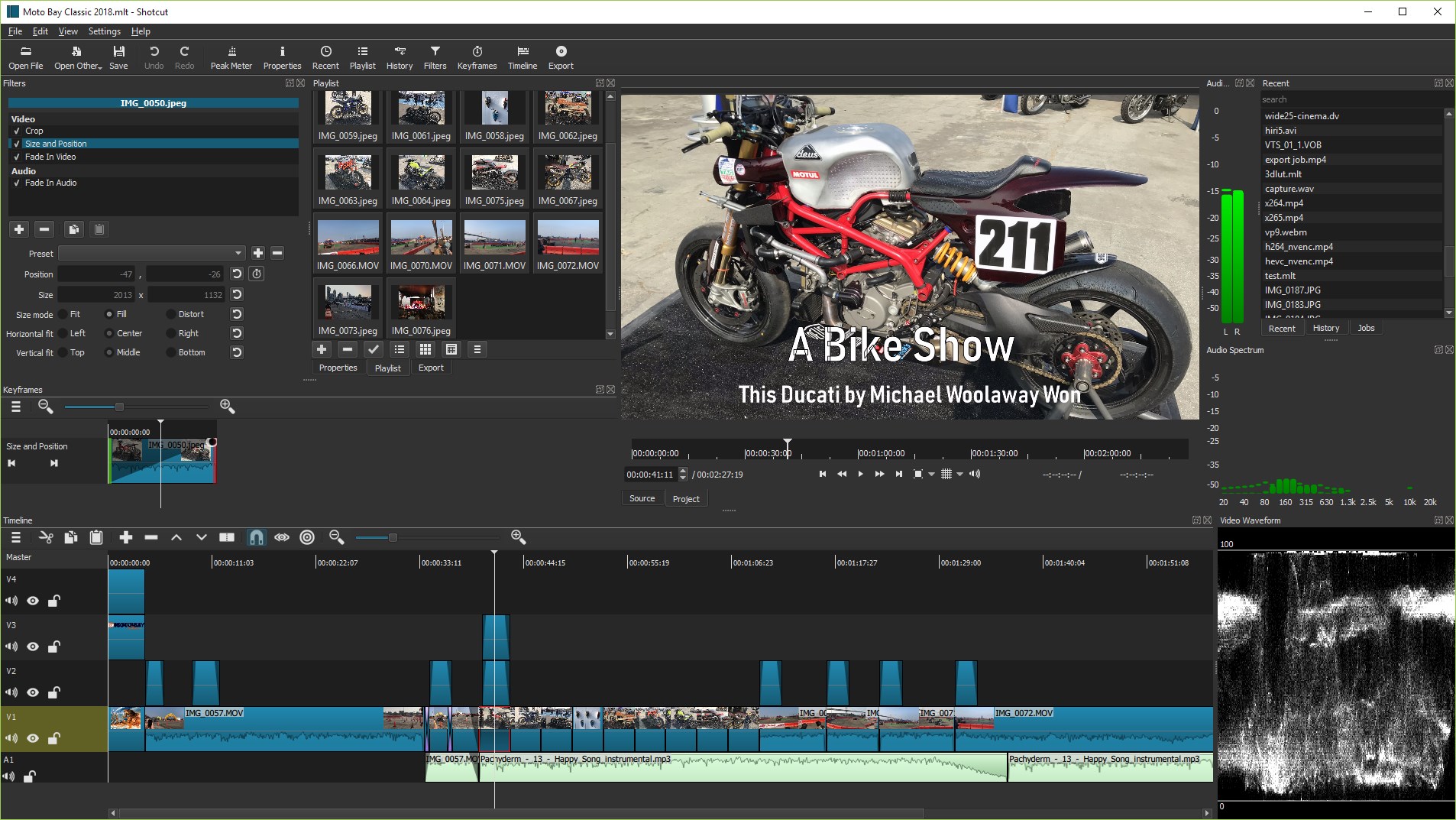
Stepping into Shotcut's workspace feels akin to entering a well-organized workshop—displays are uncluttered, yet packed with tools right where you need them. The interface employs a clean, dark theme that reduces eye fatigue during lengthy editing sessions. Drag-and-drop functionality coupled with customizable panels ensures that users can tailor the workspace to their workflow. Despite its rich feature set, Shotcut maintains a gentle learning curve, making it accessible for newcomers without sacrificing depth for power users.
Core Functionality: Editing Tools and Effects
Precision Editing with Timeline and Filters
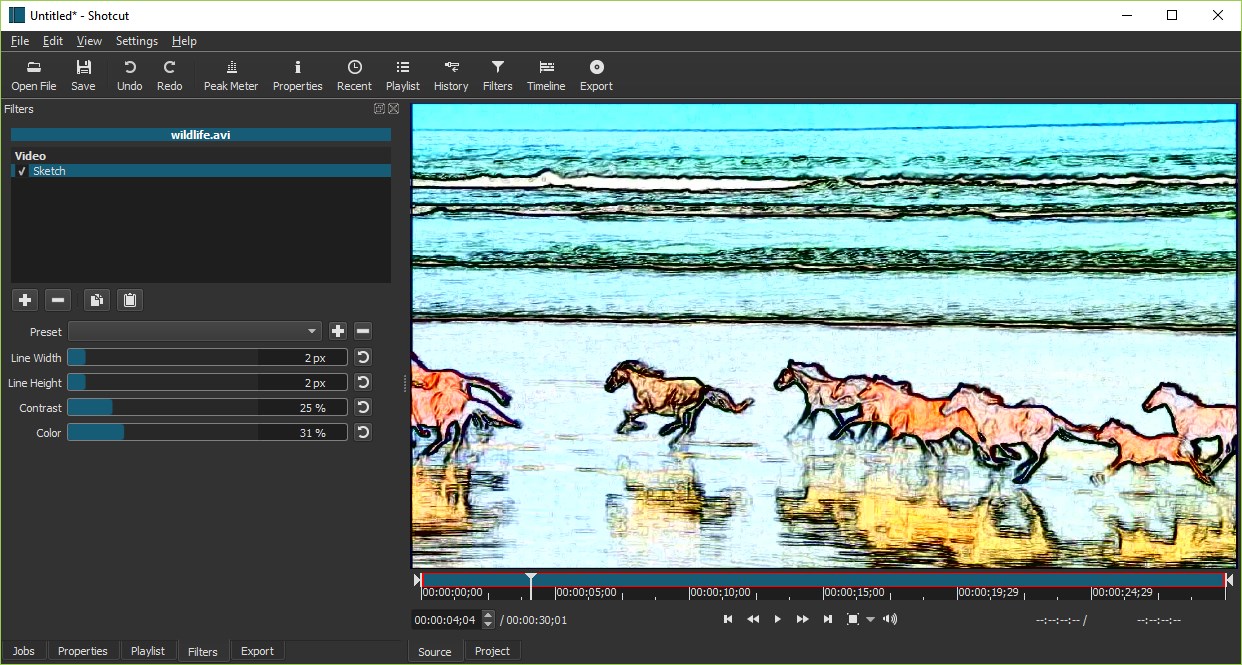
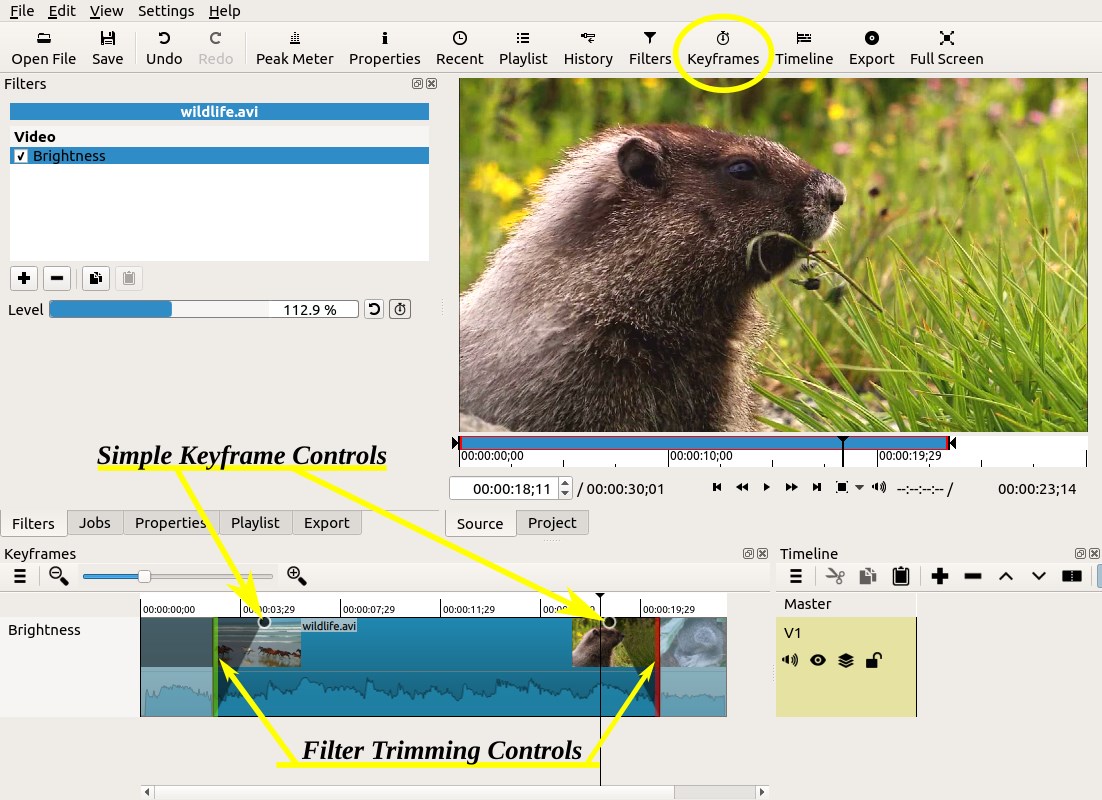
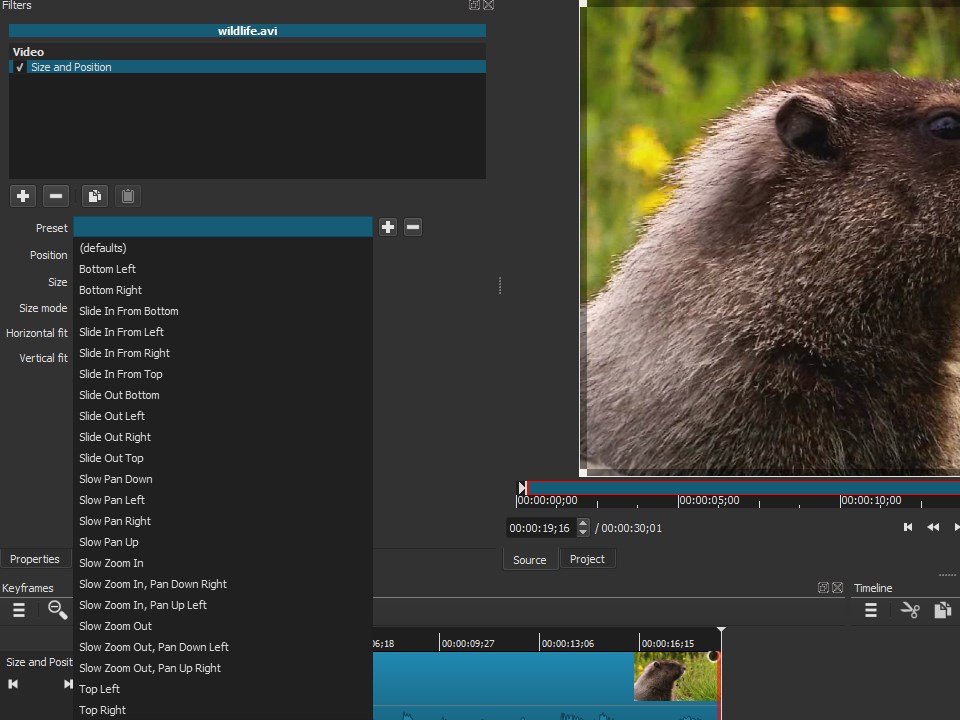
Shotcut's timeline is a highlight—intuitive yet flexible, allowing you to trim clips, layer multiple tracks, and add transitions seamlessly. The application supports multi-track editing, which means you can work on complex projects with multiple video and audio layers without feeling overwhelmed. The array of filters and effects, including color correction, chroma key, and audio adjustment, empower users to enhance their videos creatively. These effects are easily accessible via drag-and-drop, making editing an engaging process rather than a chore.
Format Support and Export Options
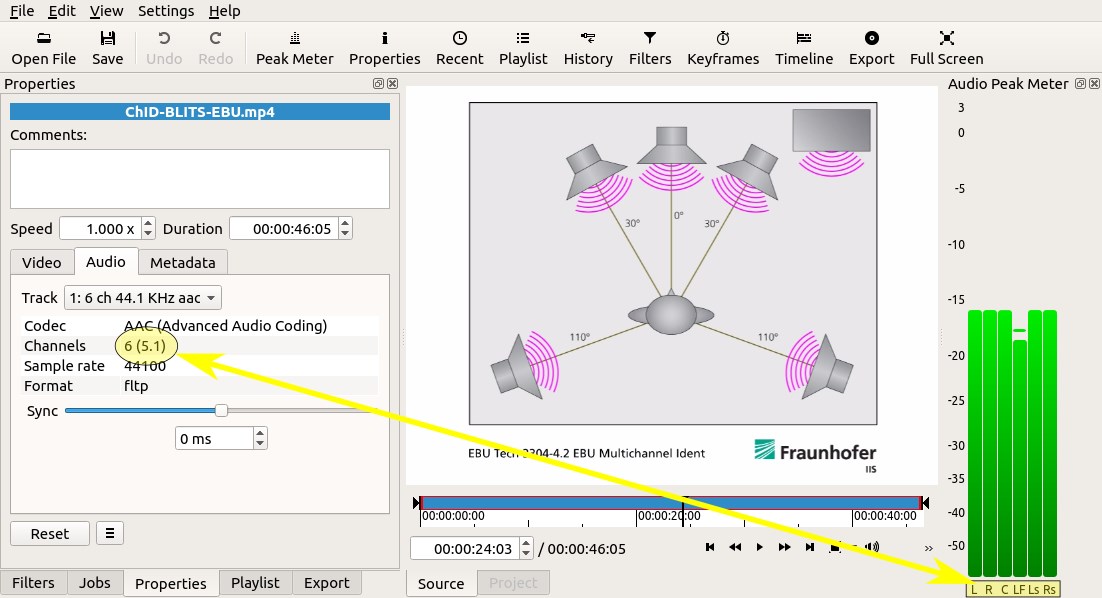
One of Shotcut's standout features is its broad format support—whether you're working with 4K footage or older formats, Shotcut handles it gracefully. Export options are equally diverse, offering customizable presets for different platforms like YouTube, Vimeo, or social media, ensuring your final product looks polished across all channels. This flexibility eliminates the typical hassle of transcoding or format compatibility issues that often plague beginners.
User Experience: Smooth, Innovative, Like a Personal Studio
Using Shotcut on Windows feels remarkably smooth, with real-time playback that keeps your creative juices flowing. Its operation flow is well-designed—most functions respond instantly, maintaining a fluid editing experience. The learning curve is gentle; even newcomers can pick up basic editing in minutes, yet advanced features are accessible through intuitive menus and a comprehensive online help system. Plus, features like proxy editing help manage larger files, ensuring that even modest hardware can keep pace with ambition.
What Sets Shotcut Apart in the Multimedia Ecosystem
Unlike more commercial editors that often bundle a hefty price tag with bells and whistles, Shotcut takes pride in its open-source nature, fostering a community-driven development environment. Its most unique selling points are its open format support and real-time preview capabilities, which allow users to experiment freely. Additionally, the modular interface means users can customize their workspace extensively—a feature that feels akin to designing your own editing atelier. Such flexibility and transparency make Shotcut highly appealing to users who value control and customization.
Final Thoughts and Recommendations
All in all, Shotcut for Windows offers a compelling package with its powerful editing tools, broad format support, and approachable interface. While it might not have some of the advanced AI-driven features found in payware options, its robustness suffices for most project types, from simple home videos to semi-professional productions. For users seeking a free, open-source editor with a friendly yet capable environment, Shotcut comes highly recommended. Beginners should find it welcoming, while veterans will appreciate its depth and customization. Whether you're just dabbling in video editing or preparing a polished final cut, Shotcut deserves a spot in your toolkit—a trustworthy, no-cost partner for your creative journey.
Pros
- User-Friendly Interface
- Wide Format Support
- Advanced Editing Features
- Open Source and Free
- Regular Updates and Community Support
Cons
- Occasional Stability Issues
- Steep Learning Curve for Advanced Features
- Limited Export Presets
- Performance Variability
- Incomplete Documentation











