
Frequently Asked Questions
How do I start playing Shredders for the first time?
Download the app, connect a compatible controller, and follow in-game tutorials to learn the basics of snowboarding.
Can I play Shredders without a controller?
No, a controller is required to play. Make sure your controller is properly connected before launching the game.
What are the main features of Shredders?
It offers park riding, rail exploits, buttering, tricks on kickers, and multiplayer challenges. Use the controller to perform tricks and explore different snowboarding styles.
How do I master tricks like rails and kickers?
Use in-game tutorials and practice riding in different levels. Access controls via Settings > Controls to customize button mappings and improve your skills.
Are there any training modes to improve my snowboarding skills?
Yes, the game provides tutorial modes and practice areas to help you learn tricks and improve your technique before competing.
Can I customize my in-game character or snowboarding gear?
Yes, through the customization menu found in the main screen, you can personalize your gear, outfits, and snowboards to suit your style.
Is Shredders a paid app, or does it offer a subscription?
Shredders may include in-app purchases; check the store page for detailed info. You can access subscription settings via Settings > Account > Subscriptions.
What are my payment options for in-game purchases?
Payments are processed through your platform's store (Xbox Store). Use your linked payment method to buy DLCs, skins, or other content.
How do I troubleshoot controller connection issues?
Ensure your controller is properly connected via Bluetooth or USB, and check Settings > Devices & Connections. Restart the game and controller if needed.
You May Like

eFootball™
for Windows
4.7
Top Eleven Be a Soccer Manager
for Windows
4.6
Pool Billiard Championship
for Windows
4.5
Golf Rival - Multiplayer Game
for Windows
4.4
Descenders Next (Game Preview)
for Windows
4.2
Shredders
for Windows
4
ESPN
for Windows
3.9
Galaxy Bowling
for Windows
3.3
Race Monitor
for Windows
3.2
MyWhoosh HD
for Windows
3.2
Cricket 24: The Official Game Of The Ashes
for Windows
3.2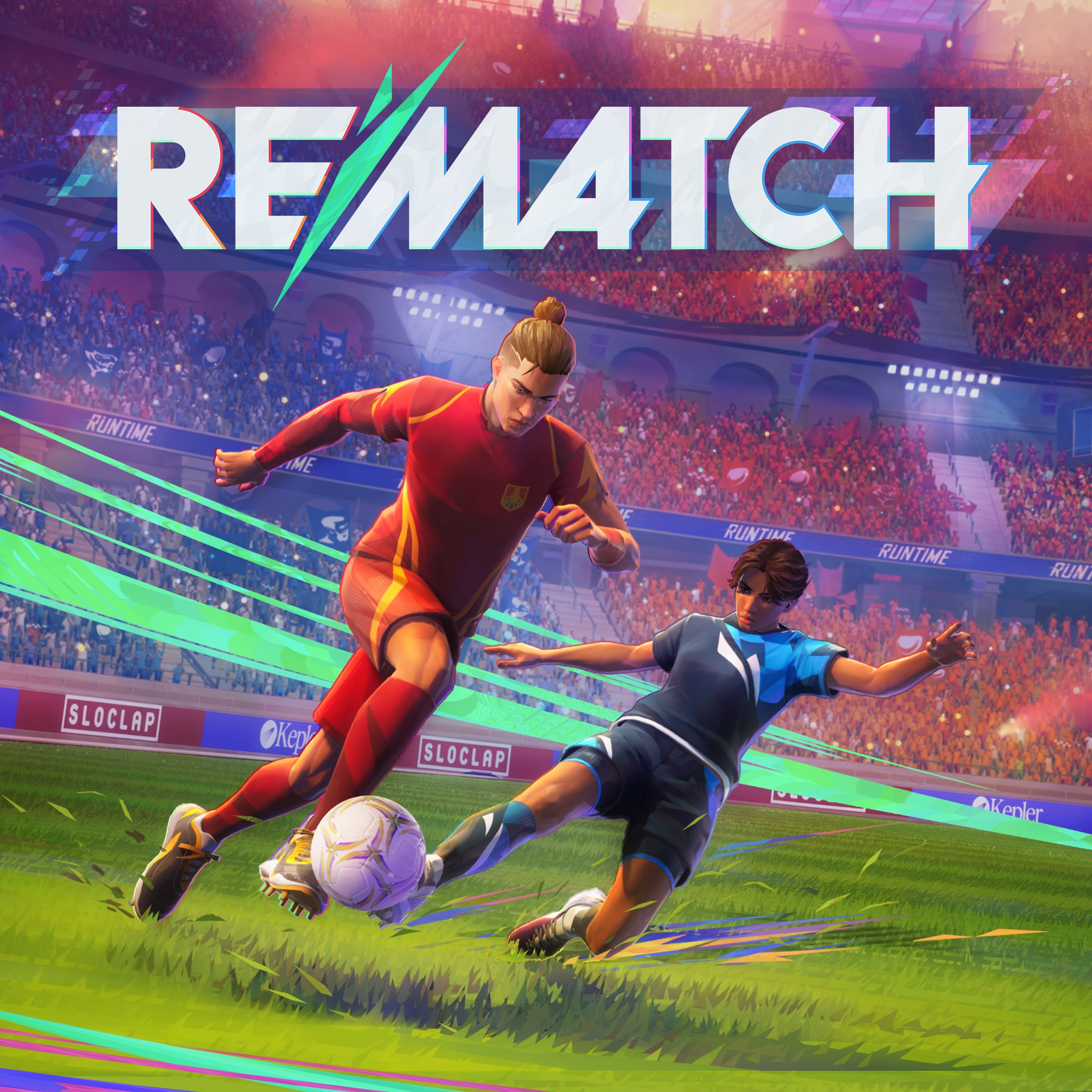
REMATCH
for Windows
3.2