

- Category Card & board
- Available on PC, Mobile, Surface Hub, HoloLens
- OS Windows 10 version 17763.0 or higher
- languages Chinese (Simplified), Dutch, English (United States), French, French (Canada), German, Italian, Japanese, Polish, Polish , Portuguese, Portuguese (Brazil), Portuguese (Portugal), Russian, Spanish, Spanish (Mexico), Spanish (Spain)
Simple FreeCell for Windows: A Clean Take on Classic Solitaire
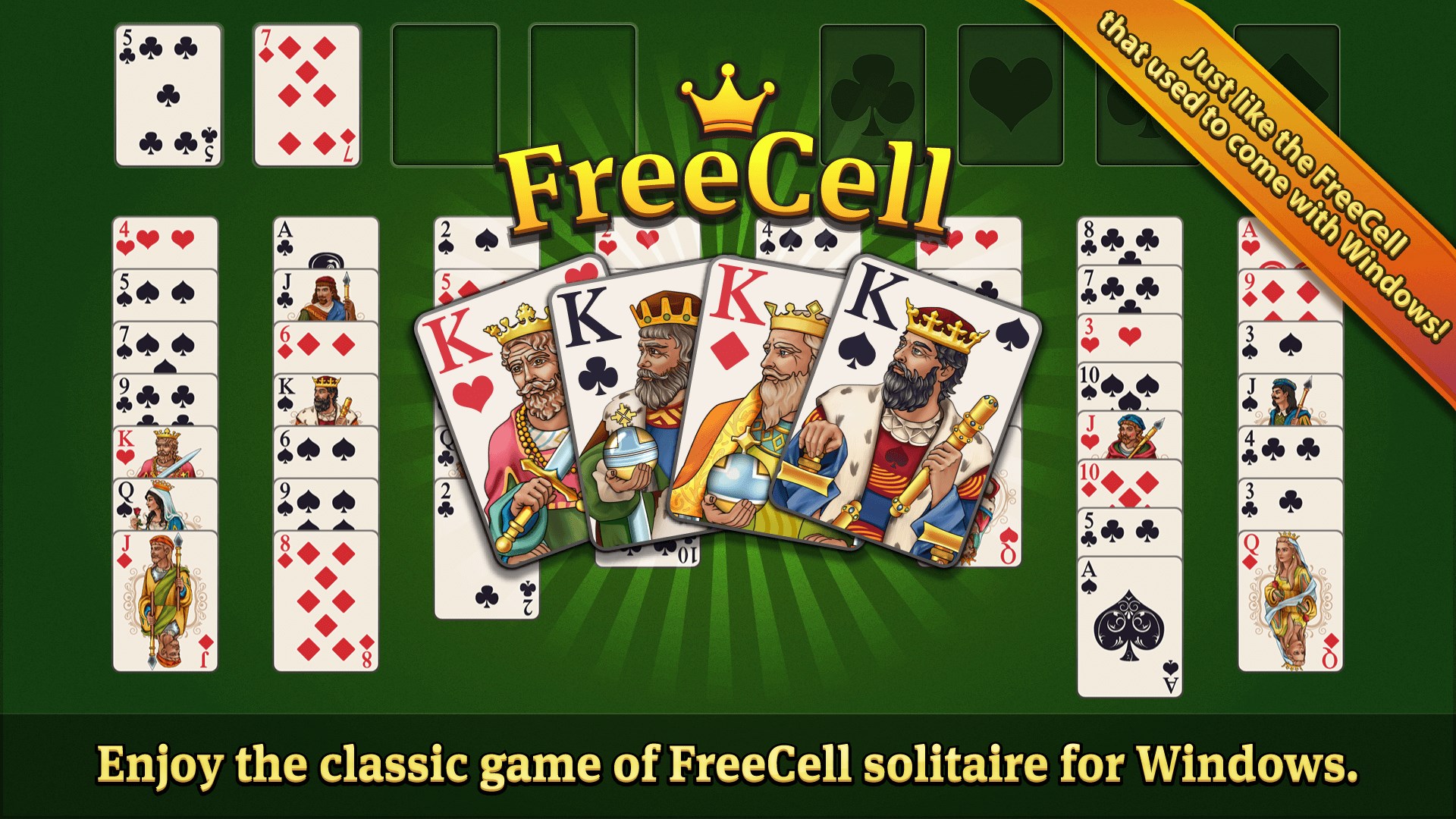
Simple FreeCell offers a fresh and straightforward digital rendition of the beloved card game, designed to deliver a stress-free, distraction-free experience for Windows users seeking relaxing entertainment or a mental challenge.
About the Developer: Random Salad Games LLC
Crafted by Random Salad Games LLC, a small independent team known for clean, user-friendly game designs, Simple FreeCell embodies their commitment to quality and accessible gameplay. Their focus appears to target casual players who appreciate classic games with minimal fuss but polished execution.
Key Highlights of Simple FreeCell
- Pure FreeCell Experience: Adheres strictly to the traditional FreeCell rules, eliminating unnecessary complications and offering an authentic gameplay experience.
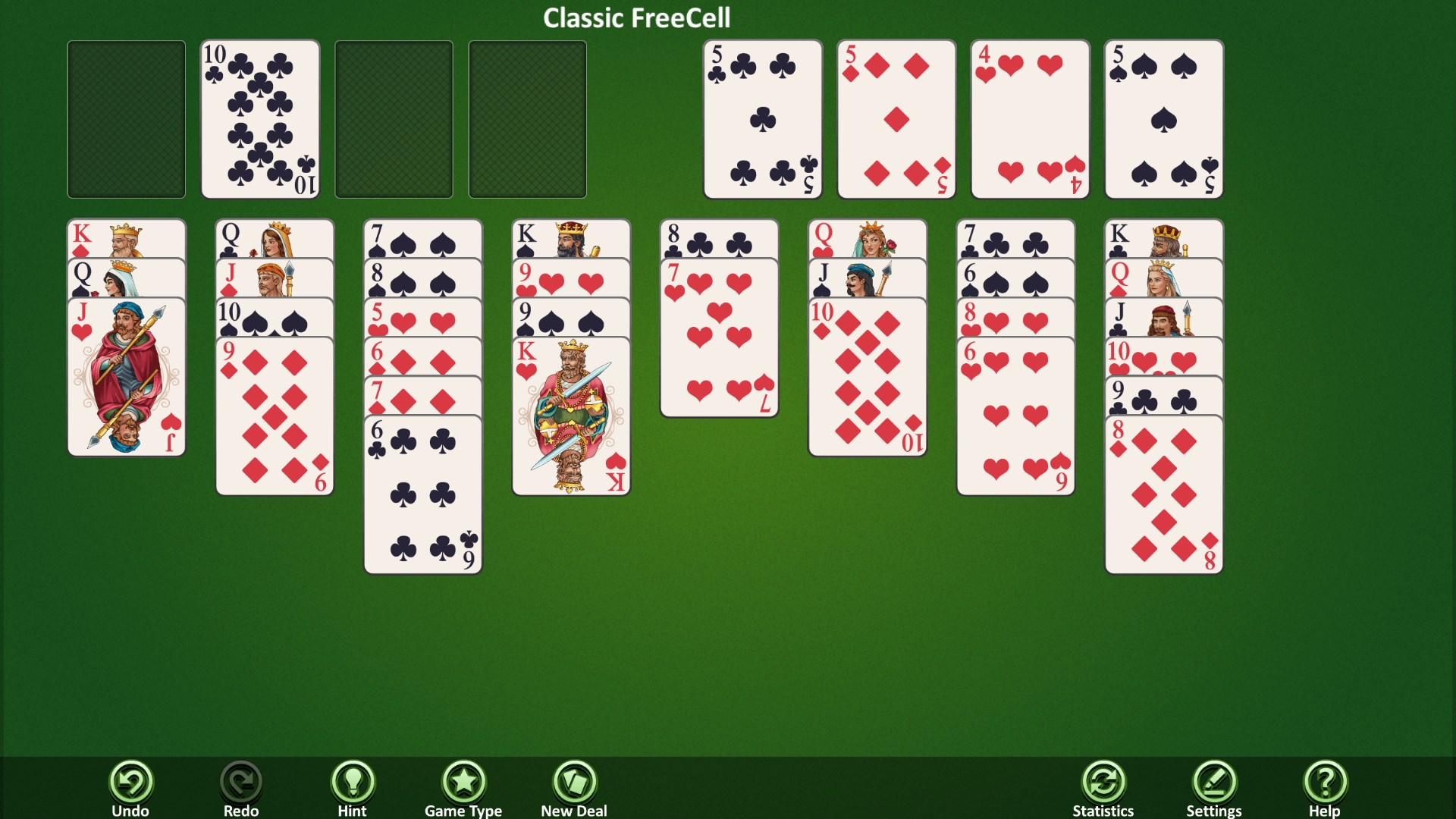
- Minimalist and Intuitive Interface: Features a clean, clutter-free design that emphasizes the cards and game mechanics without distracting elements.
- Smooth Performance and Ease of Use: Delivers seamless card movements and quick load times, making gameplay smooth even on lower-end systems.
- Ad-Free and Free: As the name suggests, provides the full FreeCell experience without any in-app purchases or ads, fostering a relaxing environment.
Playing the Game: Engaging, Intuitive, and Relaxing
Stepping into Simple FreeCell feels akin to opening a well-loved deck of cards laid out on a cozy table—familiar, inviting, and ready for a new challenge. The game's interface is clean and functional, like a well-organized card box, inviting players to dive right in without distractions. Its straightforward design makes it easy for newcomers to pick up, yet it retains enough strategic depth to keep seasoned players engaged for hours.
Core Functionality: Authentic FreeCell Mechanics
The application's most prominent feature is its faithful adherence to the classic FreeCell rules. Unlike many digital variants that tinker or complicate the formula, Simple FreeCell respects the original game's logic, emphasizing critical thinking and planning. It includes all standard features—moving cards between tableau columns, utilizing free cells, and building foundation piles—but does so seamlessly and predictably. This focus on authenticity makes it an excellent choice for purists eager for a traditional experience.
Design and User Experience: Simplicity Meets Satisfaction
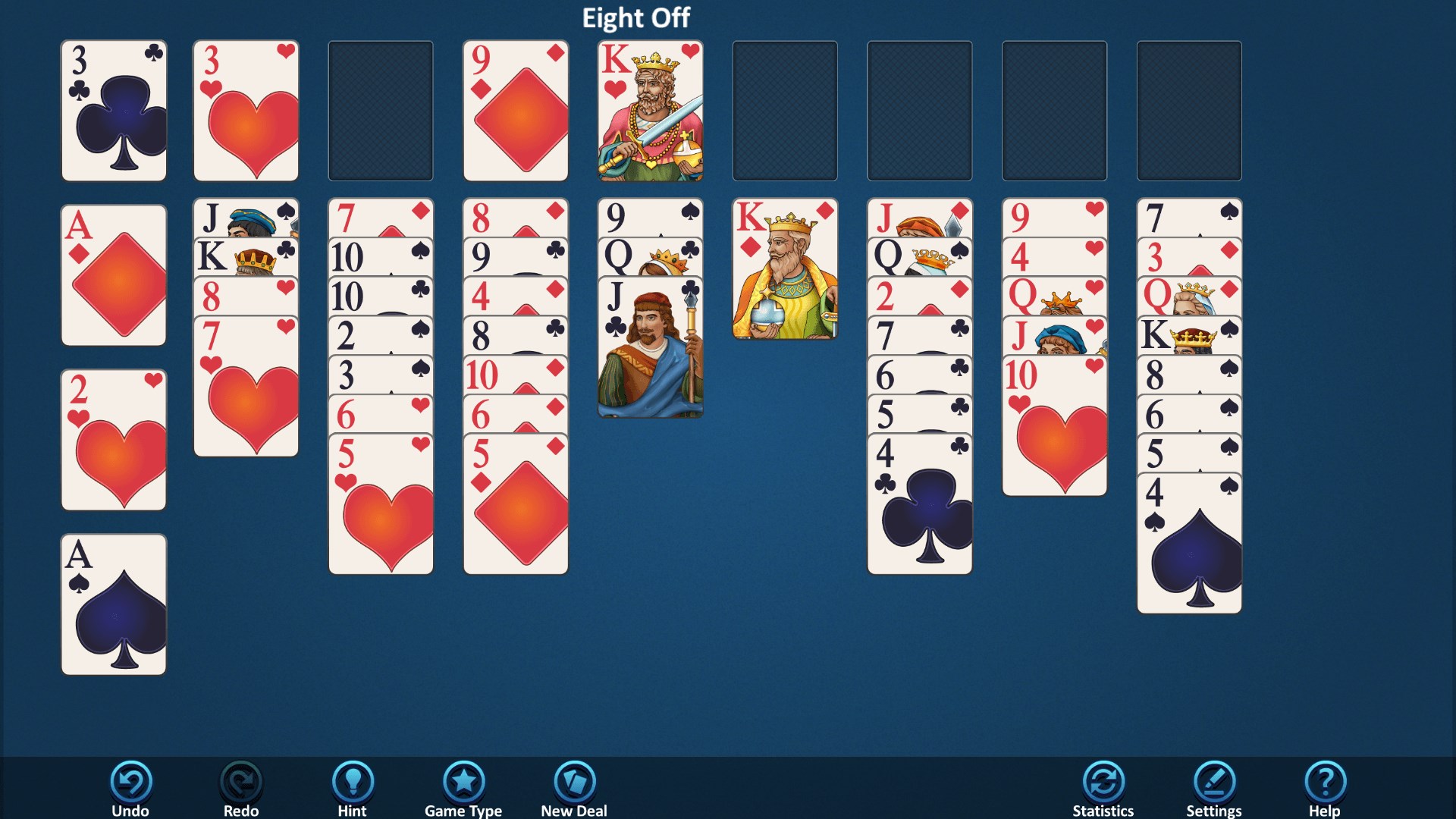
Navigation within the game is a breeze. The interface boasts a sleek monochrome palette with easily distinguishable cards and intuitive drag-and-drop controls—imagine sliding a deck of physical cards across a table comfortably. Responsive touch and mouse controls ensure smooth gameplay, and the game responds swiftly to your moves without lag. The minimal learning curve makes it friendly for new players, while the depth of strategy satisfies those seeking a mental workout.
Special Features: What Sets It Apart?
While many card games offer bells and whistles, Simple FreeCell's standout feature is its unwavering commitment to the classic experience—nothing distracting, nothing unnecessary. This pure approach sets it apart from other more feature-heavy apps, which may incorporate timers, scoring systems, or themed designs. For players who prize authenticity and a serene environment, this application feels like a welcome breath of fresh air. It's like returning to a familiar game in a quiet corner, free from interruptions across a cluttered arcade.
Final Thoughts: A Solid Choice for Card Enthusiasts
Overall, Simple FreeCell for Windows strikes a harmonious balance between simplicity and strategic depth. Its authentic gameplay, combined with a clean interface and smooth controls, makes it highly recommended for fans of the classic card game or individuals looking for a calming mental diversion. Whether you're a seasoned FreeCell veteran or a curious newcomer, this app delivers a genuine, unobtrusive experience. For those seeking a no-frills, thoughtfully designed implementation of FreeCell, it's definitely worth a try—just think of it as your reliable, well-organized card table, always ready for your next move.
Pros
- Intuitive and clean interface
- Smooth gameplay with minimal lag
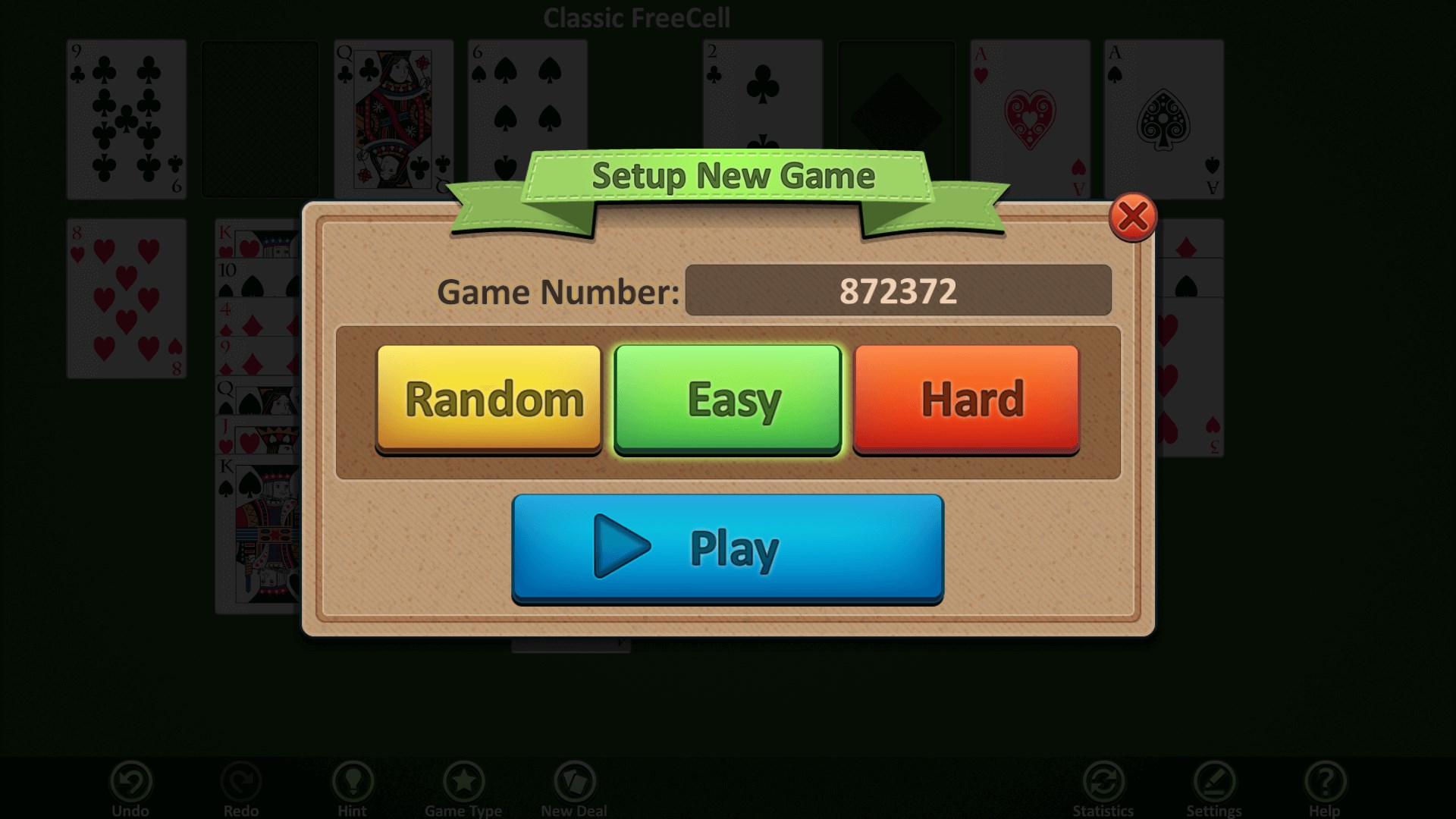
- Multiple difficulty levels available
- Supports undo and hints functions
- No in-app purchases or ads
Cons
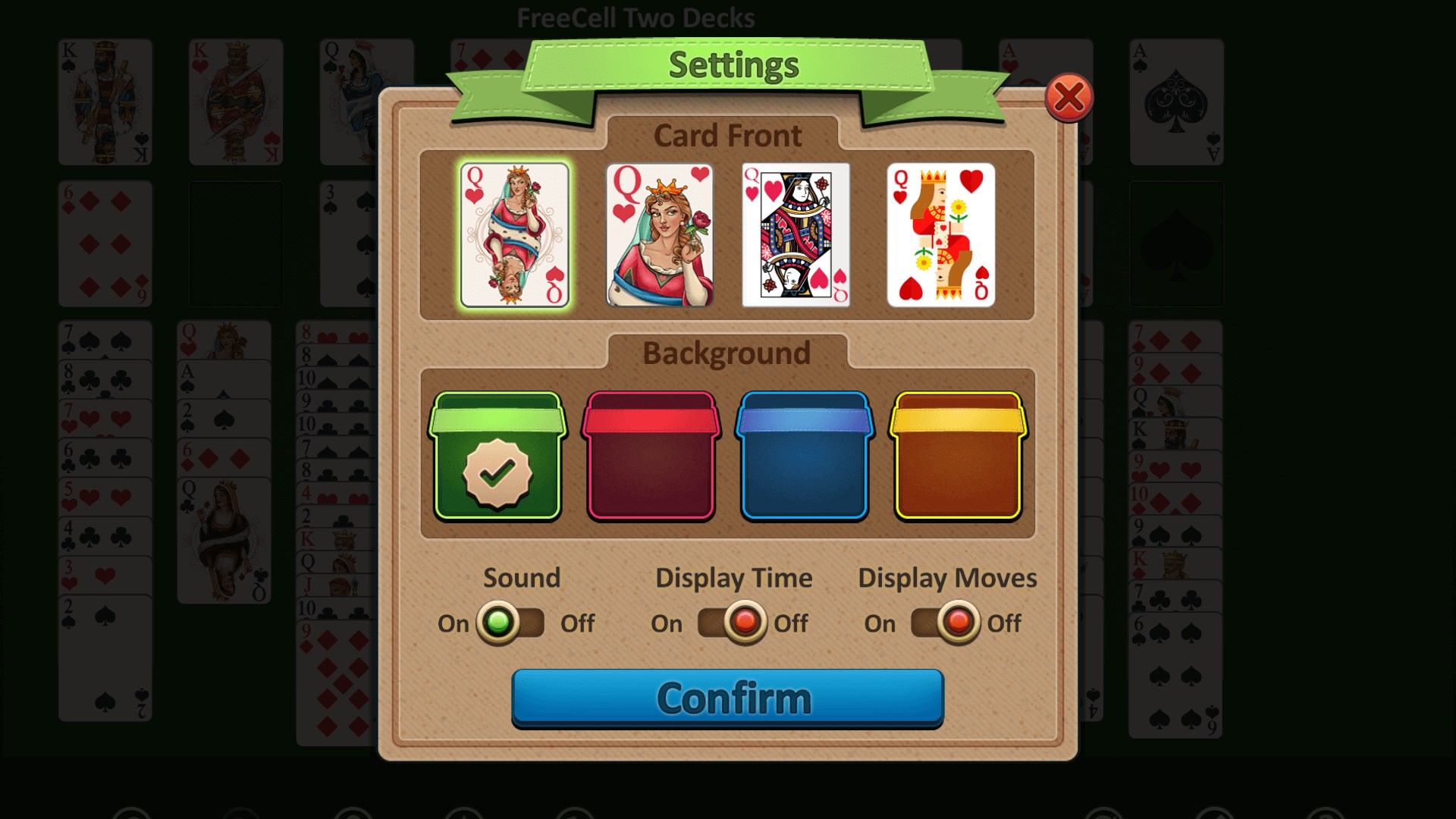
- Limited customization options
- Basic sound effects
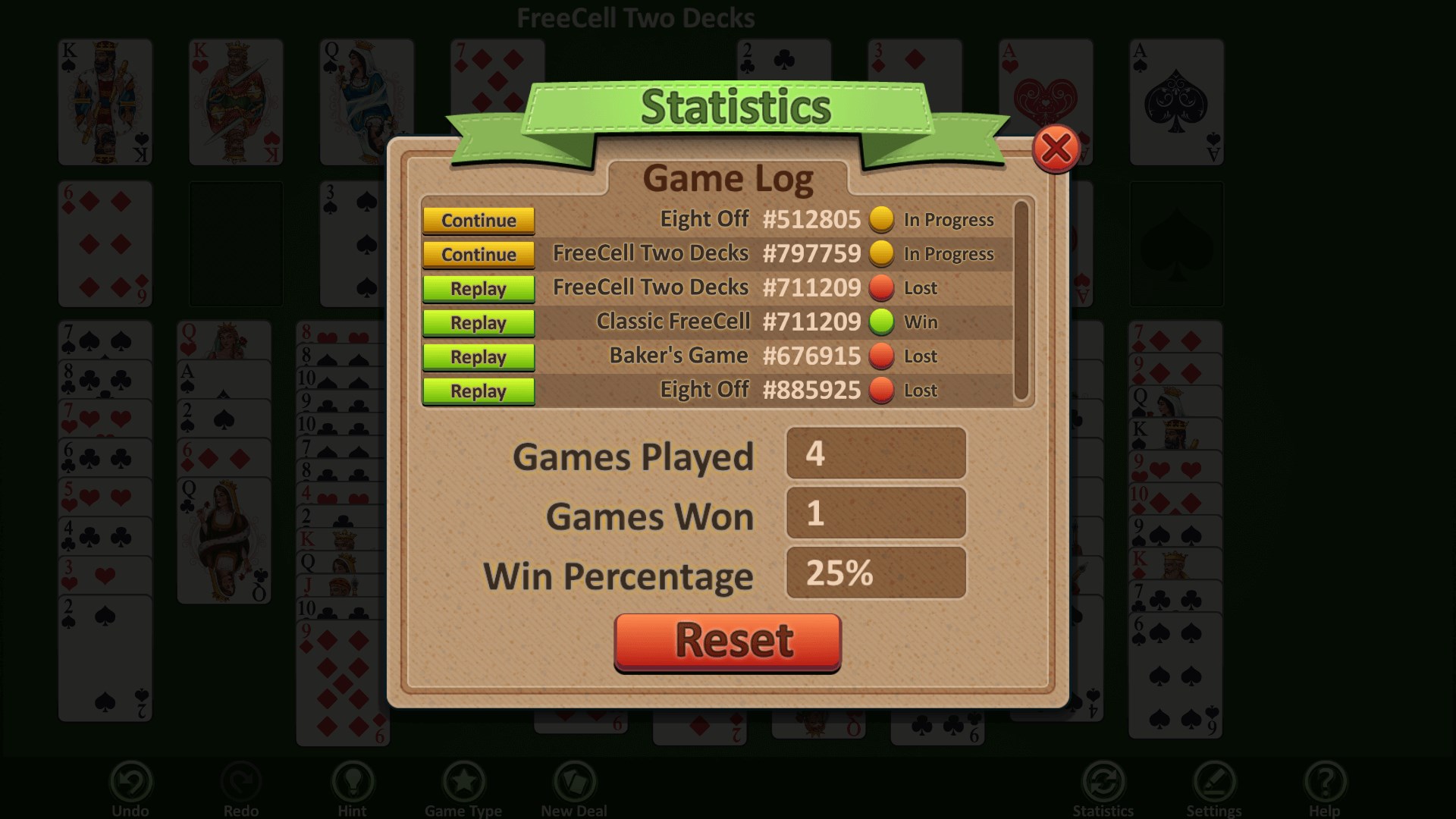
- Lack of detailed game statistics
- No built-in tutorial for new players
- Occasional minor interface glitches











