

- Category Card & board
- Available on PC, Surface Hub, HoloLens
- OS Windows 10 version 18362.0 or higher
- languages Chinese (Simplified), Dutch, English (United States), French, German, Italian, Japanese, Polish, Polish , Portuguese, Portuguese (Brazil), Portuguese (Portugal), Romanian, Russian, Spanish, Spanish (Spain), Turkish
Simple Solitaire for Windows: A Friendly Card Game Companion
If you're searching for a relaxing, straightforward card game experience that fits seamlessly into your Windows environment, Simple Solitaire offers a clean and accessible option designed to bring classic solitaire moments to your PC. Developed by Random Salad Games LLC, this application emphasizes simplicity and user-friendly gameplay, making it suitable for both casual players and seasoned card enthusiasts alike.
Meet the Developer and Key Features
Random Salad Games LLC has a reputation for creating approachable and well-crafted casual games, and Simple Solitaire continues this tradition with a focus on clarity and ease of use. Its major highlights include:
- Traditional Solitaire Experience: A faithful rendition of the classic Klondike solitaire, optimized for digital play.
- User-Friendly Interface: Clean design with large, intuitive controls, catering to players of all ages.
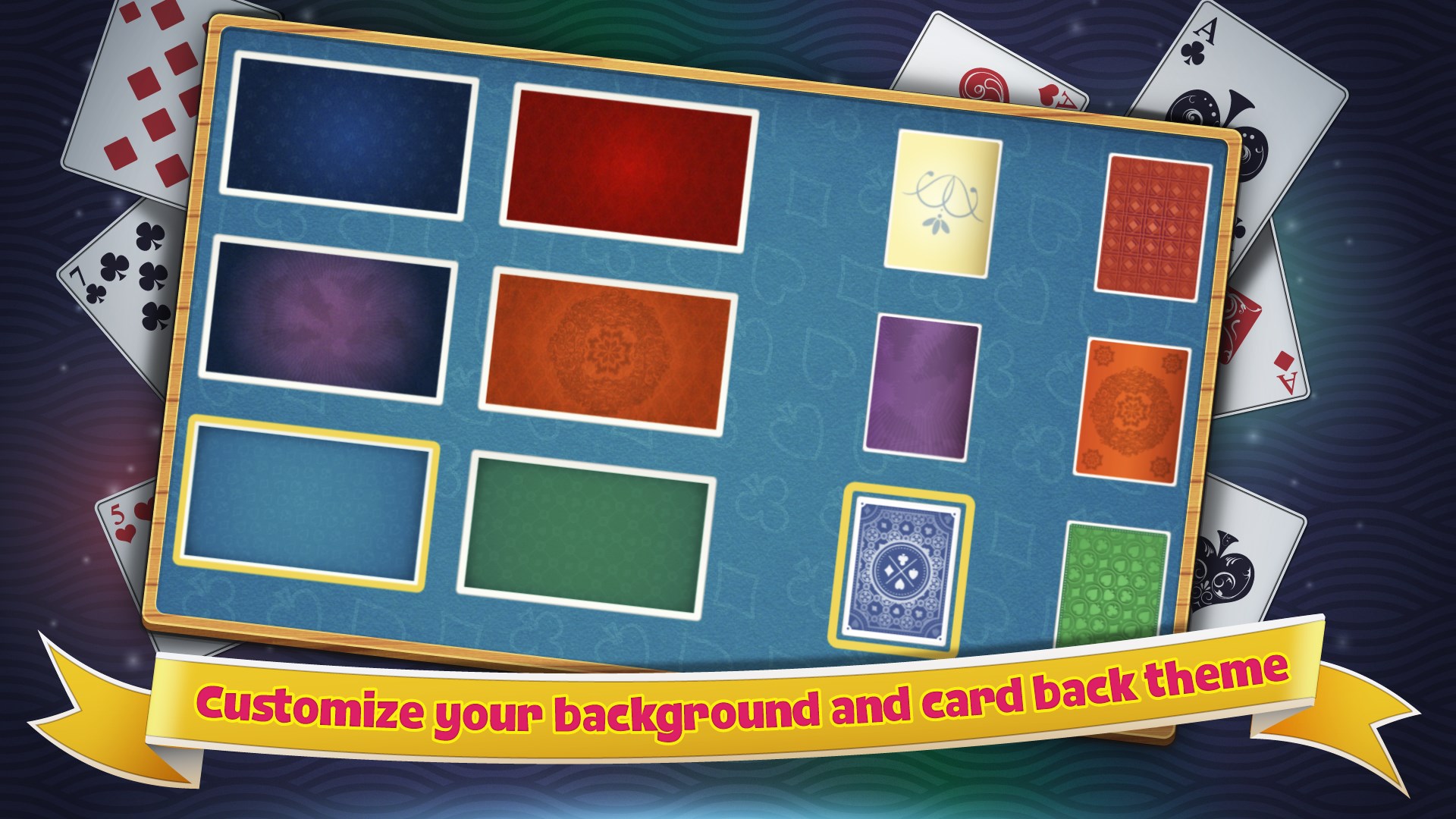
- Customizable Settings: Options for changing themes, backgrounds, and card styles to personalize your game environment.
- Low System Requirements: Runs smoothly on most Windows PCs, ensuring accessibility for a broad user base.
This app targets casual gamers, office workers, and anyone seeking a quick mental refresh during breaks or a relaxing pastime during downtime.
Engaging Your Inner Card Player
Stepping into Simple Solitaire is akin to entering a cozy game room—simple, inviting, and ready to entertain. The app's friendly tone and straightforward functionality make it an ideal choice for those who appreciate classic gameplay without the fuss of overly complex features or extraneous bells and whistles.
Core Gameplay Mechanics and Features
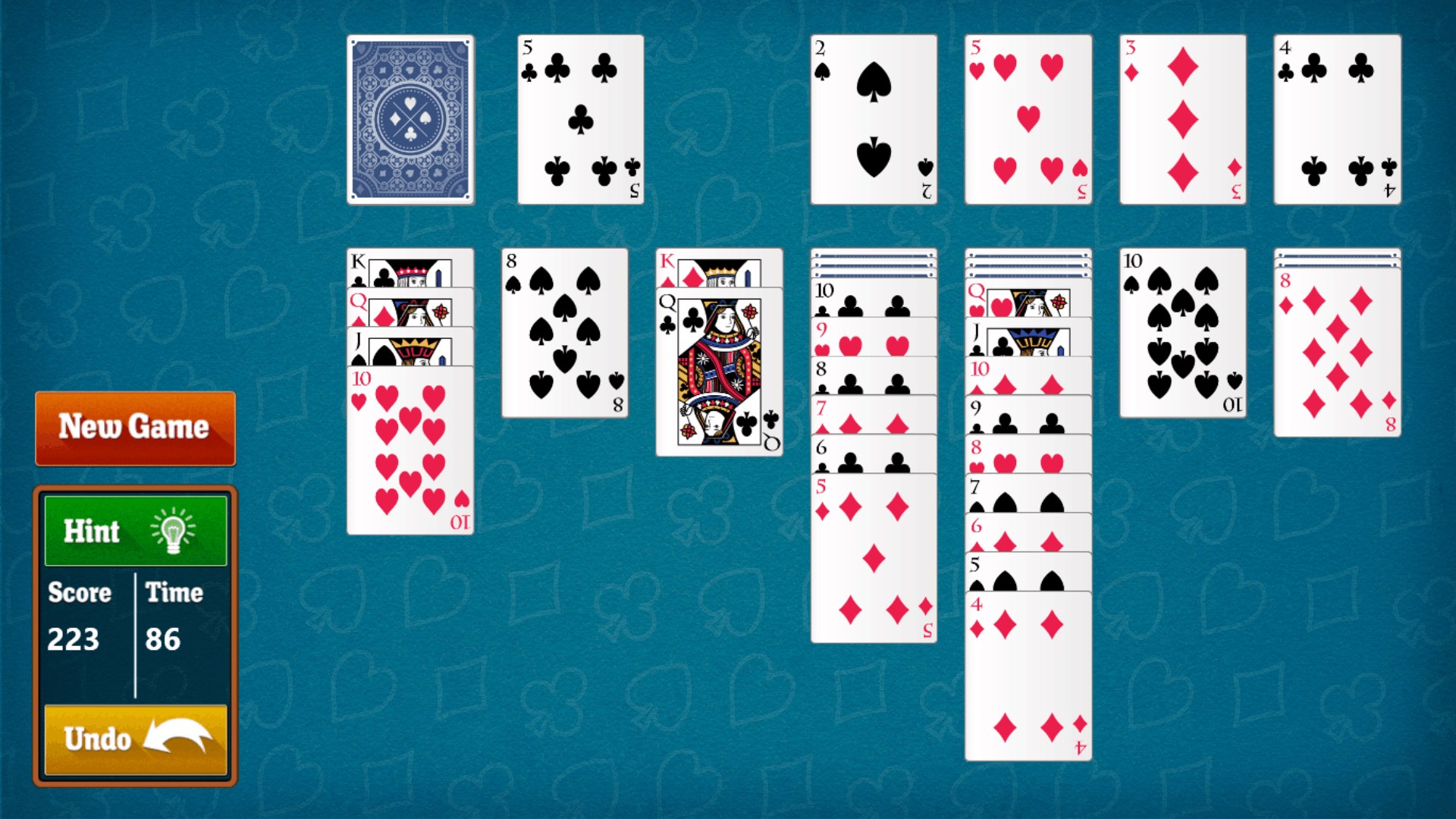
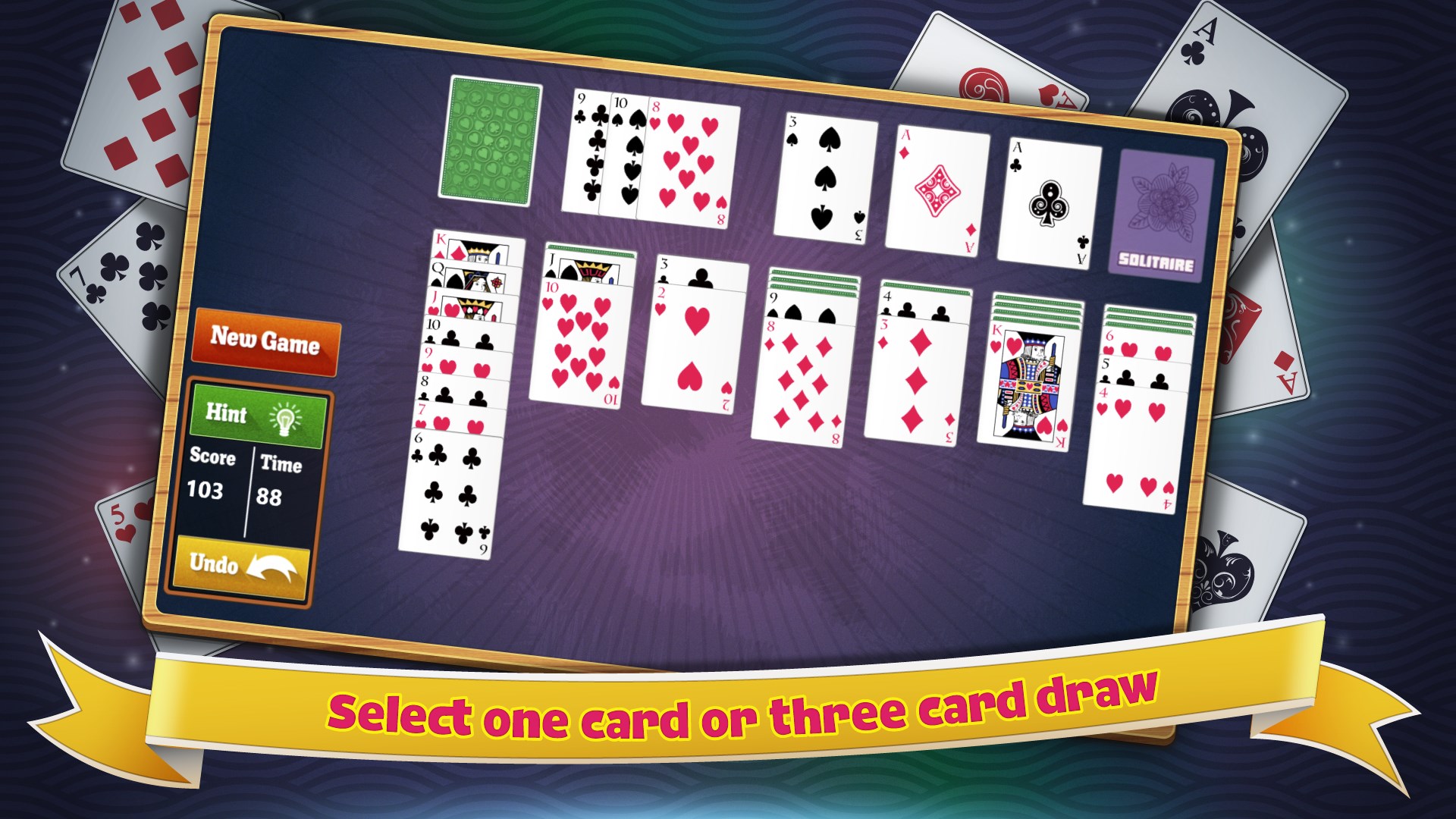
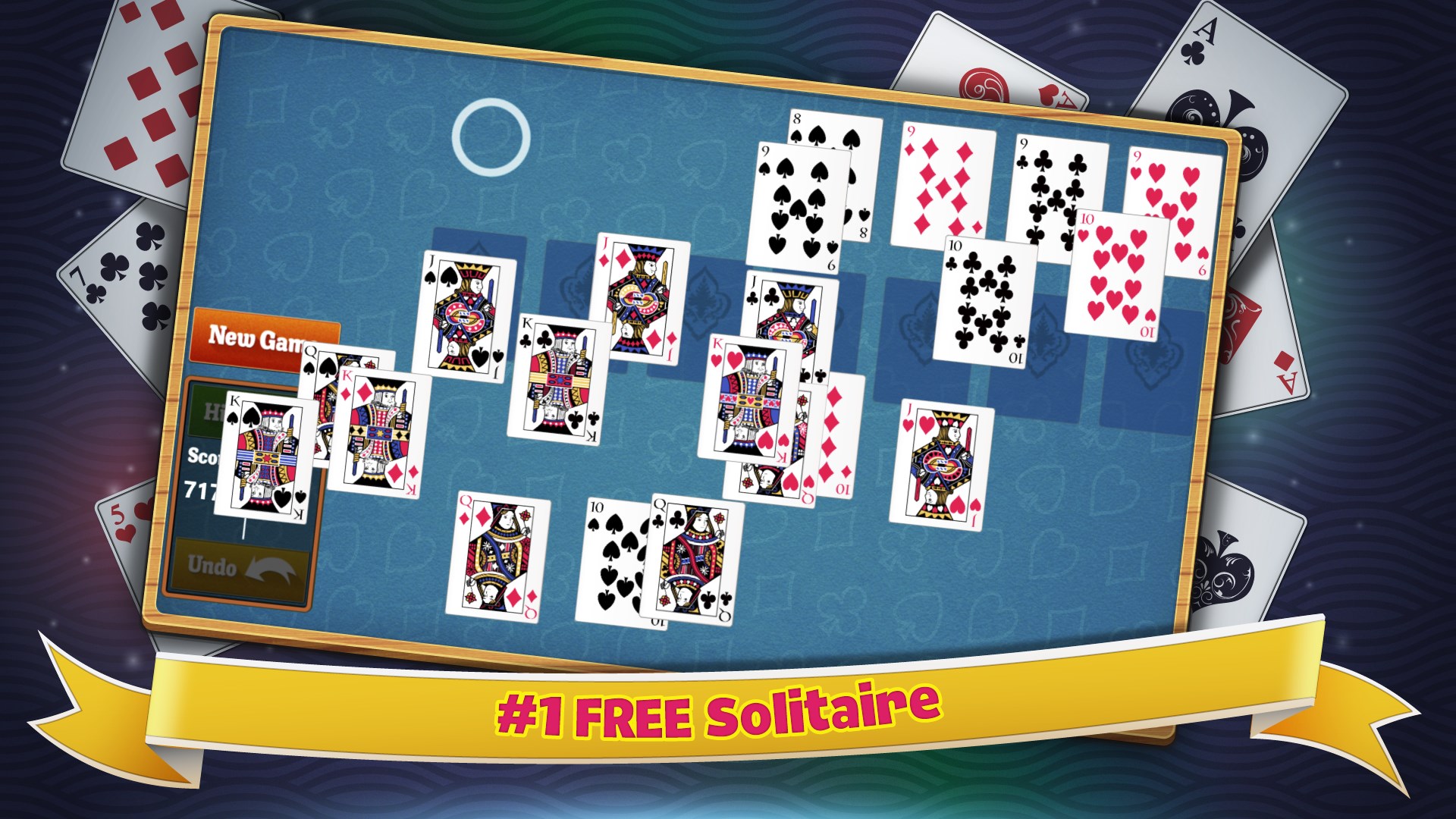
The heart of Simple Solitaire lies in its faithful adaptation of the beloved card game. The gameplay feels both familiar and polished, with smooth drag-and-drop card movements that mimic manual play, making the digital experience feel tangible and satisfying. The game includes standard solitaire rules, with an optional auto-complete function for those who prefer a more relaxed pace.
One standout feature is its customizable themes—players can switch background images and card designs, transforming the visual aesthetic to match their mood or style. Additionally, the game offers optional hints and undo options, providing support without spoiling the challenge—perfect for beginners or those practicing patience.
Design, Performance, and User Experience
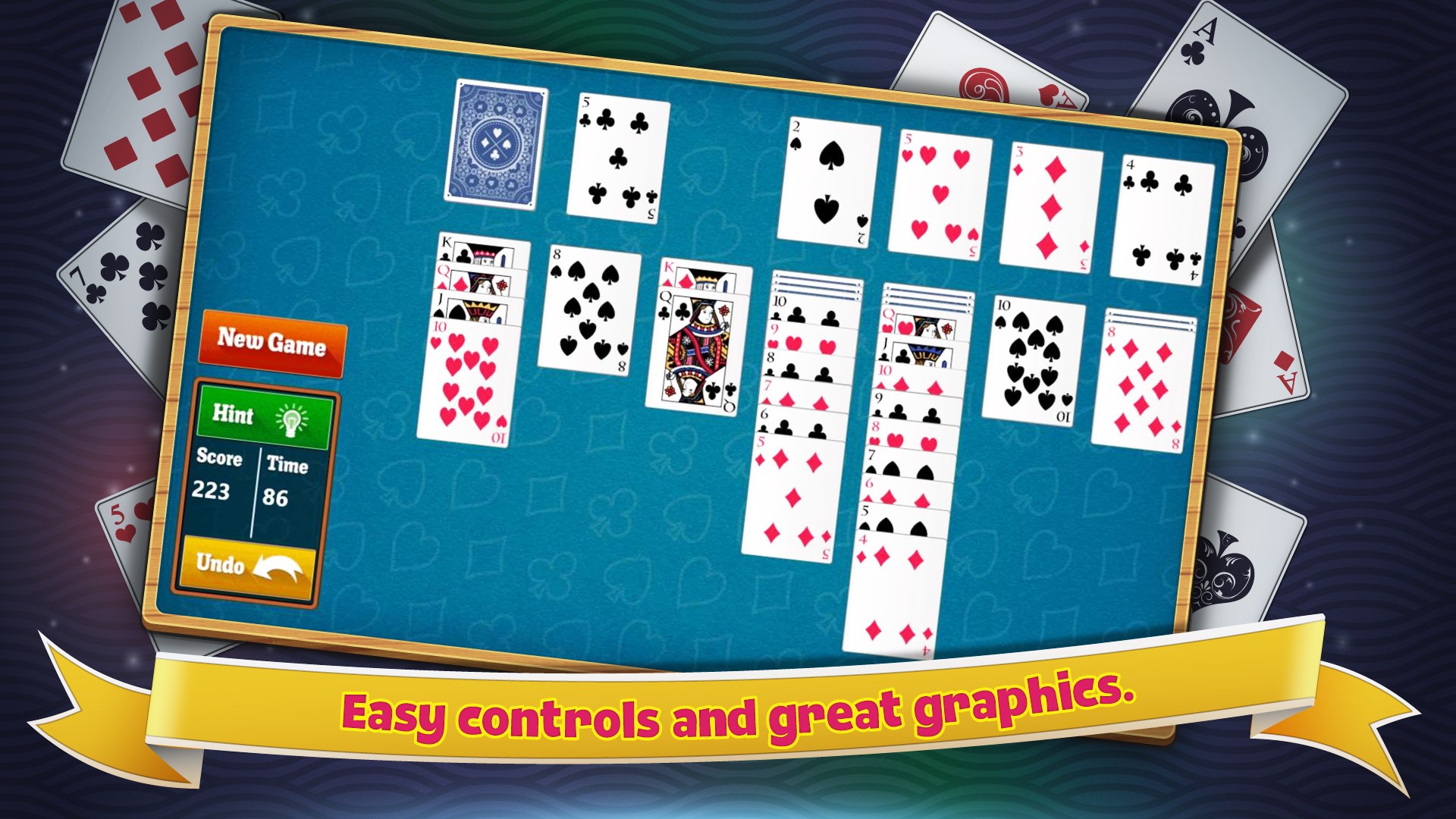
The interface design is minimalistic yet efficient, avoiding clutter and letting the cards take center stage. The vibrant, high-contrast cards ensure visibility, while the intuitive layout minimizes the learning curve—new players can start playing within seconds. Navigation is seamless, with responsive controls that keep the game flowing smoothly, even during longer sessions. This fluidity enhances user enjoyment without frustrating delays or glitches.
Compared to other card applications, Simple Solitaire's emphasis on simplicity and customization helps it stand out. Many solitaire apps tend to overload you with options or flashy animations, but this app offers a calm, focused experience—making it suitable for quick plays or extended sessions without causing eye fatigue or mental overload.
Unique Advantages and Recommendations
The most distinctive aspect of Simple Solitaire lies in its blend of traditional gameplay with personalized touches—allowing users to express their style while maintaining a straightforward gaming experience. Unlike overly complex solitaire apps or those packed with numerous mini-games, Simple Solitaire keeps the core gameplay pure and accessible.
I would recommend this app to casual players, office workers, or anyone seeking a stress-free way to enjoy a classic card game. Its low system requirements and intuitive design make it an excellent choice as a daily mental escape or a relaxing pastime.
Overall, Simple Solitaire doesn't aim to reinvent the wheel but perfects the art of a timeless game on your Windows device. Whether you're a seasoned card player or a newcomer, this app promises a clean, reliable, and pleasant solitaire experience—worthy of a spot on your desktop.
Pros
- Intuitive user interface
- Smooth gameplay experience
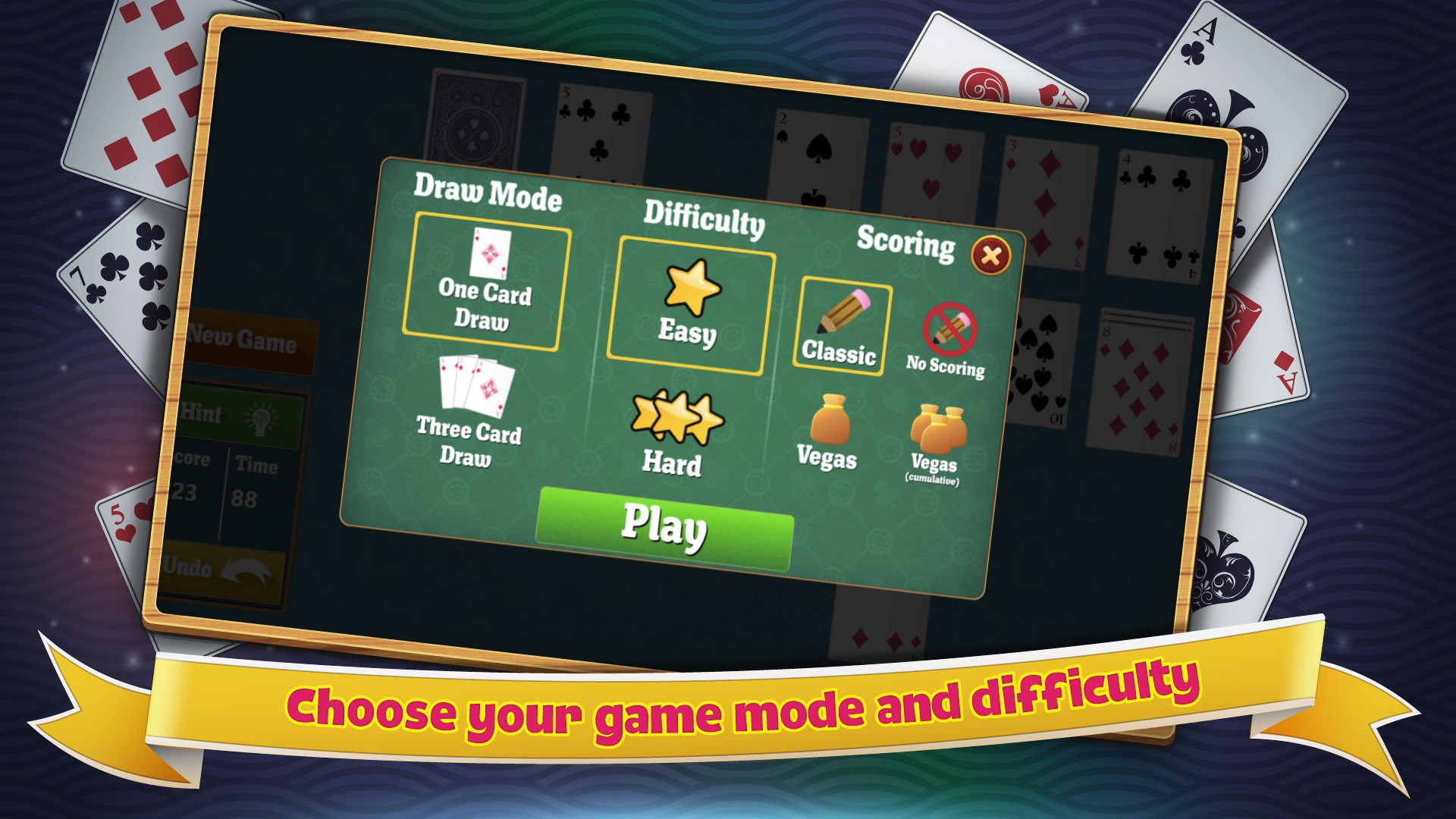
- Multiple game modes available
- Beautiful, minimalist design
- Free to download and play
Cons
- Limited customization options
- Lack of multiplayer features
- No tutorial for beginners
- Advertisements interrupt gameplay
- Limited difficulty settings











