


- Category Card & board
- Available on PC, Mobile, Surface Hub
- OS Windows 10 version 10240.0 or higher
- languages Dutch, English (United States), French, German, Italian, Polish, Polish , Portuguese, Portuguese (Brazil), Portuguese (Portugal), Russian, Spanish, Spanish (Spain), Swedish
Simple Spider Solitaire for Windows: A Classic Card Game Reimagined
For fans of solitaire seeking a traditional yet polished experience, Simple Spider Solitaire for Windows offers a straightforward, enjoyable way to dive into the timeless card game. Its clean design and smooth gameplay make it a welcome addition to any casual gamer's library.
About the Developer and Core Features
Who's Behind It?
Developed by Random Salad Games LLC, a studio renowned for crafting simple, user-friendly puzzle and card games, this app embodies their commitment to delivering accessible and engaging entertainment for all ages.
Key Highlights at a Glance
- Authentic Spider Solitaire Experience: Recreates the classic game with meticulous attention to detail, ensuring nostalgic players feel right at home.
- Intuitive One-Click Gameplay: Simplifies moves and sequences, making gameplay both quick to learn and satisfying to execute.
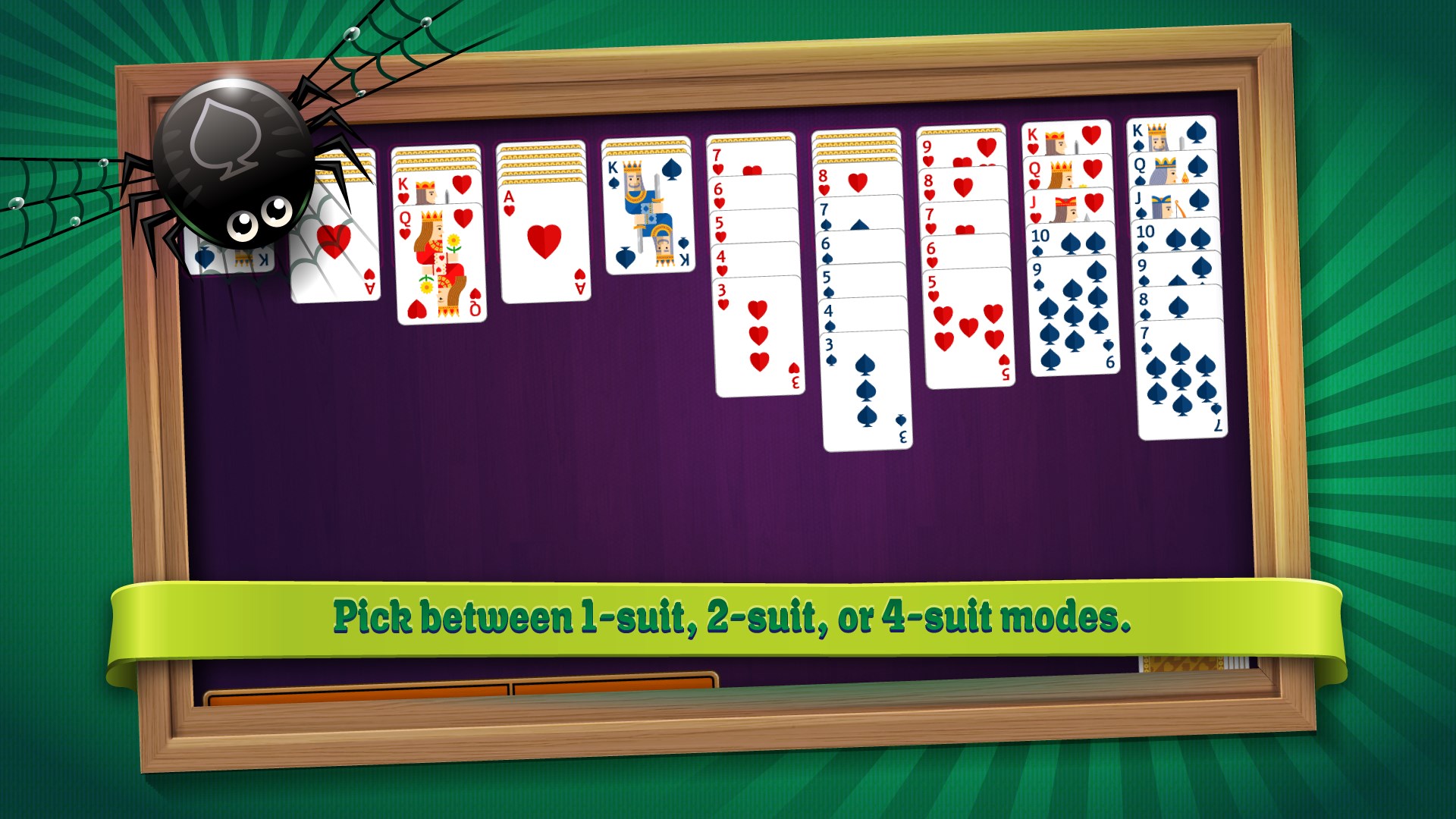
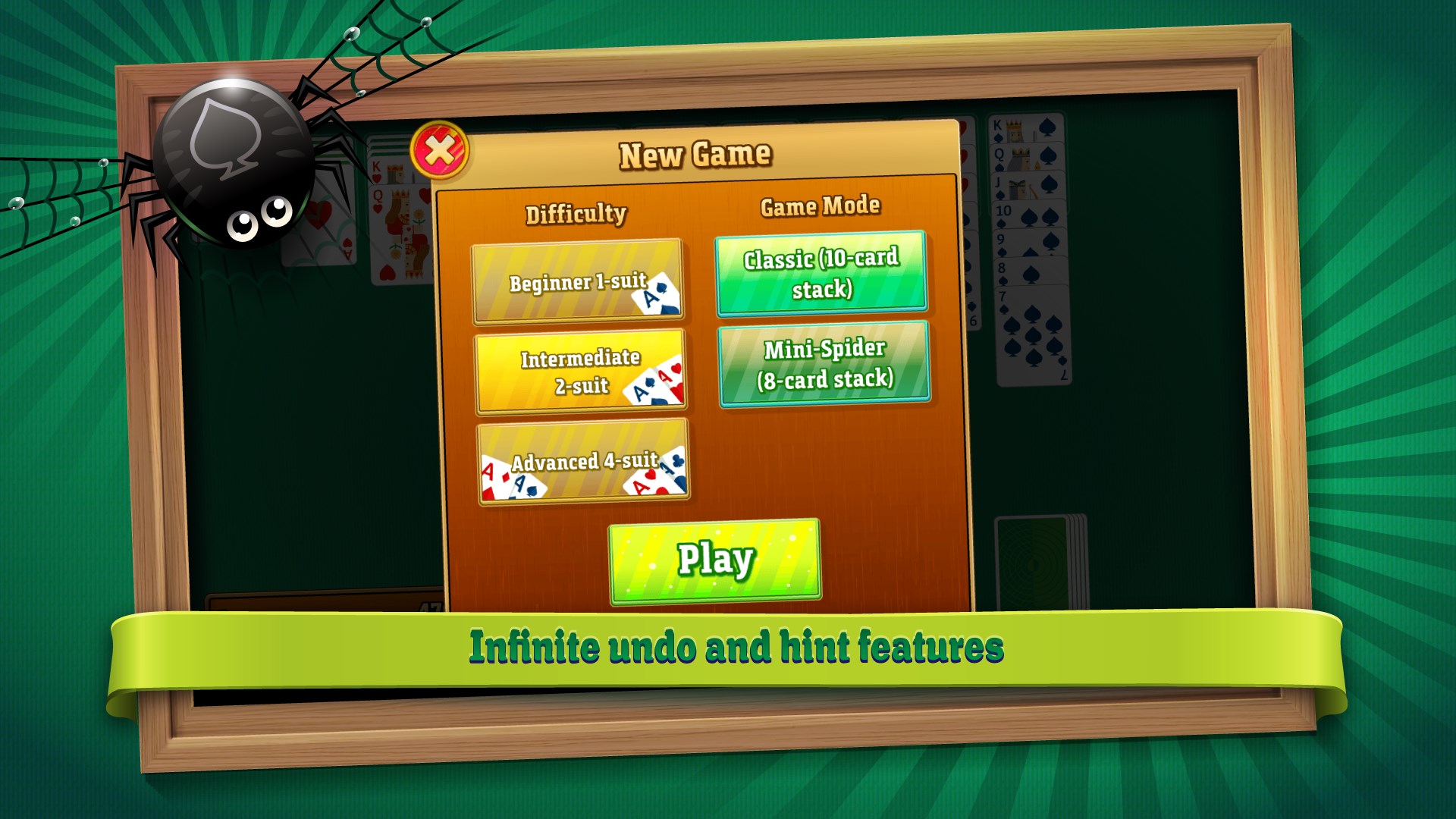
- Customizable Difficulty Levels: Offers multiple difficulty settings to cater to both beginners and seasoned players, keeping the challenge refreshing.
- Seamless Windows Integration: Designed specifically for the Windows platform, providing smooth performance and accessibility with familiar UI elements.
A Close-Up of the Gameplay and Interface
Visually Appealing, User-Friendly Design
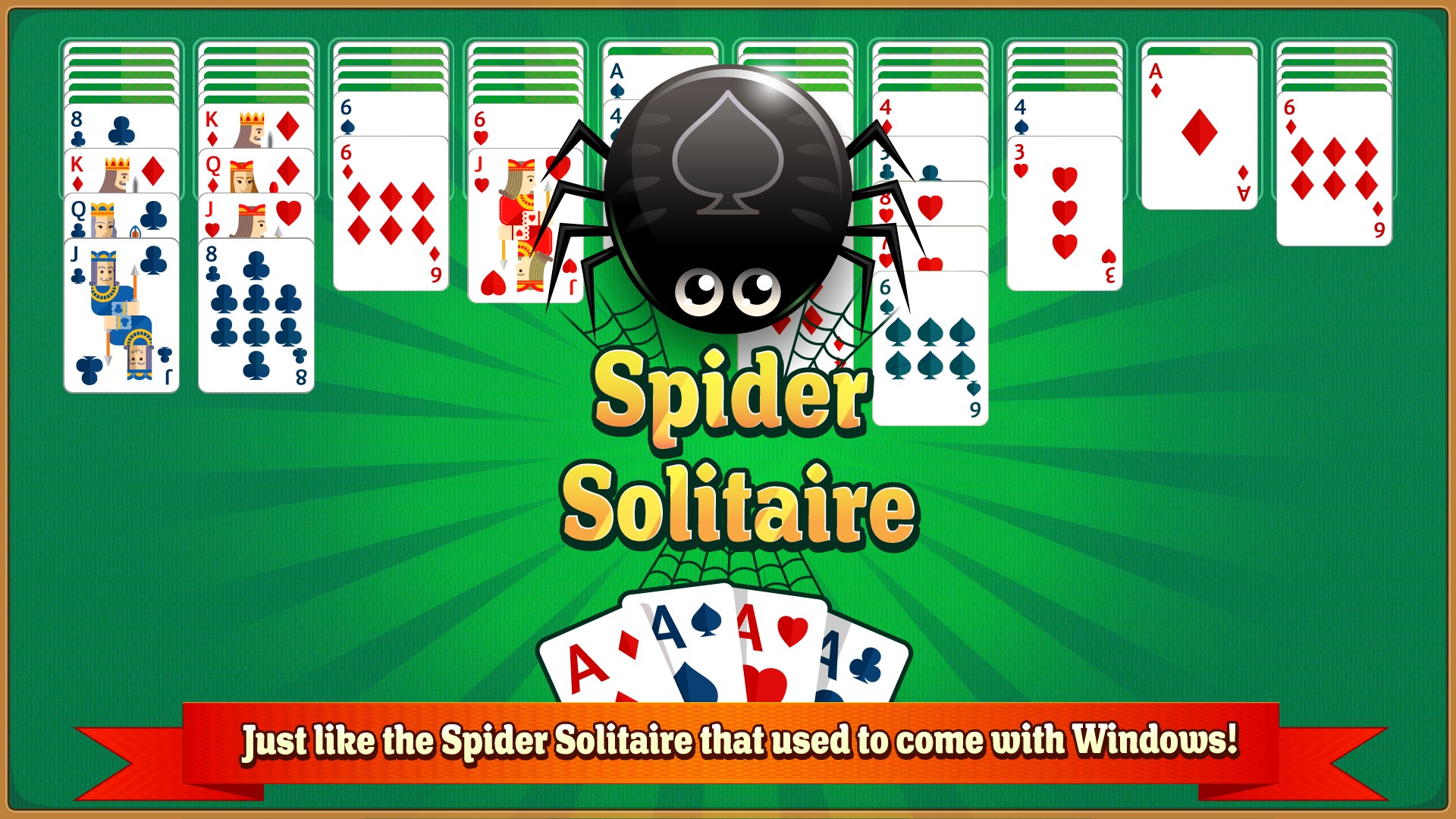
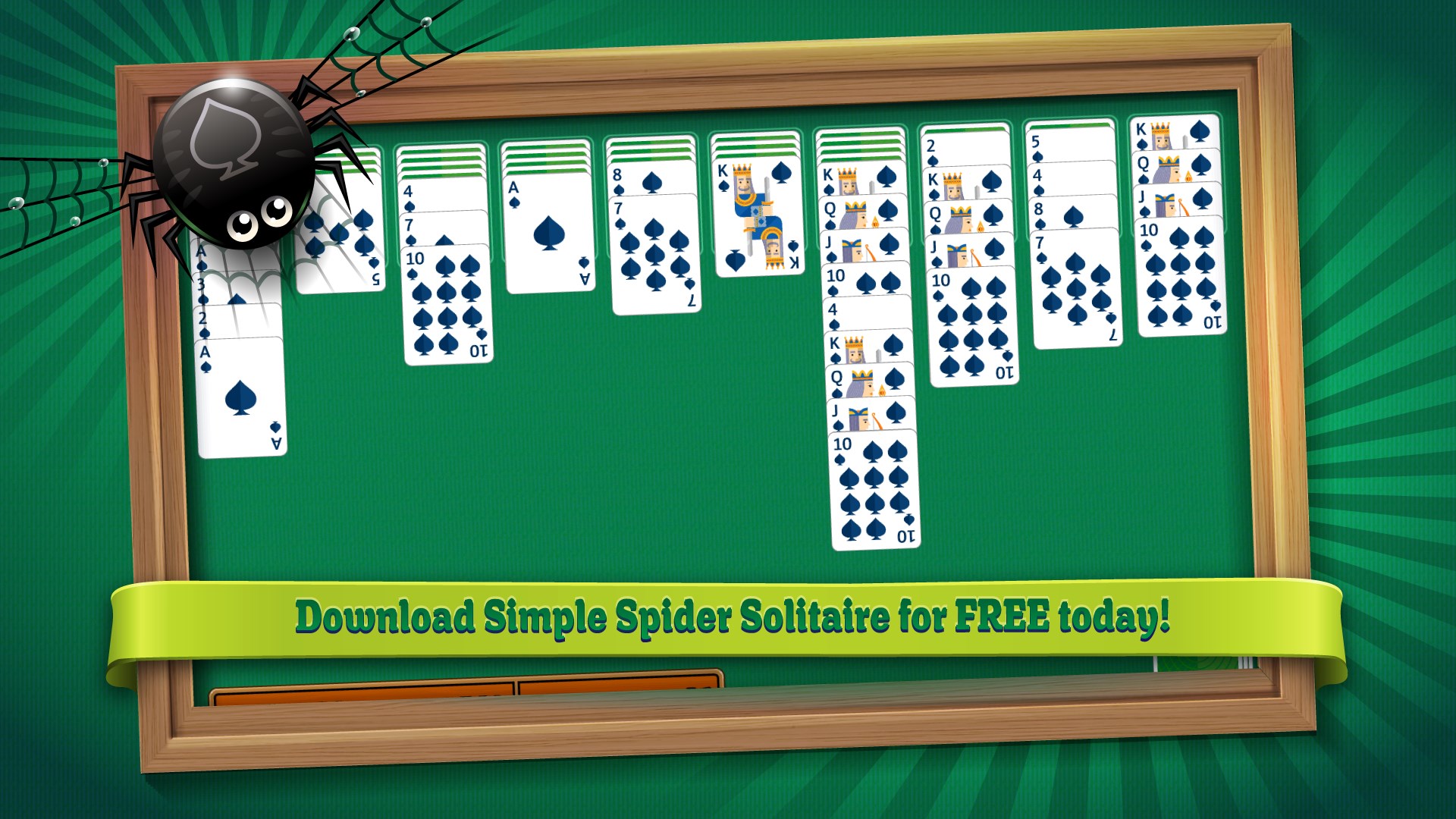
The interface of Simple Spider Solitaire for Windows strikes a fine balance between classic charm and modern clarity. The cards feature crisp, clean graphics with subtle animations that make each move feel satisfying without overwhelming the senses. The layout is uncluttered, mimicking traditional card tables, which instantly resonates with aficionados of the game.
Fluidity of Operation and Ease of Use
Navigation is effortless—simply click, drag, or double-click to move cards, with intuitive controls guiding beginners through the gameplay. The app handles card movements swiftly, with zero lag or jitter, ensuring an immersive experience. The learning curve is gentle; even those unfamiliar with digital solitaire will find it easy to pick up and start playing within moments.
Unique Advantages Over Other Card & Board Apps
While many solitaire apps clutter their interfaces with flashy elements or overly complex features, Simple Spider Solitaire prioritizes clarity and ease of play. Its most remarkable feature is the "One-Click Move" system, which allows players to reduce tedious manual actions, making the game feel more like a real-world experience. Additionally, its adjustable difficulty levels and clean design set it apart—offering a pure, distraction-free environment where skill and patience shine.
Final Verdict and Usage Recommendations
All in all, Simple Spider Solitaire for Windows stands out as a well-crafted, user-centric adaptation of a beloved classic. Its simplicity, combined with thoughtful features like customizable difficulty and seamless gameplay, makes it suitable for casual players and seasoned enthusiasts alike. If you're searching for a traditional solitaire experience that respects your time and focus, this app deserves your consideration.
We recommend it for anyone seeking a straightforward, beautiful, and reliable card game on their Windows device. Whether you have a few spare minutes or want to relax with a challenging game, Simple Spider Solitaire offers a satisfying experience without any fuss.
Pros
- Intuitive User Interface
- Smooth Performance
- Multiple Game Modes
- Offline Accessibility
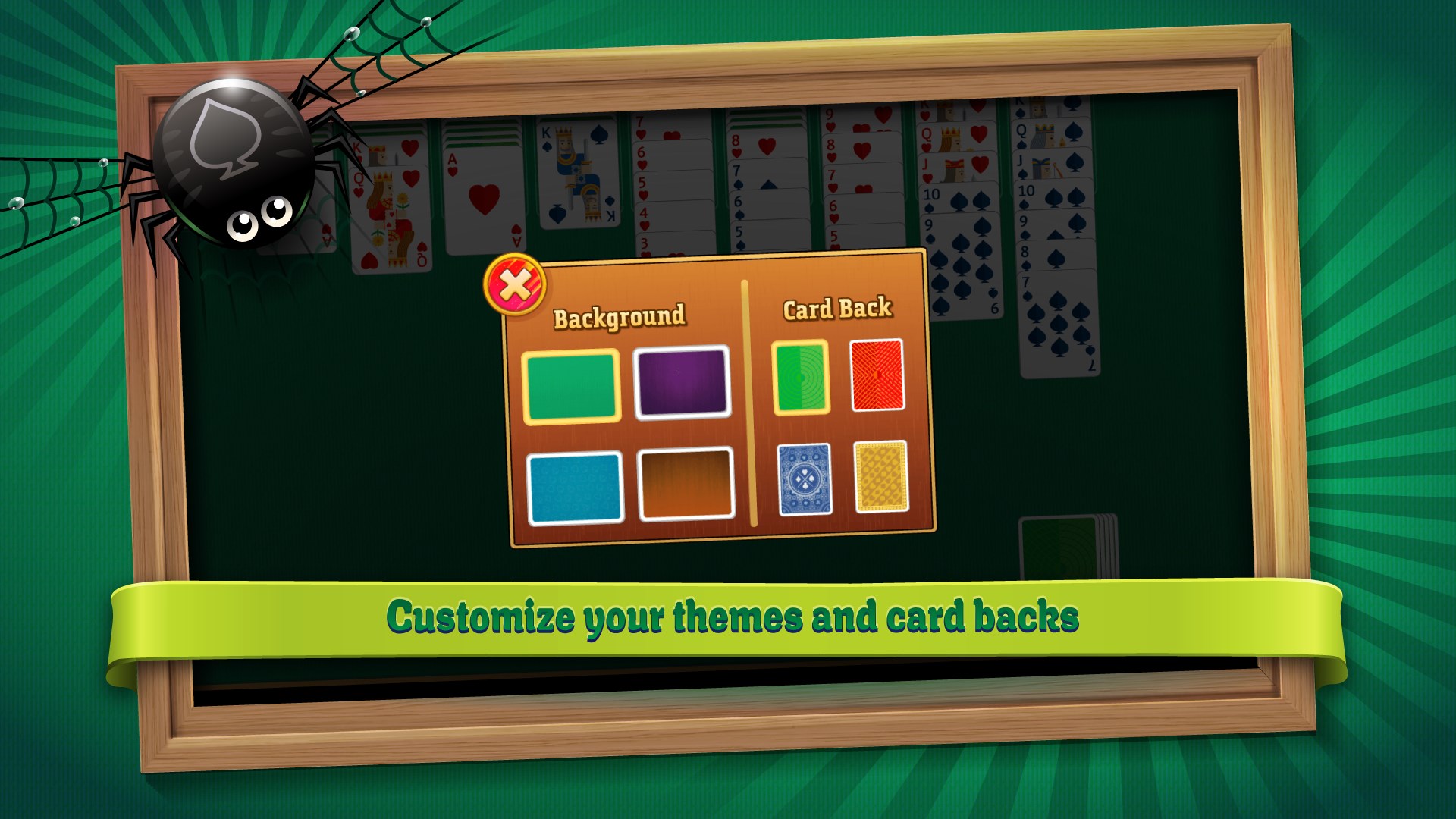
- Customizable Themes
Cons
- Limited Instructional Support
- Basic Graphics Design
- In-App Advertising
- Limited Customization Options
- No Cloud Save Feature











