

- Category Photo & video
- Developer Rambax, LLC
- Available on PC
- OS Windows 10 version 14316.0 or higher
- languages English (United States)
Unveiling Simple Transfer: A Fresh Breeze for Windows Photo & Video Management
If you've ever felt overwhelmed sifting through a maze of photos and videos on your Windows device, Simple Transfer emerges as a friendly digital assistant designed to streamline those moments into an intuitive experience. Developed by Rambax, LLC, this app promises to simplify transferring and organizing multimedia content with a few taps—making it a welcome upgrade for users seeking efficiency without complexity.
What Makes Simple Transfer Stand Out?
At its core, Simple Transfer is all about ease and versatility. The app's main strengths include its seamless cross-device transfer capability, a straightforward user interface, and robust media organization features. Its focus on simplicity ensures that even less tech-savvy users can navigate and manage their media library with confidence.
Effortless Media Transfers, Anytime, Anywhere
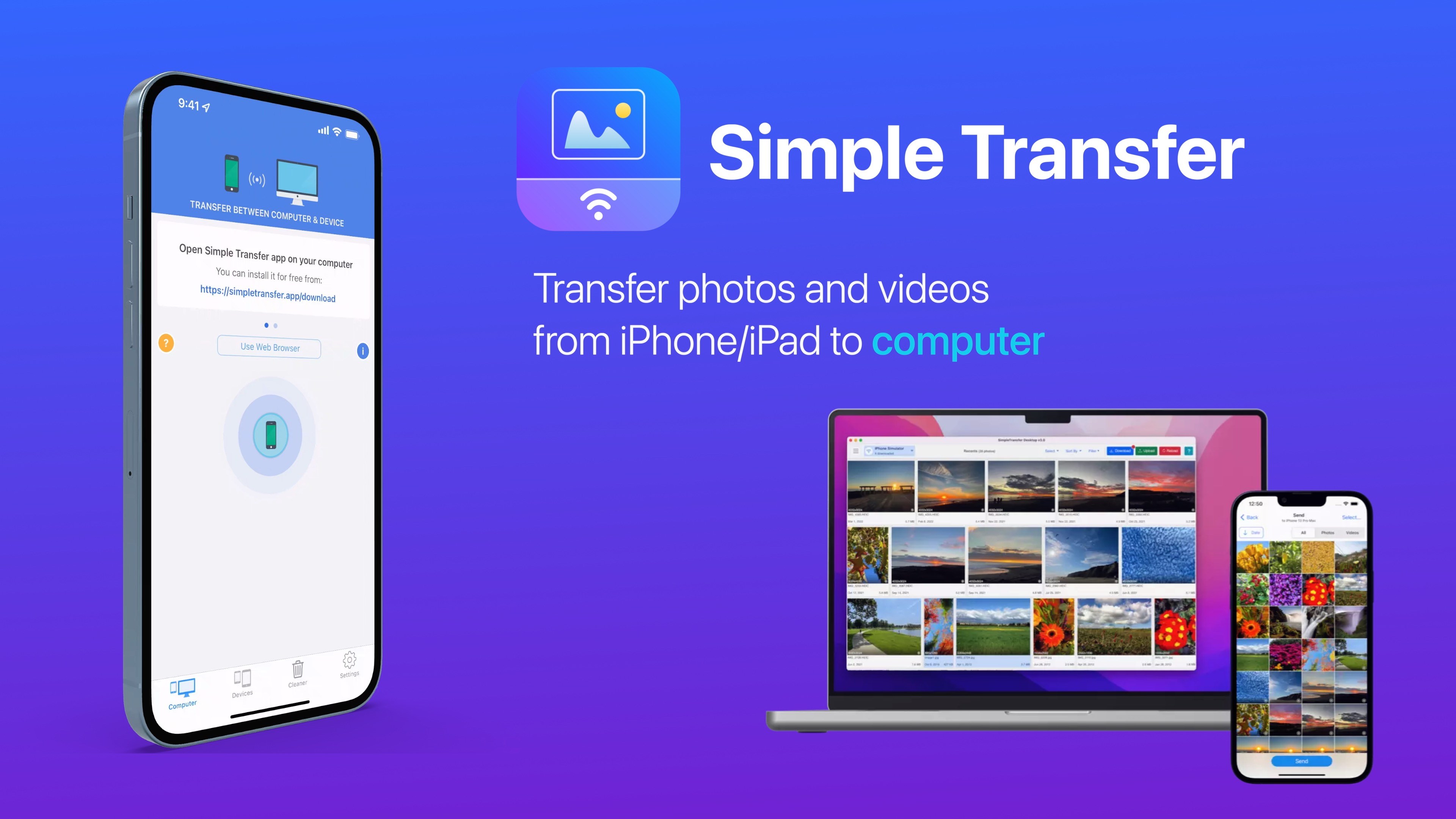
The app's standout feature is its ability to facilitate quick and reliable transfer of photos and videos between devices. Imagine you just snapped a fantastic shot on your phone—Simple Transfer lets you effortlessly send that masterpiece to your Windows PC immediately. This cross-device flexibility is achieved through Wi-Fi or local network connections, eliminating the need for cables or complicated setups. It feels like having a digital courier at your fingertips, always ready to deliver your memories seamlessly.
Intuitive Interface with a Friendly Touch
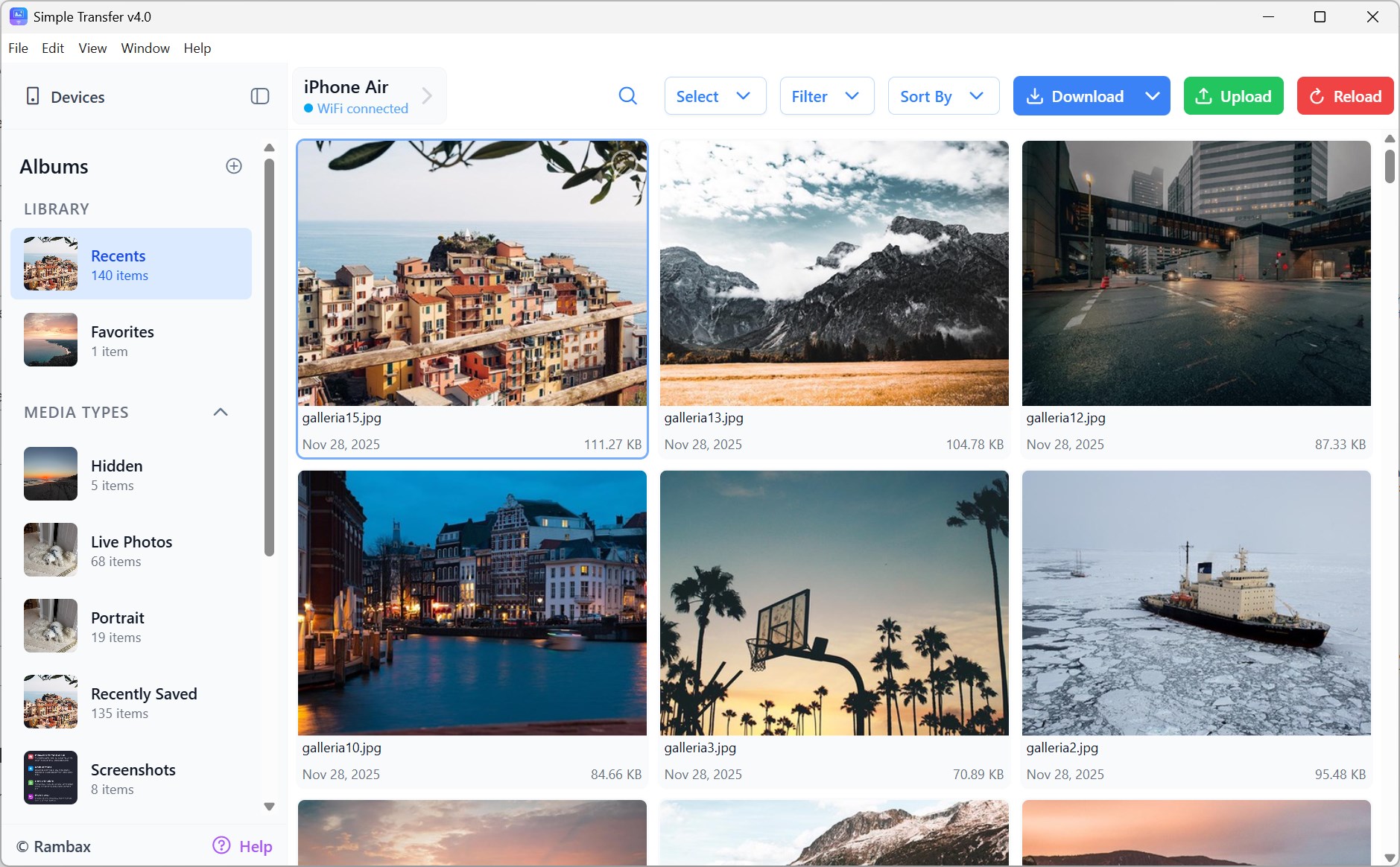
One of the first things you'll notice is how clutter-free and inviting the interface is. Designed with user experience in mind, navigation feels natural—no steep learning curve here. Whether you're a casual user or someone handling large media libraries often, the clean layout and straightforward icons make organization a breeze. The app responds smoothly to inputs, and switching between functions doesn't disrupt the flow, fostering a pleasant user journey. Even for newcomers, getting accustomed takes just a few minutes, making it feel less like a tool and more like a helpful companion.
Smart Media Management and Organization
Beyond transfers, Simple Transfer shines in helping users organize their media. It allows easy categorization of photos and videos, enabling quick access and retrieval. Think of it as a digital filing cabinet — you can tag, sort, and search through your multimedia treasures effortlessly. Unlike many traditional transfer apps that focus solely on moving files, this application emphasizes smart management, reducing clutter and saving time. This feature particularly appeals to photographers, content creators, or anyone who manages numerous media files regularly.
What Sets It Apart from Similar Apps?
While many apps offer photo and video transfer features, Simple Transfer distinguishes itself through its simplicity and focus on user-centric design. Its core advantage is the combination of reliable performance with an elegant, minimalistic interface that caters to both casual and frequent users. Unlike some competitors that may bombard you with options or ads, this app maintains a clean, distraction-free environment. Moreover, its efficient transfer protocols mean faster speeds even with large media files, streamlining workflows that might otherwise be time-consuming.
Final Thoughts: Is It Worth a Try?
All things considered, Simple Transfer proves itself as a solid, user-friendly solution for managing multimedia content on Windows. Its standout features—especially the seamless device-to-device transfer and intuitive organization—make it a trustworthy companion for everyday media needs. While it may not pack every advanced editing or sharing feature some high-end apps boast, it excels in what it aims to do: simplify your digital life.
If you're seeking a straightforward, reliable app to handle your photos and videos without fuss, I would recommend giving Simple Transfer a try. It's like having a helpful digital assistant that respects your time and keeps your precious memories well-organized. For anyone tired of complicated workflows or cluttered interfaces, this app offers a refreshingly practical alternative.
Pros
- User-friendly interface
- Fast transfer speeds
- Supports multiple devices
- No need for internet connection
- Supports different media formats
Cons
- Limited transfer options
- Occasional transfer failures
- UI could improve clarity
- Limited customization options
- No cross-platform support beyond Windows and Android










