

- Category Productivity
- Developer YWHAPPS
- Available on PC, Mobile, Surface Hub, HoloLens
- OS Windows 10 version 18362.0 or higher
- languages Chinese (Simplified), Chinese (Traditional Chinese), Czech, Danish, Dutch, English (United States), French, German, Italian, Japanese, Korean, Polish, Portuguese, Russian, Spanish, Swedish
Simple XPS Viewer-XPS Read and Write for Windows: A Comprehensive Review
If you're often navigating through complex documents or managing multiple XPS files, finding a reliable viewer with editing capabilities can feel like searching for a needle in a haystack. Enter Simple XPS Viewer-XPS Read and Write—an application promising an intuitive, streamlined experience for handling XPS documents right within Windows. But does it truly deliver on this promise? Let's dig into what makes this application stand out, and whether it's worth your time.
Basic Information: Clear, Focused, and Developer-Friendly
Simply put, Simple XPS Viewer-XPS Read and Write is designed to be a lightweight, user-friendly tool for viewing and editing XPS files without the clutter often seen in more complex PDF editors.
Developer/Team: YWHAPPS, a team dedicated to creating practical and straightforward productivity tools.
Main Features Highlights:
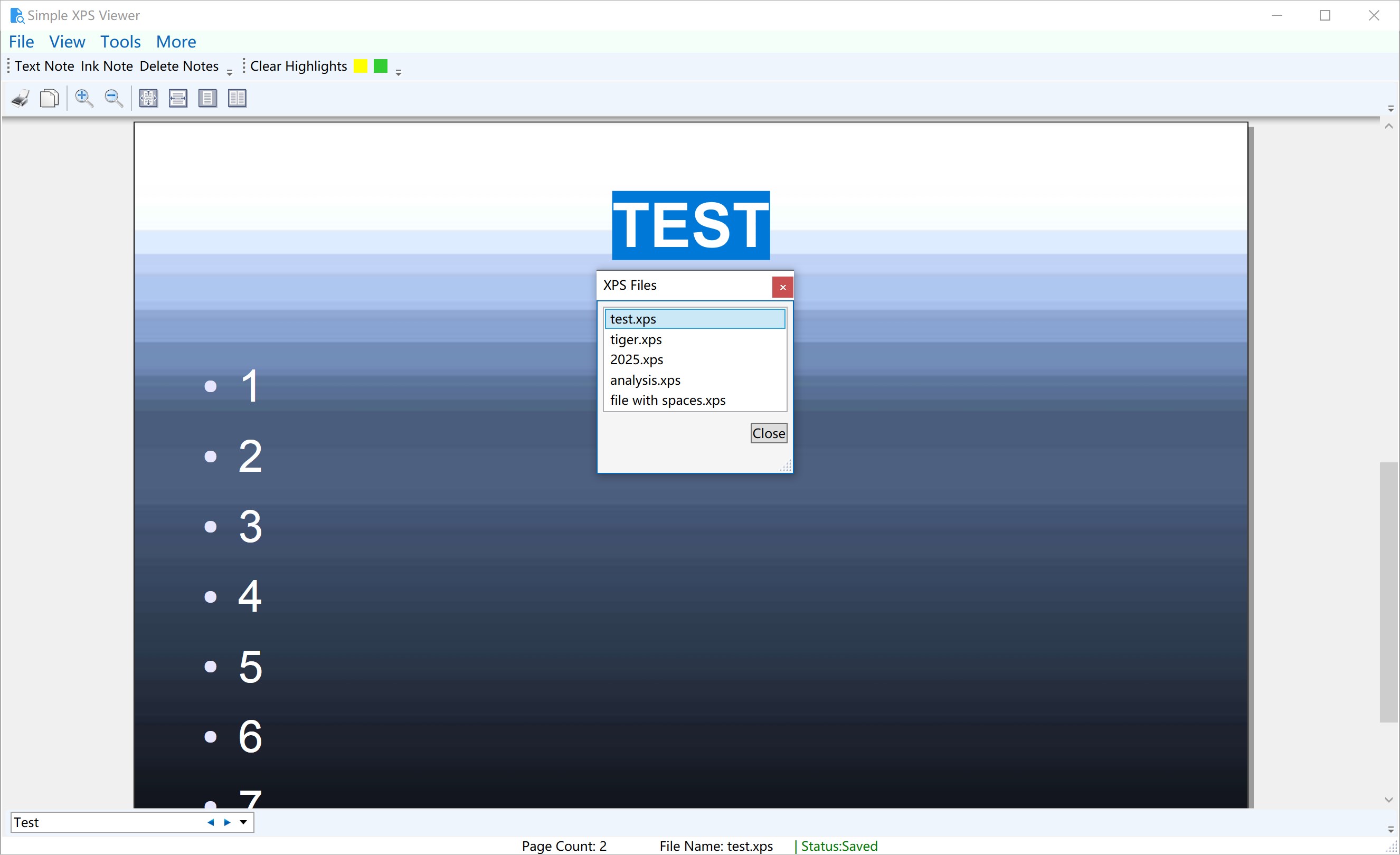
- Seamless XPS reading and viewing with smooth zooming and navigation
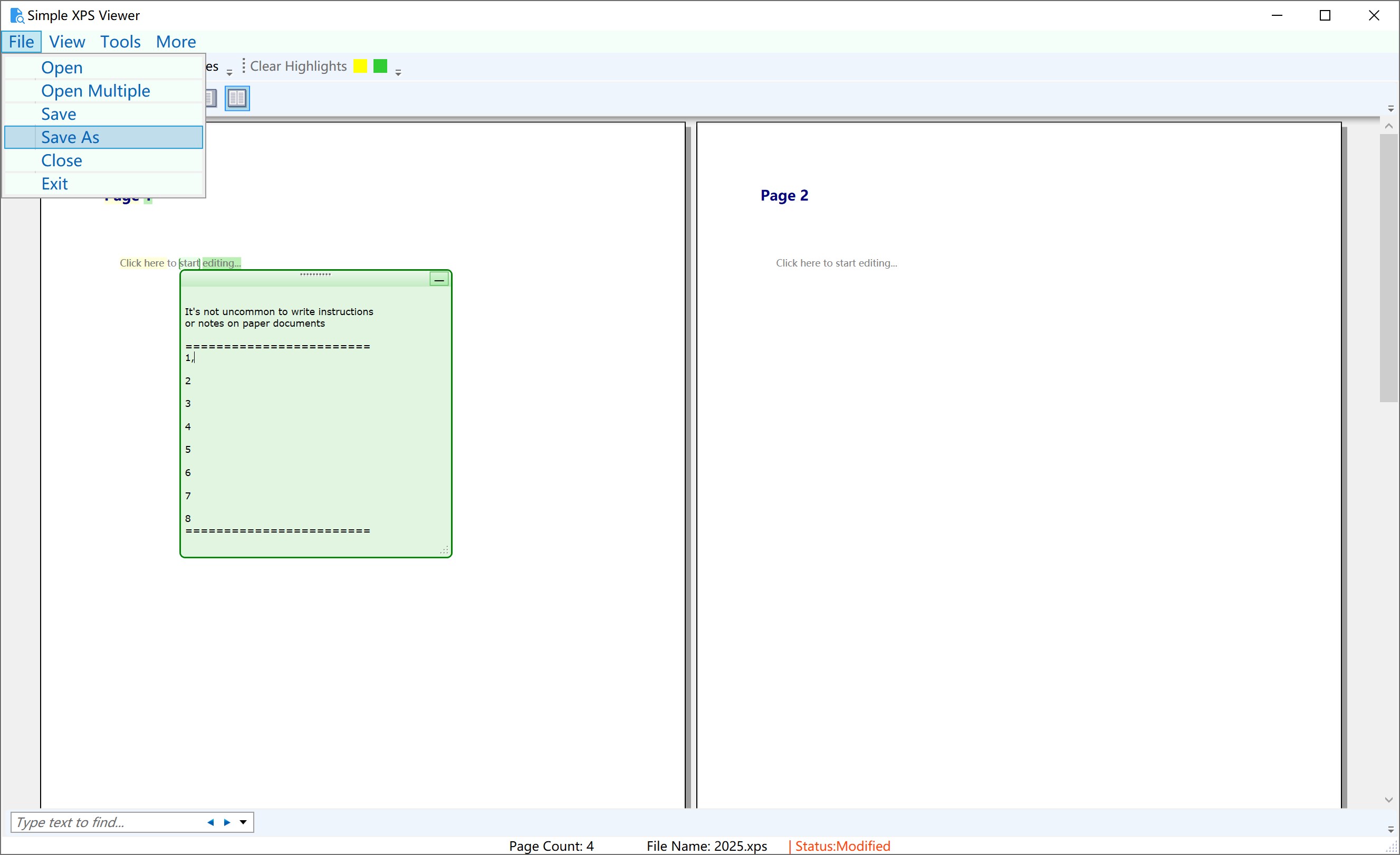
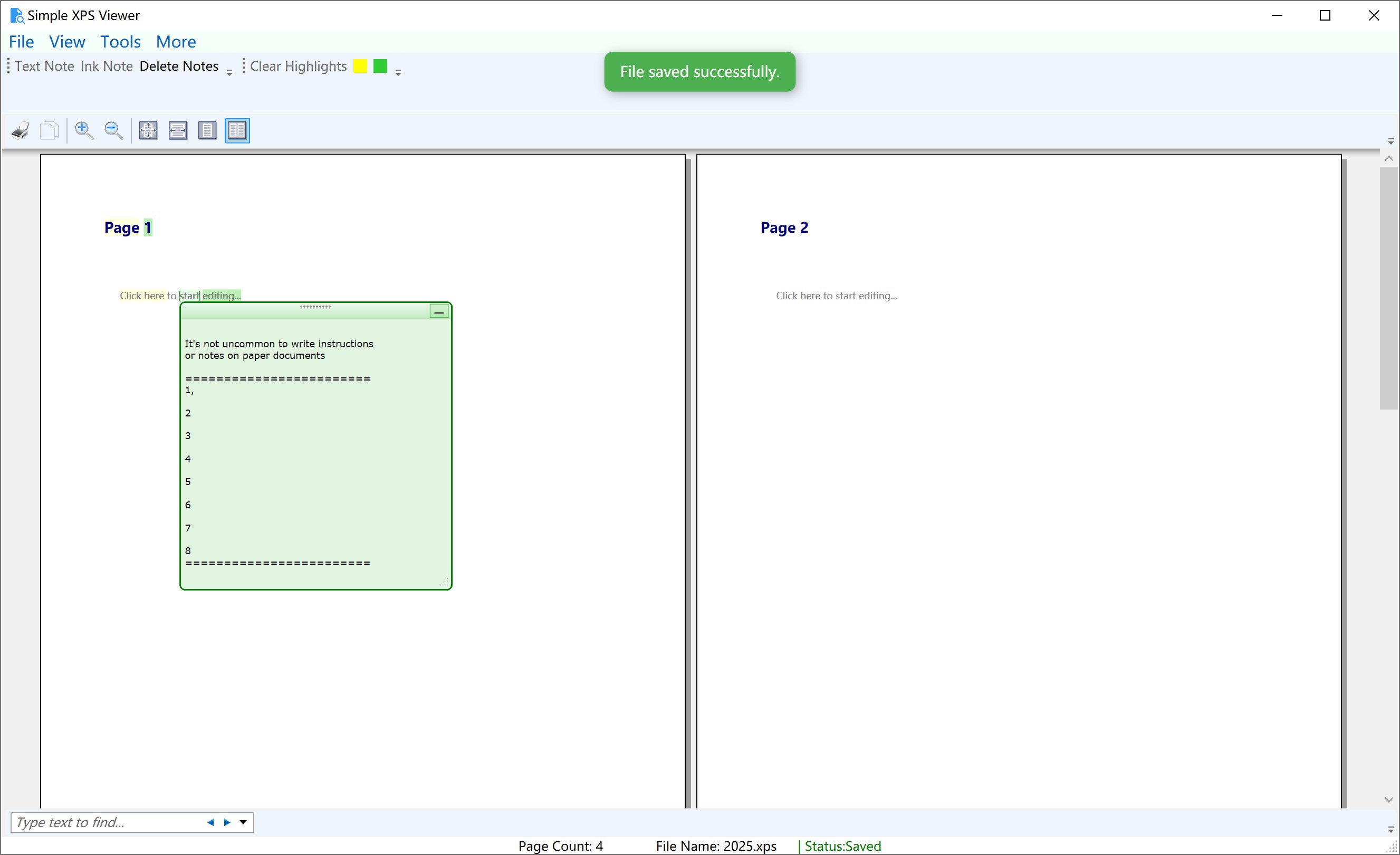
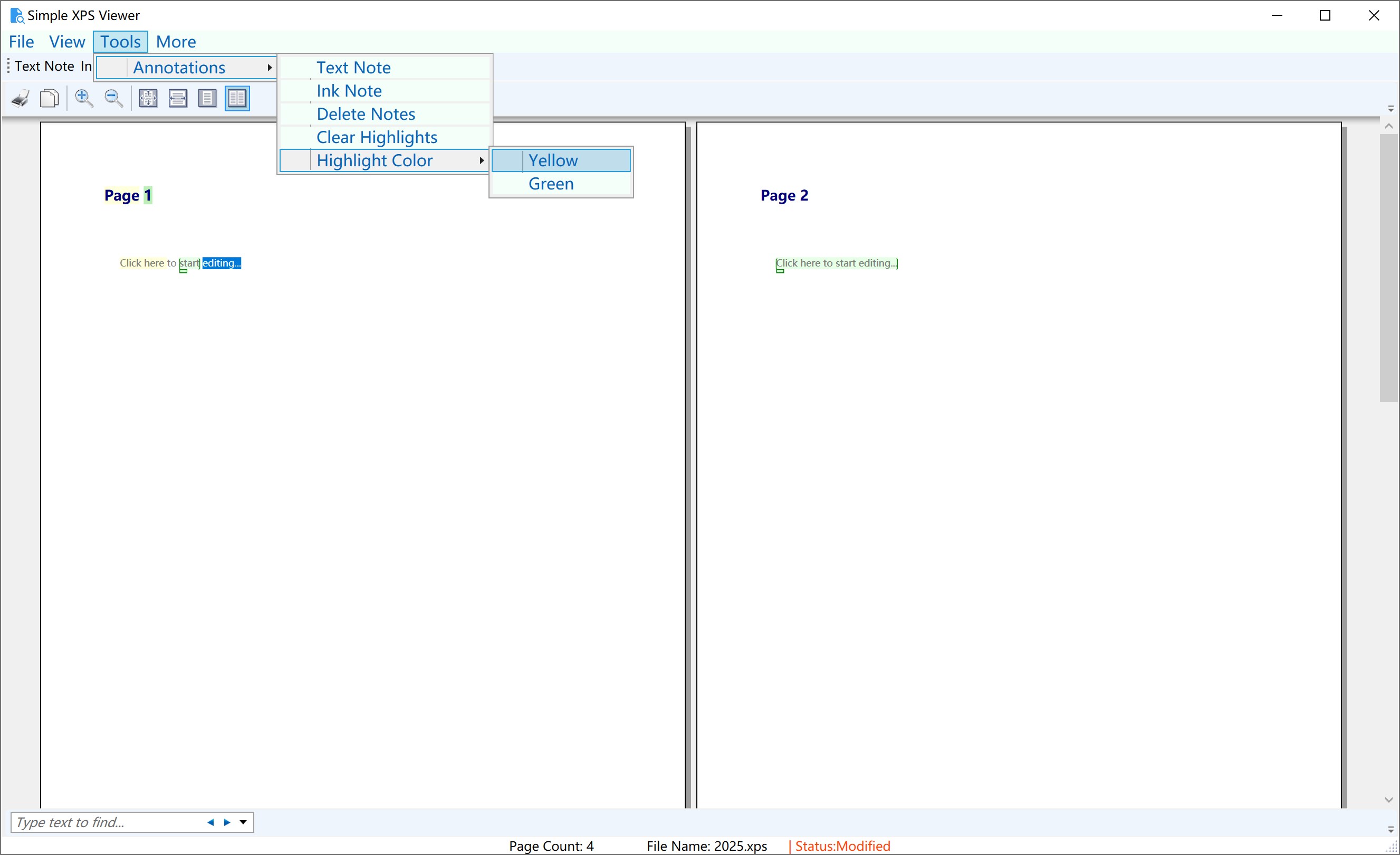
- Editing capabilities including annotations, text modifications, and page reordering
- Easy export options to save edited XPS files or convert to other formats
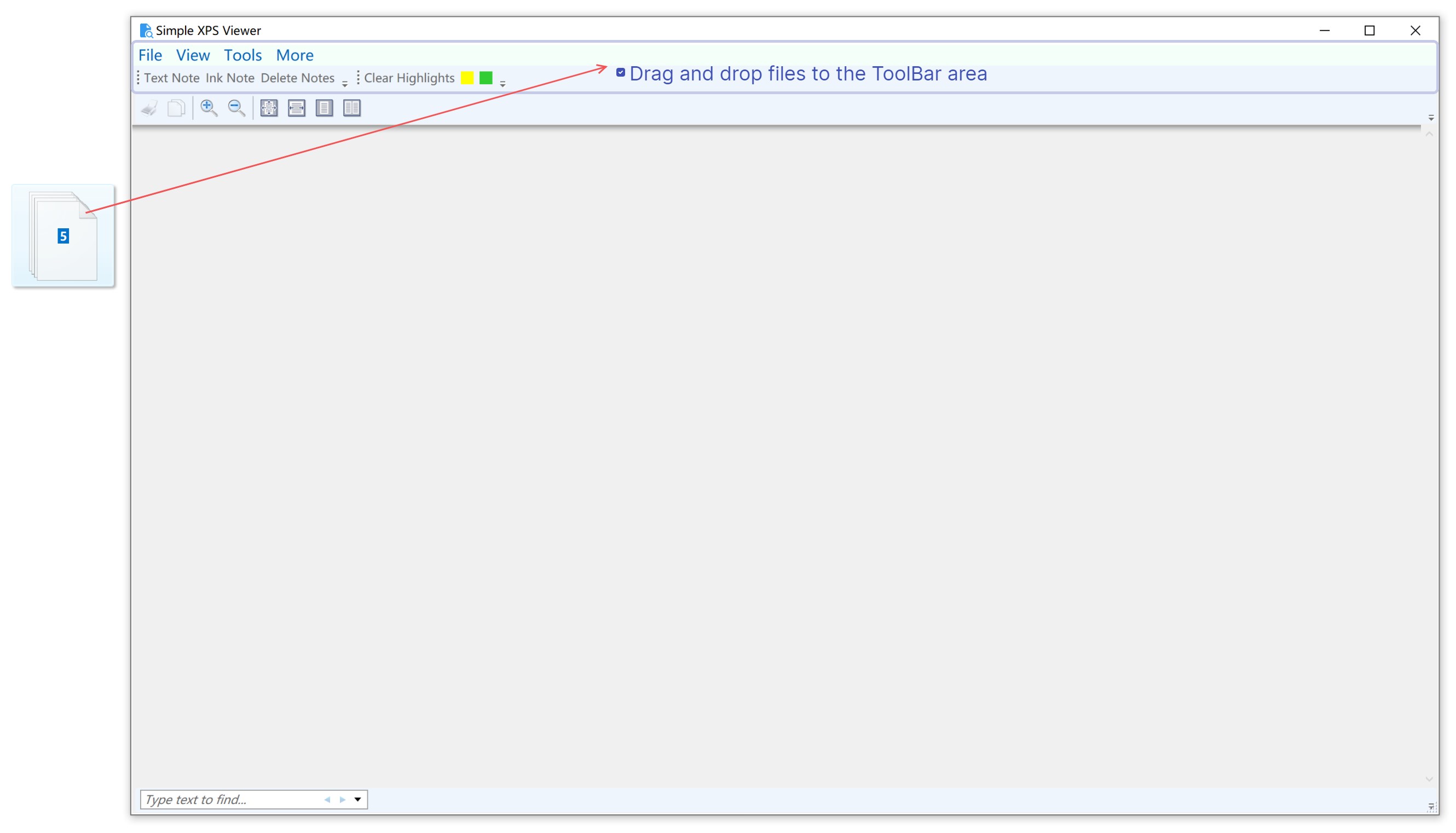
- Intuitive interface designed for quick access and minimal cognitive load
Target Audience: Professionals handling XPS documents, students, researchers, or any Windows user seeking a simple yet capable tool for XPS management.
Engaging and Practical: An App That Feels Like Having a Digital Office Desk
Imagine opening your favorite notebook—notes are clear, the layout feels natural, and everything you need is within arm's reach. That's the core experience Simple XPS Viewer aims to deliver. It's like turning your Windows desktop into a tidy digital workspace, where viewing and editing XPS files becomes effortless and even enjoyable. This app strips away unnecessary complexity, focusing instead on delivering a straightforward, efficient workflow that makes handling XPS documents less of a chore and more of a pleasant task.
Core Functionality 1: Effortless Viewing and Navigation
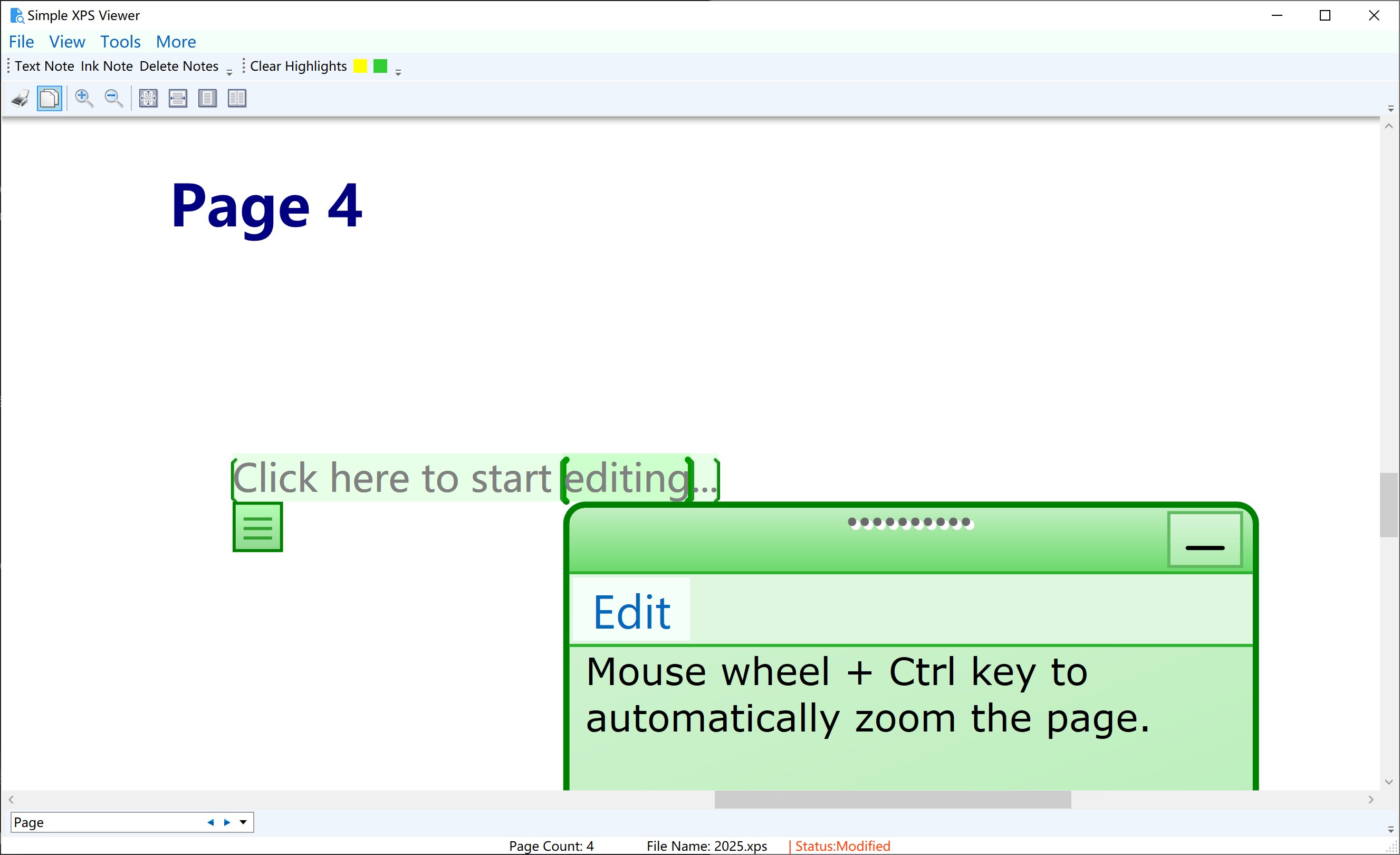
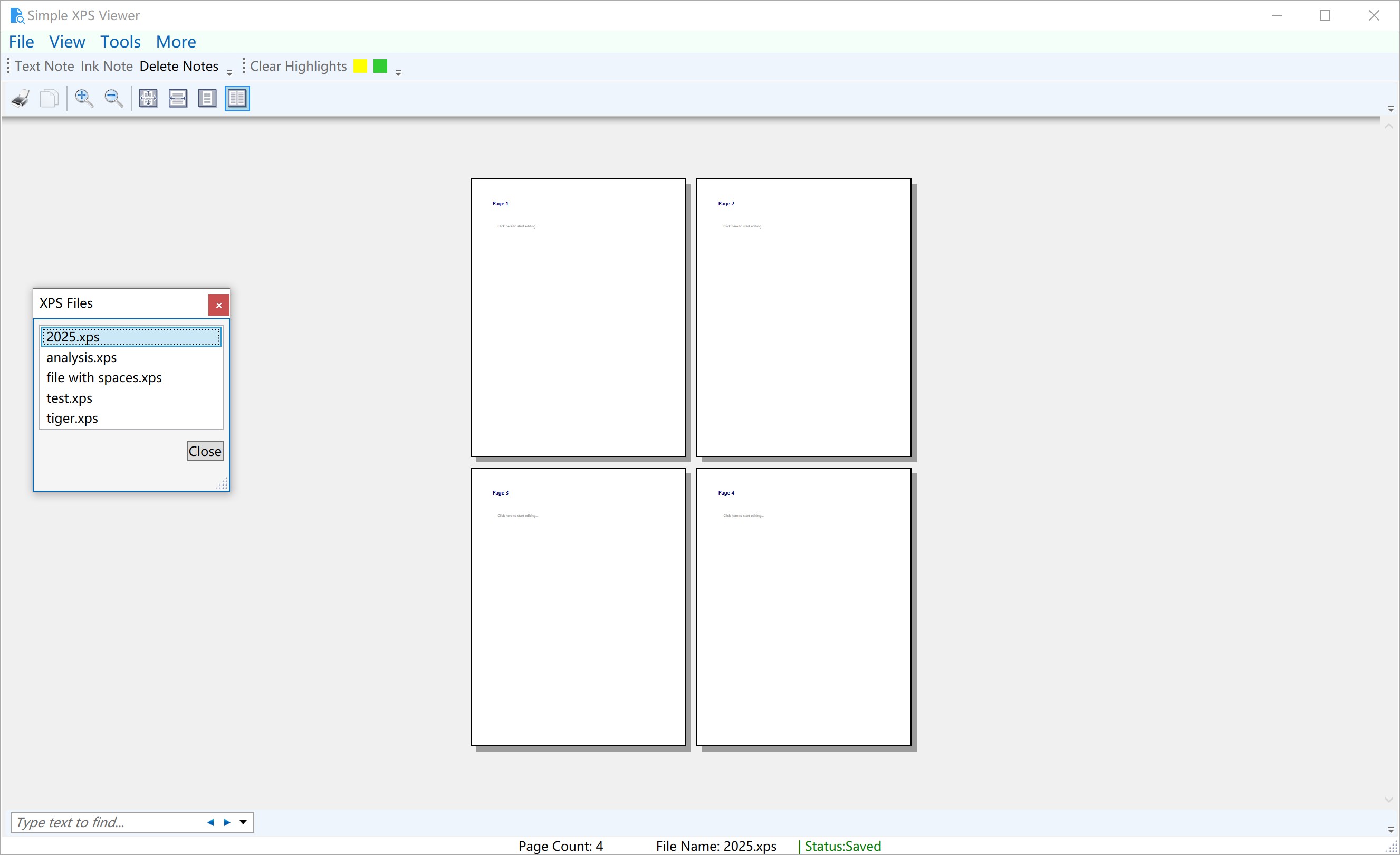
The first thing you'll notice is how smoothly it handles large XPS files. The interface mimics the familiar feel of PDF readers but is optimized for XPS's nuances. Zooming in and out is quick and fluid, thanks to a well-optimized rendering engine. Navigation tools like page thumbnails, thumbnails, and scrollbars respond instantly, making document browsing feel natural. This feature alone is essential for users who need to review lengthy documents regularly, reducing frustration and cognitive overload.
Core Functionality 2: Editing and Annotating with Precision
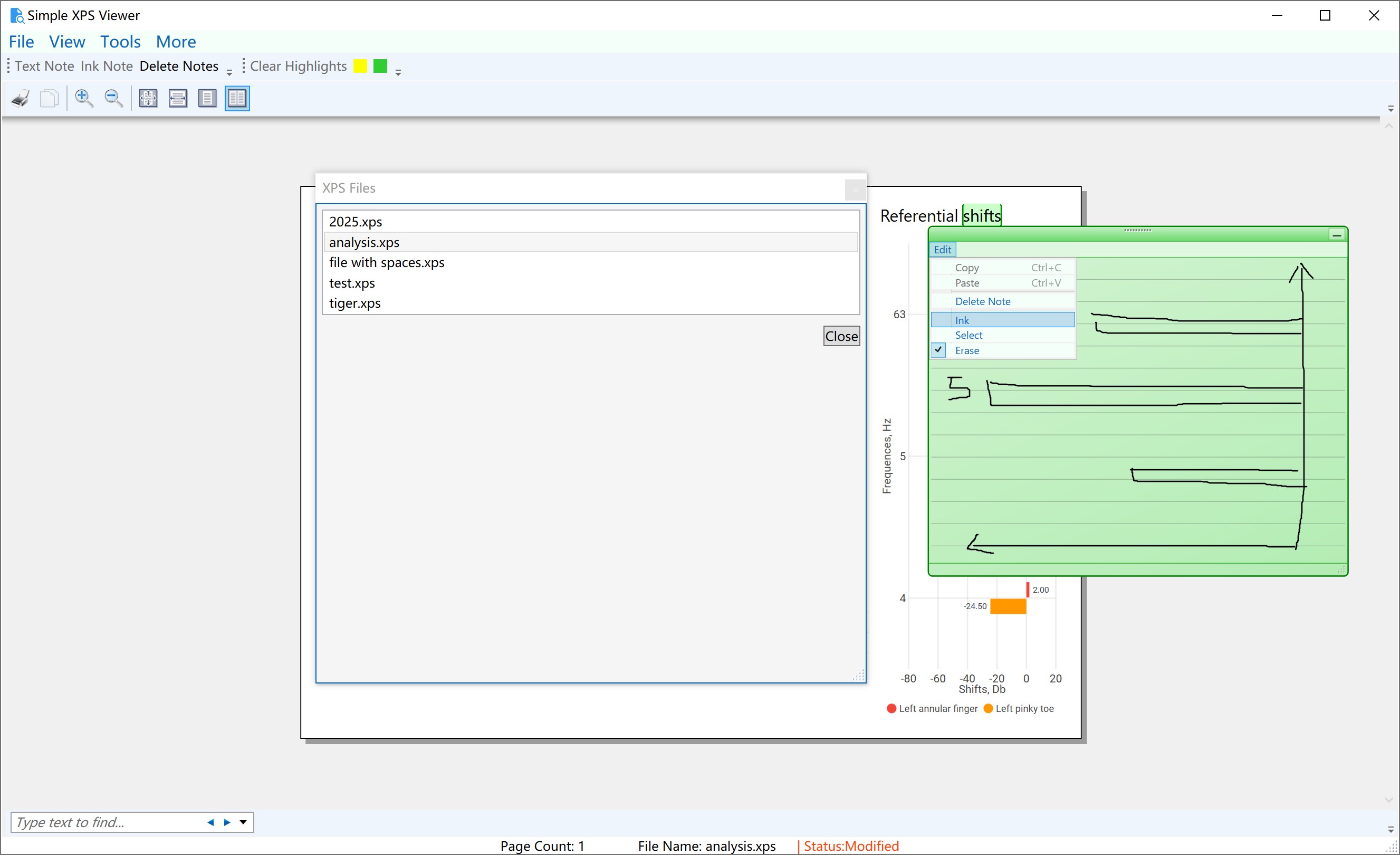
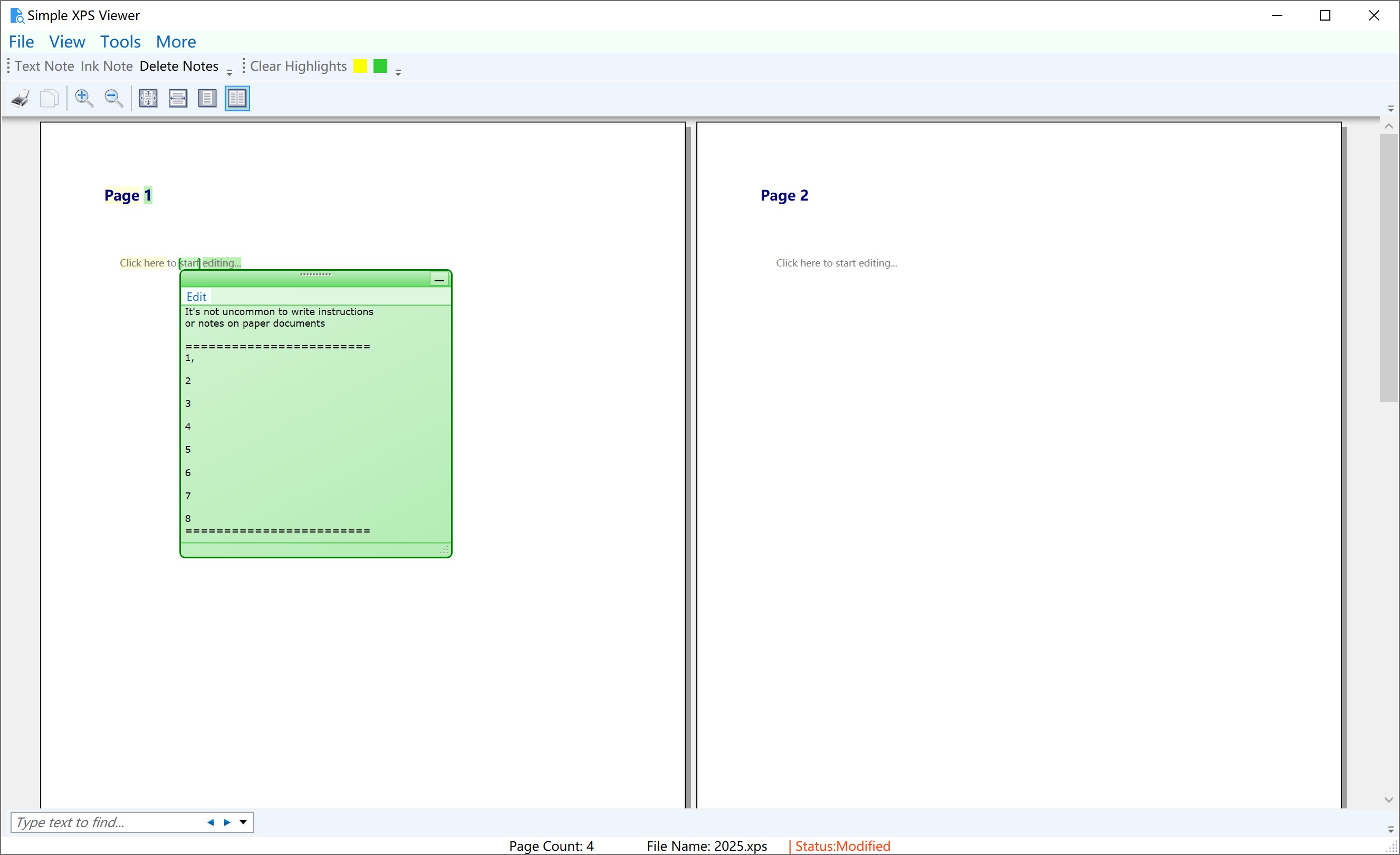
Beyond simple viewing, this tool shines in its editing capabilities. You can add annotations—highlight, underline, or comment directly onto specific sections. The interface for editing text within the document is straightforward, with minimal learning curve. Want to reorder pages or delete unnecessary sections? It's just a few clicks away, mirroring the ease of editing a physical document but with the flexibility digital editing offers. These features make the app not just a viewer but a lightweight editor suitable for quick adjustments and markups.
Experience and Unique Advantages
From a user experience perspective, the app impresses with a clean, uncluttered interface, where every function feels purpose-built. The design minimizes visual noise, aligning with the goal of reducing cognitive load—unlike many feature-heavy tools that bombard users with options. Navigating through features is logical, and the learning curve is shallow, making it accessible even for casual users.
What truly sets Simple XPS Viewer apart from similar productivity tools is its workflow integration efficiency. Unlike bulky PDF editors that might distract or slow down your process with excess features, this app concentrates on essentials—viewing and quick edits—thus streamlining your task flow. The emphasis on reducing feature complexity means less mental clutter, enabling you to focus on your document rather than wrestling with the tool.
Should You Give It a Try? Our Verdict
In the world of document management, simplicity often equals productivity. Simple XPS Viewer-XPS Read and Write strikes a commendable balance between straightforward functionality and practical features. It's especially suitable for users who need an uncomplicated tool that integrates seamlessly into their workflow without demanding steep learning curves or causing interface fatigue.
We recommend this app for professionals who regularly work with XPS files—whether for review, annotation, or minor editing—and prefer a clean, distraction-free environment. For those seeking a comprehensive PDF editing suite, it might fall short, but for the core tasks related to XPS documents, it's an effective and efficient choice.
In conclusion, Simple XPS Viewer-XPS Read and Write is a dependable, focused application that embodies the philosophy of doing one thing well—making your XPS file handling simpler, faster, and more practical. Think of it as your digital assistant for XPS documents, making the mundane parts of document management feel like a breeze rather than a burden.
Pros
- User-friendly interface
- Fast loading speed
- Basic editing capabilities
- Supports read and write functions
- Lightweight installation
Cons
- Limited advanced editing features
- Occasional stability issues with large files
- Lack of customization options
- Minimal support for other document formats
- Limited exporting options











