

- Category Productivity
- Developer Aidaluu Inc.
- Available on PC, Mobile, Surface Hub
- OS Windows 10 version 19041.0 or higher
- languages English (United States)
Seamless Labeling Simplified: An Intro to SimpleOne Label Maker for Windows
If you've ever wrestled with complicated labeling software or felt overwhelmed by feature overload, SimpleOne Label Maker provides a refreshing breeze of simplicity—making your labeling tasks straightforward without sacrificing essential functionalities. Crafted by Aidaluu Inc., this Windows application aims to streamline your workflow, whether you're organizing files, creating office labels, or managing inventory. Let's dive into what makes this app tick and why it might just become your new best friend in digital labeling.
Core Features that Make Labeling a Snap
User-Friendly Interface Designed to Ease Your Workflow
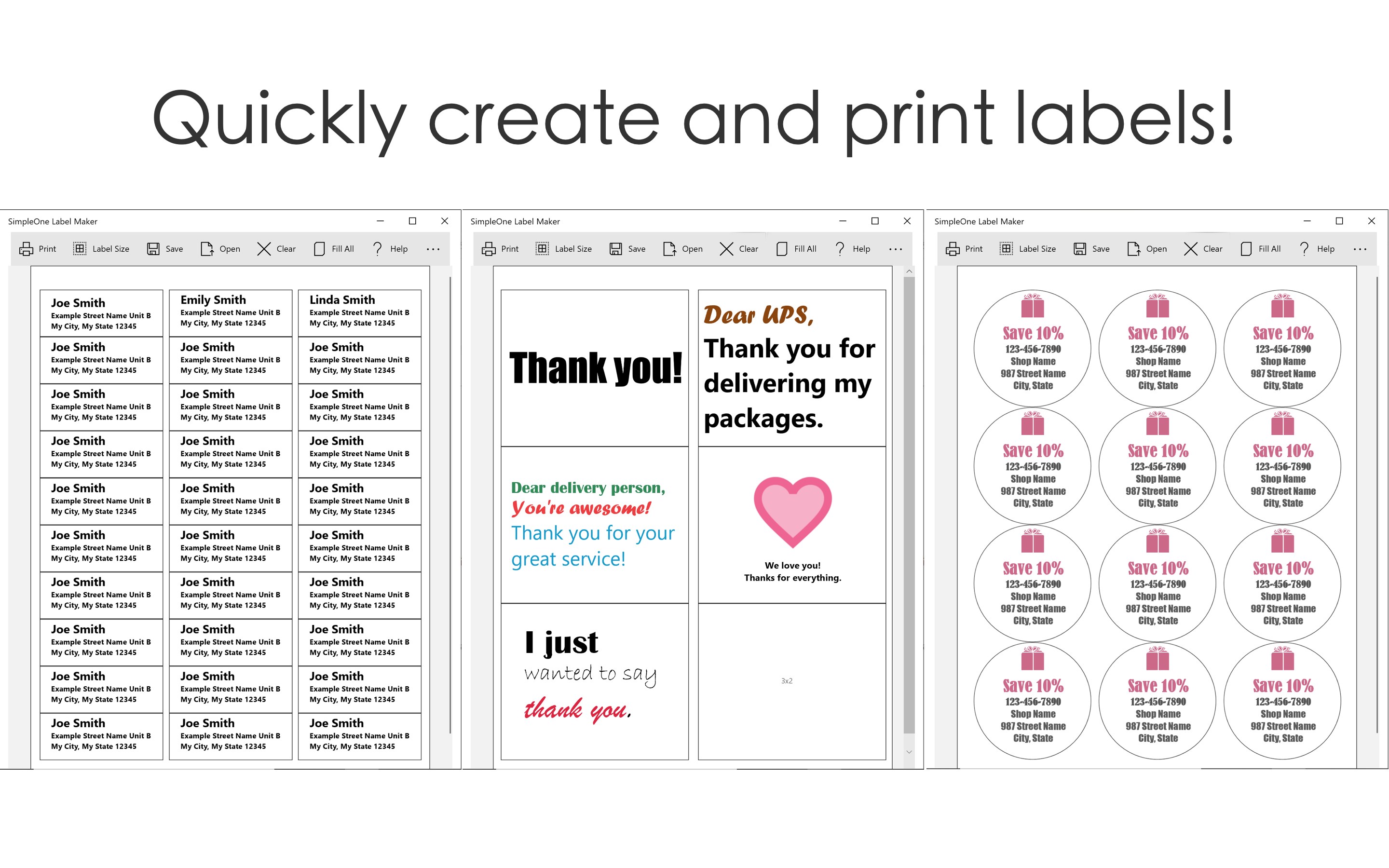
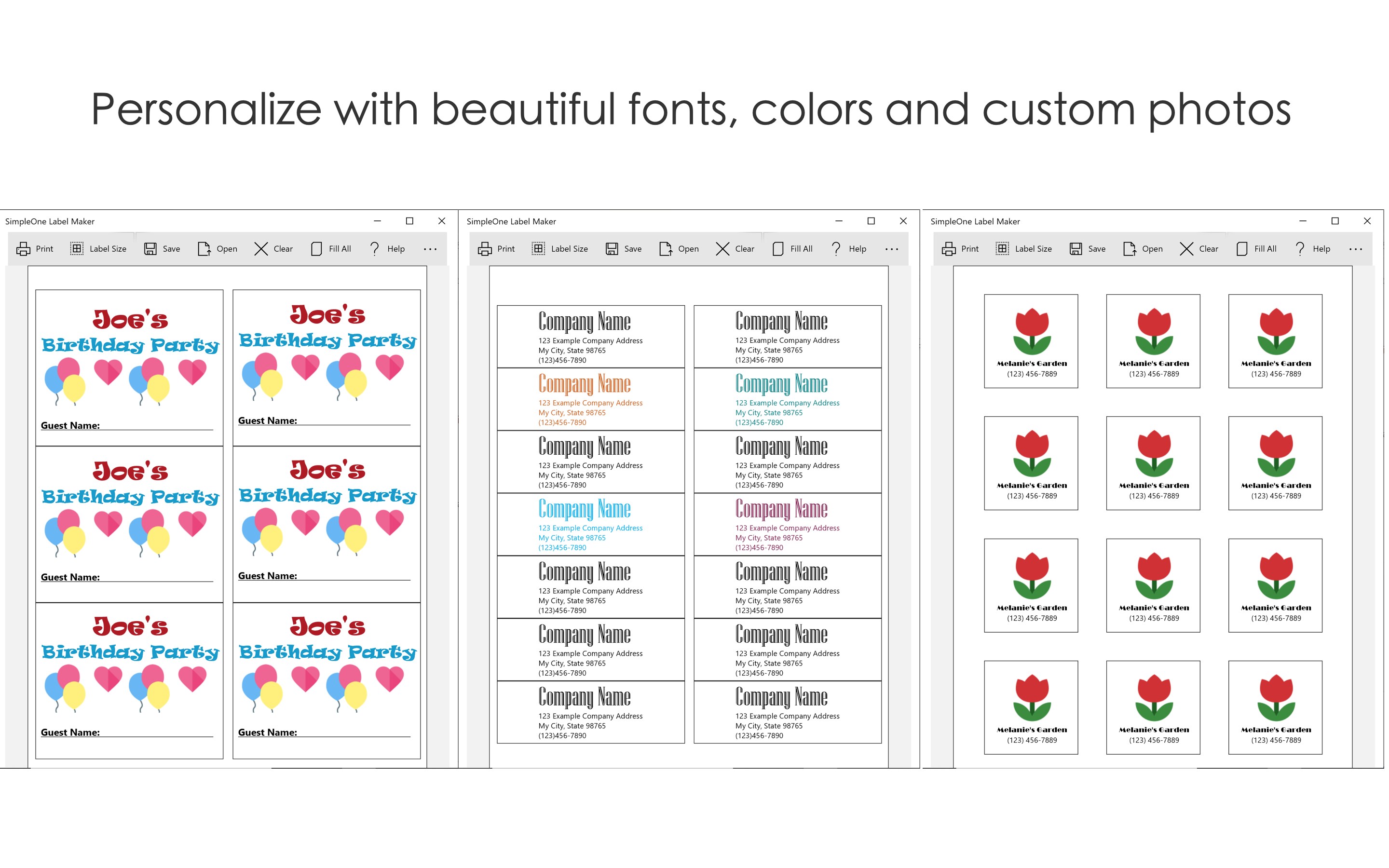
One of the standout features of SimpleOne Label Maker is its intuitively designed interface. Think of it as a clean workbench—organized, clutter-free, and effortless to navigate. The app offers drag-and-drop functionality, pre-designed templates, and customizable options that allow users to jump right into their projects without a steep learning curve. This focus on accessibility ensures that even newcomers can produce professional-looking labels in minutes, not hours.
Dynamic Label Customization and Template Management
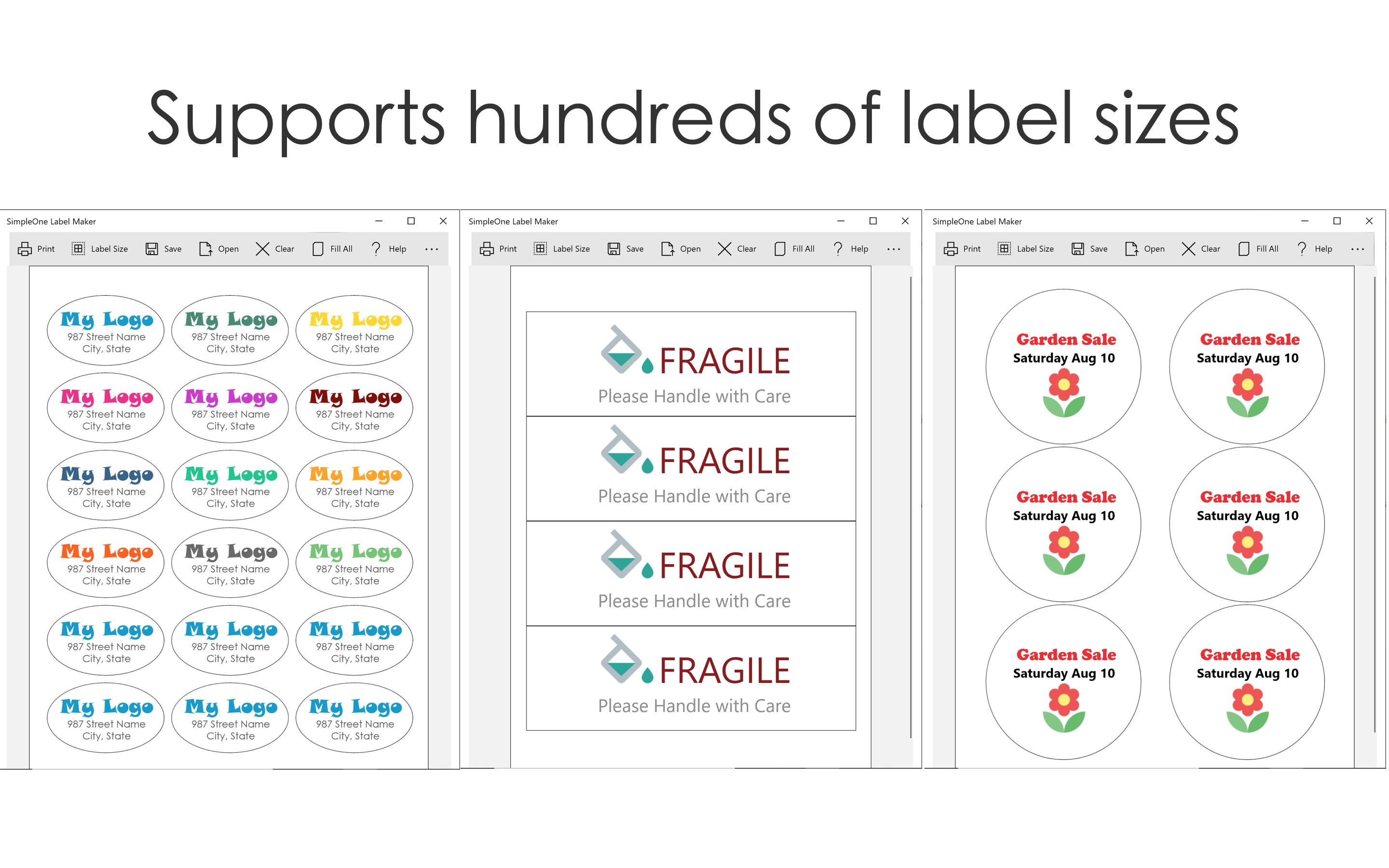
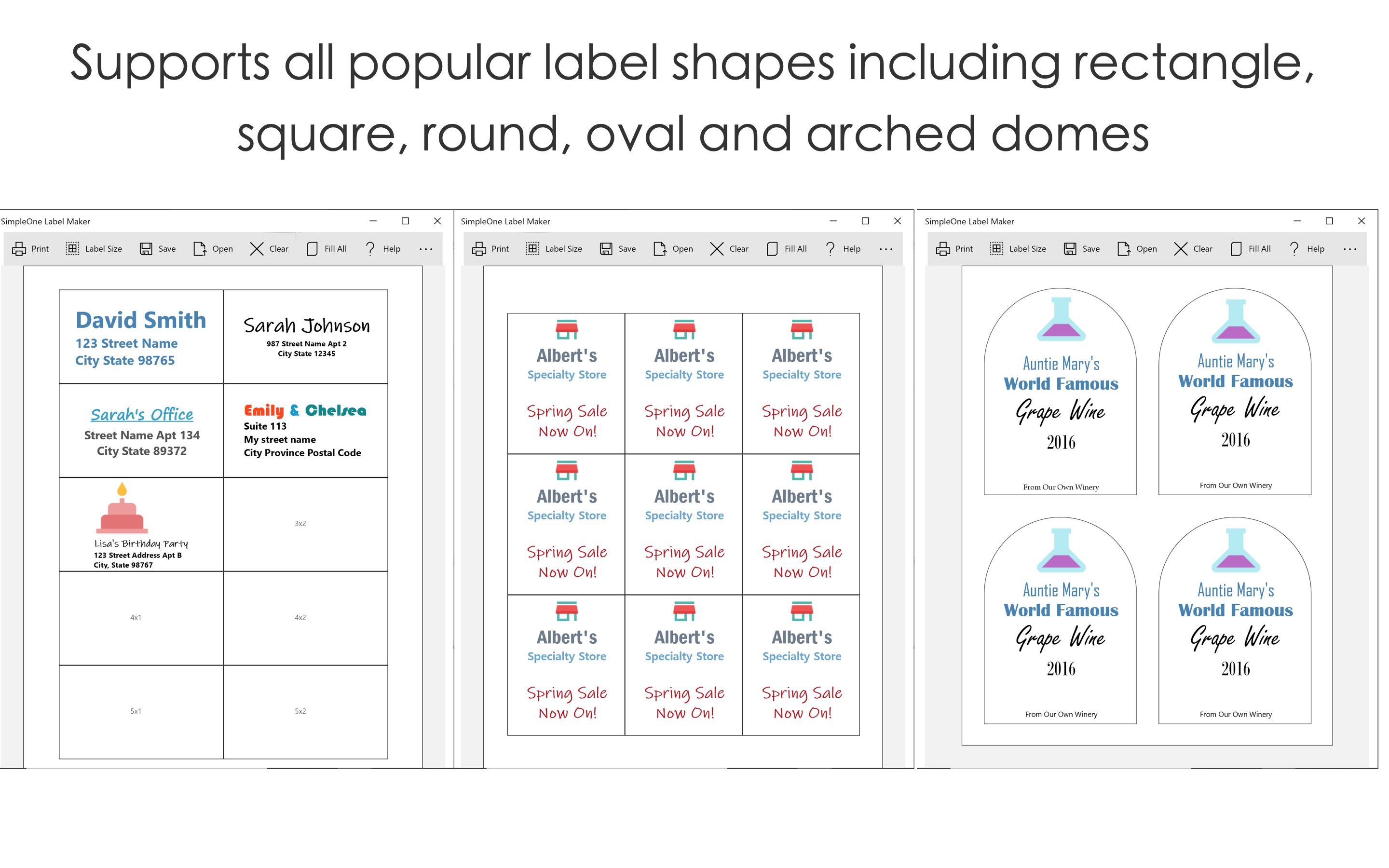
The application shines in its ability to let users tailor labels to their exact needs. It provides a rich library of templates categorized by purpose—office, home organization, packaging, and more. Users can easily modify text, fonts, colors, and images, ensuring each label perfectly fits the intended context. Moreover, the template management system supports saving and reusing designs, accelerating repetitive tasks and maintaining consistency across projects.
Efficient Workflow Integration and Productivity Features
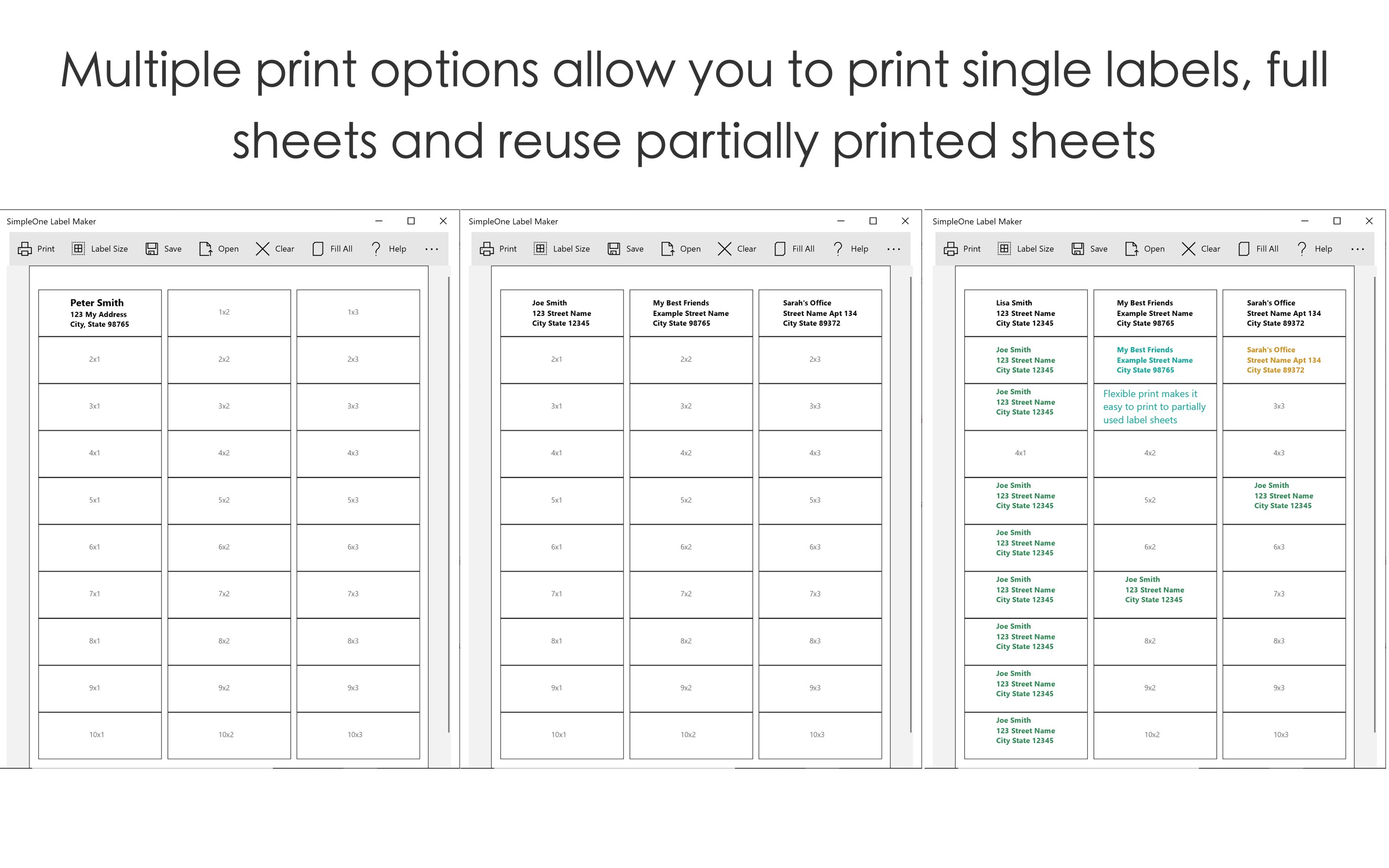
But what truly elevates SimpleOne Label Maker from mere label creation to a productivity tool is its integration capability. The app supports importing data from other sources and exporting labels seamlessly to common formats or directly printing. This smooth interoperability reduces cognitive load—users spend less time figuring out how to get their labels printed or shared and more time on their core tasks. It's akin to having a well-organized toolbox designed to reduce mental clutter, ensuring your labeling chores fit neatly into your broader workflow.
Evaluating User Experience and Unique Differentiators
In terms of design and usability, SimpleOne Label Maker excels at balancing simplicity with functionality. The interface's minimalism minimizes distractions, while the clear, step-by-step editing process makes navigation logical and stress-free. The app performs smoothly across various hardware configurations, thanks to thoughtful performance optimizations, making operations fluid even with larger projects.
Compared to other productivity applications, this label maker's standout advantage lies in its focus on reducing cognitive load. Unlike feature-heavy solutions that might intimidate users with options, SimpleOne keeps it straightforward—yet customizable enough for most labeling needs. Its workflow integration features cut down on time-consuming manual steps, creating a seamless experience akin to staring into a clear pipeline where your inputs flow effortlessly into your outputs.
Should You Give It a Try?
Based on its design philosophy and feature set, I recommend SimpleOne Label Maker for anyone seeking a streamlined, efficient labeling tool on Windows. Whether you're organizing a small office, managing personal projects, or handling inventory, this app offers enough power and flexibility without overwhelming the user.
If your priority is to reduce time spent fussing with complicated software and to boost productivity with a clean, focused interface, this app deserves a spot on your desktop. For casual users or small teams, it acts as a reliable, no-nonsense companion for all labeling tasks—making the whole process feel less like a chore and more like a breeze.
Pros
- User-Friendly Interface
- Wide Range of Templates
- High-Quality Label Output
- Multiple Font and Icon Options
- Supports Various Label Sizes
Cons
- Limited Export Options
- Occasional Sync Delays
- Limited Free Features
- Basic Customization Options
- Learning Curve for New Users











