

- Category Multimedia design
- Available on PC, Mobile, Surface Hub, HoloLens
- OS Windows 10 version 18362.0 or higher
- languages Chinese (Simplified), English (United States)
Sketch Board for Windows: A Fresh Take on Digital Sketching
If you're someone who enjoys translating your ideas into visual forms, Sketch Board for Windows promises to be a handy companion. Designed for artists, designers, and note-takers alike, this app offers an intuitive environment to doodle, brainstorm, or craft detailed sketches—all within a user-friendly interface.
About the Developer: Yu-weiz
Developed by Yu-weiz, Sketch Board is a product of a dedicated team passionate about simplifying the digital sketching experience. Their goal is to bring powerful, yet accessible drawing tools directly to Windows users, whether for quick notes or elaborate illustrations.
Major Features That Shine
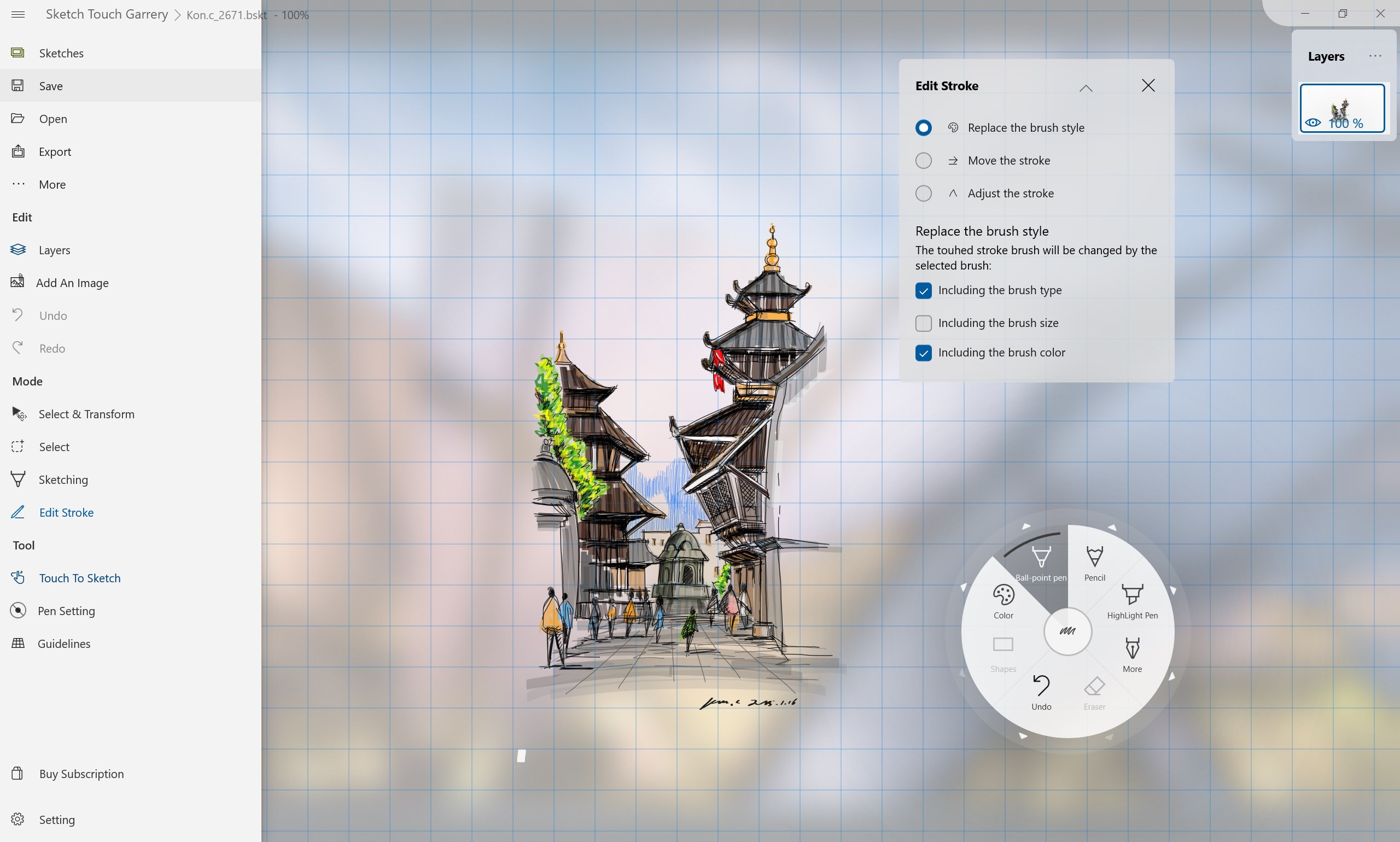
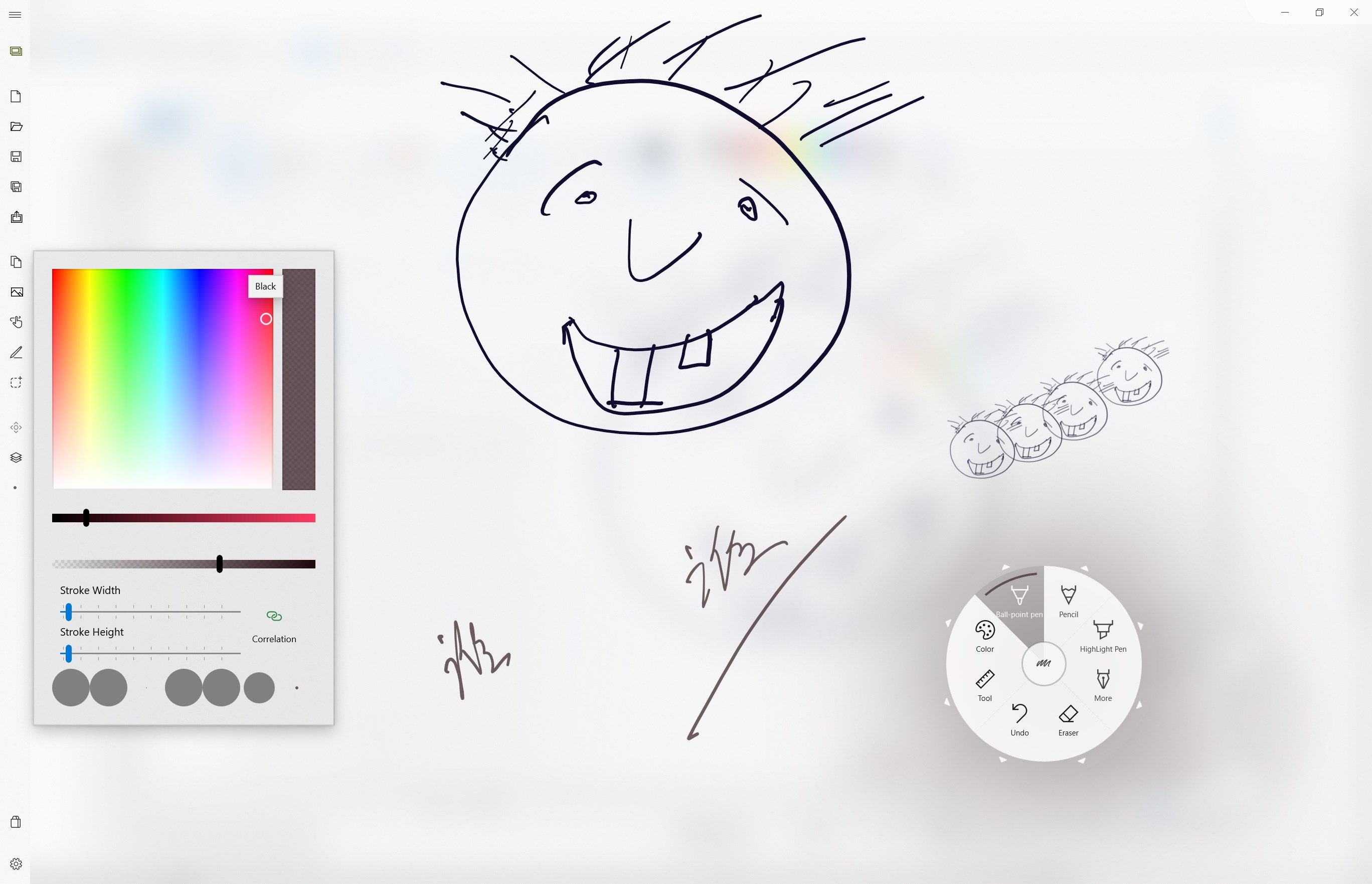
- Multiple Drawing Tools: From pens and pencils to highlighters and markers, the app provides a versatile toolkit suited for various styles and needs.
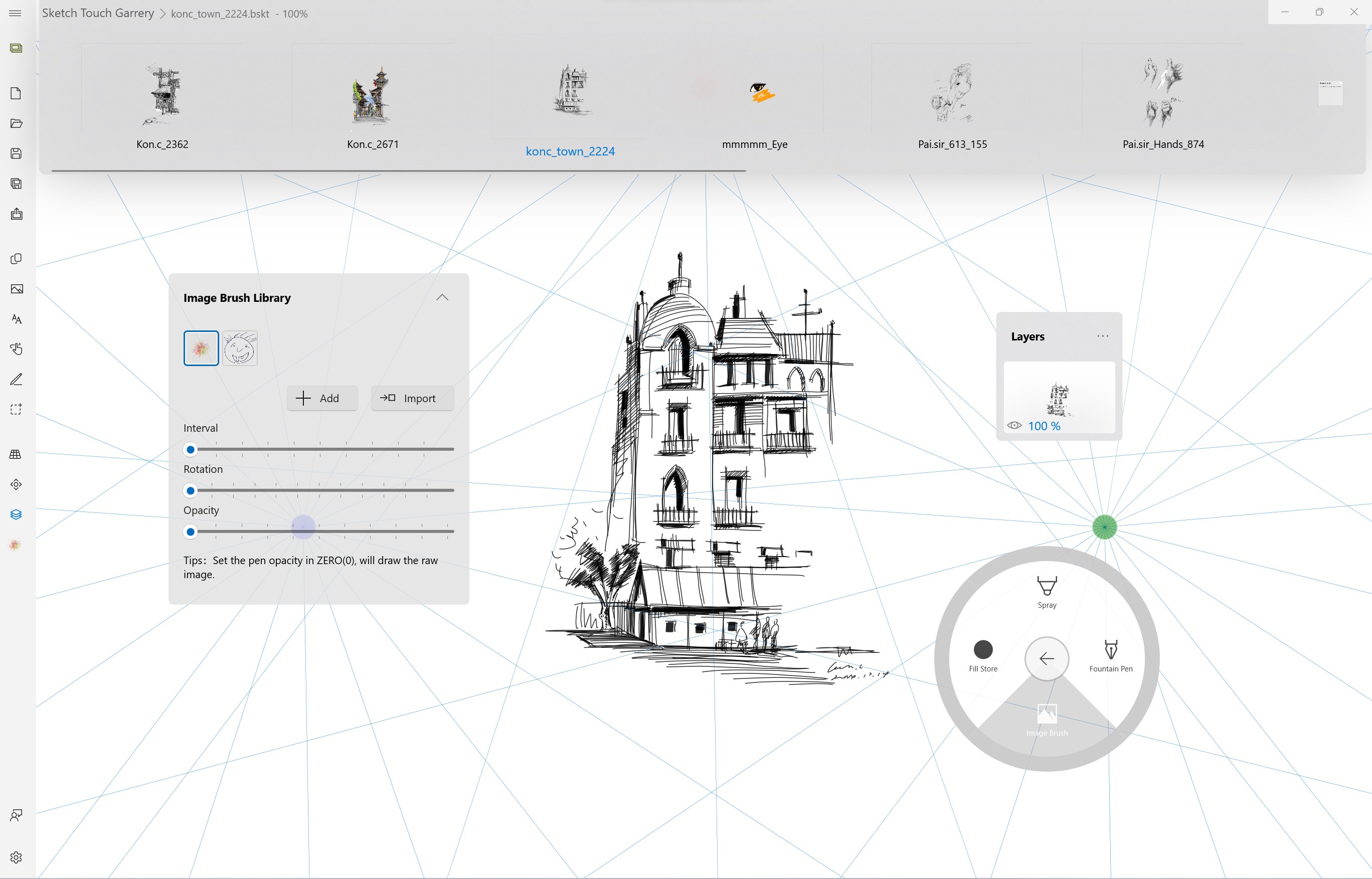
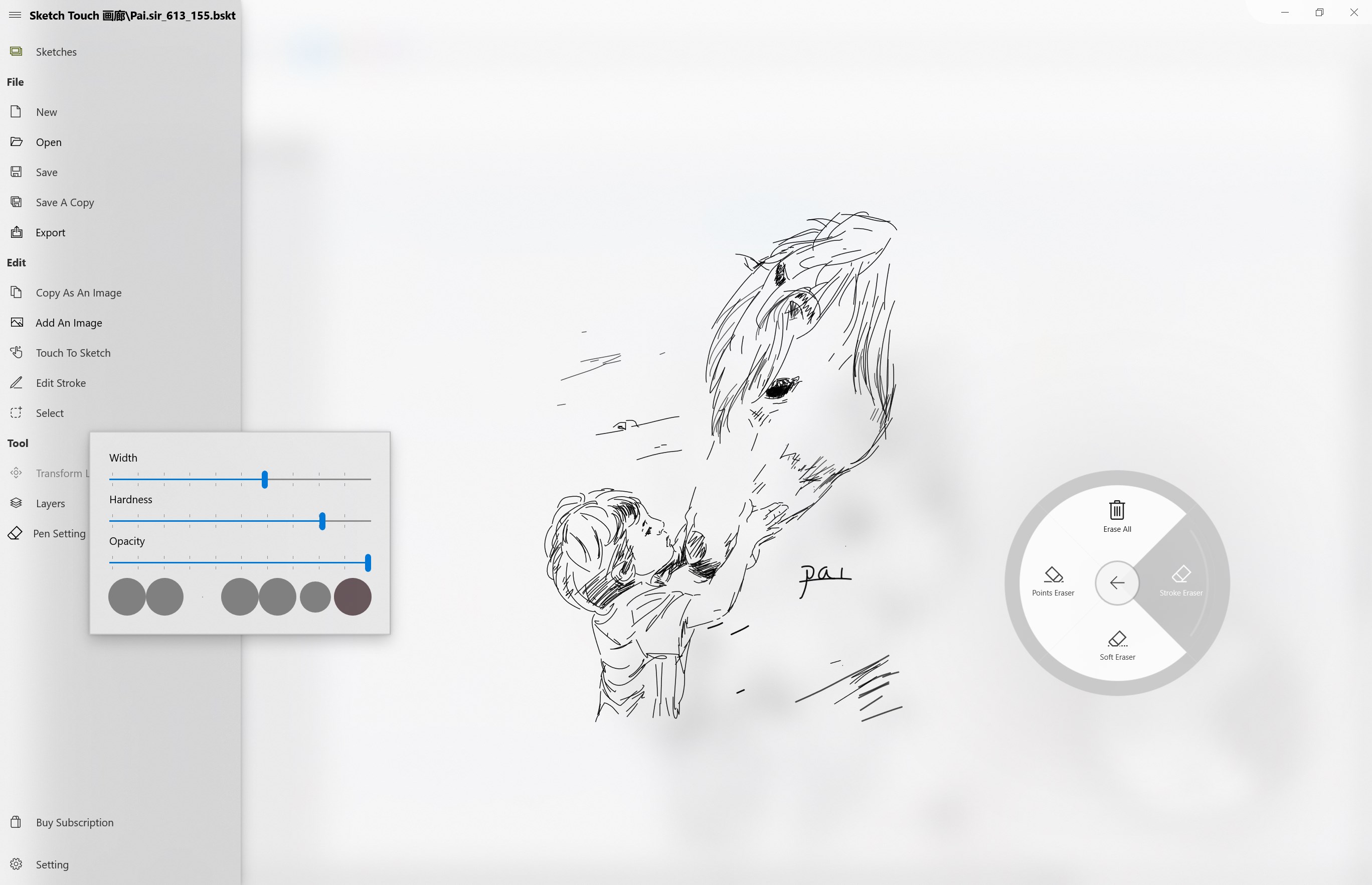
- Layer Management: Like in professional design software, users can utilize layers to organize complex sketches or prototypes, making edits easier and more precise.
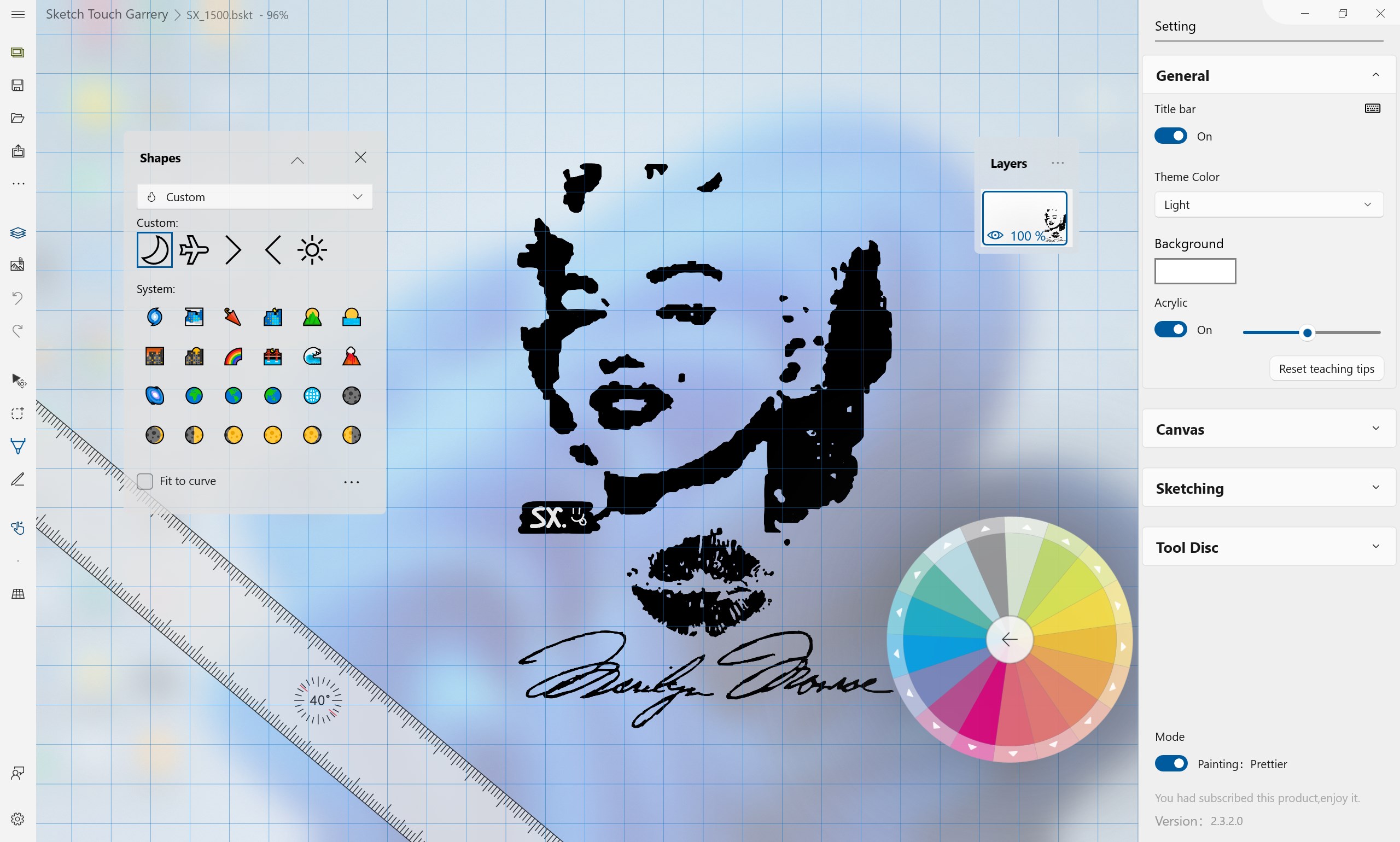
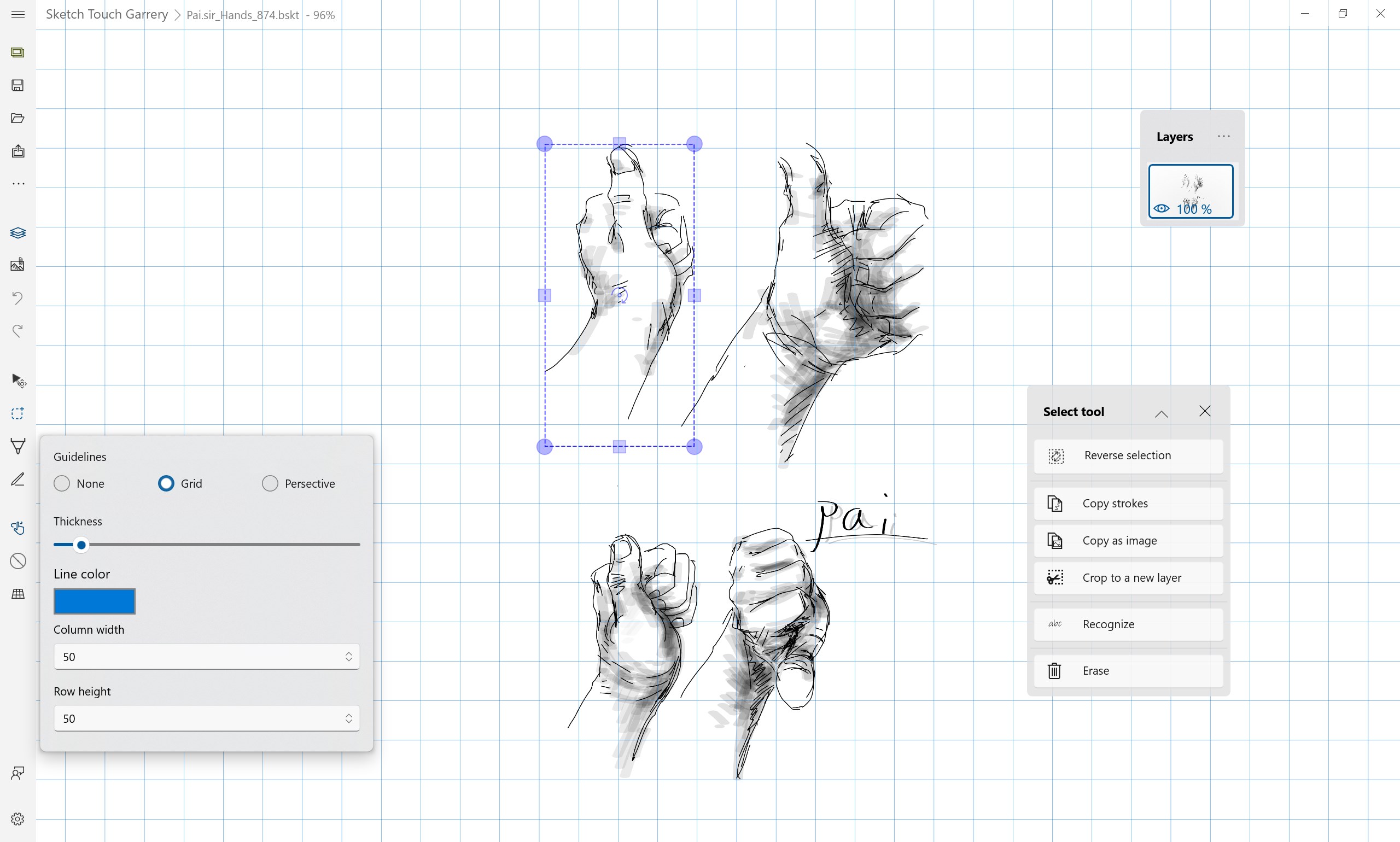
- Customizable Canvas Options: Adjustable canvas sizes, background colors, and grid overlays enable users to tailor their workspace to fit different projects.
- Seamless Export & Sharing: Export sketches as image files or share directly via supported services, streamlining your workflow.
The app primarily targets creative professionals, students, educators, and hobbyists who need a lightweight yet capable digital drawing solution compatible with Windows desktops and tablets.
A Closer Look: Making Sketching Effortless and Fun
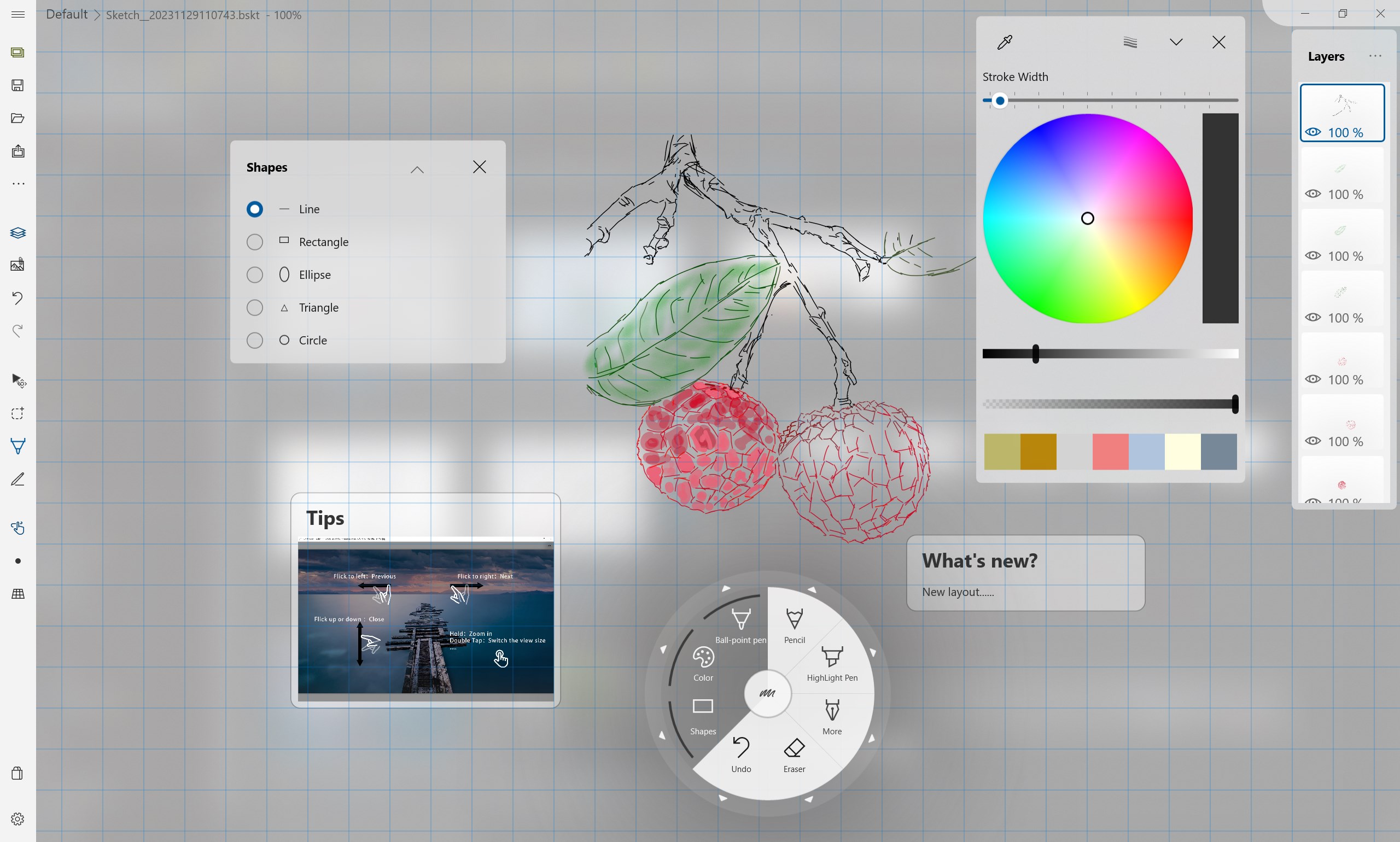
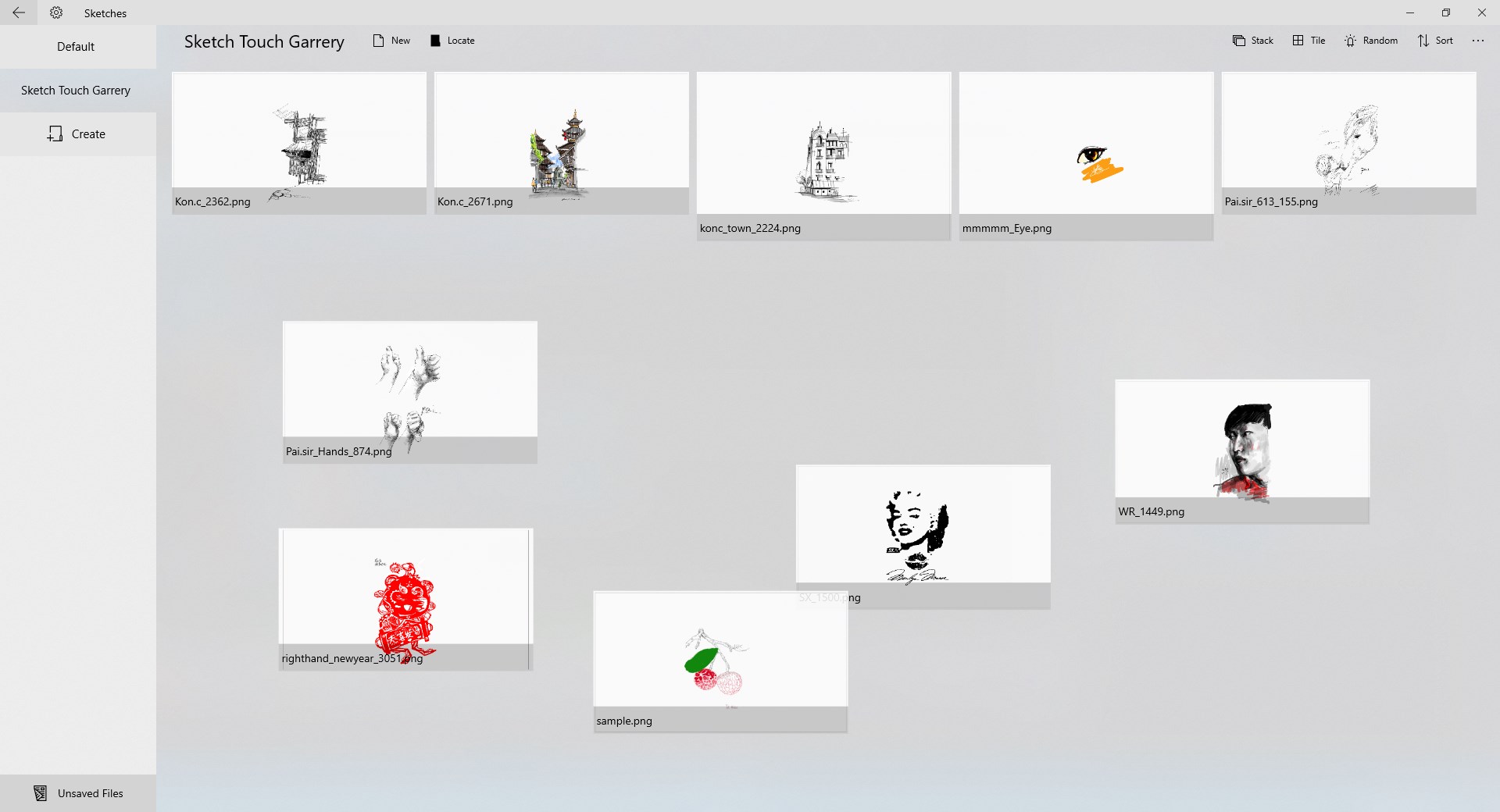
As soon as you launch Sketch Board, you're greeted with a clean, minimalistic interface—like opening a fresh sheet of paper in your favorite notebook. It's clear that the app emphasizes ease of use without sacrificing essential features. If you've ever been frustrated by complicated workflows, here's a refreshing change: sketching feels natural, almost like doodling on paper, but with the magic of digital tools at your fingertips.
Intuitive Drawing Experience and User Interface
One of Sketch Board's standout qualities is its thoughtfully designed interface. The tools are easily accessible via a streamlined toolbar, akin to reaching for your favorite pen. The drawing experience feels smooth—line continuity is maintained seamlessly, and pressure sensitivity responds well for those using compatible tablets. Learning curves are gentle; even beginners can start sketching confidently within minutes. The app responds swiftly to inputs, indicating high optimization for operation flow, which is vital for creative minds eager to bring ideas to life without technical hiccups.
Powerful Layer and Customization Capabilities
Imagine working on a complex architecture blueprint or a colorful concept art. With its layered management feature, Sketch Board allows you to organize your work meticulously. You can isolate elements, adjust opacity, or toggle visibility, turning what might be a chaotic jumble into a neatly structured piece. Moreover, the customizable canvas options—like setting grid overlays or choosing background colors—help adapt the workspace to different projects, from quick sketches to detailed designs. This flexibility makes the app stand out among more basic drawing tools that often lack such versatility.
What Sets It Apart from Similar Apps
While many digital sketching applications focus on features for professional designers, Sketch Board's unique strengths lie in its simplicity combined with powerful core tools. Its straightforward interface requires less time to master, making it an ideal pick for both newcomers and casual artists. Unlike some competitors that bombard users with an overload of features or complex menus, Sketch Board prioritizes core drawing and organization functionalities. Its layer management and customizable workspace are like having a mini professional studio right on your desktop, offering a level of control that rivals more advanced apps without the intimidating learning curve.
Final Thoughts and Recommendations
If you're searching for an accessible, reliable drawing app on Windows that balances simplicity with functionality, Sketch Board for Windows is worth a try. Its most notable features—multi-layer management and a highly customizable workspace—enable users to approach their projects with confidence. While it may not replace high-end design software for professional programmers, artists, or illustrators, it excels as a handy sketchpad for quick ideas, note-taking, or hobbyist projects.
My verdict? I recommend this app to anyone looking for an intuitive digital sketching tool that feels natural to use and won't overcomplicate your creative process. Whether you're a student visualizing concepts or a hobbyist exploring art, Sketch Board offers an engaging platform to let your imagination run free. Give it a shot—you might find your new favorite digital sketching companion right here.
Pros
- Intuitive Drawing Interface
- Real-time Collaboration
- Multiple Tool Options
- Cloud Save and Sync
- Integration with Microsoft Ecosystem
Cons
- Limited Export Formats
- Occasional Lag on Larger Boards
- Basic Feature Set
- Offline Mode Limitations
- Learning Curve for Beginners











