

- Category Productivity
- Developer Sketch.IO, Inc.
- Available on PC
- OS Windows 10 version 14316.0 or higher
- Keyboard Not specified
- Mouse Not specified
- Memory Not specified
- languages English (United States)
An Efficient and Intuitive Sketching Companion for Windows Users
Sketchpad Premium for Windows by Sketch.IO, Inc. positions itself as a versatile digital sketching and design tool tailored for both creative professionals and hobbyists seeking a seamless drawing experience. With an emphasis on user-friendly workflows and robust features, it aims to bridge the gap between complex graphic software and accessible usability.
About the Developer and Core Features
Developed by Sketch.IO, Inc., a company dedicated to innovative graphics solutions, Sketchpad Premium stands out with its clean design and thoughtful feature set. The main highlights include:
- Rich vector and raster drawing tools: Combining traditional painting with vector graphics, allowing for flexibility and precision.
- Layer management and masking: Facilitating complex compositions with ease.
- Intuitive user interface with customizable workspace: Ensuring users can personalize their workspace for maximum efficiency.
- Export and sharing options: Supporting various formats to streamline workflow integration.
Target users range from graphic designers and illustrators to educators and students needing a reliable yet straightforward digital sketching app.
Engaging and User-Friendly Design
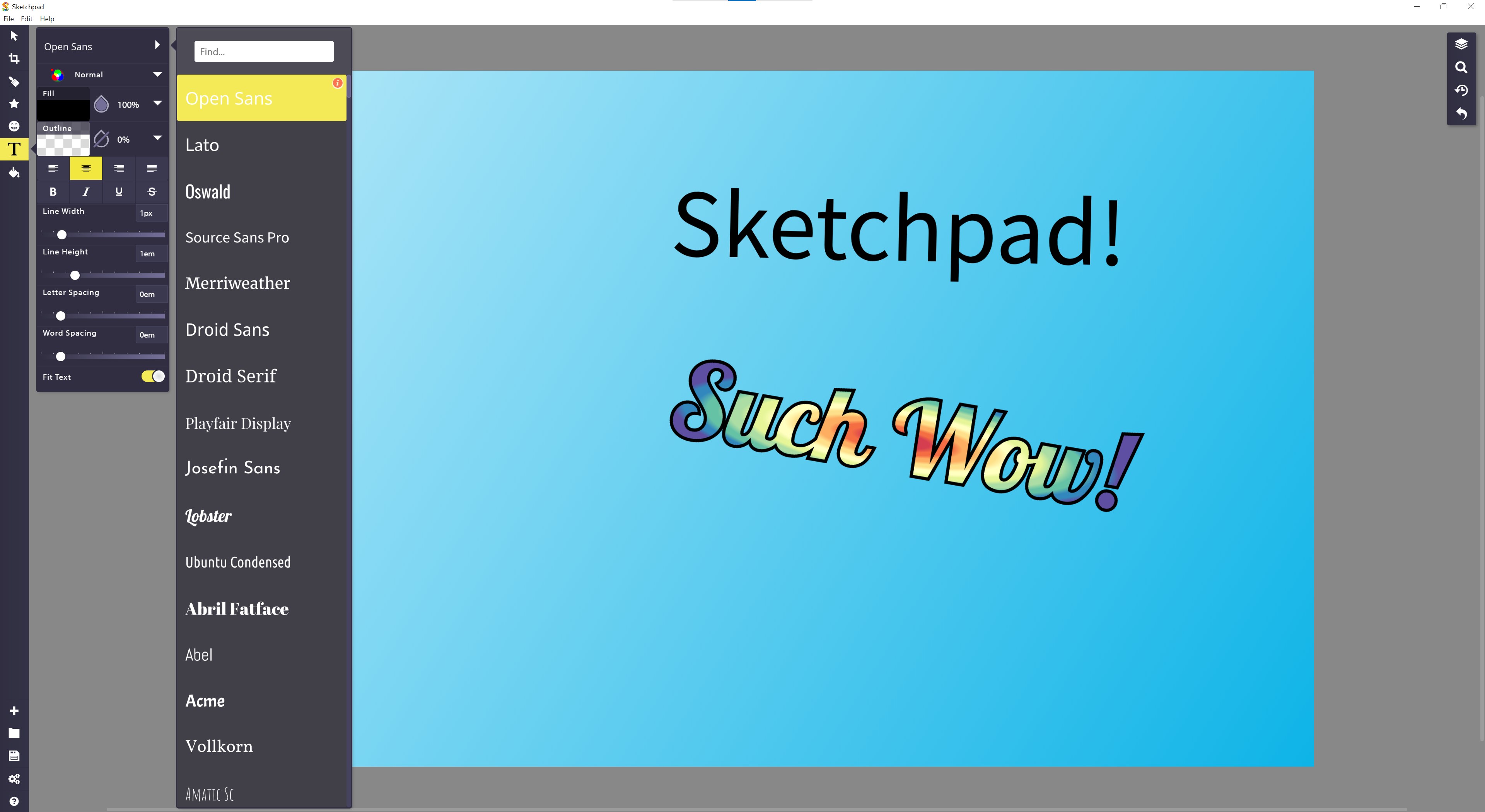
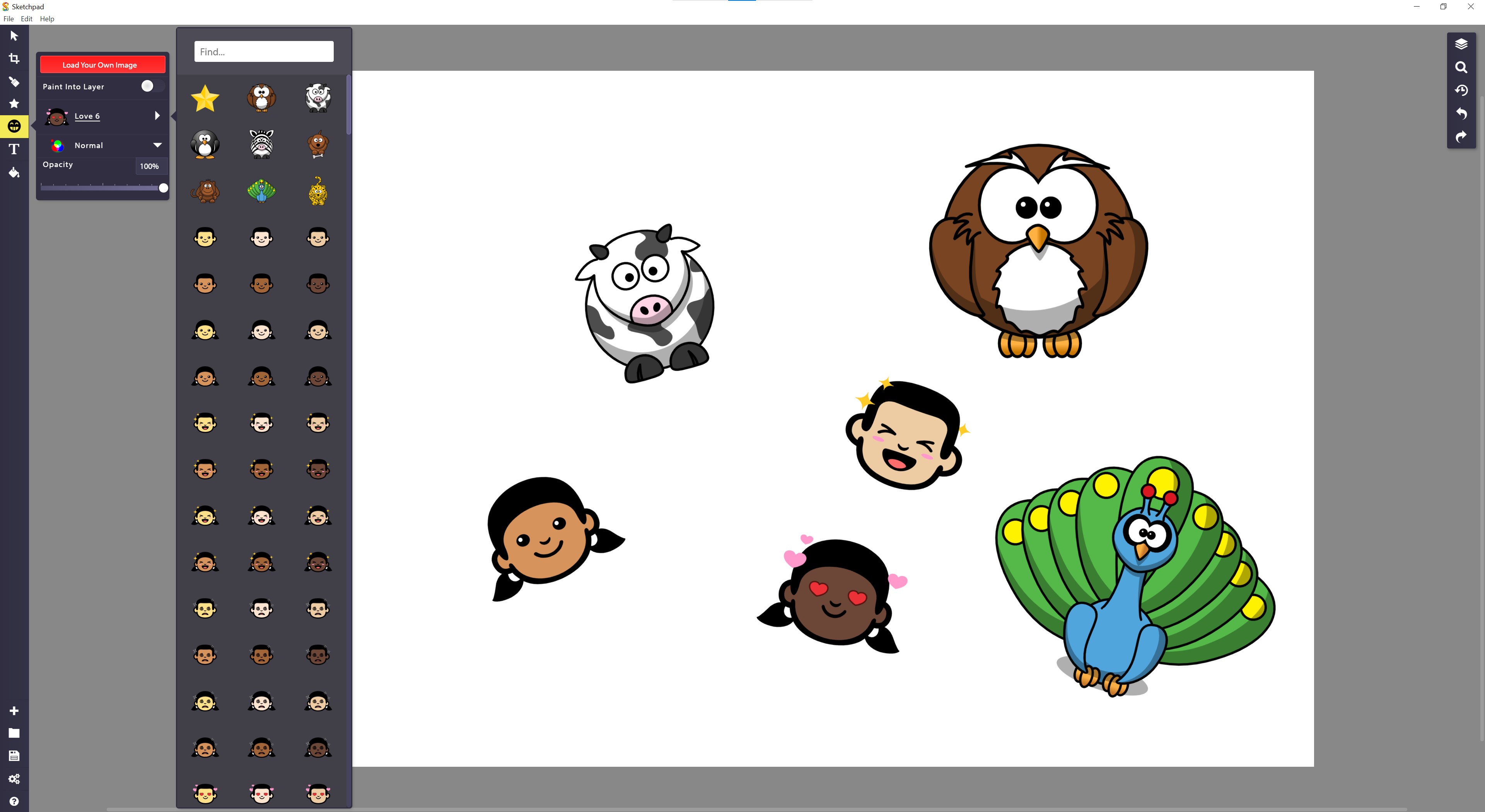
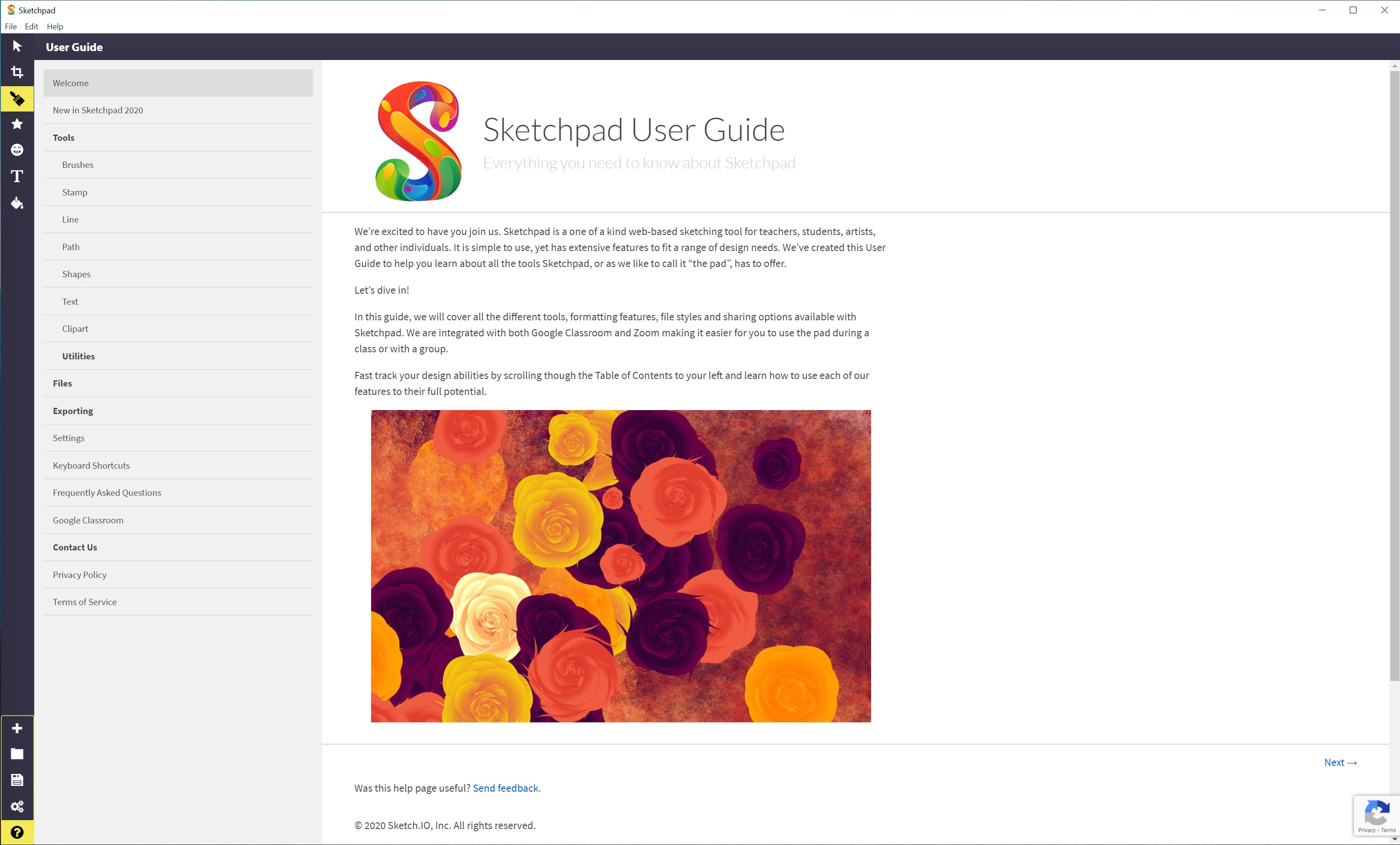
Sketchpad Premium welcomes users with a clean, modern interface that feels like stepping into a well-organized studio. The layout is intuitive, with tools neatly categorized, making it easy for newcomers to pick up without a steep learning curve. The interface's clarity minimizes distraction, allowing creators to focus on what matters most—their ideas.
The onboarding process is smooth, with helpful tooltips and a gentle learning curve. Even first-time users can start experimenting within minutes, which is commendable for an application that packs powerful features underneath its approachable surface.
Core Functionalities That Make Creativity Flow
Effortless Drawing with Dynamic Tools
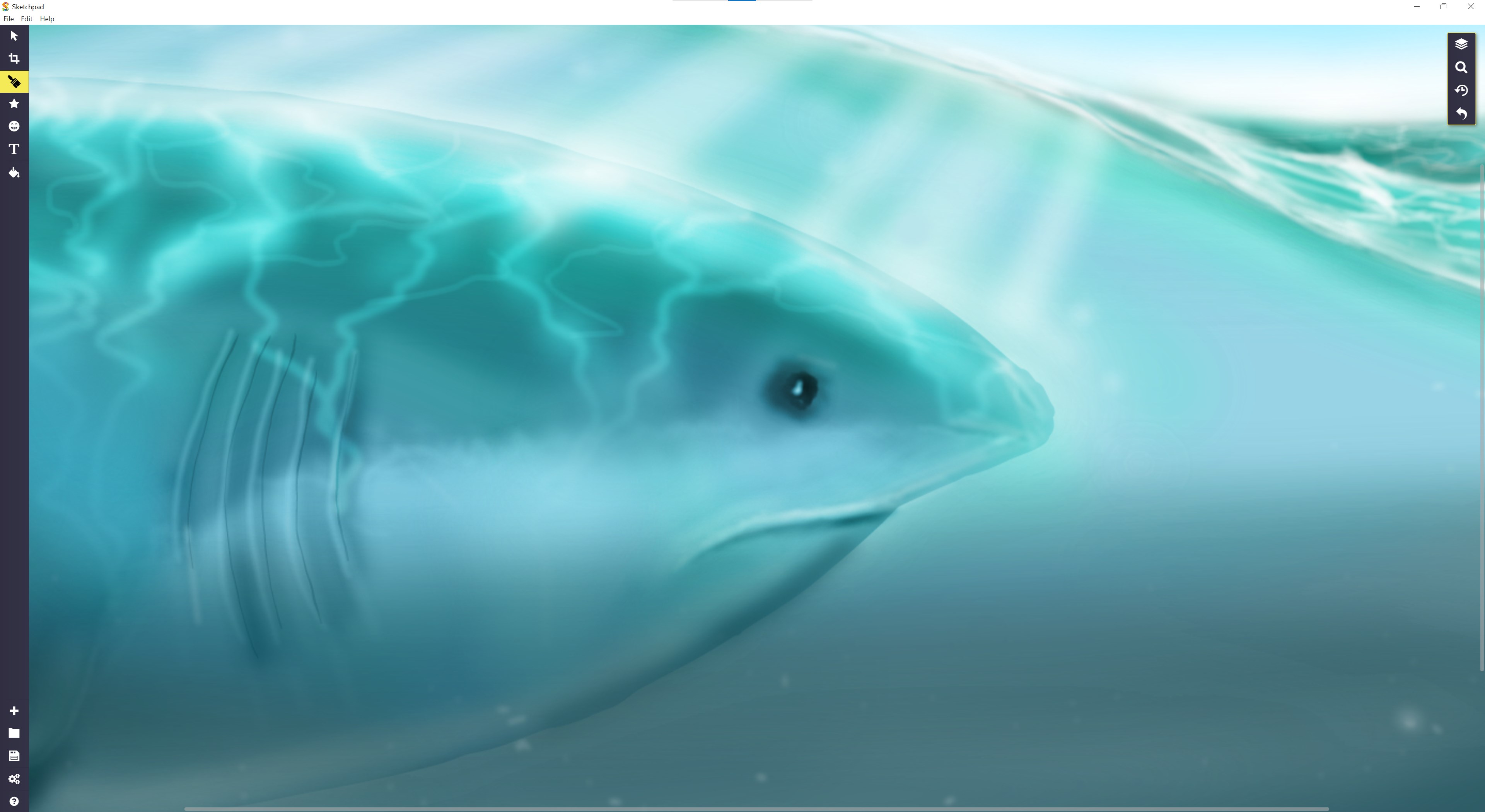
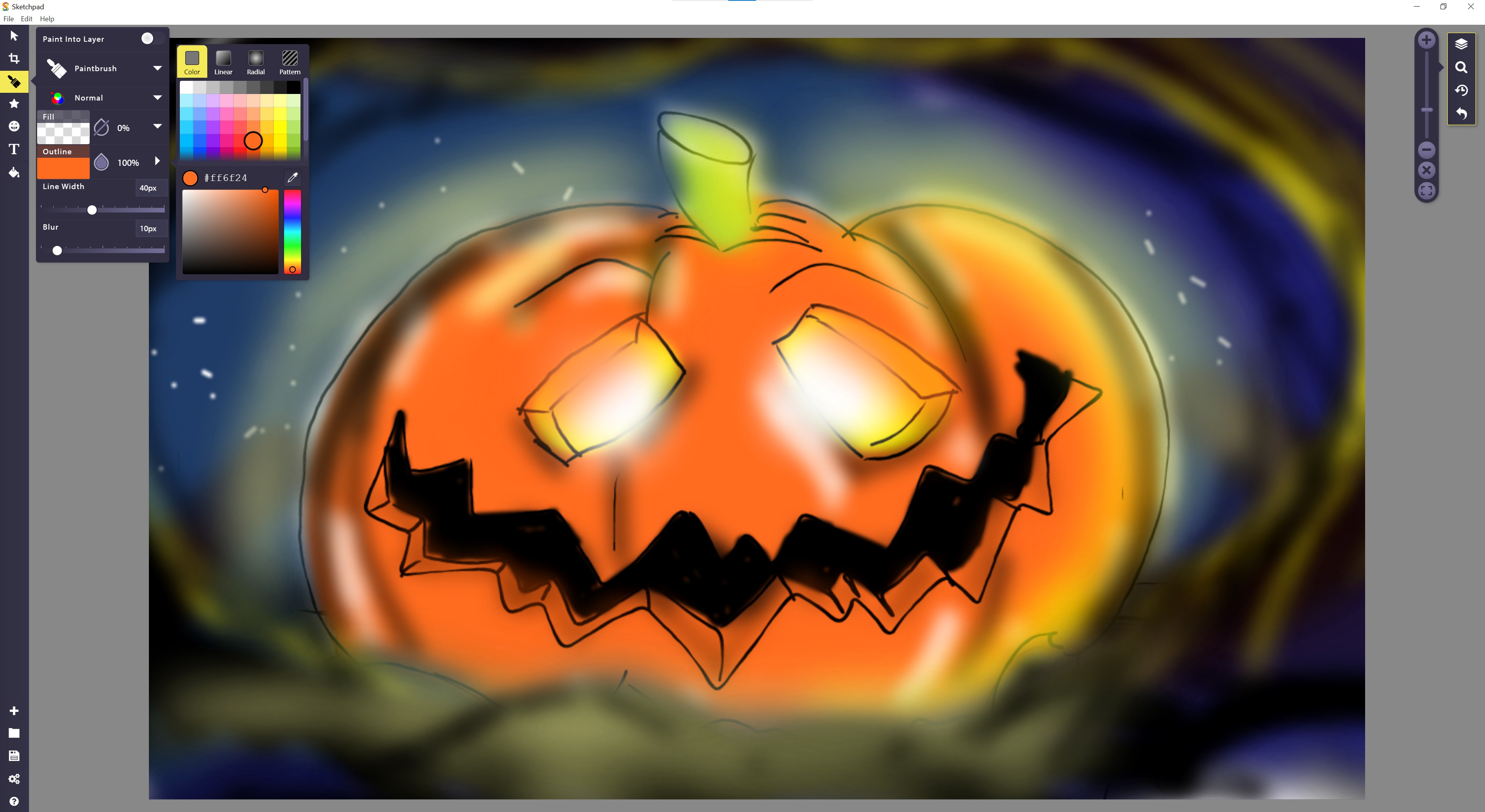
The core of Sketchpad Premium lies in its versatile set of drawing tools. From pencil, brush, and marker to advanced shape creation, each tool responds smoothly to input. The real-time rendering ensures minimal lag, making the digital sketching experience feel natural—almost as if you're working on paper with magical ink that never smudges. Its vector-based capabilities allow for scalable, crisp artworks, while the raster tools lend a painterly touch allowing for more textured creative expression.
Layer Management and Masking: Building Depth with Ease
One standout feature is its layer system, which offers the flexibility of sophisticated graphic software without overwhelming complexity. Users can easily add, reorder, hide, or lock layers, facilitating organized workflows. The masking feature enables precise control over visibility and effects, assisting creators in creating intricate compositions or editing specific areas without disturbing the rest of the artwork. This feature particularly shines in projects requiring iterative refinement, saving both time and mental energy.
The Workflow Advantage: Seamless Integration and Reduced Cognitive Load
Where Sketchpad Premium truly distinguishes itself is in its focus on streamlining the creative process. Unlike some feature-heavy applications that can bog down users with options, it strikes a healthy balance—offering just enough tools to keep the workflow fluid without unnecessary complexity. Its optimized interface reduces cognitive load, allowing users to think about their art rather than technical hurdles. Plus, support for exporting in multiple formats ensures the artwork can easily transition into other professional tools or presentations, making it a valuable addition to a digital creator's productivity suite.
Final Thoughts: A Practical Choice for Digital Artists
Overall, Sketchpad Premium for Windows is a compelling option for those seeking a straightforward yet powerful drawing application. Its standout features—particularly its intuitive interface combined with dynamic vector and raster tools—make it suitable for quick sketches or detailed projects. The emphasis on workflow efficiency and low cognitive load makes it a smart choice for users who value usability alongside robust features.
While it may not replace heavyweight professional tools for highly complex projects, it excels as a go-to application for daily creativity, learning, or quick prototyping. I recommend giving it a try if you're looking to add a reliable, user-friendly sketching app to your digital toolkit, especially if smooth workflow integration and ease of use are your top priorities.
Pros
- Intuitive and user-friendly interface
- Rich set of drawing tools and brushes
- High-quality zoom and detail features
- Smooth performance with minimal lag
- Supports cloud sync and easy sharing
Cons
- Limited advanced features compared to professional design software
- Occasional crashes on certain devices
- Premium subscription required for full access
- Limited tutorial content within the app
- Some tools have a learning curve for beginners











