


- Category Business
- Available on PC
- OS Windows 10 version 17763.0 or higher
- languages Chinese (Simplified), Chinese (Traditional), English, French, German, Italian, Japanese, Korean, Portuguese (Brazil), Spanish
Slack for Windows: Streamlining Team Communication with a Touch of Sophistication
Slack for Windows stands out as a robust desktop client designed to enhance team collaboration through streamlined messaging, integrations, and task coordination. Developed by Slack Technologies Inc., this application aims to foster seamless communication within diverse work environments, making it an indispensable tool for modern teams.
Introduction: A Digital Office Beneath Your Fingers
Picture this: walking into a bustling co-working space where every conversation, file, and task is at your fingertips, without the chaos of endless email threads or scattered apps. Slack for Windows captures this essence perfectly—it's like having a dynamic, digital office that keeps your team connected and organized. Whether you're brainstorming ideas or sharing crucial updates, this app transforms your Windows desktop into an efficient collaboration hub, making remote work feel as natural as stepping into a conference room.
Core Features: Elevating Collaborative Work
1. Threaded Conversations and Channels for Organized Dialogue
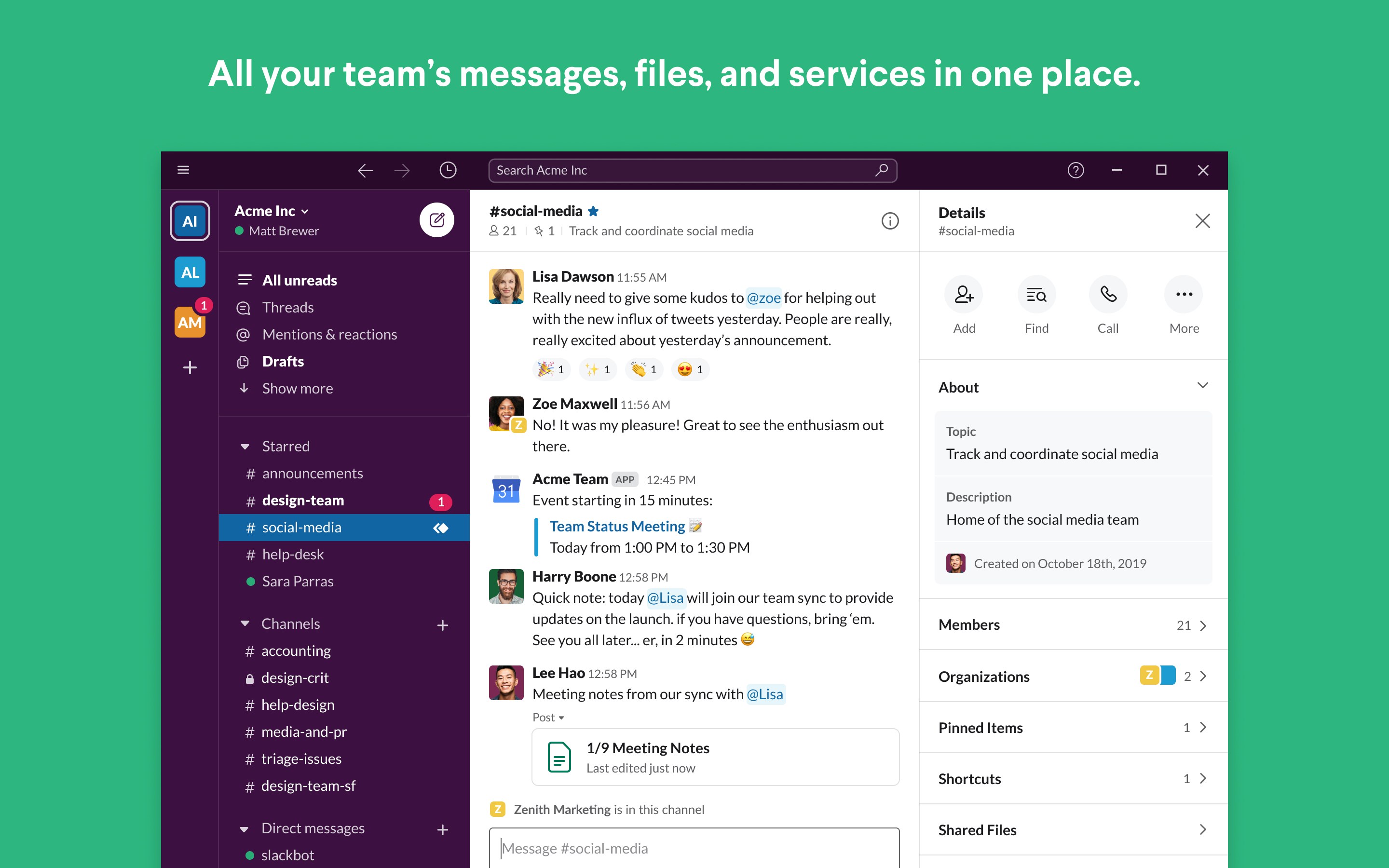
One of Slack's standout features is its structured conversation model. Channels serve as dedicated spaces for specific projects, teams, or topics, while threaded messages keep discussions neatly contained. This setup minimizes confusion and ensures all relevant information stays together. Imagine managing a complex project like a well-organized bulletin board, where every note has its place, making it easier to revisit discussions weeks later without losing context.
2. Deep Integration with External Tools and Apps
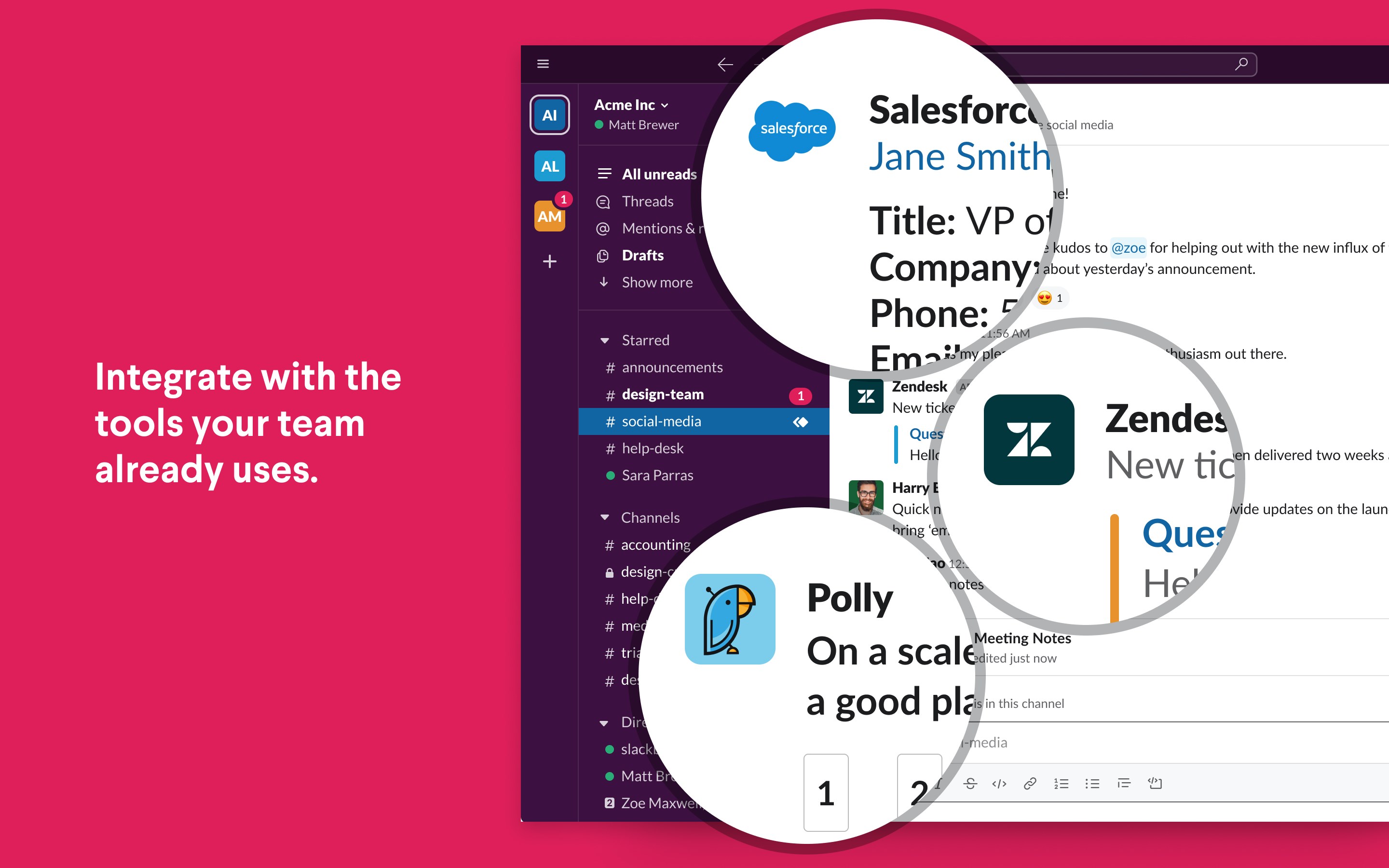
Slack's remarkable flexibility shines through its extensive integrations—over 2,000 apps including Google Drive, Trello, Asana, and Zoom. This means you can share documents, schedule meetings, or update tasks directly within Slack without toggling between multiple windows. For example, receiving a notification from your task management app or starting a video call seamlessly within your chat window transforms your workspace into a unified command center.
3. Advanced Search and Workflow Automation
Finding a specific message or file amidst a flood of communication is effortless thanks to Slack's powerful search capabilities. Plus, with customizable workflows powered by Slack Automations and integrations, repetitive tasks like onboarding or reporting can be streamlined, saving time and reducing errors. Think of it as having a diligent assistant that anticipates your needs and handles routine chores quietly in the background.
User Experience and Design: Friendly, Fluid, and Intuitive
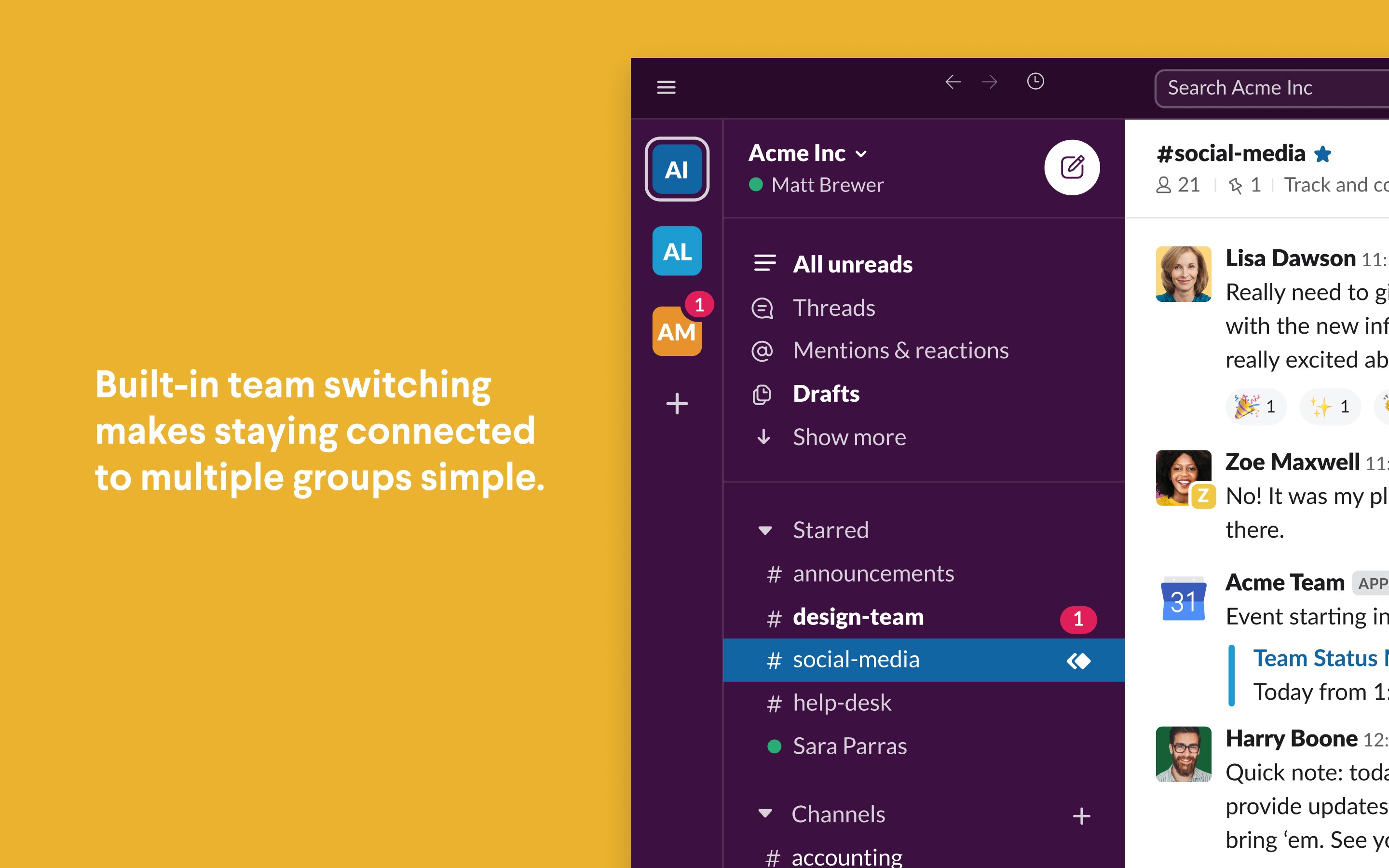
From the moment you launch Slack for Windows, you'll notice its clean, modern interface reminiscent of a sleek control center—minimalist yet packed with functionality. Navigating through channels, direct messages, and apps is smooth and responsive, making the learning curve gentle even for first-time users. The app's design emphasizes clarity and ease-of-use, much like a well-organized workspace that beckons you to dive right in without frustration.
Differentiation: Why Slack Stands Out in the Crowd
While many business communication tools offer chat and basic integrations, Slack's real edge lies in its collaborative work features and task management capabilities. Unlike traditional messaging apps, Slack emphasizes context-rich, threaded conversations within dedicated channels, facilitating clearer communication and reducing confusion. Its unique focus on integrating a wide array of tools allows teams to build customized workflows, making Slack not just a messaging platform but a full-fledged collaborative environment. The advanced search function and automation features further set it apart, enabling teams to operate more efficiently and stay aligned.
Final Verdict: A Recommended Tool for Coordinated Teams
All things considered, Slack for Windows is a compelling choice for teams seeking a cohesive platform to enhance communication, streamline workflows, and promote collaborative success. Its intuitive interface, coupled with powerful integrations and workflow automation, makes daily team interactions more productive. While it may not replace specialized project management tools, its ability to unify communication and coordination under one roof makes it highly recommended for businesses aiming to foster effective remote or hybrid work environments. If you're looking for an app that helps keep your team synchronized like a finely-tuned orchestra, Slack for Windows deserves a close look.
Pros
- Intuitive user interface
- Seamless integration with Microsoft Teams and Outlook
- Robust search functionality
- Real-time notifications
- Customizable notifications and themes
Cons
- Occasional sync delays
- Limited offline functionality
- Resource consumption
- Notification overload on busy channels
- Occasional UI lag on older devices











