

- Category Productivity
- Available on PC
- OS Windows 10 version 0.0 or higher
- languages Arabic, Azerbaijani, Bangla (Bangladesh), Bulgarian, Catalan, Cherokee, Chinese (Simplified), Chinese (Traditional) (Taiwan), Croatian, Czech, Danish, Dutch, English (India), English (United Kingdom), English (United States), Filipino, Finnish, French (Canada), French, German, Greek, Hebrew, Hindi, Hungarian, Indonesian, Italian, Japanese, Khmer, Korean, Macedonian, Malay, Marathi, Norwegian (Bokmål), Persian/Farsi, Polish, Portuguese (Brazil), Portuguese (Portugal), Romanian, Russian, Serbian, Sinhala, Slovak, Slovenian, Spanish (Spain), Spanish (United States), Swedish, Tamil, Thai, Turkish, Ukrainian, Urdu, Vietnamese
Smart Connect for Windows: Simplifying Wireless Device Management
Smart Connect for Windows by Lenovo Inc. is a streamlined application designed to enhance the wireless device experience, allowing users to effortlessly connect and manage their peripherals in a seamless manner.
Brief Overview: What Is Smart Connect?
Developed by Lenovo Inc., Smart Connect for Windows positions itself as an intuitive tool that bridges the gap between your Windows PC and wireless peripherals, primarily focusing on simplifying connectivity and optimizing device management. Its main features include quick device pairing, automatic reconnection, and centralized device status monitoring. The app targets professionals, students, and everyday users who frequently switch between devices or use multiple peripherals for their work and leisure.
An Engaging Dive into Smart Connect's Core Strengths
Imagine walking into a busy conference room with multiple devices and gadgets scattered around—Smart Connect is like your digital traffic controller, ensuring everything communicates smoothly without the fuss. It's a bit like having a personal assistant dedicated to your wireless peripherals, making connectivity effortless and less of a chore.
Streamlined Device Pairing and Auto-Reconnect
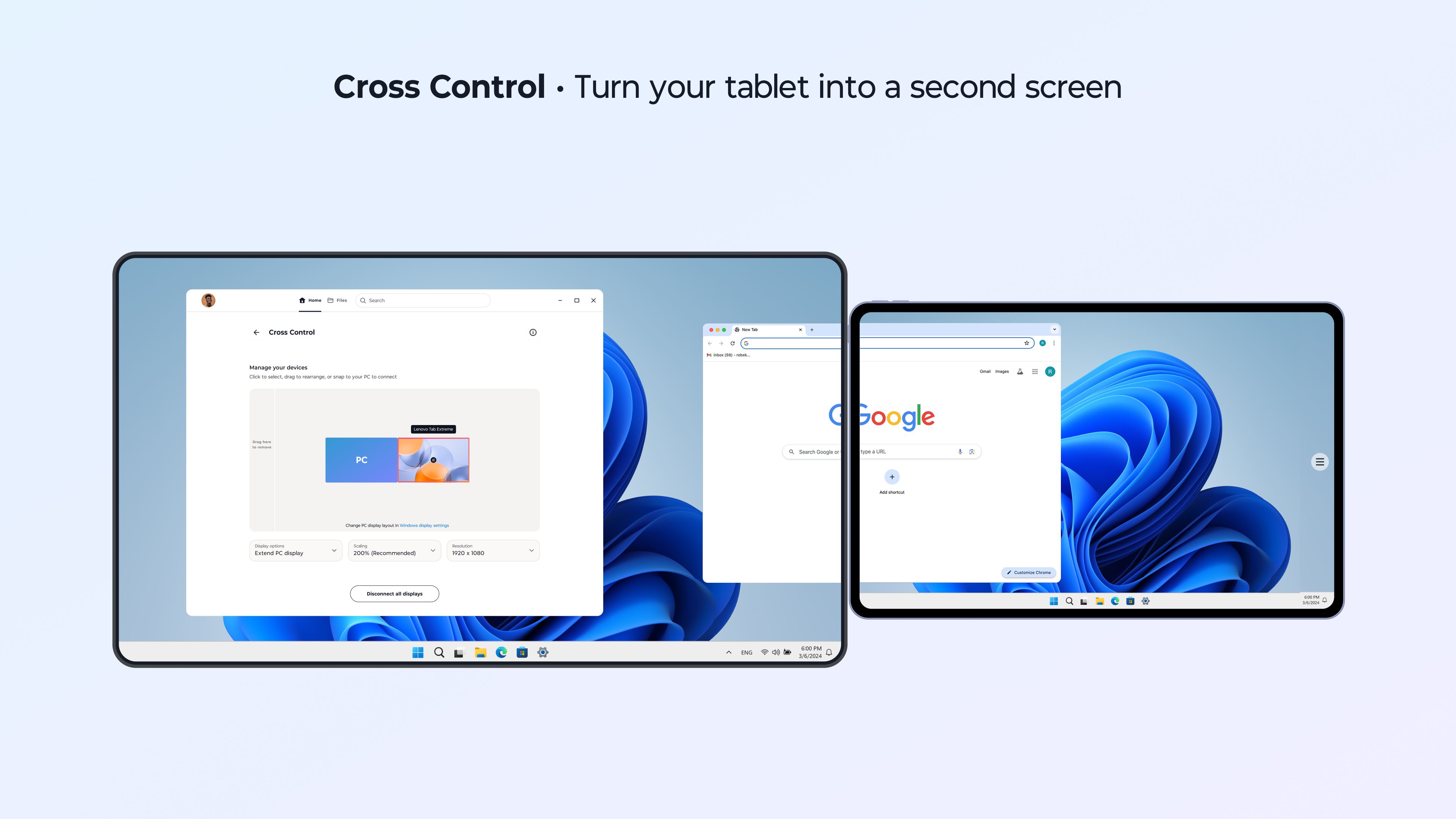
The most compelling feature of Smart Connect is its quick and intuitive pairing process. Instead of digging through convoluted menus or digging out Bluetooth codes, users can now pair their devices with a few clicks. Once paired, Smart Connect automatically remembers and reconnects devices when they come within range, saving precious time and reducing frustration. This is particularly beneficial for those who work on the go or switch devices frequently, as it minimizes connection downtime and ensures productivity isn't interrupted by connectivity issues.
Device Monitoring and Management Dashboard
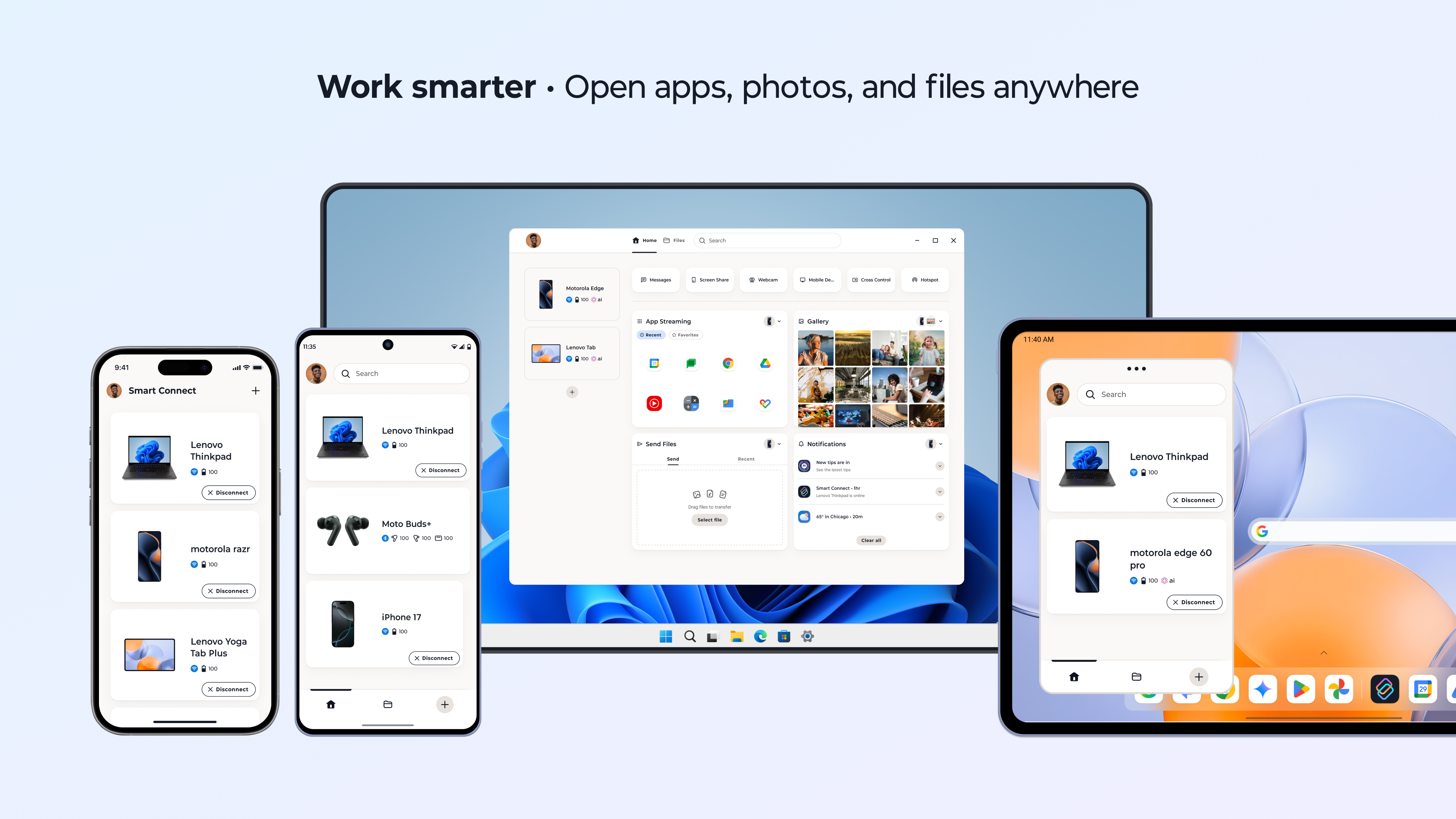
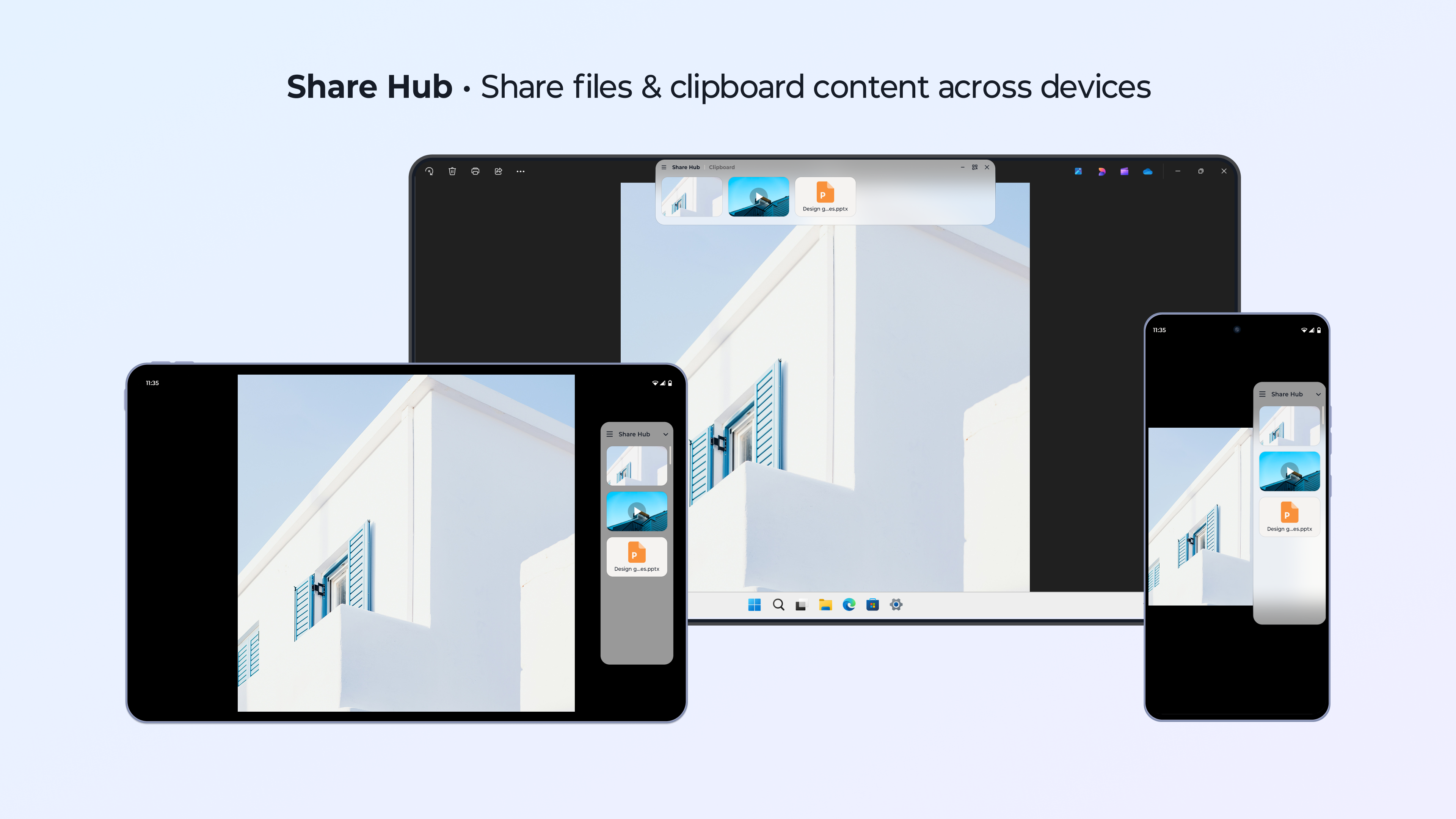
Another standout aspect is the centralized dashboard that displays real-time status of connected devices—showing battery levels, connection stability, and device health at a glance. This feature acts like a digital command center, allowing users to proactively manage their peripherals without needing to open multiple apps or settings menus. The interface presents information cleanly and logically, making it accessible even for less tech-savvy users.
Design, Usability, and User Experience
From a design perspective, Smart Connect sports a minimalistic and polished interface that is both inviting and functional. Navigation feels intuitive; major features are accessible within a few clicks, and the app responds swiftly without noticeable lag. For new users, the learning curve is quite gentle—think of it as riding a well-maintained bicycle rather than navigating a complex maze. The application's layout reduces cognitive load, a feat achieved through clear icons and logical grouping of features, allowing users to focus on their tasks rather than fumbling through settings.
What Makes Smart Connect Stand Out?
Compared with traditional peripheral management apps or generic Bluetooth utilities, Smart Connect excels in workflow integration efficiency. Its ability to automatically reconnect devices aligned with your daily routines reduces repetitive manual steps, thereby enhancing overall productivity. Unlike feature-heavy applications that may overwhelm users with options, this app prioritizes essential functions, reducing cognitive overload and making device management feel less like a chore and more like a natural extension of your workflow. Its focus on seamless workflow integration and reduced complexity sets it apart, especially for users who value reliability and simplicity over cluttered feature sets.
My Verdict: Should You Try It?
All in all, Smart Connect for Windows earns a solid recommendation for those looking to streamline their wireless device experience. It's especially useful if your daily routine involves switching between multiple peripherals or you're tired of connection drop-offs. For casual users and professionals alike, this app embodies the concept of "less is more"—delivering key functionalities efficiently without additional bloat. I suggest giving it a try if you prioritize smooth, effortless device management, and want a solution that integrates into your workflow like a trusted teammate rather than a cumbersome tool. For those seeking advanced customization beyond basic device management, it might be worth exploring additional options, but for most, Smart Connect offers that sweet spot between simplicity and utility.
Pros
- Intuitive interface
- Fast device pairing
- Broad device compatibility
- Customized automation options
- Regular updates and feature improvements
Cons
- Limited device control options
- Occasional connectivity issues
- Learning curve for advanced features
- App interface occasionally lags
- Limited integration with third-party services











