
- Category Productivity
- Developer Neha Talsaniya
- Available on PC, Mobile, Surface Hub, HoloLens
- OS Windows 10 version 17763.0 or higher
- Keyboard Integrated Keyboard
- Mouse Integrated Mouse
- languages English (United States)
Smart Printer: Printer App for Windows — Your Seamless Printing Companion
Imagine a world where printing documents feels as effortless as sending a quick message—this is exactly what the Smart Printer app strives to deliver. Developed with an eye toward simplicity and efficiency, it transforms the often cumbersome printing process into a smooth, integrated experience for Windows users.
Meet the Minds Behind the App
The application is crafted by Neha Talsaniya, a developer committed to enhancing productivity tools. Published under the name Talsaniya Neha, this lightweight yet powerful printer management app is designed to serve professionals, students, and home users eager for a straightforward printing solution.
Key Highlights at a Glance
- Easy Printer Management: Effortlessly add, select, and switch between multiple printers without hassle.
- Intelligent Print Queue Handling: Monitor and organize your print jobs with a clear, user-friendly interface.
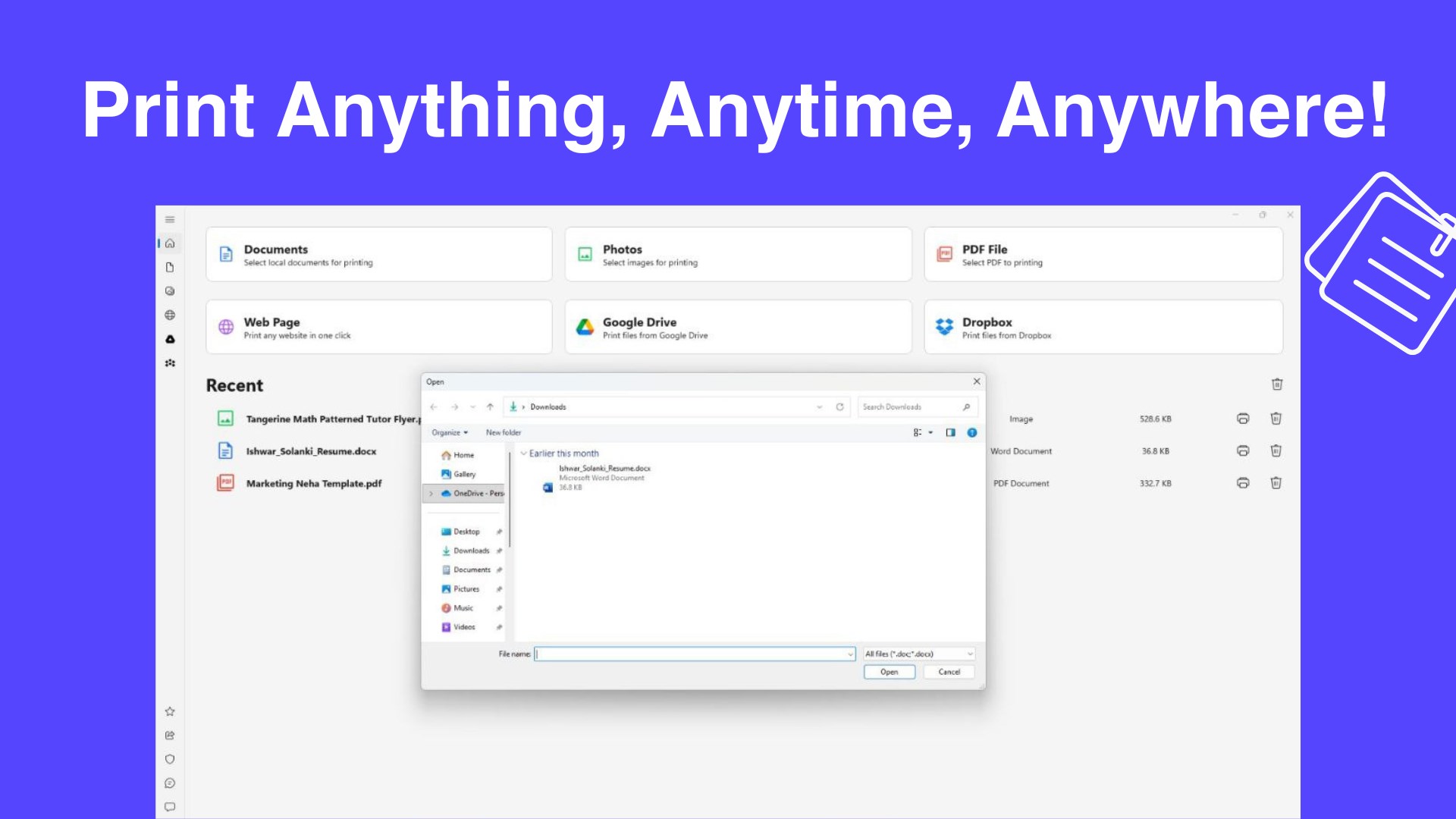
- Seamless Windows Integration: Works harmoniously within the Windows environment, supporting standard File Explorer workflows.
- Minimalist Design with Powerful Functionality: Focus on core tasks without distraction, reducing cognitive load.
A Fun, Functional Tour Through the App
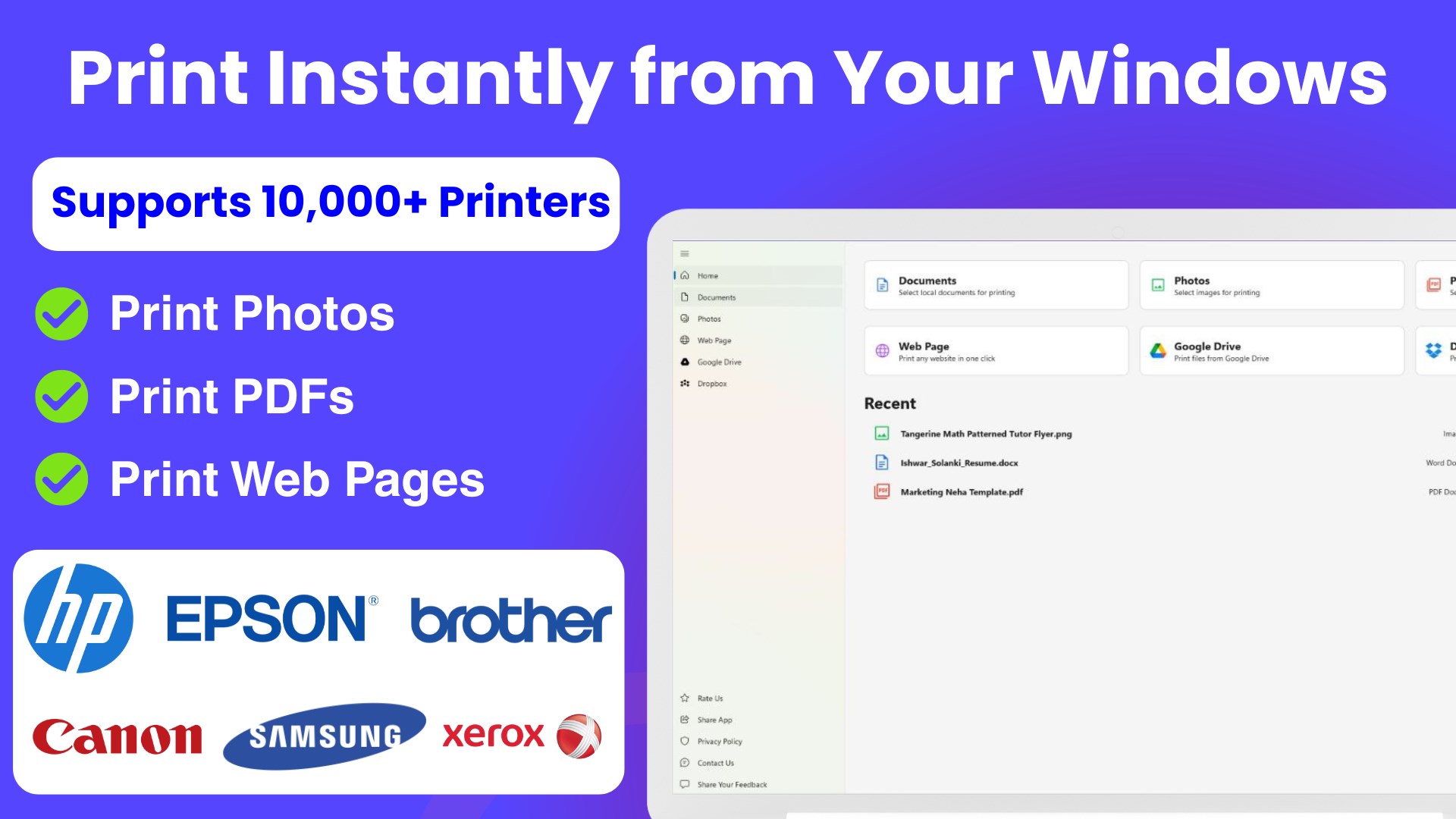
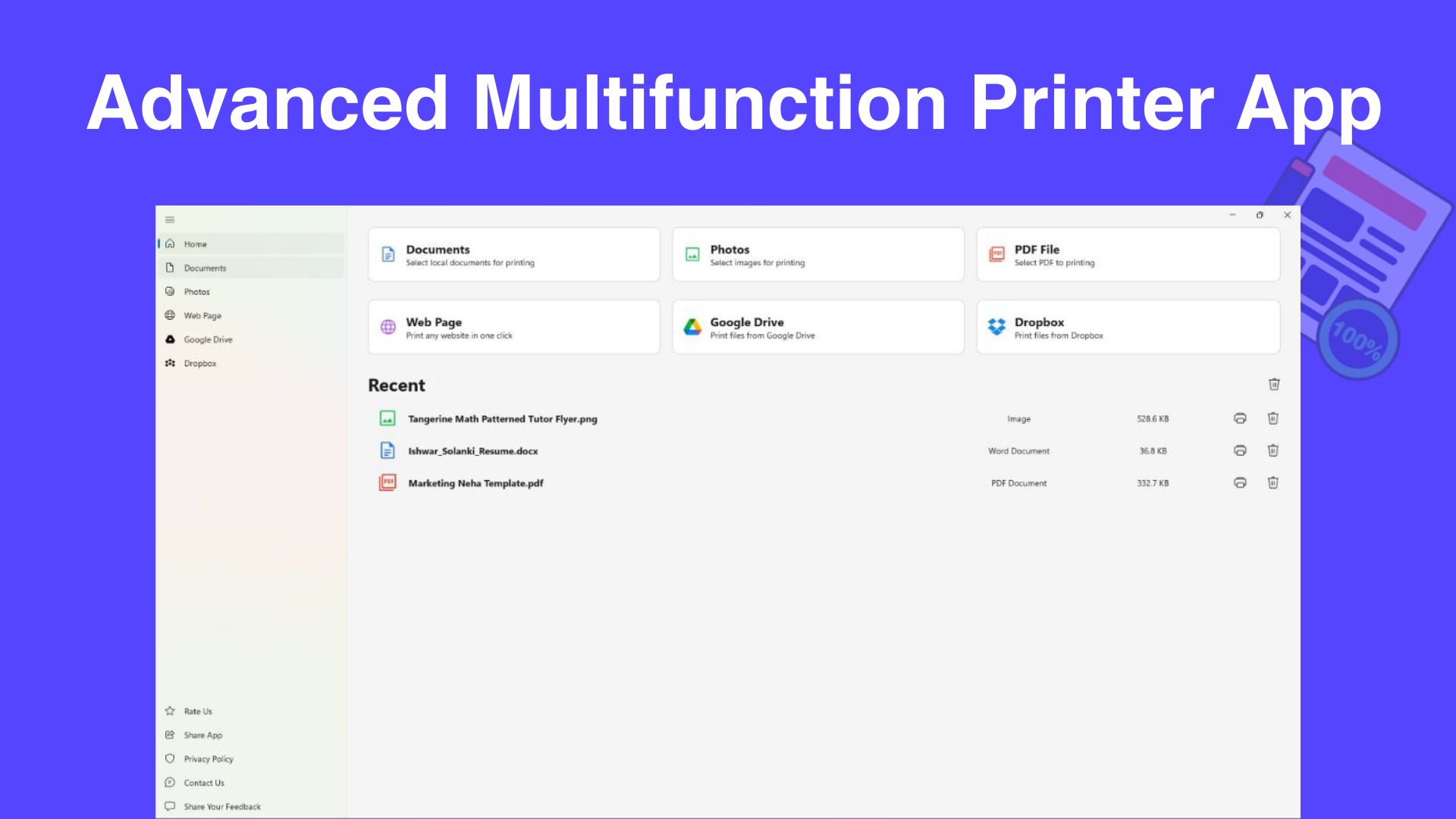
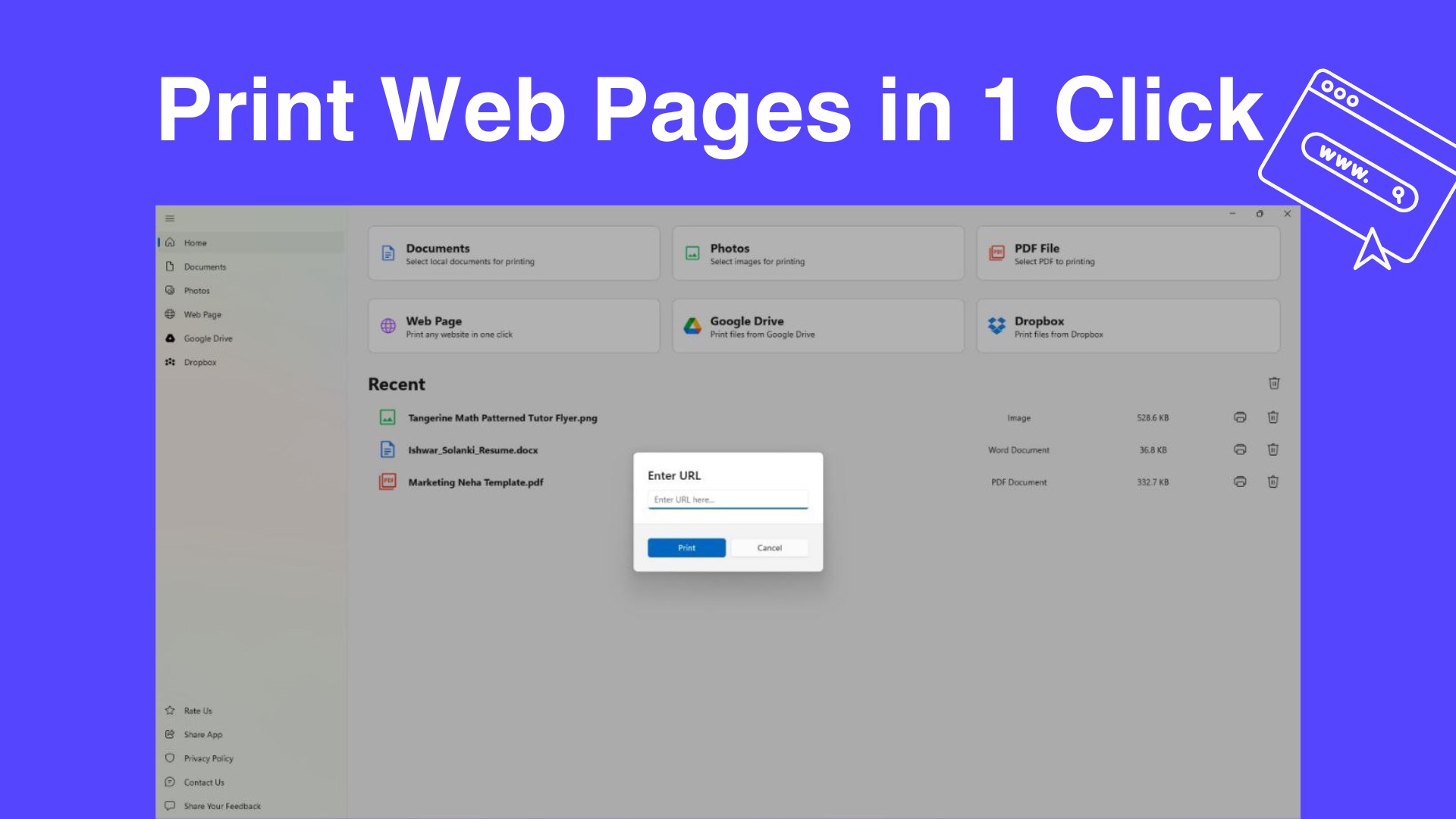
Stepping into the interface of Smart Printer, you'll find yourself greeted by a clean, intuitive layout—like entering a workspace where every tool is within arm's reach. It's designed more like a well-organized control panel than a cluttered dashboard, making it easy for both tech novices and seasoned users to navigate. Imagine sending a document to print feels no different than clicking “Send” on an email—simple, quick, and intuitive.
Effortless Printer Management
The app's standout feature is its straightforward approach to printer management. With a central hub where all connected printers appear at a glance, users can add new devices or switch between them as if toggling between favorite playlists. This minimizes the usual back-and-forth with system settings or driver configurations, creating a stress-free workflow especially valuable for users juggling multiple printers at home or in an office.
Intelligent Queue & Print Monitoring
Managing print jobs becomes less of a chore thanks to real-time queue visualization. Instead of sifting through confusing Windows dialogs or multiple windows, users can see all pending print tasks in one place, prioritize them, or cancel what's no longer needed. It's akin to having a personal assistant who keeps your printing orders in perfect order, reducing mistakes and wait times.
Design, Performance, and User Experience
Designed with minimalism and clarity in mind, the app's interface ensures that users spend less time figuring out how to do something—and more time actually getting things done. The app operates smoothly, with responsive buttons and quick refreshes, ensuring the user's workflow isn't hindered by lag or confusion. Its learning curve is gentle; a newcomer can become proficient within minutes, thanks to straightforward icons and clear instructions.
Standing Out in the Productivity Crowd
Compared to other print management tools, Smart Printer's most distinctive edge is how it emphasizes workflow efficiency with minimal feature complexity. Rather than overwhelming users with a myriad of options, it focuses on what truly matters: rapid printer access and simple management—cutting through the clutter. Its ability to seamlessly integrate into Windows Explorer and handle multiple printers with ease mirrors the real-world demands of busy environments, positioning it as an ideal choice for users seeking simplicity without sacrificing capability.
Final Verdict and Recommendations
If you're tired of navigating through complex printer menus or wasting time on configuration, Smart Printer is worth a shot. It's particularly beneficial for users who value straightforward, hassle-free workflow integration. Given its intuitive design and core functionalities that address practical needs effectively, I'd confidently recommend it for daily use in both professional and personal settings. Whether you're managing multiple printers or just need a reliable, lightweight app to streamline your printing tasks, this tool fits the bill.
Pros
- Intuitive User Interface
- Wide Printer Compatibility
- Remote Printing Functionality
- Document Preview Feature
- Cloud Integration Support
Cons
- Limited Customization Options
- Occasional Connectivity Issues
- Inconsistent Performance on Different Devices
- Limited Language Support
- Basic Printing Features











