
- Category Productivity
- Developer MC Studio
- Available on PC, Mobile, Surface Hub, HoloLens
- OS Windows 10 version 17763.0 or higher
- languages English (United States)
Smart Scan App - Scanner Driver Installer for Windows: A Practical Solution for Seamless Scanner Integration
In today's digital workspace, efficiently connecting and managing external scanners can be a daunting task—until now. Smart Scan App steps in as a straightforward yet powerful tool designed to simplify scanner driver installation and management for Windows users, making your workflow smoother and more reliable.
About the Developer: MC Studio
Developed by MC Studio, a team dedicated to creating user-centric productivity tools, this application reflects their commitment to streamlining device integration processes. Known for developing lightweight and intuitive utilities, MC Studio ensures that users can easily set up their hardware without unnecessary fuss or technical hurdles.
Key Features That Make a Difference
- One-Click Driver Installation: Simplifies the process of installing and updating scanner drivers, reducing setup time and technical confusion.
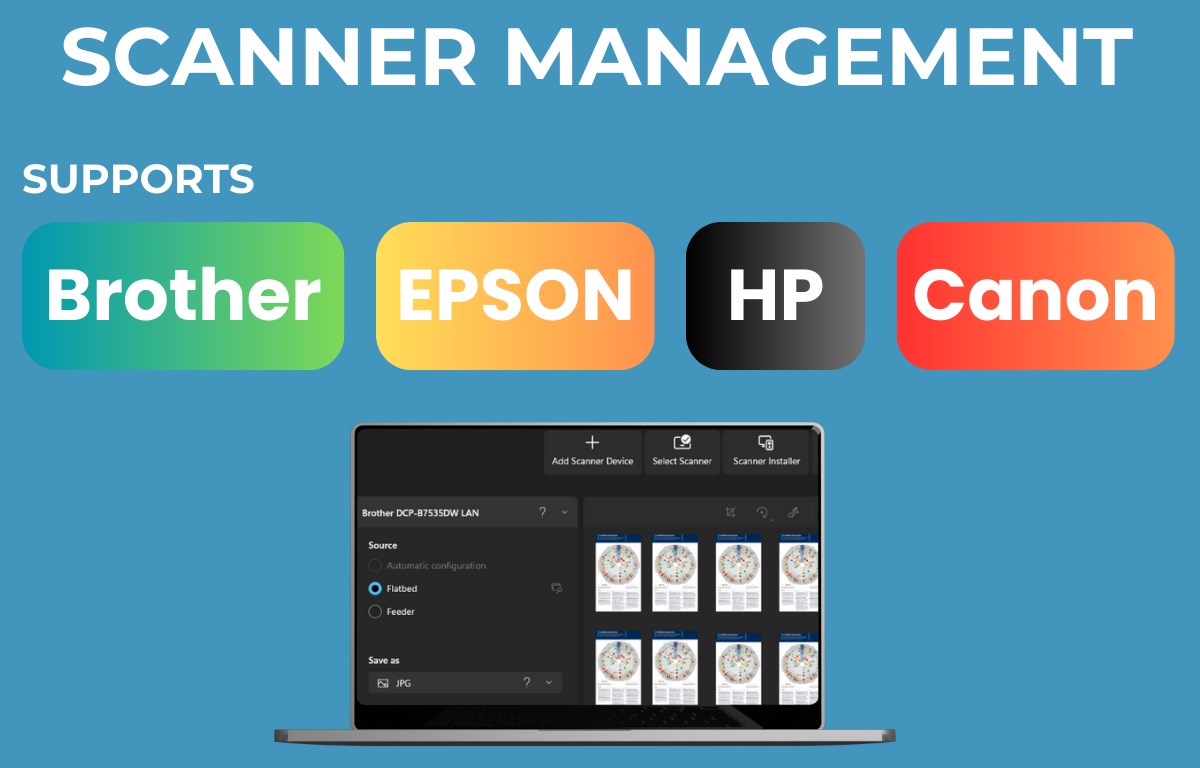
- Automatic Driver Detection: Detects connected scanners and recommends optimal drivers, saving users from manual searches and compatibility issues.
- Driver Backup and Restore: Provides a reliable backup feature, allowing users to safeguard their scanner drivers for quick recovery or migration.
- Lightweight and Fast: The app's minimalistic design ensures quick loading and execution, without draining system resources.
Unpacking the User Experience: Ease, Flow, and Functionality
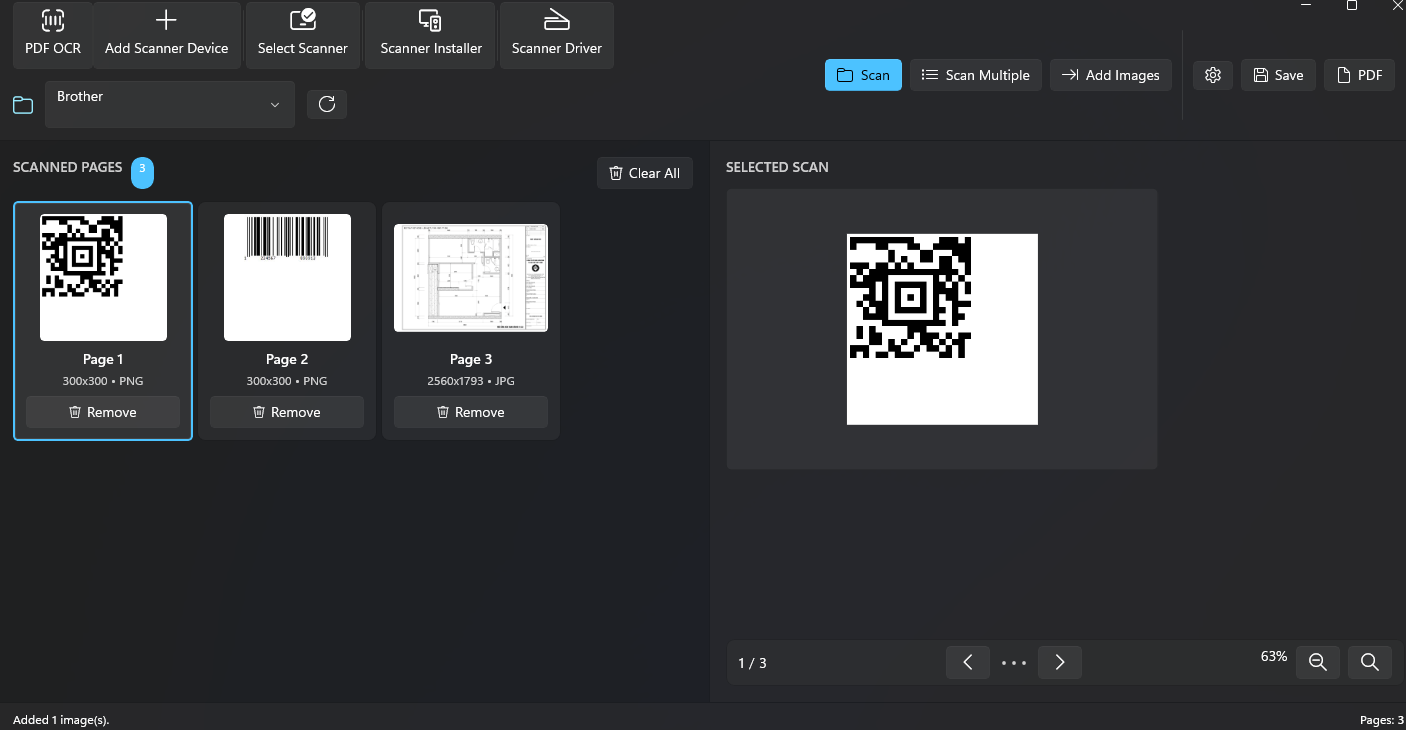
Imagine gearing up for a busy day of scanning documents—your scanner suddenly refuses to work, and frustration begins to mount. Smart Scan App acts like an experienced technician quietly easing your frustration: its friendly interface guides you through the entire driver installation process with a few simple clicks, akin to having a hands-on helper by your side. From the moment you launch the app, you'll notice its clean, uncluttered design—split into intuitive sections that allow even the least tech-savvy users to navigate effortlessly.
The core functionality shines in its precision and speed. When connecting a new scanner, the app promptly detects connected hardware and offers recommended drivers, streamlining the often tedious driver search process. The automated detection not only saves time but also reduces the cognitive load associated with troubleshooting driver issues. Tasks like driver backups are executed smoothly, giving a sense of reassurance—your setup is now resilient against future hiccups.
Highlighting the Unique Edge: Focused Workflow Integration & Reduced Cognitive Load
Compared to broader device management tools cluttered with myriad options, Smart Scan App stands apart by honing in on its core purpose: making scanner driver management effortless. Its design minimizes feature overload, reducing cognitive strain, unlike complex utilities that inundate users with countless options and settings. This focus on streamlined workflow integration means that users spend less mental energy figuring out what to do next and more time actually scanning documents. Essentially, it functions like an expertly directed conveyor belt—efficient, predictable, and trustworthy.
Final Thoughts and Recommendations
Overall, Smart Scan App offers a practical and user-friendly solution for Windows users needing quick and reliable scanner driver management. Its strongest features—automatic detection coupled with one-click installation—are especially beneficial in environments where time and simplicity are key. Whether you're a professional needing a dependable setup or a casual user tired of driver hassles, this app can be a valuable addition to your toolkit. I'd recommend giving it a try if you're seeking a lightweight, focused utility that respects your workflow and reduces unnecessary complexity.
Pros
- Easy to install and set up
- Provides reliable driver updates
- User-friendly interface
- Automatic scanning feature
- Regular updates improve compatibility
Cons
- Limited support for older scanner models
- Occasional false positives in driver detection
- High network dependency during scanning
- Limited customization options
- Potential prompts for unwanted updates











