

- Category Entertainment
- Developer SmartersPlayer LLC
- Available on PC
- OS Windows 10 version 17763.0 or higher
- Keyboard Integrated Keyboard
- Mouse Integrated Mouse
- DirectX Version 9
- Memory 2 GB
- languages English (United States)
Introducing Smarters IPTV for Windows: The Ultimate Streaming Companion
Smarters IPTV for Windows is a versatile application designed to bring live TV and streaming content directly to your desktop, aiming to revolutionize your viewing experience through simplified access and personalized features. Crafted by SmartersPlayer LLC, this app positions itself as a reliable IPTV player tailored for users seeking a straightforward yet rich entertainment platform.
Core Developers and Bright Spot Features
Developed and published by SmartersPlayer LLC, a company renowned for its focus on IPTV solutions, the app boasts a sleek interface backed by robust technology. Key features include support for multiple playlist formats, a built-in media player, and advanced EPG (Electronic Program Guide) integration. Additionally, its cloud-based support ensures seamless access across devices, making it an attractive choice for cord-cutters and IPTV enthusiasts alike.
Who Is This App For? Target Audience Profile
This application caters primarily to tech-savvy sports fans, movie buffs, and cable-cutters who crave customizable viewing options. Whether you have a personal playlist or subscribe to IPTV services, Smarters IPTV for Windows is tailored for users looking for a centralized hub to access diverse streaming sources with ease. Its user-friendly interface makes it suitable for both novices and seasoned streaming veterans.
A Fun and Functional Experience: Why Try Smarters IPTV?
Imagine sitting at your desk, laptop open, as your favorite live channels stream smoothly across the screen—this is the vivid picture Smarters IPTV paints. Its clean layout and straightforward navigation feel like having a personal TV guide right on your desktop. Whether you're casually browsing or actively searching for your favorite sports event, this app makes the experience engaging yet effortless.
Seamless Content Integration and User Interface
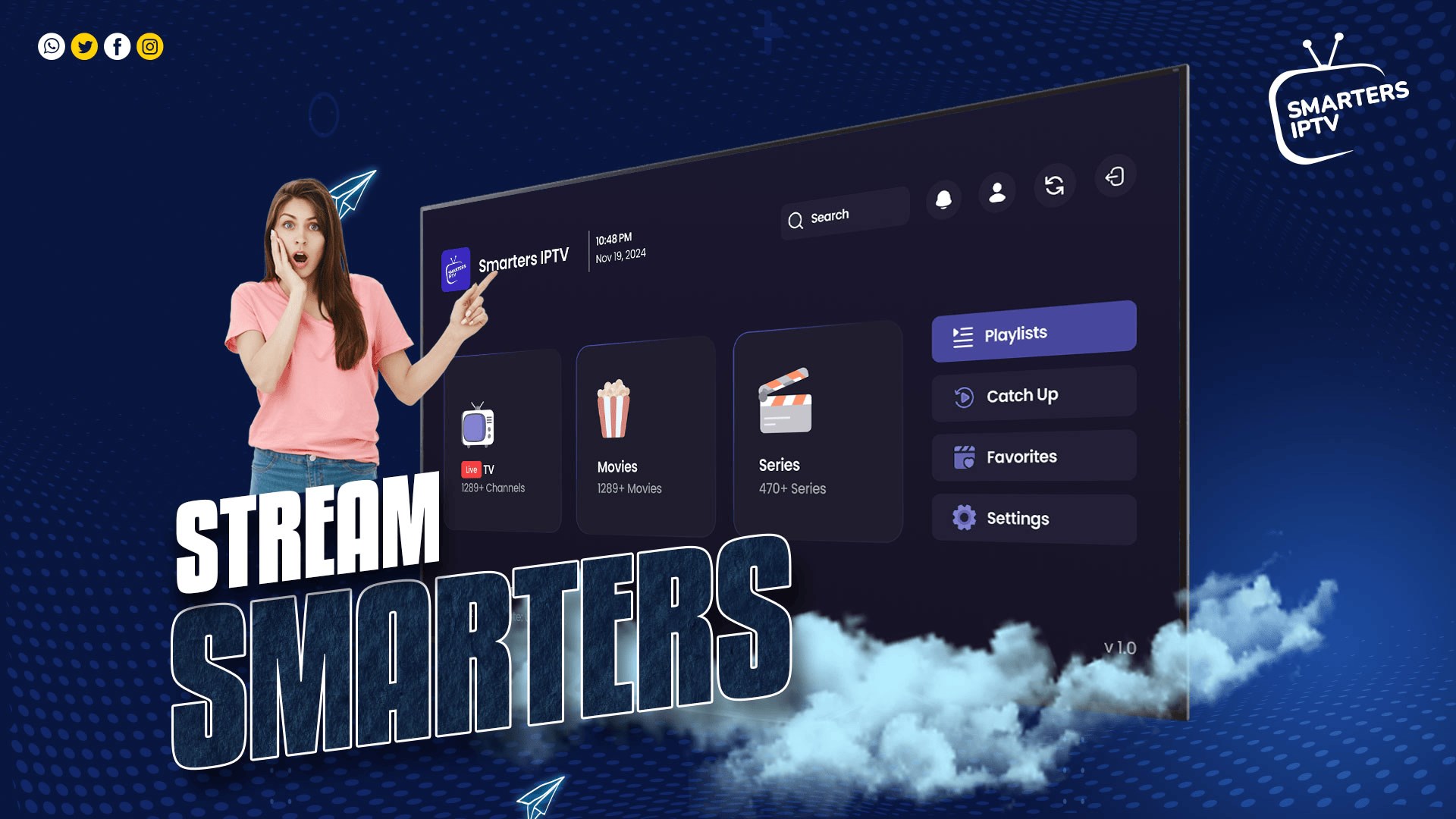
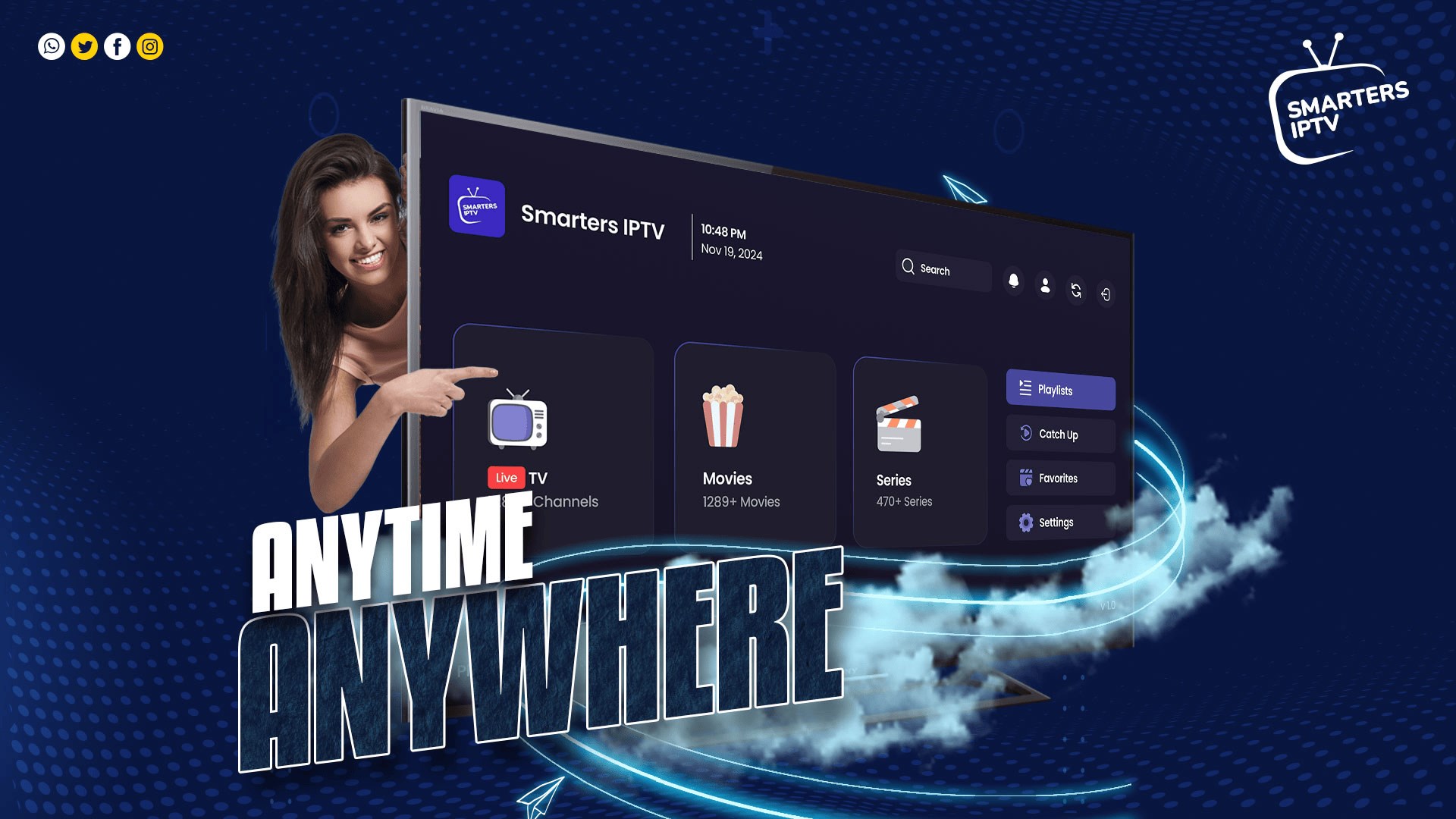
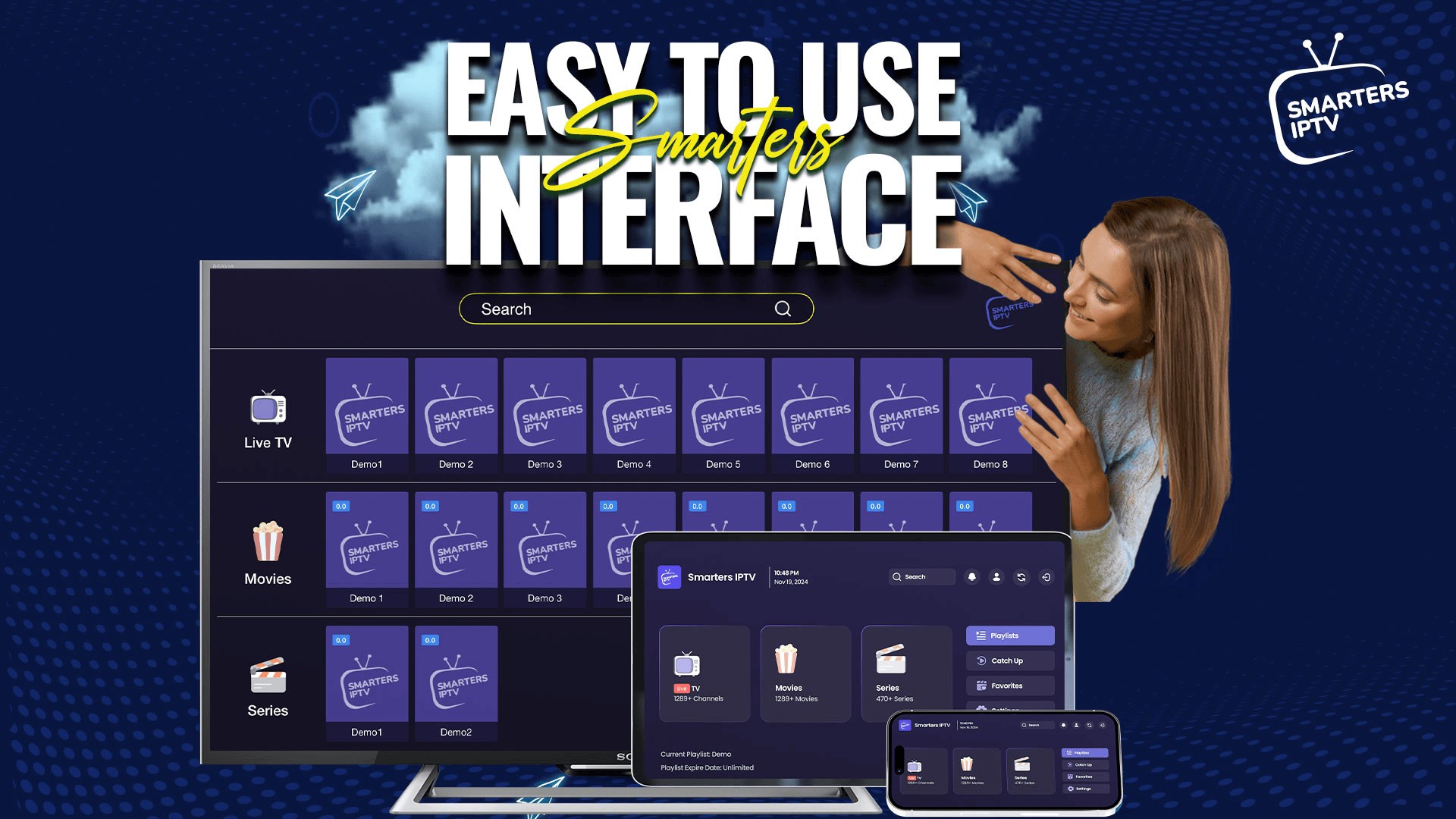
The app's interface strikes a harmonious balance between simplicity and sophistication. Wide, logically arranged menus accompanied by intuitive icons mean you can dive straight into your content without fuss. The app's design emphasizes ease of use: switching between channels, browsing EPG data, or managing playlists feels painless. The interface is responsive; animations are swift without lag, helping maintain an immersive experience. For newcomers, the learning curve is gentle—most features are accessible with minimal clicks, making it accessible even for those new to IPTV apps.
Powerful Core Features: Playlists, EPG, and Personalization
One of Smarters IPTV's standout features is its support for custom playlists—think of it as crafting your own TV lineup. Uploadting or importing playlists in formats like M3U or JSON is straightforward, opening the door to personalization. The integrated EPG feature further enhances usability, providing real-time program schedules, so you never miss your favorite shows. Plus, the app's ability to switch between multiple playlists and source types ensures diverse content remains at your fingertips. Its sleek media player handles different codecs gracefully, minimizing buffering and stream disruptions, which are common pain points in free IPTV streaming.
Unique Highlights: Content Discovery and Recommendations
What truly sets Smarters IPTV apart is its smart content discovery algorithm and personalized recommendations. Unlike many IPTV apps that just present streams in a cluttered list, Smarters intelligently analyzes viewing habits to suggest relevant channels and shows—think of a seasoned TV guide that learns what you love. This nuanced approach enhances content relevance, making every browsing session feel tailored. Moreover, its ability to critique and refine content suggestions ensures users see options that resonate with their taste, rather than generic listings.
Final Verdict: A Reliable and Personalized Streaming Tool
Overall, I would recommend Smarters IPTV for Windows to anyone looking for a reliable, user-centric IPTV platform. Its standout features—particularly its personalized content recommendations and seamless playlist management—are particularly valuable for users seeking a custom viewing experience. While familiar IPTV apps can sometimes feel like navigating a maze, Smarters makes the process intuitive and efficient, akin to having a knowledgeable friend guiding your entertainment journey. If you're exploring for an IPTV solution that balances functionality with ease of use, this app deserves serious consideration.
Pros
- Intuitive User Interface
- Extensive Channel Library
- High Streaming Quality
- Multi-Device Compatibility
- Offline Playlist Support
Cons
- Stability Issues During Peak Hours
- Limited Free Trial Period
- Occasional Channel Refresh Delays
- In-App Ads Distraction
- Limited Customer Support Options











