

- Category Productivity
- Developer TechSmith Corporation
- Available on PC
- OS Windows 10 version 0.0 or higher
- Keyboard Integrated Keyboard
- Mouse Integrated Mouse
- Memory 4 GB
- languages English, French, German, Japanese, Portuguese, Spanish
Snagit for Windows: Streamlining Your Screenshot and Recording Workflow
Snagit for Windows, developed and published by TechSmith Corporation, is a versatile screen capture tool designed to simplify the way professionals and everyday users document, communicate, and review visual information. It's not just about taking screenshots; it's an integrated approach to capturing, editing, and sharing with minimal fuss, making it a standout in productivity enhancement.
A Friendly Guide Through Snagit's Core Strengths
Imagine having a trusty digital notebook that can instantly grab anything on your screen—be it a complex infographic, a fleeting error message, or a sequence of steps—from a webpage or document. That's where Snagit shines. With a dedicated focus on workflow integration, it reduces the cognitive load often associated with juggling multiple tools, allowing users to capture and communicate more effortlessly.
Intuitive Capture and Editing Experience
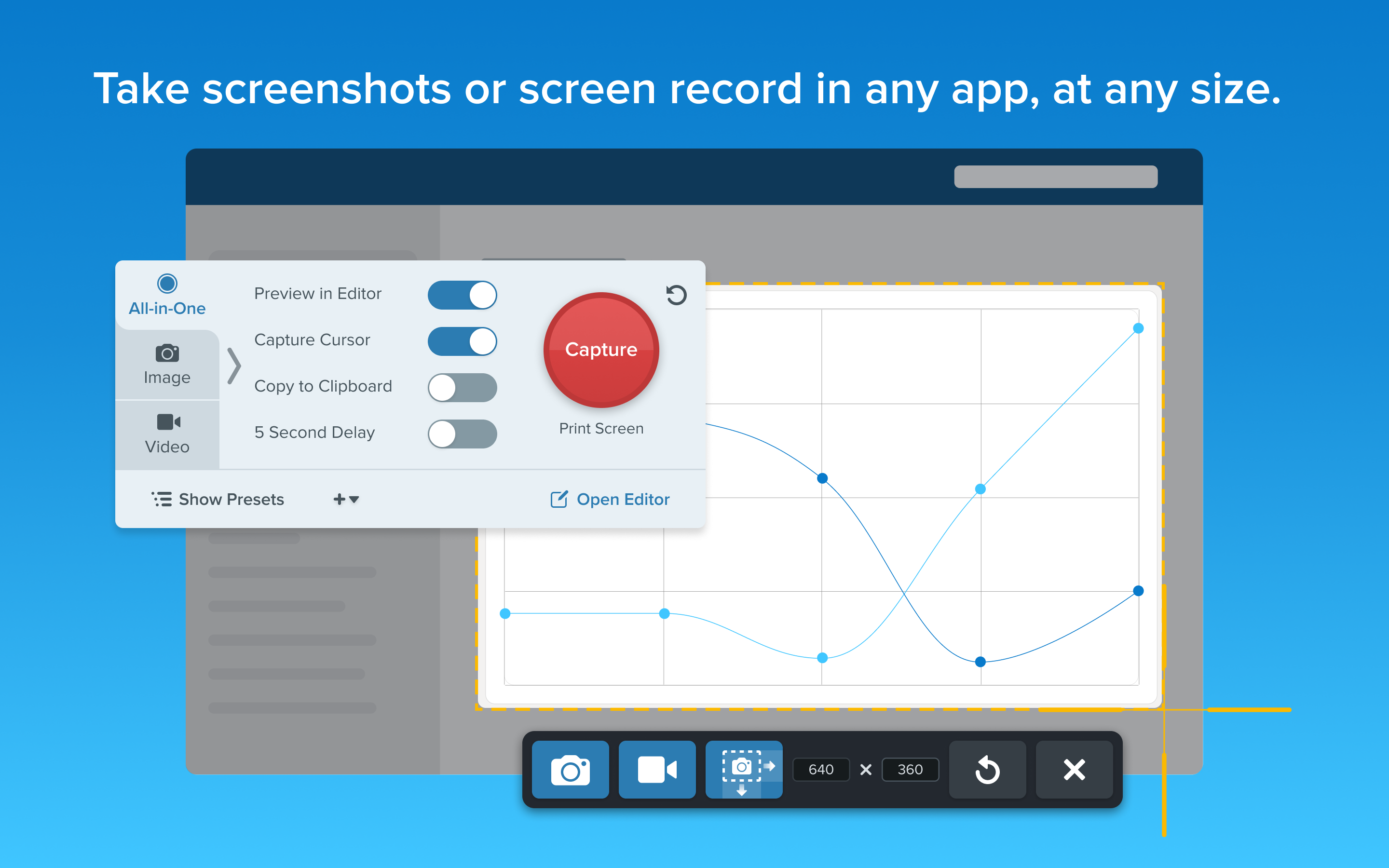
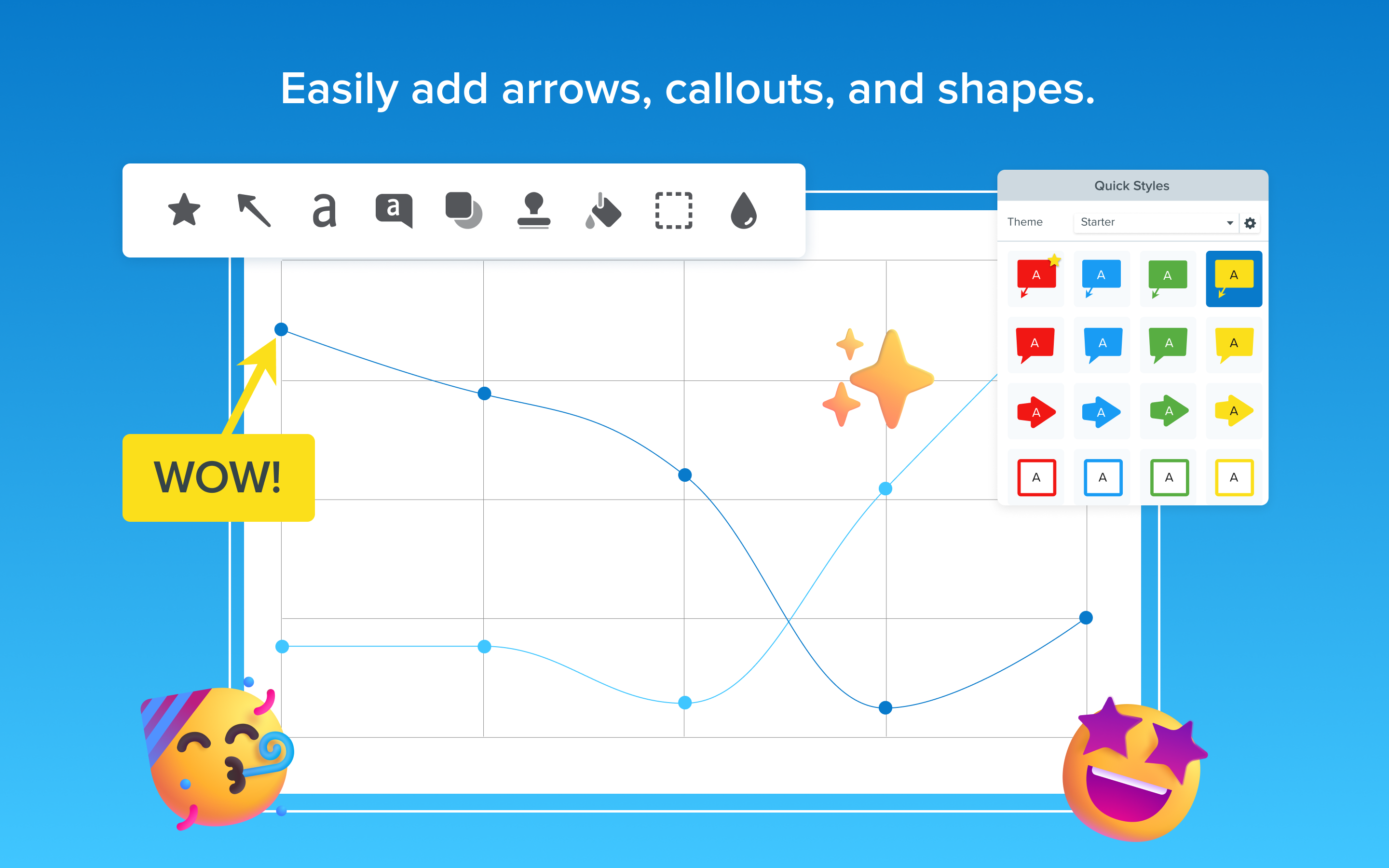
Snagit's core feature revolves around its powerful yet user-friendly capture capabilities. Whether it's a full screen, a window, a region, or specific scrolling content, Snagit's flexible selections adapt effortlessly—much like a trusty camera that's always ready for action. Once captured, editing becomes a seamless extension; annotate, crop, or add effects with a few clicks. The interface is thoughtfully designed—clean, uncluttered, and familiar—so users don't have to undergo a steep learning curve. Even newcomers can quickly pick up the tools and start capturing effectively, turning what could be a chore into a light, engaging task.
Smart Recording and File Management
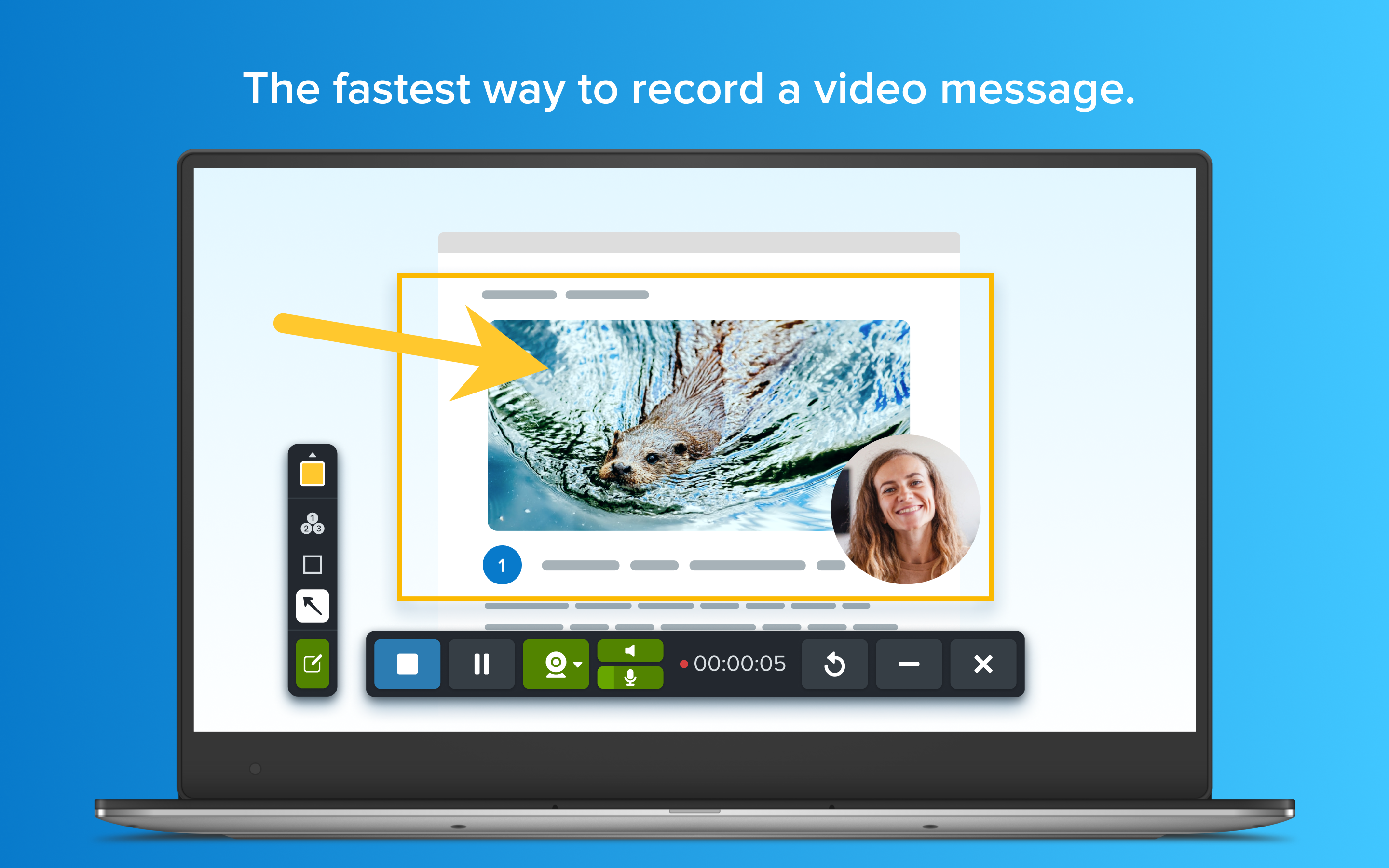
Beyond static images, Snagit excels in its screen recording feature, allowing users to create narrated demos or walkthroughs that are both informative and easy to produce. Its recording interface is straightforward: select the capture area, hit record, and speak—no complex setups or confusing settings. The integrated editor then helps trim and enhance the recording effortlessly. Files are stored systematically within the app, enabling quick retrieval and sharing. Unlike other tools that bombard users with endless options, Snagit keeps the experience sharp and focused—supporting a smooth workflow that minimizes interruptions and maximizes productivity.
Design, Usability, and Workflow Integration
Visually, Snagit adopts a modern, sleek aesthetic reminiscent of a well-organized toolbox—easy on the eyes and easy to navigate. Its interface prioritizes simplicity, making even complex tasks seem straightforward. The operation flow is intuitive; capturing a screenshot or recording is just a click away, and the tools for editing or sharing are logically grouped. During testing, the app demonstrated excellent responsiveness, with tasks executed fluidly without lag or crashes, indicating refined coding and robust performance.
For those unfamiliar with similar tools, Snagit's learning curve is comparatively gentle. Tutorials and templates help onboard new users, reducing mental overhead. Its tight integration with common workflows—such as cloud sharing via TechSmith's Screencast or exporting in various formats—further exemplifies its purpose: to enhance efficiency rather than complicate it. This focus on reducing cognition overload sets it apart from feature-heavy competitors that can overwhelm users with options rather than supporting their core tasks.
The Standout Features: Focus on Workflow and Cognitive Ease
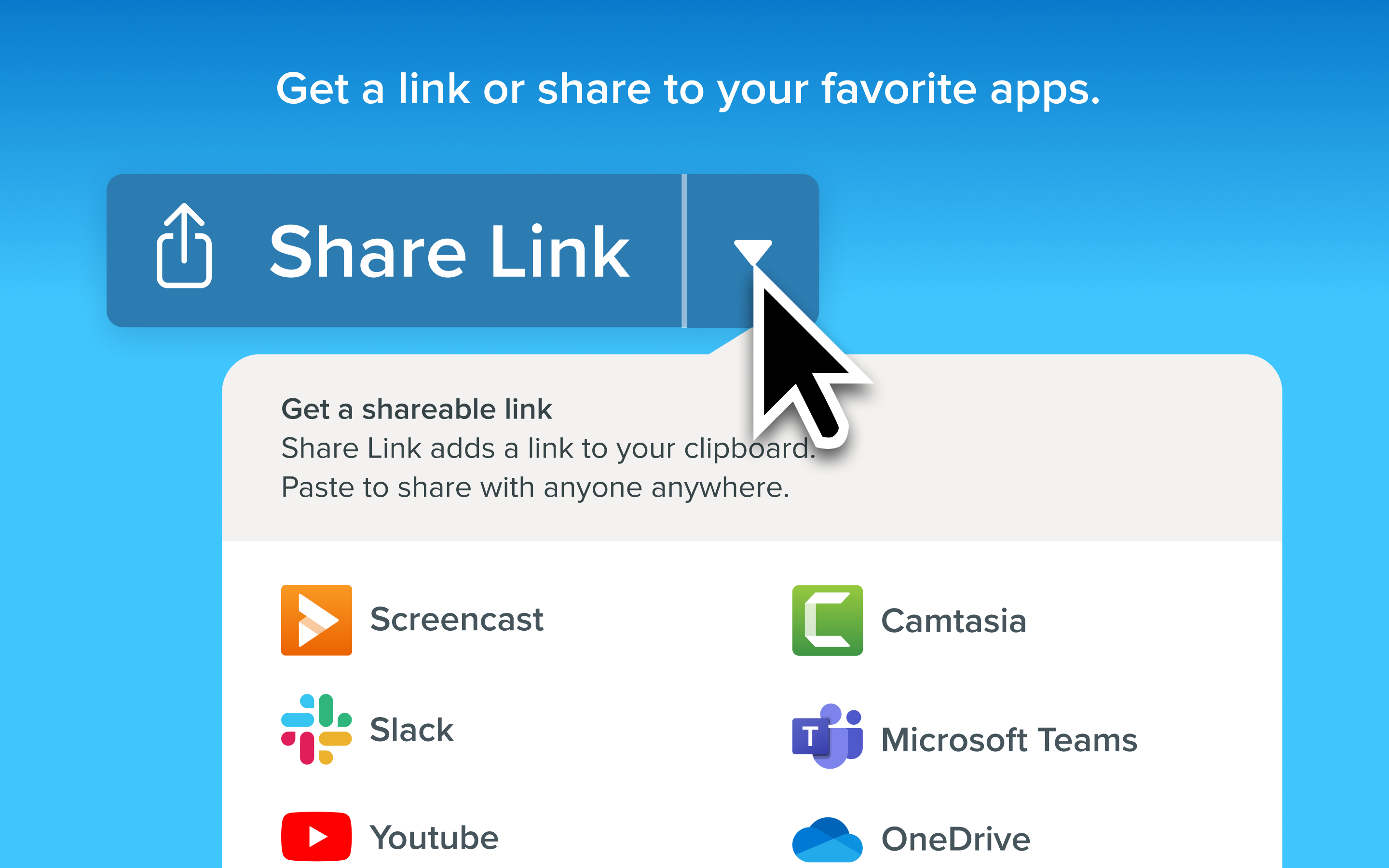
Among its many strengths, Snagit's most remarkable features are its scrolling capture and seamless sharing capabilities. The scrolling capture ensures that lengthy web pages or documents can be captured in one go—saving time and preserving context. Meanwhile, direct integration with cloud services simplifies sharing, allowing colleagues or clients to view or comment without the need for cumbersome uploading steps. These functions epitomize its commitment to workflow efficiency, turning what could be multiple steps into a few streamlined actions.
Additionally, Snagit's emphasis on clarity and ease reduces cognitive load. Instead of overwhelming users with a myriad of settings, it emphasizes doing the job well with minimal fuss. Whether capturing a quick screenshot to illustrate a problem or creating a comprehensive demo, users experience a natural, logical process that feels more like storytelling than technical choreographing.
Final Recommendations and Usage Tips
Based on its performance and design philosophy, I confidently recommend Snagit for professionals, educators, and anyone needing a reliable, easy-to-use screen capture tool. Its strongest suits lie in quick, high-quality captures combined with straightforward editing and sharing workflows. For users who require deep customization or complex multimedia editing, it may be worth exploring additional tools; however, for everyday use, Snagit hits the sweet spot between simplicity and power.
My advice? Leverage Snagit's scrolling capture and sharing features to streamline routine documentation tasks. Spend a few minutes exploring its templates and annotations to maximize productivity. It's not just a screenshot tool—it's a smart companion for transparent communication and efficient workflow enhancement, making your digital tasks less burdensome and more effective.
Pros
- Intuitive and user-friendly interface
- Powerful editing tools
- Versatile capture options
- Video recording capabilities
- Integration and sharing features
Cons
- High price point
- Occasional stability issues
- Limited annotation templates
- Learning curve for advanced features
- Resource consumption on older devices











