

- Category Social
- Available on PC, HoloLens
- OS Windows 10 version 19041.0 or higher
- Keyboard Integrated Keyboard
- Mouse Integrated Mouse
- languages Arabic, Chinese (Simplified), Chinese (Traditional Chinese), Danish, English (United Kingdom), English (United States), Finnish, French, German, Hindi, Italian, Japanese, Norwegian (Bokmål), Polish , Portuguese (Brazil), Spanish (Mexico), Spanish (Spain), Swedish, Turkish
A Fresh Take on Social Connectivity: Snapchat for Windows Review
If you're someone who loves staying connected with friends and capturing moments on the go, Snapchat for Windows aims to bring that same casual, fun experience to your desktop. With an intuitive interface and innovative features, it promises a seamless way to chat, share, and discover moments—right from your PC.
About the App: Fast Facts
Snapchat for Windows is a desktop application developed by Snap Inc., the same team behind the popular mobile app. Its core mission is to extend Snapchat's vibrant, multimedia messaging platform to Windows users, maintaining the playful, instant nature of the original app.
- Main Features: Real-time messaging with friends, multimedia sharing (photos, videos, filters), and Discover news and stories.
- Unique Selling Points: Enhanced user profile customization, authenticity verification features, and improved connection discovery tools.
- Target Audience: Existing Snapchat users seeking desktop convenience, younger demographics, and anyone interested in multimedia social interactions.
First Impressions: A Desktop Snapchat, Surprisingly Smooth
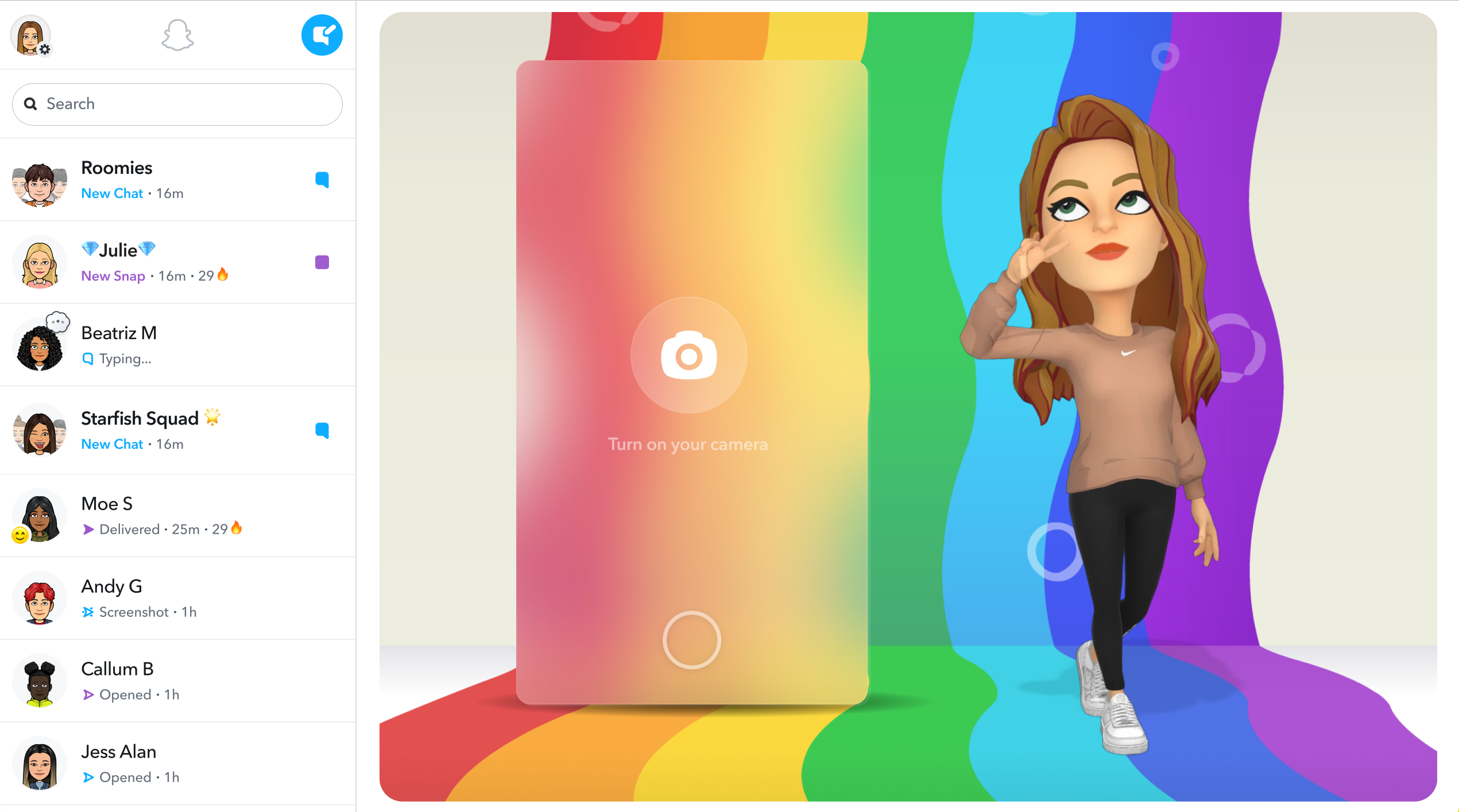
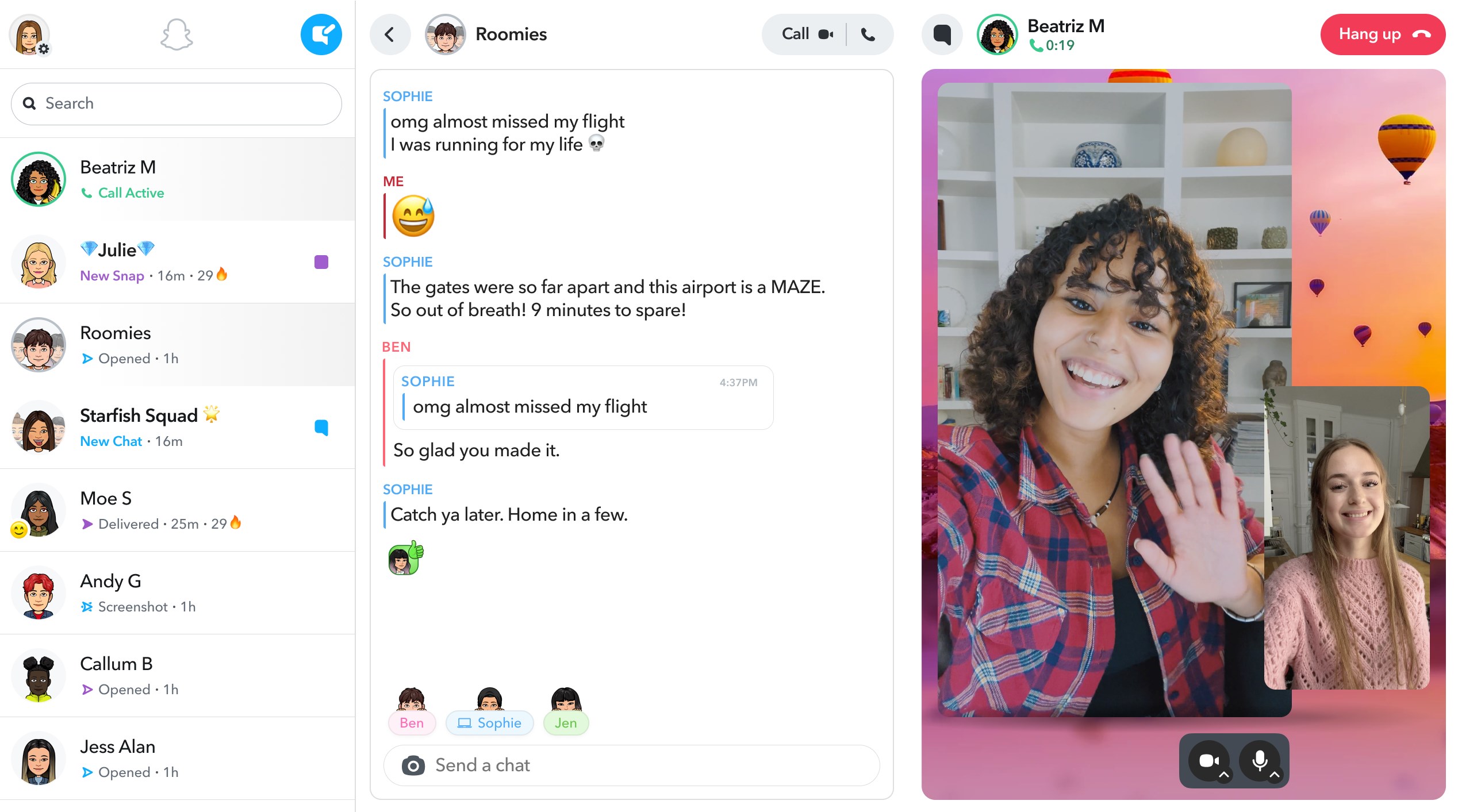
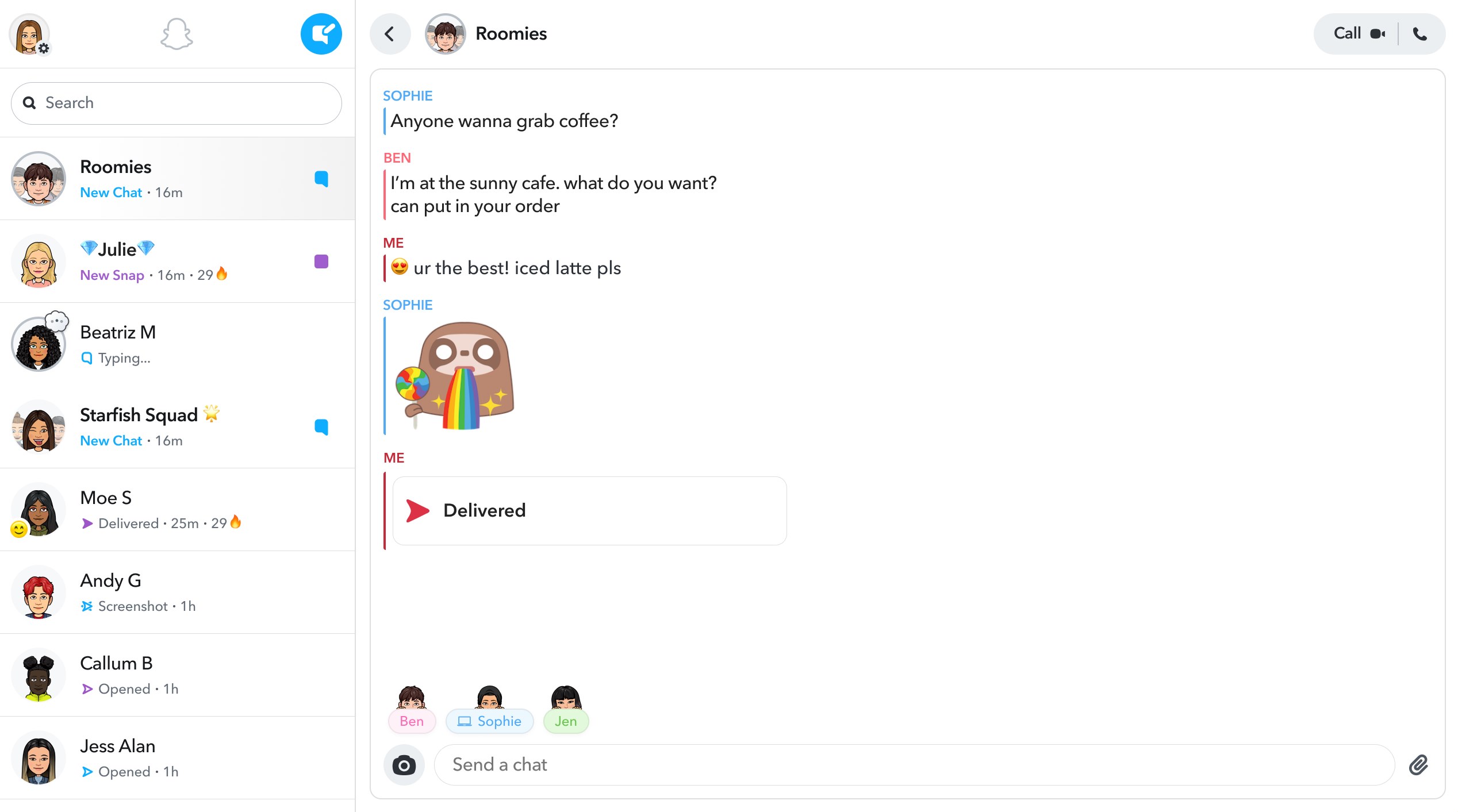
Opening Snapchat for Windows feels like welcoming an old friend into your digital lifecycle. The interface is clean and familiar, yet thoughtfully adapted for larger screens. It's like having a pocket-sized social hub sitting on your desktop—ready at a moment's notice. The app runs smoothly, even on modest hardware, showcasing optimized performance with prompt loading times and snappy responsiveness. Transitioning from mobile to desktop, you immediately notice how the app retains Snapchat's playful style—think vibrant buttons and fun icons—making the experience feel lively yet straightforward.
Core Features That Shine
Immersive Multimedia Sharing and Filters
The heart of Snapchat has always been its dynamic multimedia sharing capabilities, and this desktop version keeps that alive. Upload photos or videos directly from your PC—or even drag-and-drop—then enhance them with an array of filters, AR effects, and stickers. It's like decorating a digital canvas, all manageable with intuitive controls. The larger screen real estate makes editing and previewing content more engaging than ever before, turning casual snaps into polished mini-movies or memes.
Personalized User Profiles & Authenticity Checks
This app introduces a particularly noteworthy feature: customizable profiles equipped with authenticity verification. Think of it as a digital ID badge, ensuring your contacts are genuine—especially important in today's landscape of impersonations and fake accounts. The app offers tools for profile verification, giving users peace of mind when connecting with new friends or sharing sensitive content. Additionally, users can fine-tune their profile details, emojis, and even theme colors, making their Snapchat space uniquely theirs—just like personalizing a room that reflects your vibe.
Advanced Connection Discovery & Engagement
Discoverability is a critical aspect of social apps, and Snapchat for Windows elevates this with its enhanced connection discovery features. The app intelligently suggests friends based on your existing contacts and mutual friends, helping you expand your social circle effortlessly. It also provides handy prompts for participating in popular stories or exploring new communities. This makes staying socially active on the platform more organic and less of a chore, akin to having a friendly guide introduce you to new groups in a bustling city.
User Experience: Friendly and Intuitive
The design philosophy behind Snapchat for Windows aligns well with its mobile counterpart—bright, vibrant, and playful. Navigating through chats, stories, and discovery sections is a breeze, thanks to logical tab arrangements and minimal clutter. The app's responsiveness ensures a lag-free chat experience, and the learning curve for existing Snapchat users is almost non-existent. New users might take a few minutes to familiarize themselves with desktop-specific features, but overall, the transition is smooth. The visual layout enhances usability without sacrificing Snapchat's signature fun aesthetic. Plus, keyboard shortcuts and window resizing options add layers of convenience for power users or multitaskers.
Differentiators and Final Verdict
Compared to other social media applications like Facebook Messenger or WhatsApp, Snapchat for Windows stands out primarily because of its commitment to authenticity and profile customization. Its verification tools help create a trusted environment, which is vital in an era plagued with fake identities. The connection discovery system feels more intelligent and personalized, fostering genuine engagement rather than just broadcasting content.
In conclusion, Snapchat for Windows strikes a balance between playful multimedia sharing and serious user verification. It is ideal for active Snapchat users eager to stay connected from a desktop, as well as newcomers looking for a lively, engaging social platform with added security features.
Recommendation: Strongly recommended for existing Snapchat fans and those seeking a vibrant, reliable desktop messaging solution. Casual users or those less familiar might want to explore a bit more before fully committing, but overall, it's a valuable addition to the Snapchat ecosystem.
Pros
- User-Friendly Interface
- Innovative AR Filters
- Strong Privacy Focus
- Exclusive Content
- Real-Time Communication
Cons
- Limited Message Search
- Battery Consumption
- Occasional App Crashes
- Limited Desktop Support
- Content Moderation Challenges











