

Frequently Asked Questions
How do I start playing Solar Machina on Windows?
Download the game installer from the official website or store, run it, and follow the on-screen instructions to install. Launch the game from your desktop or start menu.
What are the basic controls for movement and actions?
Use the arrow keys or WASD for movement, spacebar to jump, and specific keys for interactions. Check the in-game tutorial for detailed control mappings.
How do I upgrade my robotic suit's abilities?
Progress through levels and collect upgrade points, then access the upgrade menu via the in-game pause menu (Settings > Upgrades) to enhance abilities.
What are the different biomes in Solar Machina?
The game features several distinct tropical-themed biomes, such as lush jungles and colorful beaches, each with unique enemies and traps to explore.
How can I unlock new movement abilities for my robot?
Complete specific levels and challenges to earn upgrades, which can be applied through the upgrade menu accessed via Settings > Upgrades.
Are there any in-app purchases or subscriptions?
The game may offer optional in-app purchases for cosmetic items or upgrades. Check Settings > Store/Open Store for available options.
Can I access premium content without paying?
Most core gameplay is free, but premium content or upgrades may require purchase. Refer to Settings > Store for available options and pricing.
How do I troubleshoot if the game crashes or won't start?
Try restarting your PC, updating your graphics driver, or reinstalling the game. Contact support via Settings > Help > Contact Support if issues persist.
Is Solar Machina compatible with all Windows versions?
The game requires Windows 10 or above. Check the system requirements in the official store or documentation before installation.
You May Like

Cuphead
for Windows
4.7
Cuphead & The Delicious Last Course
for Windows
4.7
Celeste
for Windows
4.6
Ultimate Chicken Horse
for Windows
4.4
Level Devil: Troll Platformer
for Windows
4
Planet of Lana II
for Windows
3.8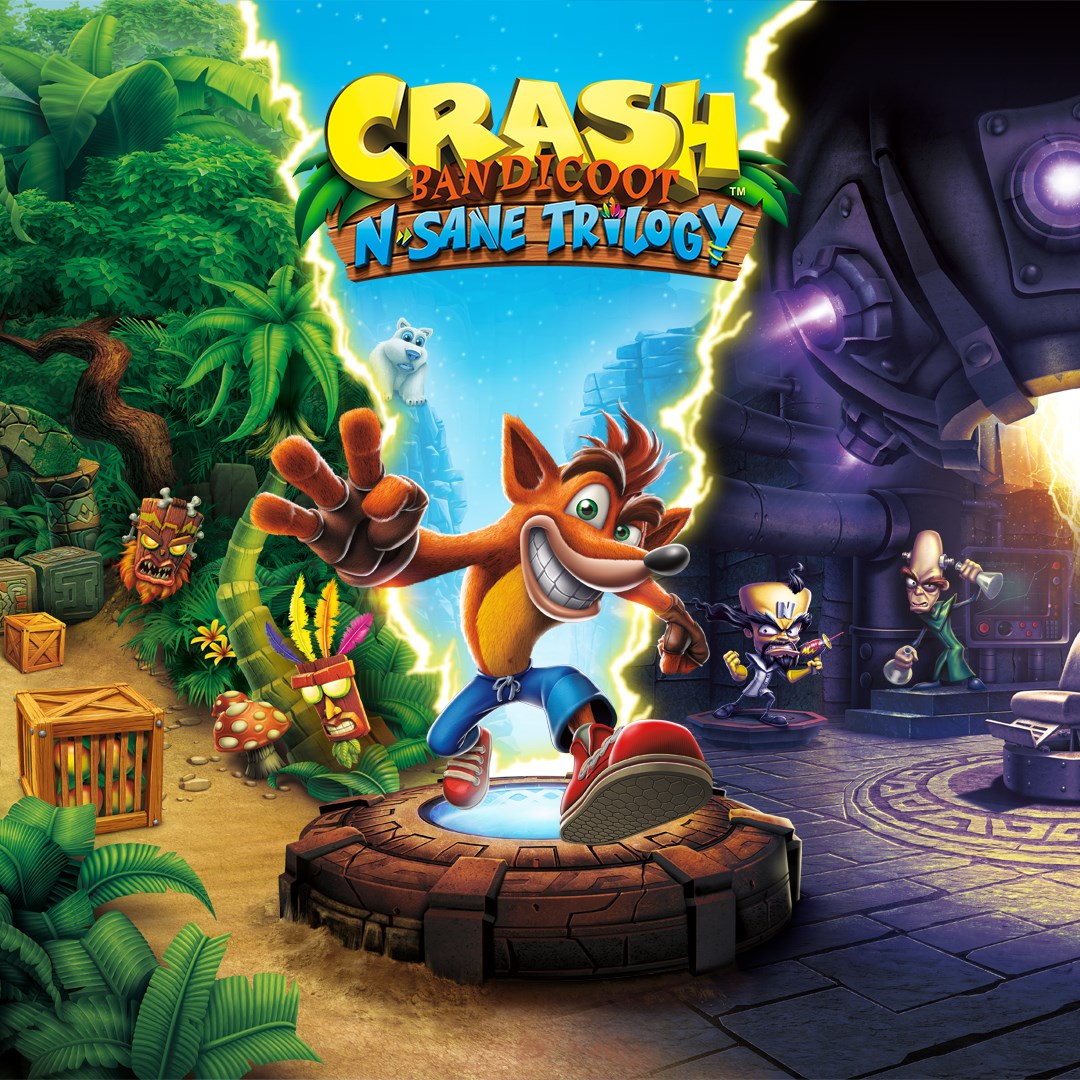
Crash Bandicoot™ N. Sane Trilogy
for Windows
3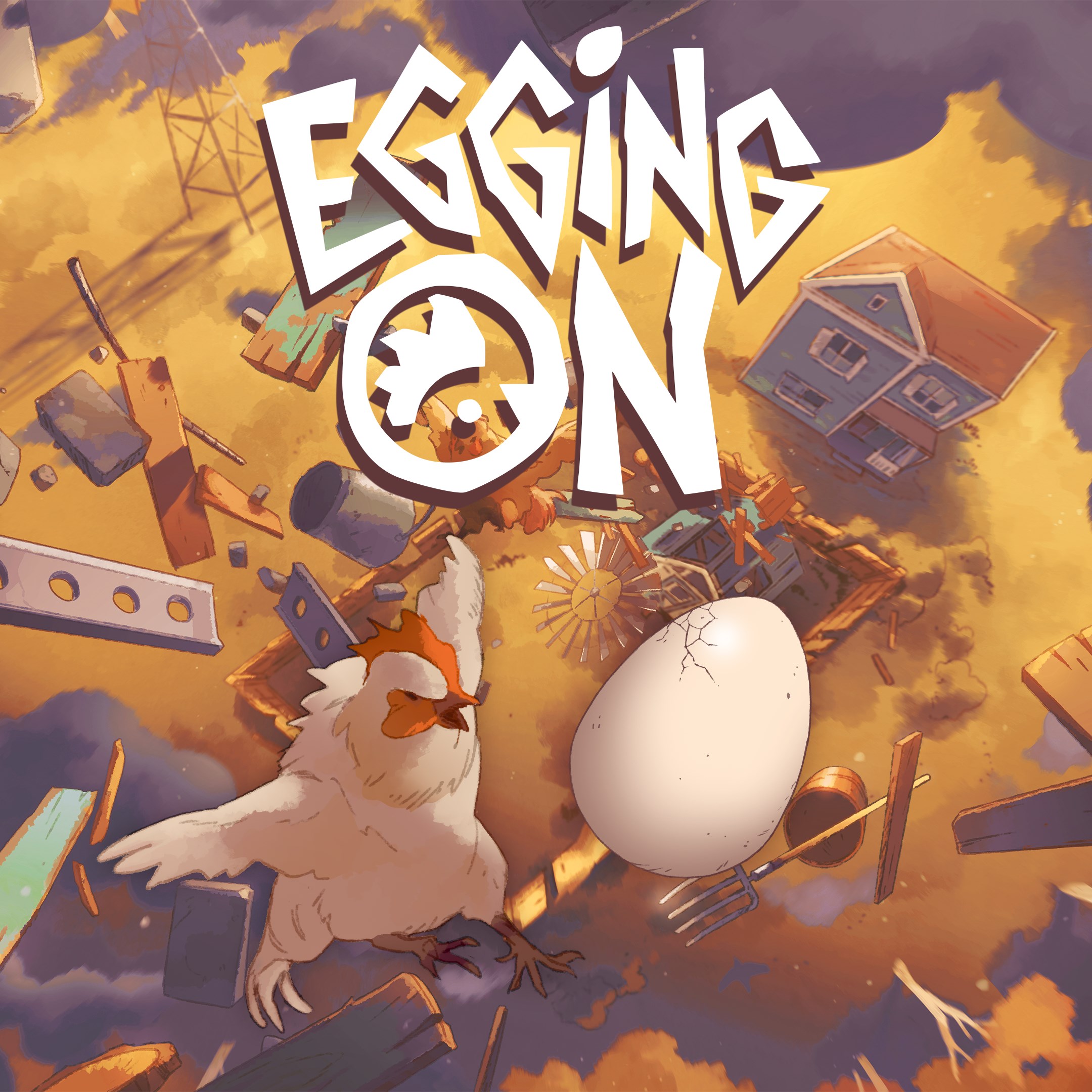
Egging On
for Windows
2.6
BEAR ESCAPE MISSION (WINDOWS)
for Windows
0
Metal Shoot (Windows)
for Windows
0
Stellar Docks (Windows)
for Windows
0
Penguin Flight (Windows)
for Windows
0