
- Category Card & board
- Developer 1bsyl
- Available on PC, Mobile, Surface Hub
- OS Windows 10 version 10240.0 or higher
- languages Afrikaans, Albanian, Amharic, Arabic, Armenian, Bangla, Basque, Belarusian, Bulgarian, Catalan, Croatian, Czech, Danish, Dutch, English, Estonian, Finnish, French, Galician, Georgian, German, Greek, Hebrew, Hindi, Hungarian, Icelandic, Indonesian, isiZulu, Italian, Japanese, Kannada, Khmer, Kiswahili, Korean, Latvian, Lithuanian, lo, Macedonian, Malay, Malayalam, Marathi, Nepali, Norwegian, Persian/Farsi, Polish, Portuguese, Romanian, Russian, Sinhala, Slovak, Slovenian, Spanish, Swedish, Tamil, Telugu, Thai, Turkish, Ukrainian, Vietnamese
Enter a Realm of Classic Card Play with Solitaire! for Windows
Are you a fan of timeless card games presented with a fresh, modern twist? Solitaire! for Windows offers a straightforward yet engaging experience that caters to both newcomers and seasoned players alike. Developed and published by 1bsyl, this app aims to bring the classic card game to your fingertips with an emphasis on simplicity and smooth gameplay.
Clean Design Meets Seamless Experience
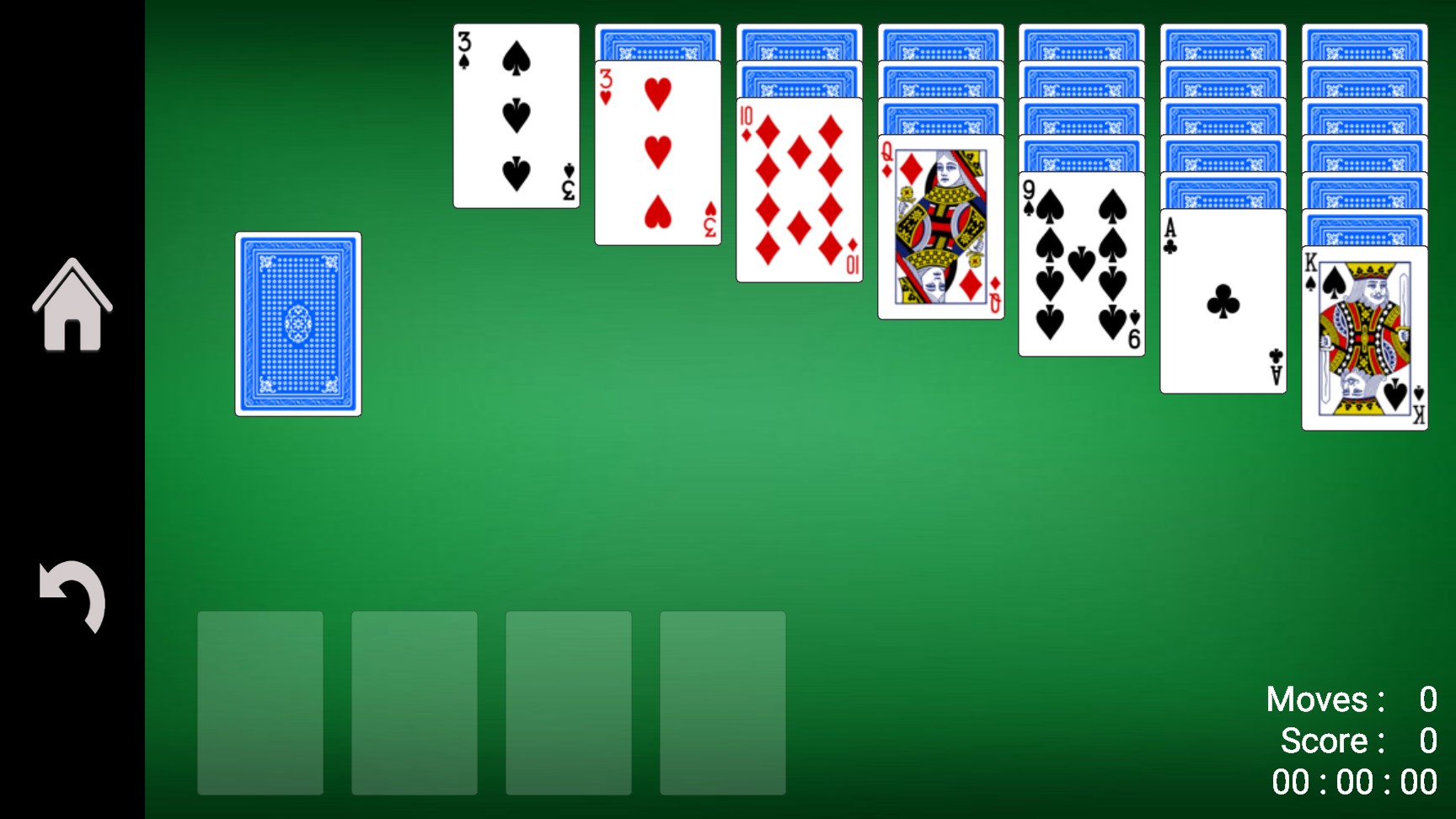
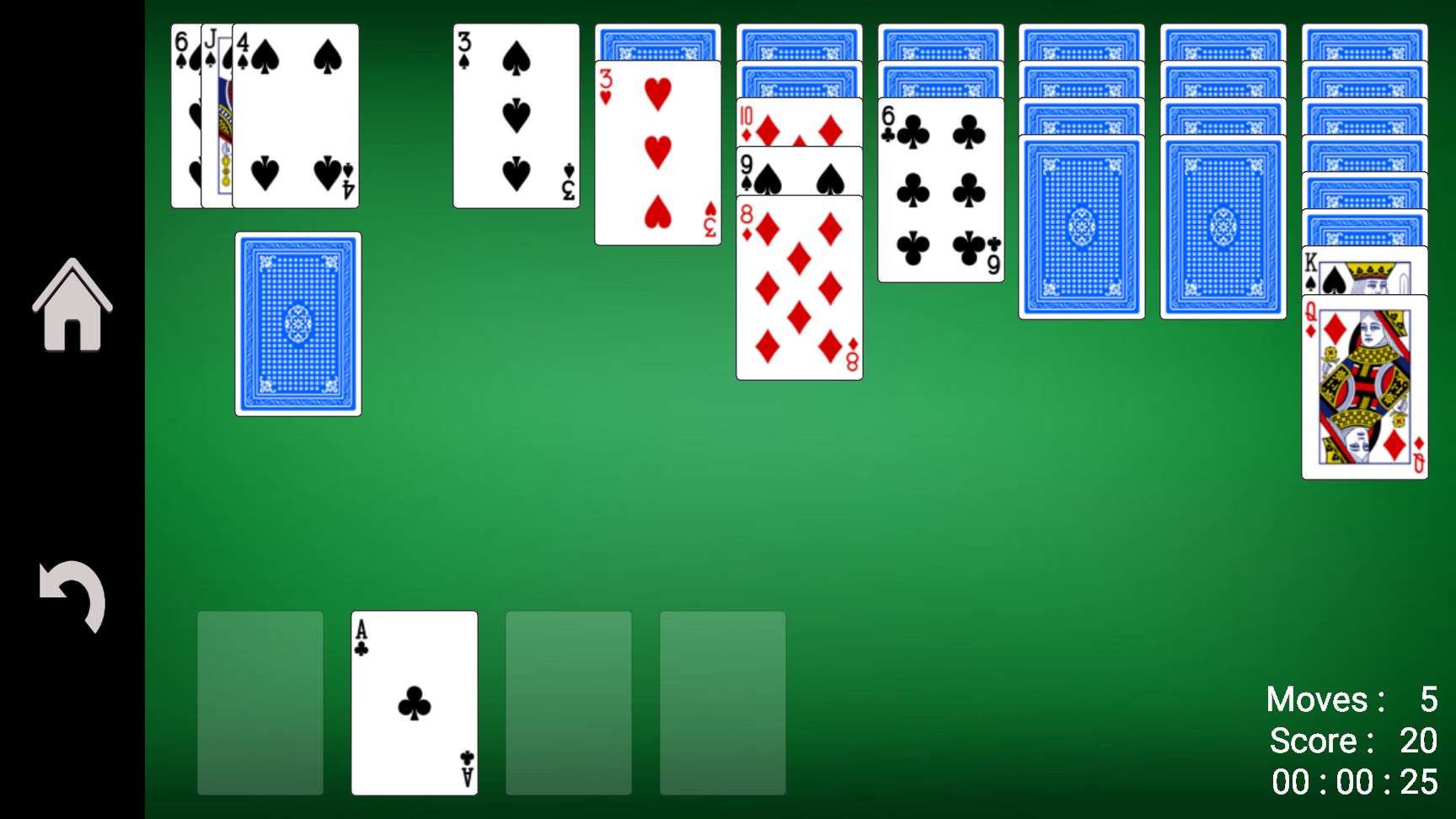
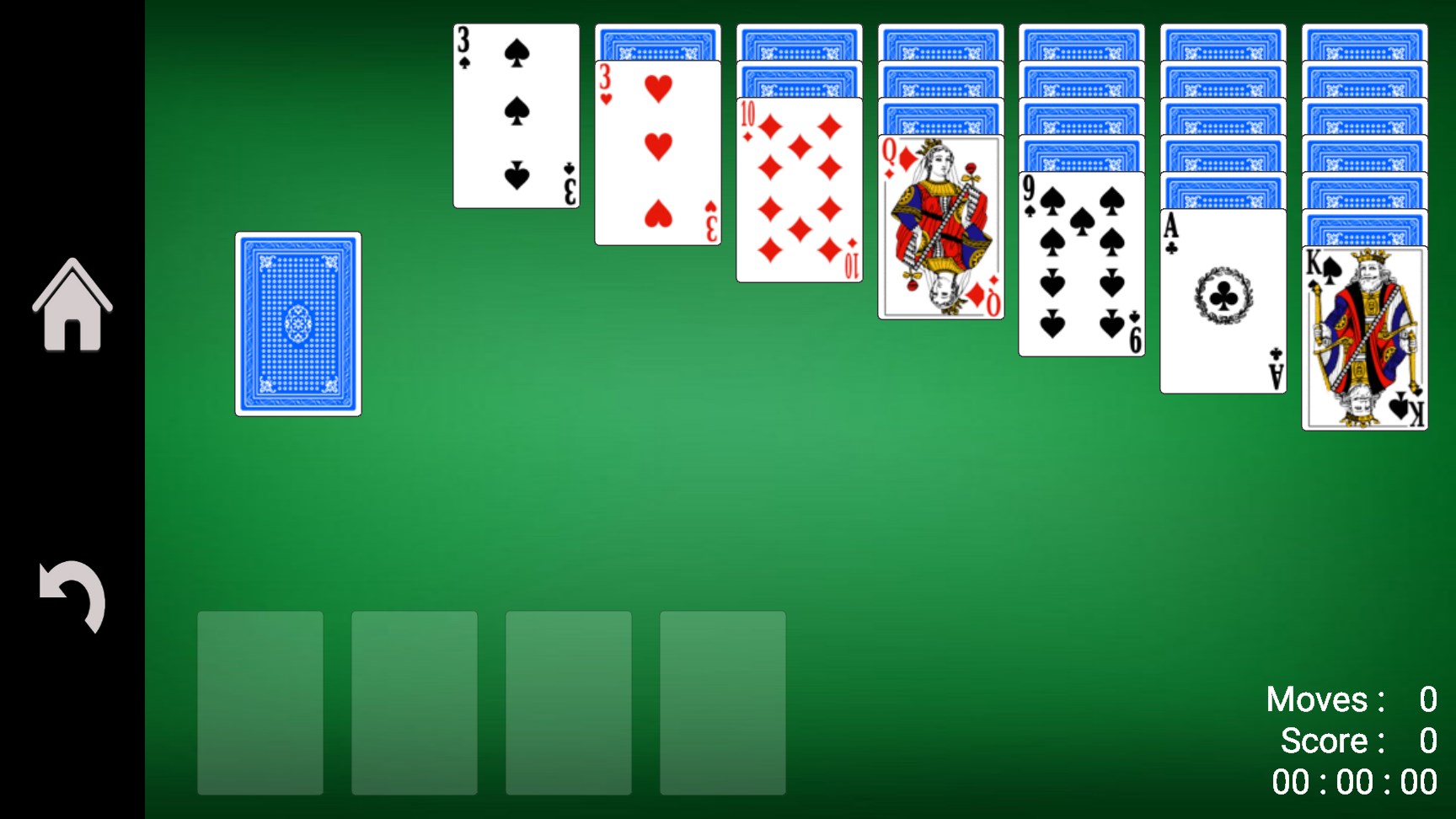
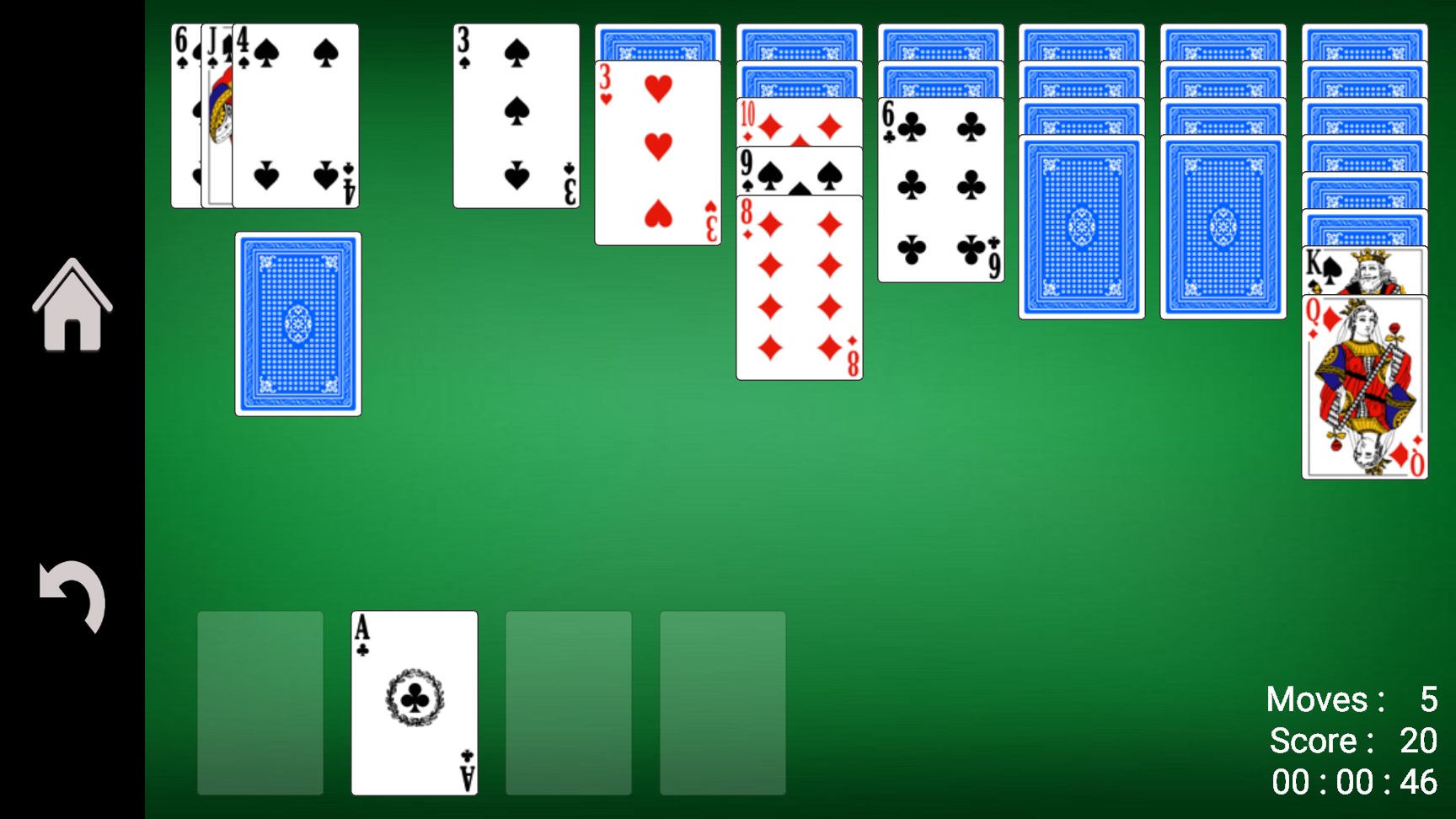
From the moment you launch Solitaire! for Windows, you're greeted with a clean, uncluttered interface that feels both welcoming and intuitive. The visual aesthetics prioritize clarity—cards are crisp, and menus are straightforward—allowing you to focus entirely on the game without unnecessary distractions. Navigating through game modes and settings requires just a few clicks, making the learning curve almost non-existent for new players. The overall operational flow is notably smooth, with responsive controls that ensure your moves are reflected instantaneously, providing a fluid gaming experience akin to shuffling a deck in real life.
A Game Mode for Every Mood
The core strength of Solitaire! for Windows lies in its versatile game modes. Featuring classic Klondike, Spider, Freecell, and other variants, it caters to casual players seeking quick sessions and dedicated enthusiasts aiming to master complex strategies. Each mode is thoughtfully designed with tailored difficulty settings, giving players a customizable challenge that grows with their skill level. Unique features such as undo options, hints, and auto-complete help players learn and improve without frustration, making the game accessible yet sufficiently stimulating.
Highlighting the Unique Features
One standout aspect of Solitaire! for Windows is its adaptive difficulty algorithm, which subtly adjusts challenge levels to match your playing style, encouraging continuous engagement. Additionally, the app provides detailed statistics and achievement tracking, transforming solitaire into a journey of self-improvement. These features set it apart from many other card apps that often overlook personalized progression tools. Unlike cluttered or overly complex card platforms, this app manages to strike a perfect balance: it's simple enough for casual fun but layered enough for those who want to sharpen their skills.
Overall Impression & Recommendations
Overall, Solitaire! for Windows is a commendable addition to the realm of digital card games. Its polished interface, smooth operation, and thoughtful features make it a reliable choice for anyone looking to unwind or challenge themselves. While it doesn't introduce groundbreaking gameplay mechanics, its particular charm lies in its accessibility and refined user experience. I'd recommend this app to casual players seeking uncomplicated, stress-free card fun, as well as seasoned players wanting a no-fuss platform to practice or pass the time. Perfect for those cozy mornings or quick office breaks, Solitaire! for Windows proves that classic games still have a place in our digital lives—delivered here with professionalism and care.
Pros
- User-friendly interface
- Variety of game modes
- Offline play support
- Customizable themes and backgrounds
- Achievements and leaderboards
Cons
- Limited tutorial for new users
- Ads can interrupt gameplay
- Lack of multiplayer options
- Limited customization options for the layout
- Performance issues on older devices











