

- Category Card & board
- Available on PC, Mobile, Surface Hub, HoloLens
- OS Windows 10 version 10240.0 or higher
- languages English (United States)
A Classic Card Solitaire Experience in a Sleek Digital Package
Solitaire 2019: Free Card Game for Windows offers a straightforward, engaging rendition of the timeless card game, seamlessly integrating into your daily break routines with its clean design and smooth gameplay. Designed by Beauty Girl Games, this app aims to bring the classic solitaire experience to users seeking relaxation and mental exercise without unnecessary fuss.
About the App: Basic Information
Solitaire 2019 is a free Windows application that transforms the familiar card game into a modern digital experience. It's targeted at casual players who enjoy quick, solo mental challenges, as well as longtime fans of solitaire seeking a clutter-free, refined interface. The app is developed by Beauty Girl Games, known for their casual gaming titles focused on simple yet captivating entertainment.
Main features include:
- Multiple Solitaire Variants: Classic Klondike and others tailored for diverse preferences.
- Intuitive Drag-and-Drop Interface: Easy to pick up for newcomers and satisfying for seasoned players.
- Customizable Themes and Card Decks: Personalize your game environment for a more engaging experience.
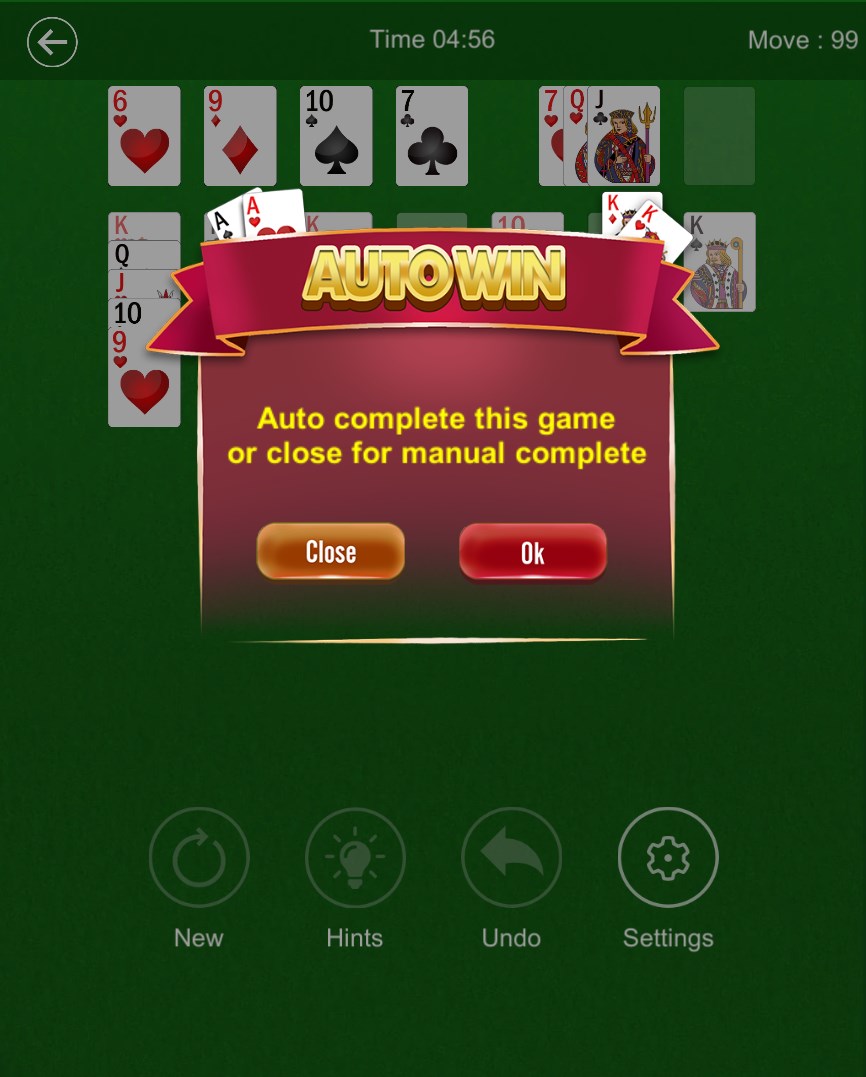
- Auto-Complete and Hint Options: Assistance to keep the game flowing smoothly, suitable for players of all skill levels.
The app's audience primarily includes casual players, students, and anyone looking for a relaxing mental pastime on their Windows devices.
An Inviting and Accessible Interface
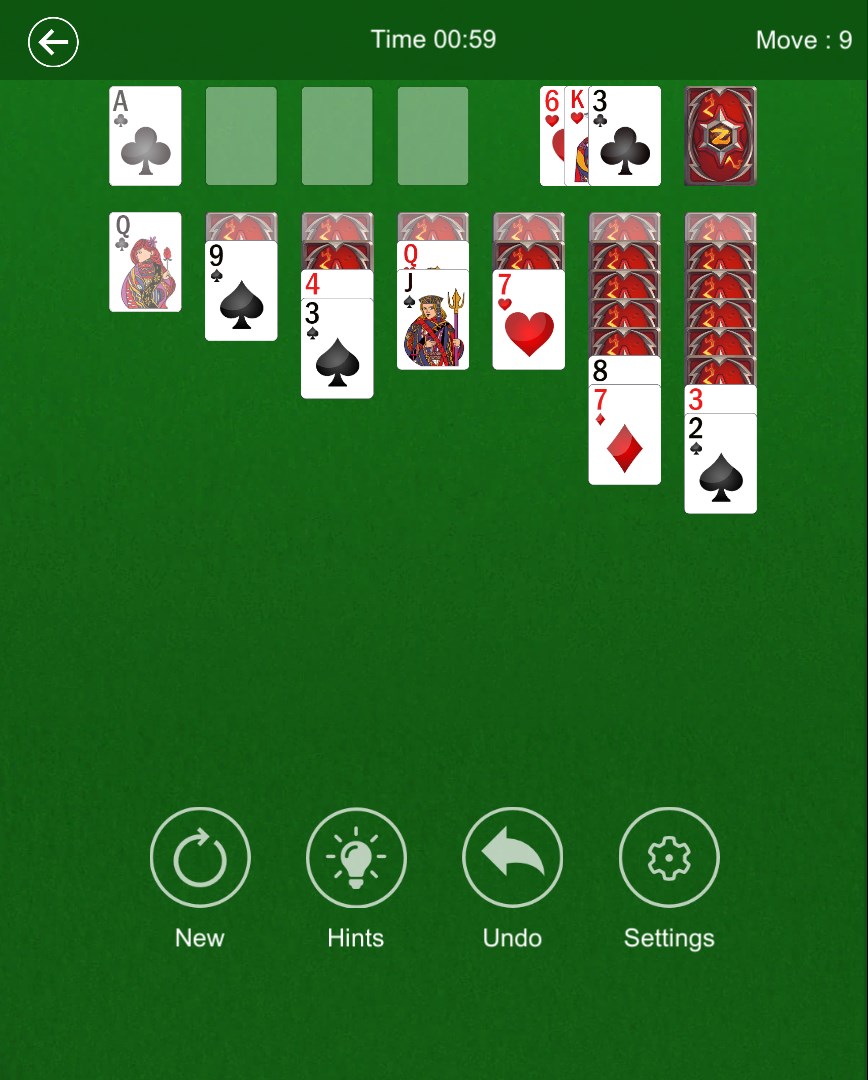
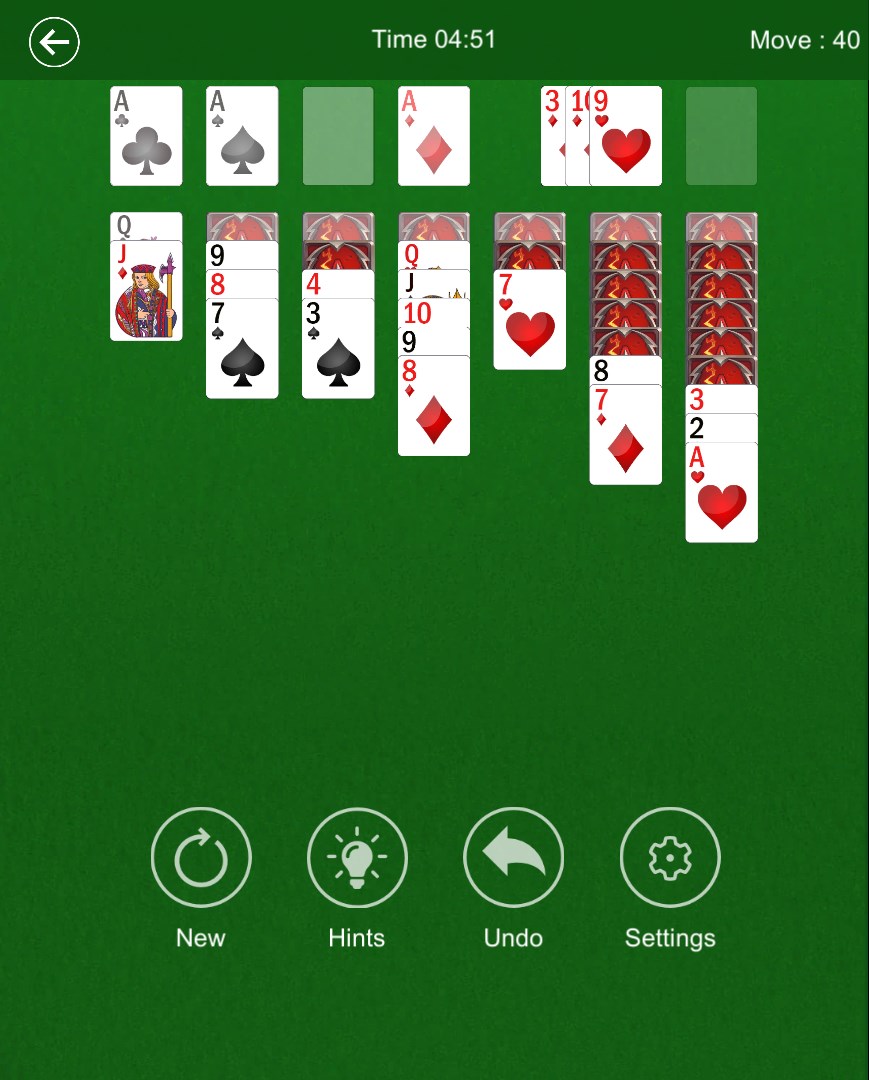
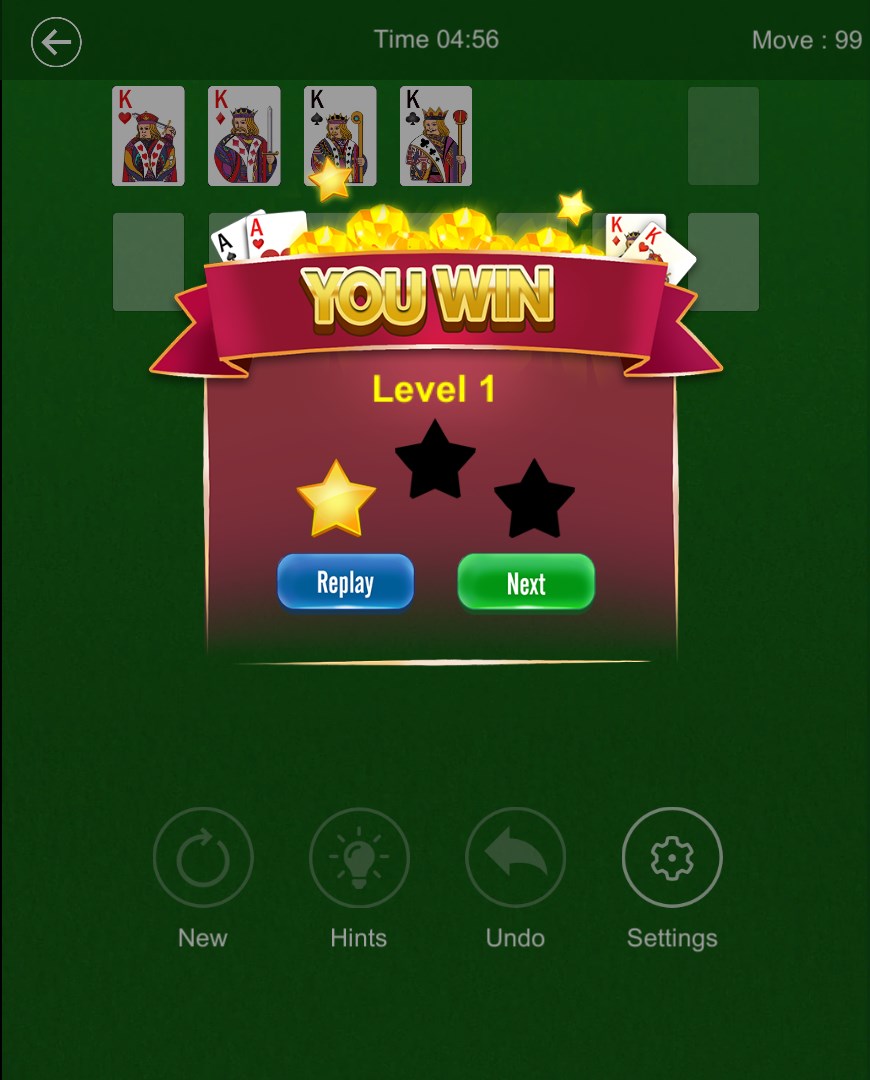
The first thing that strikes you about Solitaire 2019 is its clean and soothing visual design. The interface mirrors the familiar physical cards laid out on a wooden table, which immediately mimics the real-world experience—comforting for traditional players and straightforward for newcomers. Bright, clear cards with crisp graphics make the game inviting and easy to read even on smaller screens.
Navigation is seamless; menus are minimal but effective, with clear icons guiding players to start a game, change themes, or access hints. The intuitive layout means you won't spend precious game time fumbling around—it's as if the game anticipates your moves before you make them, thanks to its streamlined design.
Gameplay Dynamics: Smooth, Simple, Yet Addictive
Once you dive in, the gameplay feels remarkably fluid. Dragging cards feels natural, with snapping animations that confirm your move—no lag, no glitch. The app handles multiple decks and undo actions effortlessly, making the experience satisfying whether you're making quick decisions or contemplating your next move. A notable feature is the auto-complete option, which can swiftly resolve finished games, ideal for casual play and learning the game mechanics.
For players new to solitaire, the learning curve is gentle. Basic rules are straightforward, and subtle animations guide you without overwhelming. For seasoned players, the multiple variants and custom themes add layers of personalized challenge and aesthetic pleasure, elevating the app beyond a simple time-killer.
Unique Selling Points: What Sets It Apart?
While many solitaire applications exist, Solitaire 2019 distinguishes itself with its elegant simplicity and thoughtful customization options. The ability to change themes and card decks allows users to tailor the game environment according to their mood—be it a calming nature scene or a classic card back—that adds a layer of personalization seldom seen in free apps. Furthermore, its smooth gameplay and responsive controls make it stand out from more cluttered or lag-prone counterparts.
Most notably, the app's emphasis on accessibility and user-friendly features—such as helpful hints and automatic game finish—make it suitable for all skill levels. It's not just a digital version; it's a well-considered companion for casual gaming sessions anytime you seek a quick mental refresh.
Final Thoughts: Your Flat Card Companion
Overall, Solitaire 2019 offers a refined, accessible digital solitaire experience perfect for Windows users craving simplicity and elegance. Its most remarkable strength lies in its smooth, intuitive gameplay paired with high customization—making it an inviting choice whether you're a traditional solitaire purist or a casual player looking for effortless relaxation. I recommend this app for anyone seeking a clutter-free, trustworthy, and aesthetically pleasing card game that feels just right in any moment of leisure. Give it a try—it might just become your favorite solitaire companion.
Pros
- Intuitive and user-friendly interface
- Smooth gameplay with minimal lag
- Multiple game modes and difficulty levels
- Free to download and play
- Includes helpful hints and undo options
Cons
- Limited customization options for card styles
- Lack of online multiplayer mode
- Some ads occasionally interrupt gameplay
- No daily challenges or achievements system
- Limited sound settings and background music options











