

- Category Card & board
- Available on PC, Mobile, Surface Hub
- OS Windows 10 version 19041.0 or higher
- languages English (United States)
A Classic Card Game Reimagined: Solitaire '95 for Windows
For fans of timeless card games seeking a nostalgic yet refreshing digital experience, Solitaire '95 for Windows offers a sleek, user-friendly rendition that captures the essence of the classic solitaire game with modern touches.
About the App: Basic Info
Solitaire '95 for Windows is a digital adaptation of the beloved card game designed to bring the familiar, addicting gameplay to today's computer screens. Developed by Aliens Bring Change, this application combines simplicity with efficiency, creating an ideal platform for relaxing during breaks or sharpening your patience.
- Developer: Aliens Bring Change
- Main Features: Classic solitaire gameplay with customizable themes, smooth animations, and intuitive controls; a variety of game modes including standard, spider, and more; sleek interface optimized for Windows devices.
- Target Users: Casual gamers, students, professionals, or anyone looking to unwind with a familiar card game that's easy to pick up and hard to put down.
An Invitation to a Card Game Nostalgia Trip
Imagine settling into your favorite armchair, a gentle breeze wafting through the window, as you shuffle the virtual deck for the hundredth time—yet each game offers a new thrill. Solitaire '95 for Windows sparks that same sense of comfort and challenge, blending the timeless allure of classic solitaire with a few modern conveniences. Whether you're awaiting a bus or taking a quick break at work, this app transforms your computer into an effortless portal to hours of solitary fun—without the clutter of physical cards or complex rules.
Core Features: Dive Deep into the Details
Elegant Interface and Visually Appealing Themes
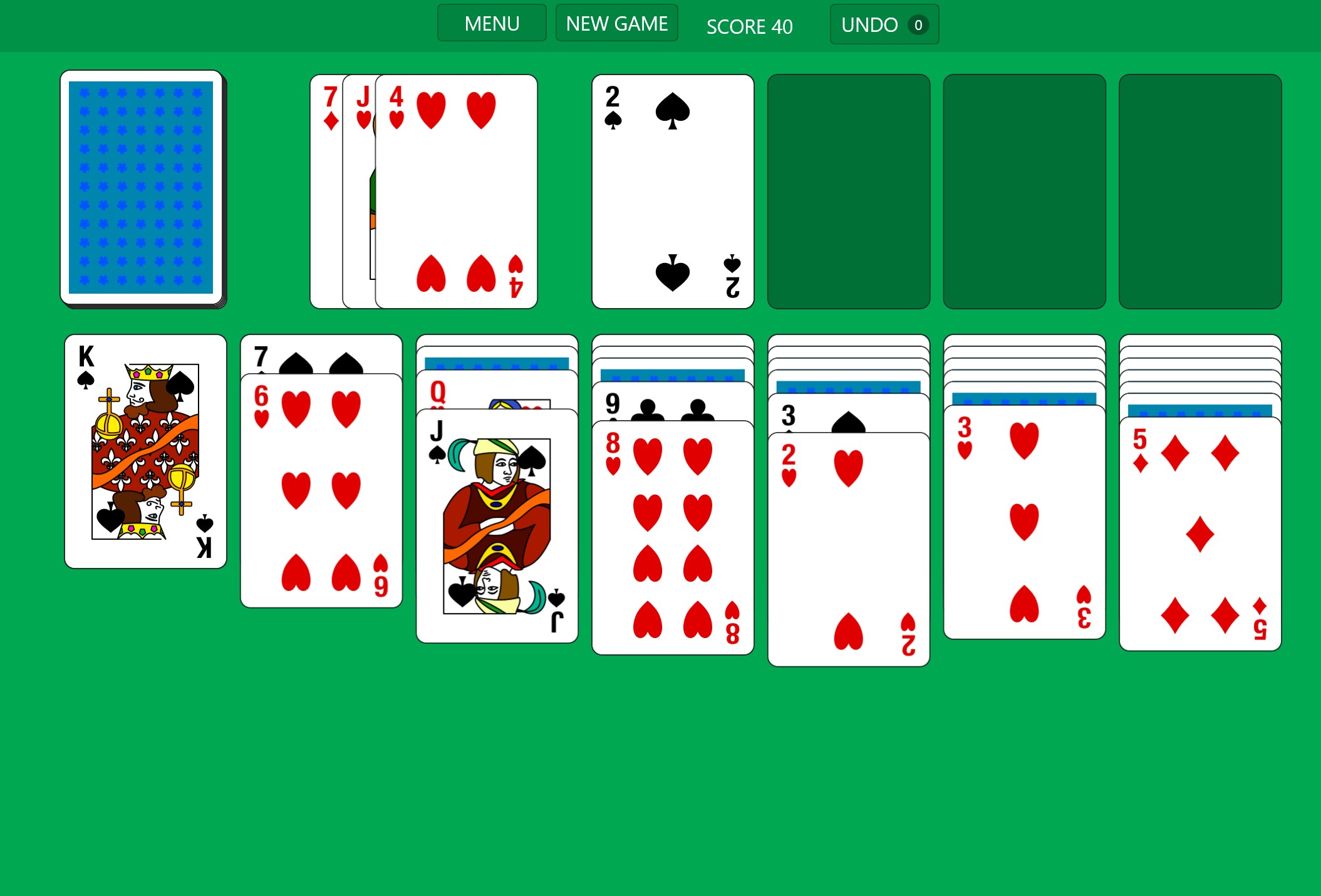
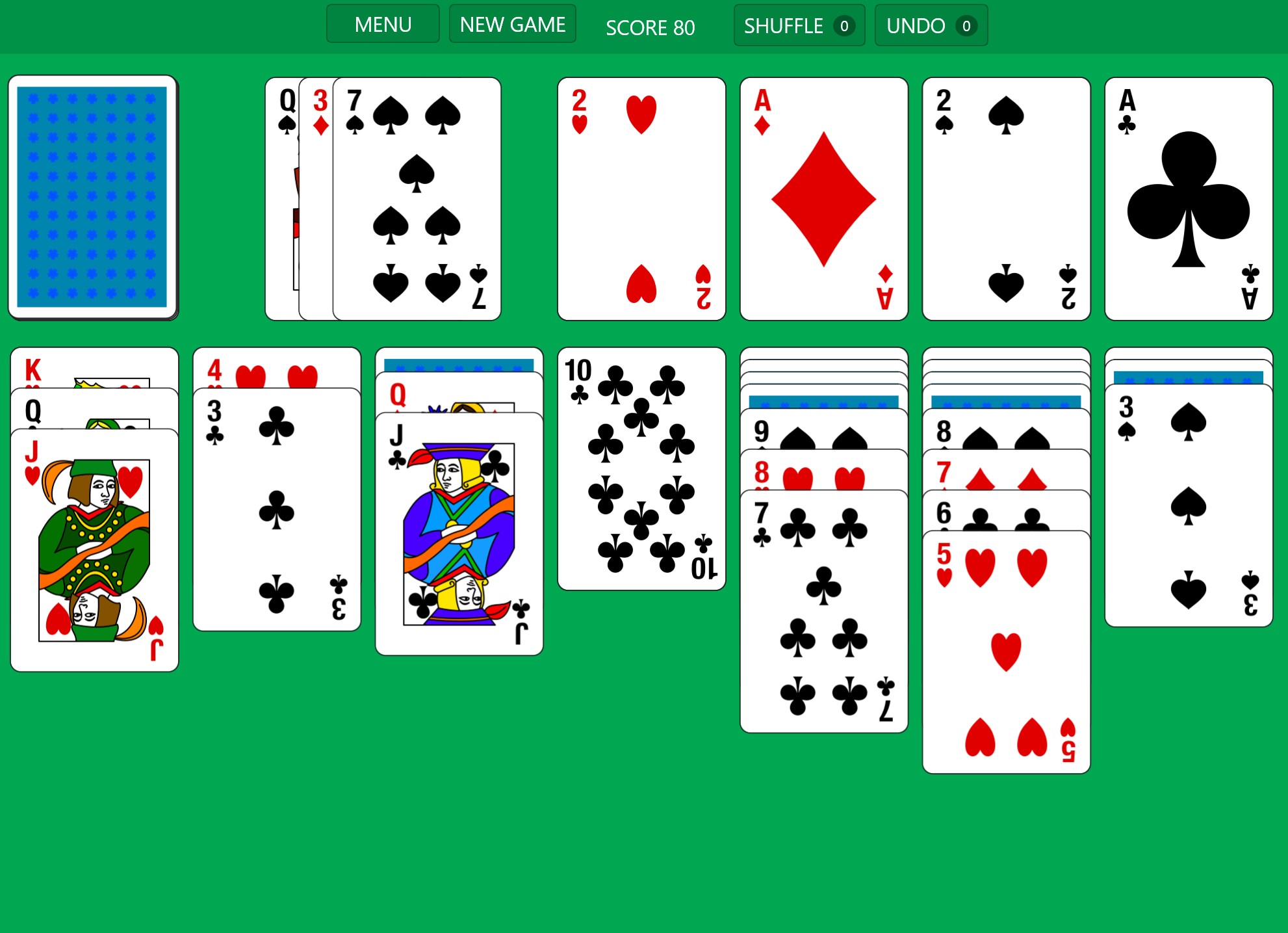
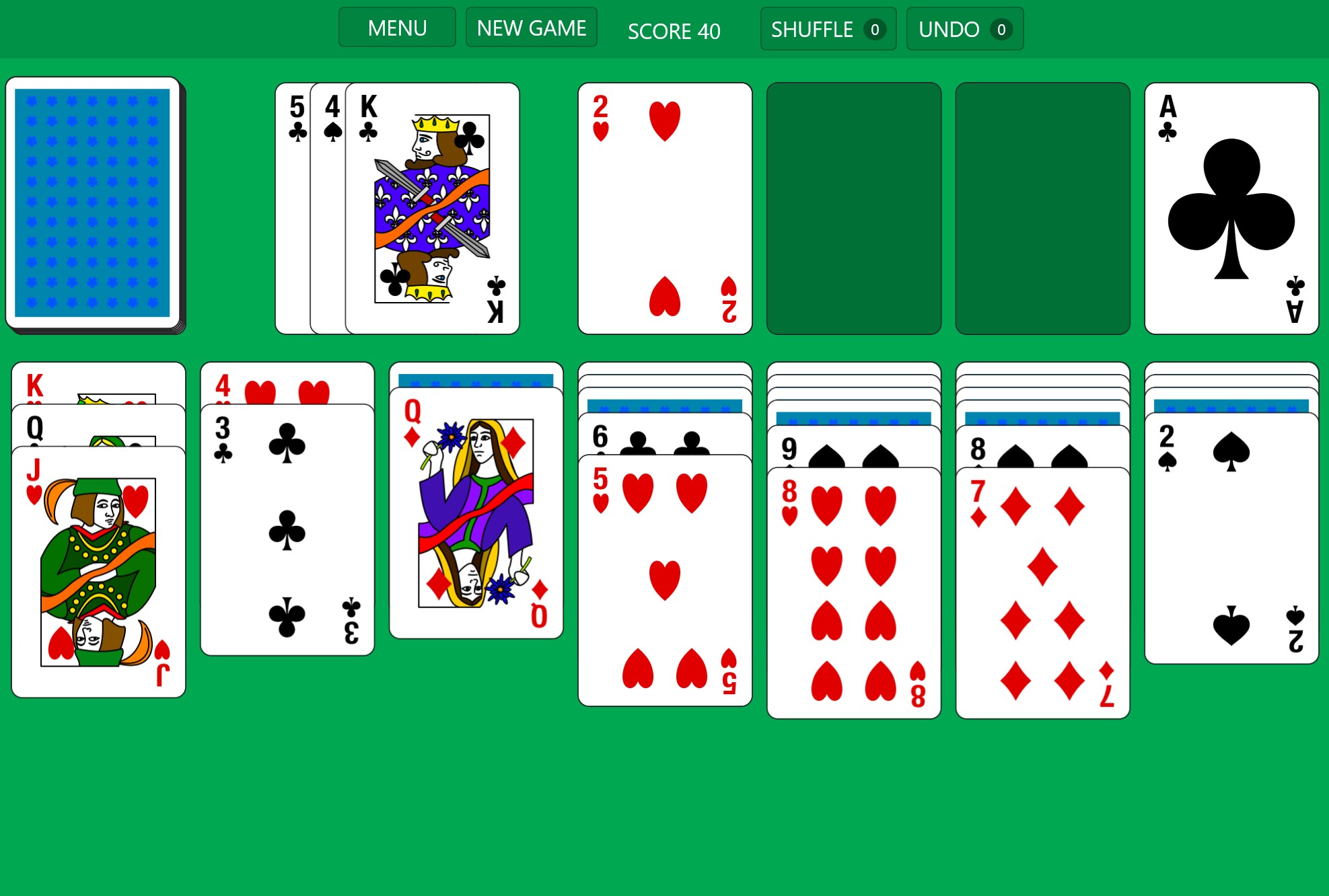
The app embraces a minimalistic aesthetic, reminiscent of the original Windows Solitaire, yet with polished graphics that feel vibrant and inviting. Customizable themes—including classic, dark mode, and modern light backgrounds—allow users to tailor the visual experience to their liking. Clicking through the interface feels fluid, thanks to crisp animations and responsive clickable elements, making navigation a breeze even for beginners.
Seamless Gameplay and Intuitive Controls
Solitaire '95 shines in its smooth operation—cards slide effortlessly across the screen, and the drag-and-drop controls mimic the physical act of handling cards, making the game highly intuitive. The app also offers features like auto-complete and undo moves, which are thoughtful touches for both seasoned players and newcomers. The learning curve is gentle; if you've played solitaire before, you'll find yourself immediately at home. For newcomers, guided tutorials can gently ease you into the rules and strategies.
The Unique Selling Points: What Sets It Apart
Unlike many other digital card applications, Solitaire '95 for Windows preserves the nostalgic charm of early Windows solitaire games while integrating modern enhancements like customizable aesthetics and smoother animations. Notably, its standout feature is the ability to switch seamlessly between different game modes—such as classic Klondike, Spider, and Freecell—from a single interface, offering variety that keeps boredom at bay. Additionally, the app maintains low system requirements, ensuring it runs smoothly on most Windows devices, even older ones.
Recommendation and Usage Tips
If you're seeking a straightforward, reliable solitaire experience rooted in tradition but with enough modern touches to stay engaging, Solitaire '95 is a solid choice. Its balance of simplicity and customization caters well to casual players wanting a quick mental escape. To maximize enjoyment, try experimenting with different themes and game modes, keeping your gameplay fresh and stimulating. While it doesn't boast flashy graphics or advanced features, its focus on core gameplay and user experience makes it a commendable choice for solitaire aficionados and newcomers alike.
In conclusion, Solitaire '95 for Windows is a thoughtfully crafted app that honors its roots while providing a clean, enjoyable playing environment. Whether you're reliving childhood memories or discovering solitaire for the first time, this app deserves a spot on your desktop for those quiet moments of leisure.
Pros
- Classic gameplay with nostalgic appeal
- Simple and intuitive user interface
- Lightweight and fast performance
- Minimal advertisements or intrusive pop-ups
- Accessible with basic features readily available
Cons
- Limited customization options
- Lack of multiple game modes or difficulty levels
- No statistics or progress tracking features
- Occasional minor graphical glitches
- Limited troubleshooting support











