

- Category Card & board
- Available on PC, Mobile, HoloLens
- OS Windows 10 version 10240.0 or higher
- languages English (United States)
A Bright Spot for Card Game Enthusiasts: Solitaire Card Games for Windows
If you're a fan of classic card games or looking for a relaxing yet engaging pastime on your Windows device, Solitaire Card Games for Windows by A Trillion Games Ltd offers a sleek and versatile digital take on timeless favorites. With intuitive design and multiple game modes, it aims to deliver an enjoyable experience for casual players and seasoned card strategists alike.
Clean, User-Friendly Interface with Thoughtful Design
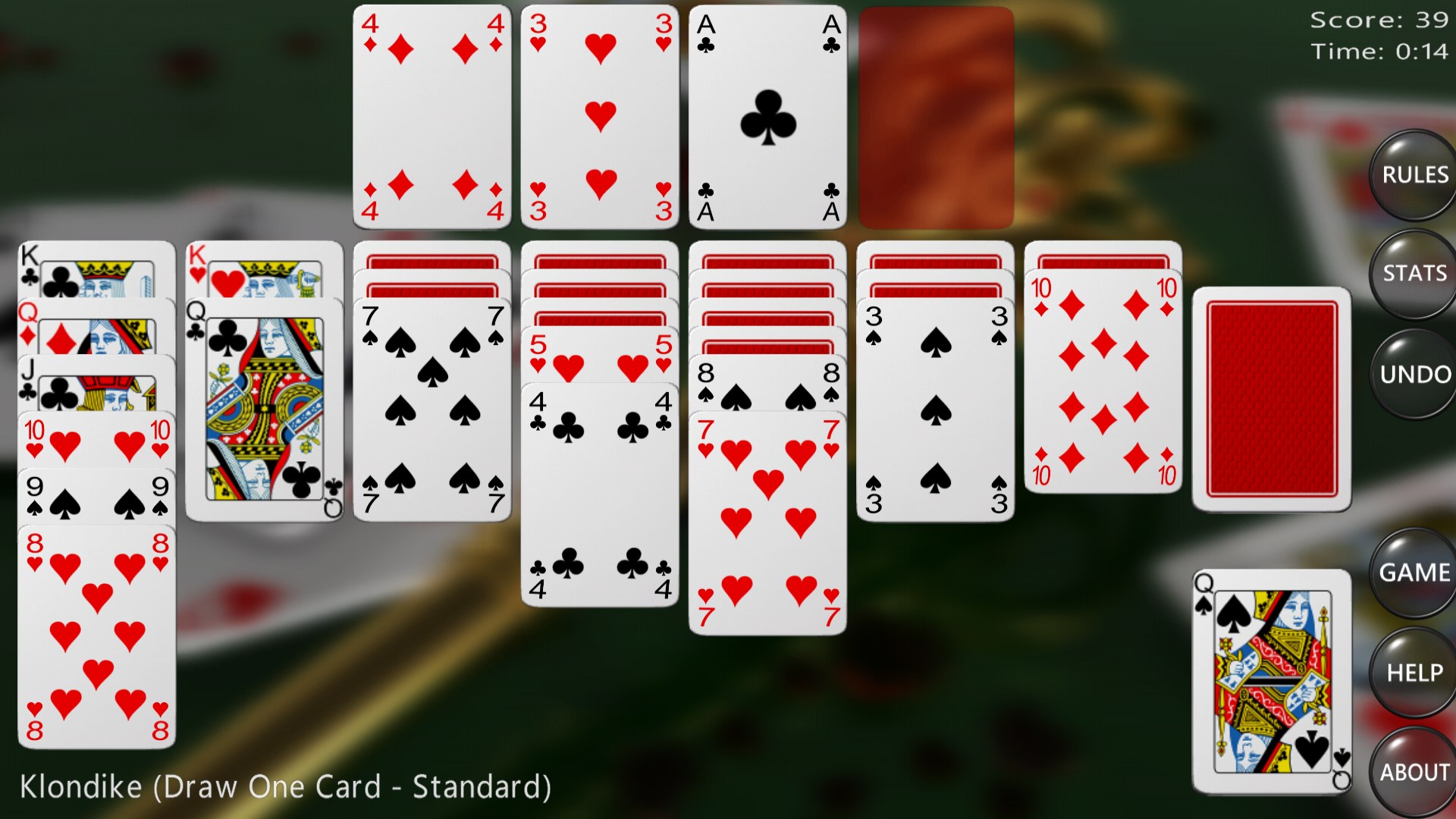
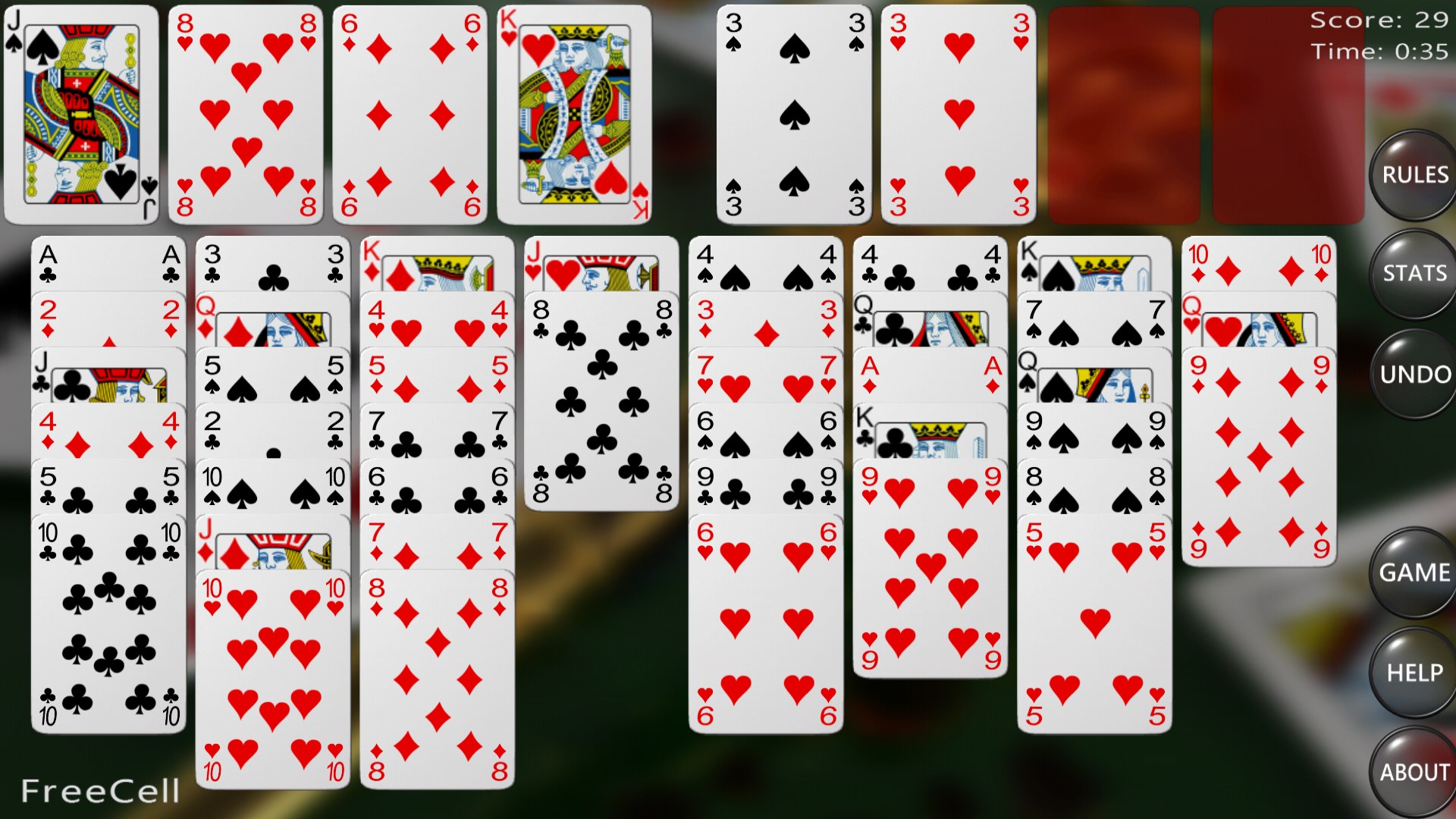
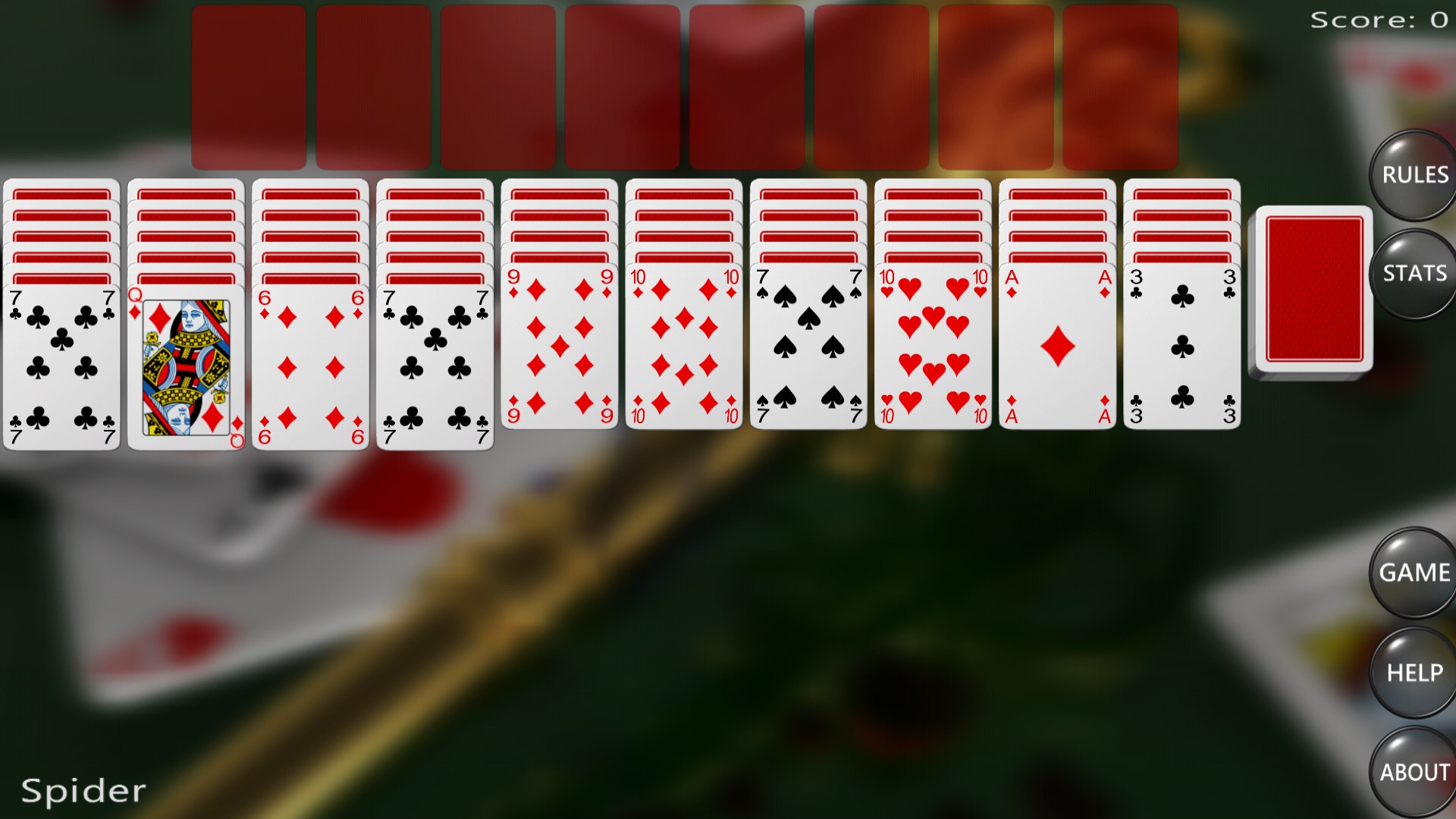
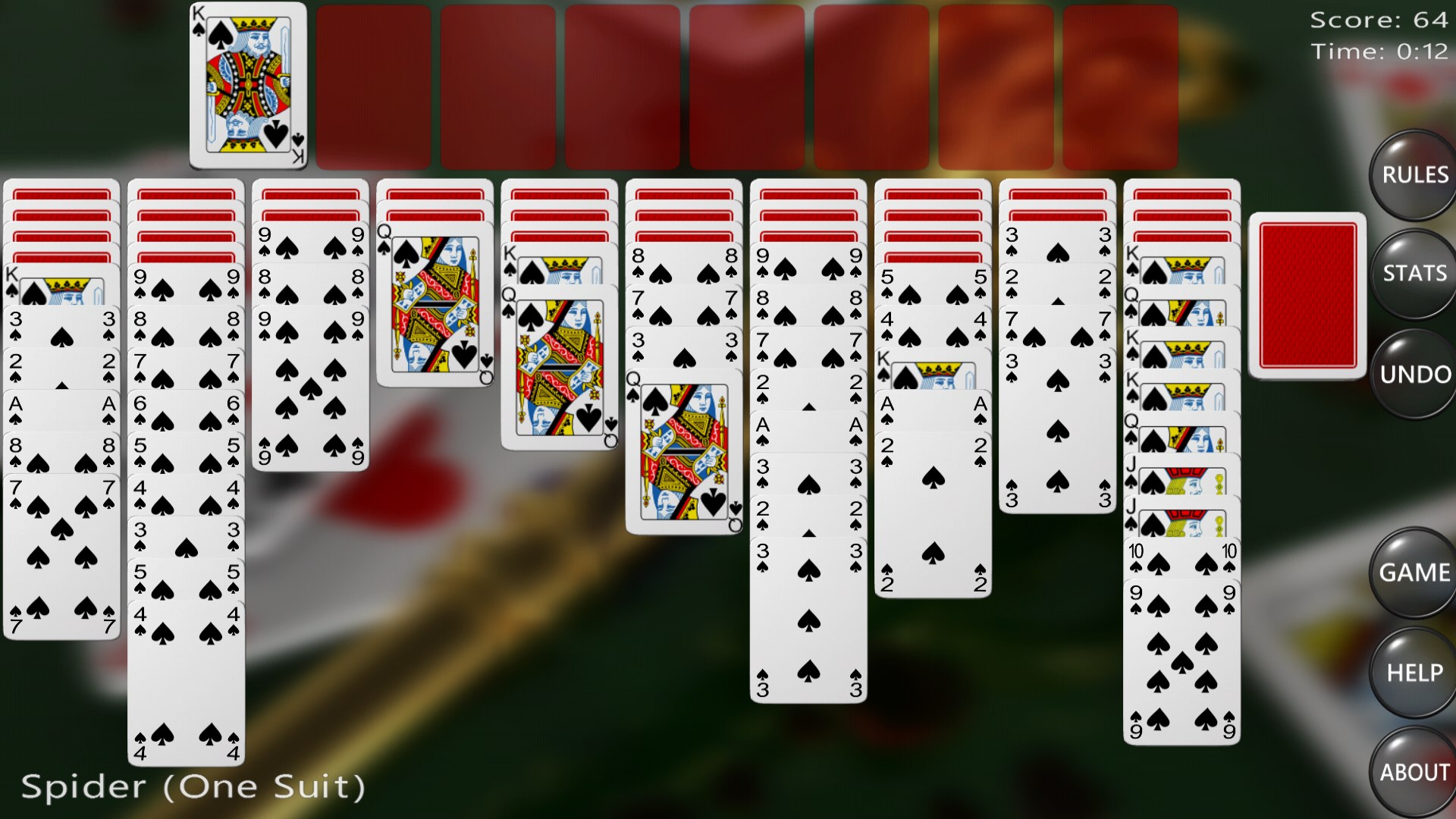
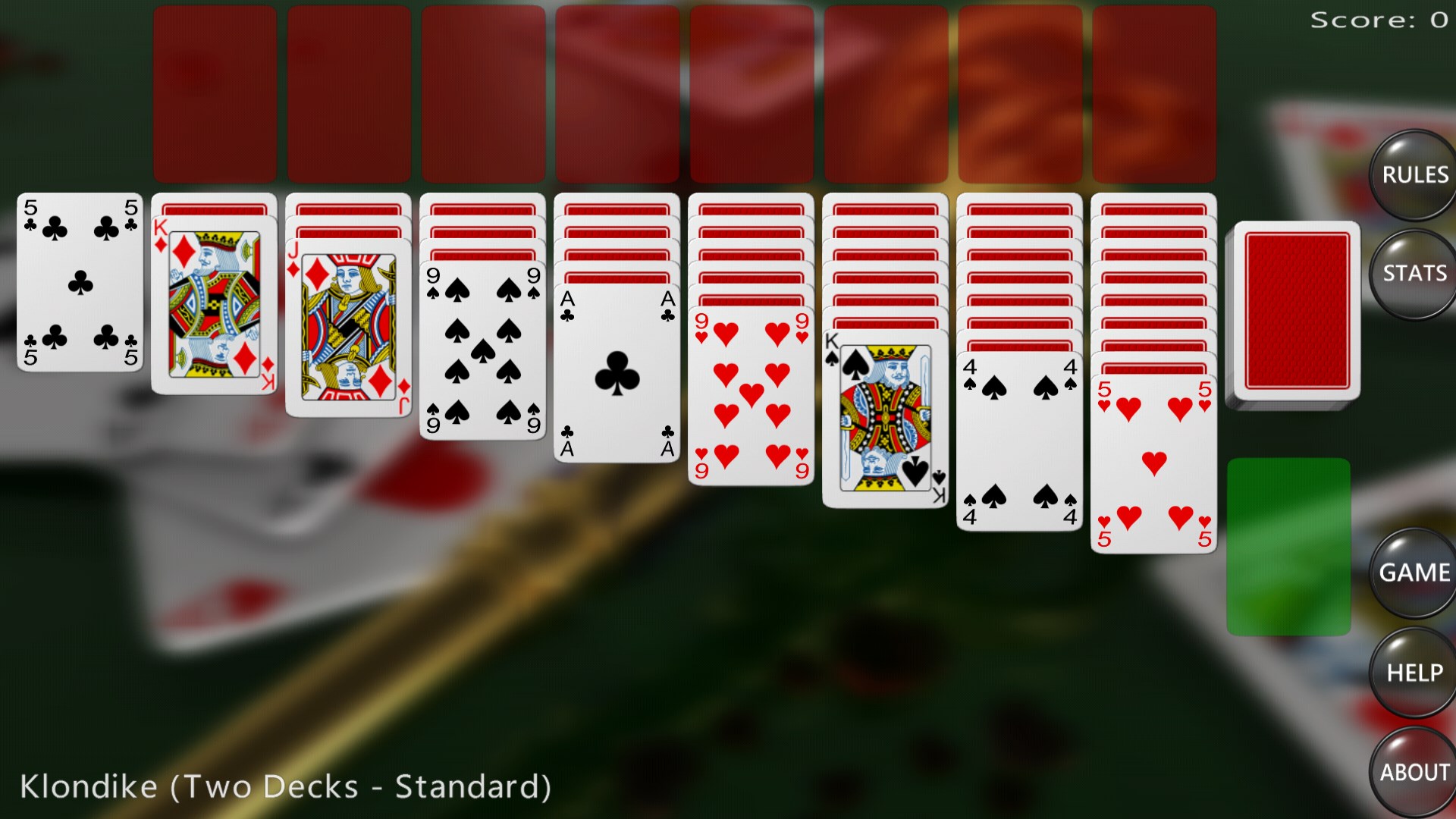
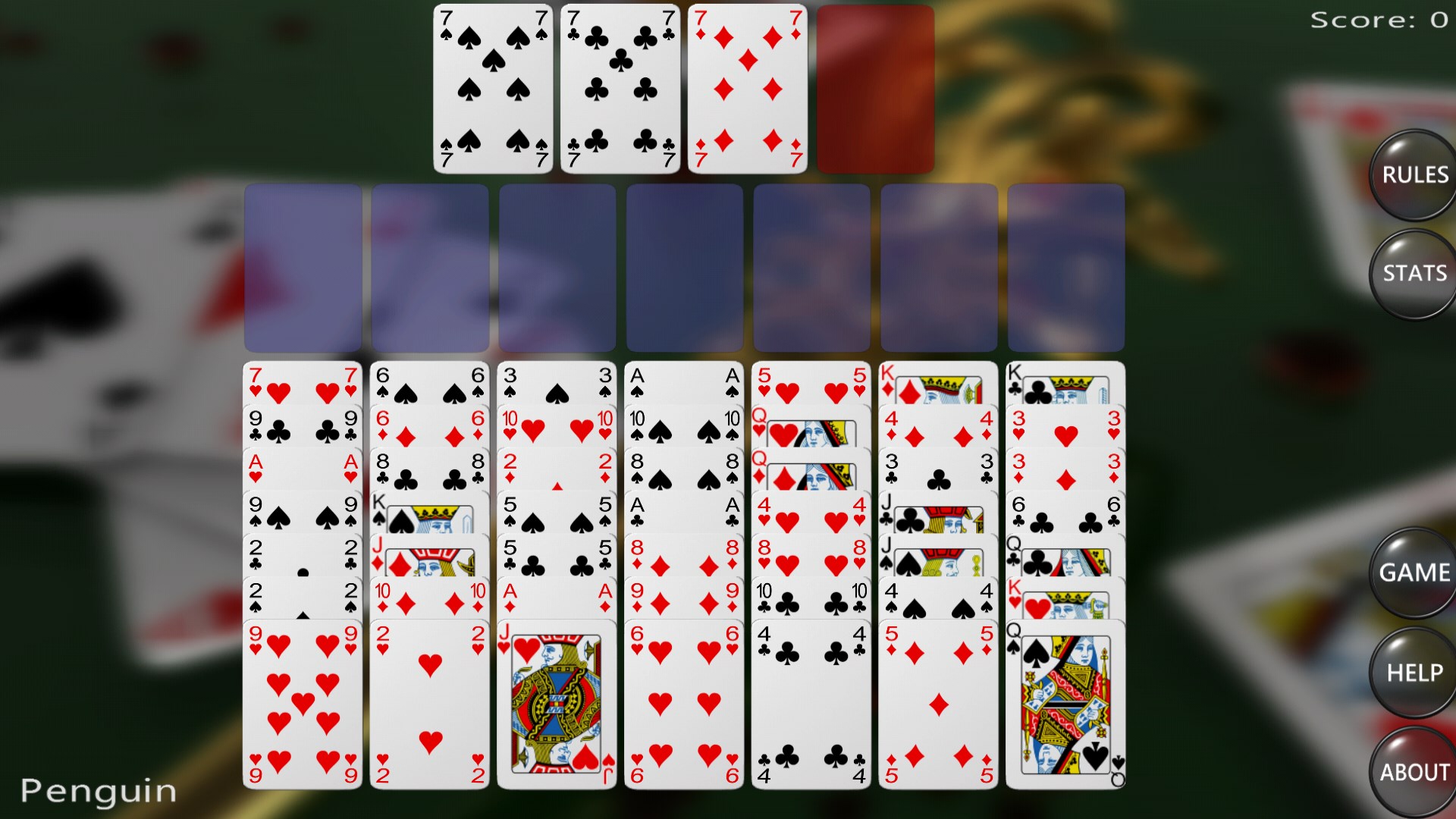
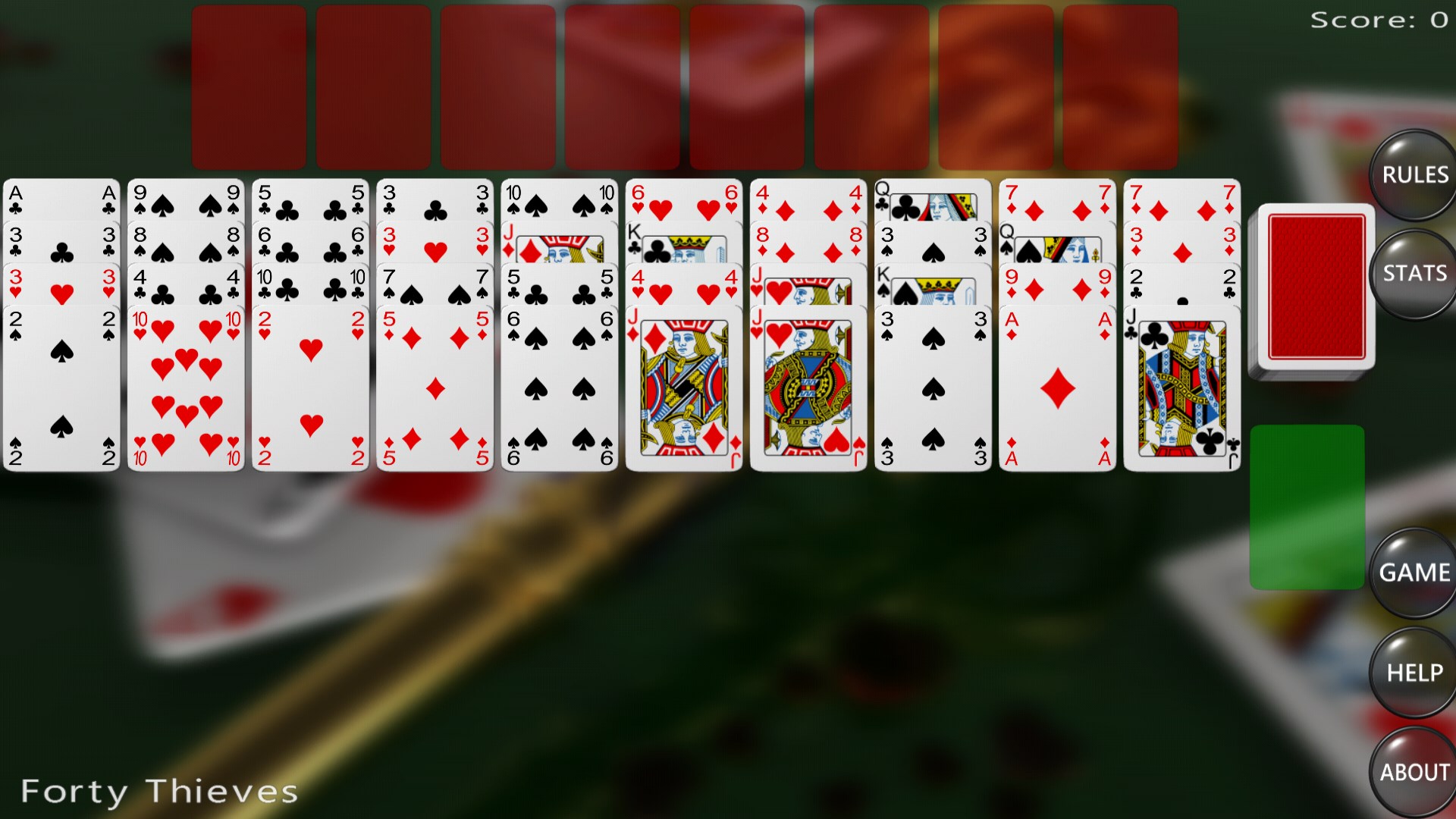
The first thing that strikes you upon launching Solitaire Card Games for Windows is its polished and clutter-free user interface. The app showcases a visually appealing layout that resembles a traditional card table, making it feel familiar and welcoming. Bright, crisp card graphics coupled with smooth animations create an immersive atmosphere that invites you to unwind or challenge yourself. Navigation is intuitive, with clearly labeled menus and easy access to different game modes, making it accessible even for newcomers to digital card games.
Smooth Gameplay and Easy Learning Curve
One of the app's standout features is its highly responsive and fluid gameplay. Dragging, dropping, and selecting cards feel natural, thanks to well-optimized code that ensures minimal lag—even on less powerful machines. The game includes helpful hints and adjustable difficulty settings which facilitate a gentle learning curve. Whether you're a veteran familiar with Solitaire variants or a newcomer, you'll find the controls straightforward, allowing you to jump right into the game without fuss. This design prioritizes user enjoyment over unnecessary complexity, making the experience smooth and accessible.
Multiple Game Modes that Keep the Interest Alive
The app offers several popular Solitaire variations—Klondike, FreeCell, Pyramid, and more—each crafted with care to preserve their traditional rules while adding optional modern enhancements. For example, the Klondike mode features customizable backgrounds and card backs, allowing players to personalize the visual experience. The inclusion of multiple game modes ensures that boredom is kept at bay, as enthusiasts can switch between different styles depending on their mood or skill level. Unique features like daily challenges and achievement tracking add layers of engagement, encouraging players to improve their skills and enjoy varied playing scenarios.
Standout Feature: Adaptive Difficulty and Personalization
What truly sets Solitaire Card Games for Windows apart from many other digital card apps is its adaptive difficulty settings combined with extensive personalization options. Unlike typical implementations that offer a one-size-fits-all experience, this app allows you to modify difficulty levels or enable hints, making it suitable for everyone—from beginners to advanced players. Additionally, the ability to customize backgrounds and card designs creates a personalized gaming environment that feels like your own digital card table. This dual approach of adaptability and personalization enhances user engagement and makes each game truly your own.
Overall Impressions and Recommendations
In summary, Solitaire Card Games for Windows offers a well-crafted, straightforward digital card experience that balances classic gameplay with modern usability. Its intuitive interface, smooth performance, and flexible game modes make it a reliable choice for relaxing moments or quick mental workouts. If you appreciate a clean presentation and a customizable experience, this app is definitely worth a try. Recommended for casual players seeking variety, as well as serious enthusiasts who value flexibility and personalization. For those bored of generic card apps or seeking a trustworthy, friendly digital companion for your card game sessions, this might just become your new favorite.
Pros
- Intuitive and user-friendly interface
- Classic Solitaire gameplay with various modes
- Offline play available
- Customizable themes and card styles
- Progress tracking and achievements
Cons
- Limited daily challenge variety
- Occasional ads between game sessions
- Lack of multiplayer or social features
- Basic tutorial for newcomers
- Limited customization options for animations











