

- Category Card & board
- Available on PC, Mobile, Surface Hub, HoloLens
- OS Windows 10 version 10240.0 or higher
- DirectX Version 10
- languages English (United States)
A Cozy Collection of Classic Solitaire Games for Windows
Solitaire - Casual Collection for Windows, developed by Mike Battista, offers a charming assortment of traditional card games shaped for casual players seeking a relaxing yet engaging experience. Whether you're looking to unwind during a break or challenge your card skills, this app aims to provide a straightforward, enjoyable gateway into the timeless world of Solitaire and similar card games.
Key Features That Make It Stand Out
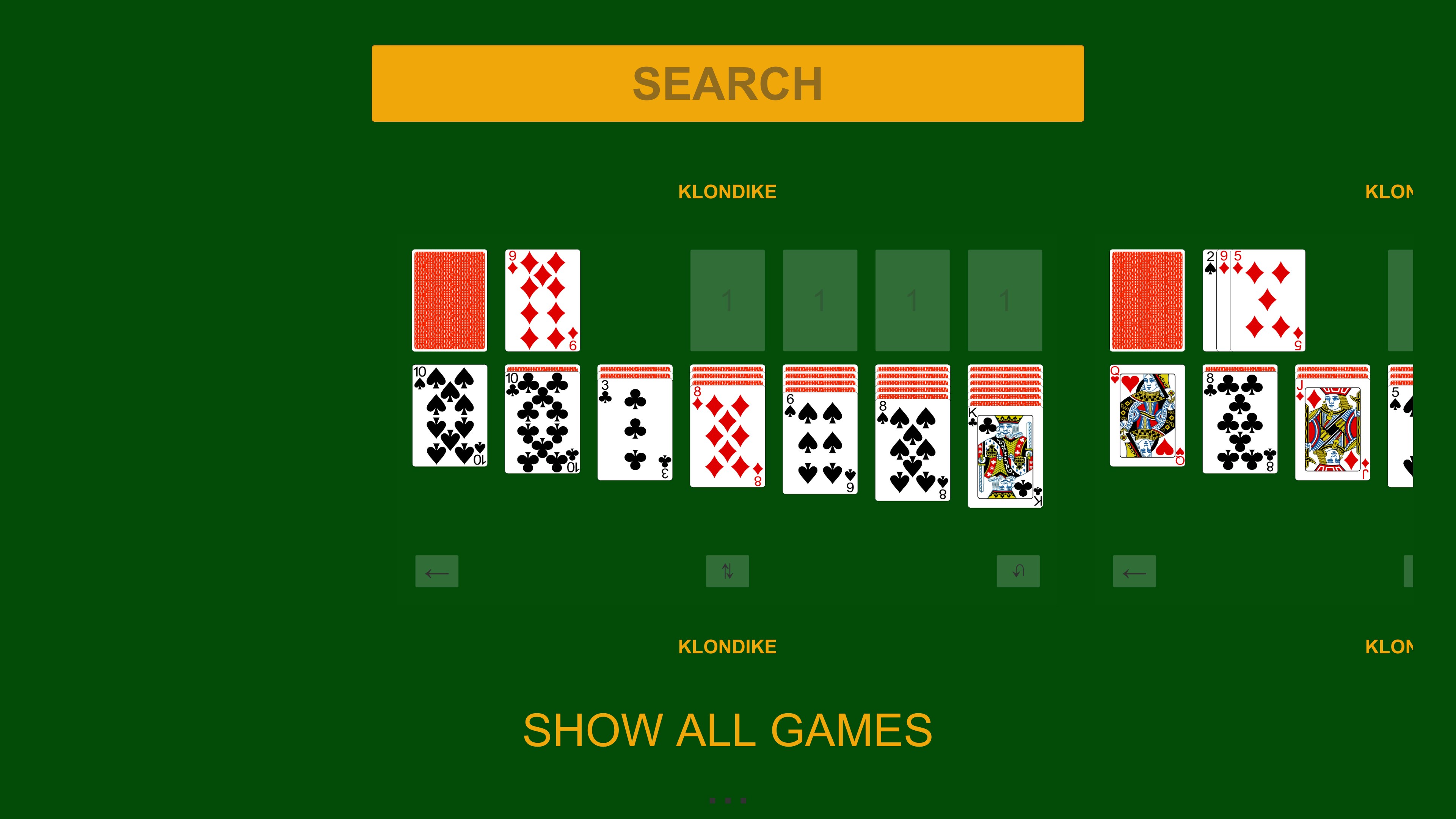
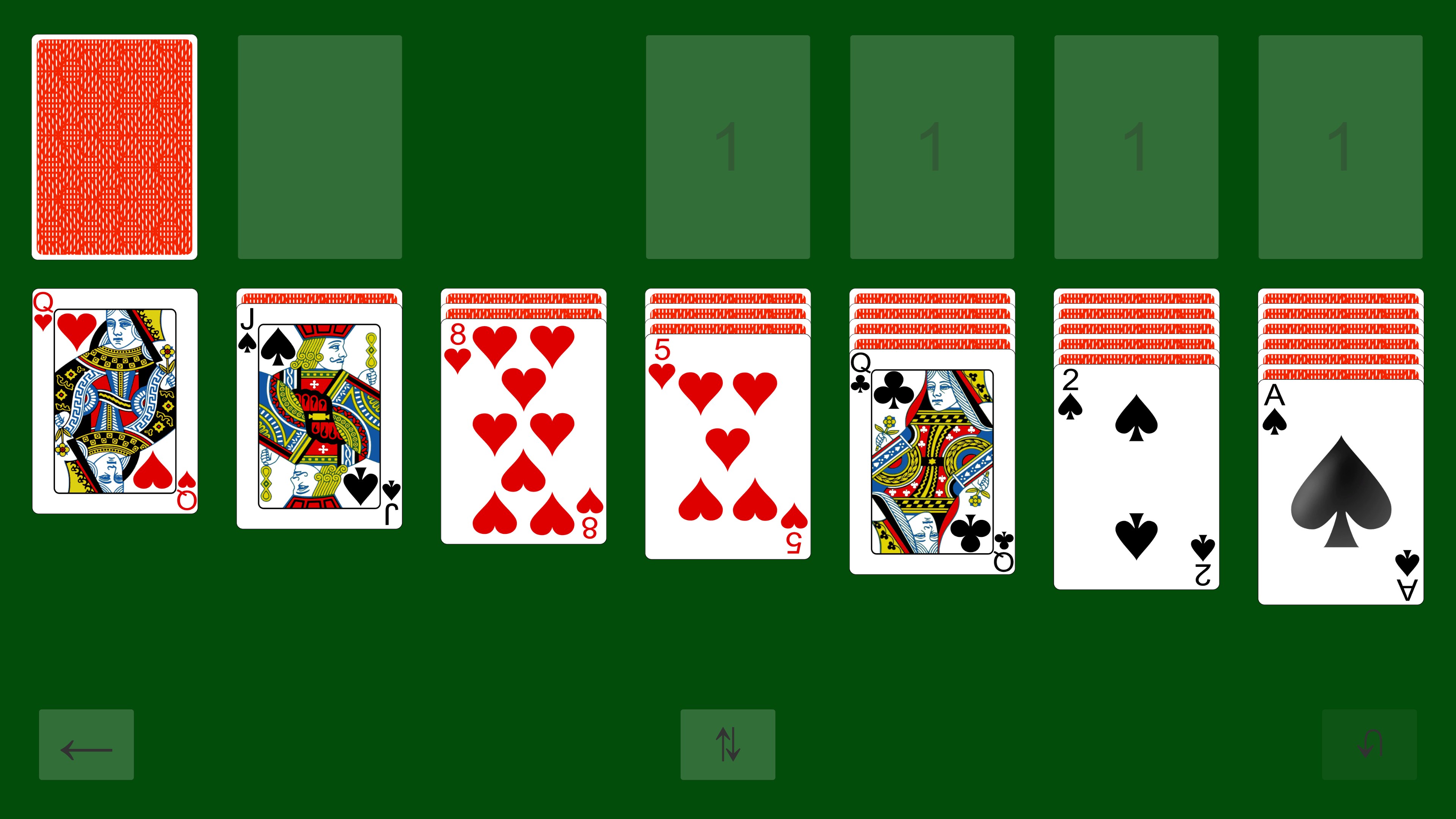
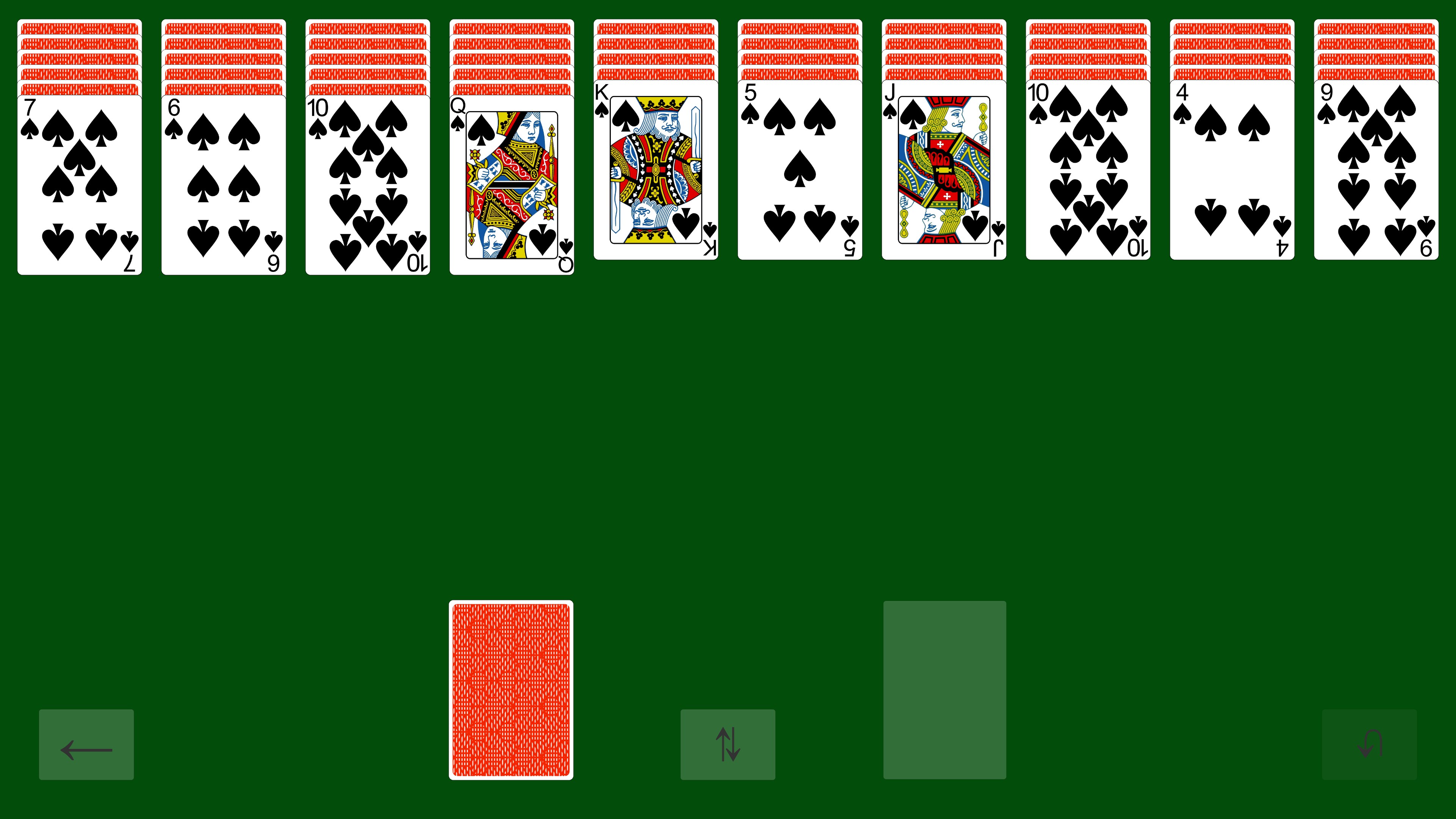
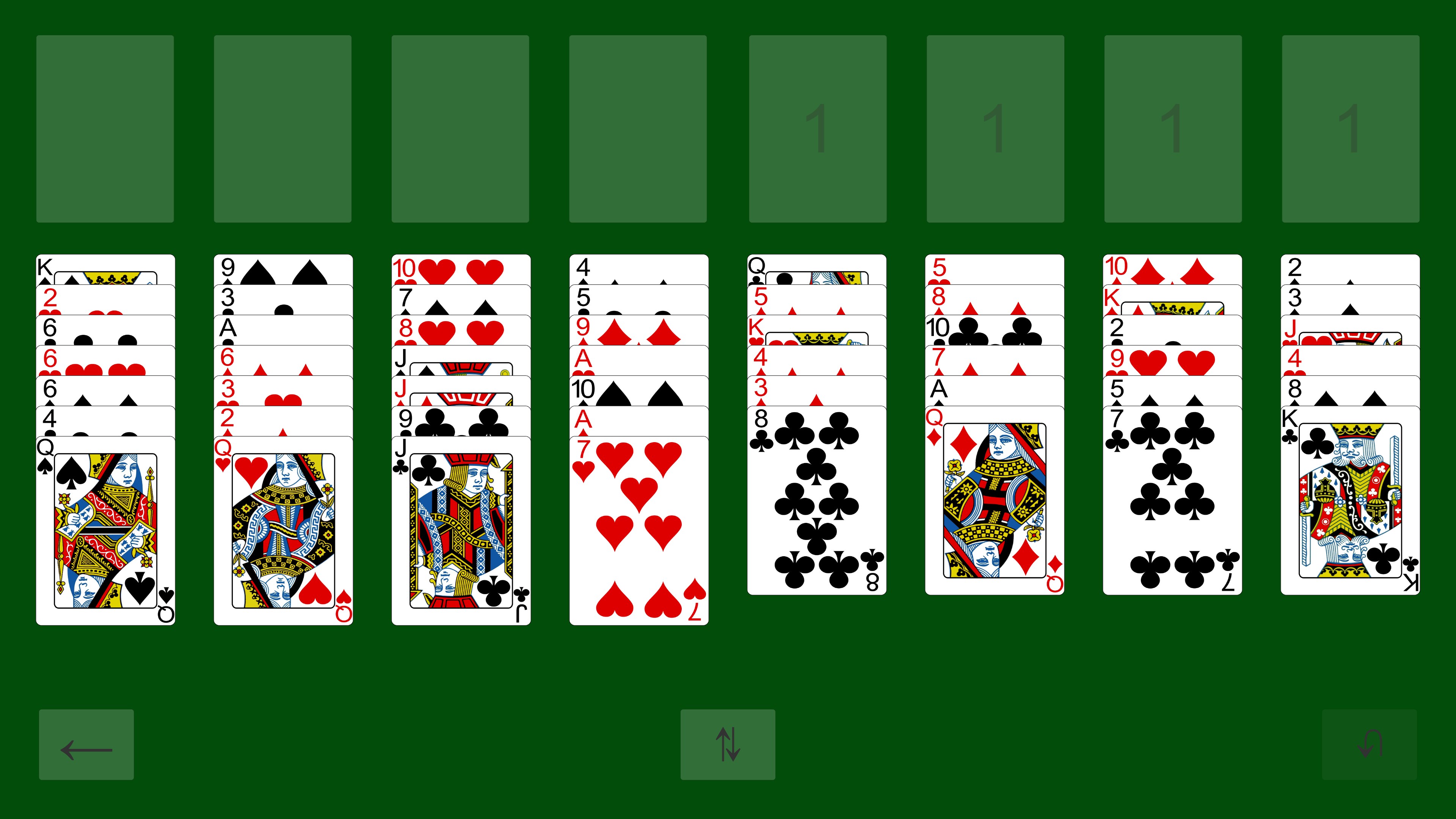
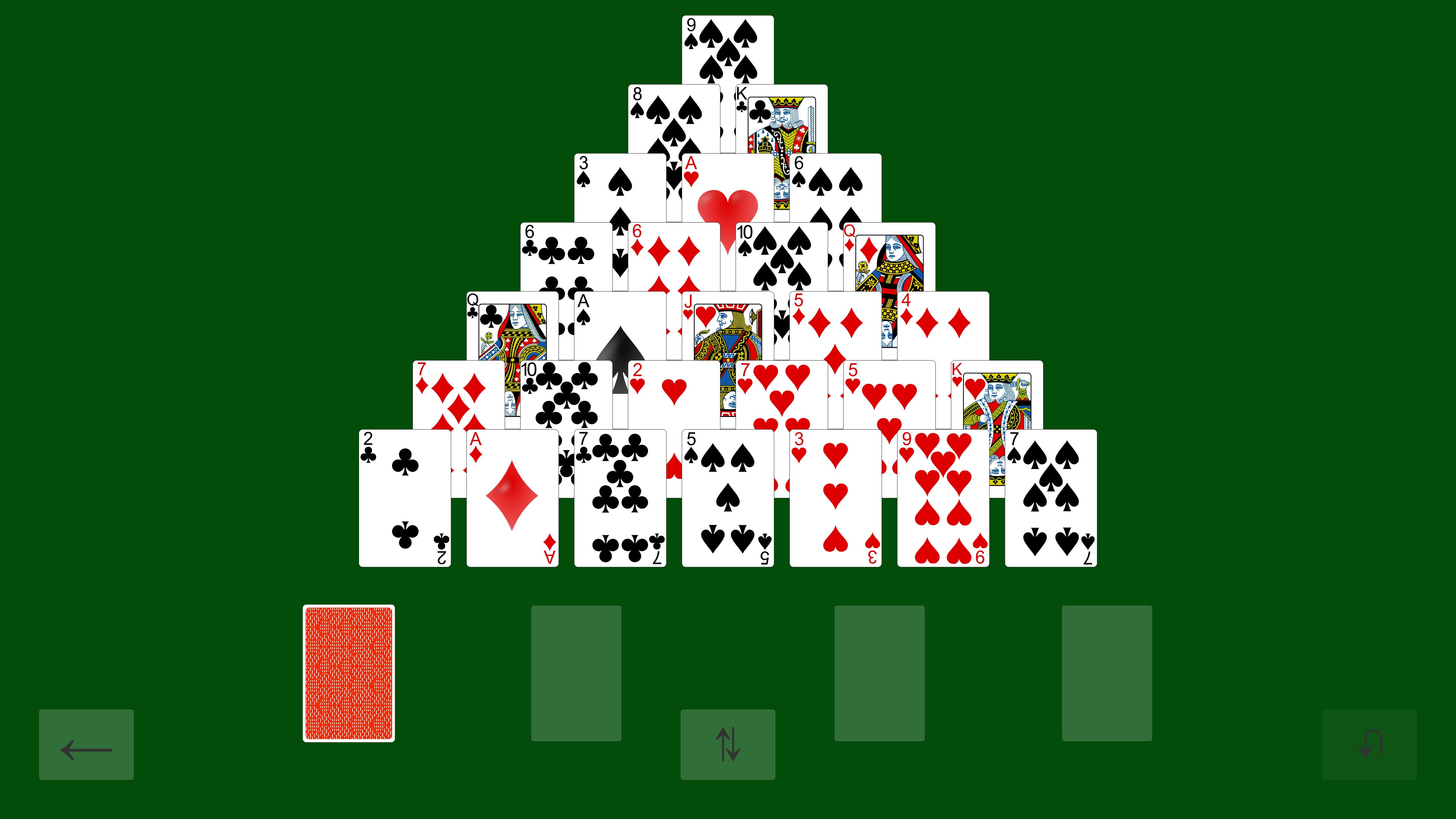
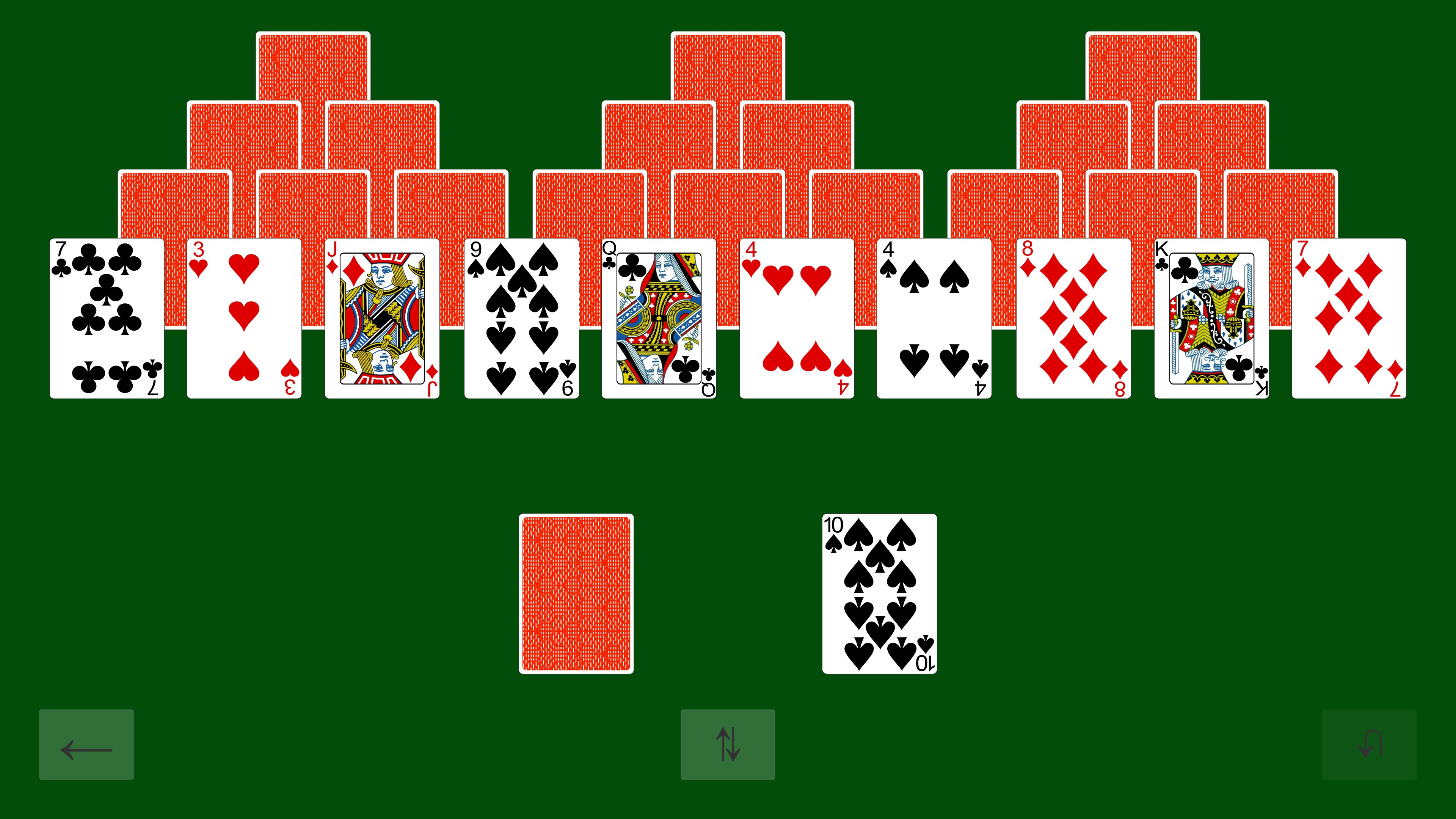
At its core, Solitaire - Casual Collection is about simplicity and nostalgia, but it doesn't shy away from polished design and smooth gameplay. The game boasts a variety of classic card games—including Klondike Solitaire, FreeCell, and Spider—offering a well-rounded suite for fans of digital card play. Its main highlights include a clean and intuitive interface, customizable game options that cater to different skill levels, and a seamless playing experience that ensures you're never bogged down by lag or complicated controls.
User-Centric Interface with Elegant Simplicity
The app's design exudes a clean, minimalistic aesthetic reminiscent of a deck of well-kept cards laid out on a cozy coffee table. Navigation is intuitive, with large, easy-to-tap buttons perfect for both mouse and touchscreen users. The interface avoids clutter, allowing players to focus purely on the cards in front of them. Clear visuals and subtle animations enhance user engagement without overwhelming the senses, making it suitable for both quick sessions and longer gameplay stretches.
Fluid Gameplay & User Experience
One of the app's most impressive aspects is its smooth operation. Moves register instantly, flicking cards feels natural, and animations are fluid, giving the player a sense of effortless play—much like dealing with a physical deck of cards. The app minimizes learning curves with straightforward tutorials and adjustable difficulty settings, letting novices pick up the game quickly while still challenging experienced players. Overall, the experience is responsive and frustration-free, transforming casual gaming into a soothing pastime rather than a source of irritation.
Unique Selling Points & Differentiators
What makes Solitaire - Casual Collection especially appealing in a crowded market of card games are two standout features. First, the game offers a diverse selection of classic Solitaire variants within a single app, making it a one-stop shop for all familiar card-game fans. Second, its core strength lies in providing a truly relaxing environment—no intrusive ads, minimal UI distractions, and optional background music—perfect for those seeking a moment of calm amid a busy day. Unlike many similar apps that focus on competitive features or gamification, this collection emphasizes the timeless pleasure of simple card arrangements and strategic thinking.
Recommendation & Usage Suggestions
I would recommend Solitaire - Casual Collection for casual players, students, or anyone who enjoys classic card games in a clean, user-friendly format. If you appreciate the traditional feel of Solitaire with the flexibility of multiple game variations, this app offers a reliable and polished experience. It's an excellent choice for quick plays during breaks or quiet evenings. For those looking to transition from paper cards to digital with a straightforward interface and no excessive fuss, this app fits the bill perfectly.
Overall, Solitaire - Casual Collection stands out as an elegant, accessible option for classic card game enthusiasts. Its focus on simplicity, fluid gameplay, and the sheer variety of variants makes it a noteworthy addition to the Windows app landscape—an inviting digital deck ready for your next relaxing game session.
Pros
- User-friendly interface
- Wide variety of Solitaire games
- Offline mode support
- Regular updates and new content
- Smooth performance and graphics
Cons
- Limited customization options
- Ads can be intrusive during gameplay
- No multiplayer mode
- Difficulty in accessing certain settings
- Battery consumption on older devices











