

- Category Card & board
- Developer Gamos Mobile limited
- Available on PC
- OS Windows 8.1 or higher
- languages English (United States), French, German, Italian, Russian, Spanish (Spain)
Introducing Solitaire Free! for Windows: Classic Card Gaming at Your Fingertips
Solitaire Free! for Windows, developed and published by Gamos Mobile Limited, is a digital take on the timeless card game designed to bring relaxing yet engaging gameplay directly to your desktop. This app aims to revive the traditional solitaire experience with a sleek interface and convenient features, making it suitable for casual players and card enthusiasts alike.
Who's Behind the Deal: Developer & Publisher
Gamos Mobile Limited is at the helm of Solitaire Free!, leveraging their experience in creating user-friendly mobile and desktop gaming applications. With a focus on straightforward yet enjoyable gameplay, Gamos Mobile aims to bridge classic game nostalgia with modern digital convenience.
Key Highlights That Make Solitaire Free! Stand Out
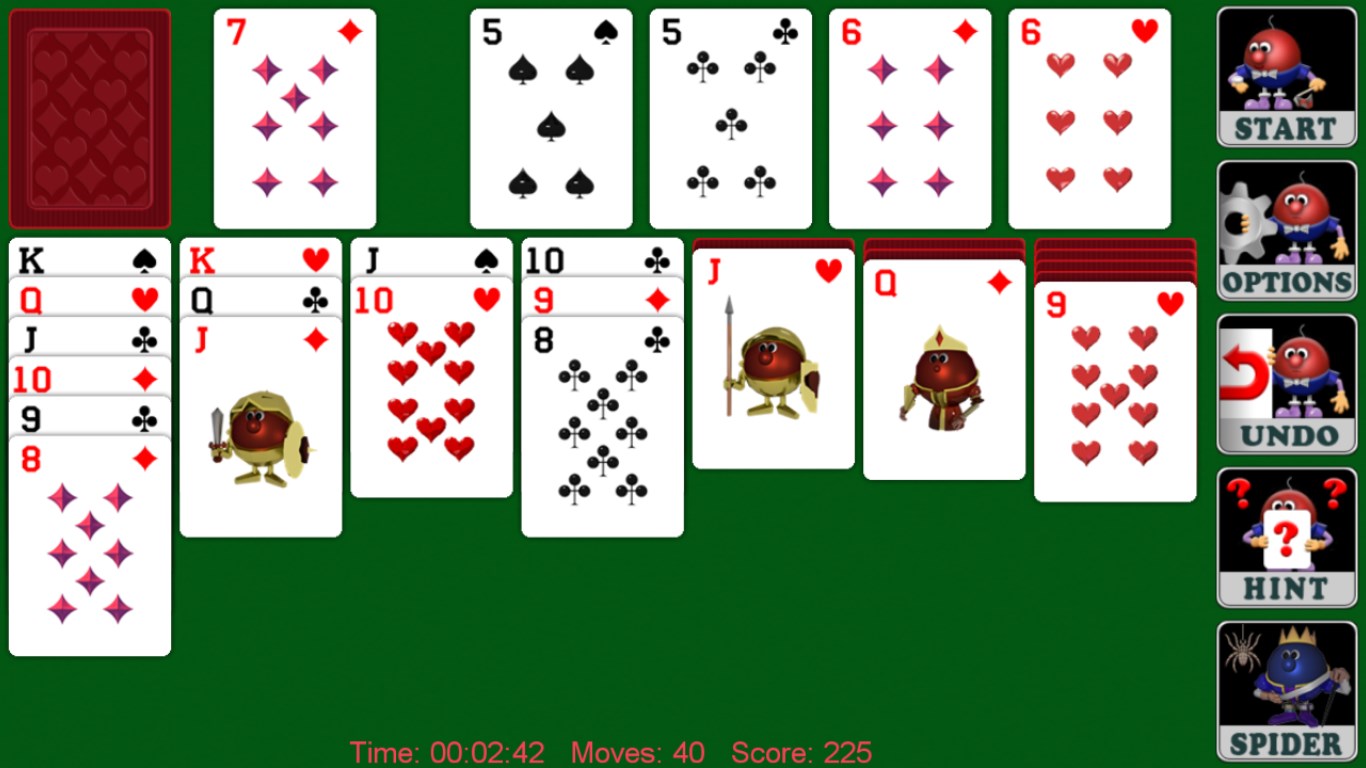
- Seamless and Intuitive Interface: Designed to mimic the look and feel of physical cards, with crisp visuals and simple controls that appeal to all age groups.
- Multiple Game Modes & Variations: Offers standard klondike Solitaire along with several difficulty levels and optional rule tweaks, enhancing replayability.
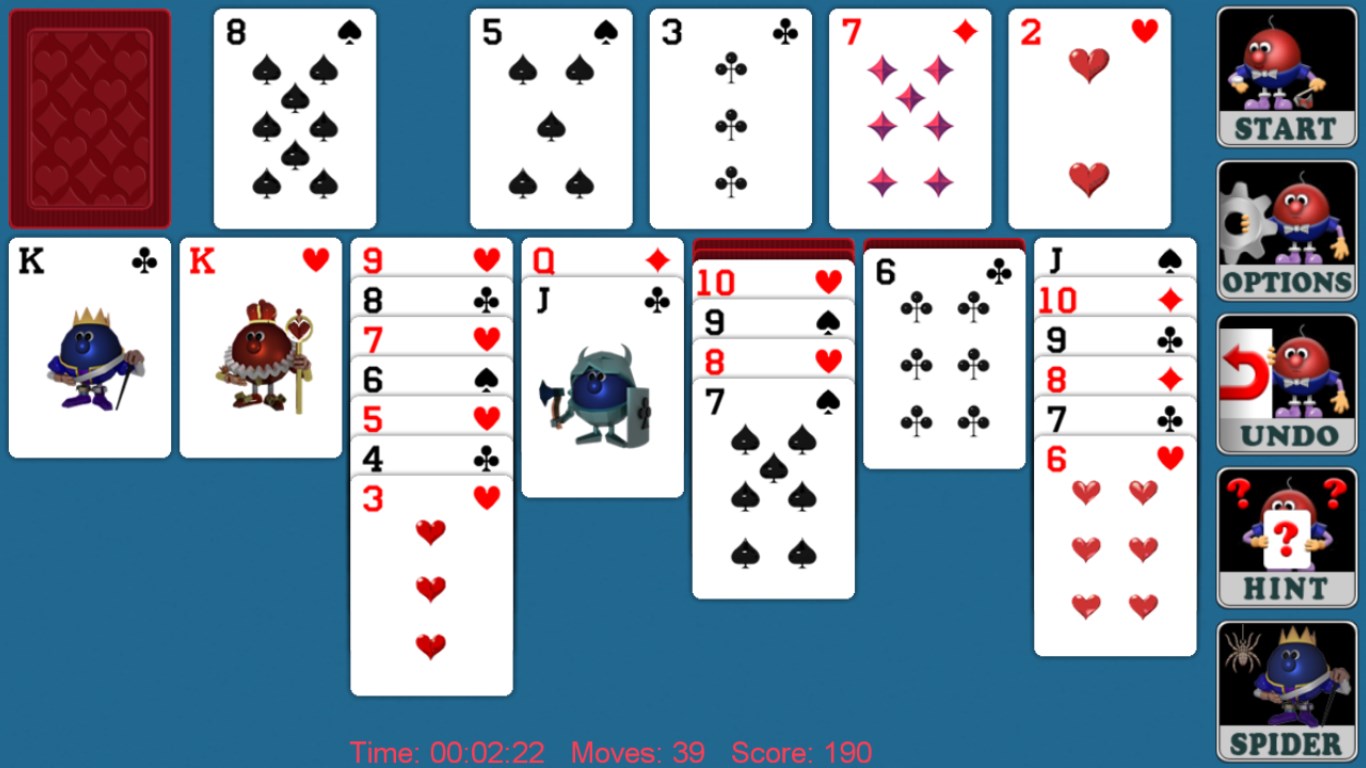
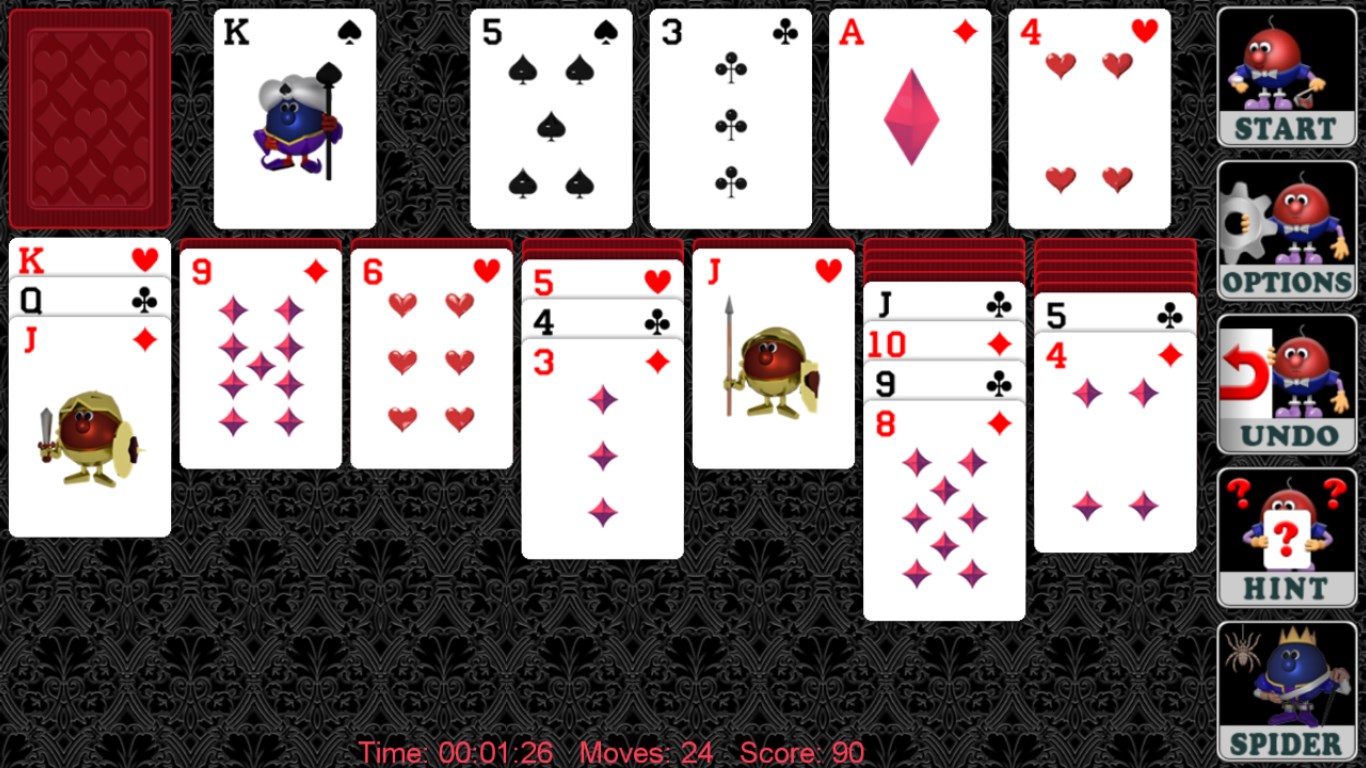
- Personalized Experience: Includes themes, card backs, and adjustable difficulty settings, allowing players to customize their gameplay environment.
- Instant Play & Accessibility: No need for internet connection once downloaded, ideal for quick, relaxing breaks or long gaming sessions at your convenience.
A Closer Look: The Gameplay and User Experience
Stepping into Solitaire Free! is like opening a well-worn deck of cards—familiar, inviting, and satisfying. The game's interface is thoughtfully designed, with high-contrast visuals that keep your focus on the game rather than distractions. Navigating through options and game modes is a breeze, thanks to intuitive controls that replicate the familiar dragging and tapping gestures of physical play. Whether you're a seasoned solitaire veteran or a newcomer, the soft learning curve ensures you're never lost—just dive in and start playing.
Engaging Core Features: What Makes It Special
The app's standout feature is its diversity of game modes and customization options. Unlike many solitaire apps that stick with a one-size-fits-all approach, Solitaire Free! allows players to pick from several rule sets and themes, creating a fresh experience with each game. For example, you can select classic rules or enable alternative options like re-deals or undo moves, catering to both purists and those seeking a relaxed variation. This flexibility makes it an ideal choice for players seeking variety without complexity.
Design & Performance: A Smooth Ride
From the moment you open the app, it's clear that user experience was a priority. The crisp card graphics and soothing background options contribute to a calming atmosphere, similar to shuffling through a well-organized deck. Performance-wise, the game runs smoothly on various Windows devices, with swift response to user inputs—no lag or stuttering. Learning curve is minimal; even beginners quickly understand the drag-and-drop mechanics, making it accessible for all ages. The game's layout is clean and simple, reflecting the elegance of traditional solitaire with a modern touch.
What Sets It Apart From Other Card Games?
While the market is flooded with solitaire apps, Solitaire Free! distinguishes itself through its extensive customization and game variation options. The ability to personalize themes, choose different rule sets, and toggle difficulty levels provides a tailored experience that keeps players engaged long-term. Additionally, its offline functionality means you can enjoy a game anytime, even without internet. The focus on simplicity without sacrificing depth ensures it appeals both to casual players seeking quick relaxation and to more dedicated card enthusiasts craving a richer experience.
Final Thoughts & Recommendations
Overall, Solitaire Free! for Windows is a thoughtfully crafted digital rendition of the classic card game. Its user-friendly design, variety of game modes, and customization features make it a noteworthy choice for anyone looking to revisit or discover solitaire on their desktop. I recommend it to casual players or those in need of a simple, calming pastime during breaks. Its unobtrusive interface and solid performance make it a trustworthy companion for everyday relaxation.
Pros
- Intuitive interface
- Variety of solitaire modes
- Offline access
- Achievements and leaderboards
- Customizable themes
Cons
- Limited customization options
- Ads may appear frequently
- Lack of detailed tutorials for beginners
- No multi-device sync
- Limited social sharing options











