

- Category Card & board
- Available on Xbox console, PC, Mobile
- OS Windows 10 version 17763.0 or higher
- languages English (United States)
Introducing Solitaire HD for Windows: A Classic Card Game with a Modern Touch
Solitaire HD for Windows, developed by Bernardo Zamora, offers a refined take on the timeless card game, bringing a clean interface and smooth gameplay to fans of digital Solitaire. Whether you're seeking a relaxing pastime during breaks or a way to sharpen your card skills, this app aims to blend simplicity with visual elegance.
Sleek Design Meets User-Friendly Interface
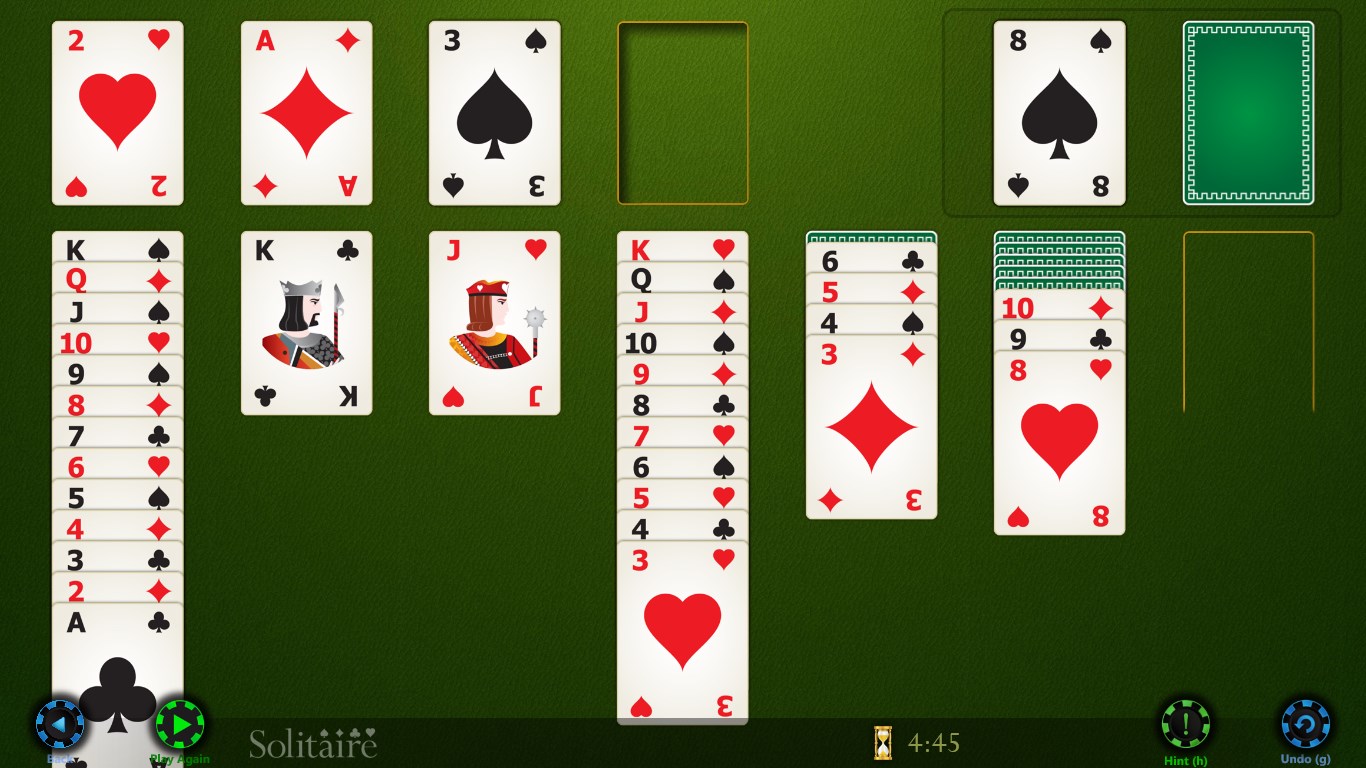
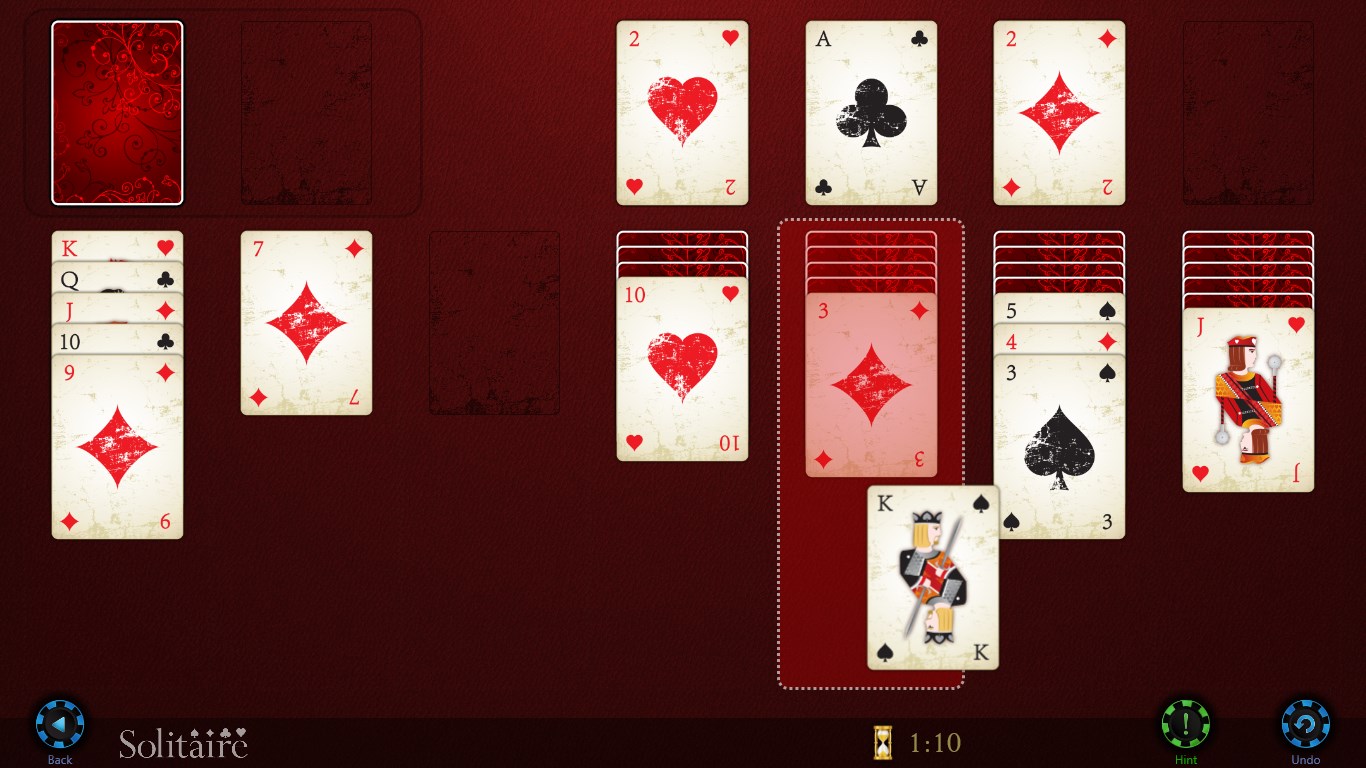
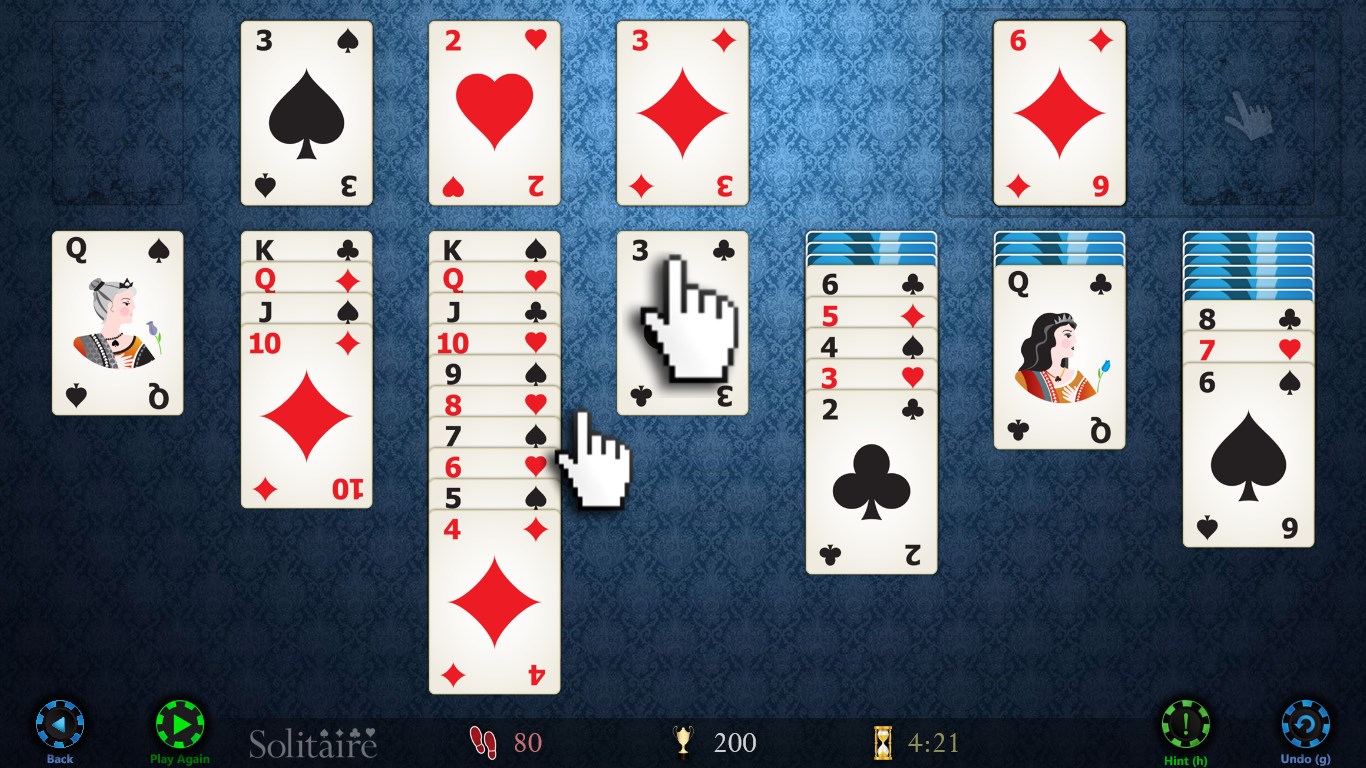
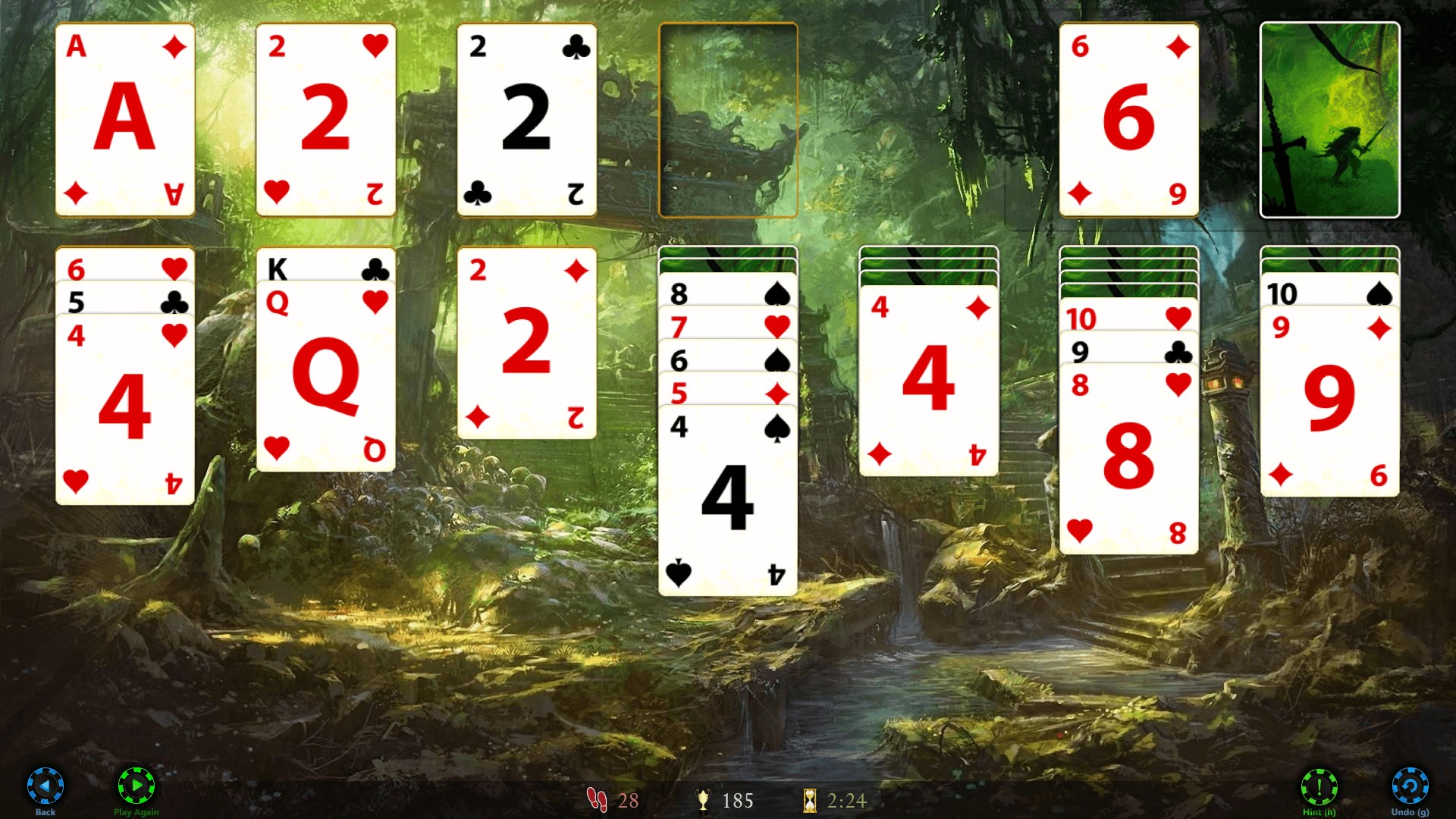
One of the first things you'll notice upon launching Solitaire HD is its polished interface. The game adopts a minimalistic design that emphasizes clarity and ease of navigation. The card animations are smooth, mimicking real-life dealing, which adds to the immersive experience. The clean layout ensures that players aren't overwhelmed by clutter—it's as if you've stepped into a neatly organized virtual card table, ready for you to start arranging and stacking.
The interface is very intuitive; new players can pick up the game quickly, thanks to straightforward menus and clear icons. Whether you prefer portrait or landscape orientation, the app adapts seamlessly, maintaining fluid gameplay across different devices and screen sizes. The visual aesthetic, combined with subtle sound effects, creates a calming environment perfect for casual play or focused concentration.
Core Features That Elevate the Card Playing Experience
Multiple Game Variants & Customization Options
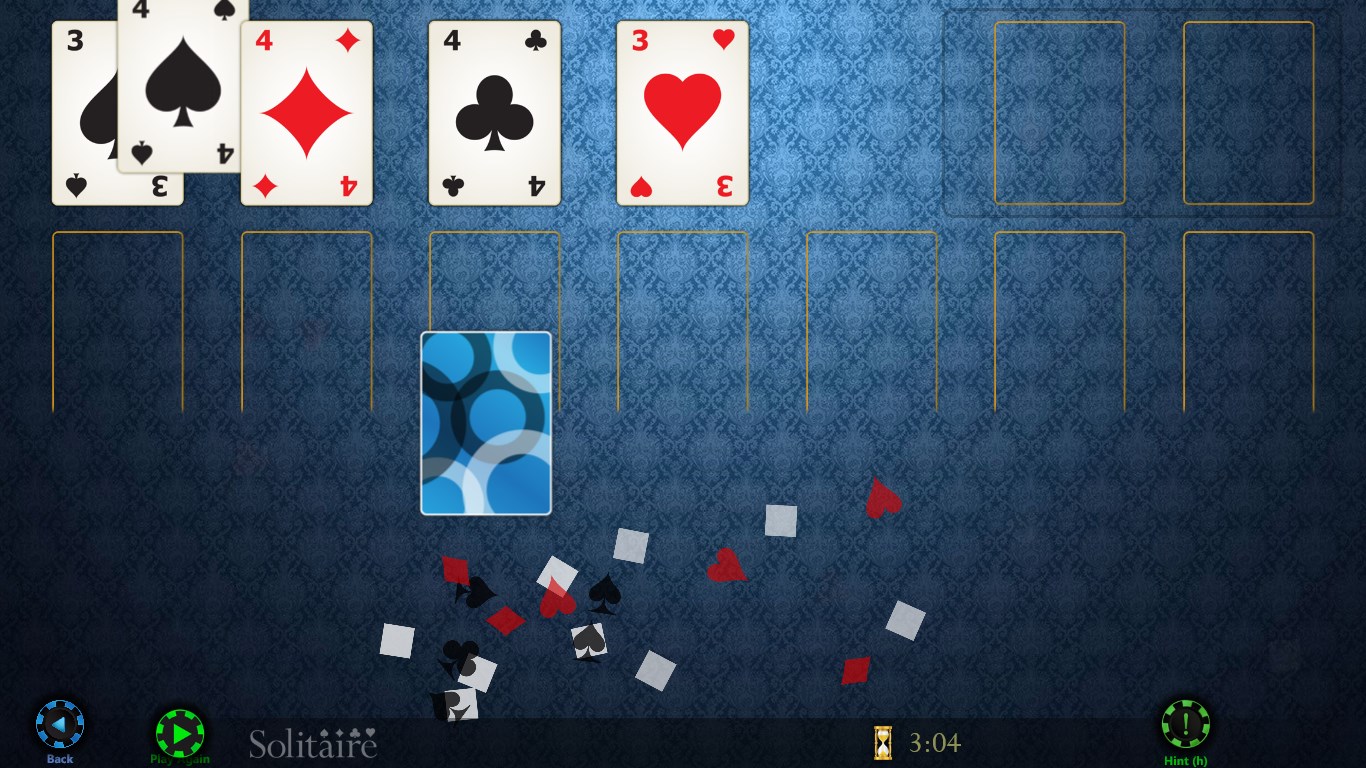
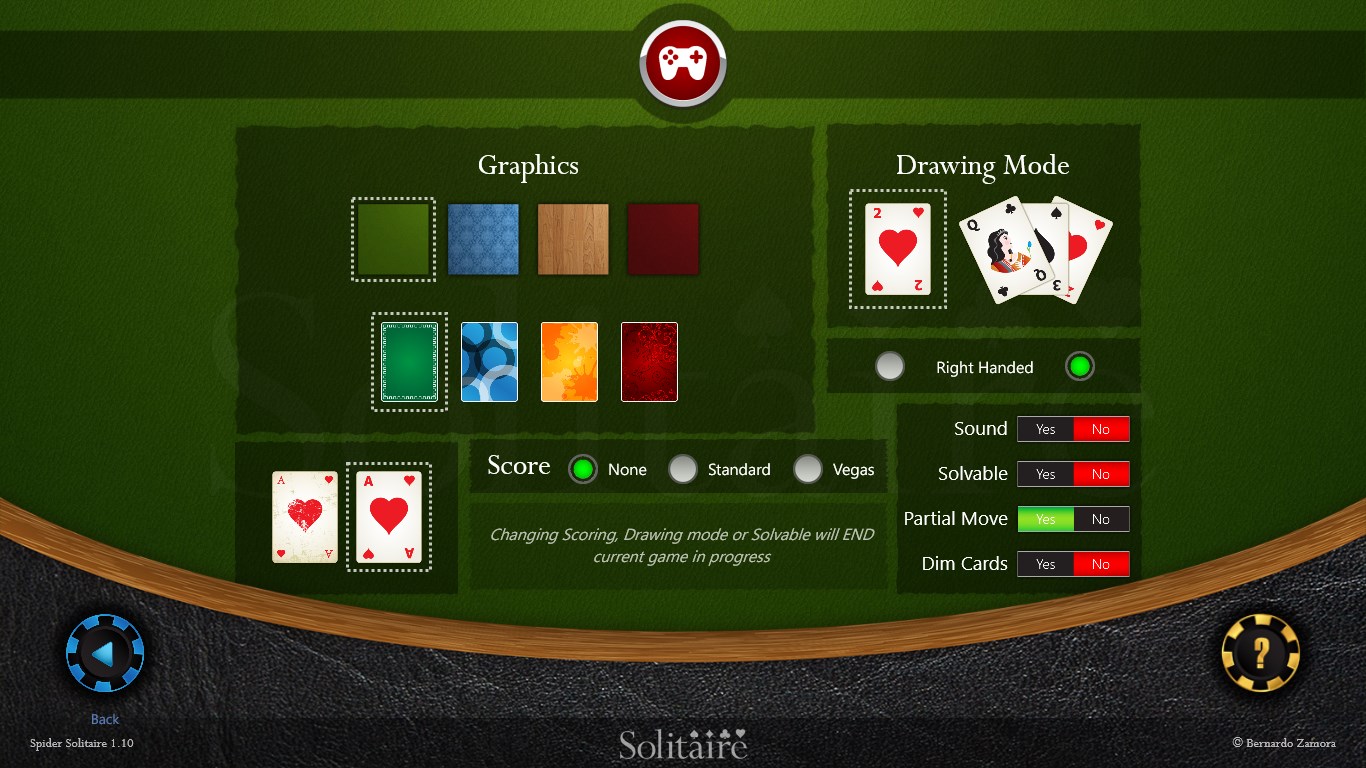
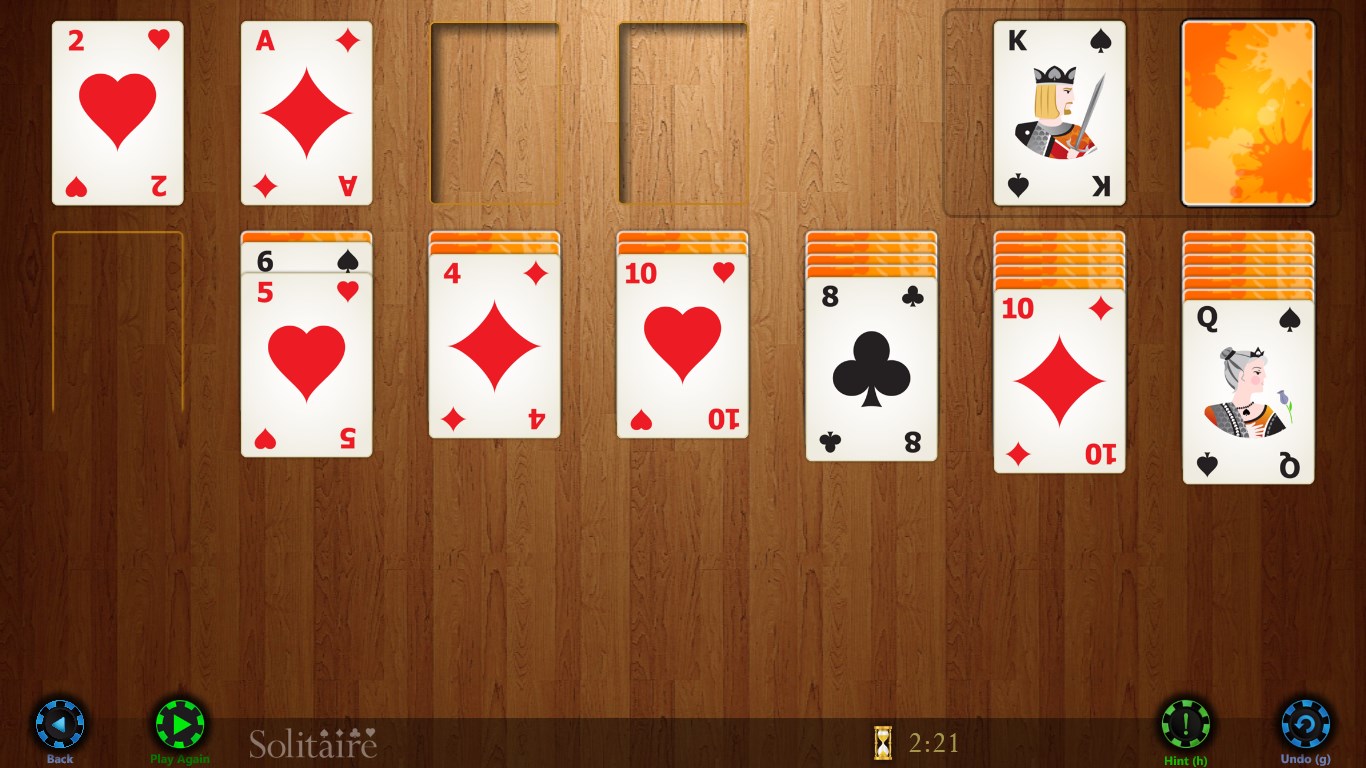
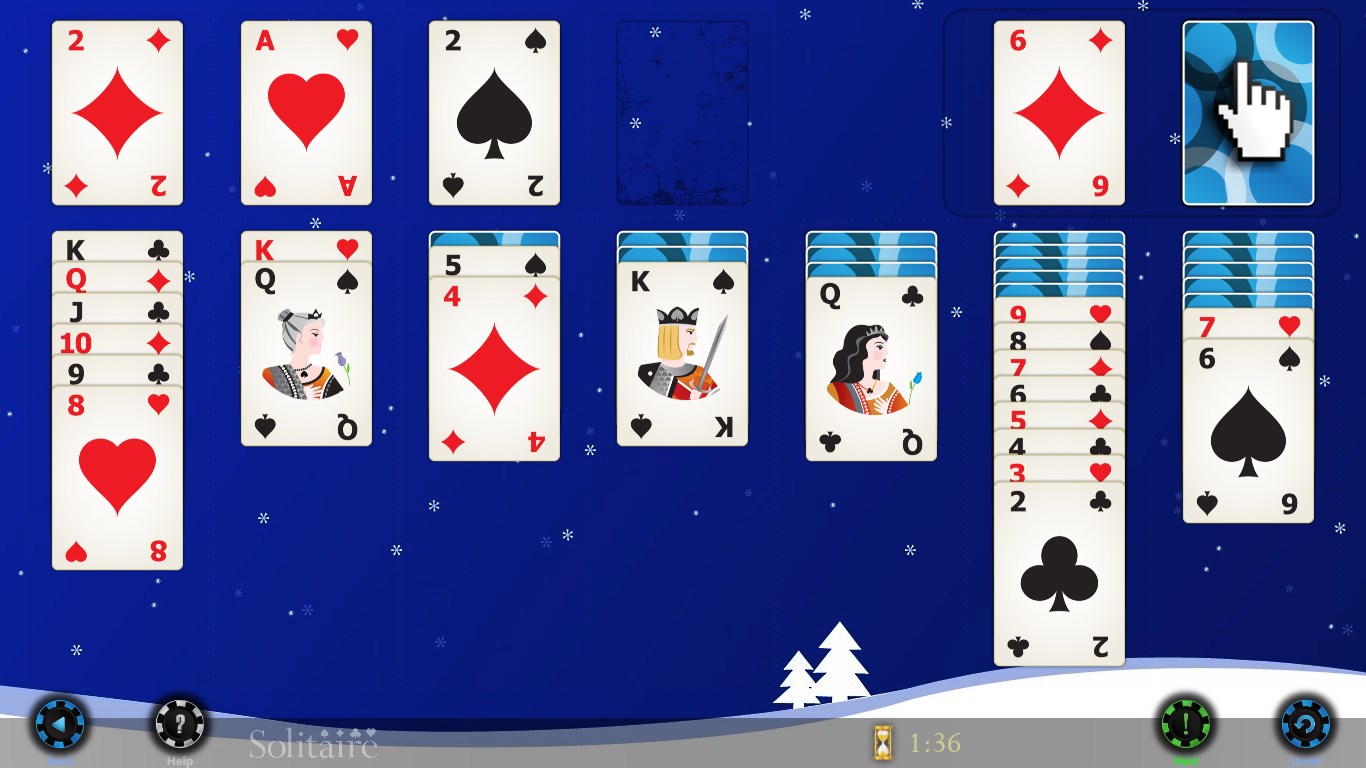
Solitaire HD doesn't just stick to a single version of the game; it offers a variety of Solitaire styles, including Klondike, FreeCell, and Pyramid. This diversity keeps the gameplay fresh, catering to players with different preferences. Additionally, the app allows customization of card backs, backgrounds, and even difficulty levels. Such personal touches enable users to tailor their experience, making each session uniquely theirs—imagine adjusting the ambiance of your virtual card room to match your mood.
Statistics and Progress Tracking
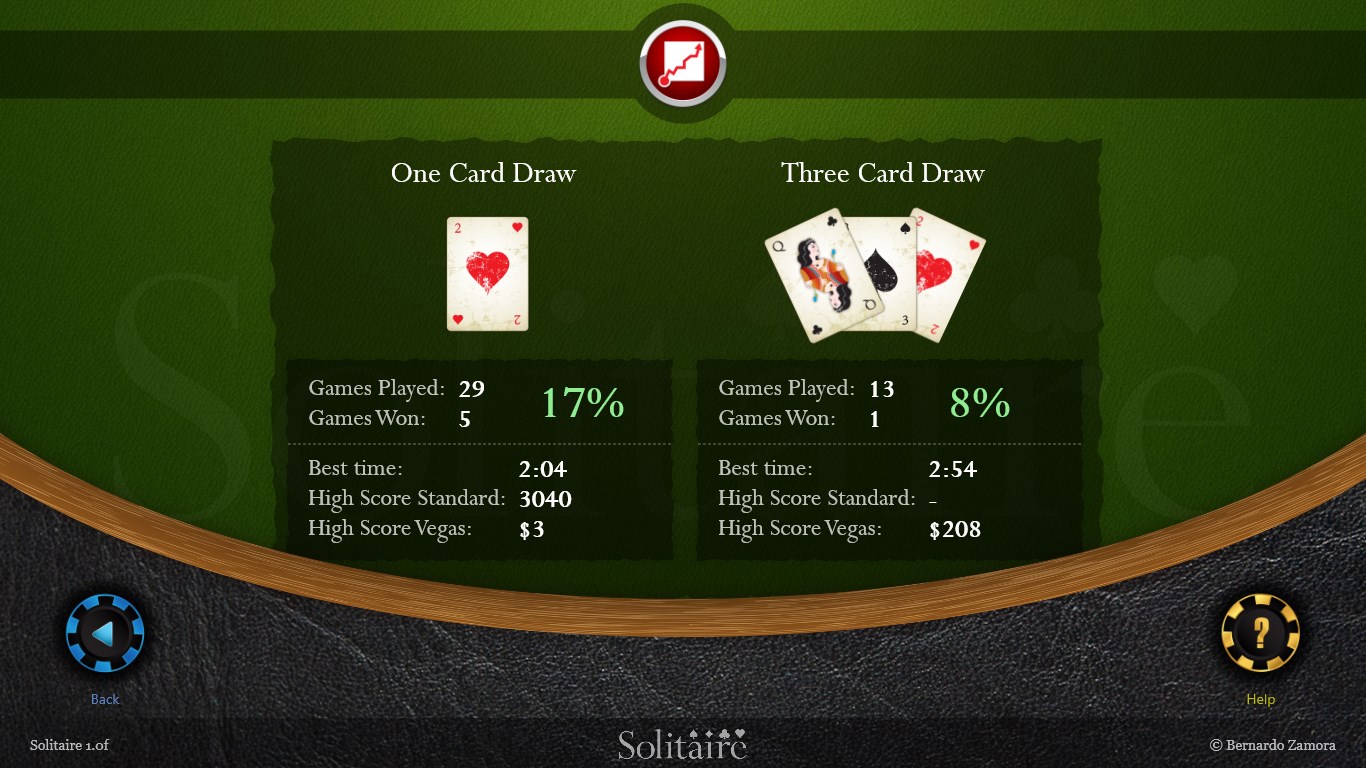
Unlike some minimalist Solitaire apps, Solitaire HD provides detailed statistics—tracking wins, losses, and best times. This data-driven approach appeals to more competitive or goal-oriented players who want to see their improvement over time. It's like having a personal coach by your side, helping you identify patterns, hone your strategy, and ultimately become a better Solitaire player. These insights add an extra layer of motivation for those who love to beat their previous records.
Adaptive Difficulty & Hint Functionality
The app intelligently adjusts difficulty levels, making it suitable for both beginners and seasoned players. When you hit a tricky spot, a helpful hint feature gently nudges you in the right direction without spoiling the challenge. This balance ensures that players remain engaged without feeling frustrated—a crucial feature for maintaining a relaxing yet stimulating gaming experience.
User Experience and Unique Selling Points
Playing Solitaire HD feels like sitting at a well-lit, cozy table with pristine cards—smooth, effortless, and visually appealing. The game's responsiveness is impressive; dragging cards and auto-moves happen seamlessly, providing a fluid experience that doesn't distract from the gameplay. Its learning curve is gentle enough for newcomers, yet it offers enough depth to satisfy seasoned Solitaire enthusiasts.
What sets Solitaire HD apart from other digital card apps is its dedication to aesthetic refinement and adaptable features. The ability to customize backgrounds and card decks, combined with its detailed stat tracking, makes it more than just a digital version of Solitaire—it becomes a personal, evolving experience. Its emphasis on both visual appeal and functionality creates an engaging environment without overwhelming the user, setting it apart from more cluttered or overly simplistic counterparts.
Final Verdict: Is It Worth a Try?
If you're looking for a well-crafted Solitaire game that combines elegant design with smart features, Solitaire HD for Windows is highly recommended. It's ideal for casual players who value aesthetics and customization, as well as for competitive souls eager to track their progress. Its user-friendly interface and nuanced features make it a trustworthy choice among the many card apps available.
For those who enjoy smooth gameplay, a wealth of customization, and insightful tracking, this app earns a solid recommendation. Whether for a quick game during a coffee break or longer sessions to improve your skills, Solitaire HD stands out as a polished, thoughtfully designed digital card game worth exploring.
Pros
- Intuitive and user-friendly interface
- High-quality HD graphics
- Multiple game modes and difficulty levels
- Offline mode available
- Regular updates and bug fixes
Cons
- Limited customization options for themes
- Lack of multiplayer or social features
- Occasional ads interrupt gameplay
- Limited tutorial or help options for new players
- Battery consumption can be high on some devices











