


- Category Card & board
- Developer JD Software LLC
- Available on PC, Mobile
- OS Windows 10 version 10240.0 or higher
- Mouse Not specified
- languages Chinese (Simplified), English (United Kingdom), English (United States), French, German, Italian, Portuguese, Portuguese (Brazil), Portuguese (Portugal), Russian, Spanish, Spanish (Mexico), Spanish (Spain), Vietnamese
Introducing Solitaire JD for Windows: A Classic Card Game with a Modern Twist
Solitaire JD for Windows is a thoughtfully crafted digital version of the timeless card game, bringing a familiar pastime into the modern era with clean design and user-friendly features. Developed by JD Software LLC and published by Jimmy Dickinson, this app aims to offer a seamless and enjoyable Solitaire experience for players of all skill levels.
Who is it For? Target Audience and Core Highlights
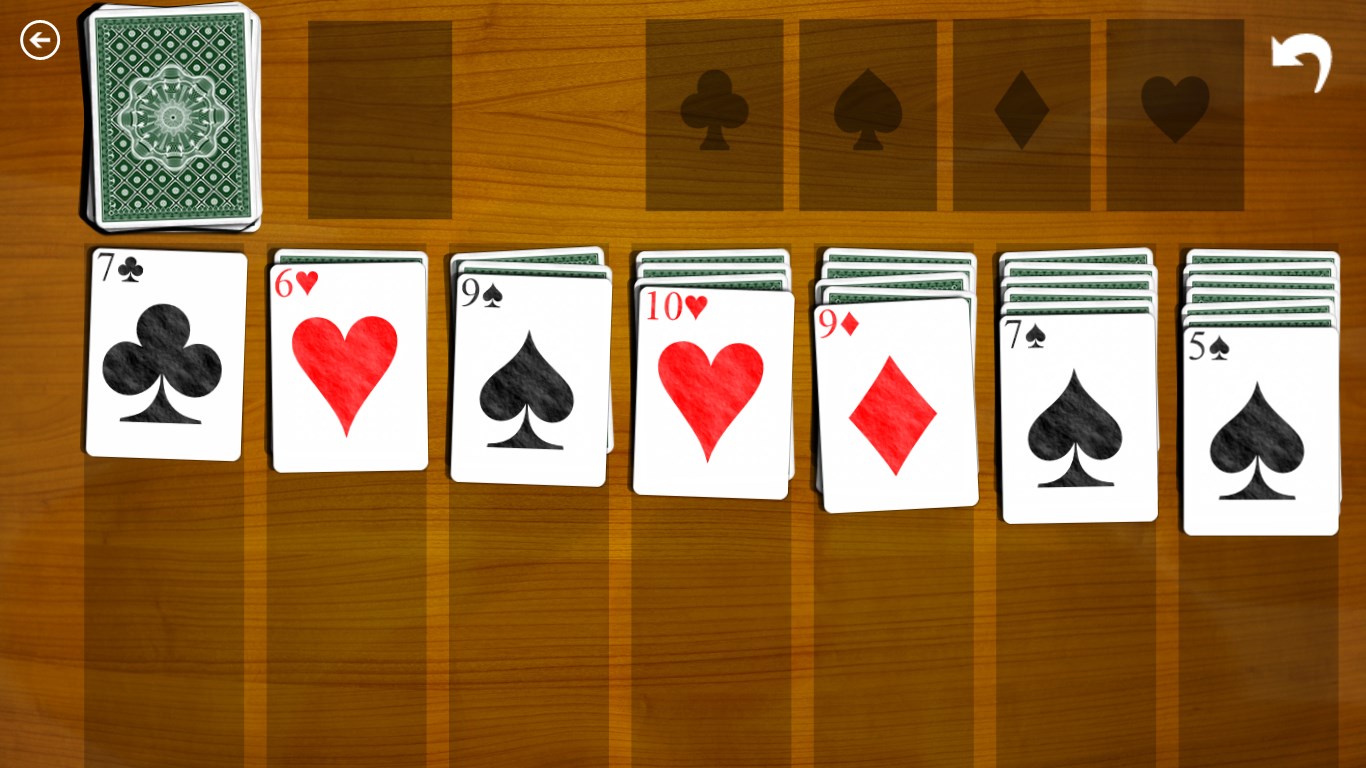
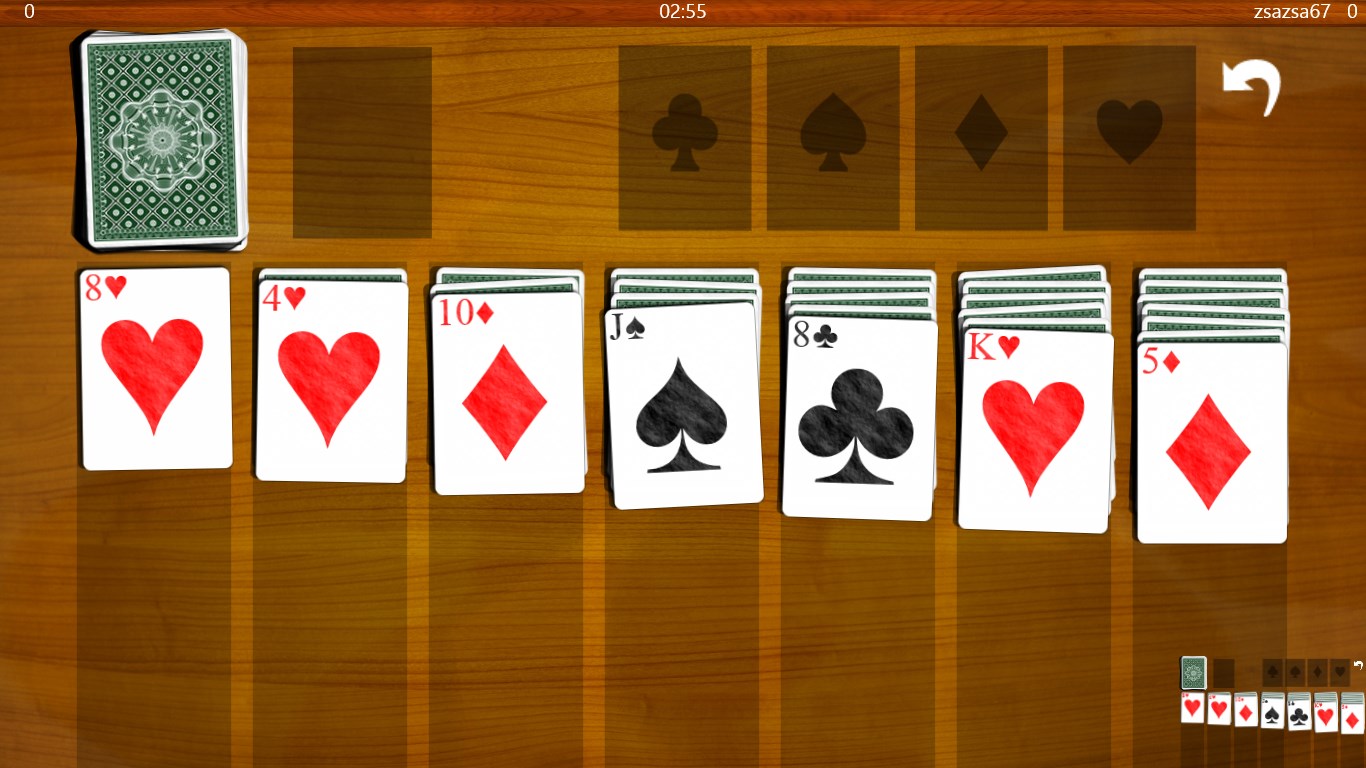
This app is perfect for casual gamers looking to relax, improve their patience, or challenge their strategic thinking — whether you're commuting, during a break, or winding down at home. Key features that stand out include customizable game themes, smooth interface transitions, and an option for classic or modern Solitaire modes, making it appealing to both purists and new players alike.
Bright and Engaging: An Introduction to the App's Charm
Imagine sitting on a cozy Sunday morning, a warm cup of coffee in hand, ready to dive into a game that's both familiar and refreshingly sleek. Solitaire JD turns the age-old card game into an inviting digital companion that invites you to relax, challenge yourself, or simply pass the time with elegance. Its streamlined interface and responsive touch controls make every deal feel satisfying, whether you're battling to clear all the cards or just enjoying the calming rhythm of the game.
Core Functionality That Delights
Customizable Themes and Layouts
One of Solitaire JD's standout features is its extensive library of themes and card designs. Whether you prefer traditional elegance or something more vibrant and playful, the app allows you to personalize your visual experience. The intuitive customization options make it feel Like your personal card lounge—cozy, bespoke, and uniquely yours. This feature not only enhances aesthetic appeal but also helps accommodate different lighting conditions and personal preferences, making the game accessible and engaging.
Efficient and Fluid Gameplay
Playing Solitaire on this app is akin to shuffling through a well-rehearsed deck; everything moves with graceful fluidity. The app responds instantly to touches, with smooth animations that make card movement feel natural and satisfying. Transitioning between different game modes or views is seamless, minimizing delays and maximizing your focus on the game itself. The app's unobtrusive controls and layout reduce clutter, allowing you to concentrate on your strategy without distractions.
Multiple Game Modes and Intuitive Learning Curve
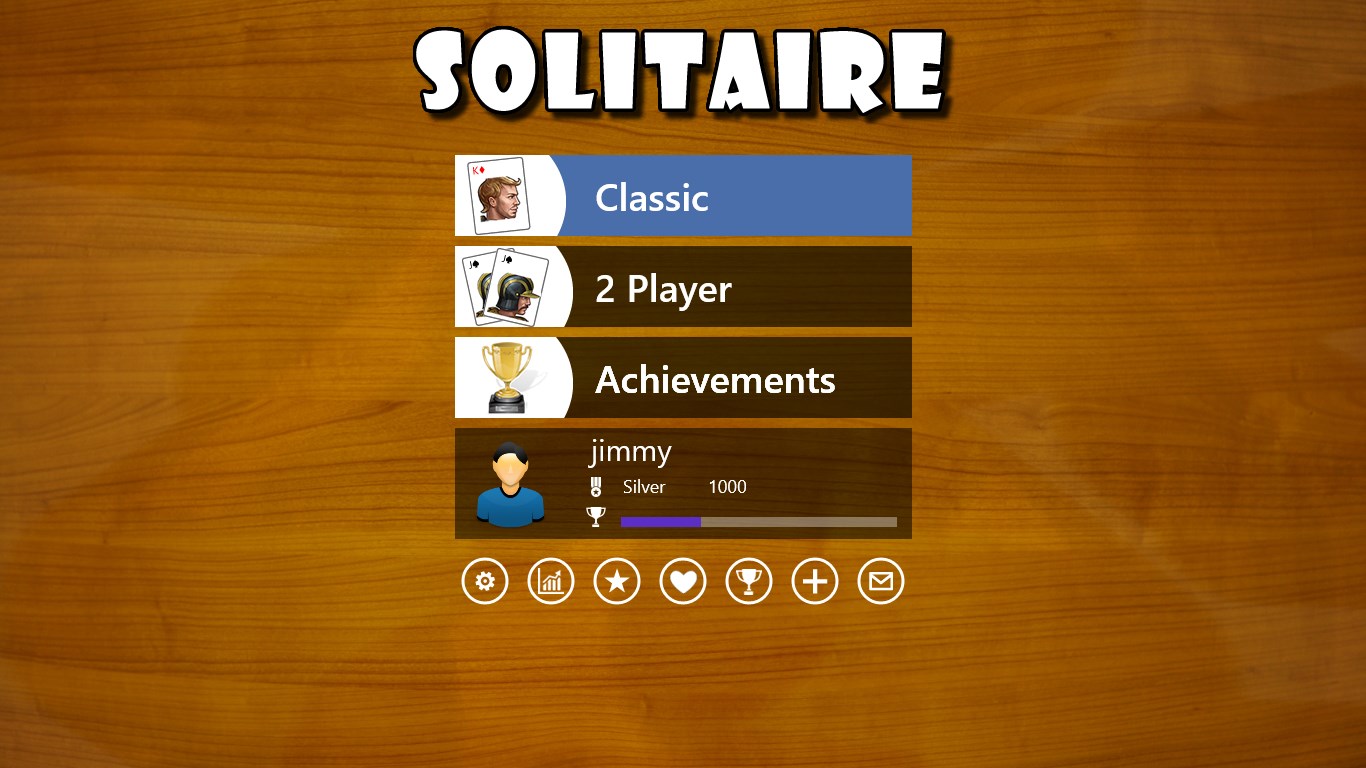
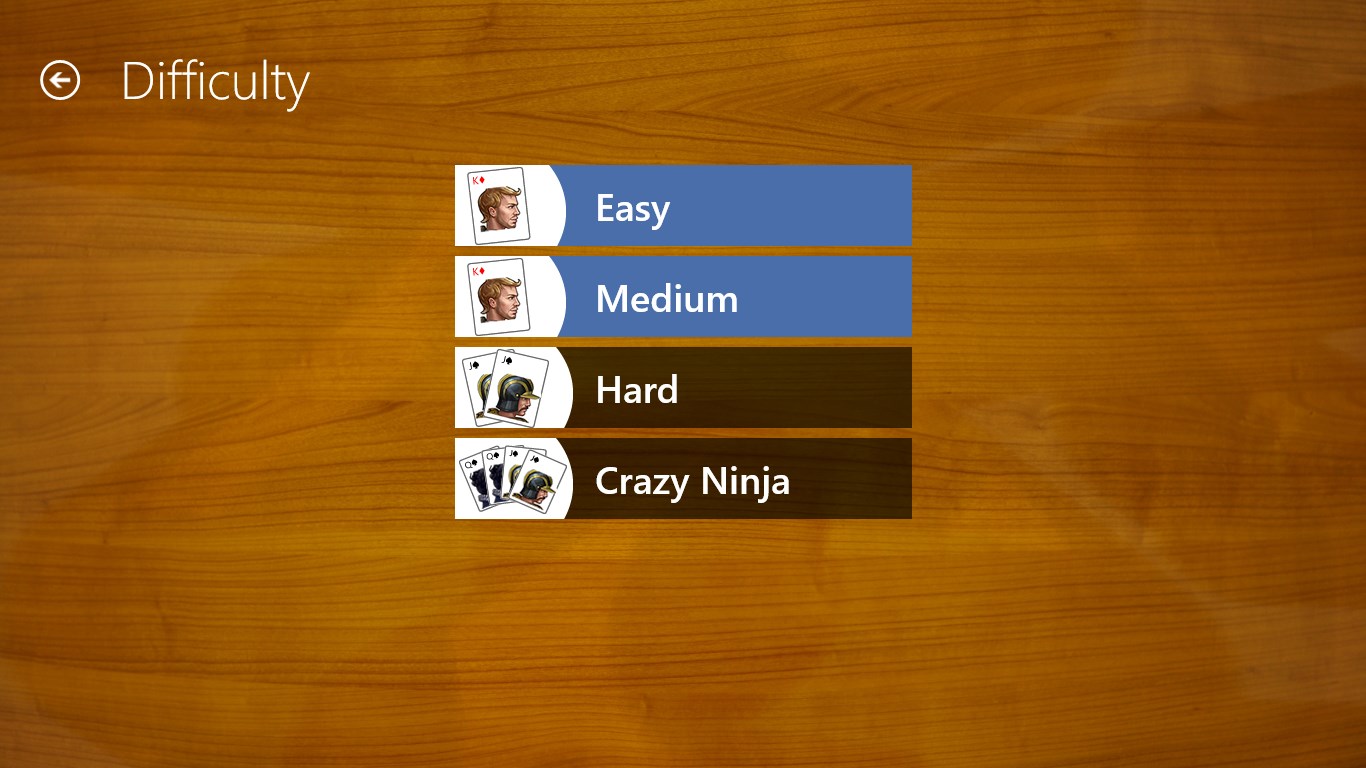
Whether you're a traditionalist sticking to Klondike or eager to explore new variants, Solitaire JD offers several modes that keep the experience fresh. For newcomers, the clear tutorial and simple interface provide an easy learning curve, while seasoned players can enjoy advanced options and leaderboards for a competitive edge. The game's design encourages gradual mastery, transforming a simple pastime into a satisfying mental workout.
What Makes It Stand Out? Unique Selling Points
Unlike many other digital Solitaire apps, Solitaire JD emphasizes customization and a clutter-free interface, creating a personalized gaming environment that appeals to both aesthetic sensibilities and functional needs. Its standout feature is the high level of theme customization, which allows players to tailor the visual experience extensively — a rarity in many similar apps. Additionally, the app's smooth responsiveness and elegant animations set it apart, ensuring that gameplay remains effortless and immersive.
Final Verdict: Worth A Spot on Your Desktop?
Overall, Solitaire JD for Windows earns a solid recommendation for anyone seeking a reliable, visually appealing, and customizable Solitaire experience. Its ease of use combined with thoughtful features makes it suitable for both casual players and enthusiasts who enjoy a polished, no-fuss game. I'd suggest giving it a try if you appreciate a classic game with a modern interface—be prepared to find yourself returning for just one more deal. Whether you're revisiting childhood memories or discovering Solitaire anew, this app offers a calm, engaging digital space to enjoy the timeless card game.
Pros
- Intuitive user interface
- Multiple solitaire variants
- Smooth gameplay with minimal lag
- Daily challenges and rewards
- Offline gameplay support
Cons
- Limited customization options
- Presence of ads in free version
- Lack of in-depth statistics
- Limited social features
- Inconsistent updates











